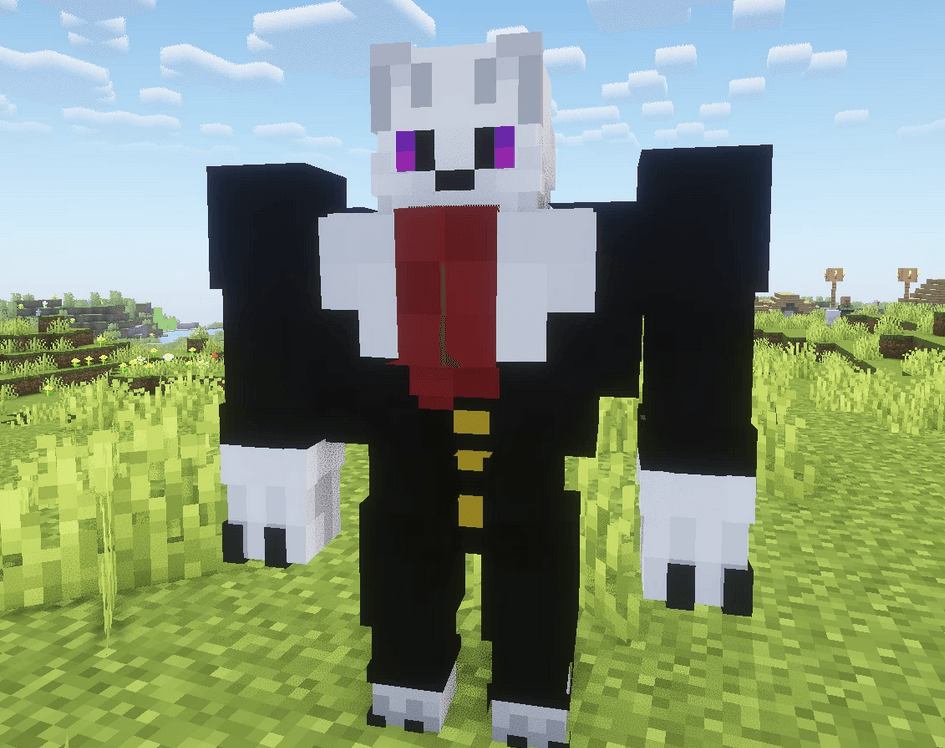
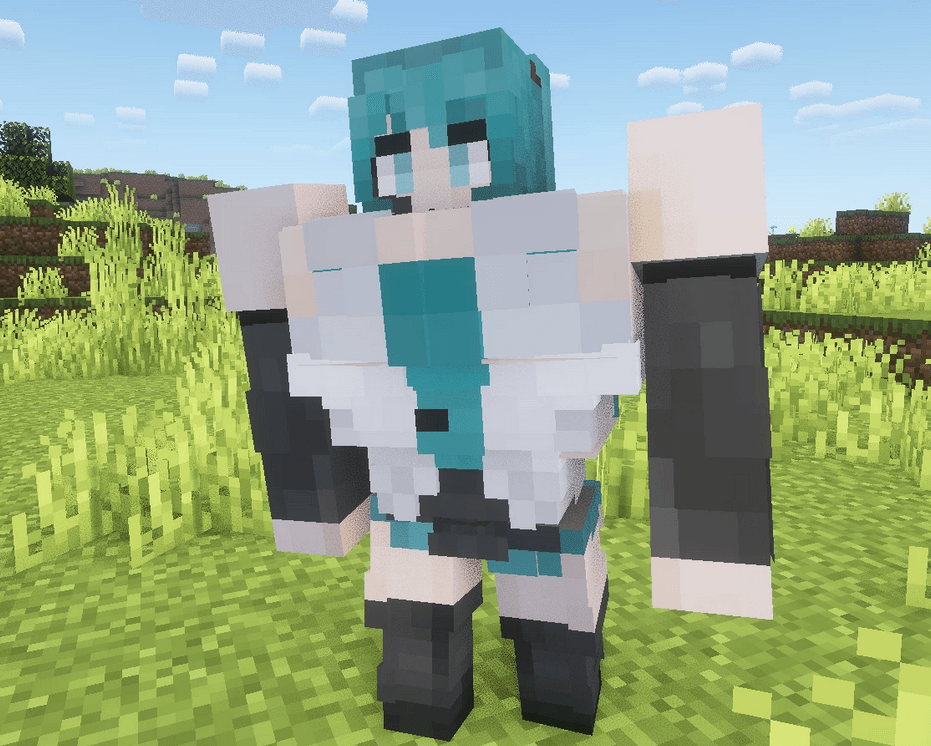
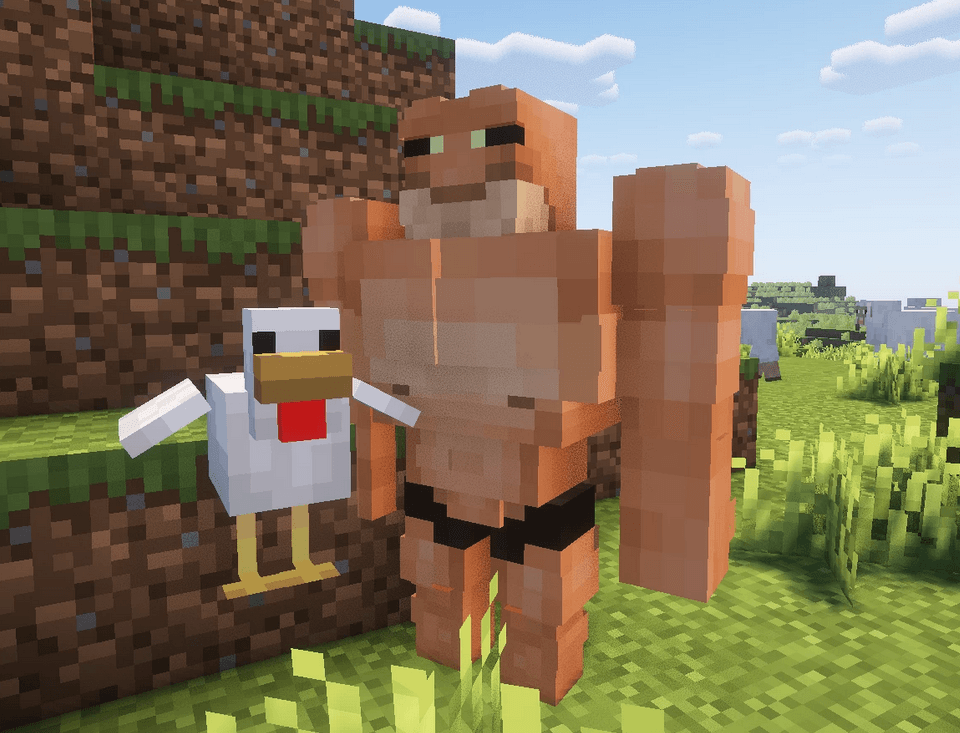
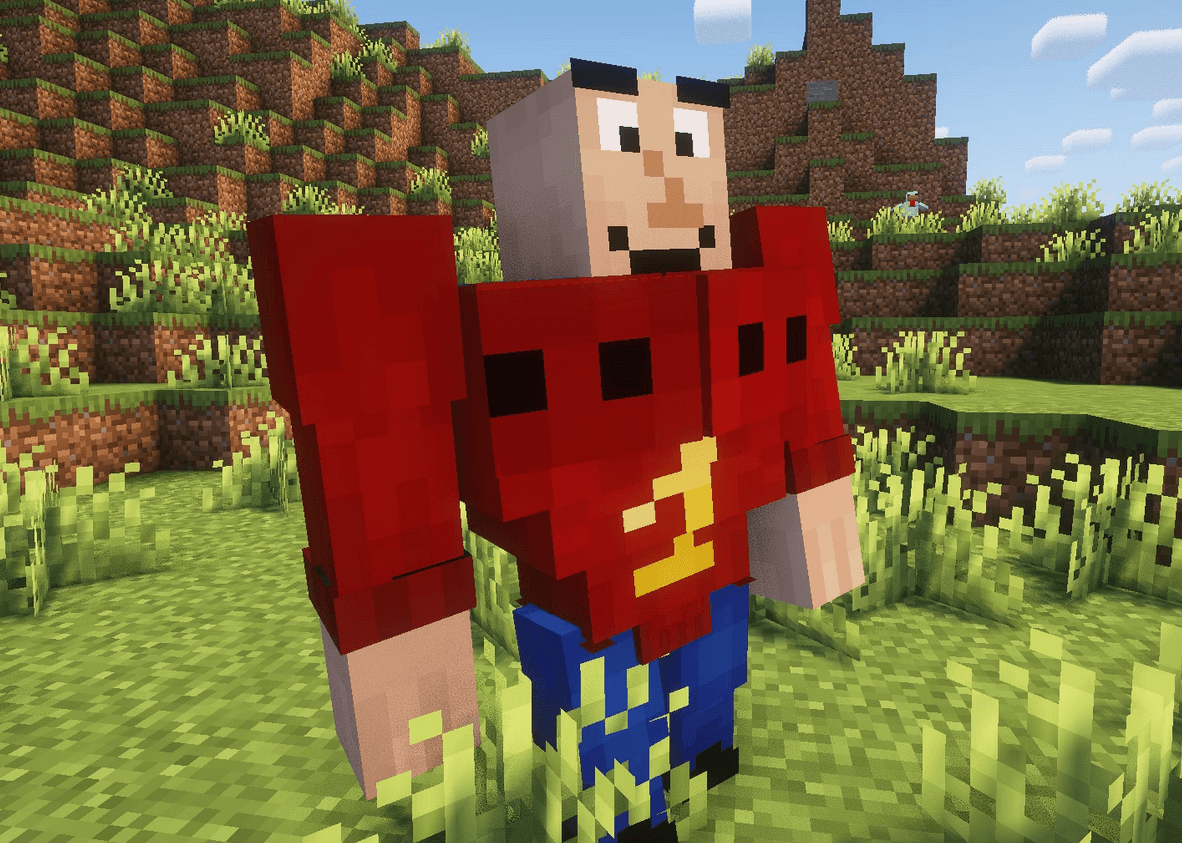
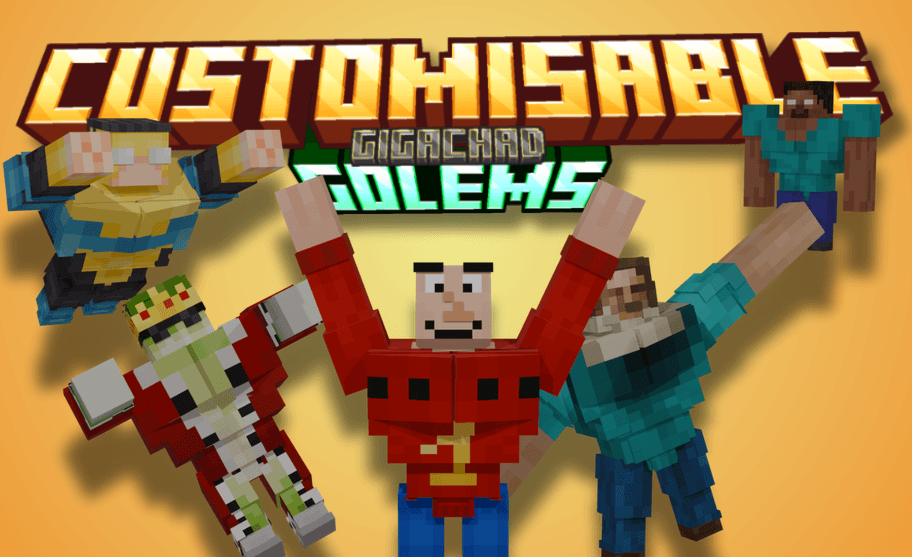
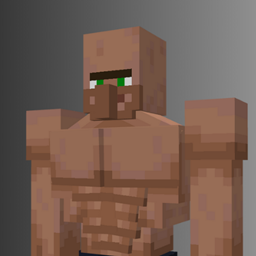
Have you ever wondered what your skin would look like as a complete GIGACHAD?
Well with this resource pack and a few simple steps, you can create YOUR OWN SKIN-BASED GIGACHAD IRON GOLEM!!!!
All you need is to follow this quick
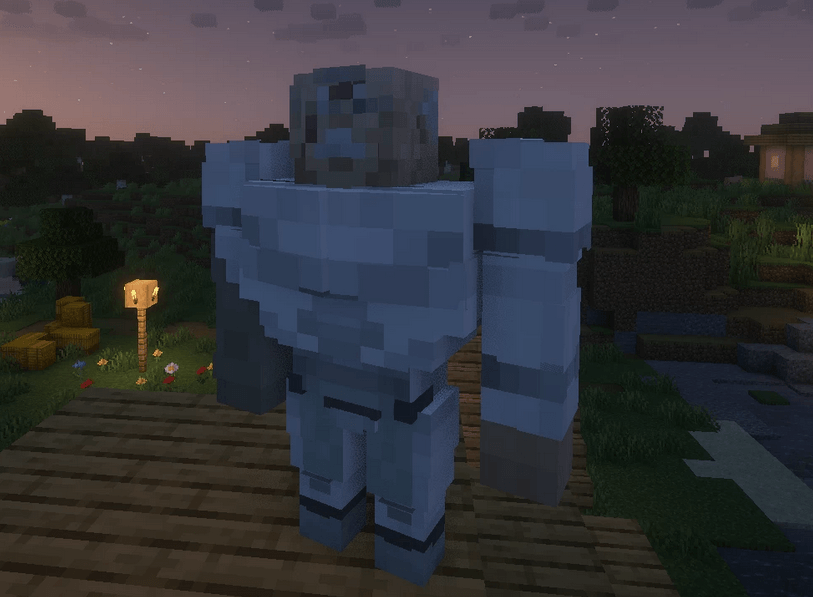
Step 1: Download this resource pack (DUH) When trying it out in-game, you might notice that the Iron Golem looks a bit... boring... This is because this pack uses Blockbench's default player skin Here's how you can change it:
STEP 2 Open the .zip file and go to assets/minecraft/textures/entity/iron_golem
Now DELETE the Image
YIPPEEEEEE Now you're on STEP 3
Now you need to get whatever player skin you want and rename it to "iron_golem" IMPORTANT: IT HAS TO BE EXACTLY "iron_golem"
OK LAST STEP STAY WITH ME NOW
STEP 4 drag and drop your renamed skin into the resource pack folder
aaaaaaaaaand yep THAT'S IT!!!!!!!!! If your Minecraft was already open, reload your resource packs and you should now have your OWN CUSTOM GIGACHAD IRON GOLEM!!!
Also BIG shoutout to Exentrik for letting me use his Hatsune Miku, Conquest, Buff Frog and Jack Black Steve skins Go check him out now, he makes INCREDIBLE skins in a very unique art style!!!
Also A BIG SHOUTOUT to _BL0X_ for requesting this crazy pack, I had a lot of fun making it and I hope u like it ;D
Customisable-Gigachad-Golems.zip
MC 1.21, 1.21.5, 1.21.8, 1.21.4, 1.21.3, 1.21.7, 1.21.1, 1.21.6, 1.21.2