Mineuniverse
Resource Packs
Custom Totem

Custom Totem

RESOURCE PACK
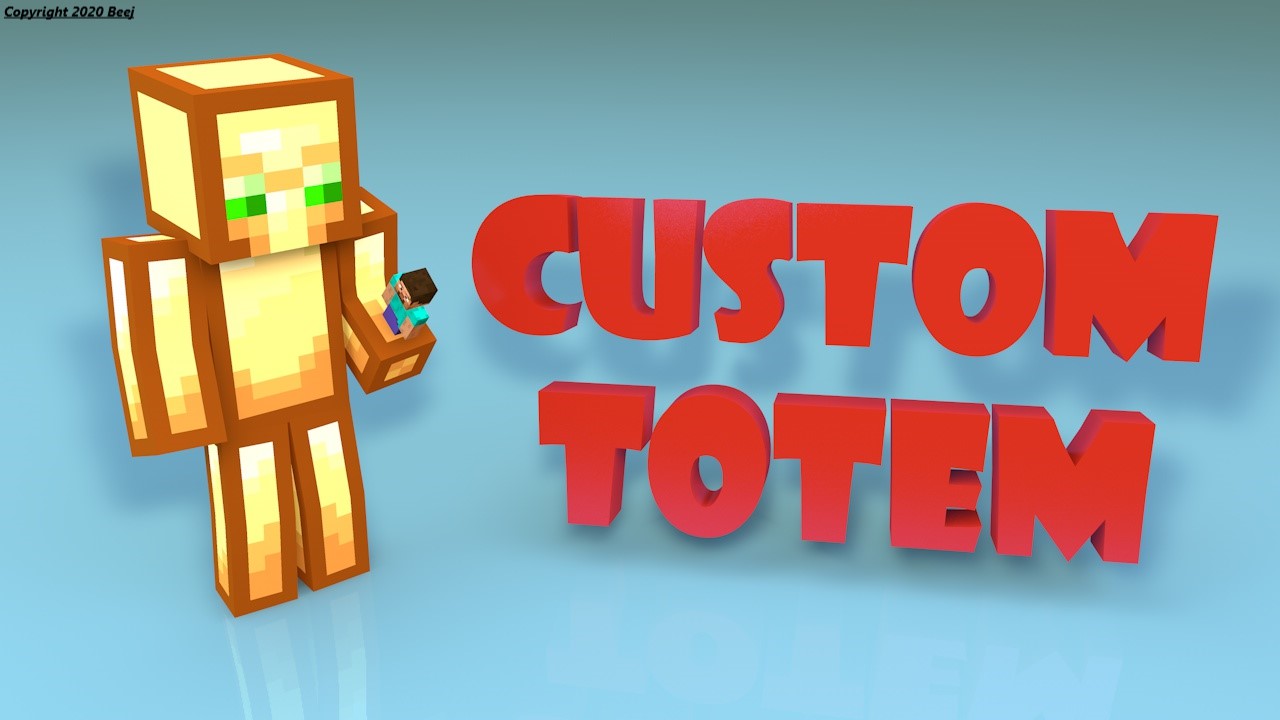
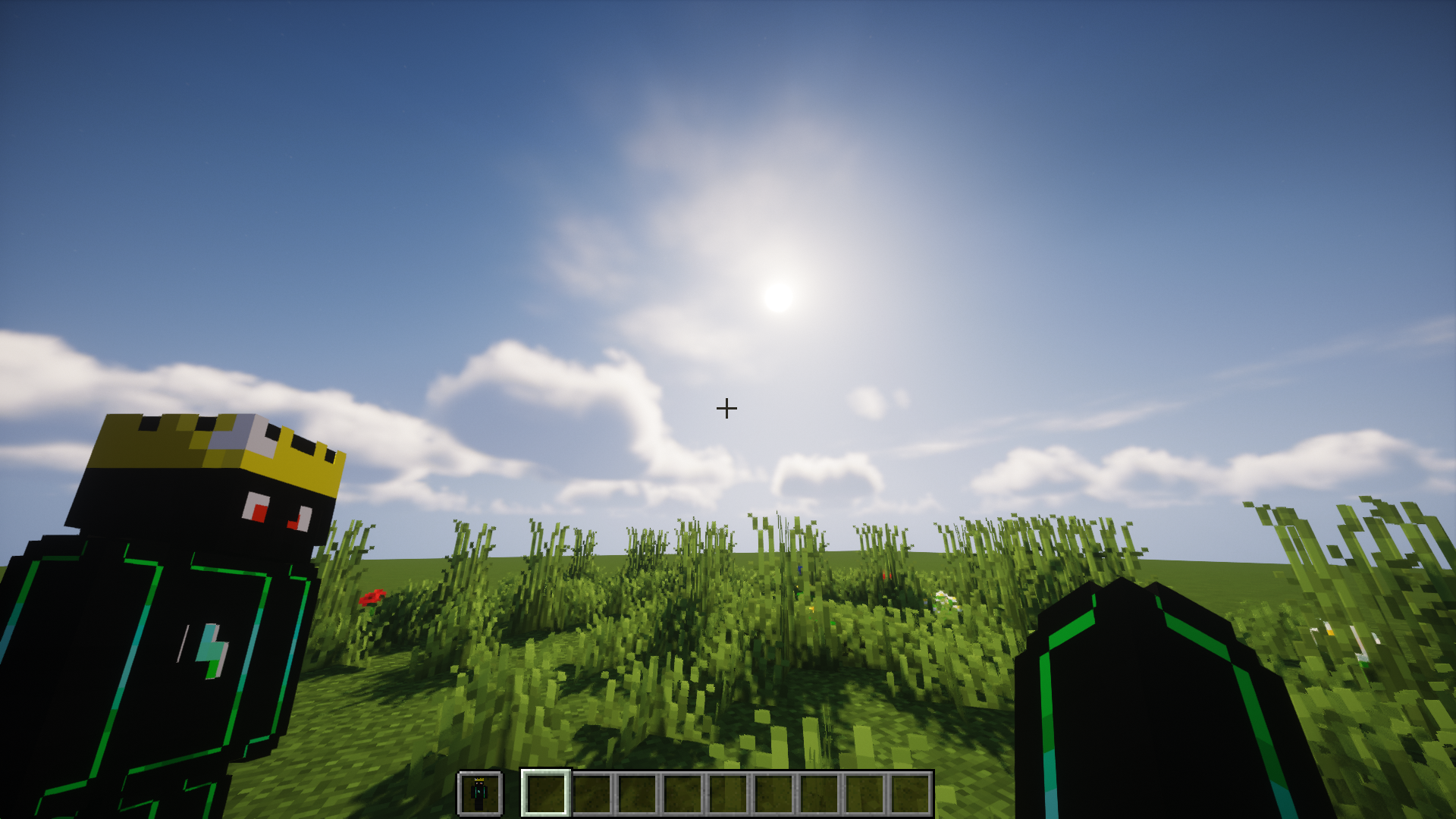
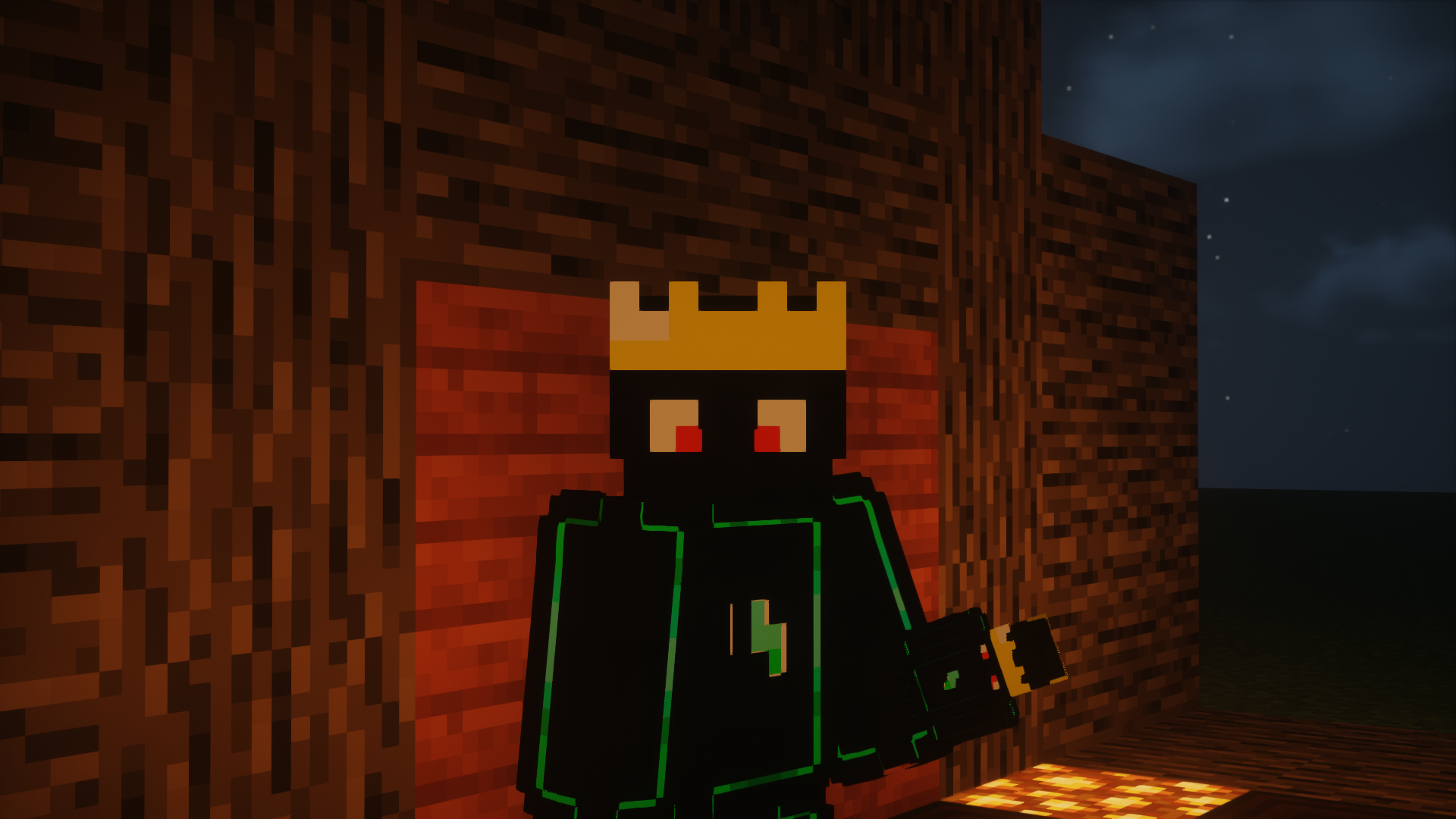
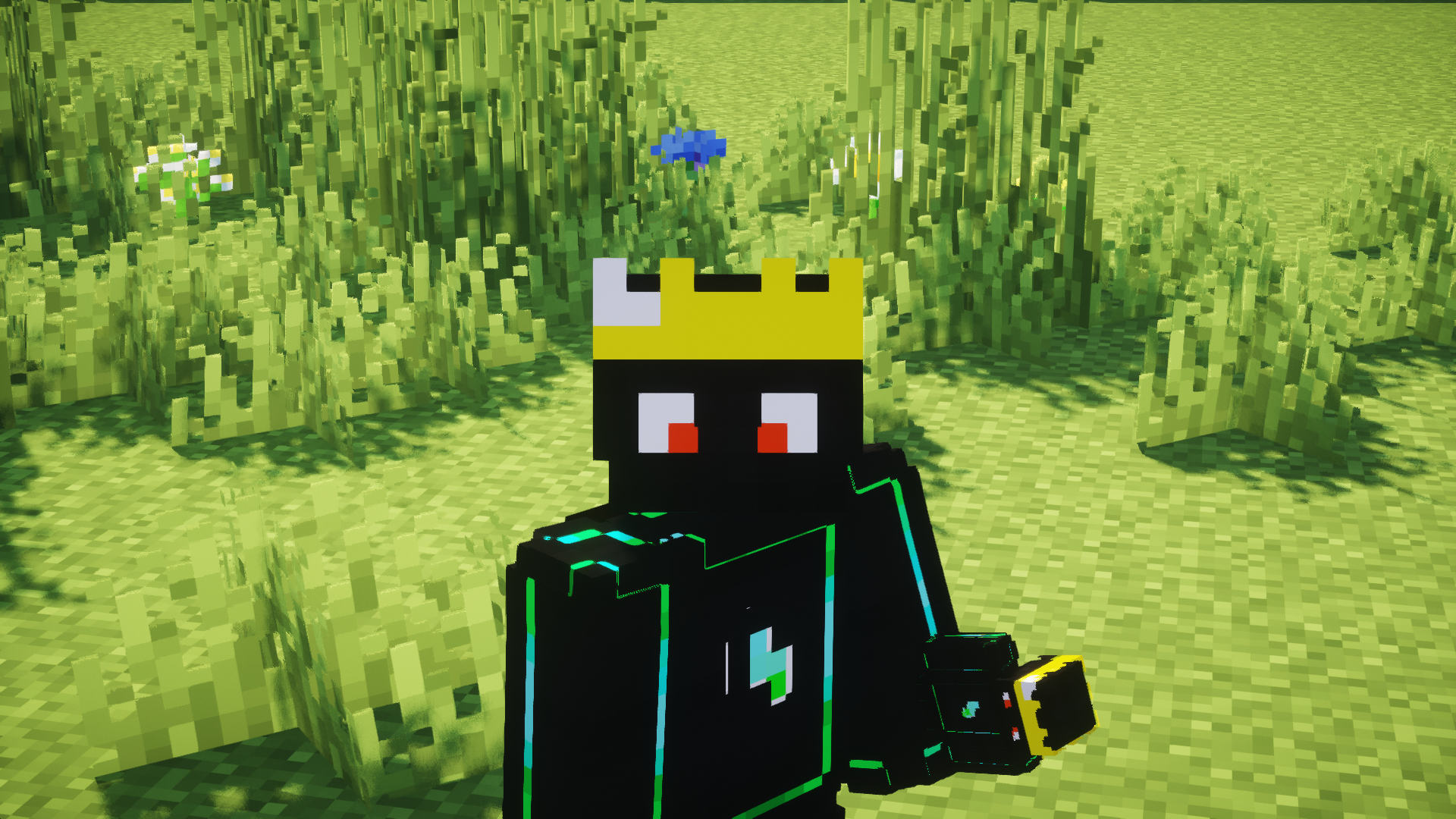
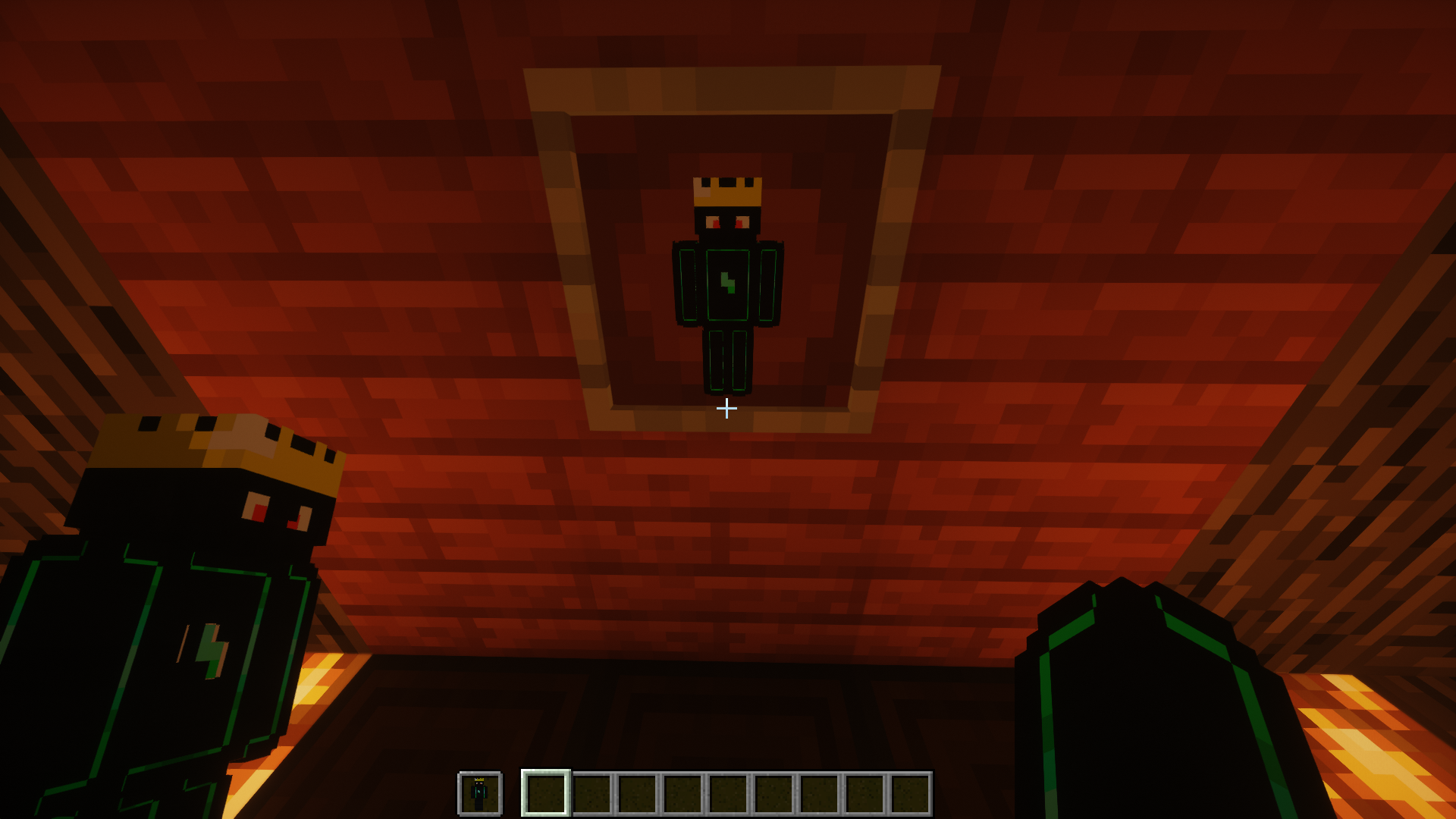
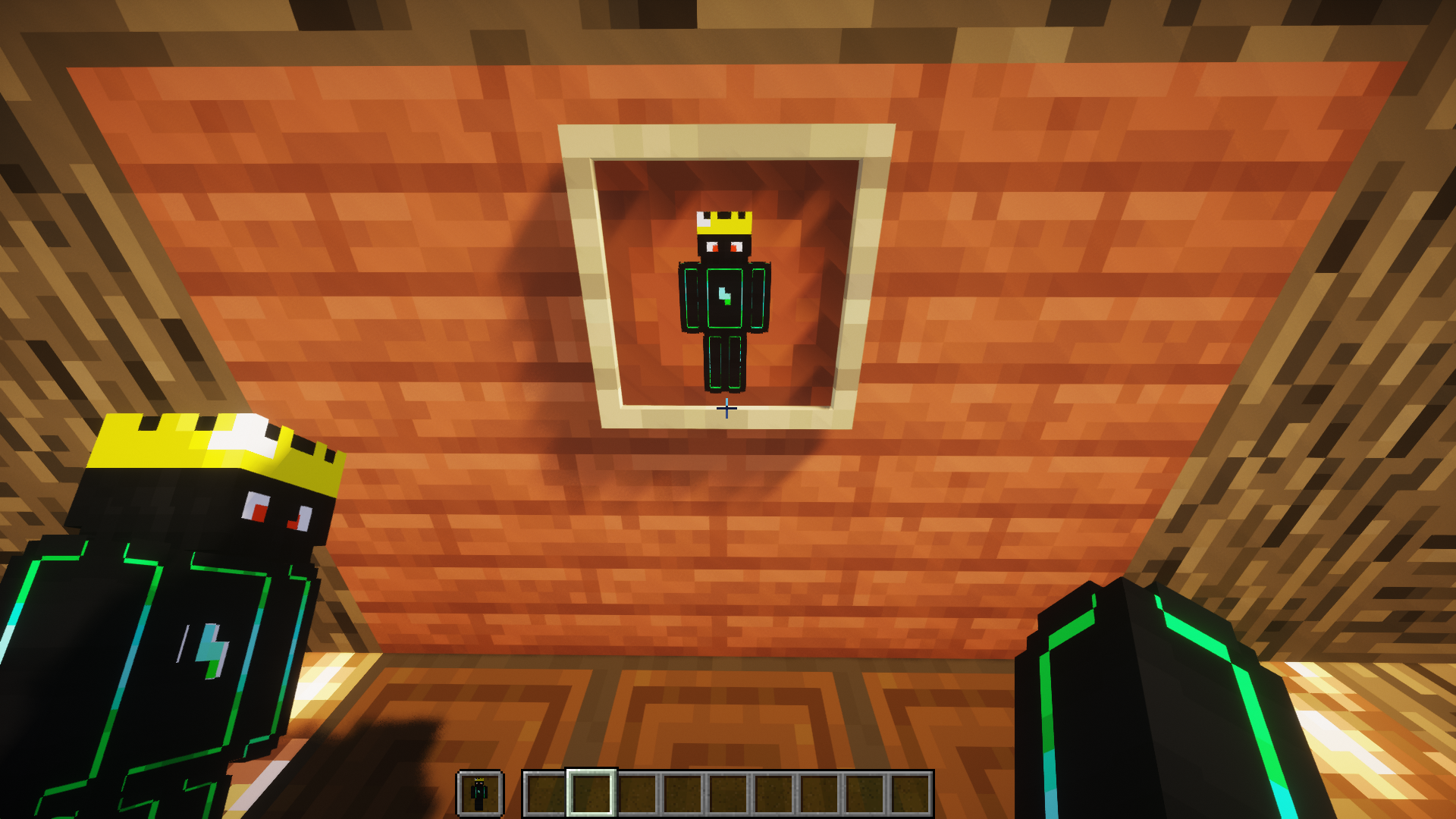
Give a custom Totem with your skin
by Beej_Mods
Download Claim this project
648,712 downloads
0 likes
Updated Oct 14, 2026
0 hypes
16x Animated Miscellaneous Modern
Advertisement Remove ads with Premium →

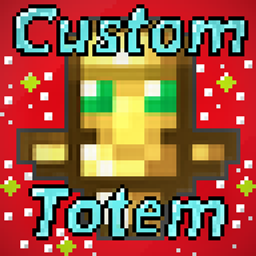
Give a totem with your own skin

Obtén un Tótem con tu propio skin


Features.

  •  💡 Personalize with your 3D skin / Personalízalo con tu skin 3D
  • 🎮 Compatible with Minecraft 1.11 to 1.20 / Compatible con Minecraft 1.11 a 1.20
  • ⚙️ Simple installation / Instalación sencilla
  •  📱  HD skin support / Soporte para skins HD
  • 🎥 Smooth animations / Animaciones suaves
  • 💪 Slim/Alex version available / Versión Slim/Alex disponible
  • ⏰ Updated to version 1.20 / Actualizado a la versión 1.20 

Video Tutorial.


Installation English.

1- First rename your skin to "totem.png" (without the "")

2- Then go to assets/minecraft/textures/item

3- Replace the "totem.png" that is there with your skin previously renamed the same

Open Minecraft and put the texture pack, that's it!

If you have any problem contact me

Discord: https://discord.gg/RRsRh7W

For 1.13 onwards the name of the texture is "totem_of_undying.png"


Instalación _Español._

1- Primero renombra tu skin a "totem.png" (sin las "")

2- Luego ve a assets/minecraft/textures/item

3- Reemplaza el "totem.png" que está ahí por tu skin previamente renombrada igual

Abre Minecraft y pon el texture pack, ¡listo!

Si tienes algún problema contáctame

Discord: https://discord.gg/RRsRh7W

Para la 1.13 en adelante el nombre de la textura es "totem_of_undying.png"


Contact: [email protected]

C. Totem 2.0 (1.20.2)
MC 1.20.2, 1.20.2-Snapshot, 1.20.3-Snapshot
Release 2023-10-29 Get

Requirements & install

How to use this resource pack in Minecraft
Resolution
16x
Minecraft
1.20.2-Snapshot – 1.20.3-Snapshot
Install folder
.minecraft/resourcepacks

How to install resource packs

  1. Download the resource pack .zip file (do not extract it).
  2. In Minecraft open Options → Resource Packs → Open Pack Folder.
  3. Drop the .zip into the resourcepacks folder (.minecraft/resourcepacks).
  4. Move the pack to the Selected column and click Done.
Browse more: 16x resource packs 32x resource packs 64x resource packs 128x resource packs 256x resource packs 512x+ resource packs Resource Packs for 1.20.3-Snapshot All resource packs

More from Beej_Mods

Advertisement Remove ads with Premium →

You Might Also Like