Mineuniverse
Resource Packs
Custom Textures:the Custom Textures

Custom Textures:the Custom Textures

RESOURCE PACK
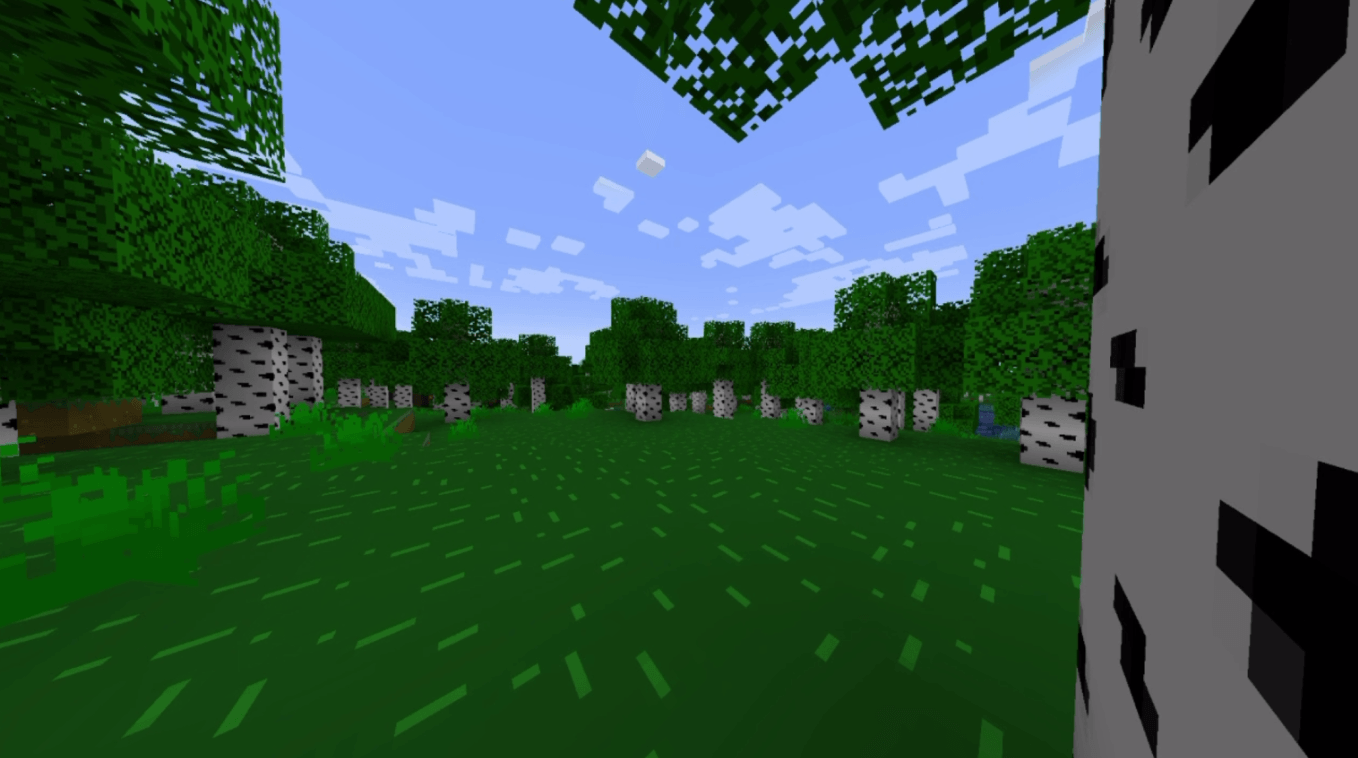
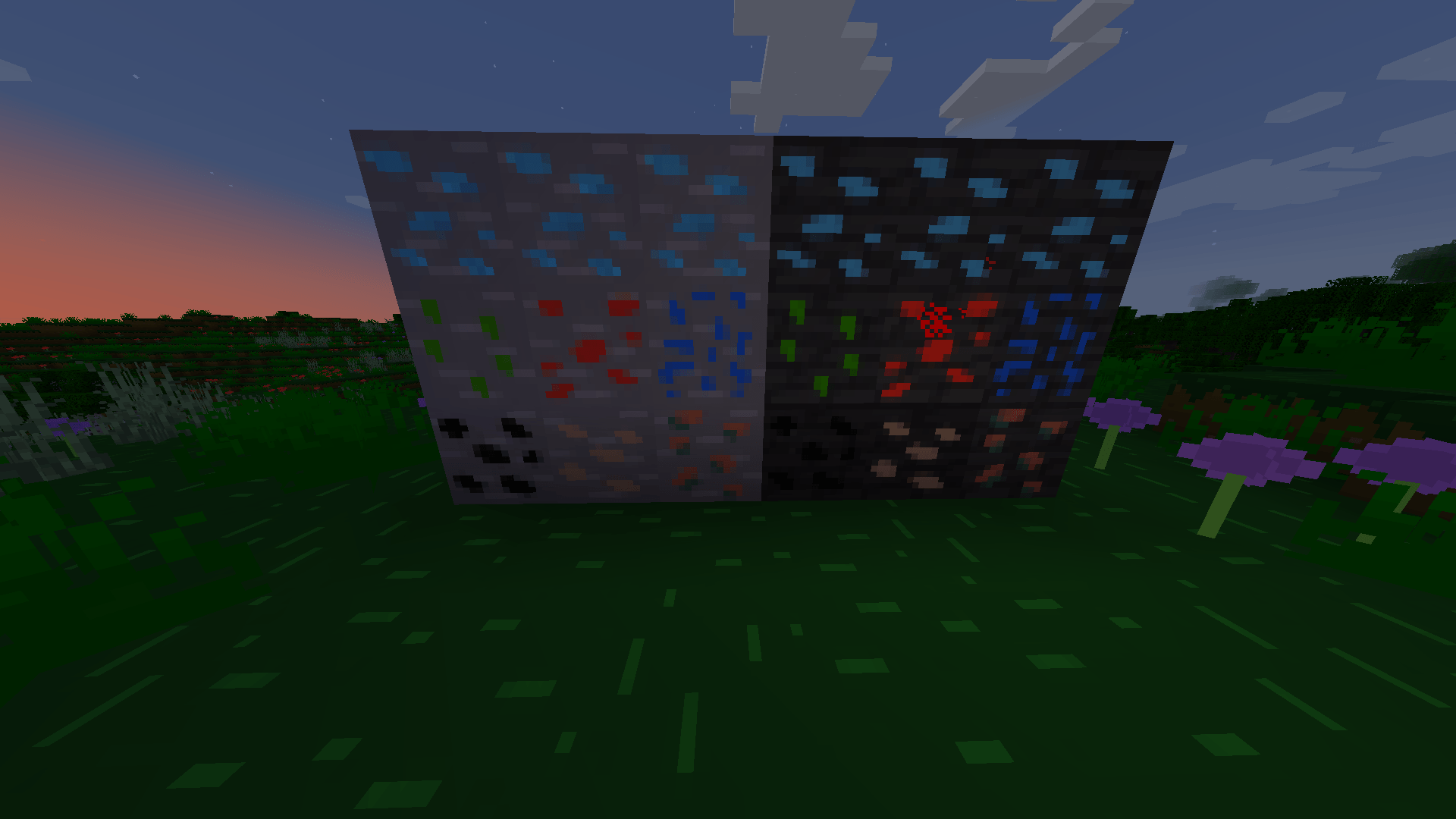
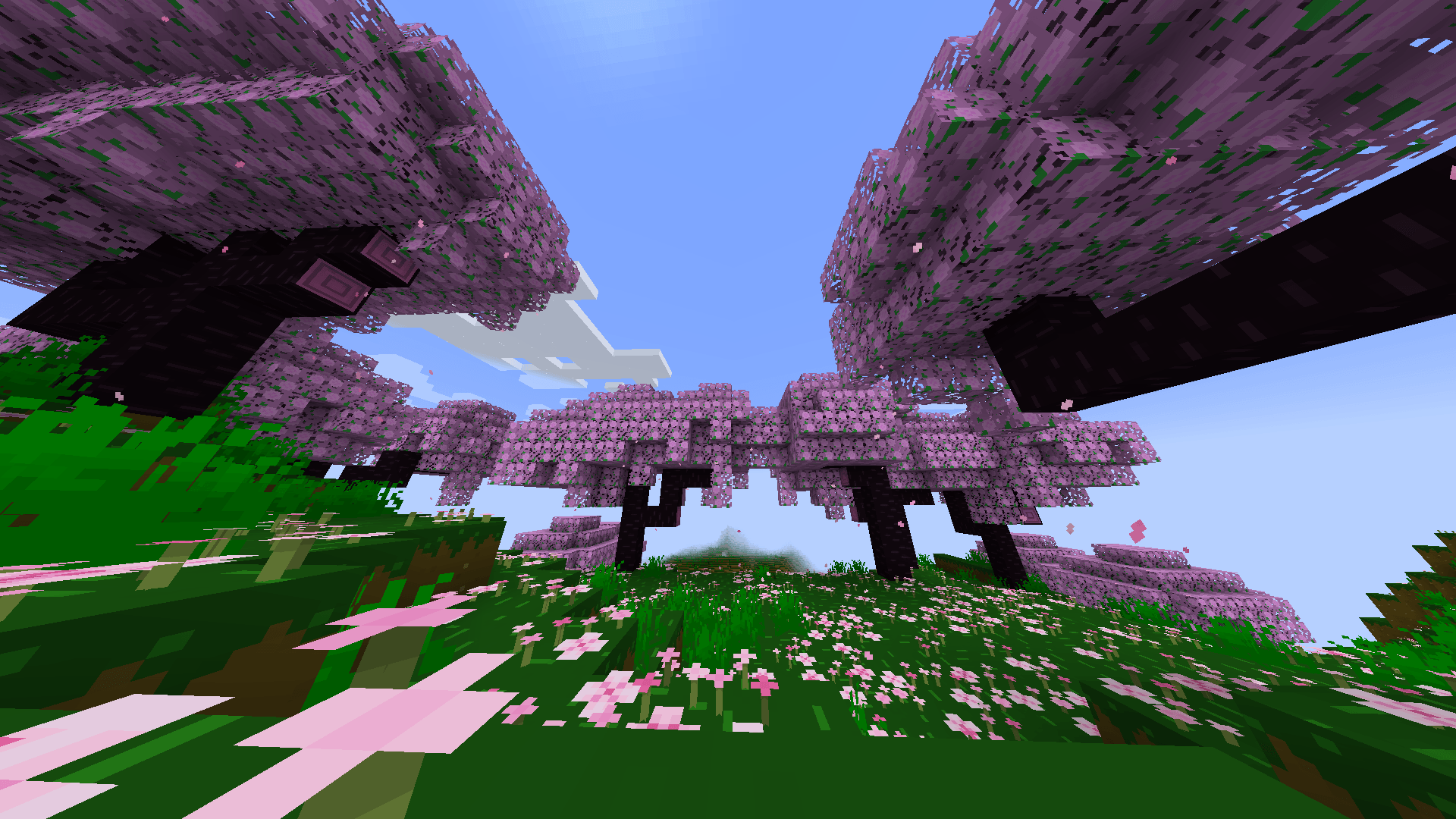
This texture pack is in 16x16 format; it simplifies block textures, making them easy to use and distinguish.
by amarukix
Download Claim this project
86 downloads
0 likes
Updated Oct 14, 2026
0 hypes
16x Traditional
Advertisement Remove ads with Premium →

This texture pack adds simpler textures while still keeping the blocks recognisable,so far, we are in beta,

new textures are going to be added and a few will be changed,

if you have any ideas about new textures or to improve already existing textures please don’t hesitate to write them in the comments!

texture_packthe_texture_pack-1.0.0-resourcepack-26.1.x.zip
MC 26.1.2
Release 2026-10-12 Get
5f10bd1247b0c71077ed595e8a9d3f3c-7429adb76287d61ecf53465ccbc00fc57c0c4a72.zip
MC 1.21, 1.21.1
Release 2026-10-04 Get
texture_packthe_texture_pack-1.0.0-resourcepack-1.21.1.zip
MC 1.21, 1.21.1
Release 2026-09-20 Get

Requirements & install

How to use this resource pack in Minecraft
Resolution
16x
Minecraft
1.21 – 26.1.2
Install folder
.minecraft/resourcepacks

How to install resource packs

  1. Download the resource pack .zip file (do not extract it).
  2. In Minecraft open Options → Resource Packs → Open Pack Folder.
  3. Drop the .zip into the resourcepacks folder (.minecraft/resourcepacks).
  4. Move the pack to the Selected column and click Done.
Browse more: 16x resource packs 32x resource packs 64x resource packs 128x resource packs 256x resource packs 512x+ resource packs Resource Packs for 26.1.2 All resource packs
Advertisement Remove ads with Premium →

You Might Also Like