Mineuniverse
Resource Packs
Custom Skins

Custom Skins

RESOURCE PACK
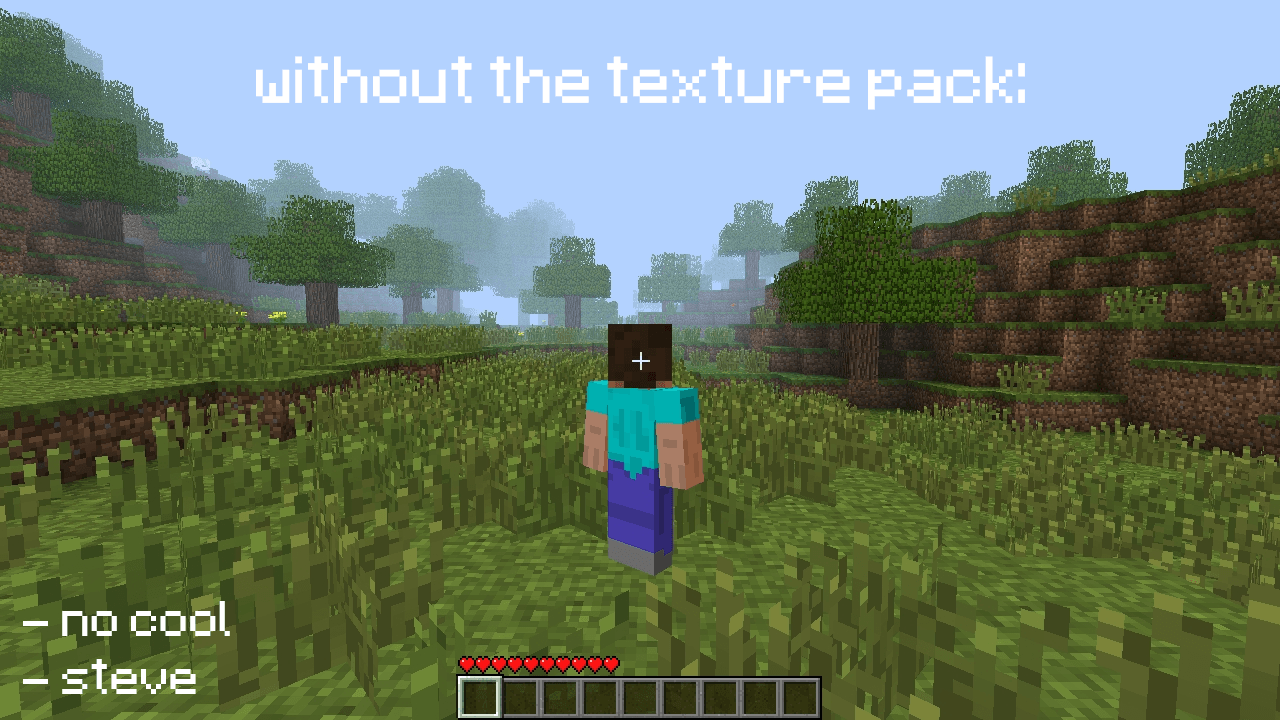
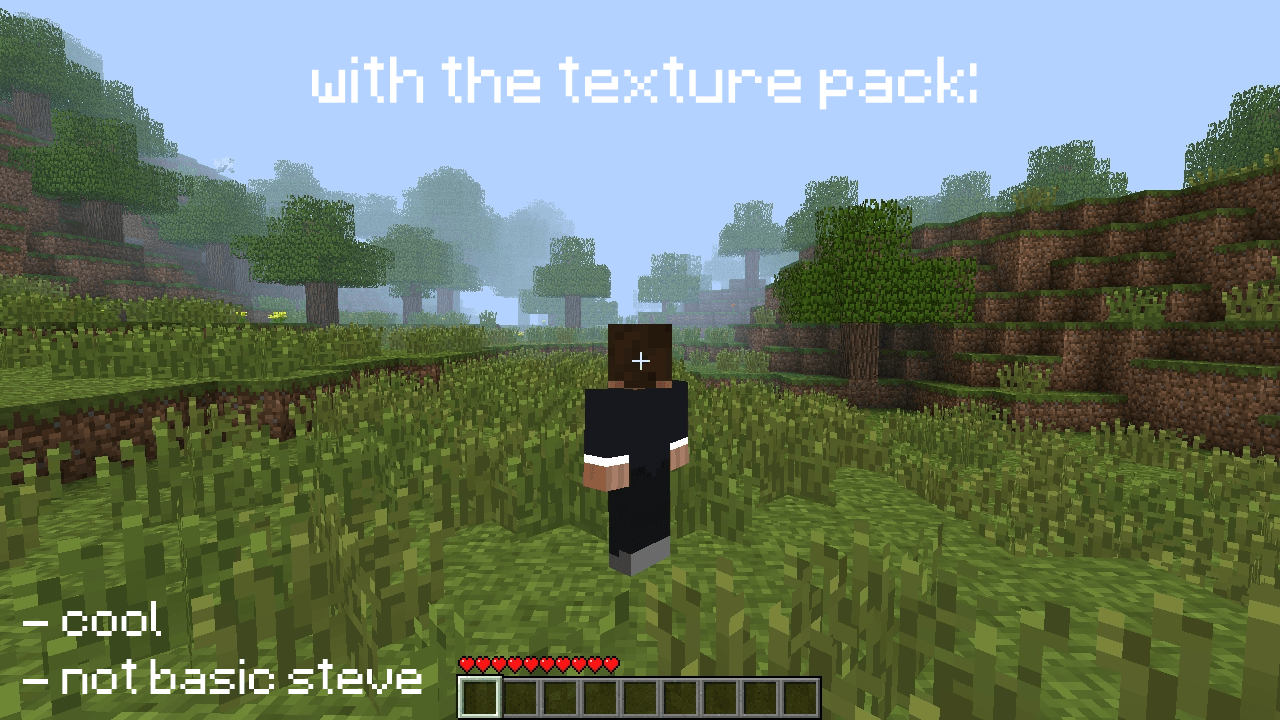
Simply a texture pack to have a custom skin in minecraft beta or alpha versions
by Edvan760
Download Claim this project
214 downloads
0 likes
0 followers
Updated Oct 14, 2026
0 hypes
Follow0
16x Data Packs
Advertisement Remove ads with Premium →

Basically, what this texture pack does is replace Steve's texture with a custom one that you can change.

Warnings: The skin must have a 64x32 resolution, otherwise the game won't recognize it! Also, the minimum version required to load this texture pack (or others) is alpha 1.2.2, since the texture pack button didn't exist in earlier versions.

(Extra: You can share the texture pack elsewhere, BUT give me credit and don't credit yourself by saying you made it)

SkinTexturePack.zip
MC Beta 1.6.6, Beta 1.7, Beta 1.7.3
Release 2026-03-25 Get

Requirements & install

How to use this resource pack in Minecraft
Resolution
16x
Minecraft
See the Files tab
Install folder
.minecraft/resourcepacks

How to install resource packs

  1. Download the resource pack .zip file (do not extract it).
  2. In Minecraft open Options → Resource Packs → Open Pack Folder.
  3. Drop the .zip into the resourcepacks folder (.minecraft/resourcepacks).
  4. Move the pack to the Selected column and click Done.
Browse more: 16x resource packs 32x resource packs 64x resource packs 128x resource packs 256x resource packs 512x+ resource packs All resource packs
Advertisement Remove ads with Premium →

You Might Also Like