Mineuniverse
Resource Packs
Custom

Custom

RESOURCE PACK
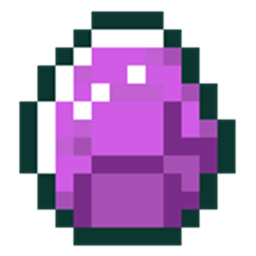
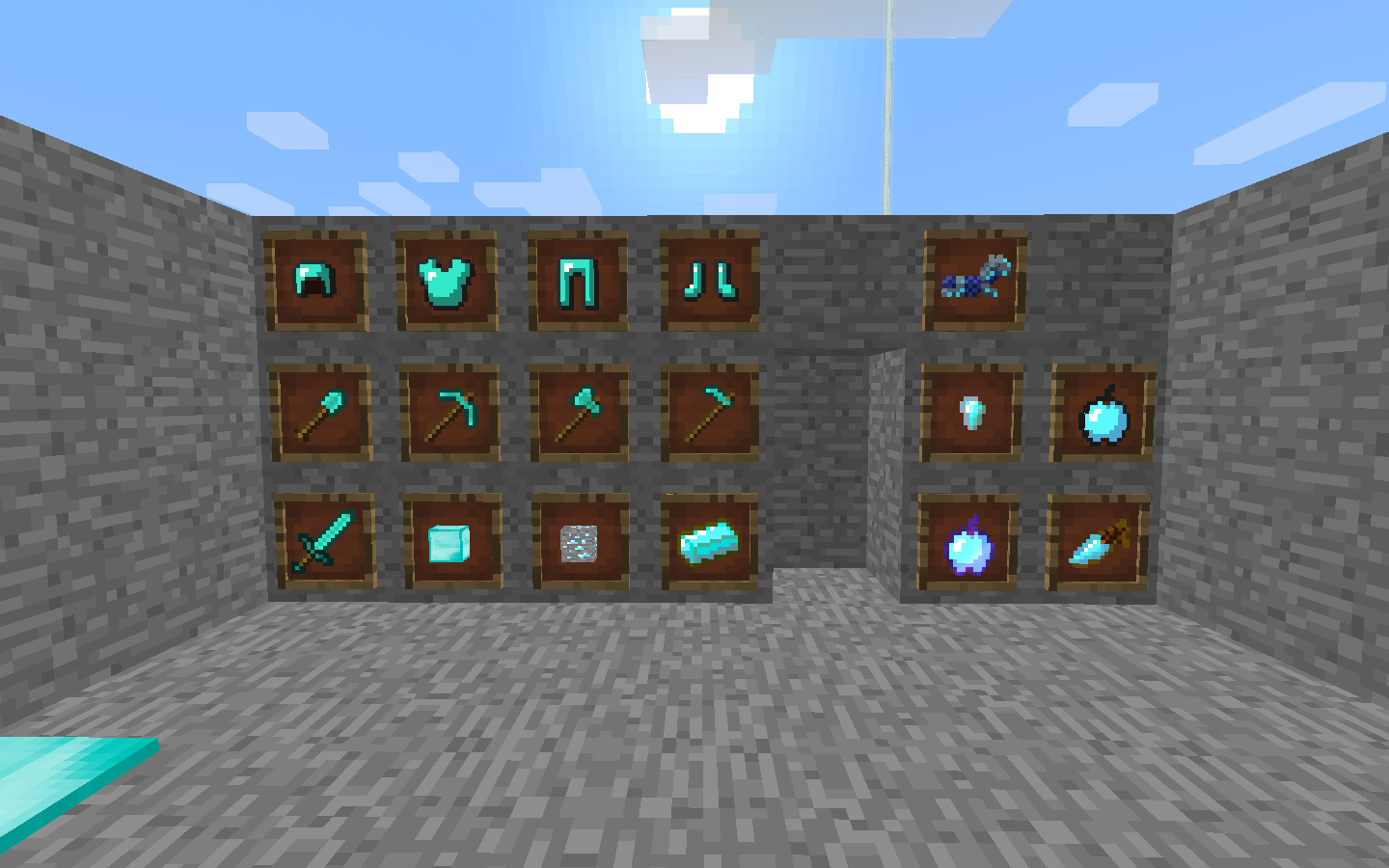
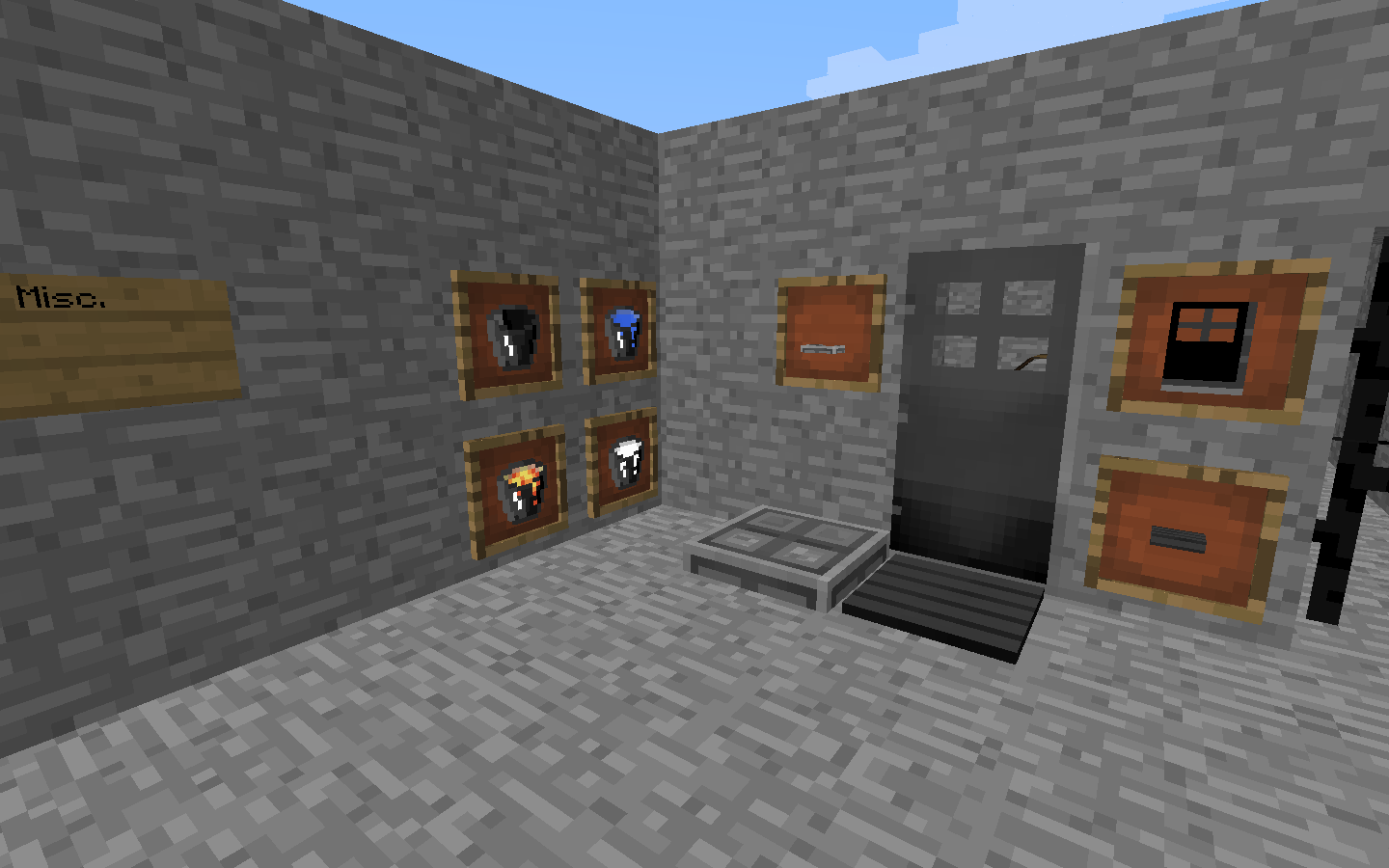
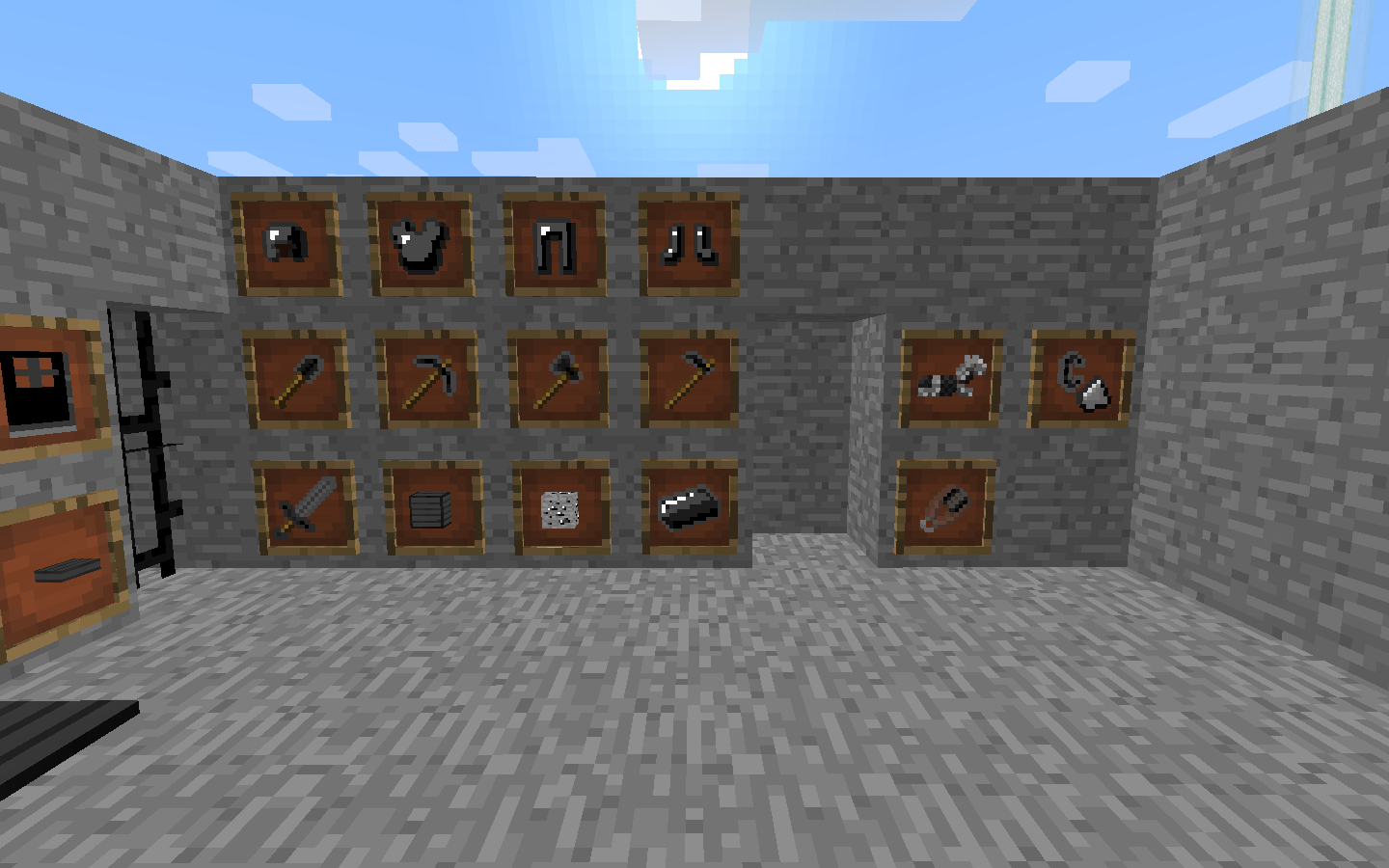
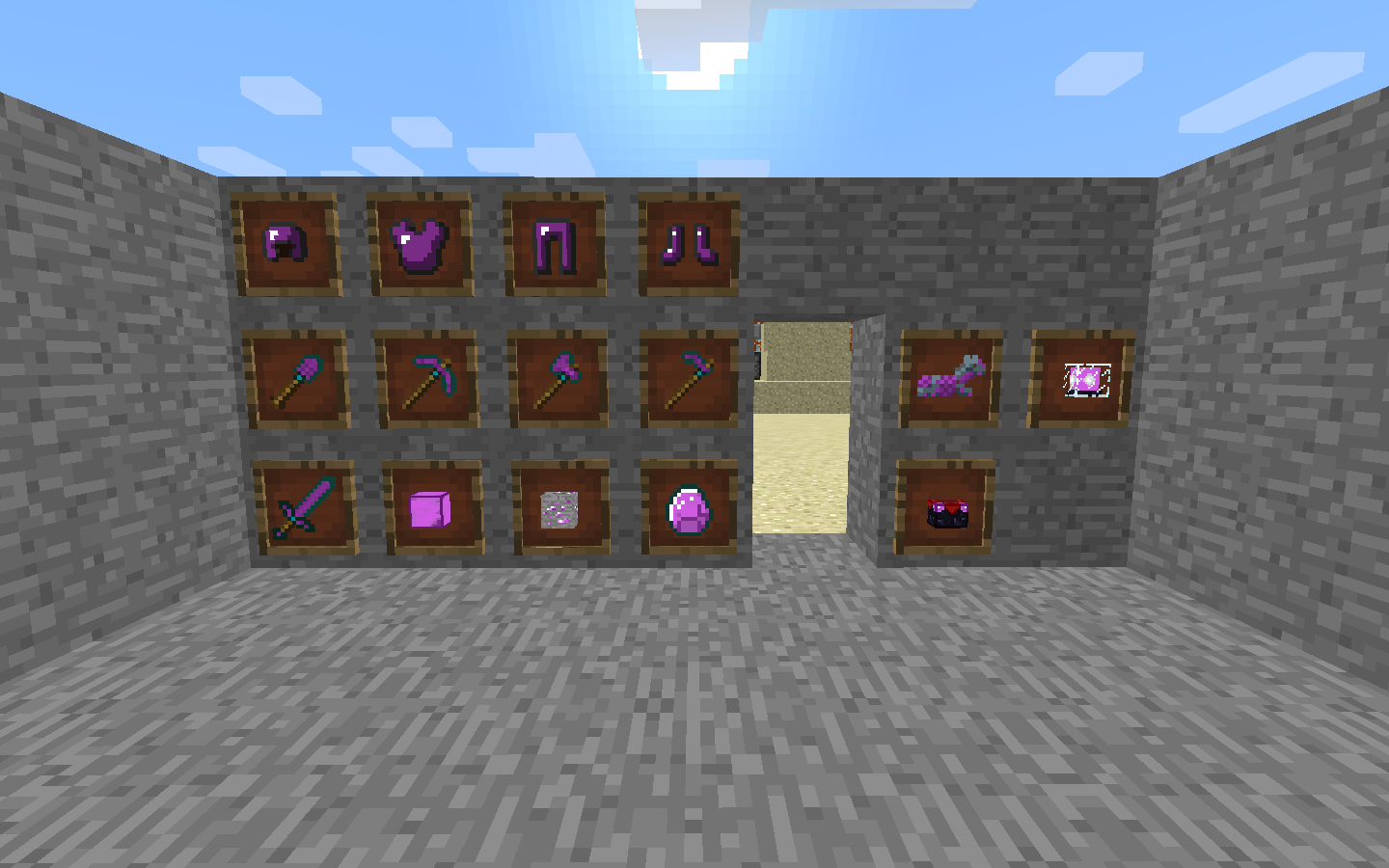
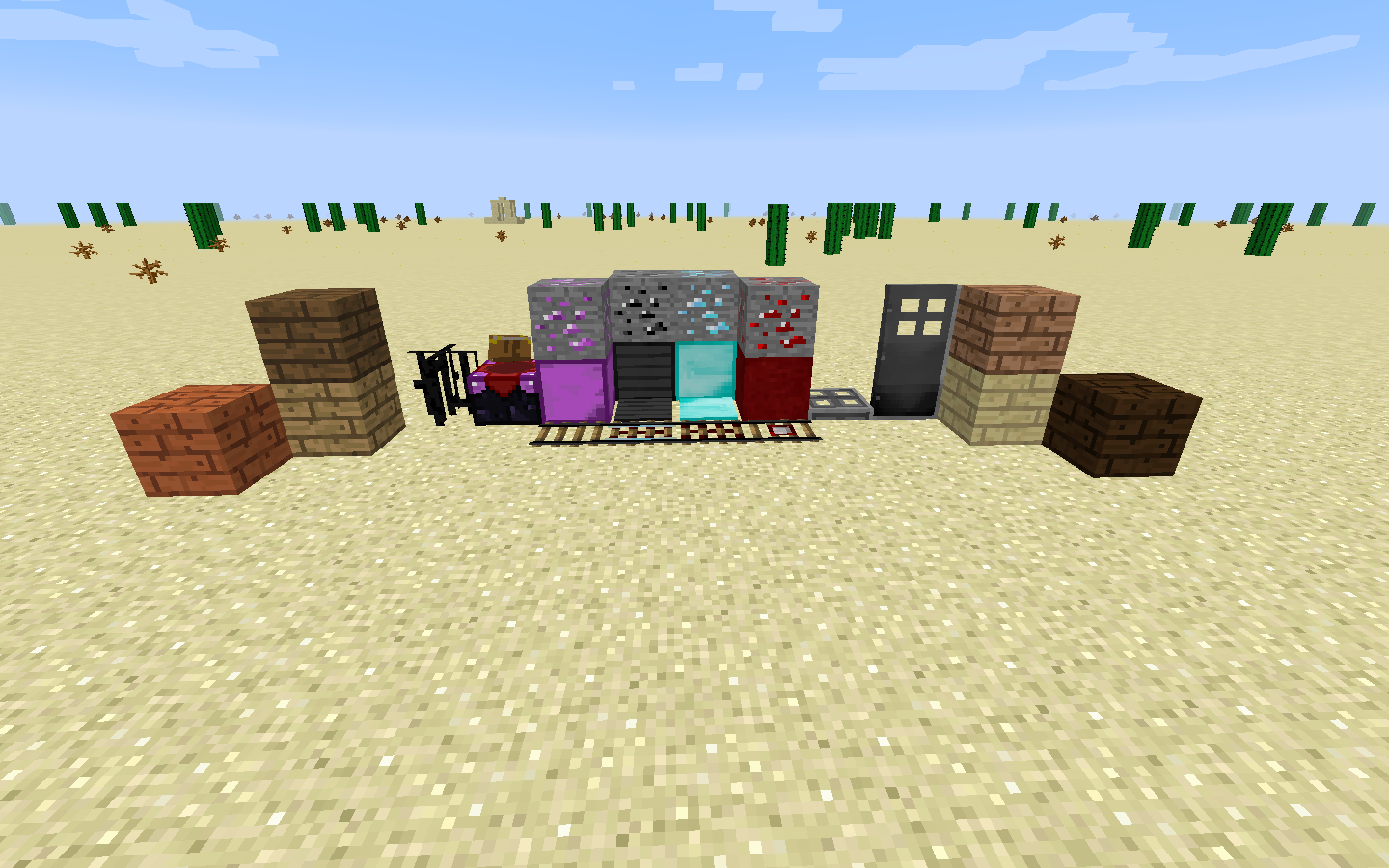
This is a customary designed Texture Pack that I made for neat little color redesigns for Minecraft.
by Meloetta_344
Download Claim this project
2,871 downloads
0 likes
0 followers
Updated Oct 14, 2026
0 hypes
Follow0
16x Miscellaneous
Advertisement Remove ads with Premium →

Hey Meloetta_344 here with my own custom texture pack. This is it the 1.9/1.10 update. I'm still looking for help with my texture pack, so if you have any ideas please post them in the comments below and I will get to them, and I will give the necessary credits to you in the splash and the Ending Credits of Minecraft. Thanks to all those who have helped me design this texture pack. Custom versions up to 2.2.2 will work for Minecraft 1.8 and lower, Versions 2.5 and up will only work for Minecraft 1.9 and up. If there is anything else that I forgot to add or change, please post them in the comments and I will try to get to them.

Here is a video of a review I did:


Here is a link for more information and pictures:

Custom(1.10)[v2.5]
MC 1.9.1, 1.9.3, 1.9.4, 1.9.2, 1.10.2, 1.10, 1.10.1, 1.9
Release 2016-07-04 Get
Custom (1.8.x) [v2.2.2]
MC 1.8.7, 1.8.4, 1.8-Snapshot, 1.8.3, 1.8.6, 1.8, 1.8.2, 1.8.5, 1.8.1
Release 2015-06-19 Get
Custom(1.8.x)[v2.2.1]
MC 1.8.7, 1.8.4, 1.8.3, 1.8.6, 1.8, 1.8.2, 1.8.5, 1.8.1
Release 2015-06-08 Get
Custom(1.8.3)[v2.2]
MC 1.8-Snapshot, 1.8.3, 1.8, 1.8.2, 1.8.1
Release 2015-03-24 Get
Custom1.8[v2.1]
MC 1.7.6, 1.7.4, 1.7.7, 1.7.5, 1.6.1, 1.7.9, 1.7.2, 1.8-Snapshot, 1.7.8, 1.6.4, 1.7.10, 1.8, 1.6.2
Release 2014-10-07 Get
Custom(1.6.1)[v1.0].zip
MC 1.6.1, 1.6.4, 1.6.2
Release 2014-07-06 Get
Custom(1.8)[v2.0].zip
MC 1.7.6, 1.7.4, 1.7.7, 1.7.5, 1.6.1, 1.7.9, 1.7.2, 1.8-Snapshot, 1.7.8, 1.6.4, 1.7.10, 1.6.2
Release 2014-07-06 Get

Requirements & install

How to use this resource pack in Minecraft
Resolution
16x
Minecraft
1.9 – 1.10.2
Install folder
.minecraft/resourcepacks

How to install resource packs

  1. Download the resource pack .zip file (do not extract it).
  2. In Minecraft open Options → Resource Packs → Open Pack Folder.
  3. Drop the .zip into the resourcepacks folder (.minecraft/resourcepacks).
  4. Move the pack to the Selected column and click Done.
Browse more: 16x resource packs 32x resource packs 64x resource packs 128x resource packs 256x resource packs 512x+ resource packs Resource Packs for 1.10.2 All resource packs
Advertisement Remove ads with Premium →

You Might Also Like