Mineuniverse
Resource Packs
Cubic Sun & Moon

Cubic Sun & Moon

RESOURCE PACK
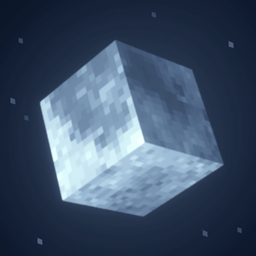
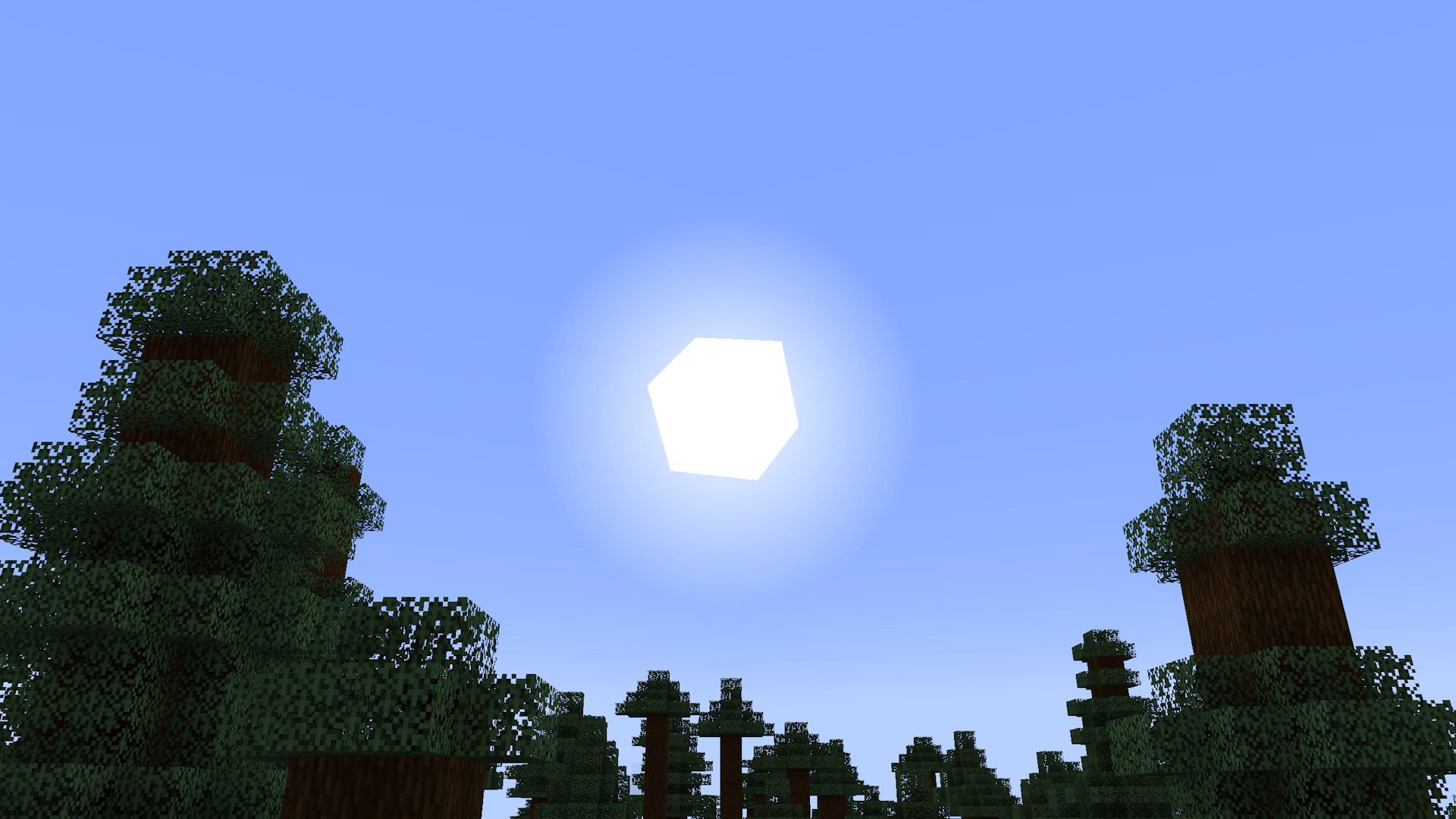
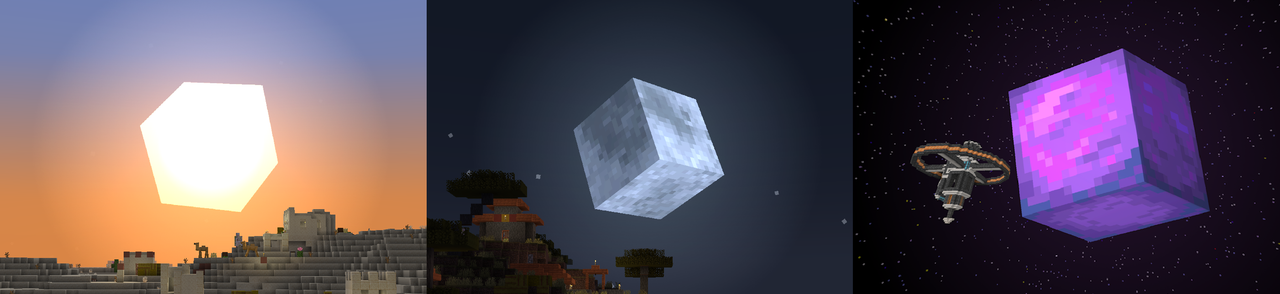
Recreates the Sun and Moon in 3D and is compatible with mods.
by JoeFly
Download Claim this project
5,186,346 downloads
0 likes
Updated Oct 14, 2026
0 hypes
16x Miscellaneous Mod Support Photo Realistic
Advertisement Remove ads with Premium →


Features

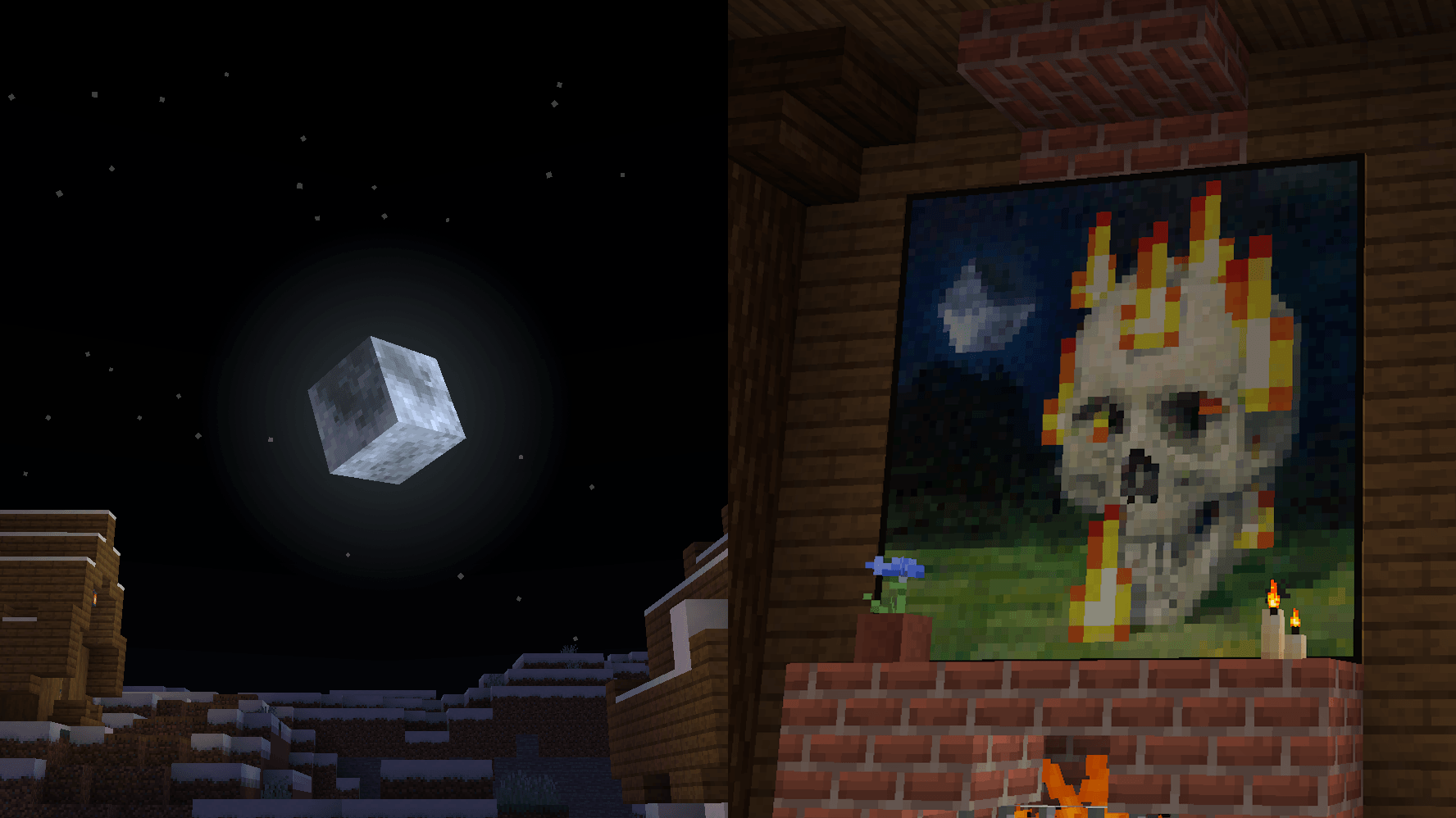
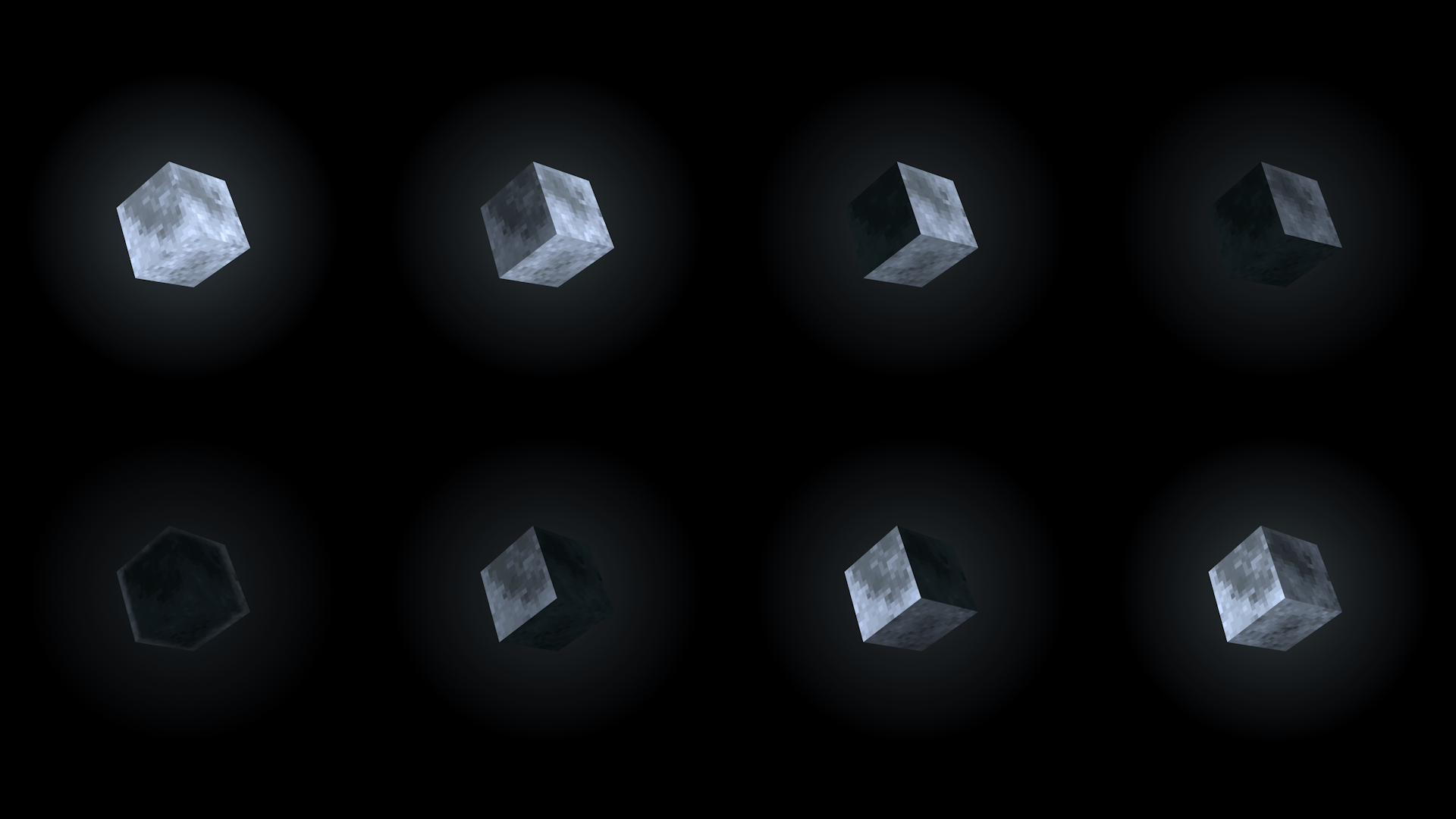
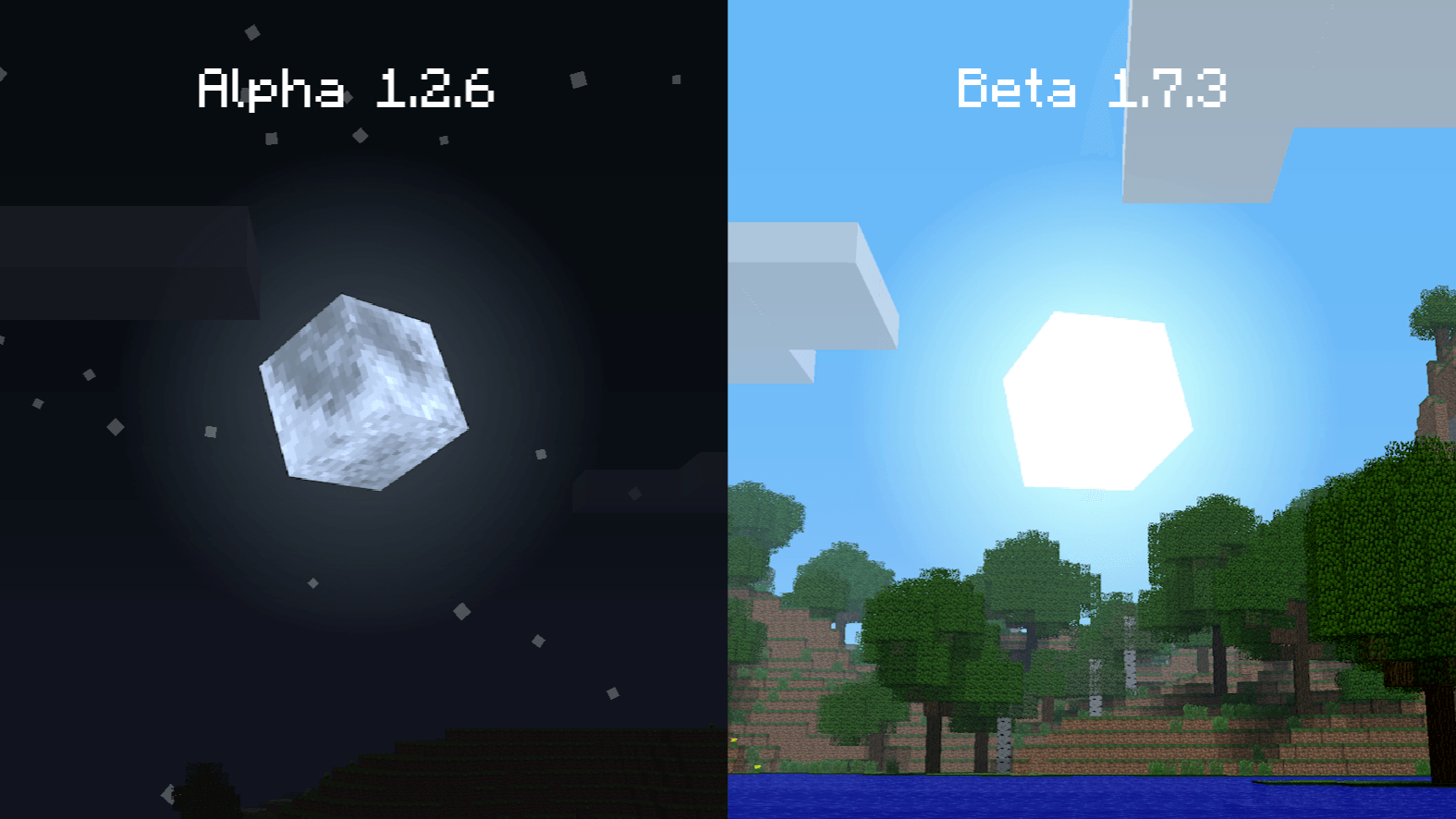
  • 3D Moon texture with 8 phases
  • 3D Sun texture
  • 1 painting retextured
  • Support for all Minecraft versions (including Alpha and Beta)
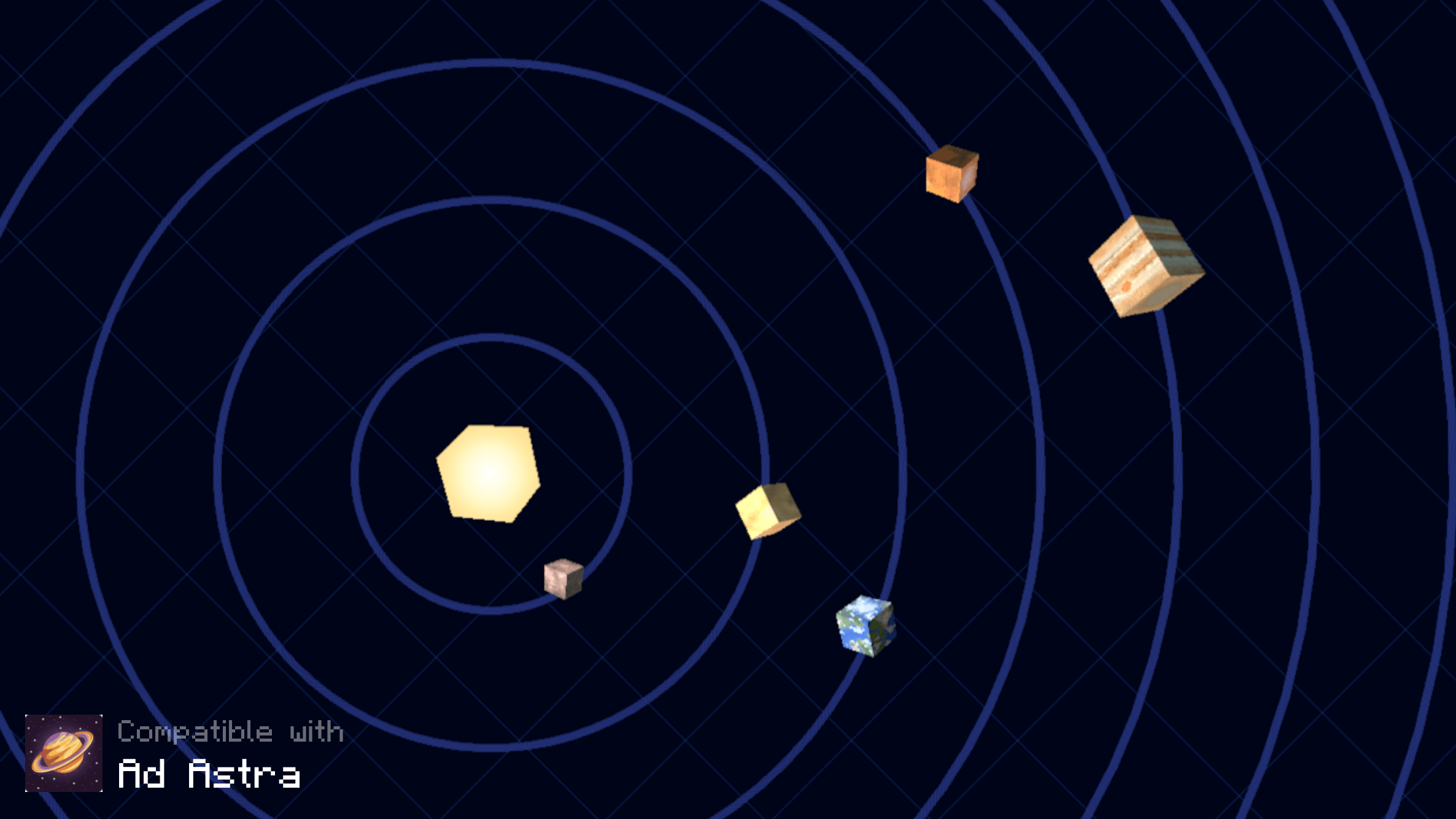
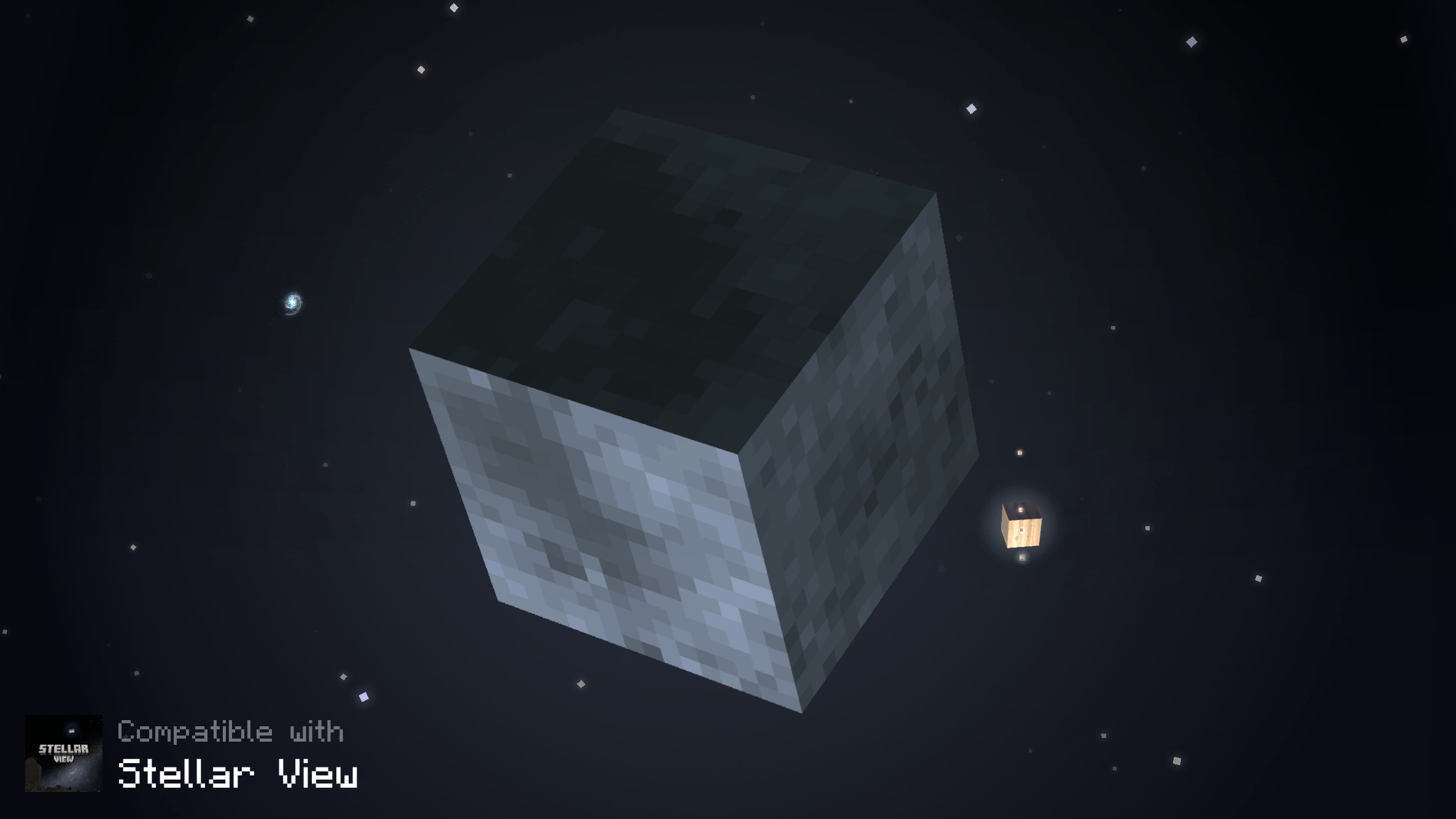
  • Support for various mods, such as Ad Astra, Galacticraft and Stellar View


How to Download

For Java Edition

  1. Download the most recent version
  2. Open Minecraft and go to Options > Resource Packs / Texture Packs > Open Pack Folder
  3. Copy/Cut and Paste the downloaded file there
  4. Activate the Resource Pack and enjoy!

    Note: If it appears as Incompatible, don't worry, it should work.


For Bedrock Edition


Compatibility

Minecraft versions

This resource pack supports all Minecraft versions that allow texture/resource packs to be used, from Alpha 1.2.2 to the most recent release. It also includes textures for April Fools updates.


Shaders

As long as the shader does not change the Sun and Moon texture or has an option to switch the Sun/Moon style, it should work with this resource pack. For instance, these shaders work:

  • BSL Shaders
  • Complementary Shaders

with_shaders


Mods

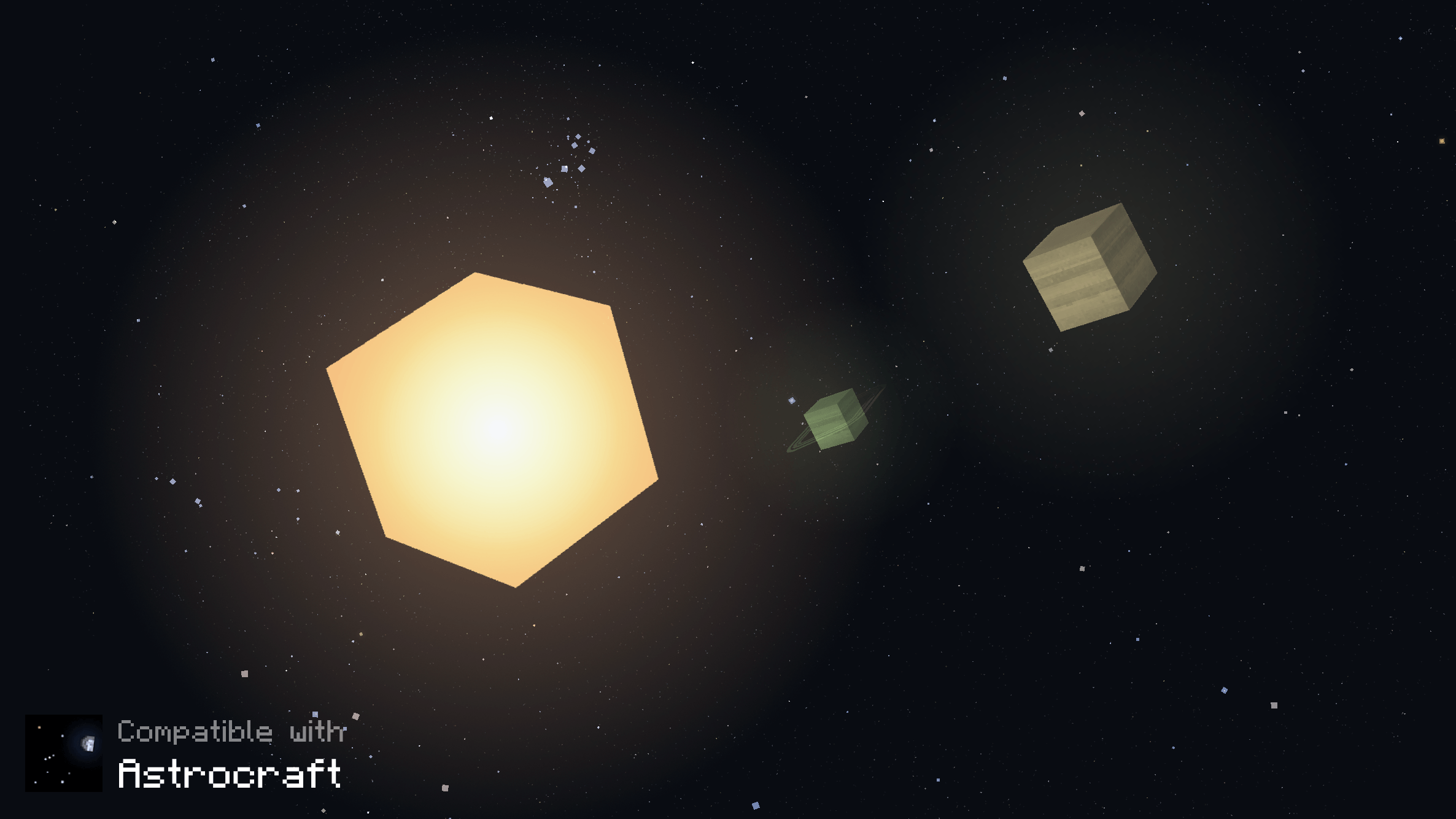
It is also compatible with a few mods that add sky features, such as planets and moons:


FAQ

Are you going to support more mods?
Probably. If you have a suggestion of a mod this resource pack could support, add a comment here, Planet Minecraft or Youtube.

Can I use this resource pack in my modpack/server?
Yes, you can use it in your modpack or server. If your server is public, you have to credit me somewhere in the server or website of the server.

Can I make posts/videos using this resource pack on social medias?
Yes. If this resource pack is the main or one of the subjects of your post/video, you have to credit me and/or include a direct link to this page. Please do not distribute modified versions.


Credits

Thanks to:

Cubic Sun & Moon v1.8.5
MC 1.5.3, 1.16.3, 1.13.1, 1.9.3, 1.8.7, 1.7.4, 1.7.7, 1.7.6, 1.17.1, 1.9.1, 1.21, 1.7.5, 1.4.6, 1.6.1, 1.0, 1.16.1, 1.18.1, 1.14.3, 1.15, 1.16, 1.13, 1.7.3, 1.7.2, 1.4.4
Release 2025-12-26 Get
Cubic Sun & Moon v1.8.4
MC 1.7.6, 1.17.1, 1.9.1, 1.5.3, 1.16.3, 1.13.1, 1.9.3, 1.8.7, 1.7.4, 1.7.7, 1.19.3, 1.20.2, 1.21, 1.7.5, 1.4.6, 1.6.1, 1.0, 1.16.1, 1.18.1, 1.20.5, 1.21.5, 1.9.4, 1.9.2, 1.8.4
Release 2025-10-21 Get
Cubic Sun & Moon v1.8.3
MC 1.7.6, 1.17.1, 1.9.1, 1.5.3, 1.16.3, 1.13.1, 1.8.7, 1.7.4, 1.7.7, 1.19.3, 1.20.2, 1.21, 1.7.5, 1.4.6, 1.6.1, 1.0, 1.16.1, 1.18.1, 1.20.5, 1.21.5, 1.9.4, 1.9.2, 1.8.4, 1.7.9
Release 2025-07-02 Get
Cubic Sun & Moon v1.8.2
MC 1.7.6, 1.17.1, 1.9.1, 1.5.3, 1.16.3, 1.13.1, 1.9.3, 1.8.7, 1.7.4, 1.7.7, 1.19.3, 1.20.2, 1.21, 1.7.5, 1.4.6, 1.6.1, 1.0, 1.16.1, 1.18.1, 1.20.5, 1.21.5, 1.9.4, 1.9.2, 1.8.4
Release 2025-06-27 Get
Cubic Sun & Moon v1.8.1
MC 1.7.6, 1.16-Snapshot, 1.17.1, 1.9.1, 1.5.3, 1.16.3, 1.13.1, 1.9.3, 1.8.7, 1.7.4, 1.7.7, 1.19.3, 1.20.2, 1.21.2-Snapshot, 1.21, 1.15-Snapshot, 1.7.5, 1.4.6, 1.6.1, 1.0, 1.16.1
Release 2025-04-12 Get

Requirements & install

How to use this resource pack in Minecraft
Resolution
16x
Minecraft
1.17.1 – 1.21.5
Install folder
.minecraft/resourcepacks

How to install resource packs

  1. Download the resource pack .zip file (do not extract it).
  2. In Minecraft open Options → Resource Packs → Open Pack Folder.
  3. Drop the .zip into the resourcepacks folder (.minecraft/resourcepacks).
  4. Move the pack to the Selected column and click Done.
Browse more: 16x resource packs 32x resource packs 64x resource packs 128x resource packs 256x resource packs 512x+ resource packs Resource Packs for 1.21.5 All resource packs
Advertisement Remove ads with Premium →

You Might Also Like