Mineuniverse
Resource Packs
Crystal Slimes

Crystal Slimes

RESOURCE PACK
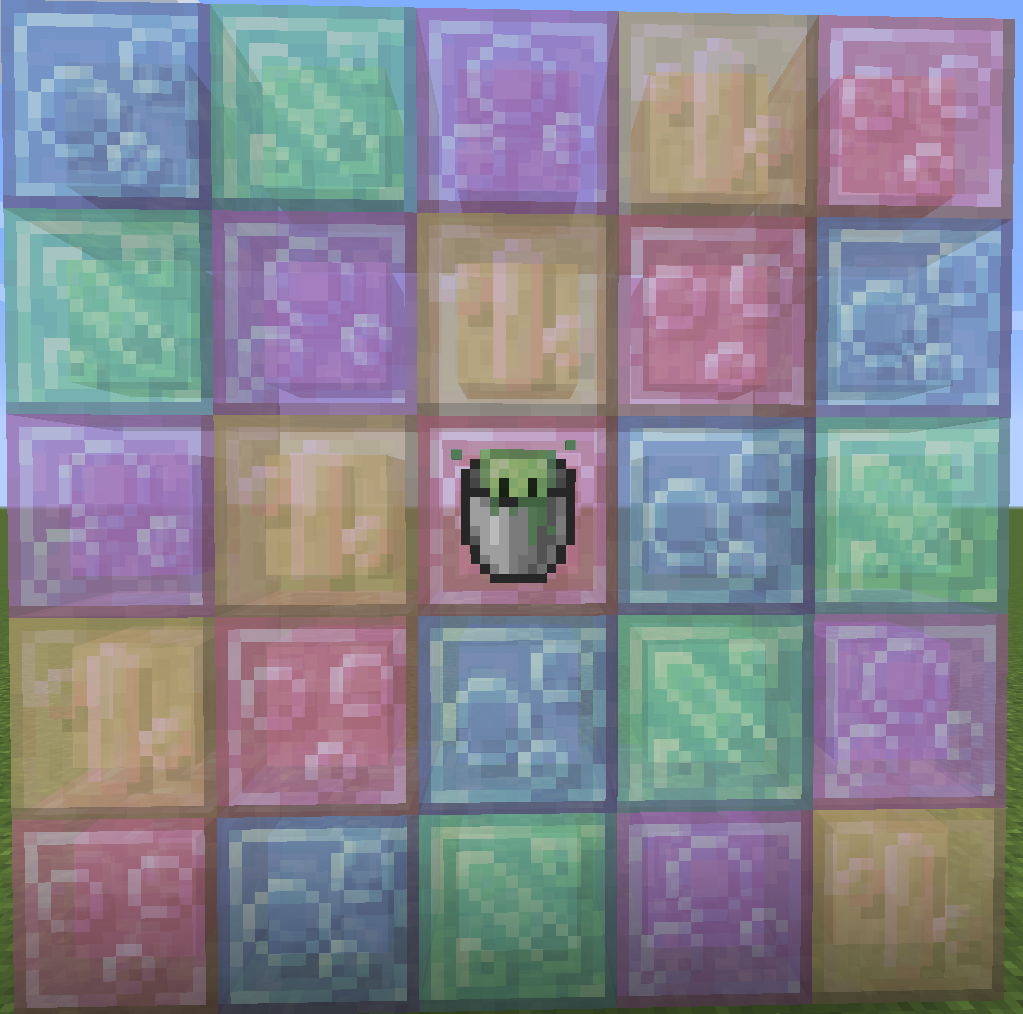
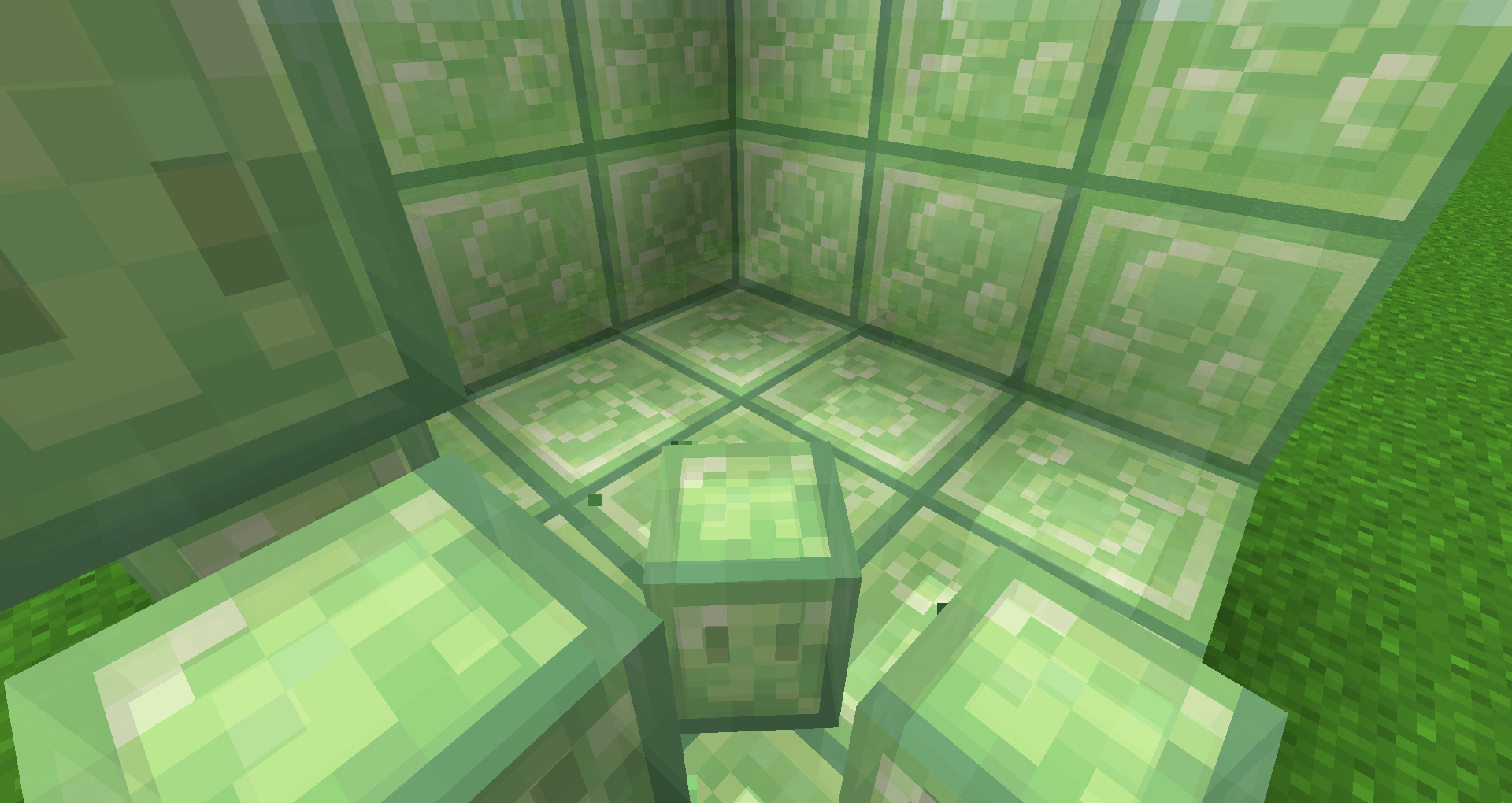
An attempt to make slimes look cuter and crystalline.
by Bobbu
Download Claim this project
3,521 downloads
0 likes
0 followers
Updated Oct 14, 2026
0 hypes
Follow0
16x Miscellaneous Mod Support
Advertisement Remove ads with Premium →

Check out the goopier and goofier spiritual successor, Spoingly Slimes!
An attempt to make slimes look cuter and crystalline.

Why?


Why not.
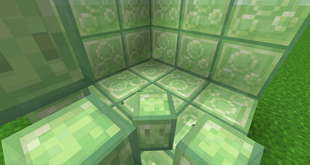
Supports Quark's slime blocks and slime in a bucket, and Create's Superglue.

Do not repost, but please do share a link back to this curse page. Please do not include these textures in your own texture pack or edit them.
Many thanks to the art n' slimes discord and Dani. Not associated with real crystals.
Some textures are edited textures from the base game/respective mods, and if they desire the edited textures to be removed they can contact me here on curseforge.


Crystal_Slimes_0.8.zip
MC 1.18.1
Release 2022-01-17 Get
Crystal_Slimes_0.8.zip
MC 1.16.5, 1.16.4
Release 2021-04-03 Get
Crystal_Slimes_0.7.zip
MC 1.16.5, 1.16.4
Release 2021-02-05 Get
Crystal_Slimes_0.6_1.15.zip
MC 1.15.2
Release 2020-10-19 Get
Crystal_Slimes_0.6_1.16.zip
MC 1.16.3, 1.16.1, 1.16.2
Release 2020-10-19 Get
Crystal_Slimes_0.5.zip
MC 1.16.1, 1.15.2
Release 2020-08-01 Get
Crystal_Slimes_0.4.zip
MC 1.16-Snapshot, 1.15-Snapshot, 1.16.1, 1.15, 1.16, 1.15.2, 1.15.1
Release 2020-06-29 Get
Crystal_Slimes_0.3.zip
MC 1.16-Snapshot, 1.15-Snapshot, 1.16.1, 1.15, 1.16, 1.15.2, 1.15.1
Release 2020-06-28 Get
Crystal_Slimes.zip
MC 1.16-Snapshot, 1.15-Snapshot, 1.16.1, 1.15, 1.16, 1.15.2, 1.15.1
Release 2020-06-26 Get
Crystal_Slimes_0.2.zip
MC 1.16-Snapshot, 1.15-Snapshot, 1.16.1, 1.15, 1.16, 1.15.2, 1.15.1
Release 2020-06-26 Get

Requirements & install

How to use this resource pack in Minecraft
Resolution
16x
Minecraft
1.16-Snapshot – 1.18.1
Install folder
.minecraft/resourcepacks

How to install resource packs

  1. Download the resource pack .zip file (do not extract it).
  2. In Minecraft open Options → Resource Packs → Open Pack Folder.
  3. Drop the .zip into the resourcepacks folder (.minecraft/resourcepacks).
  4. Move the pack to the Selected column and click Done.
Browse more: 16x resource packs 32x resource packs 64x resource packs 128x resource packs 256x resource packs 512x+ resource packs Resource Packs for 1.18.1 All resource packs

More from Bobbu

Advertisement Remove ads with Premium →

You Might Also Like