Mineuniverse
Resource Packs
Crimsonier Crimson

Crimsonier Crimson

RESOURCE PACK
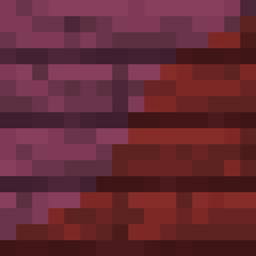
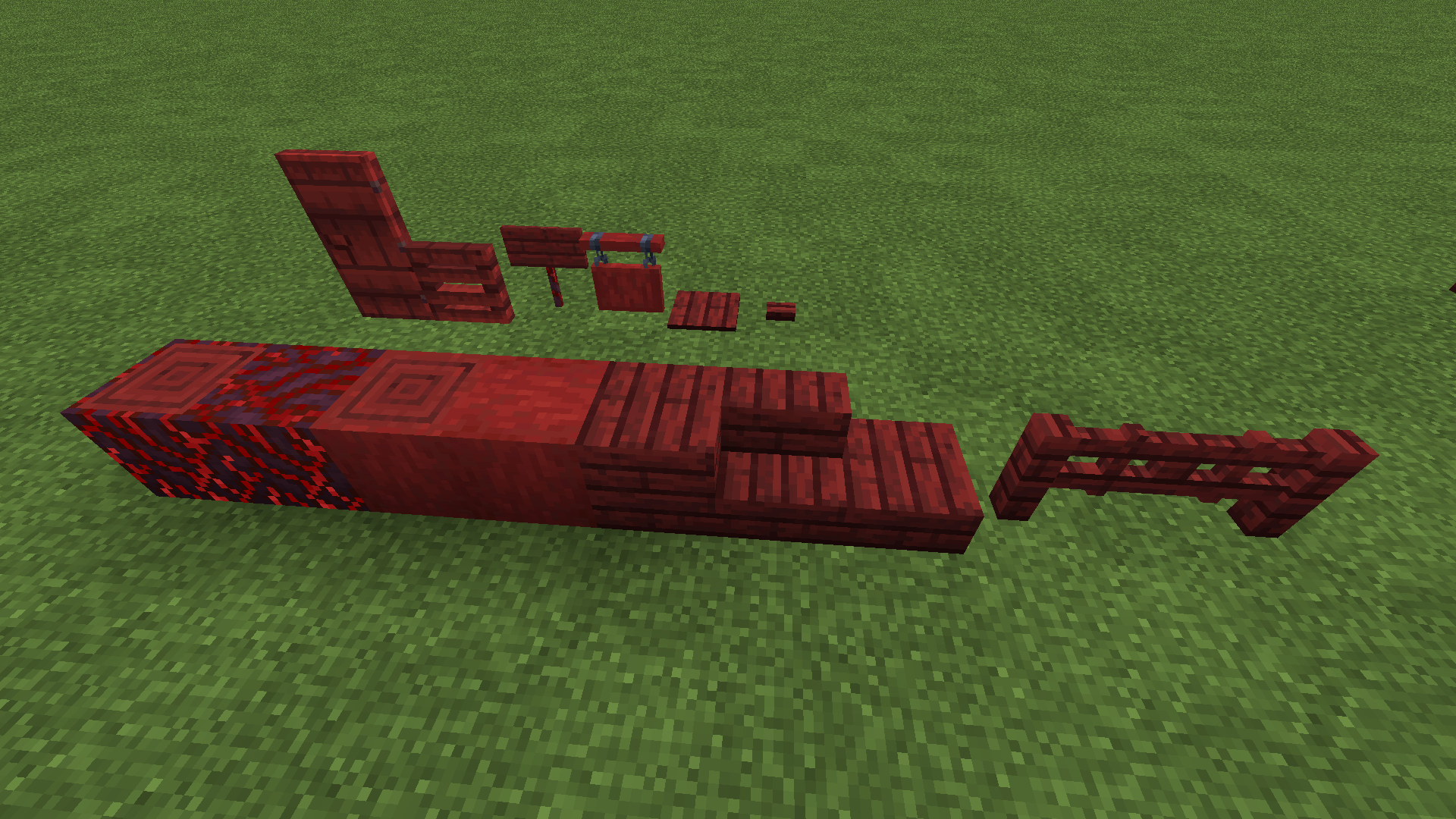
Makes Crimson Wood actually crimson
by Hyper6277
Download Claim this project
Add a badge to your pageLink to Crimsonier Crimson from a README, website or forum post.
Preview: Badge

Badges update automatically and link to the resource pack page on MineUniverse.

1,555 downloads
0 likes
0 followers
Updated Oct 14, 2026
0 hypes
Follow0
16x Miscellaneous Mod Support
Advertisement Remove ads with Premium →

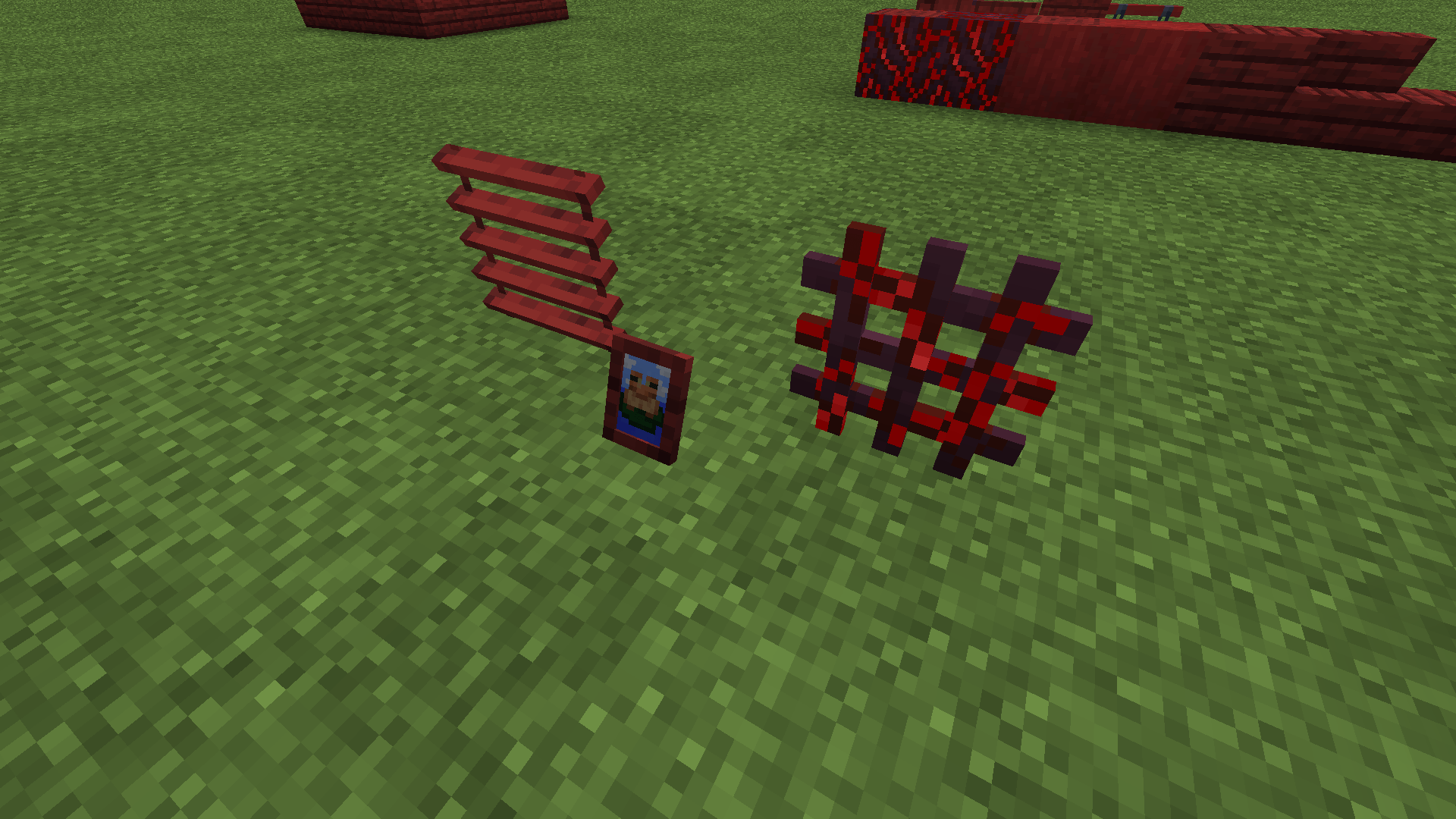
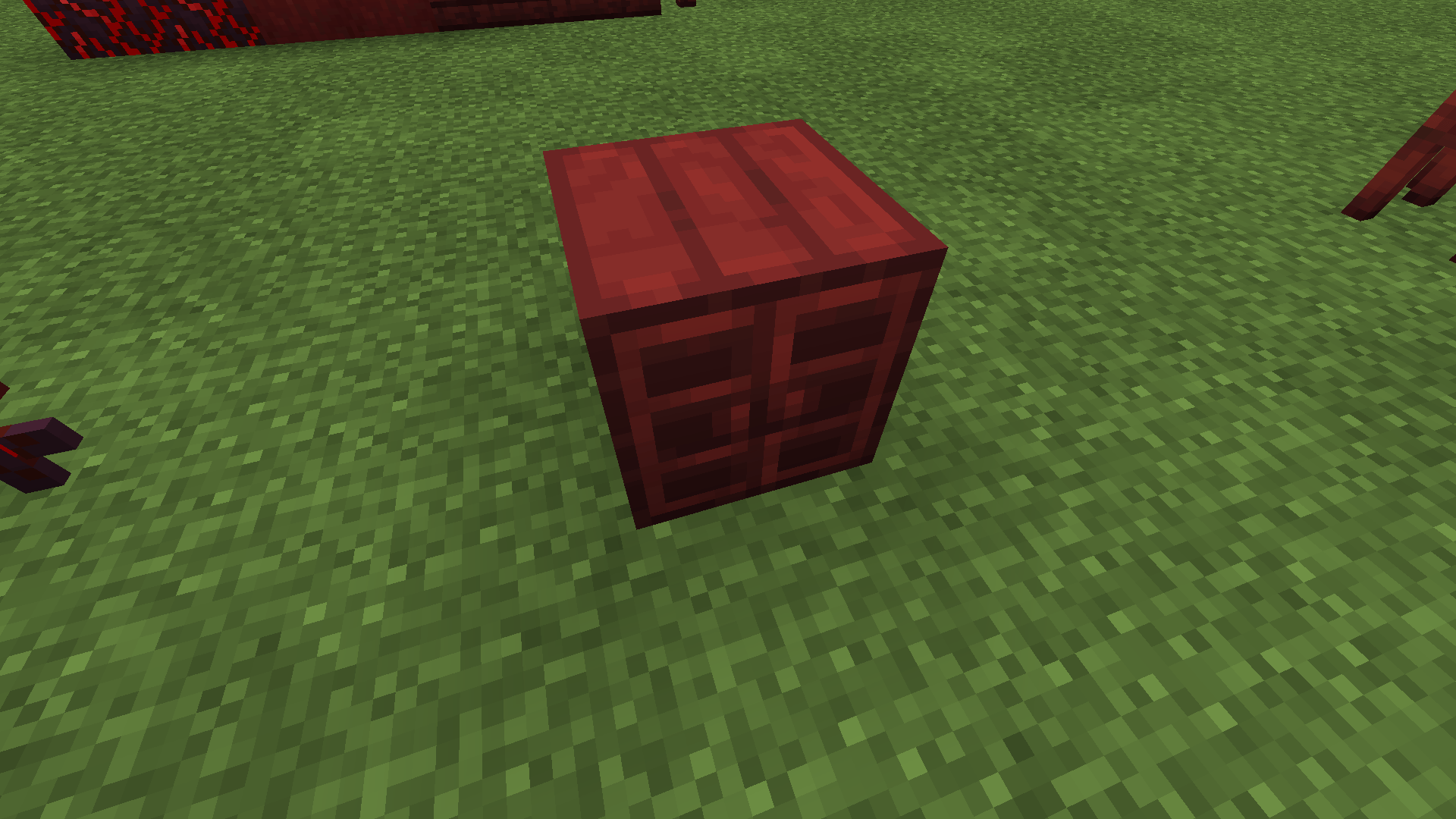
Crimson Wood is naturally too purple to be considered 'Crimson'. This changes that and makes Crimson Wood actually Crimson, true to it's name!

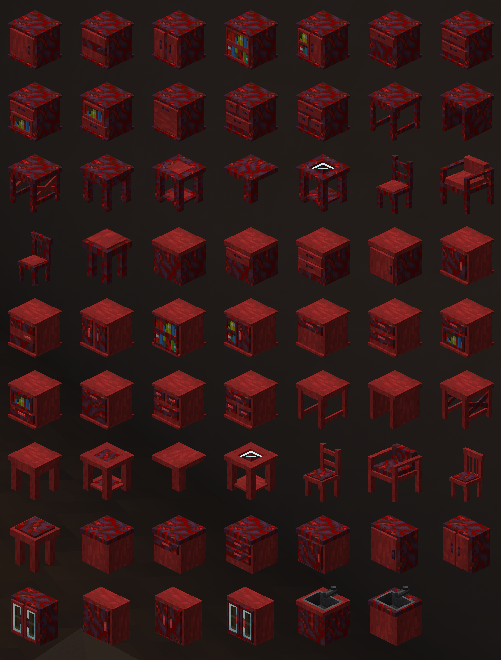
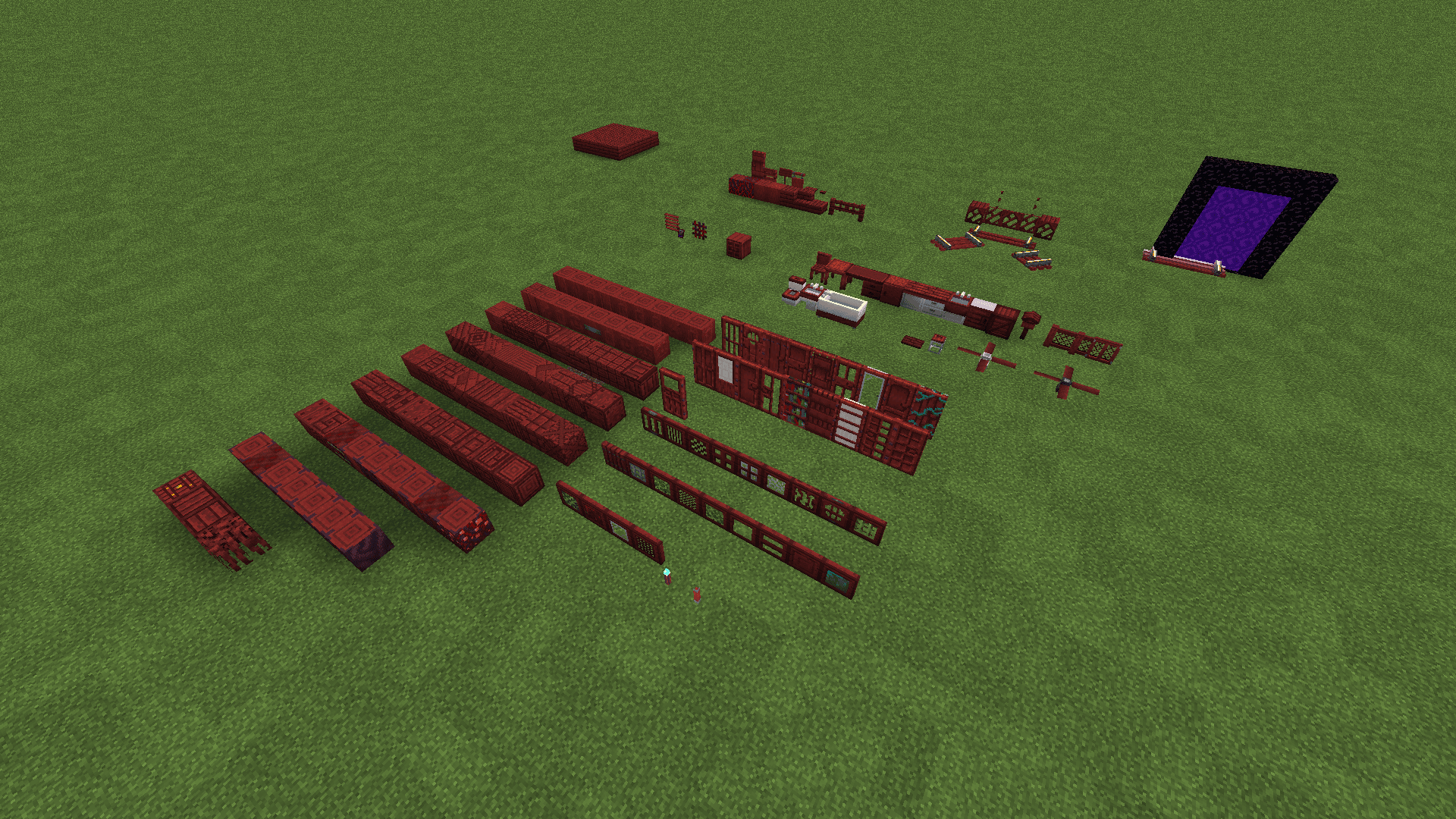
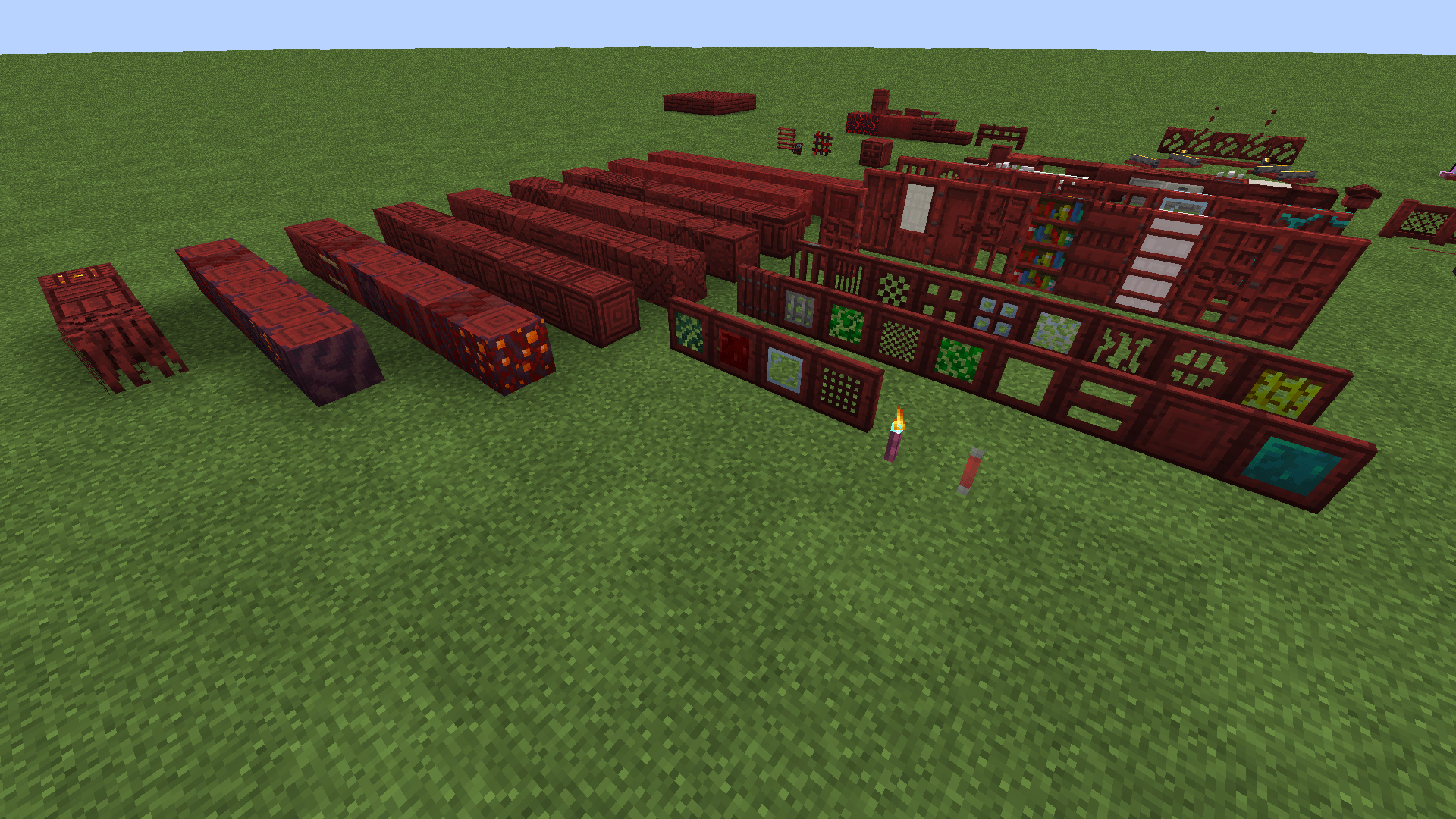
Inspired heavily by VanillaTweaks, and adds mod support for various mods with Crimson Wood based items.

SHADER DISCLAIMER: as of 1.3, the Crimson Stem top texture (crimson_stem_top.png) is accidentally emissive and I'm not sure how to fix it . However, the issue should only affect users with shaders that support emmissive blocks, such as Complimentary (which shows the texture as emissive). Shaders that DON'T seem to support emissive blocks (such as Seus) along with Vanilla don't seem to be affected... if anyone knows how to fix this, either by shader config or by fixing the texture, let me know. The stripped one is fine but the non-stripped one needs fixing. 

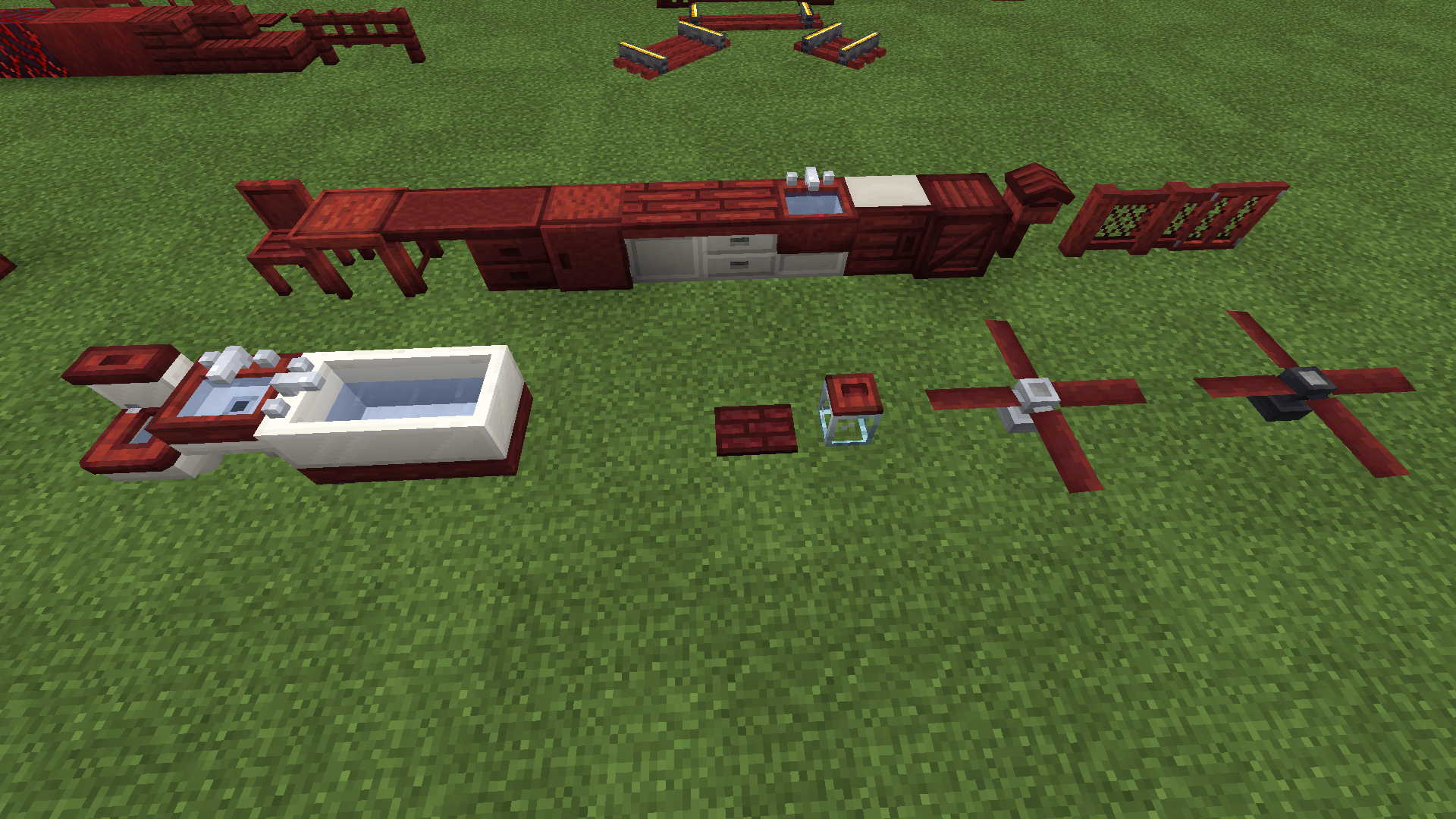
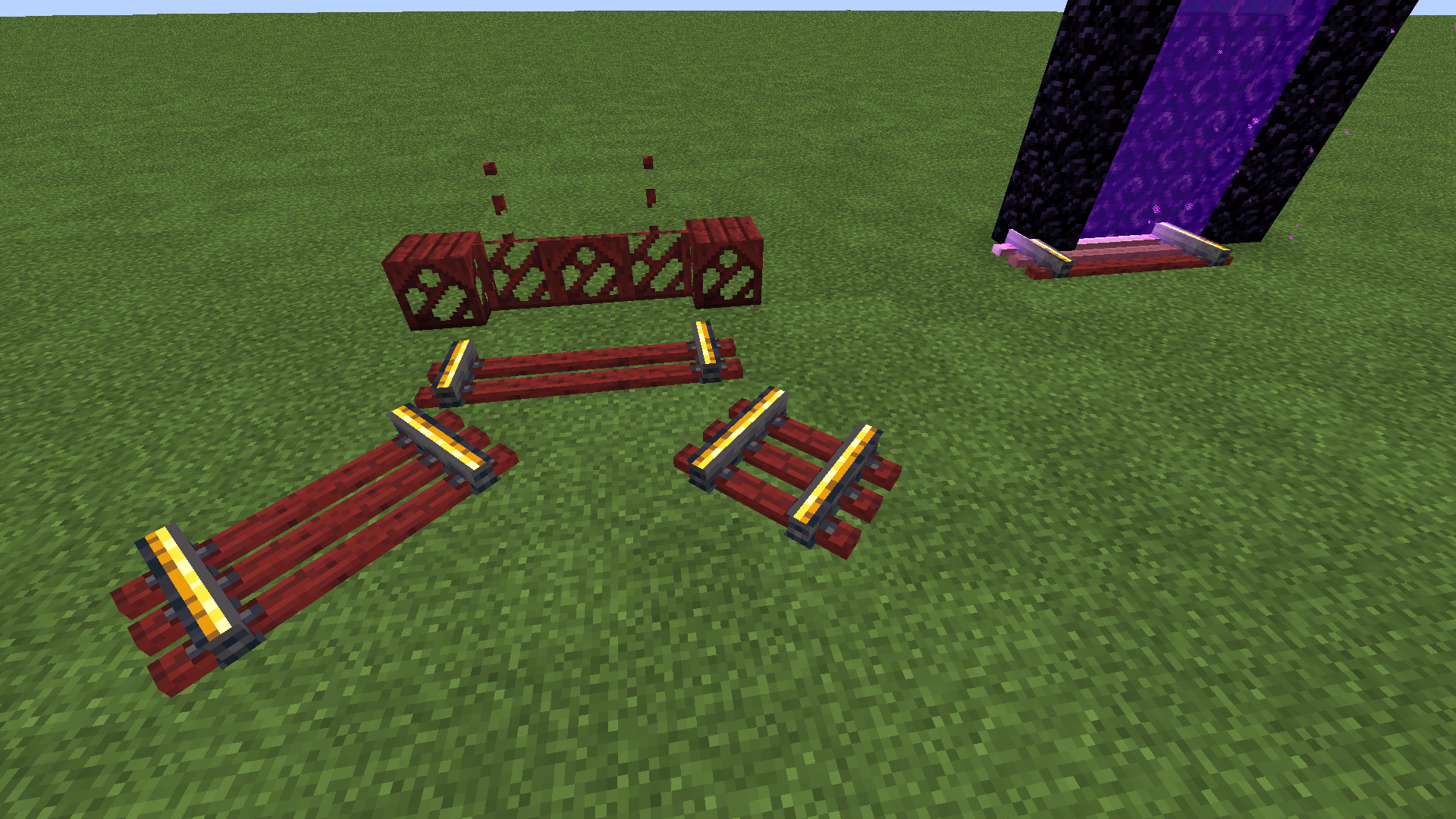
So far has mod support for:

Create

Create: Steam & Rails

Farmer's Delight

Chipped

Beautify

Mr Crayfish's Furniture Mod: Refurbished

3D door model from the 'Minecraft Reimagined' texture pack

Macaw's Furniture (i had to do no literally nothing as it takes from the vanilla textures for some reason)

More Chiseled Bookshelves

Credits to mod authors above for their amazing mods!


Note: New files will be listed as the current version of Minecraft; they should work on any version above 1.16, when they added Crimson Wood. If they don't for some reason, let me know.

Any Issues? Any mods you want me to add support for? Let me know in comments!


crimsonier_crimson v1.3.zip
MC 1.16.3, 1.16-Snapshot, 1.17.1, 1.21.2-Snapshot, 1.21, 1.21.6-snapshot, 1.16.1, 1.18.1, 1.20.2-Snapshot, 1.20.5-Snapshot, 1.16, 1.19-Snapshot, 1.21.1-Snapshot, 1.16.5, 1.19.3, 1.20.2
Release 2026-07-17 Get
crimsonier_crimson v1.2-missing_icon_hotfix.zip
MC 1.16.3, 1.16-Snapshot, 1.17.1, 1.21.2-Snapshot, 1.21, 1.21.6-snapshot, 1.16.1, 1.18.1, 1.20.2-Snapshot, 1.20.5-Snapshot, 1.16, 1.19-Snapshot, 1.21.1-Snapshot, 1.16.5, 1.19.3, 1.20.2
Release 2025-08-10 Get
crimsonier_crimson v1.1_chipped_hotfix.zip
MC 1.16-Snapshot, 1.17.1, 1.16.3, 1.19.3, 1.20.2, 1.21.2-Snapshot, 1.21, 1.21.6-snapshot, 1.16.1, 1.18.1, 1.19.4-Snapshot, 1.20.5, 1.21.5, 1.17, 1.20.2-Snapshot, 1.20.5-Snapshot, 1.16
Release 2025-04-29 Get
CrimsonierCrimson_v1.0.zip
MC 1.16-Snapshot, 1.17.1, 1.16.3, 1.19.3, 1.20.2, 1.21.2-Snapshot, 1.21, 1.16.1, 1.18.1, 1.19.4-Snapshot, 1.20.5, 1.17, 1.20.2-Snapshot, 1.20.5-Snapshot, 1.16, 1.19.4, 1.19-Snapshot
Release 2025-02-02 Get

Requirements & install

How to use this resource pack in Minecraft
Resolution
16x
Minecraft
1.20.2 – 1.21.6-snapshot
Install folder
.minecraft/resourcepacks

How to install resource packs

  1. Download the resource pack .zip file (do not extract it).
  2. In Minecraft open Options → Resource Packs → Open Pack Folder.
  3. Drop the .zip into the resourcepacks folder (.minecraft/resourcepacks).
  4. Move the pack to the Selected column and click Done.
Browse more: 16x resource packs 32x resource packs 64x resource packs 128x resource packs 256x resource packs 512x+ resource packs Resource Packs for 1.21.6-snapshot All resource packs

More from Hyper6277

Advertisement Remove ads with Premium →

You Might Also Like