Mineuniverse
Resource Packs
Creepingly Creeper

Creepingly Creeper

RESOURCE PACK
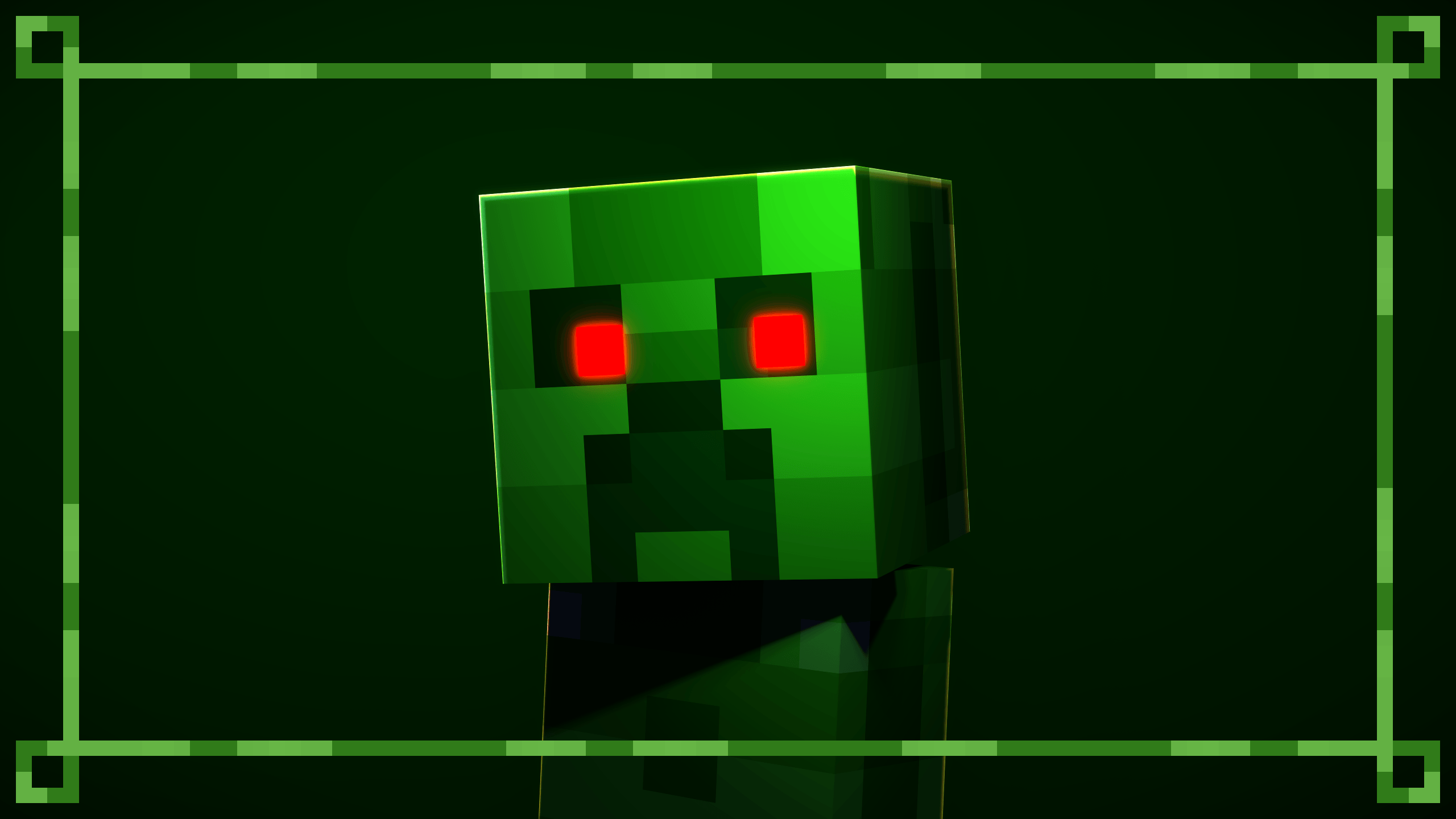
A texture pack that remasters the Creeper skin and the default skins. Compatible with Fresh Animations Pack.
by FurGalaxyProductions
Download Claim this project
2,232 downloads
0 likes
0 followers
Updated Oct 14, 2026
0 hypes
Follow0
16x Miscellaneous Traditional
Advertisement Remove ads with Premium →

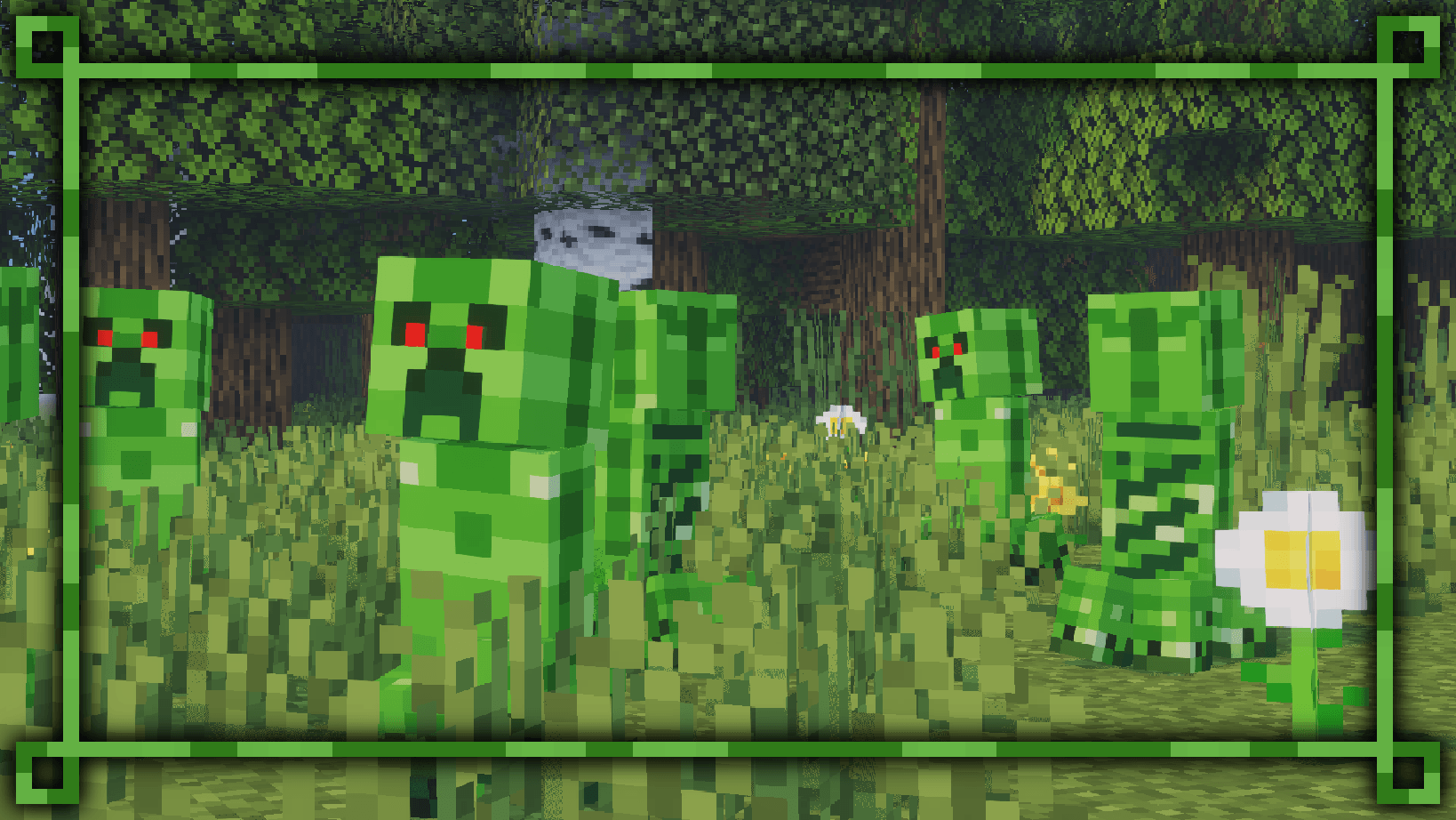
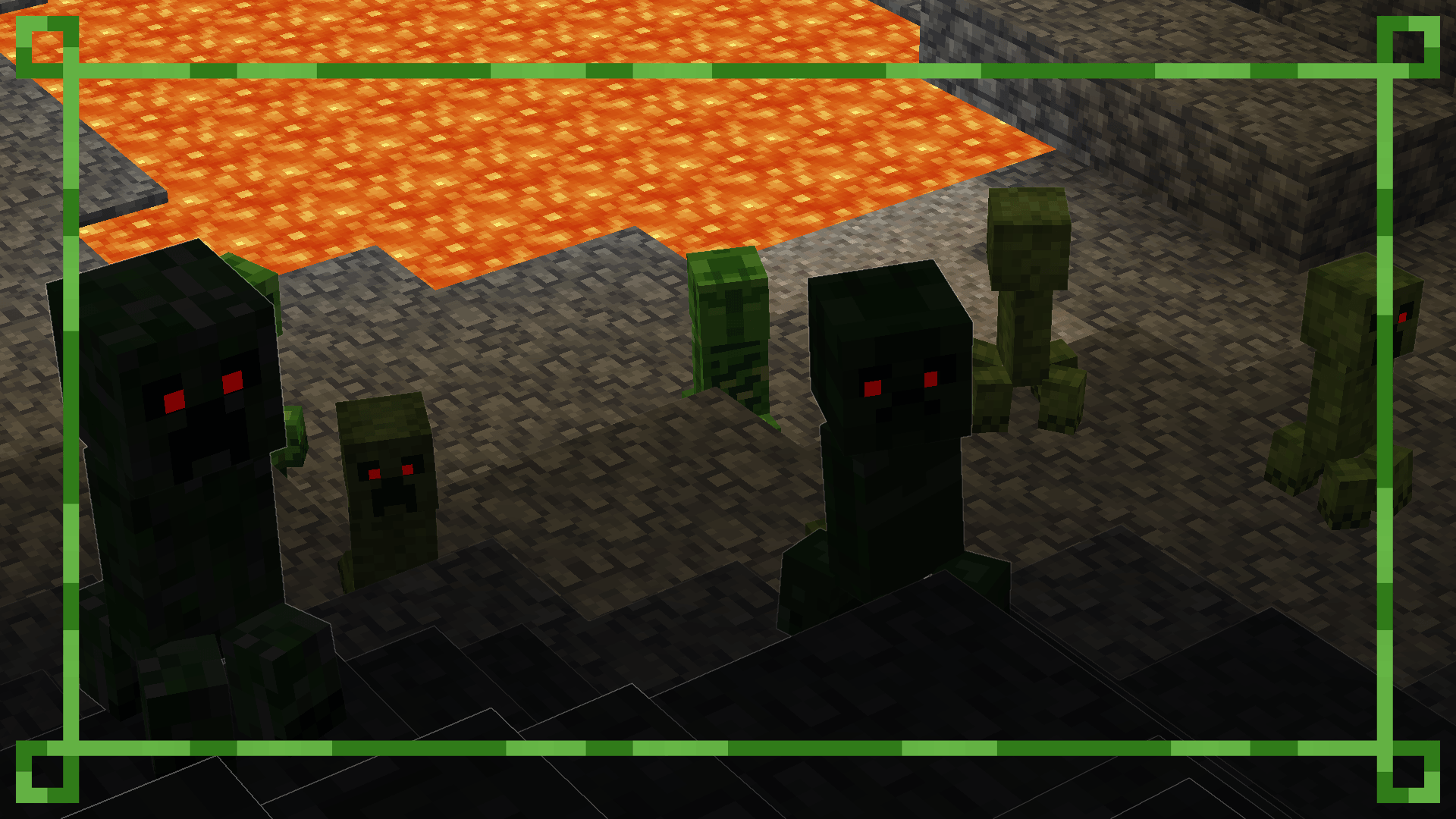
This texture pack remasters the Creeper's texture, and a few other things. Pack Gif

New design for Creeper, working with or without the Fresh Animations Texture Pack. Now with texture variations (2.0+)
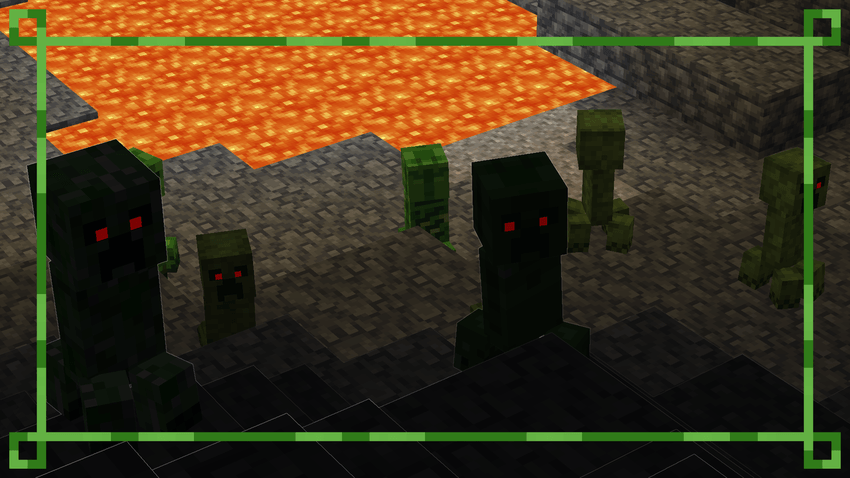
 

Using the Fresh Animations Texture Pack, the red eyes will glow in the dark.
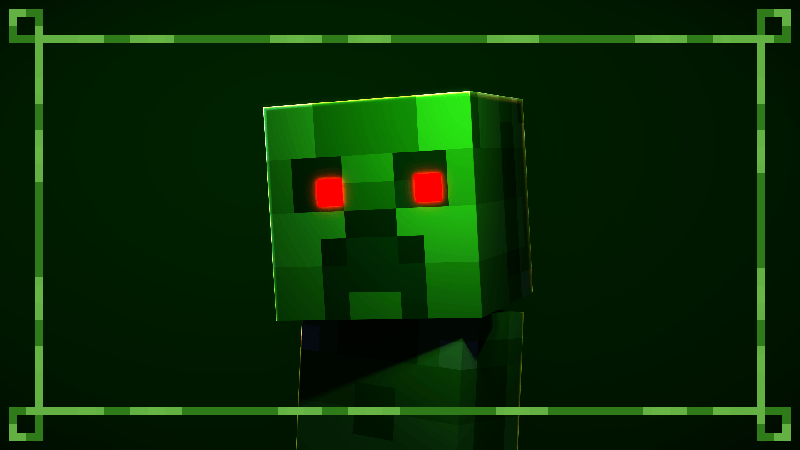
Red Eyes


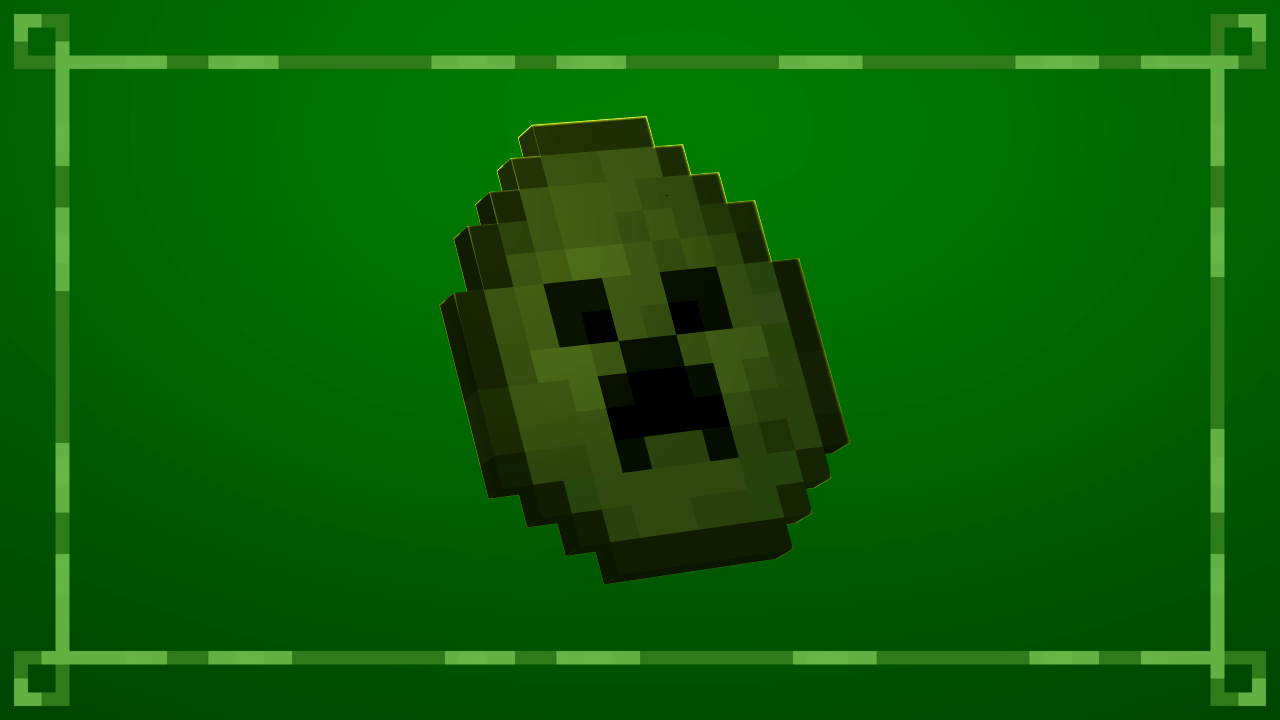
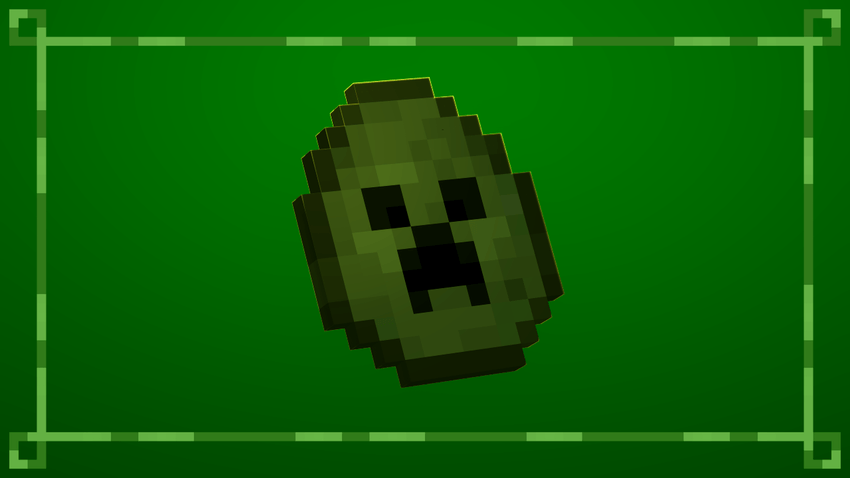
Updated Creeper spawn egg. Compatible with the Rethought Spawn Eggs Texture Pack.
 

For optimal performance, position the texture packs as recommended.
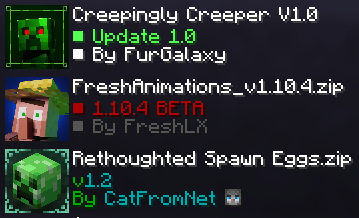
Tutorial


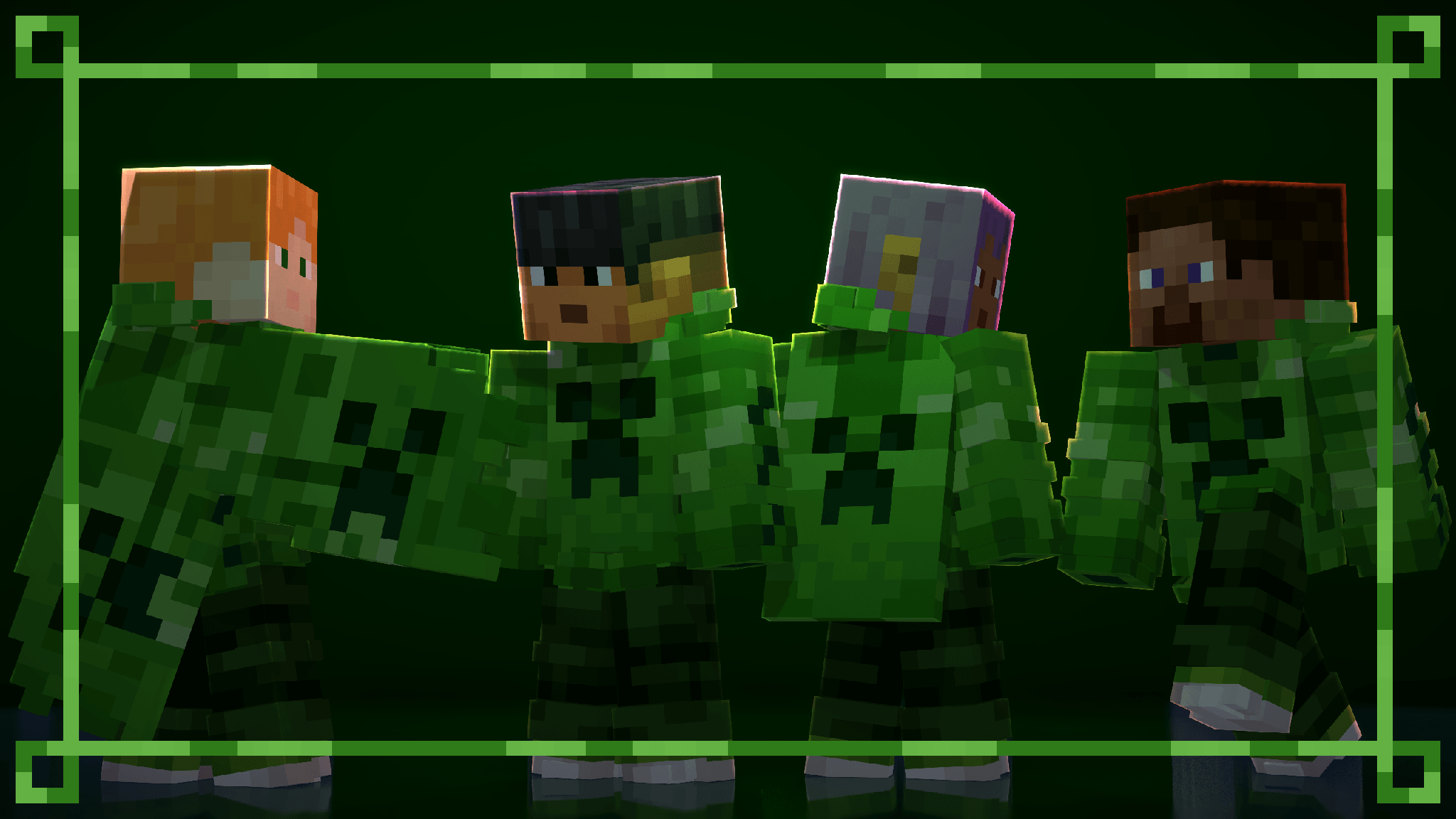
All default skins, with slim and wide arms, now wear a themed outfit from the pack.
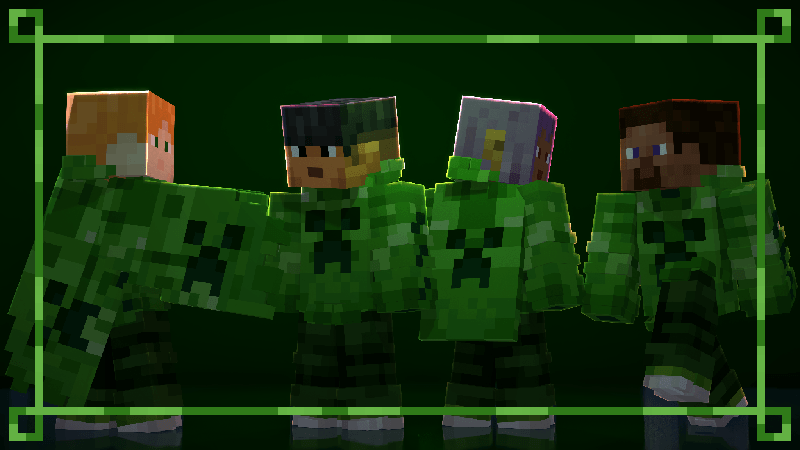
New Default Skins


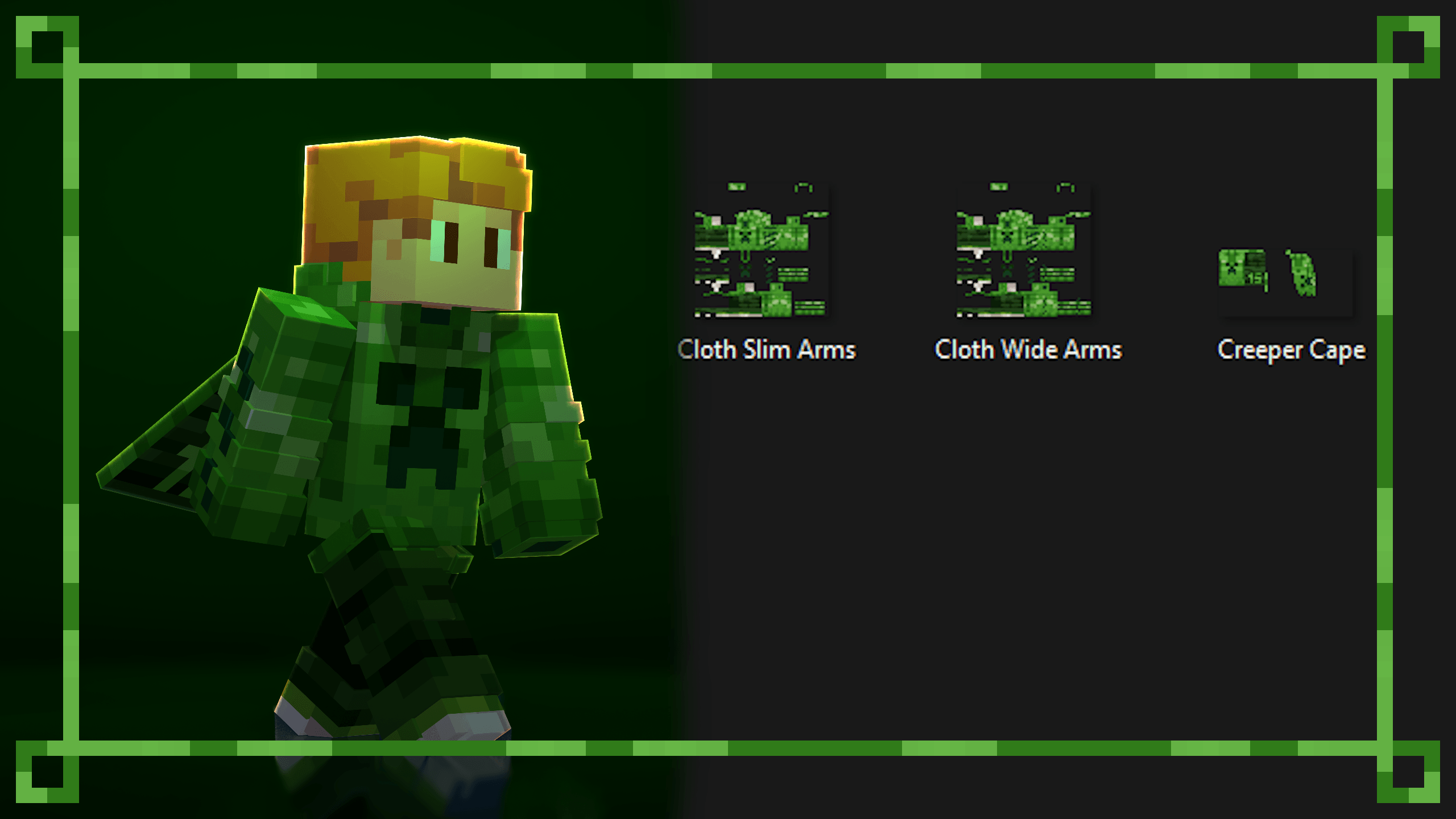
You can create your own themed skin and use the custom skin from the pack. The Creeper Skin and Cape is a redesign of the Minecraft 15th anniversary skin. Use any Custom Cape Mod to use the cape. The templates have been placed in the texture files for you to use.
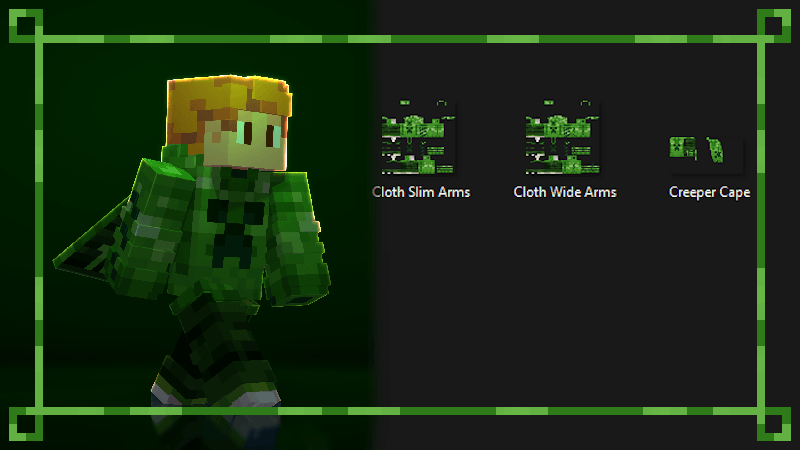
Custom Skin


Available on Modrinth.


More texture packs coming soon...

Creepingly Creeper V2.0
MC 1.5.3, 1.16.3, 1.13.1, 1.9.3, 1.8.7, 1.7.4, 1.7.7, 1.7.6, 1.16-Snapshot, 1.17.1, 1.9.1, 1.21.2-Snapshot, 1.21, 1.21.6-snapshot, 1.15-Snapshot, 1.7.5, 1.4.6, 1.6.1, 1.0, 1.16.1
Release 2026-09-06 Get
Creepingly Creeper V1.0
MC 1.5.3, 1.16.3, 1.13.1, 1.9.3, 1.8.7, 1.7.4, 1.7.7, 1.7.6, 1.16-Snapshot, 1.17.1, 1.9.1, 1.21.2-Snapshot, 1.21, 1.21.6-snapshot, 1.15-Snapshot, 1.7.5, 1.4.6, 1.6.1, 1.0, 1.16.1
Release 2026-03-12 Get

Requirements & install

How to use this resource pack in Minecraft
Resolution
16x
Minecraft
1.15-Snapshot – 1.21.6-snapshot
Install folder
.minecraft/resourcepacks

How to install resource packs

  1. Download the resource pack .zip file (do not extract it).
  2. In Minecraft open Options → Resource Packs → Open Pack Folder.
  3. Drop the .zip into the resourcepacks folder (.minecraft/resourcepacks).
  4. Move the pack to the Selected column and click Done.
Browse more: 16x resource packs 32x resource packs 64x resource packs 128x resource packs 256x resource packs 512x+ resource packs Resource Packs for 1.21.6-snapshot All resource packs
Advertisement Remove ads with Premium →

You Might Also Like