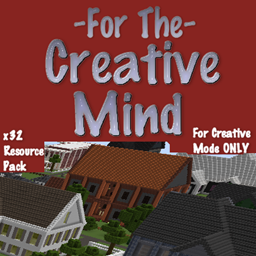
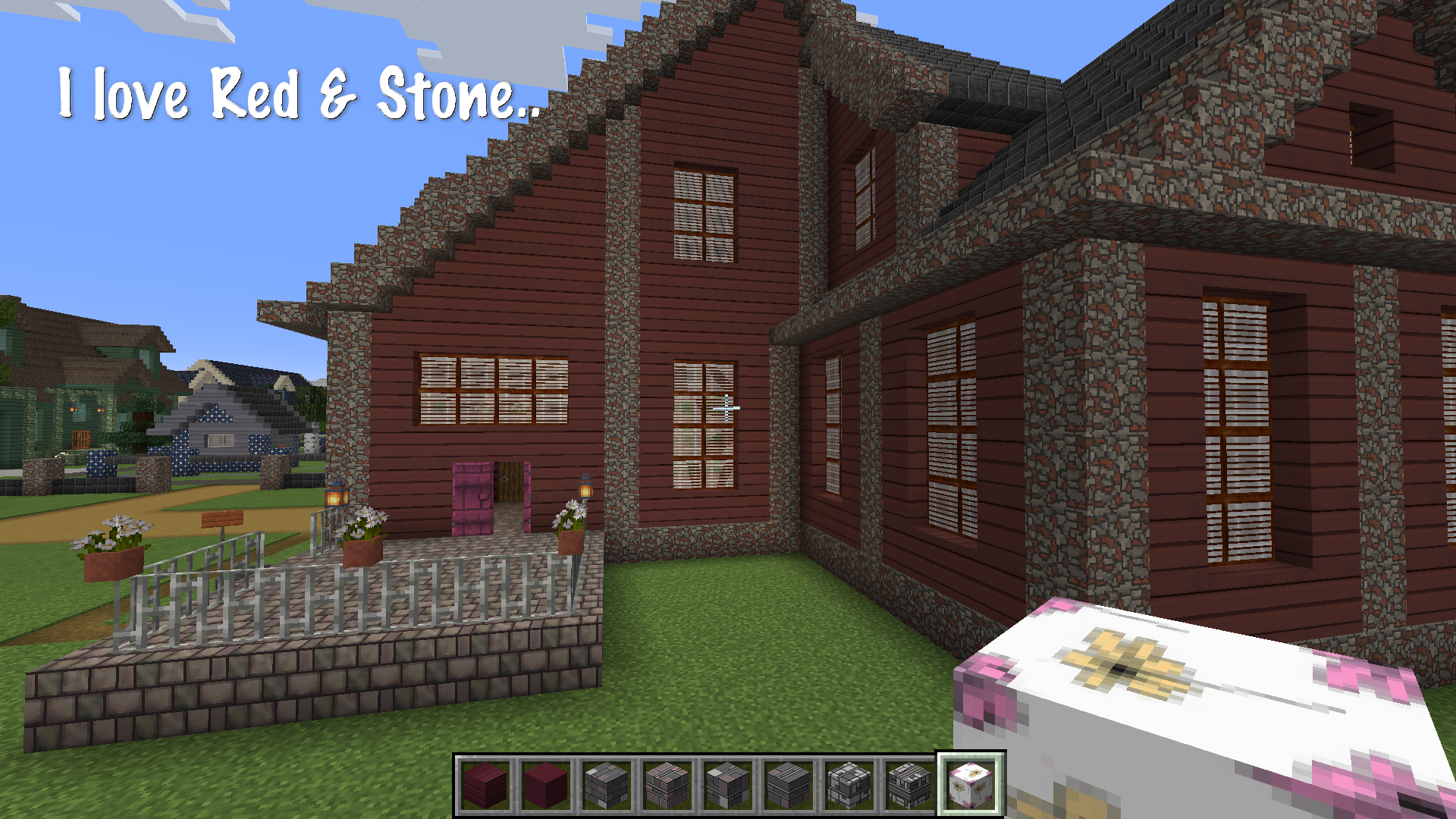
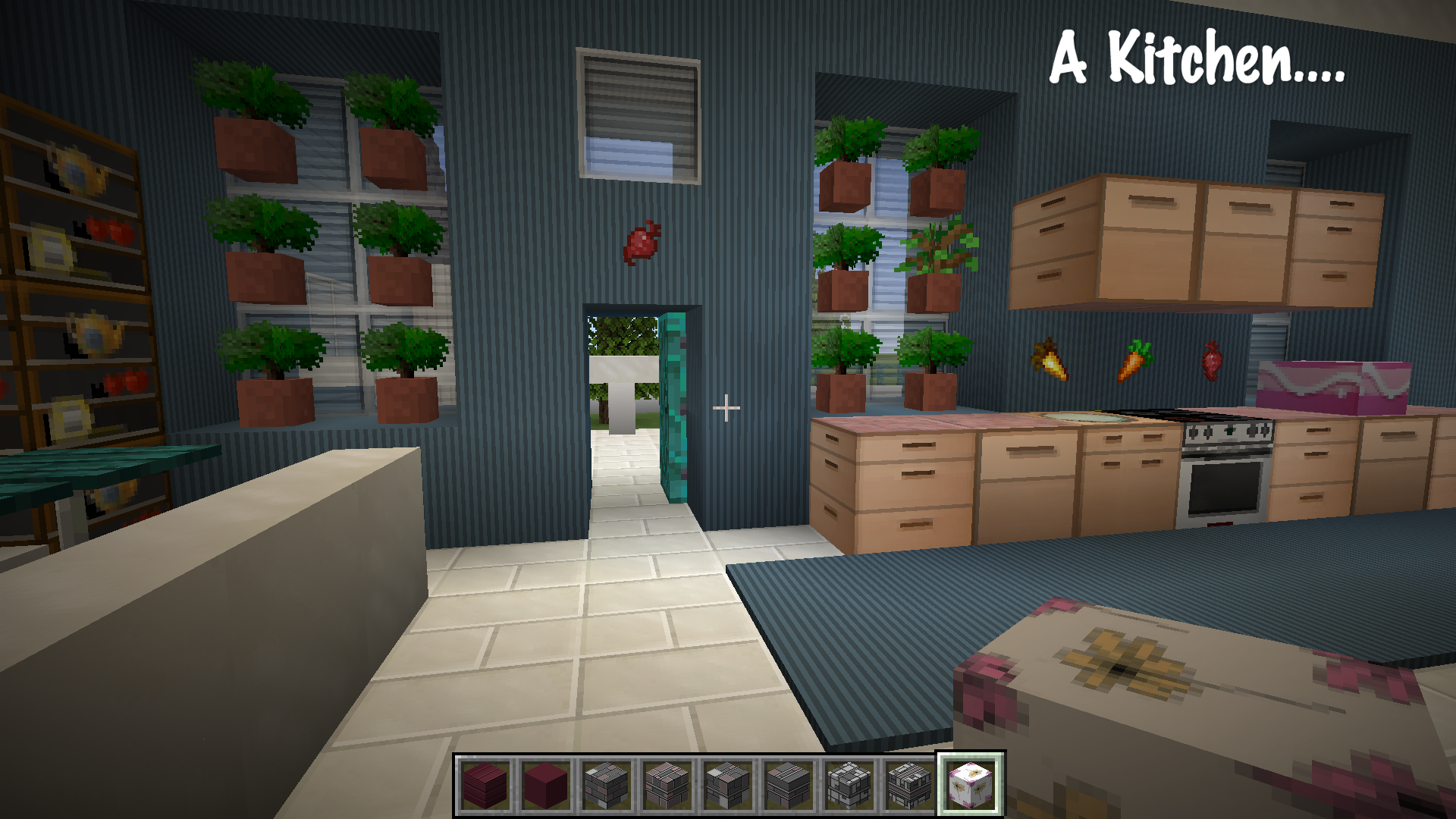
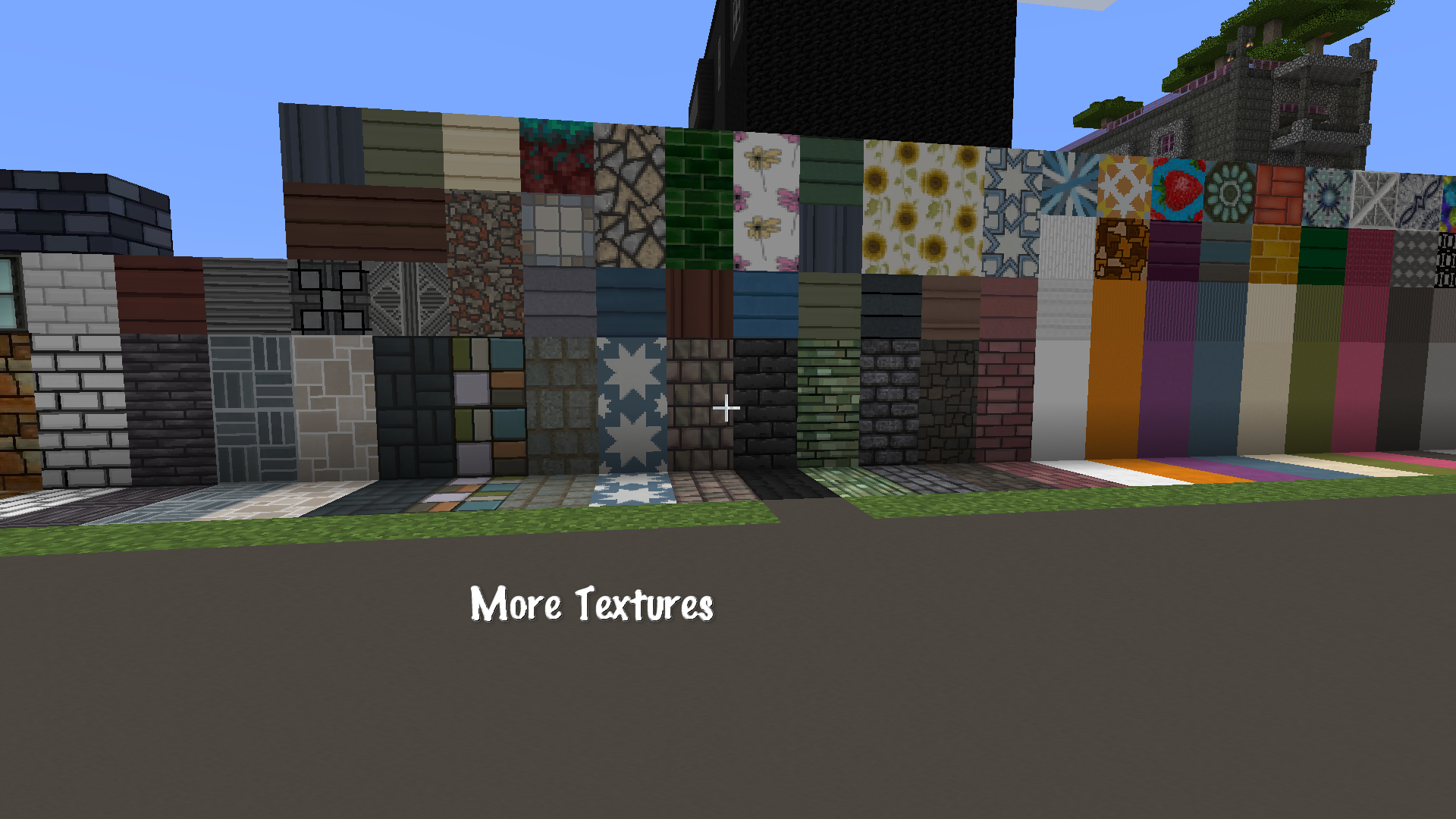
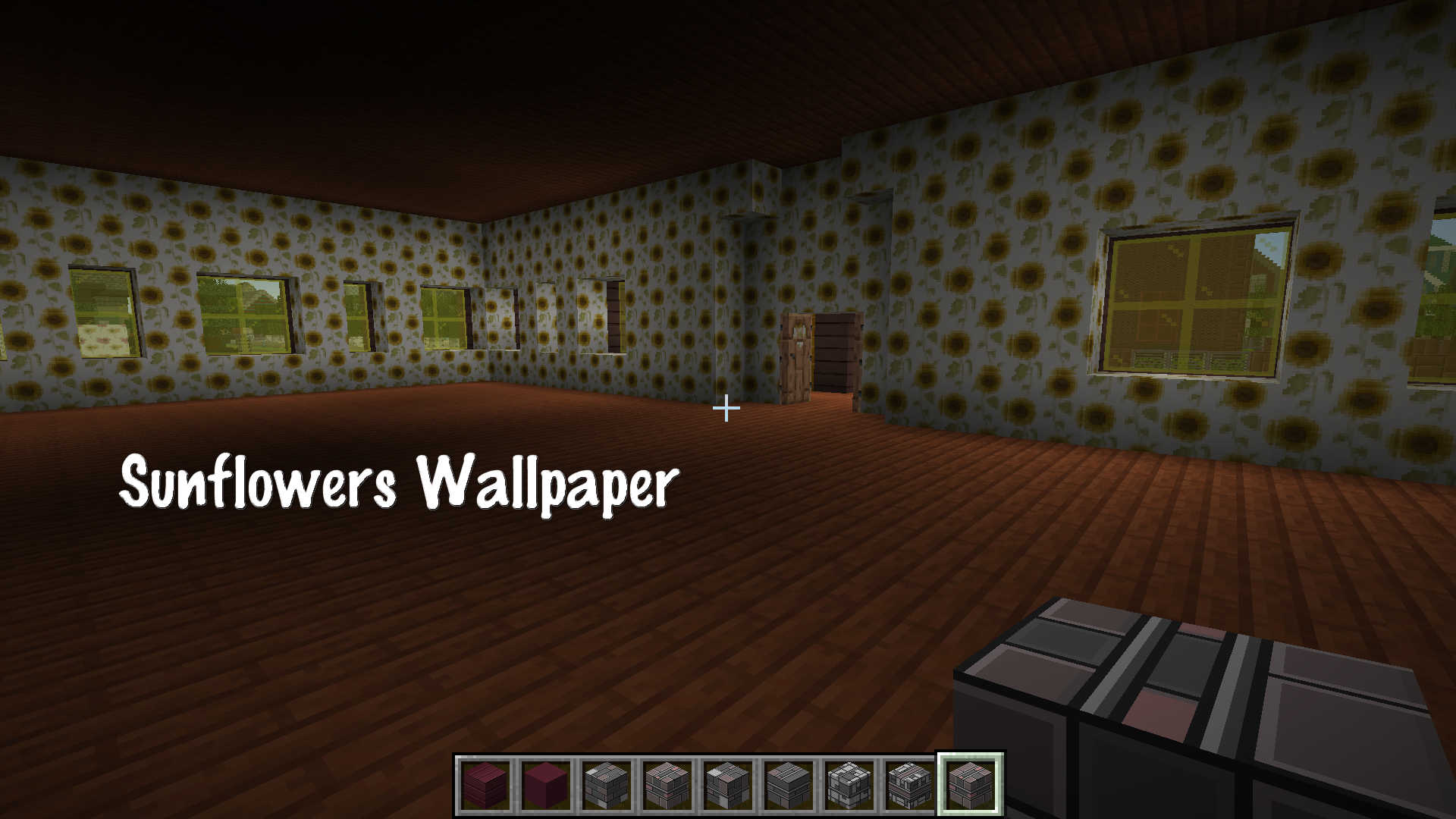
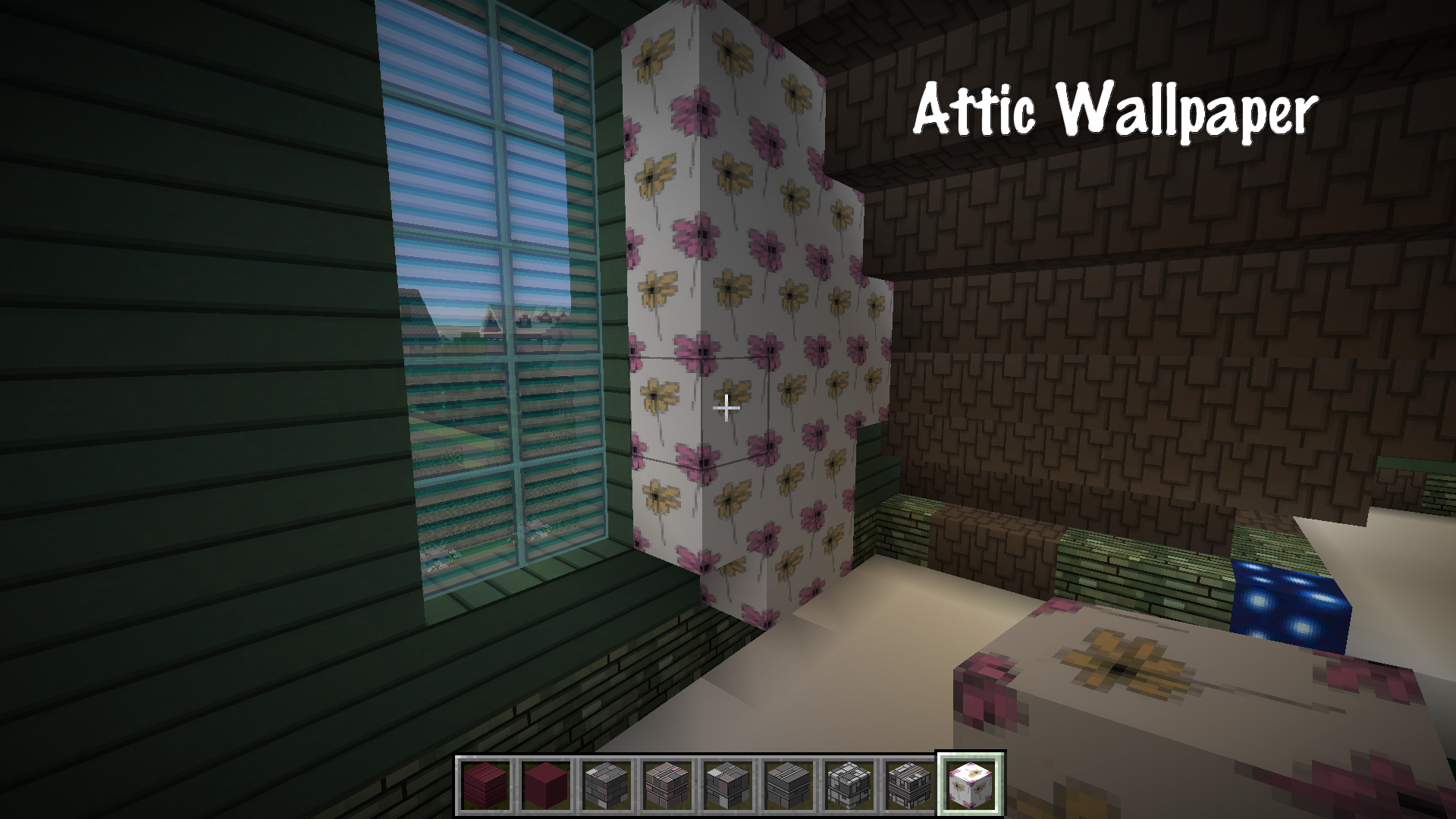
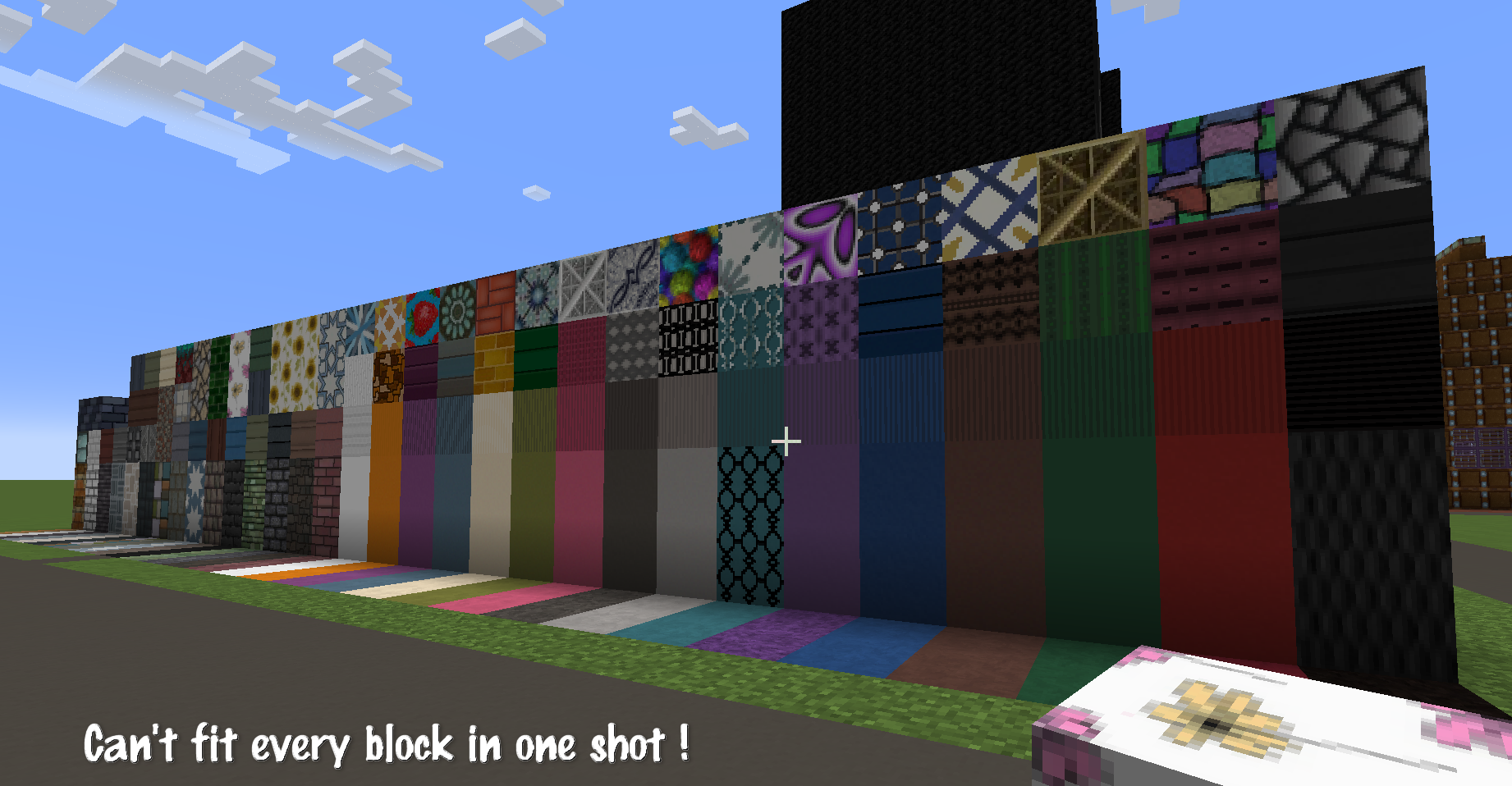
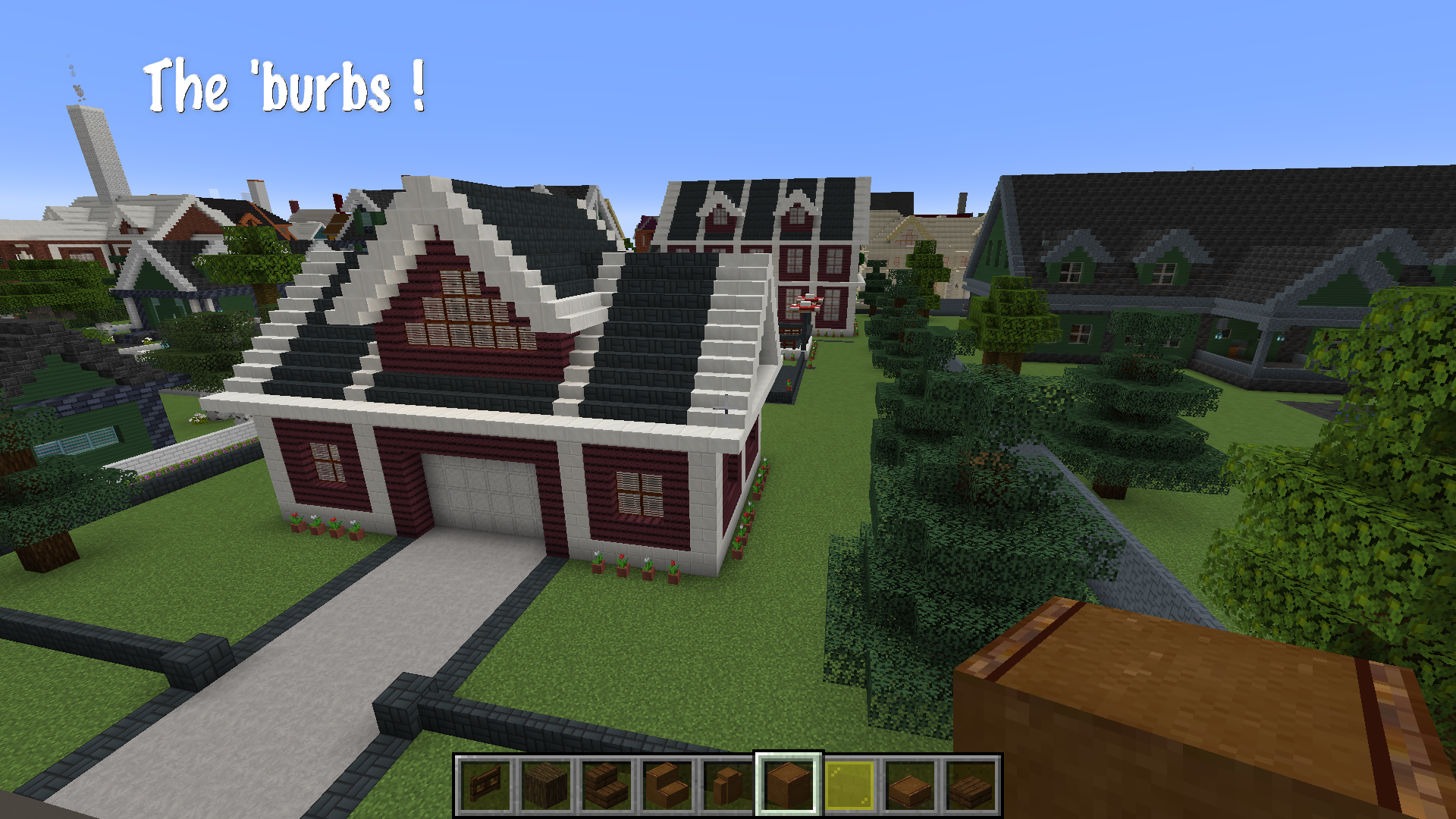
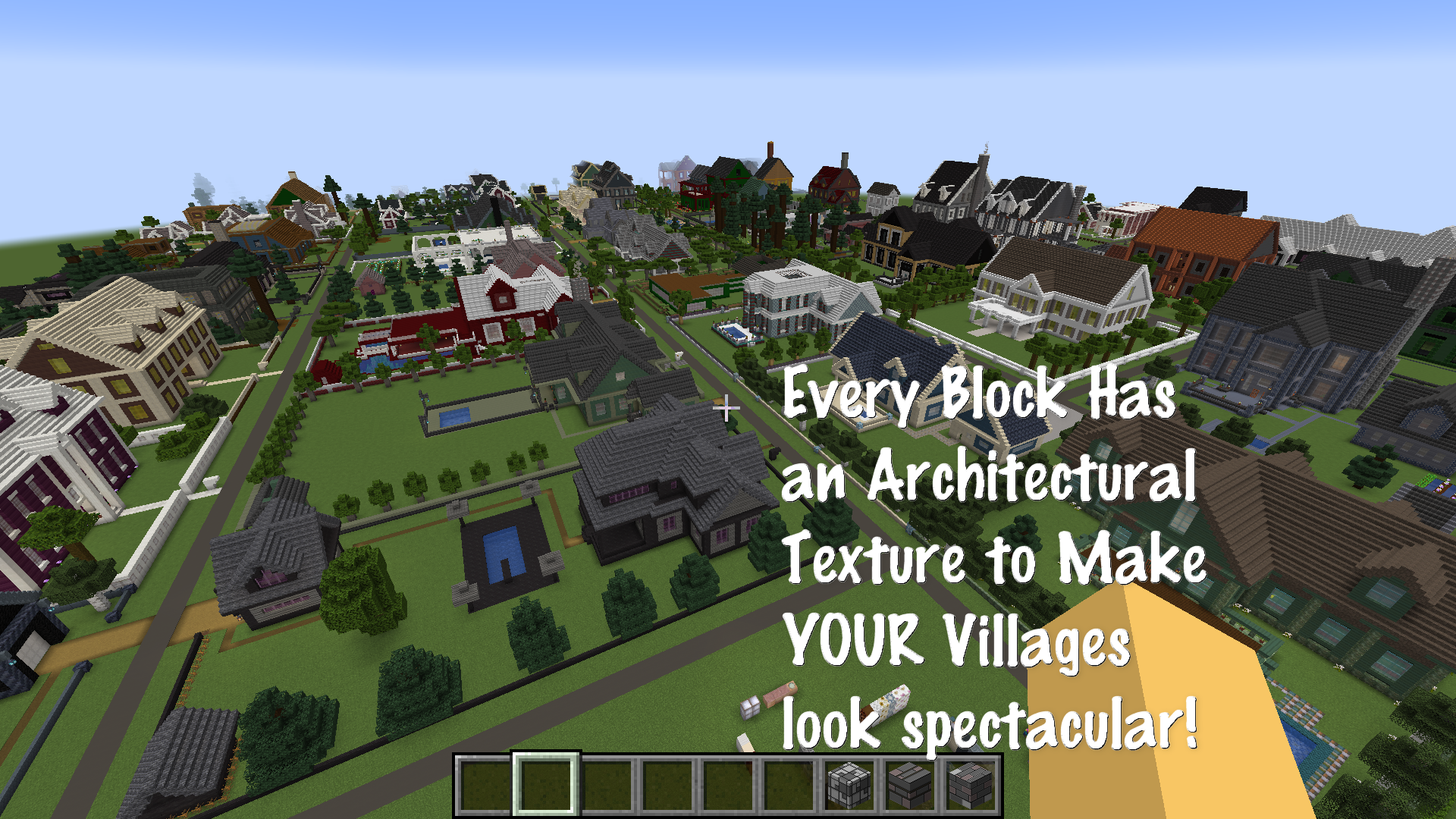
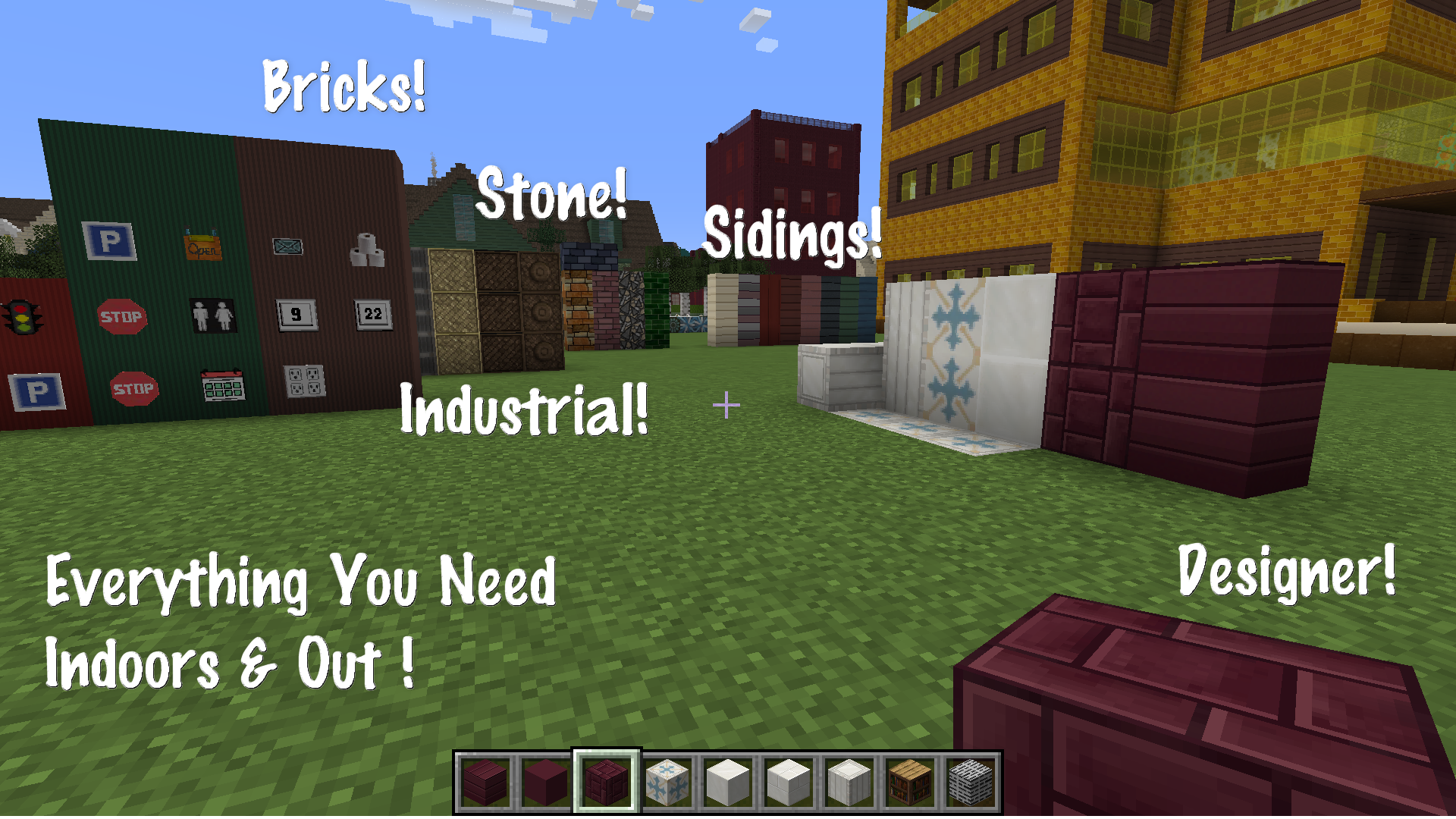
This resource pack is to be used for Creative Mode ONLY! (All blocks that could wear an architectural texture were up for grabs! )
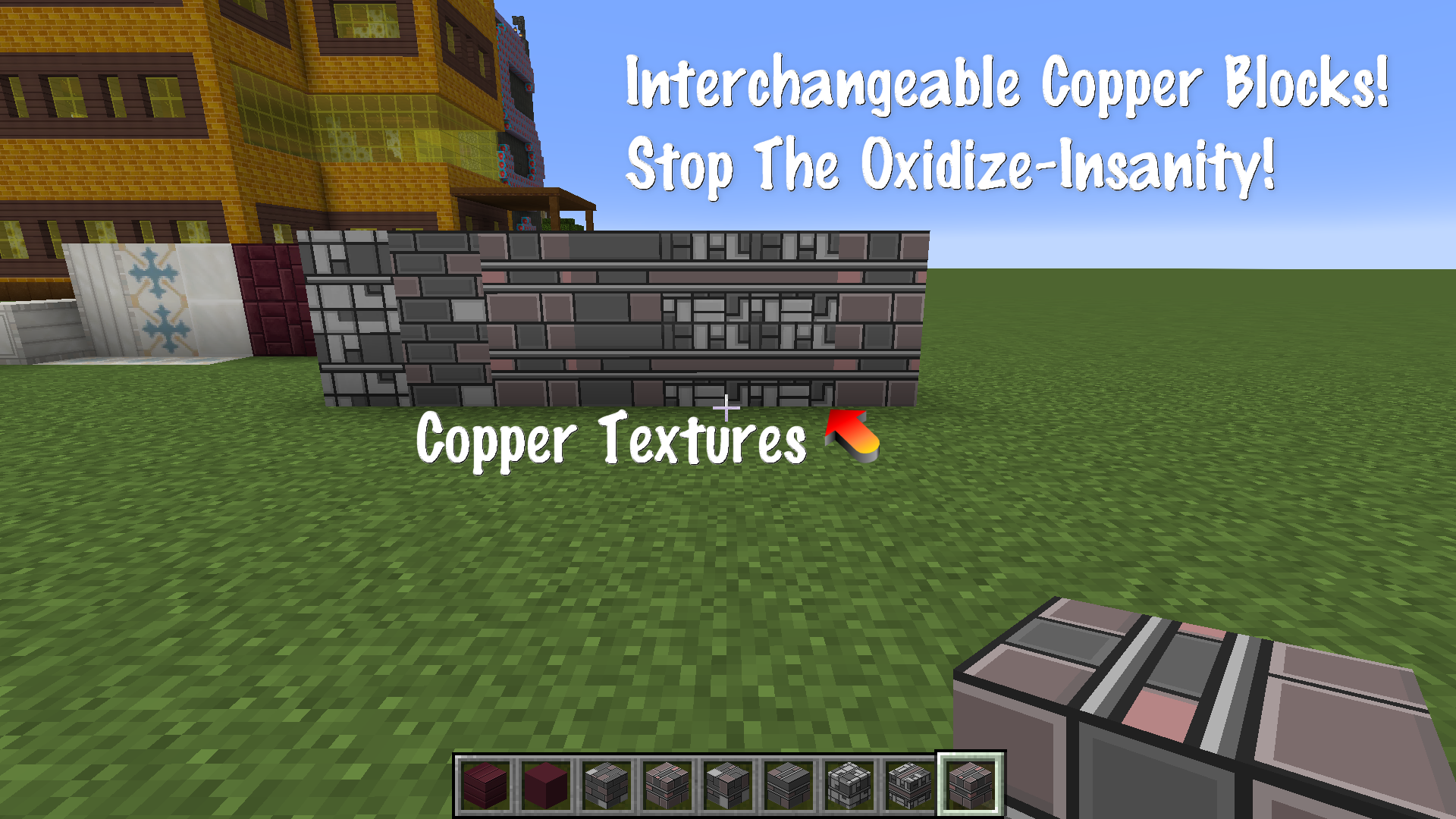
Only block textures were modified. Names have not been changed, no labels, no limitations.
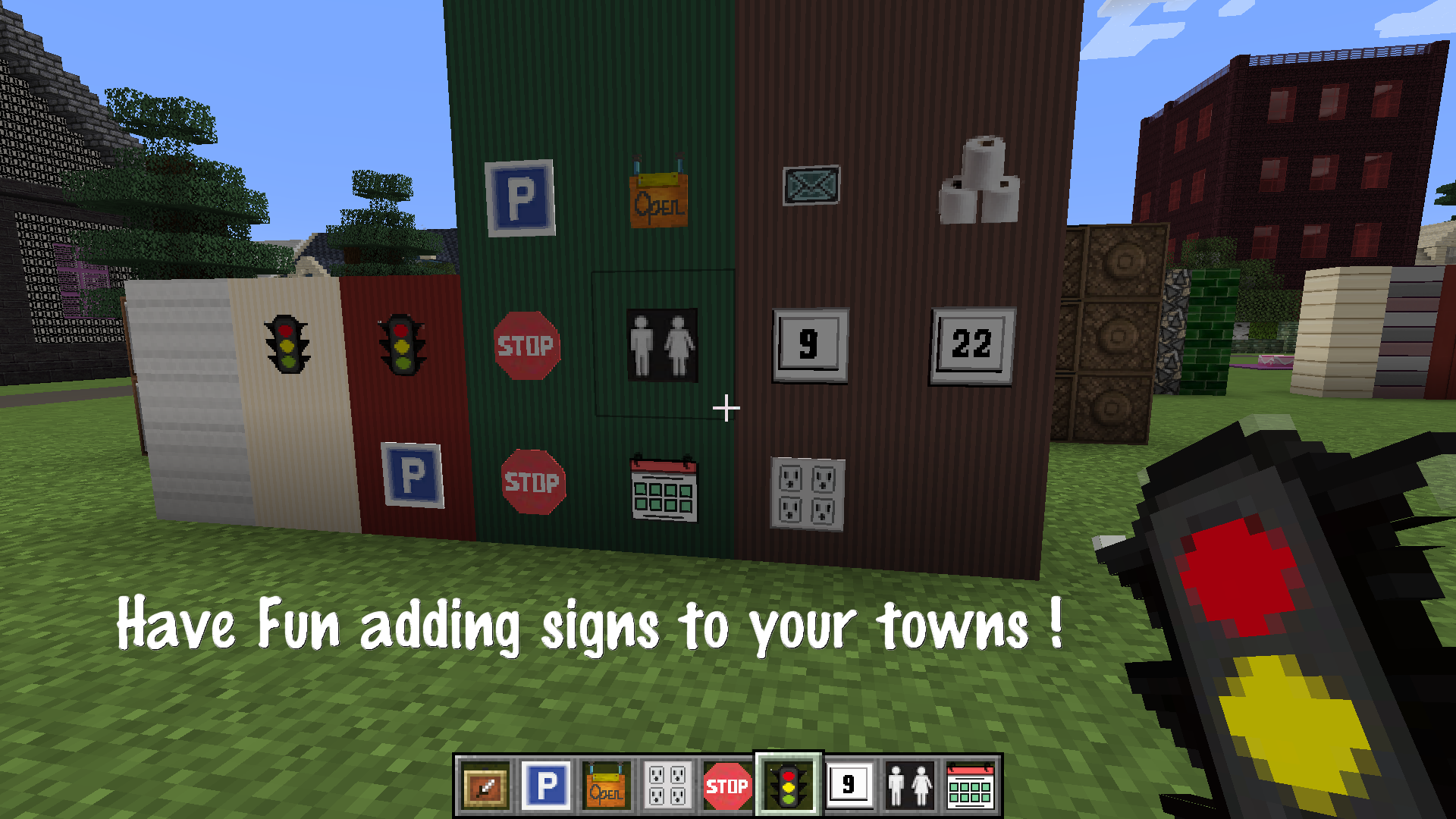
Items modified are for use to display in the invisible item frame. (Directions as how to obtain the invisible frame are located in the readme file, or a google search)
I recommend using my pack with the Clarity Resource Pack located here - https://www.curseforge.com/minecraft/texture-packs/clarity
THIS IS A WORK IN PROGRESS! CHECK FOR UPDATES IF YOU ENJOY MY PACK!
ABOUT ME-
I am a hobbyist-gamer who tends to be happier in the sandbox. I have never played Adventure mode, but have spent countless hours building a world in Creative.
I found that I needed a larger selection of 'building' materials to give my little town some variation. I taught myself how to edit the textures and made my own
resource pack combined with blocks from my two favorite packs (Bewitched and Clarity).
I have wanted to share my pack with other like-minded, out of the box gamers who want more than the norm.
I have not added any textures that were not my own to my Creative Mind pack nor have I figured out how to modify item names. I assumed that if a player
needed an item specific to crafting then keeping original block/item names was needed.