Mineuniverse
Resource Packs
Create: World of Color

Create: World of Color

RESOURCE PACK
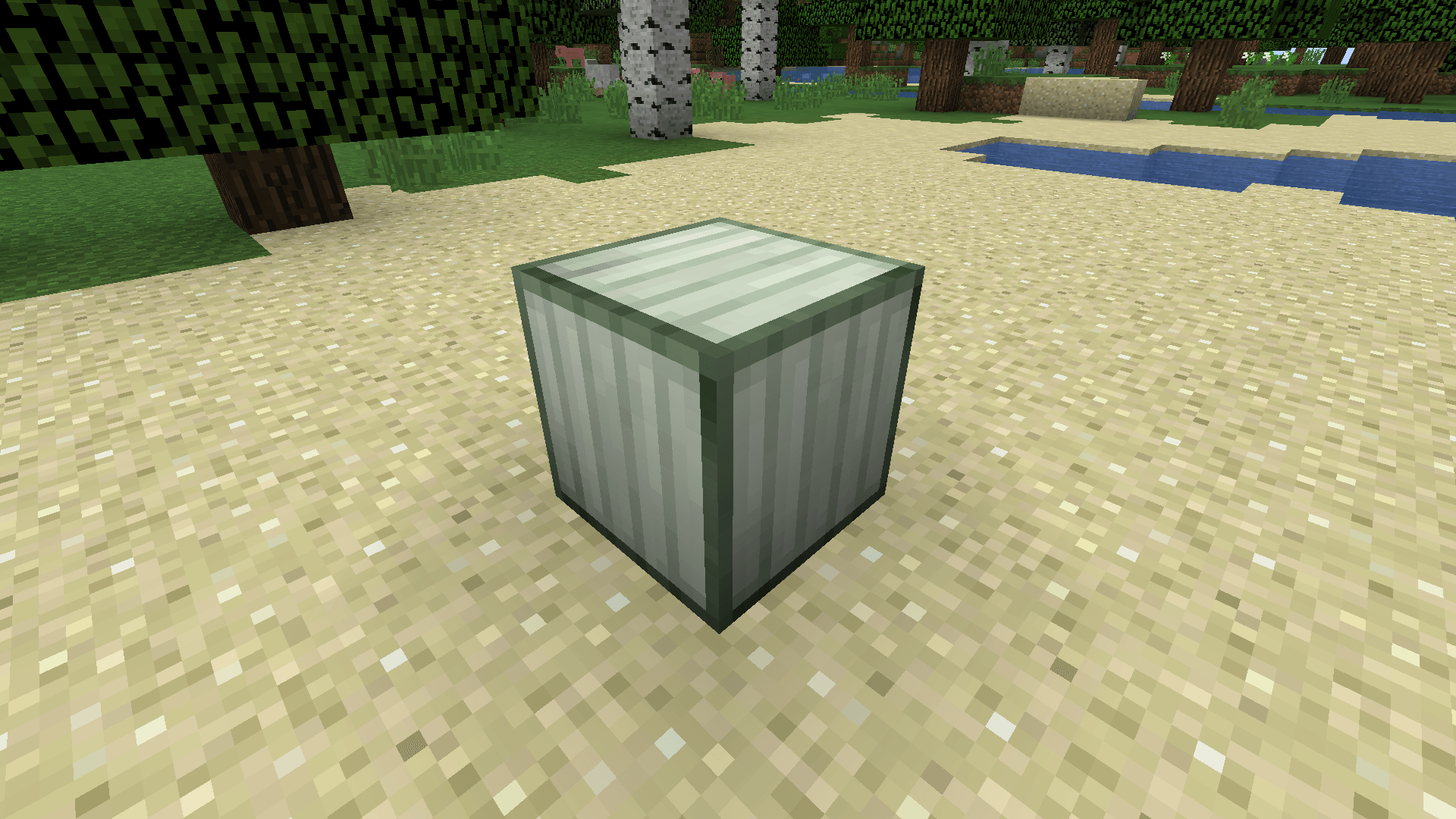
A take on the Create Mod in the Programmer Art style!
by grace
Download Claim this project
Add a badge to your pageLink to Create: World of Color from a README, website or forum post.
Preview: Badge

Badges update automatically and link to the resource pack page on MineUniverse.

3,196 downloads
0 likes
0 followers
Updated Oct 14, 2026
0 hypes
Follow0
16x Mod Support
Advertisement Remove ads with Premium →

"The sky is the limit..."


Create: World of Color


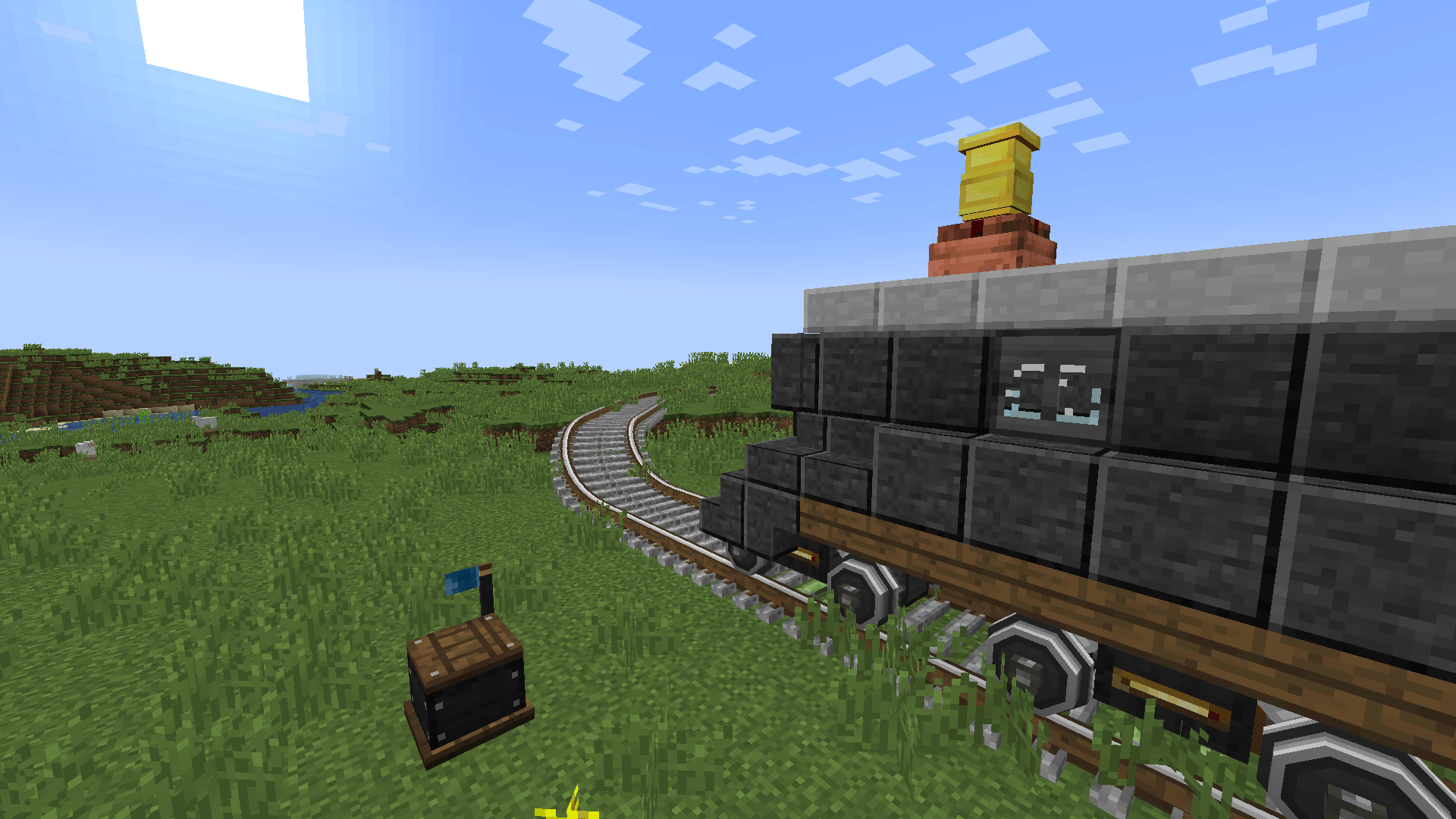
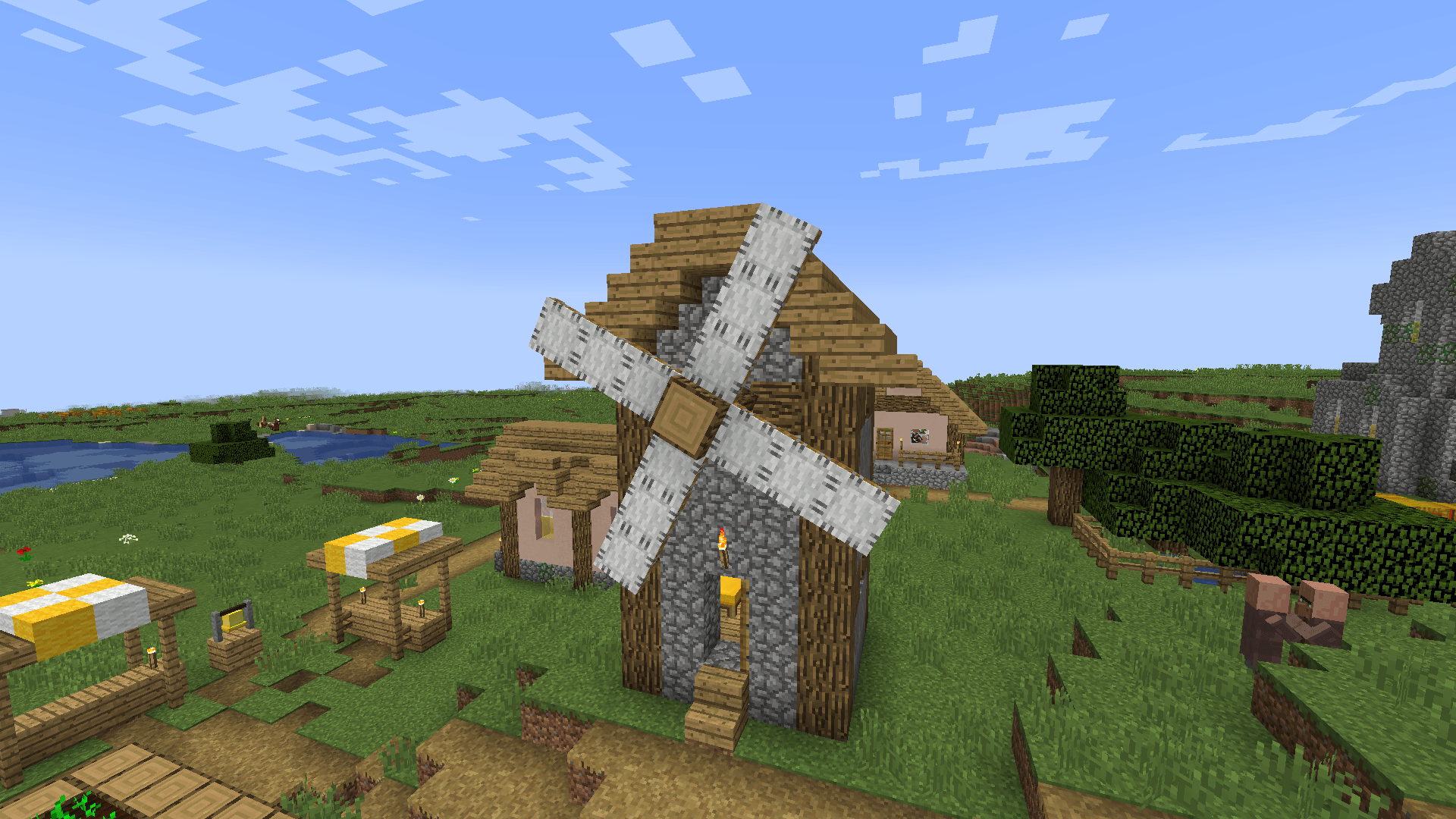
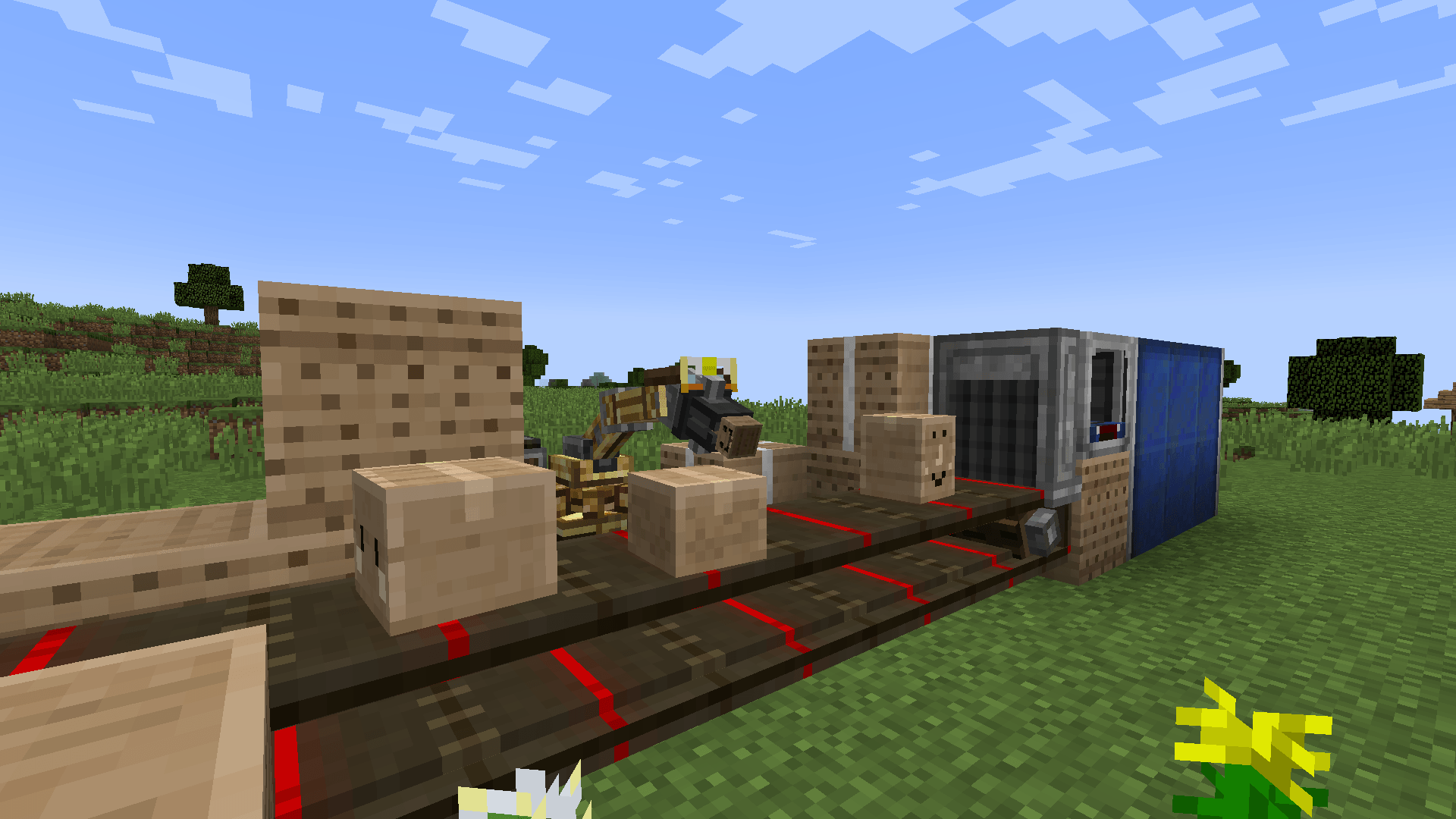
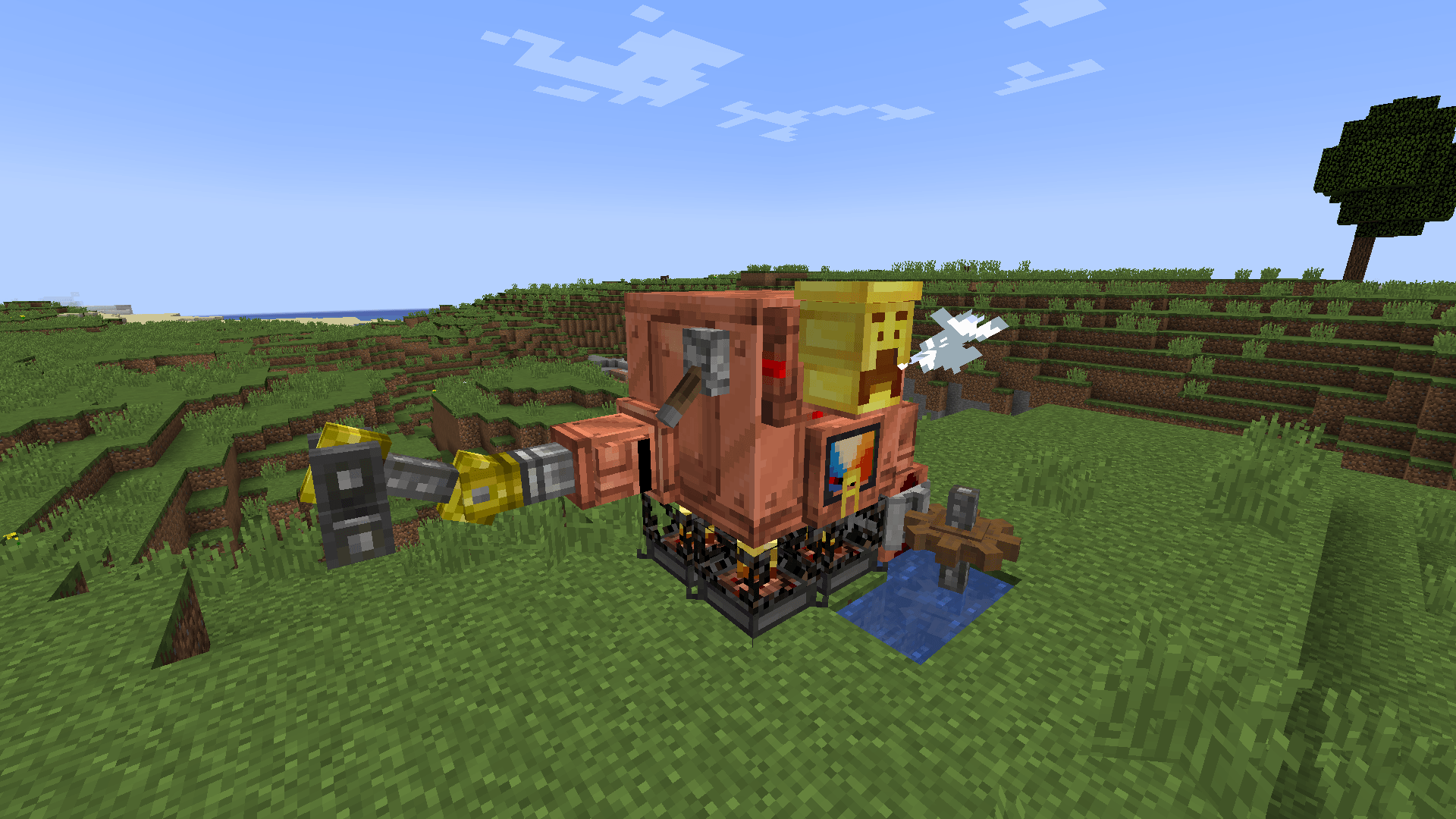
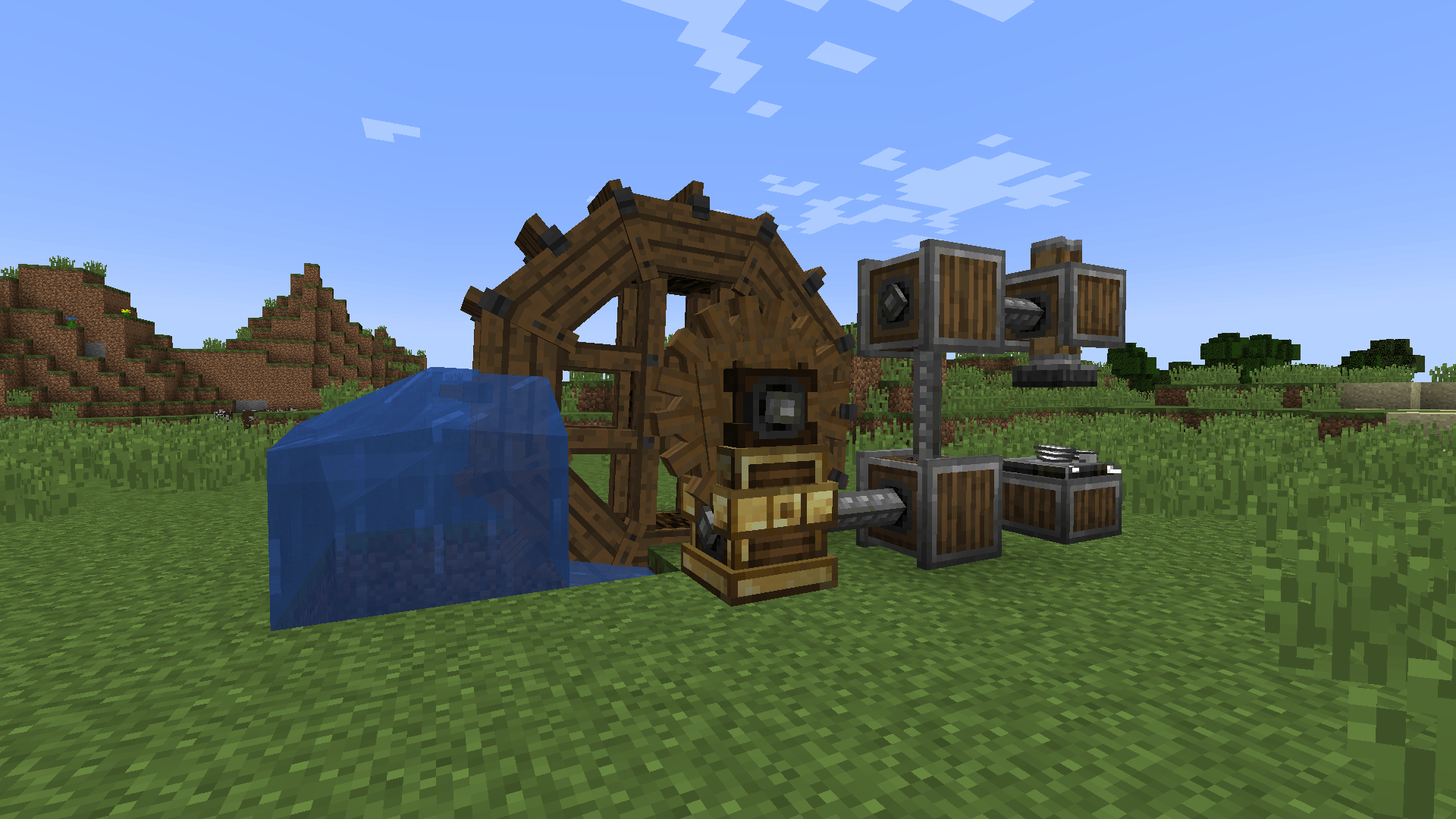
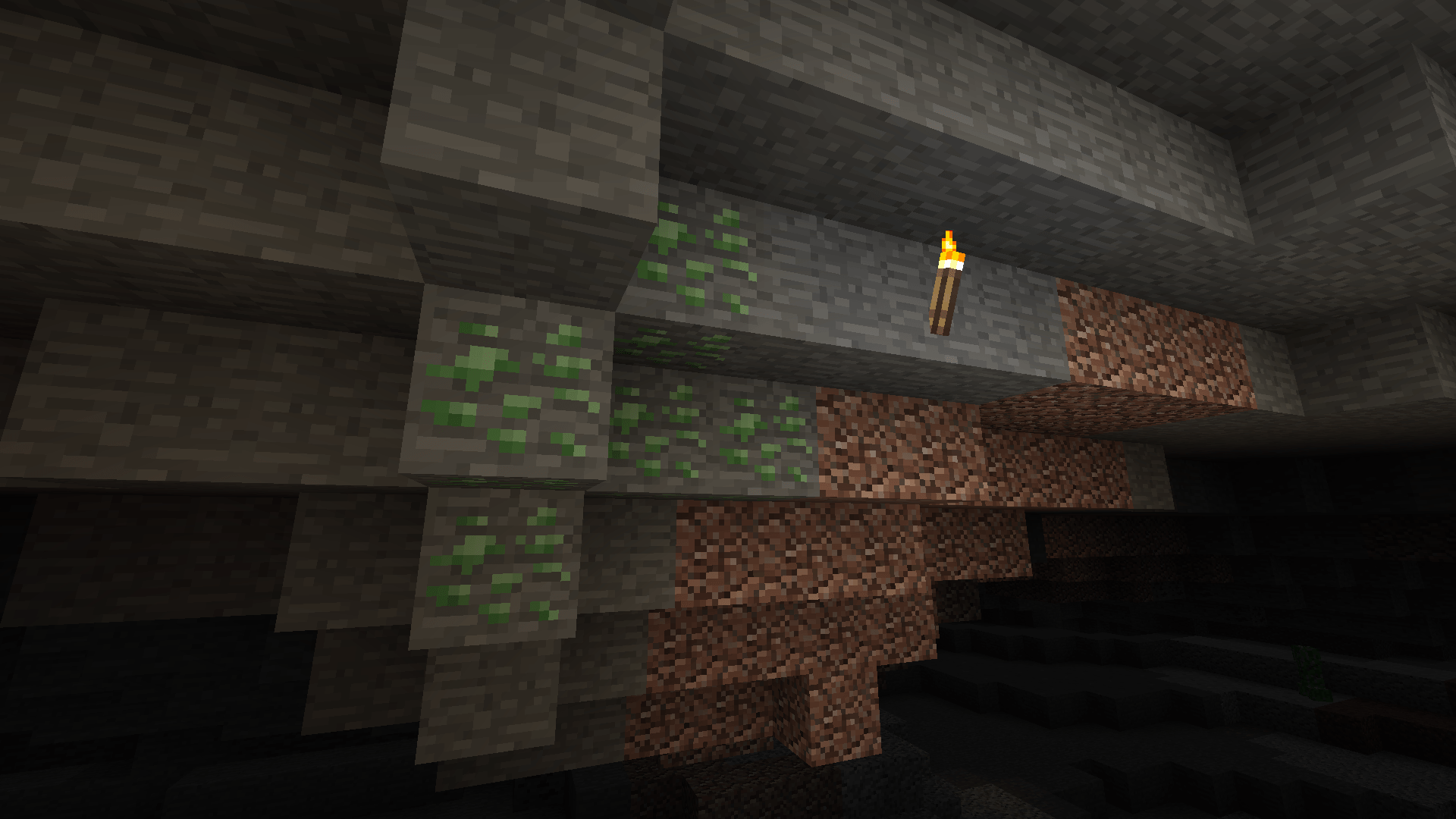
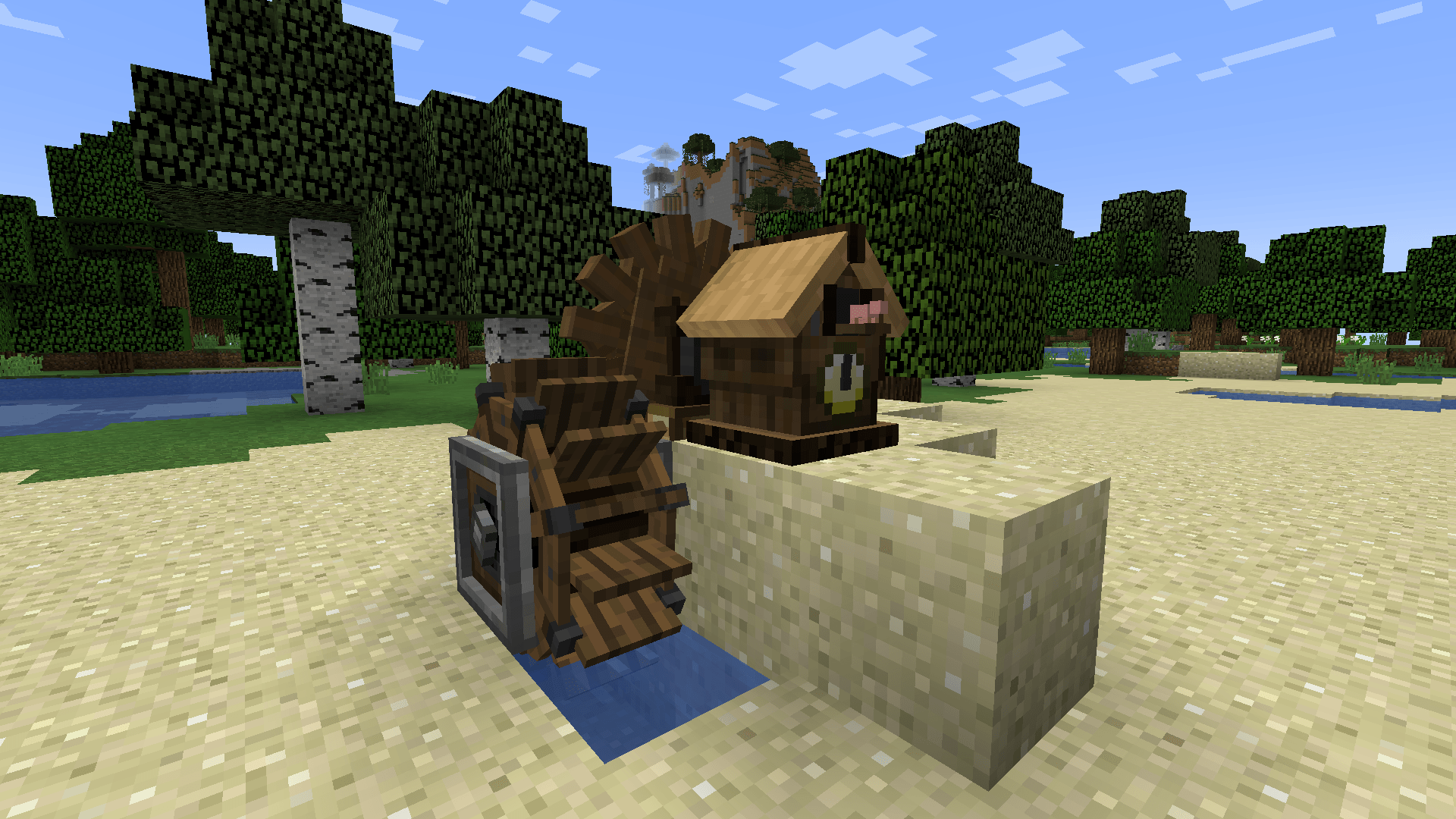
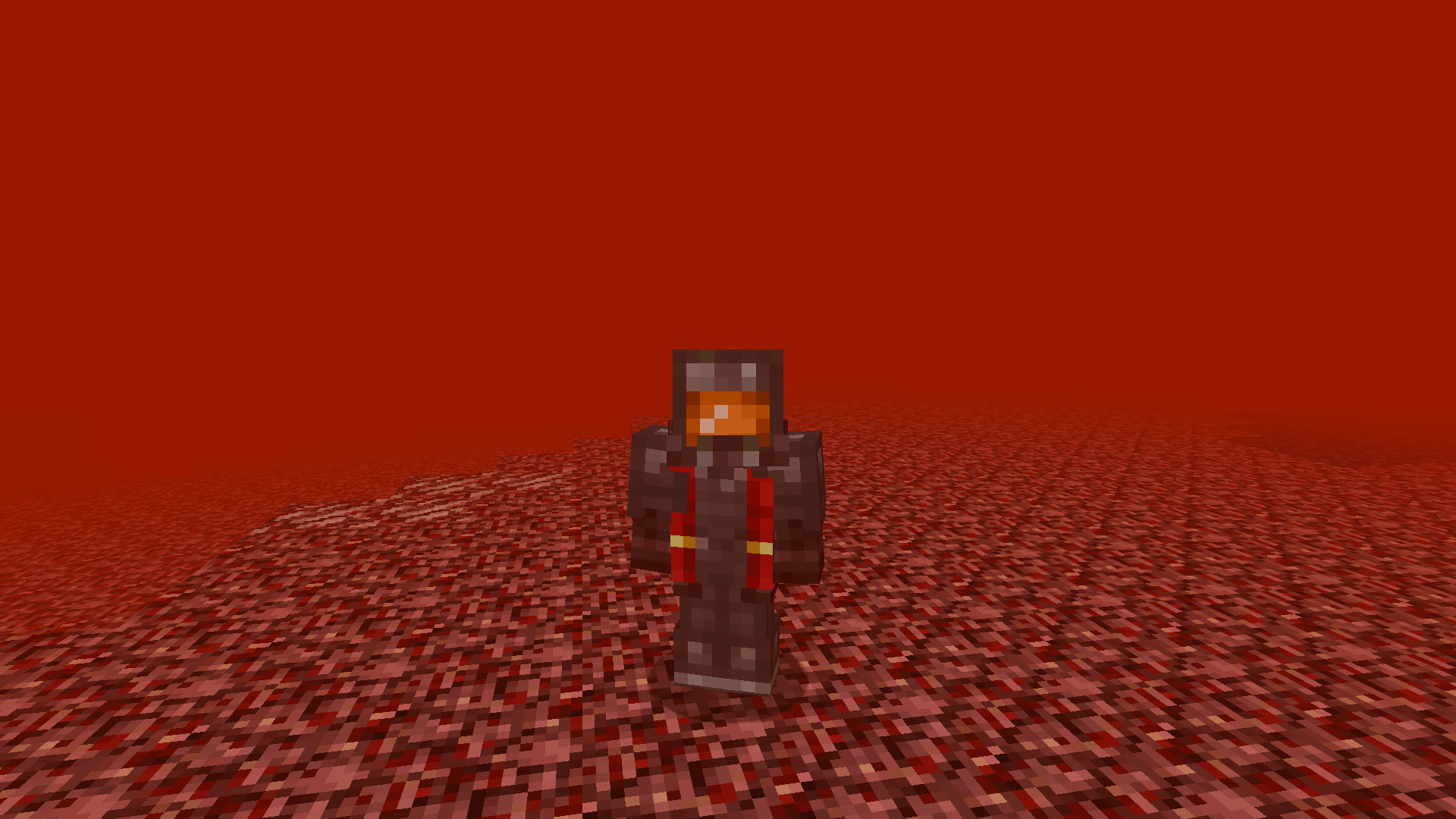
...is a resource pack designed to emulate what Create would look like in Minecraft's Programmer Art style!

(The upload of this pack on this site is deprecated, and you should get it on Modrinth instead.)


Recommendation


Add Programmer Art Continuation Project underneath this pack but above the regular Programmer Art (as shown in the image below) for the optimal experience.
(A lot of palettes or textures in this pack take direct reference off of PACP for parity!)

Credits


  • gracedatgirl - That's me! Create: World of Color has been a passion project of mine for... well, far too long! I've always been fond of the Programmer Art style, and I'd consider Create one of the best Minecraft mods I know, so... it felt pretty natural to happen eventually!
  • flabberghastio - Did some of the copper palettes for me in the v0.9 update! If it weren't for them, the update probably would've taken at least a week longer than it actually did...
  • PACP Team - As said already, their textures are the general base for a lot of things in Create: World of Color! Huge shout out to them!!! Their work is incredible!!
Create World of Color v1.0
MC 1.20.1, 1.21.1
Release 2026-01-28 Get
0.9 - The Update that Paved the World
MC 1.20.1, 1.21.1
Beta 2025-12-27 Get
0.8 - Everything but Rails
MC 1.20.1, 1.21.1
Beta 2025-10-21 Get
0.6 - Pre Production
MC 1.20.1, 1.21.1
Beta 2025-04-24 Get
v0.3.7
MC 1.20.1
Beta 2024-12-25 Get
v0.3.6
MC 1.20.1
Beta 2024-11-03 Get

Requirements & install

How to use this resource pack in Minecraft
Resolution
16x
Minecraft
1.20.1 – 1.21.1
Install folder
.minecraft/resourcepacks

How to install resource packs

  1. Download the resource pack .zip file (do not extract it).
  2. In Minecraft open Options → Resource Packs → Open Pack Folder.
  3. Drop the .zip into the resourcepacks folder (.minecraft/resourcepacks).
  4. Move the pack to the Selected column and click Done.
Browse more: 16x resource packs 32x resource packs 64x resource packs 128x resource packs 256x resource packs 512x+ resource packs Resource Packs for 1.21.1 All resource packs
Advertisement Remove ads with Premium →

You Might Also Like