ABOUT
Add create style variants (skins) for traders using the model variants system of Lightman's Currency introduced in the 2.2.5.2 update.
Starting from Create Style V1.4+, Lightman's Currency 2.2.5.3+ is required to work properly (if you ignore this, the auction stand and colored table cloth variants will fail to load)
More update (new content with more traders type, rework of existing content) are planned, the pack is in active development ;)
SHOWCASE
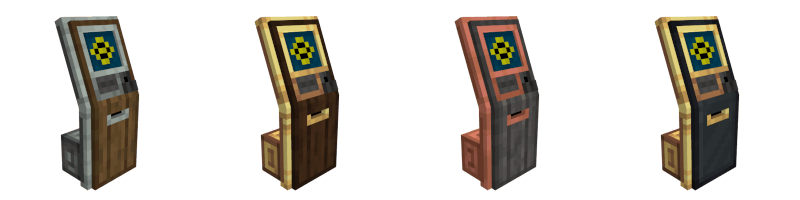
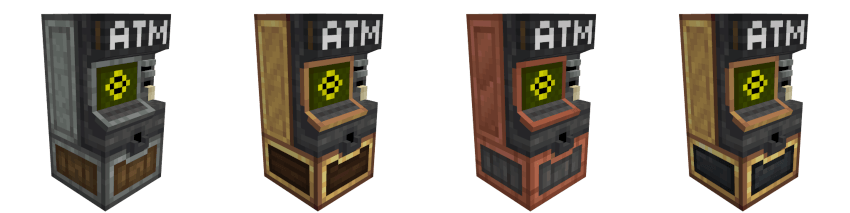
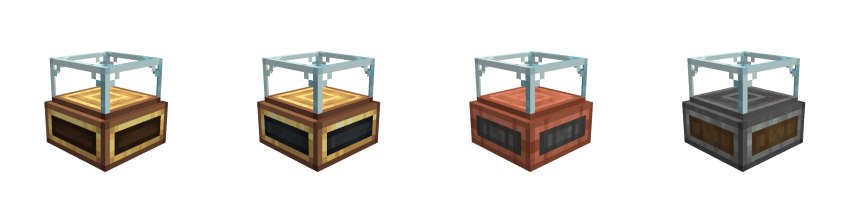
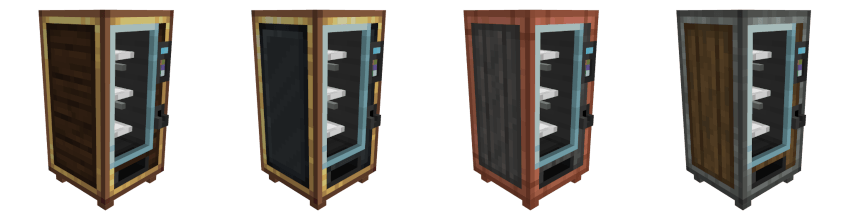
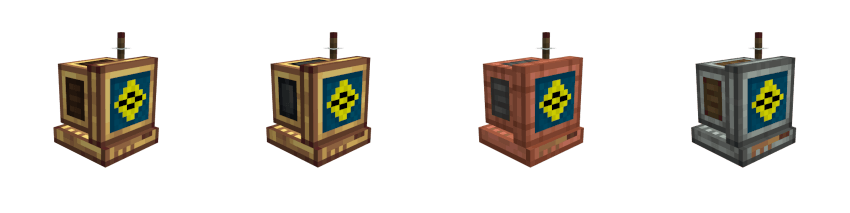
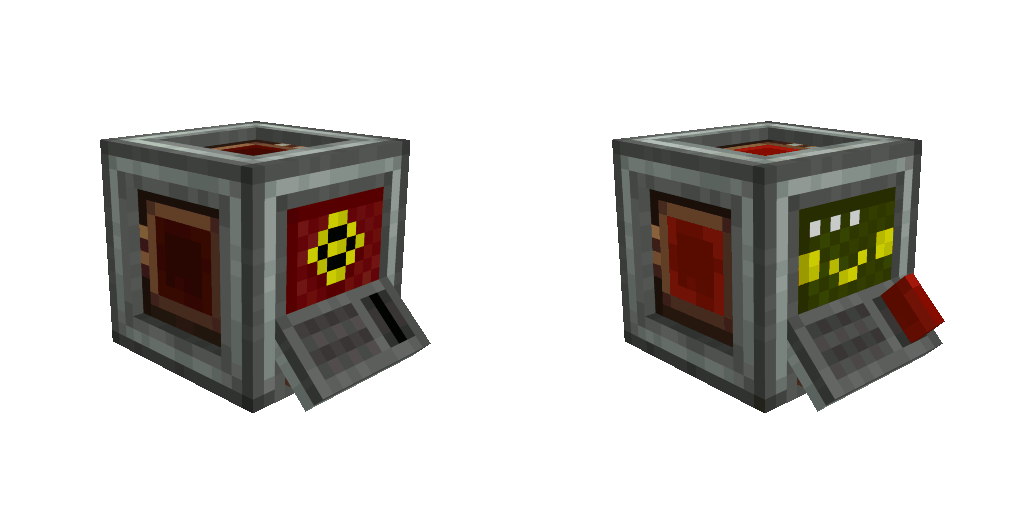
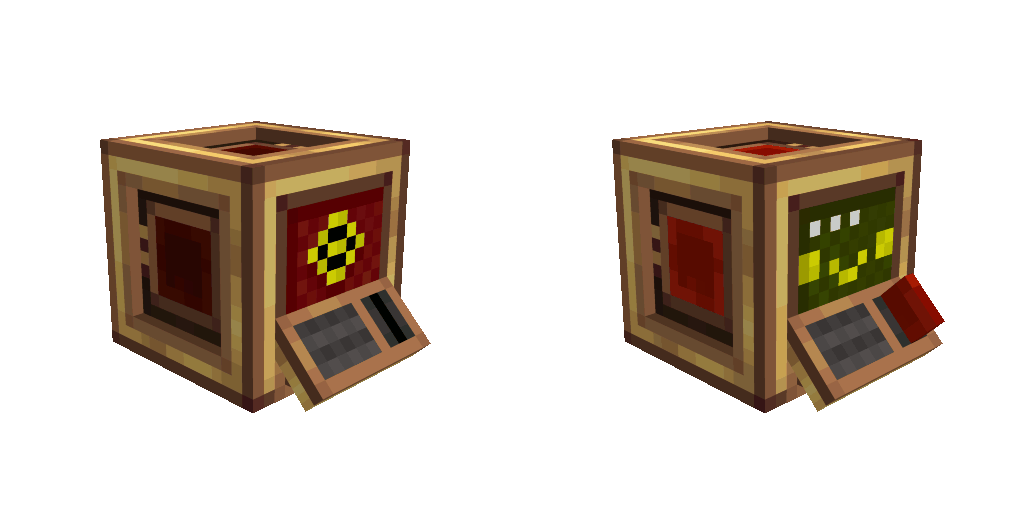
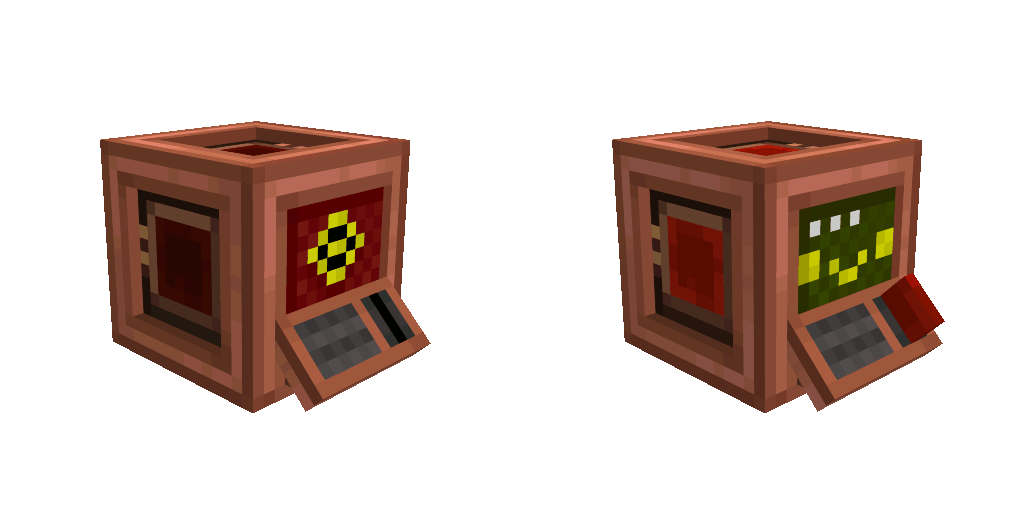
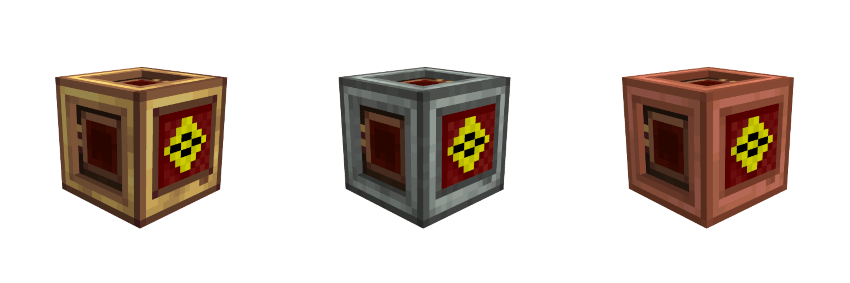
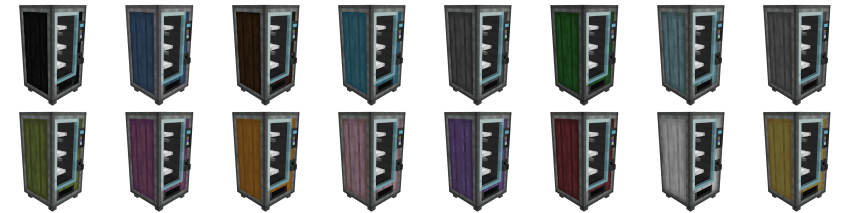
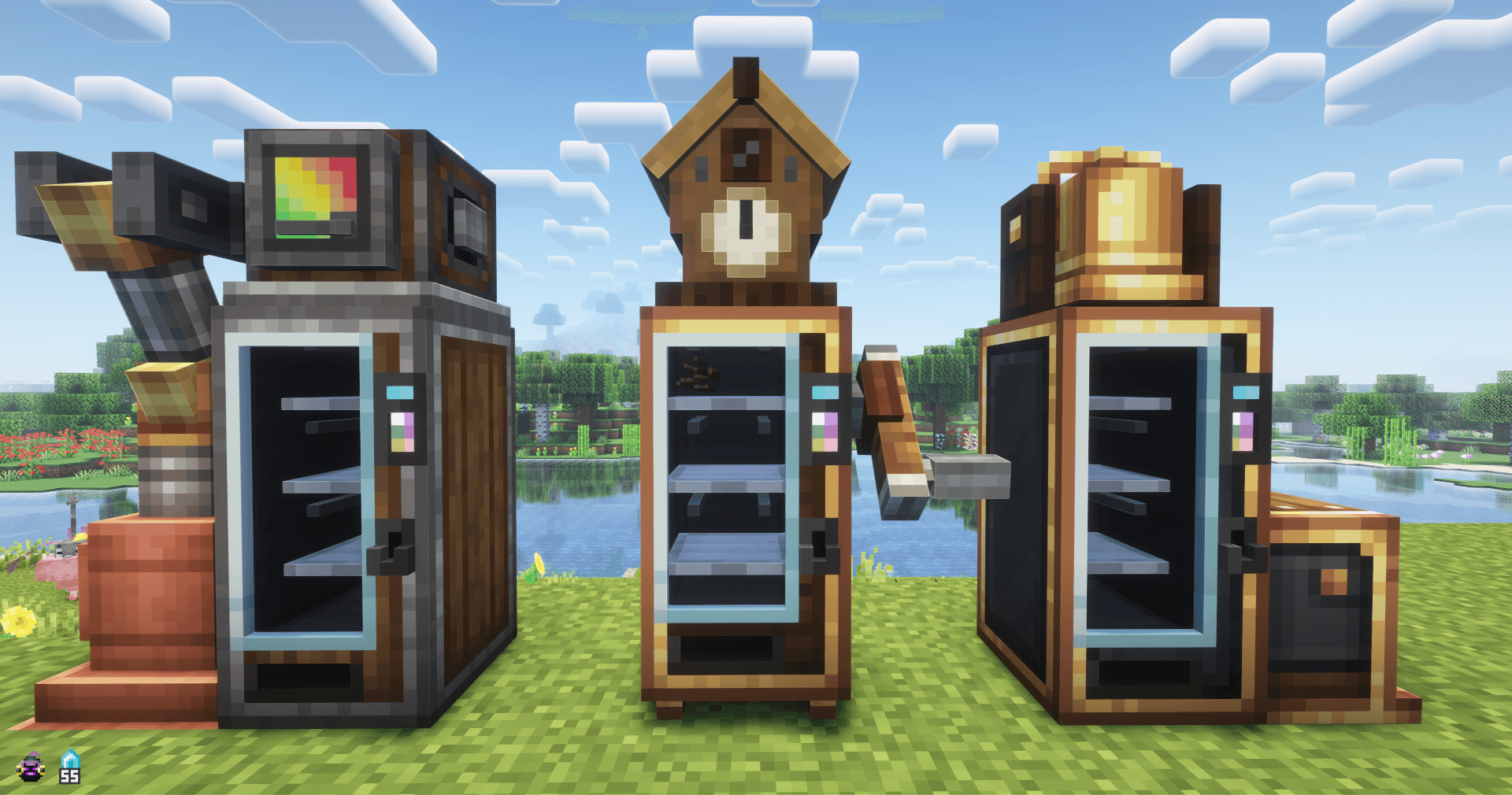
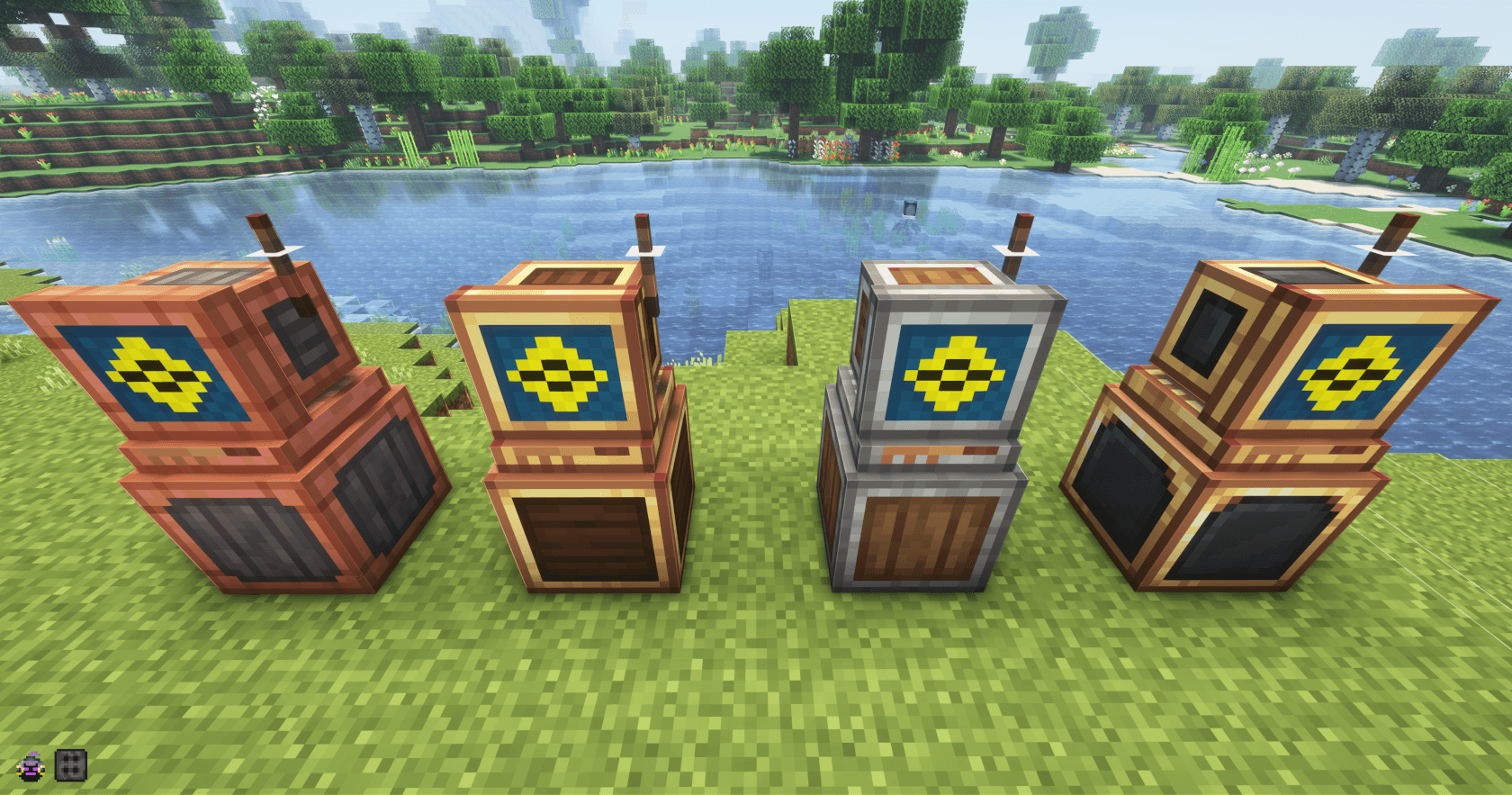
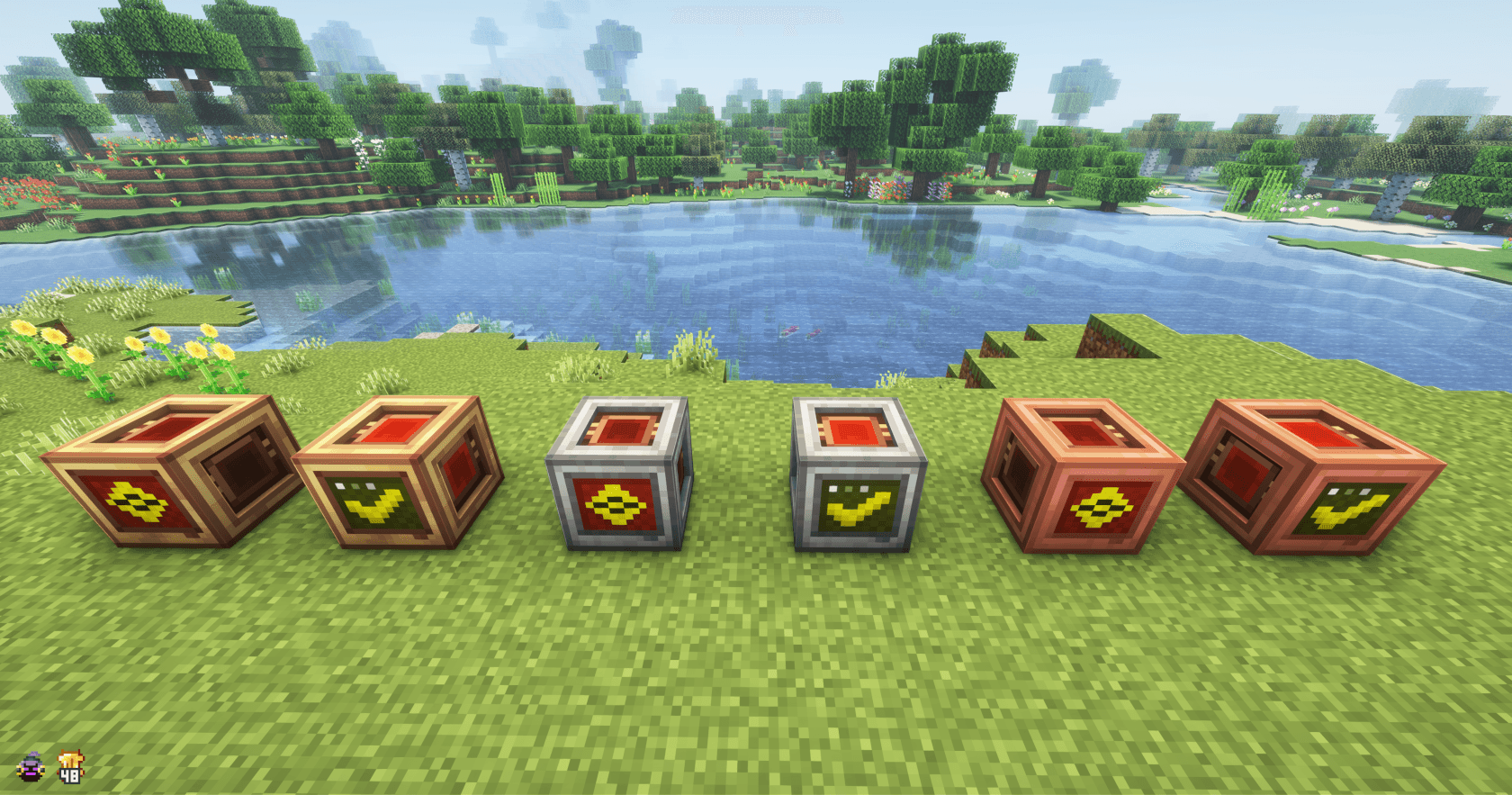
Vending machine colorful andesite variants :
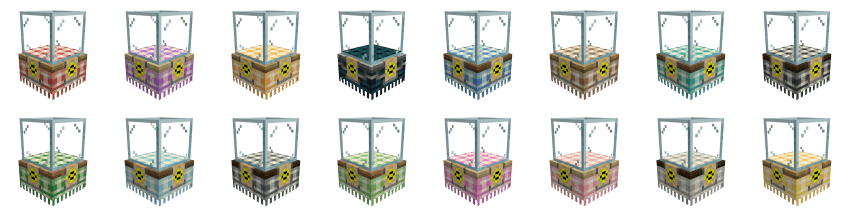
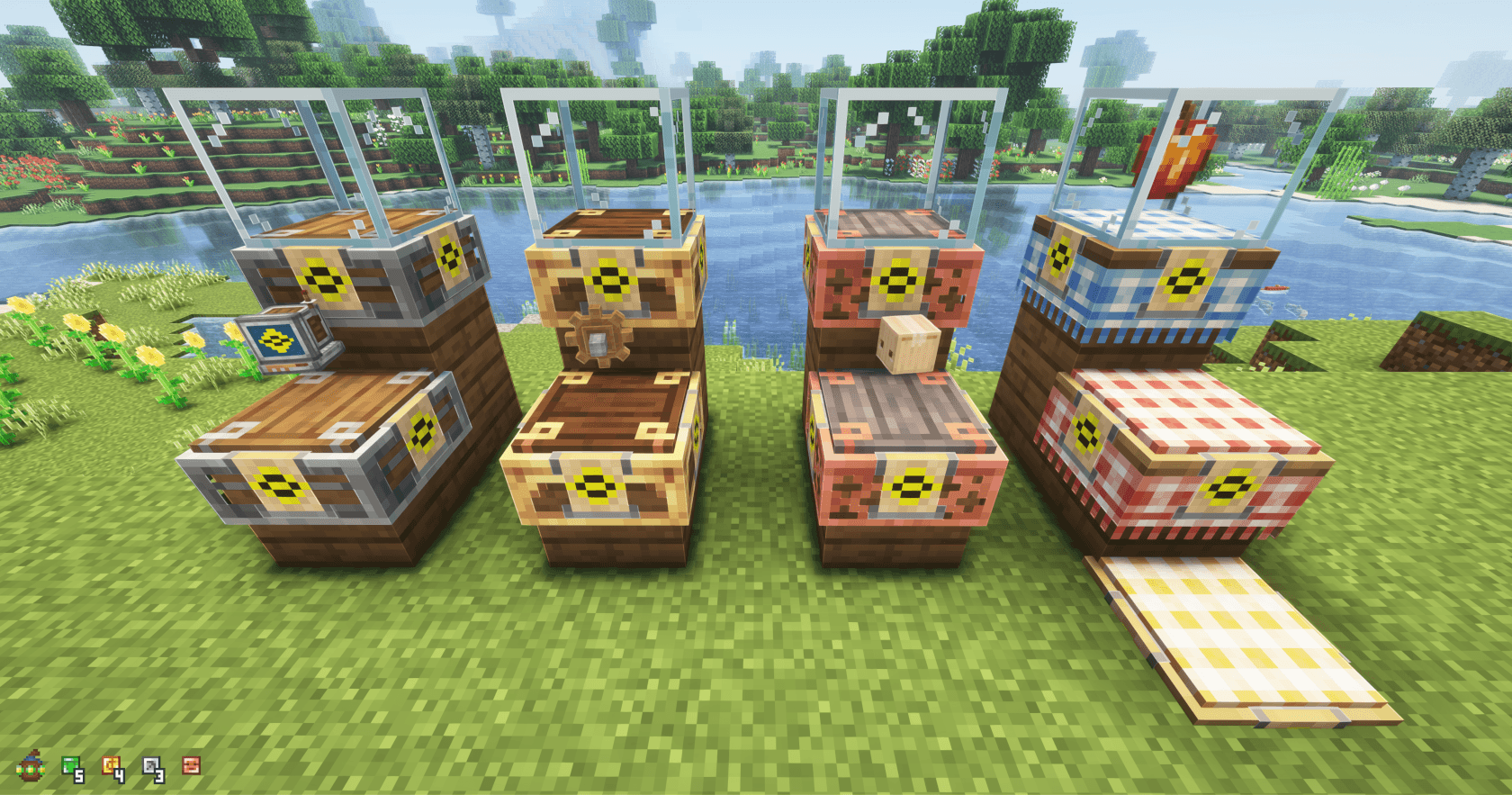
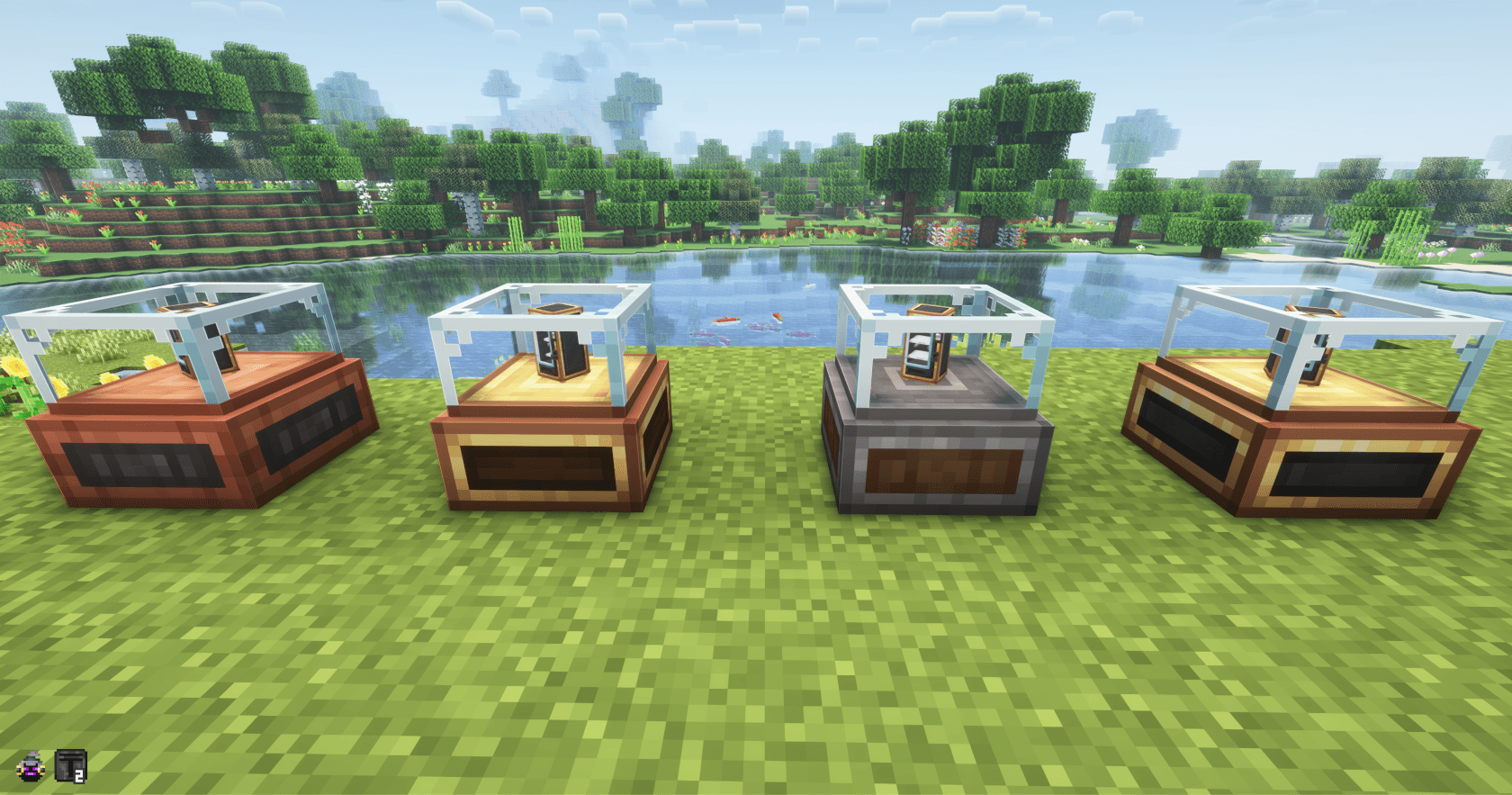
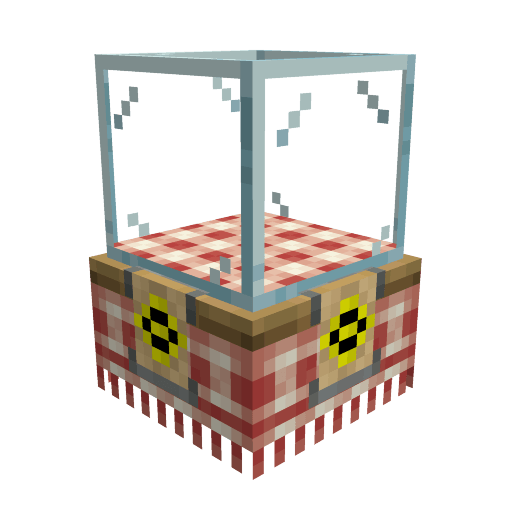
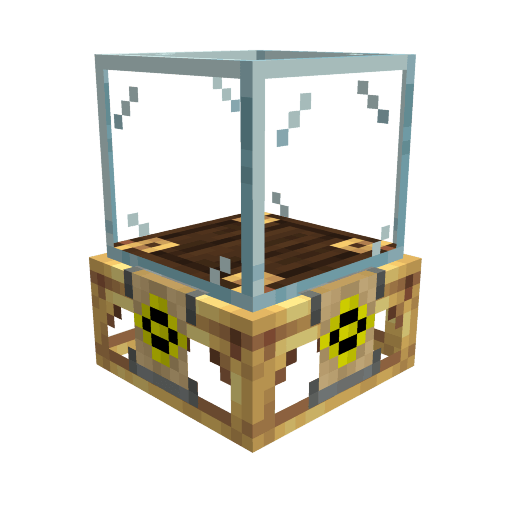
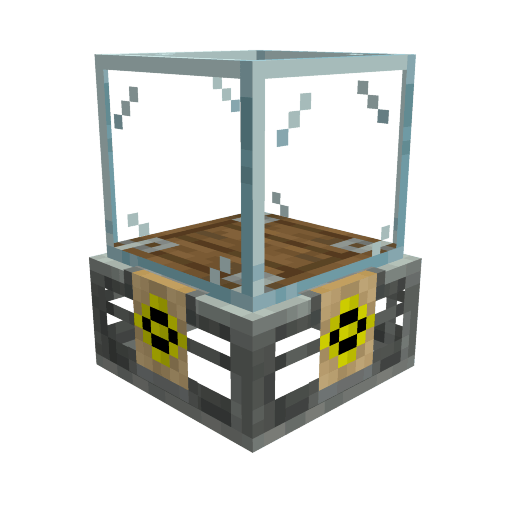
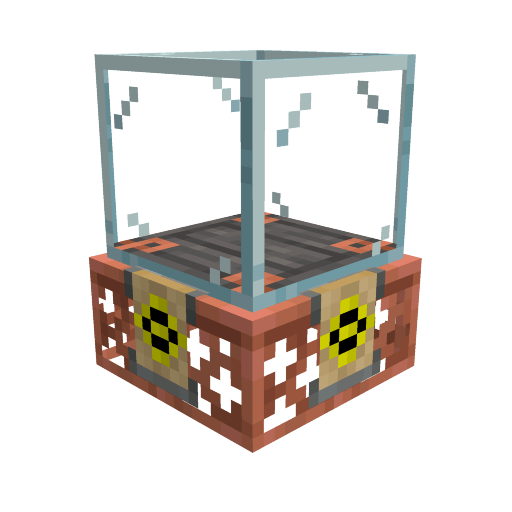
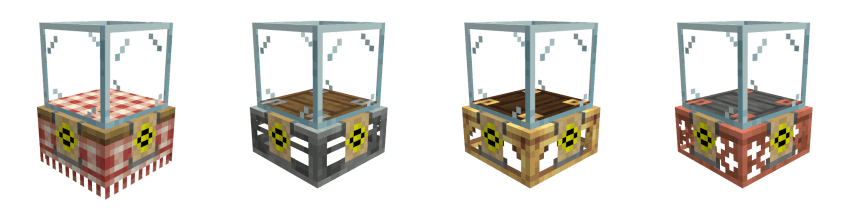
Display cases table cloth colors variants :
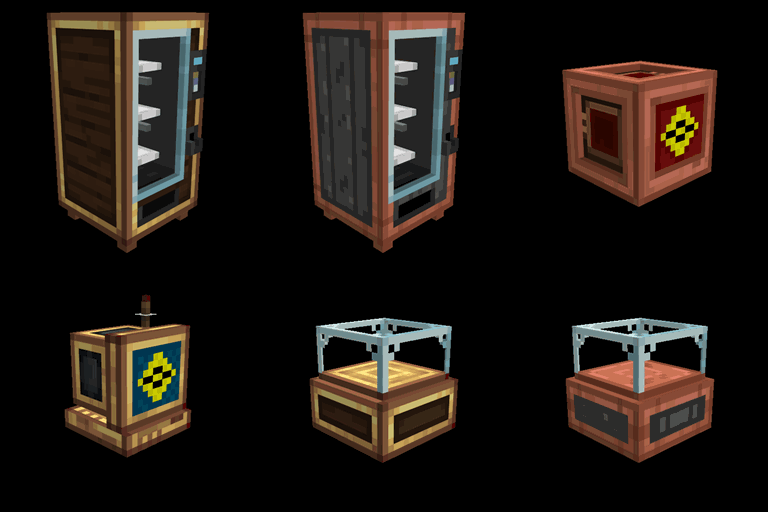
The pack also add all the create casing variants to the large vending machines and the footless variant of those as well.
HOW TO USE
- Install the resourcepack on your client
- Craft a "variant wand" from lightman's currency or a "wrench" from create
- Right-clic on a trader you own with the wand (or wrench) in hand
- Choose the variant you want and click on the "Select Variant" button to apply it
VARIANTS ADDED
- White vending machine / White large vending machine = brass casing, andesite casing, copper casing, train casing (and footless variants)
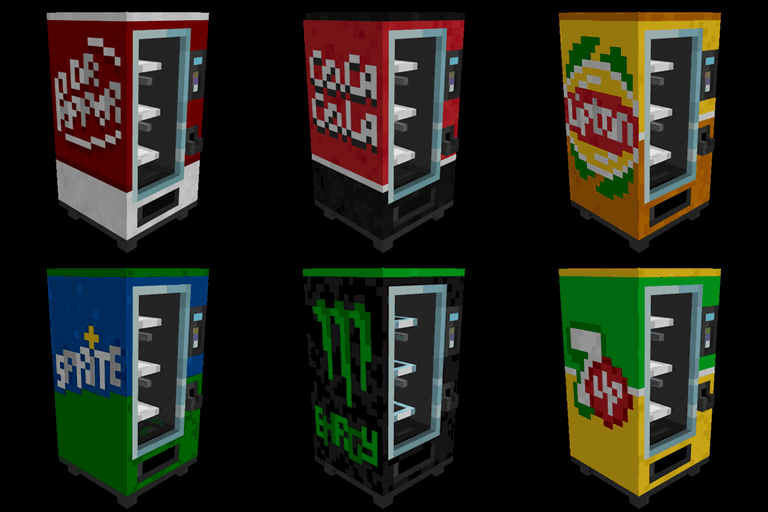
- Colored vending machine / Colored large vending machine = colorful andesite casing, the wooden texture match the color of the machine (similar to the casings from Create: Extra Casing mod)
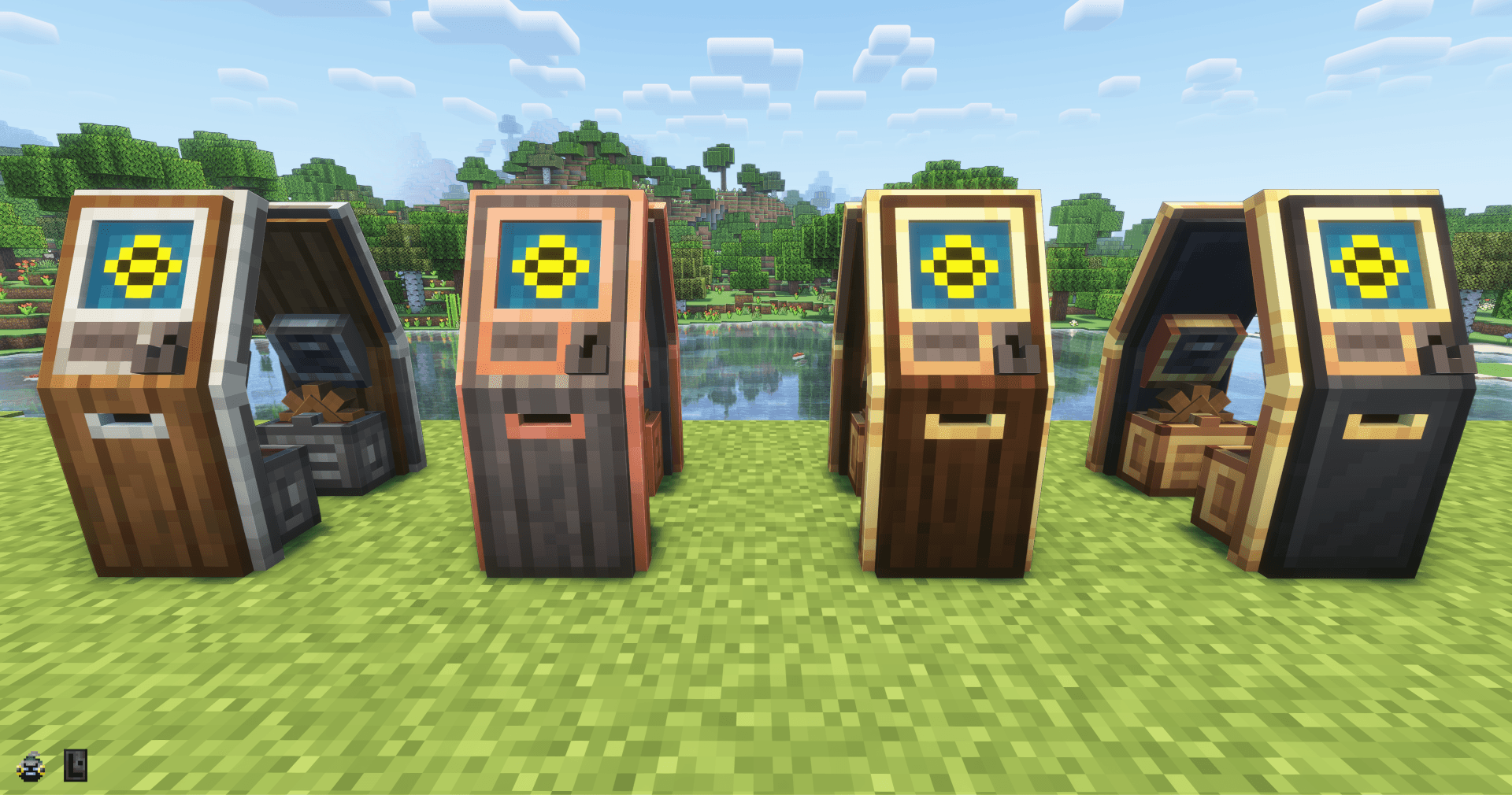
- Paygate = brass casing, andesite casing, copper casing (and keyboard variants)
- Terminal = brass casing, andesite casing, copper casing, train casing (and flipped antenna variants)
- Auction stand = brass casing, andesite casing, copper casing, train casing (and glassless variants)
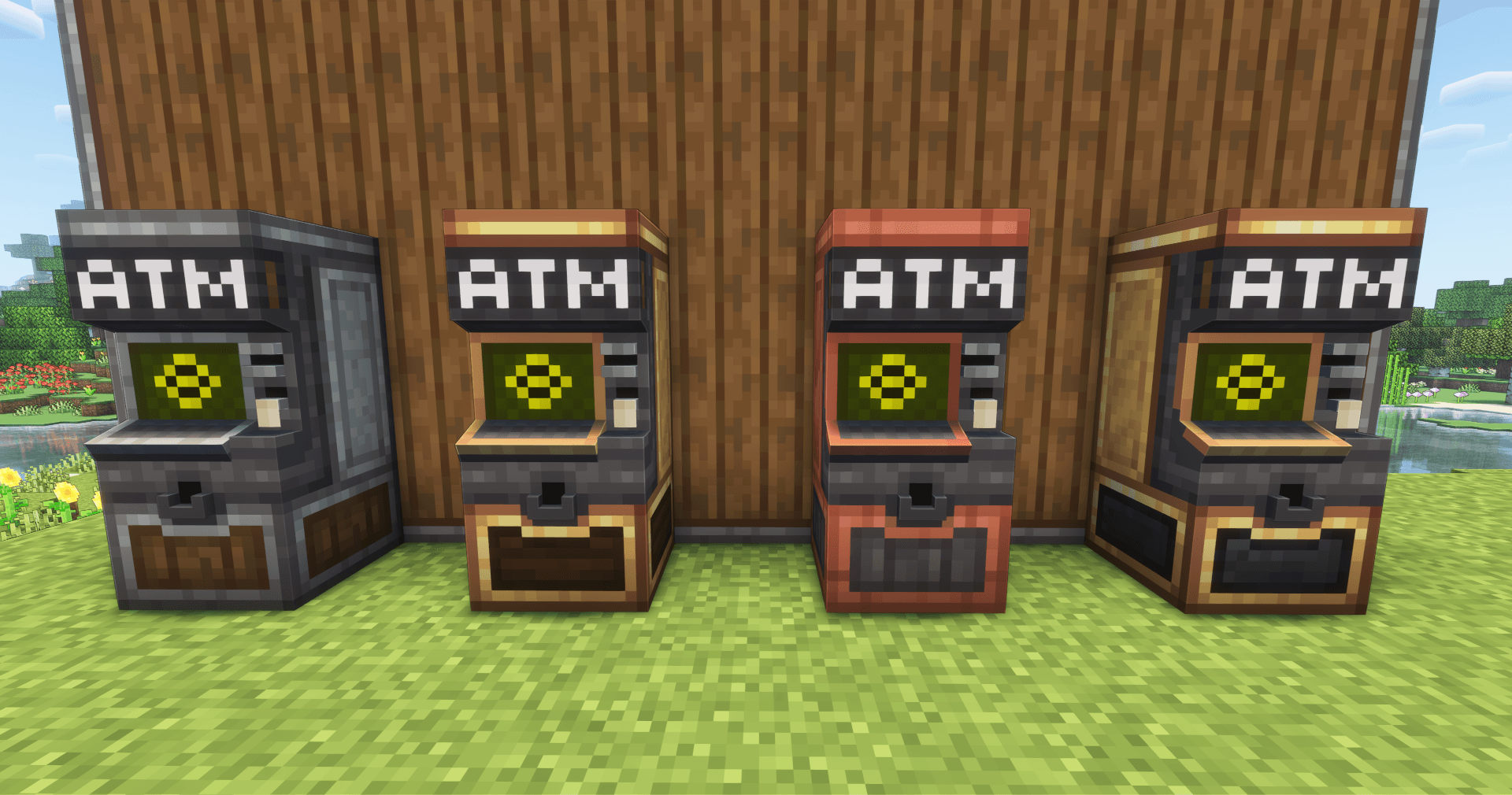
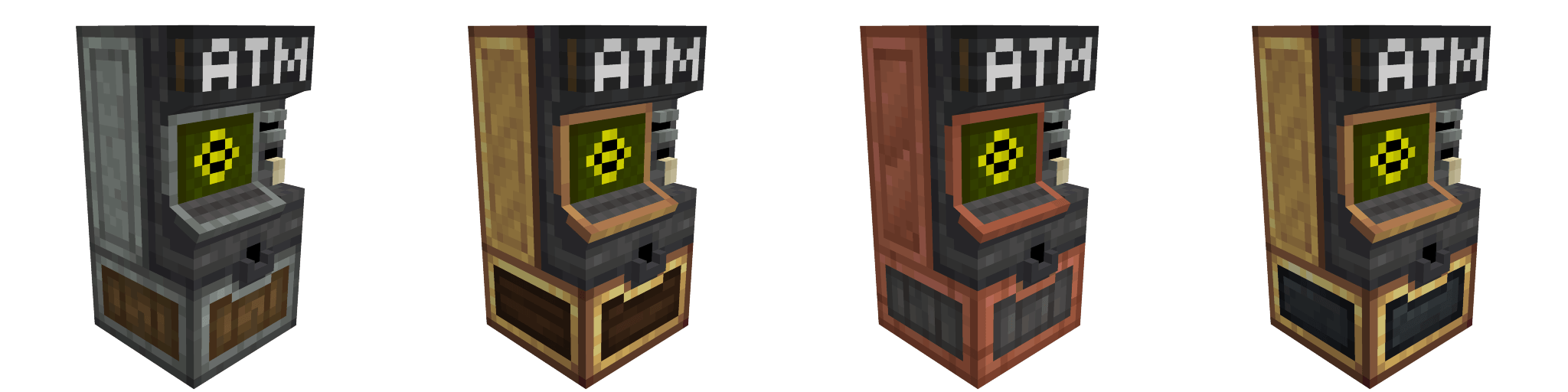
- ATM = brass casing, andesite casing, copper casing, train casing
- Ticket kiosk = brass casing, andesite casing, copper casing, train casing (and gear variants)
- Display case = Table cloth (andesite, brass, copper, and glassless variants)
- Colored display case = Table cloth color that match the color of the machine (and glassless variants)
NOTES
- This is a variant pack that add create style variants in addition to the existing textures, it's not a resourcepack that replace the default textures with create style (but I can make one if I see people manifesting interest for this)
- On a server the other players need to install the variant pack too to see the variants, or they just see the default model (the model variants don't need anything on the server side so you can use it on any server that have lightman's currency 2.2.5.2+ installed)
MY OTHER VARIANT PACKS