Mineuniverse
Resource Packs
Create Style Interface

Create Style Interface

RESOURCE PACK
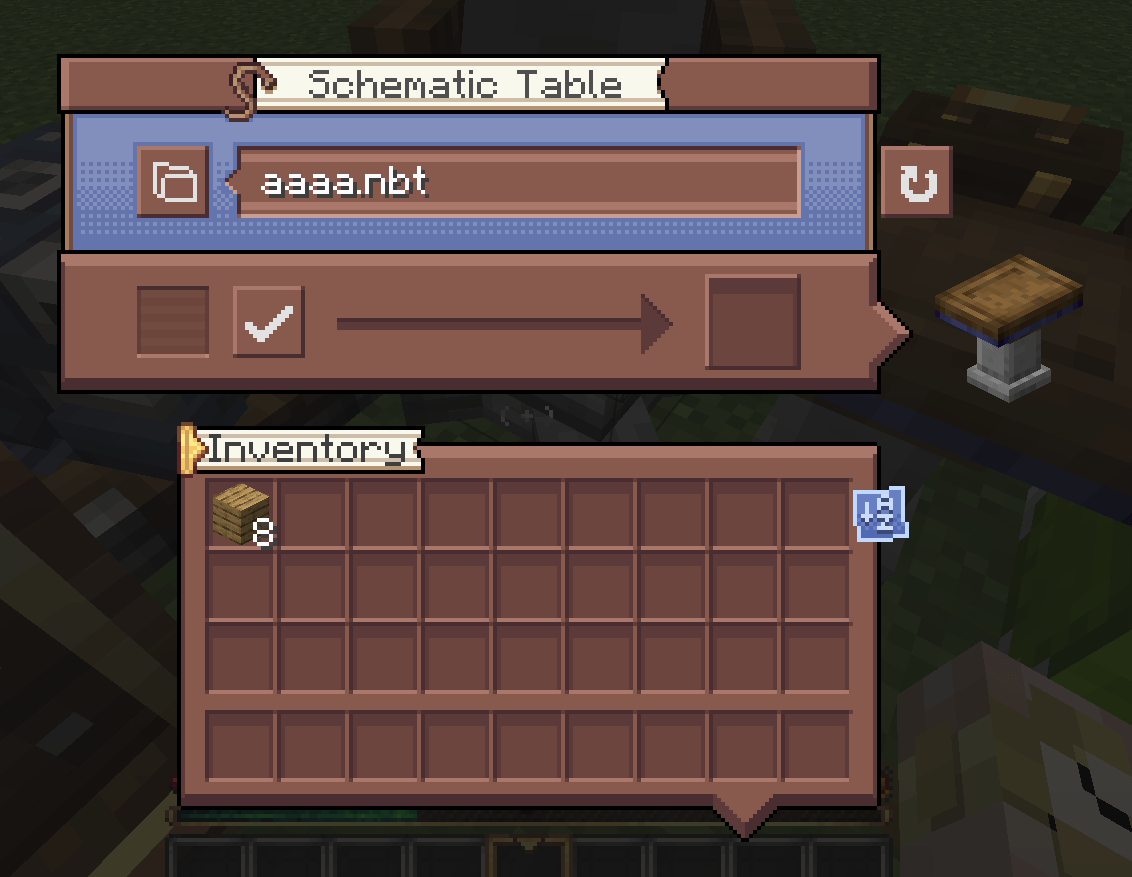
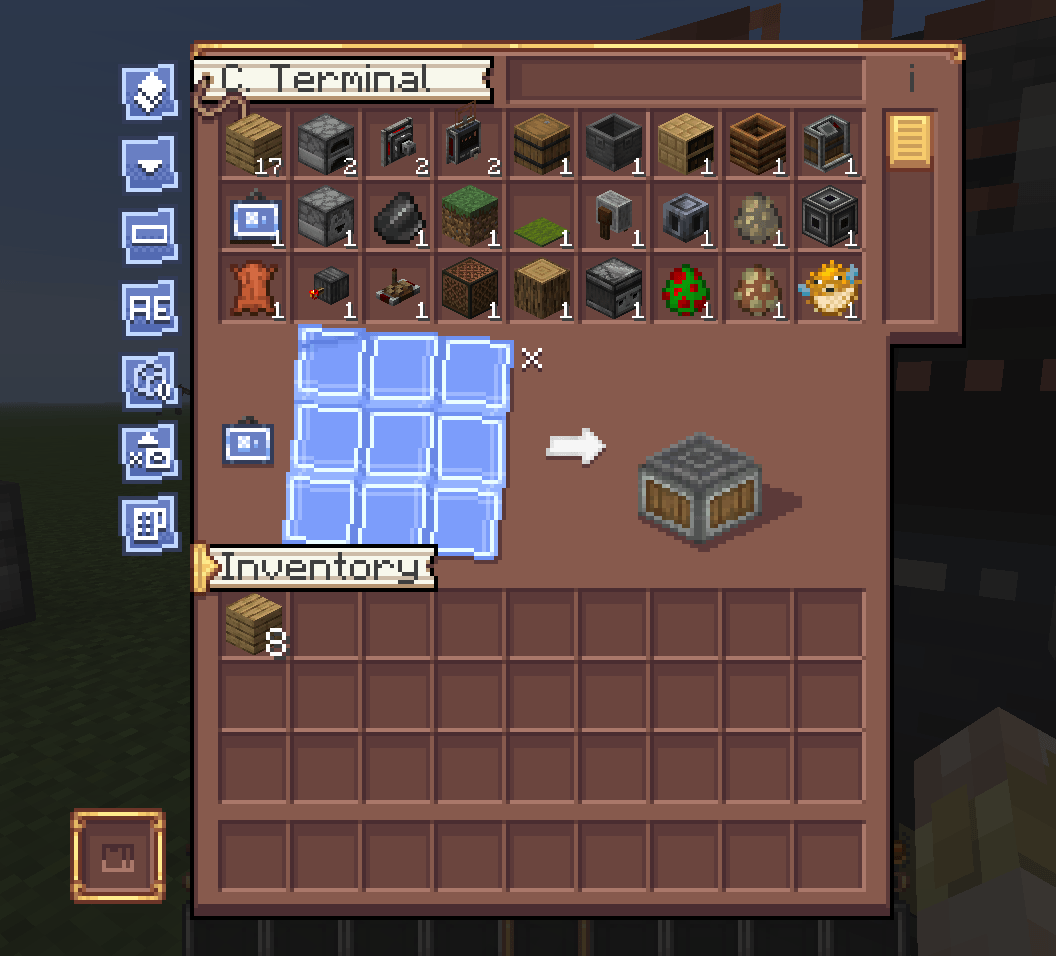
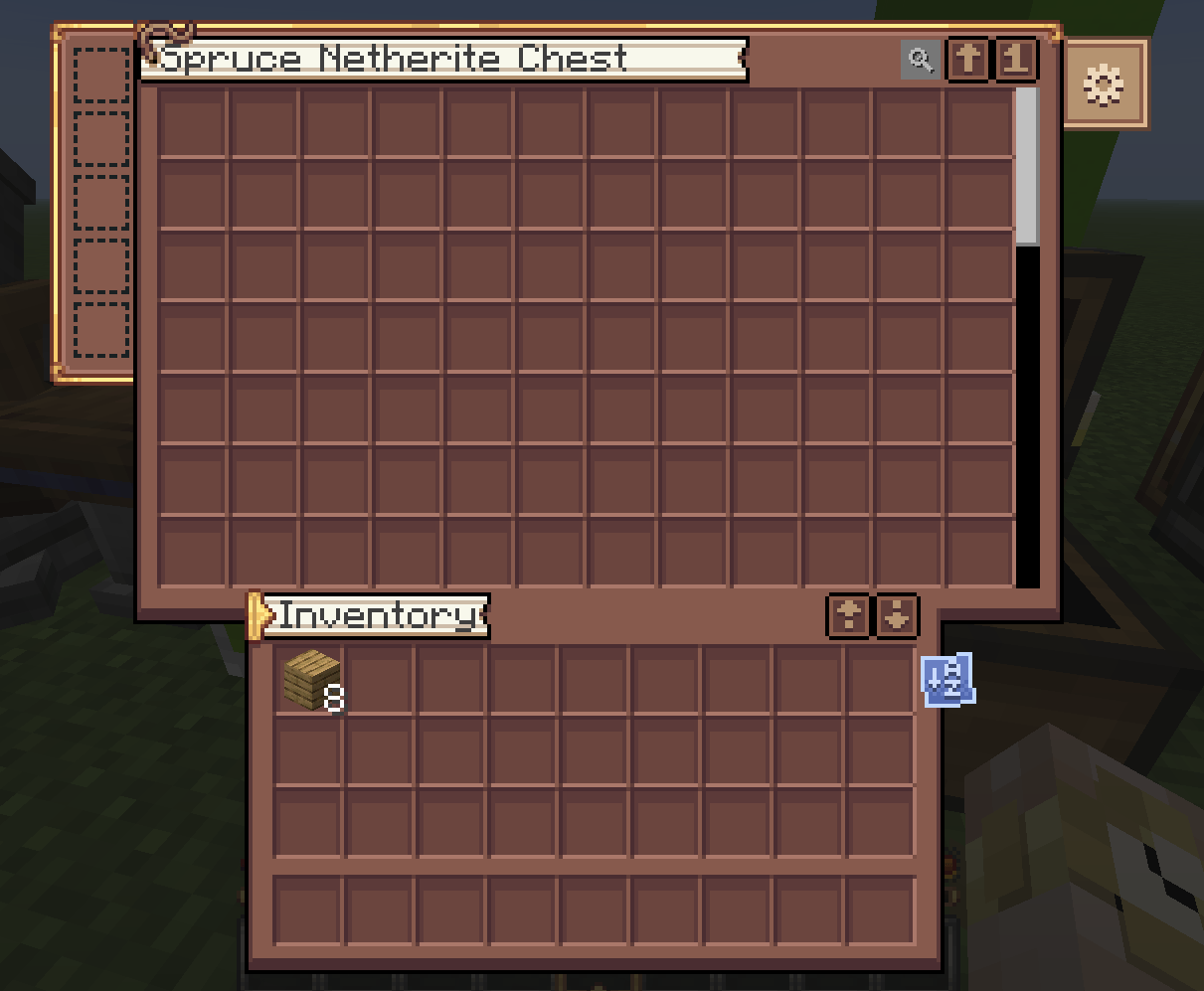
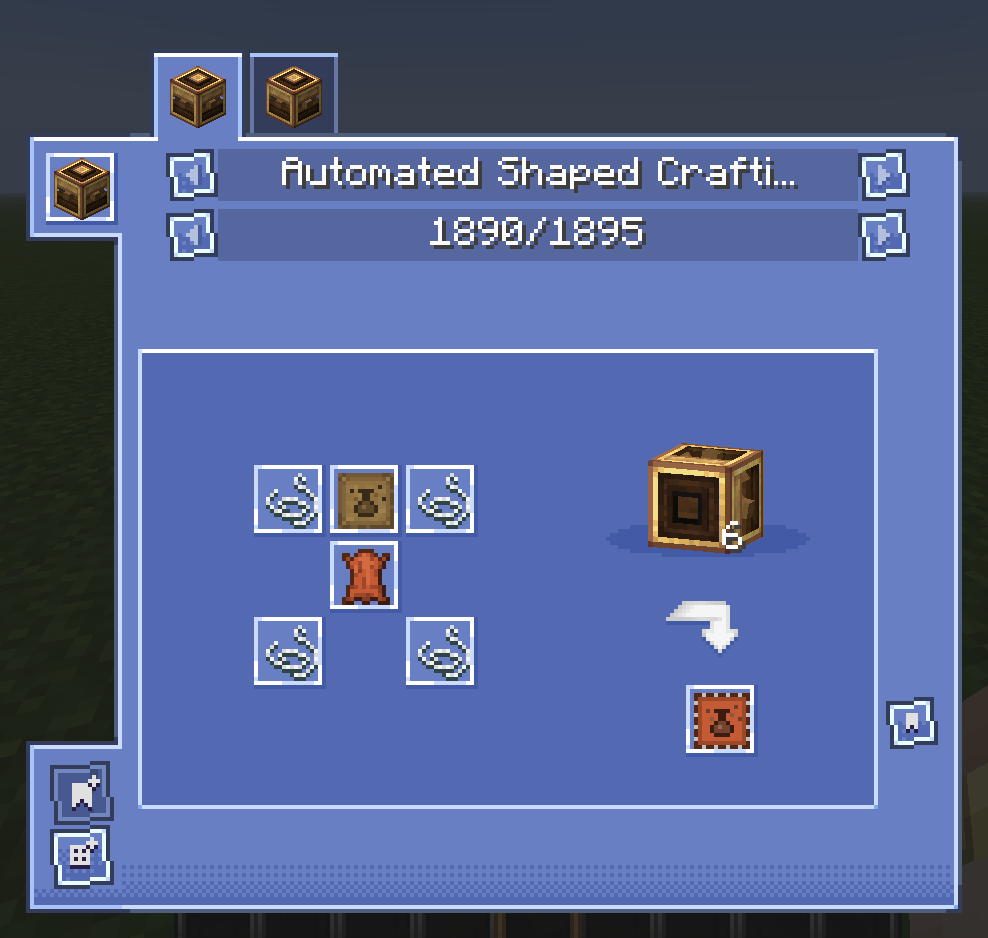
Inspired Create Style GUI
by ogabasferr
Download Claim this project
257,478 downloads
0 likes
Updated Oct 14, 2026
0 hypes
16x Miscellaneous Mod Support Modern
Advertisement Remove ads with Premium →


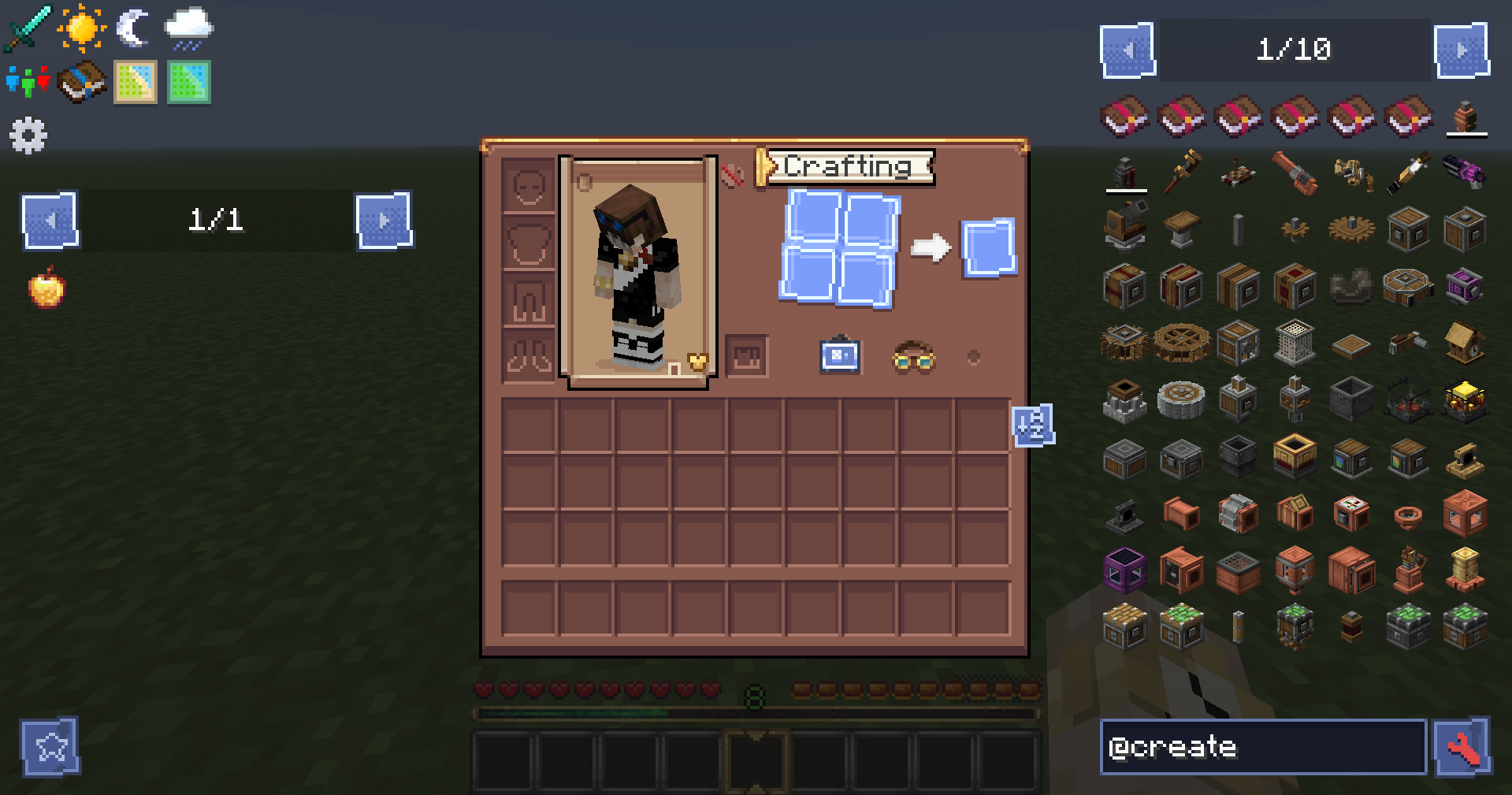
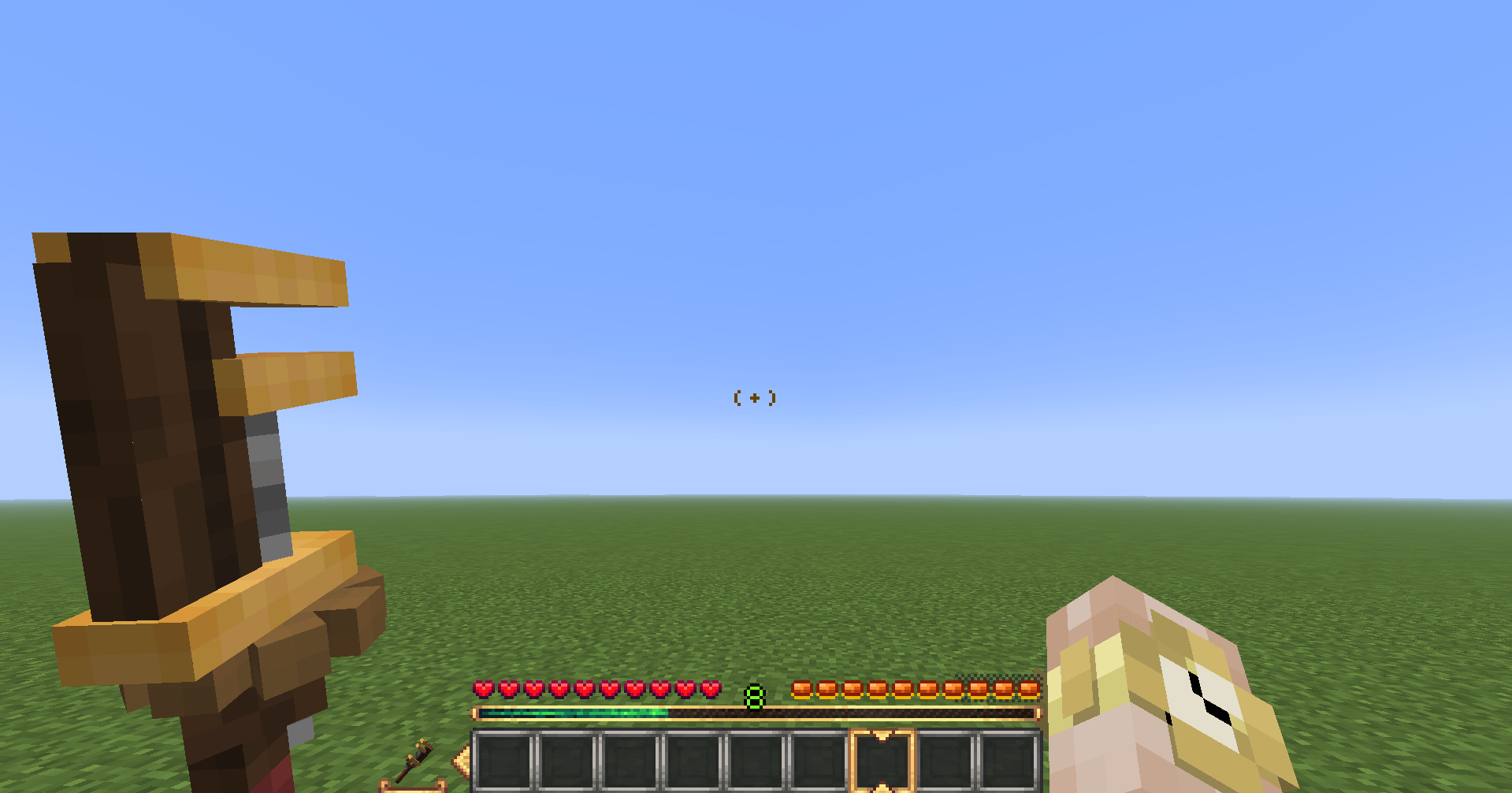
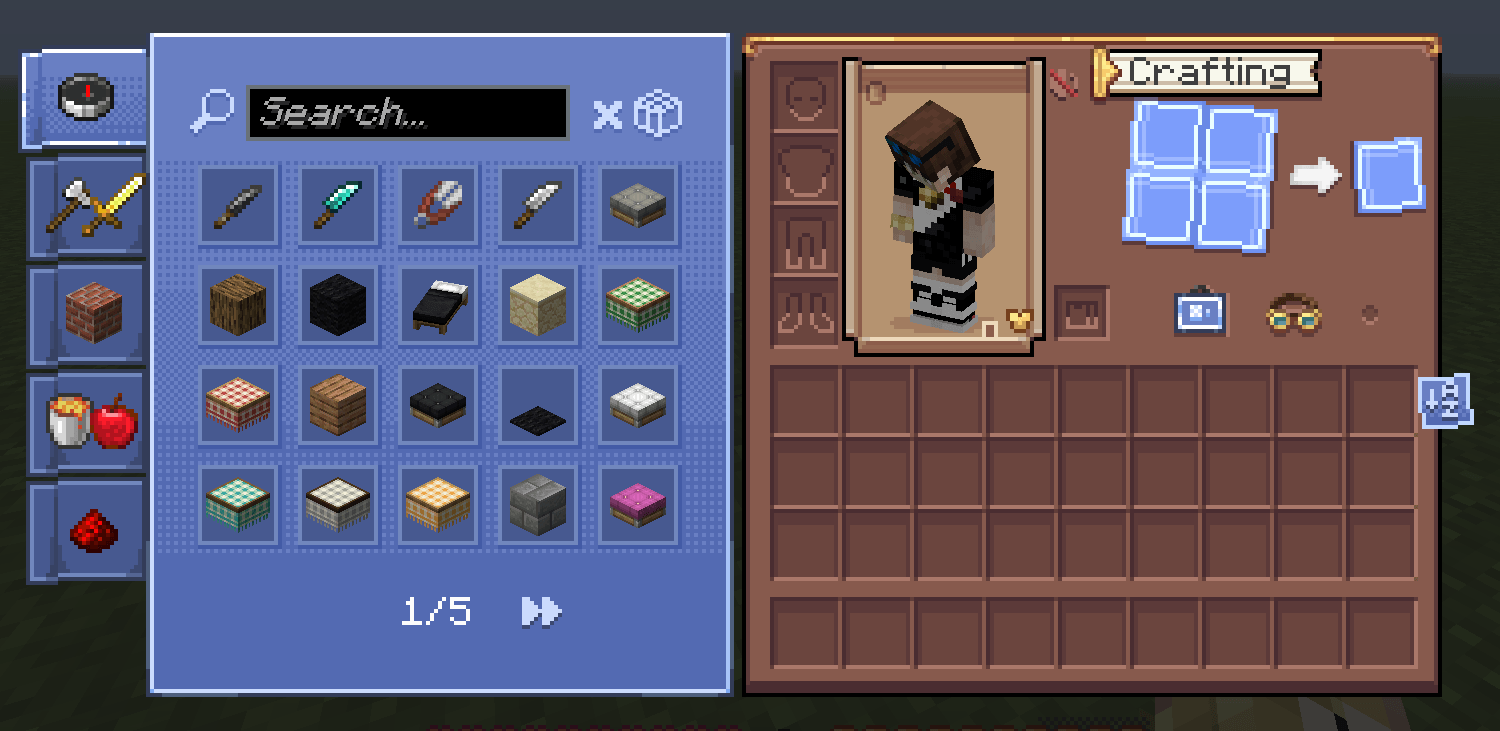
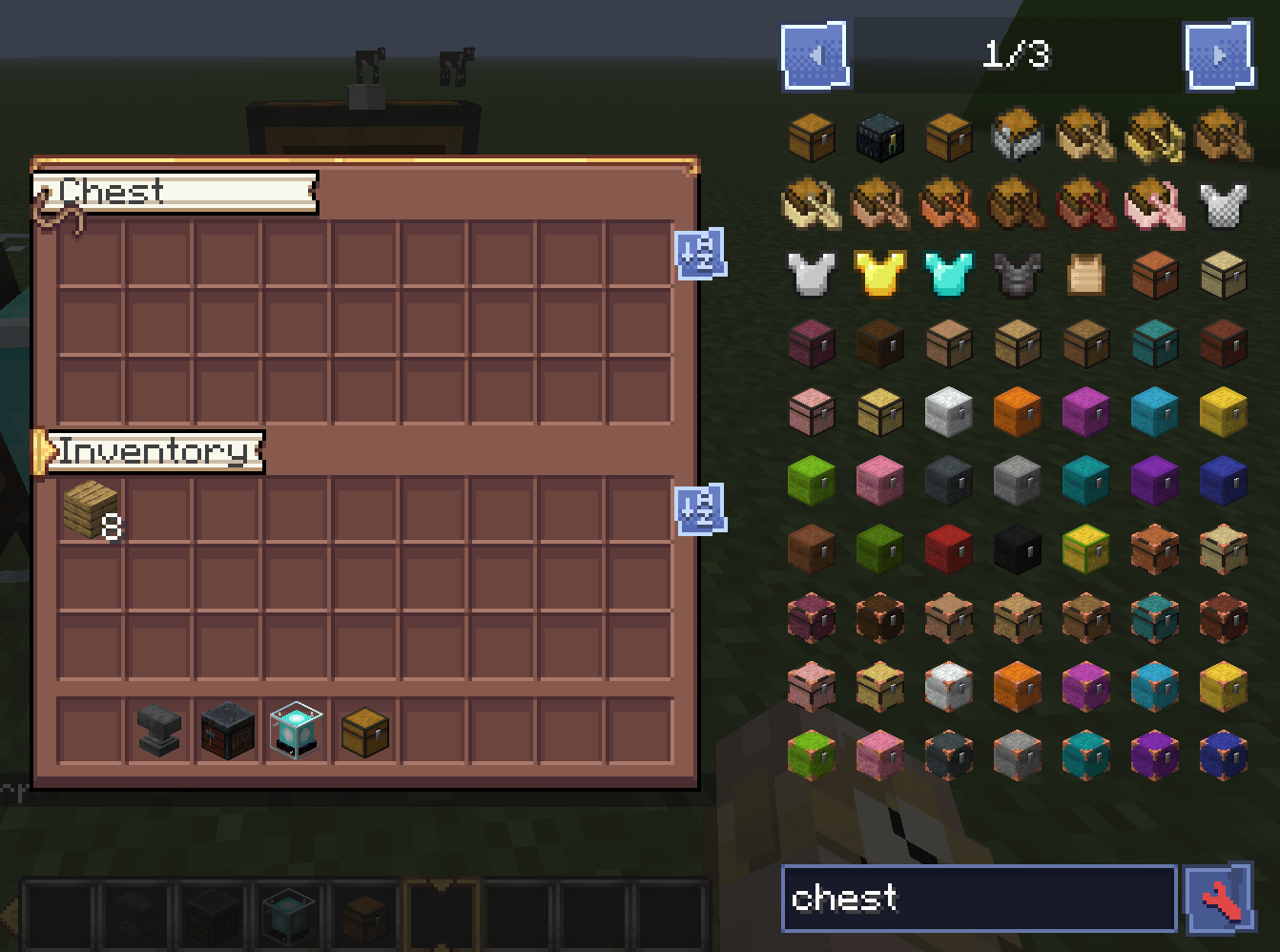
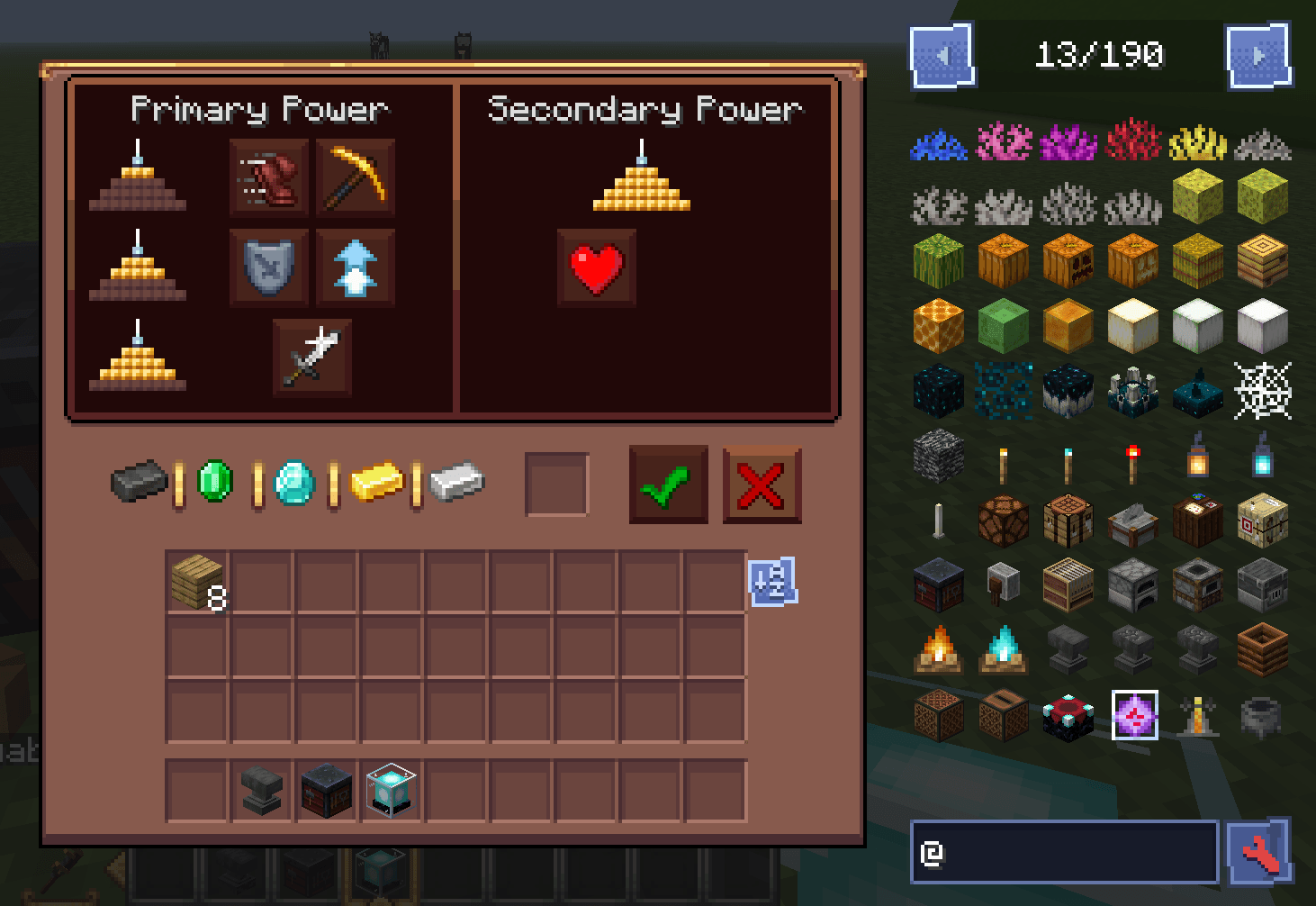
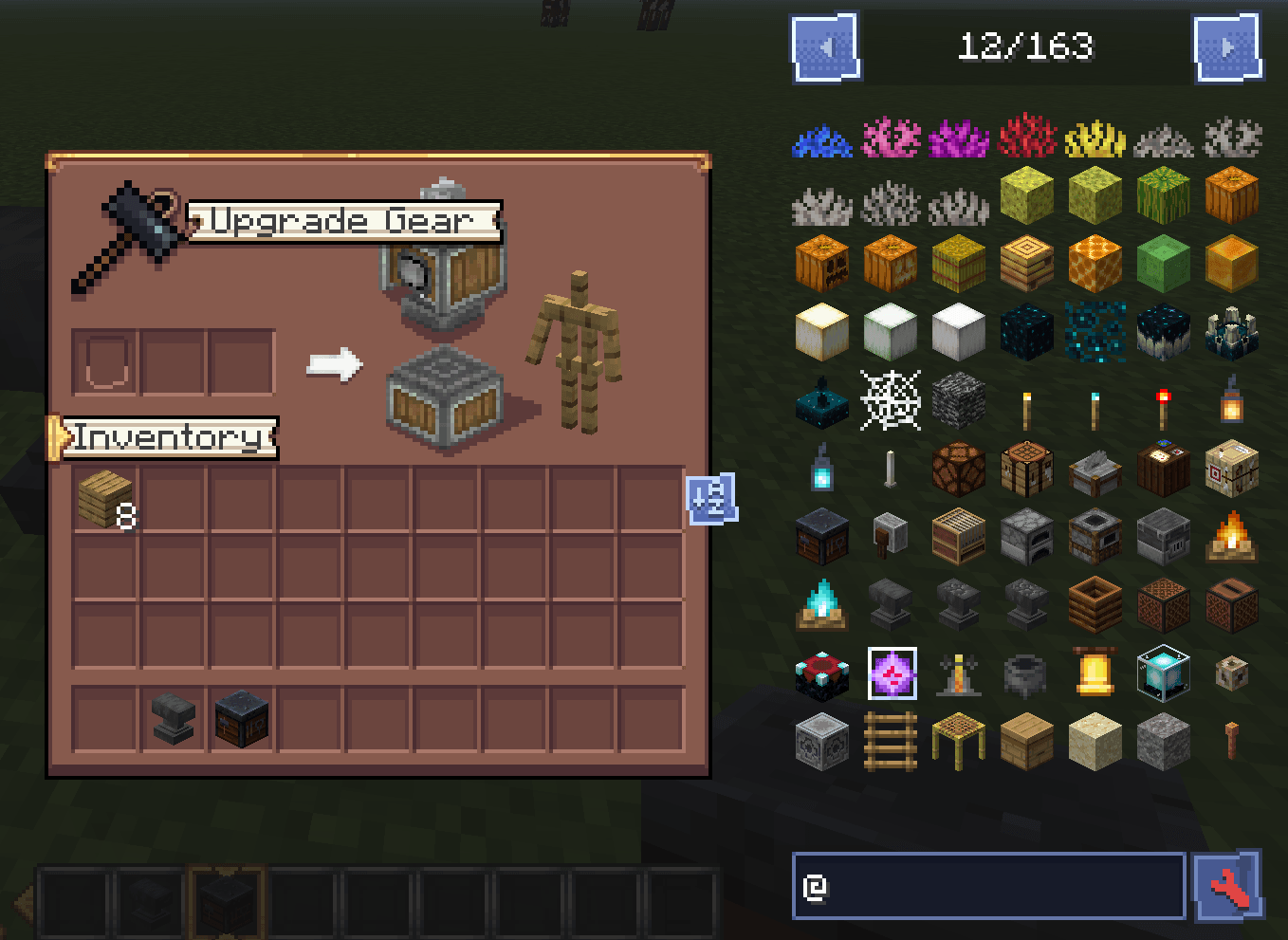
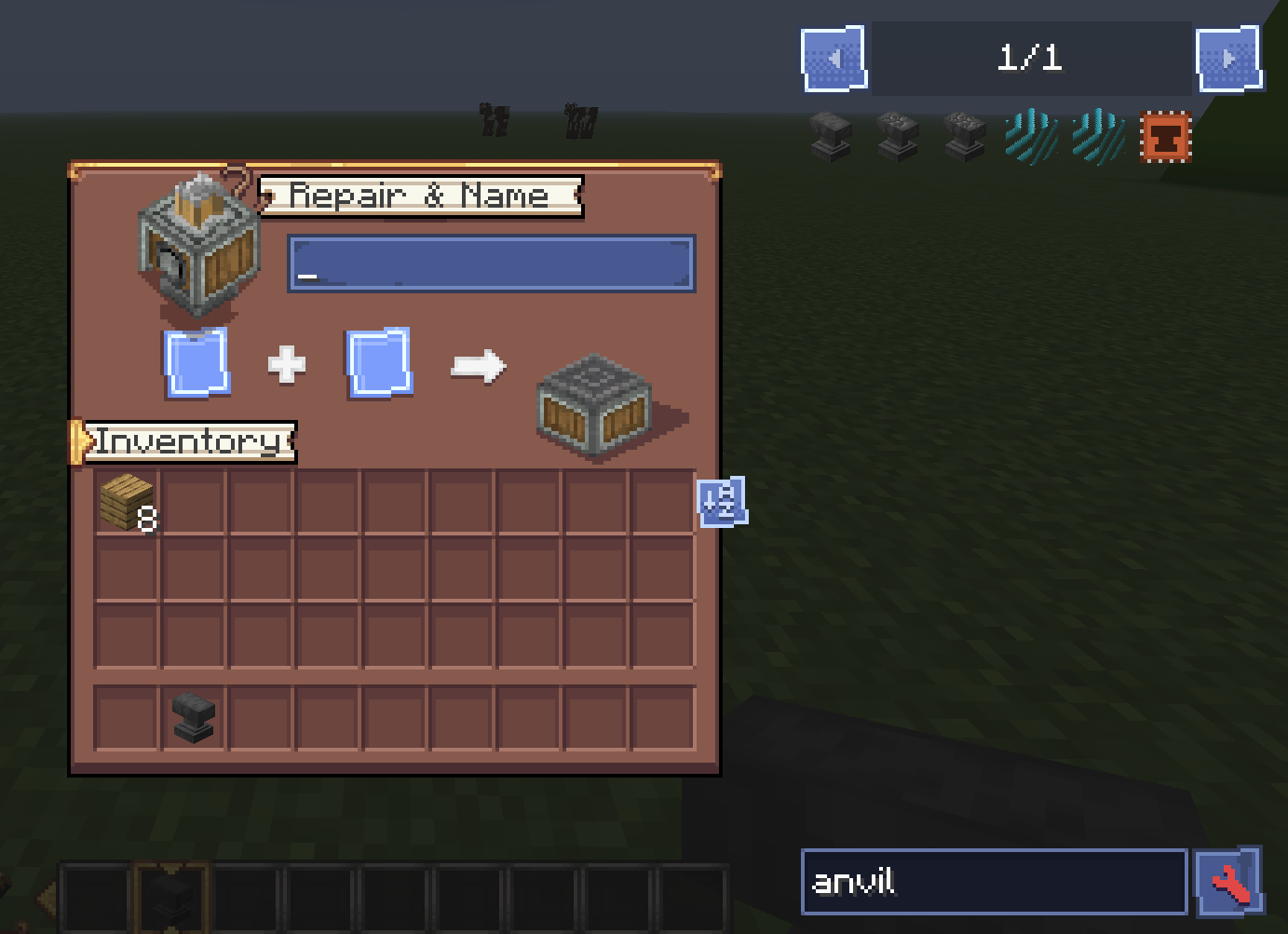
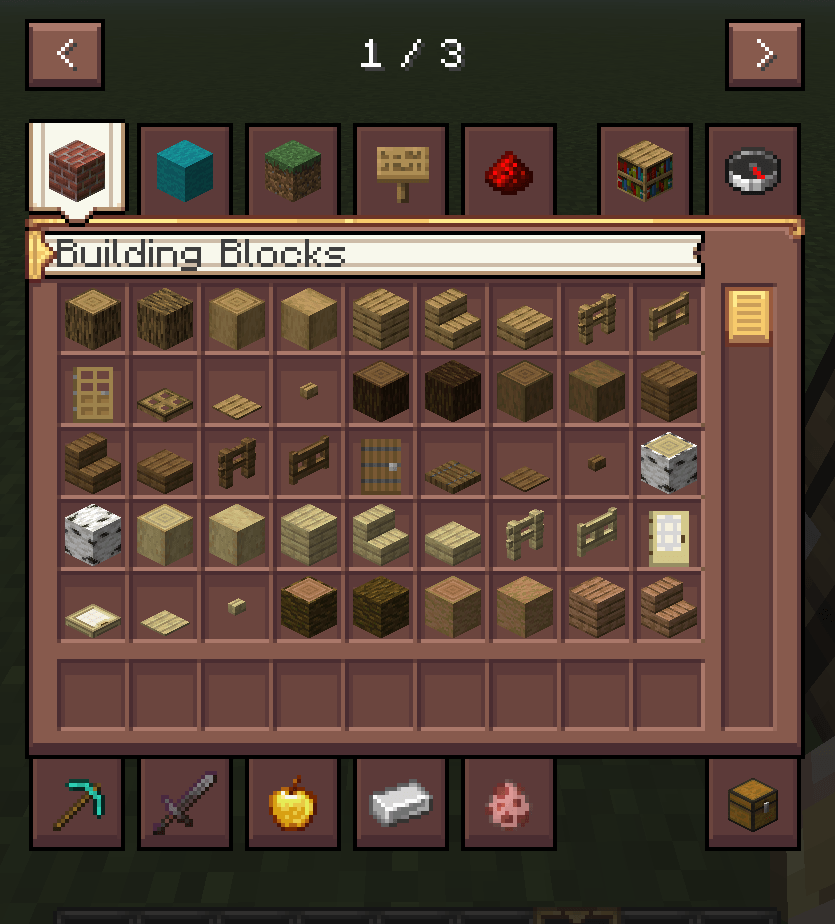
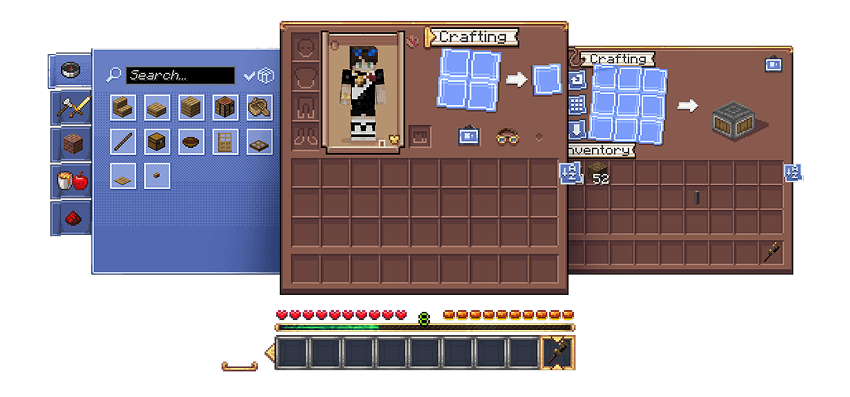
This is a small resource pack focused on customizing the Minecraft GUI.


⬇️ Mods Supports:

✅ AppleSkin Mod Support.
✅Create Mod Support.
✅ Cosmetic Armor Reworked Mod Support.
✅ Corpse Mod Support.
✅ Curios Mod Support.
✅ Extreme Sound Muffler Mod Support.
✅ Cosmetic Armor Reworked Mod Support.
✅ Farmers Delight Mod Support.
✅ Overflowingbars Mod Support.
✅ JEI Mod Support.
✅ EMI Mod Support.
✅ Sophisticated Backpacks/Storage Mod Support.
✅ Toms Storage Mod Support.
✅ Farmers Delight Mod Support.
✅ Forbidden Arcanus Mod Support.
✅ Inventory Tweaks Mod Support.
✅Waystone Mod Support.
✅ Crafting tweaks Mod Support.


✅ Created in the style of the Create Mod, bringing a clean, mechanical, and immersive feel to your HUD.

A unique visual touch to elevate your Minecraft experience!


Feel free to modify it, use it in modpacks, servers, and create compatibility packs — just give credit and do not re-upload or resell the original work.

Create Style Interface 1.21 - v0.3.zip
MC 1.21.1
Release 2026-08-16 Get
Create Style Interface 1.20 - v0.2.zip
MC 1.20.1
Release 2026-03-08 Get
Create Style Interface 1.21 - v0.2.zip
MC 1.21.1
Release 2026-03-08 Get
Create Style Interface 1.20 - 0.1.zip
MC 1.20.1
Release 2025-09-13 Get
Create Style Interface 1.21 - 0.1.zip
MC 1.21.1
Release 2025-09-13 Get
Create Style Interface 1.20.zip
MC 1.20.2, 1.20.5, 1.20.3, 1.20.1, 1.20, 1.20.6, 1.20.4
Release 2025-09-12 Get
Create Style Interface 1.21.zip
MC 1.21.5, 1.21.4, 1.21.3, 1.21.7, 1.21.1, 1.21.6, 1.21.2
Release 2025-07-05 Get

Requirements & install

How to use this resource pack in Minecraft
Resolution
16x
Minecraft
1.20.6 – 1.21.7
Install folder
.minecraft/resourcepacks

How to install resource packs

  1. Download the resource pack .zip file (do not extract it).
  2. In Minecraft open Options → Resource Packs → Open Pack Folder.
  3. Drop the .zip into the resourcepacks folder (.minecraft/resourcepacks).
  4. Move the pack to the Selected column and click Done.
Browse more: 16x resource packs 32x resource packs 64x resource packs 128x resource packs 256x resource packs 512x+ resource packs Resource Packs for 1.21.7 All resource packs

More from ogabasferr

Advertisement Remove ads with Premium →

You Might Also Like