Mineuniverse
Resource Packs
Create: Noir

Create: Noir

RESOURCE PACK
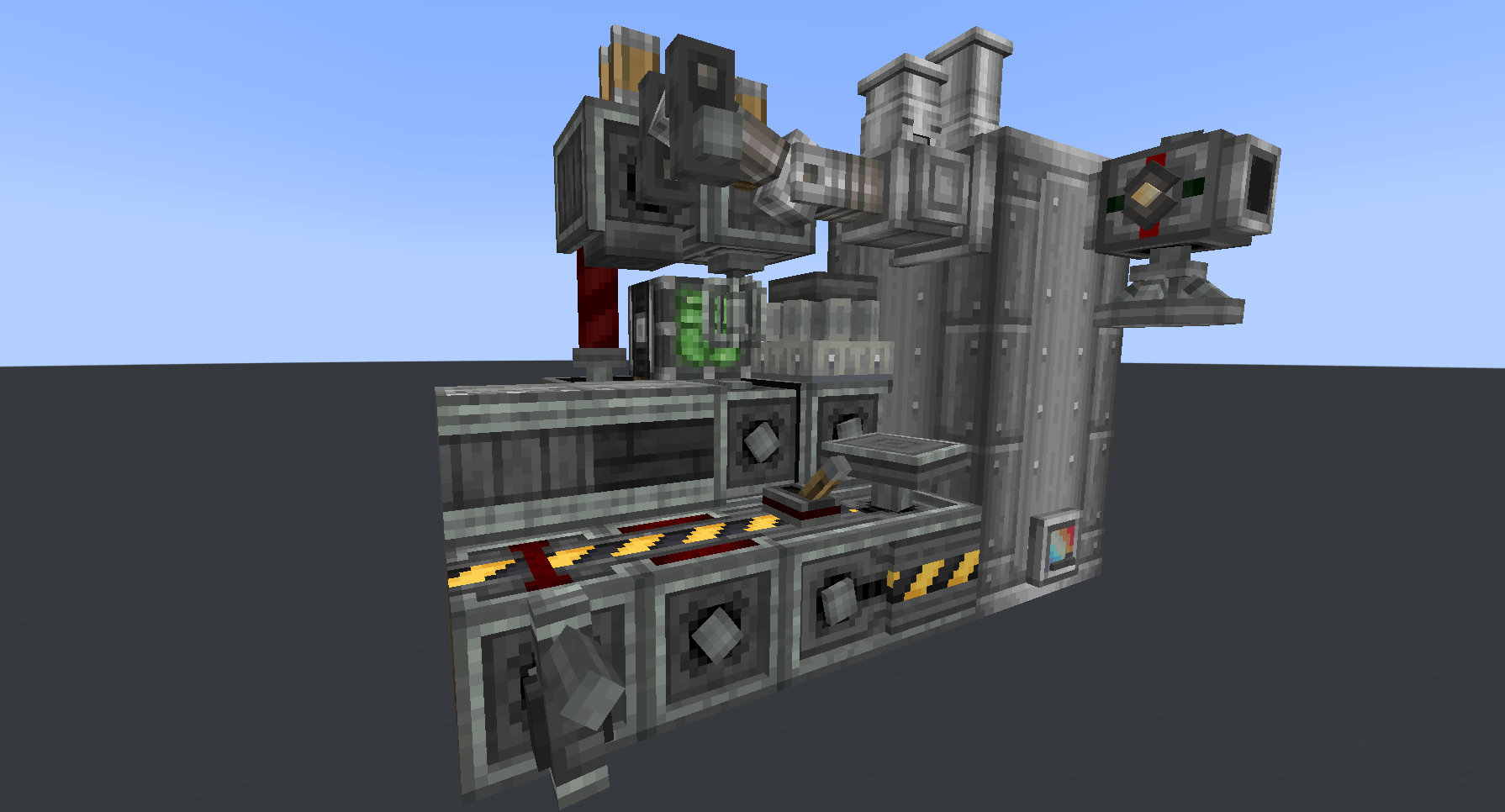
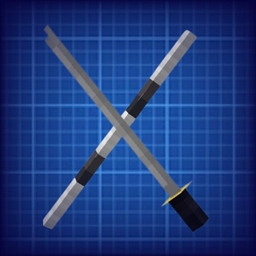
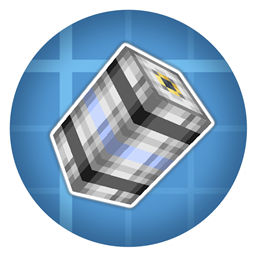
This resourcepack aims to change Create and Create Addons textures to a more monochrome black and white factory look.
by ItsRuby05
Download Claim this project
914 downloads
0 likes
0 followers
Updated Oct 14, 2026
0 hypes
Follow0
16x Miscellaneous Mod Support Modern Steampunk
Advertisement Remove ads with Premium →

# Create: Noir

Tired of the woody look of create? Maibe you want a more modern looking factory, or make VS2 tanks, ships and planes with internals that don't look medieval. Create: Noir aims to help on that, by dropping the brownish and bronze colors of create for a 1960s tv style, black and white along some bonus factory feel.


This resourcepack was made for the upcoming SMPolitica modpack, but feel free to use it on your own, but keep in mind as compat with other create addons will be mainly for the mods present on the modpack. If you're looking for a resourcepack that changes most addons in a similar style, try CMG.

Create: Noir v0.10
MC 1.20.1
Release 2025-09-27 Get

Requirements & install

How to use this resource pack in Minecraft
Resolution
16x
Minecraft
1.20.1
Install folder
.minecraft/resourcepacks

How to install resource packs

  1. Download the resource pack .zip file (do not extract it).
  2. In Minecraft open Options → Resource Packs → Open Pack Folder.
  3. Drop the .zip into the resourcepacks folder (.minecraft/resourcepacks).
  4. Move the pack to the Selected column and click Done.
Browse more: 16x resource packs 32x resource packs 64x resource packs 128x resource packs 256x resource packs 512x+ resource packs Resource Packs for 1.20.1 All resource packs

More from ItsRuby05

Advertisement Remove ads with Premium →

You Might Also Like