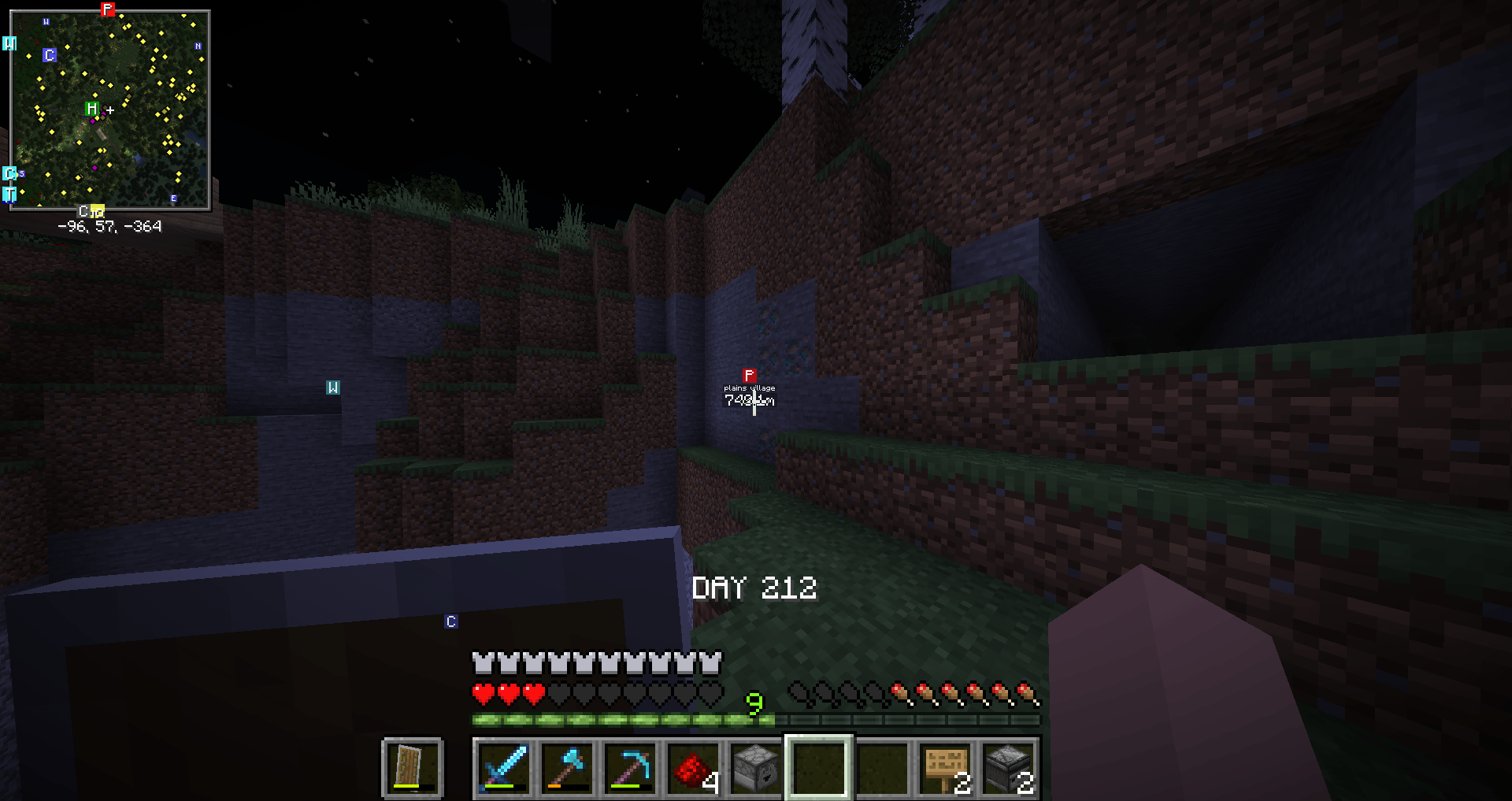
Welcome to Corrupt Copper, a chaotic twist on Minecraft’s building blocks that injects a glitchy vibe into your world! This unique texture pack replaces all copper-related blocks—including copper blocks, cut copper, oxidized variants, and even exposed copper—with the infamous "missing texture" error pattern you’d typically see in broken or unloaded game assets.
Instead of the usual shiny orange hues or the green patina of oxidized copper, you’ll now see a jarring checkerboard of black and magenta that screams "something went wrong." It's bold, it's loud, and it's perfect for players who want to add a touch of corruption, surrealism, or meta-humor to their builds.
Whether you're building a haunted glitch temple, a redstone lab gone rogue, or just want to troll your friends, Corrupt Copper adds an unmistakable broken aesthetic that stands out from the crowd. Great for content creators, chaotic survival worlds, or anyone who finds joy in Minecraft’s weirder side.
Features:
Replaces all ore textures (including stairs, slabs, and cut variations) with the classic error texture.
Compatible with both default and custom shader setups.
Works in survival and creative modes—craft and place your "broken" as usual.
Keeps original block names and properties intact, so gameplay remains functional—only the visuals are altered.
Note: No actual game errors included—just pure visual chaos.