Mineuniverse
Resource Packs
Coremar's Simplistica

Coremar's Simplistica

RESOURCE PACK
Simplistic textures with familiar feel
by Coremar
Download Claim this project
658 downloads
0 likes
Updated Oct 14, 2026
0 hypes
16x Miscellaneous Traditional
Advertisement Remove ads with Premium →

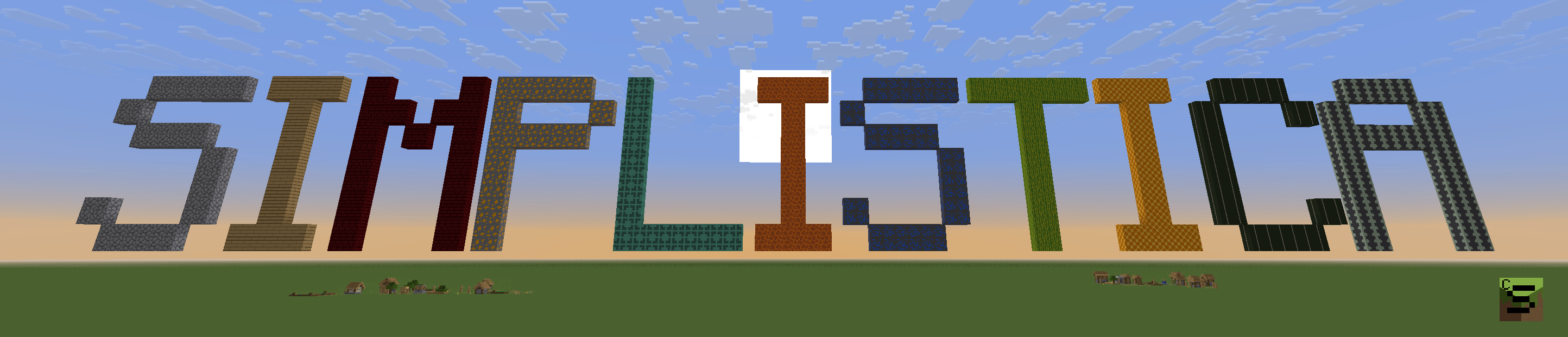
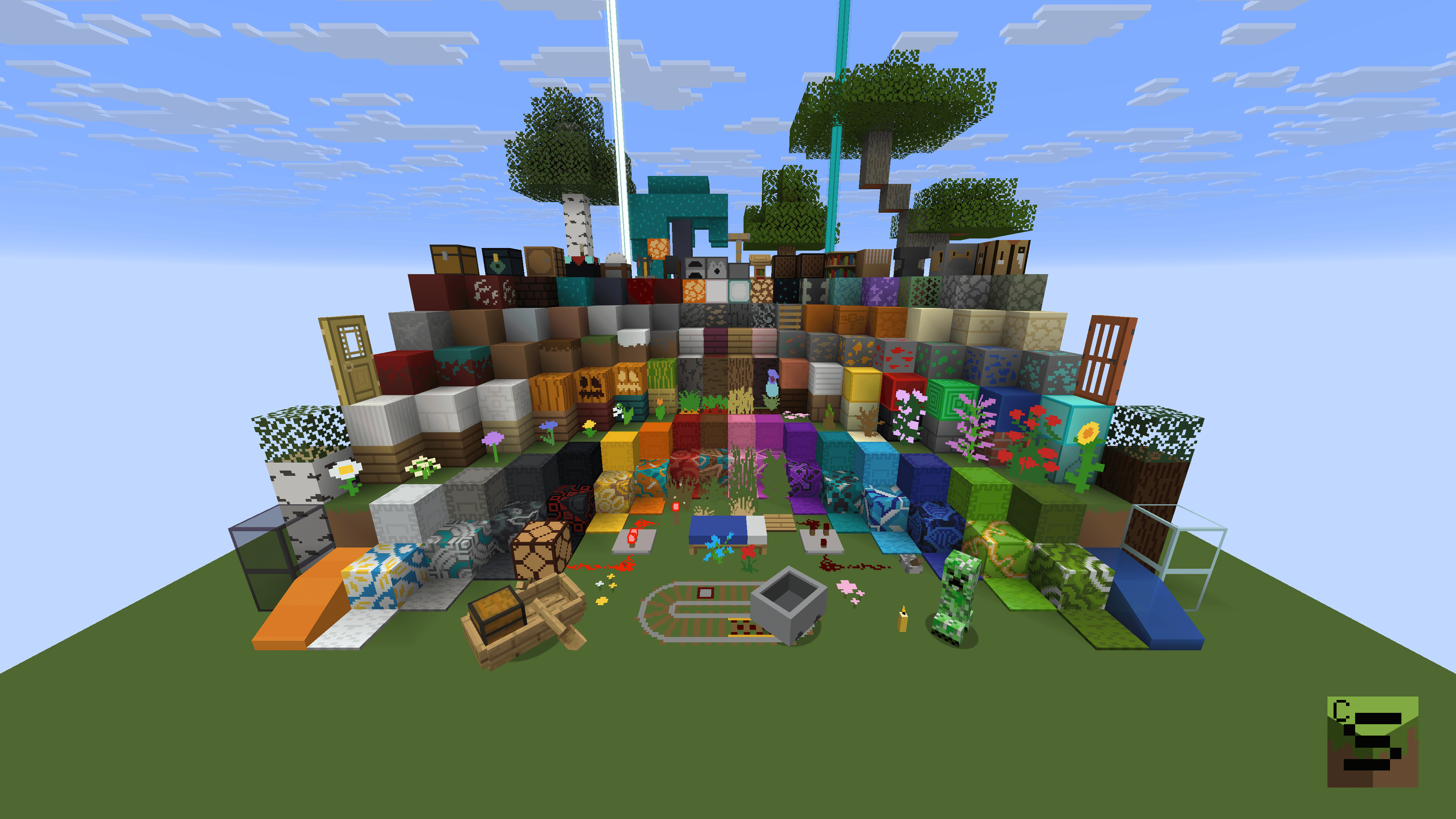
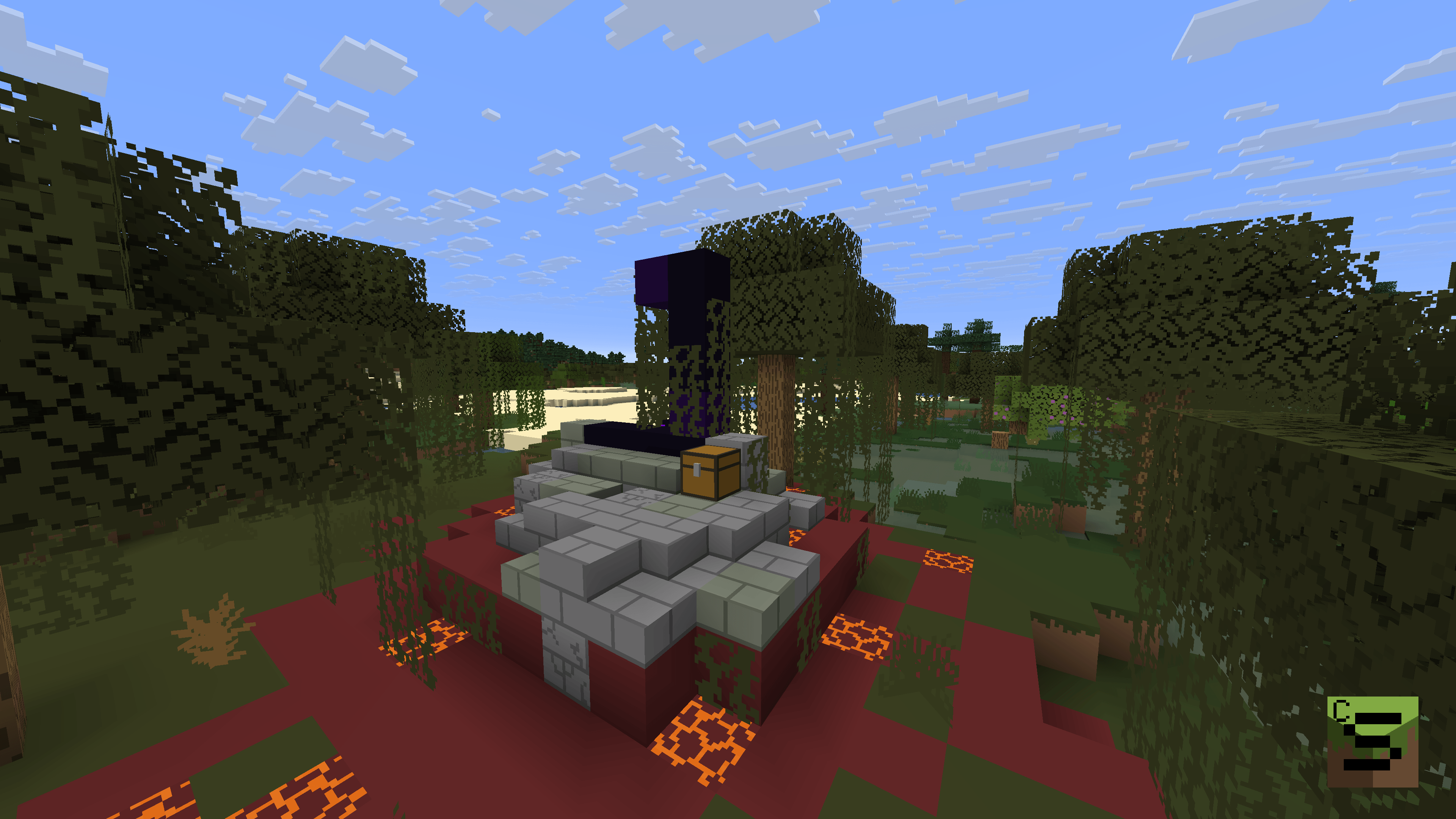
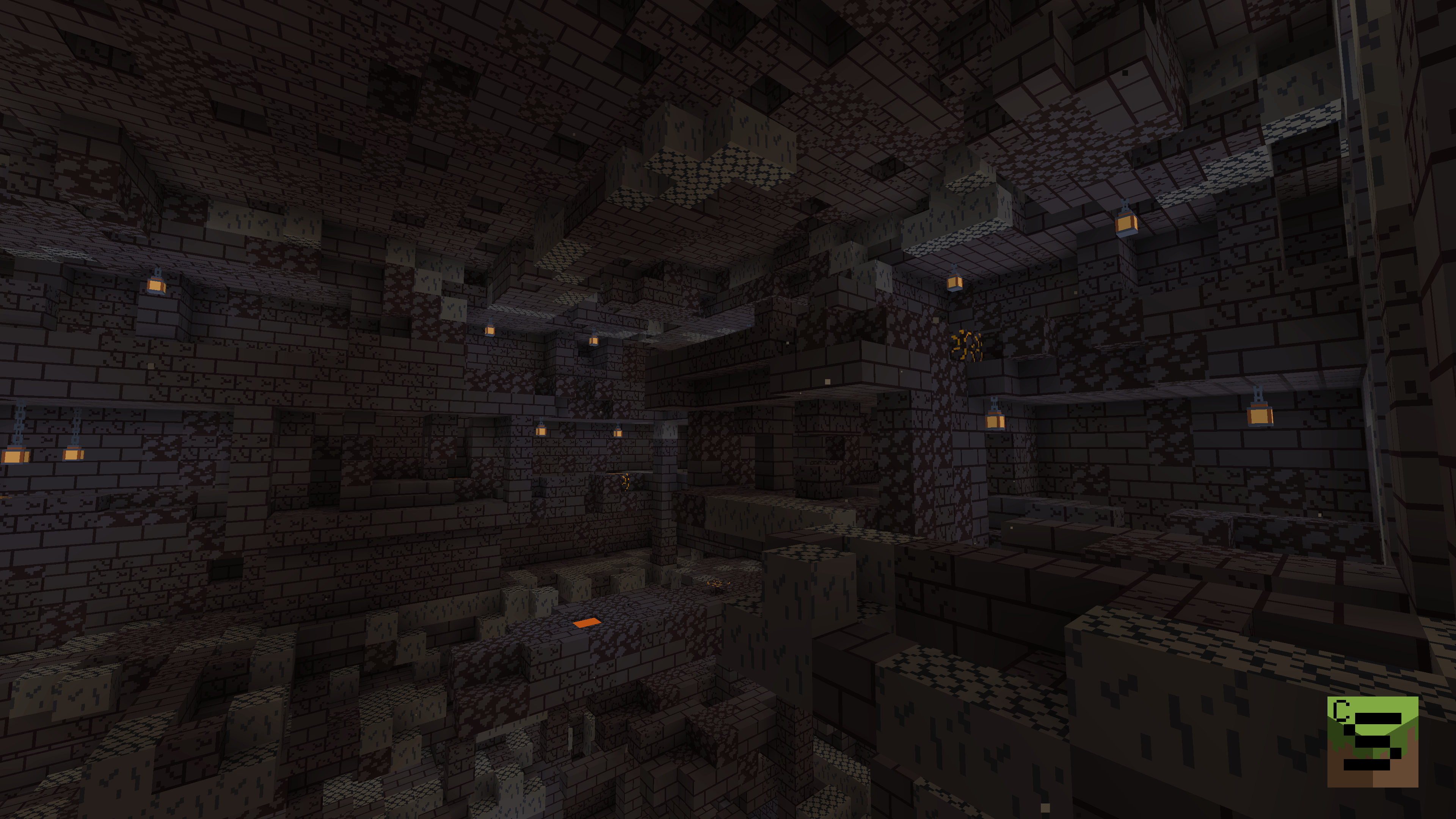
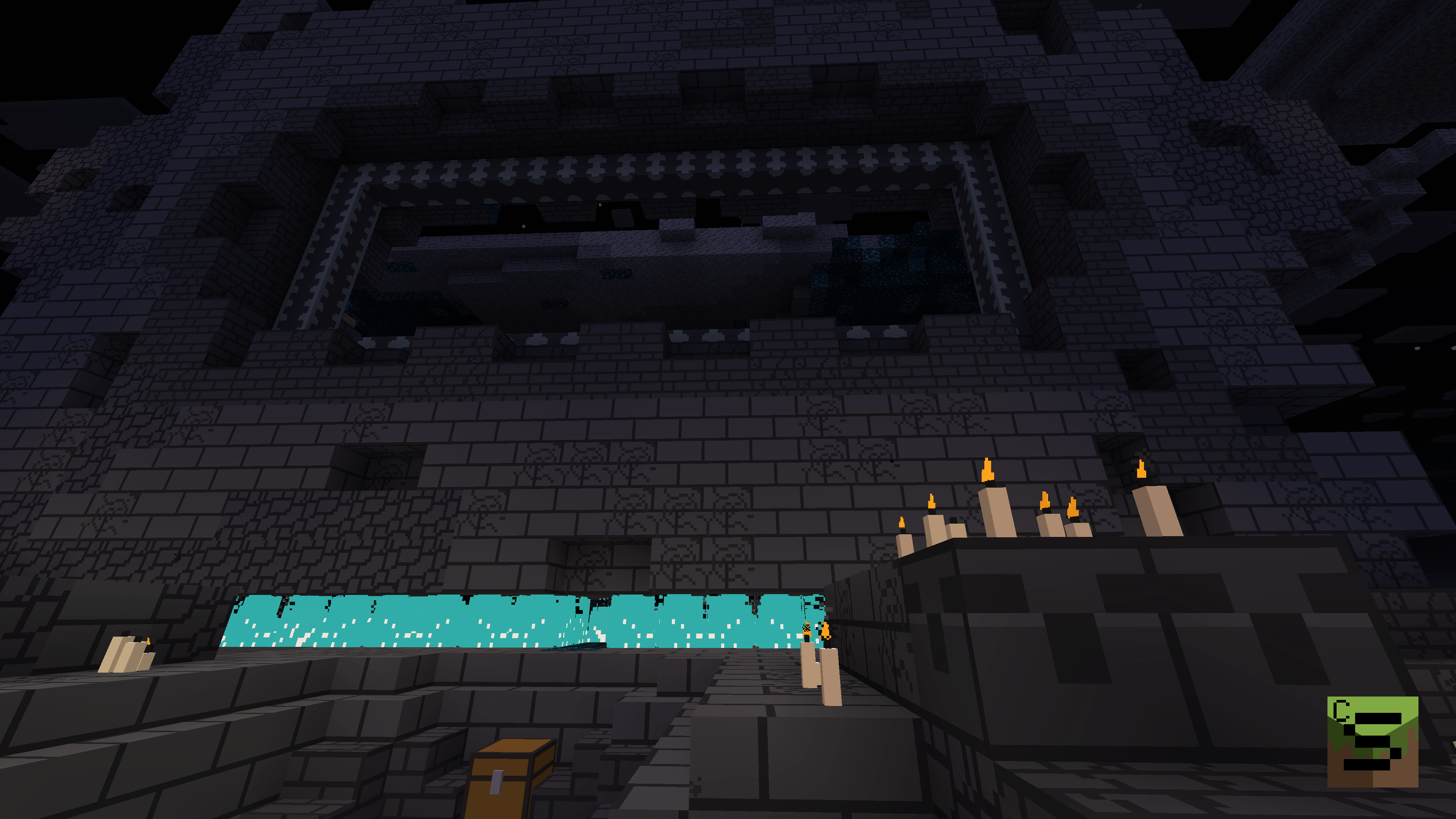
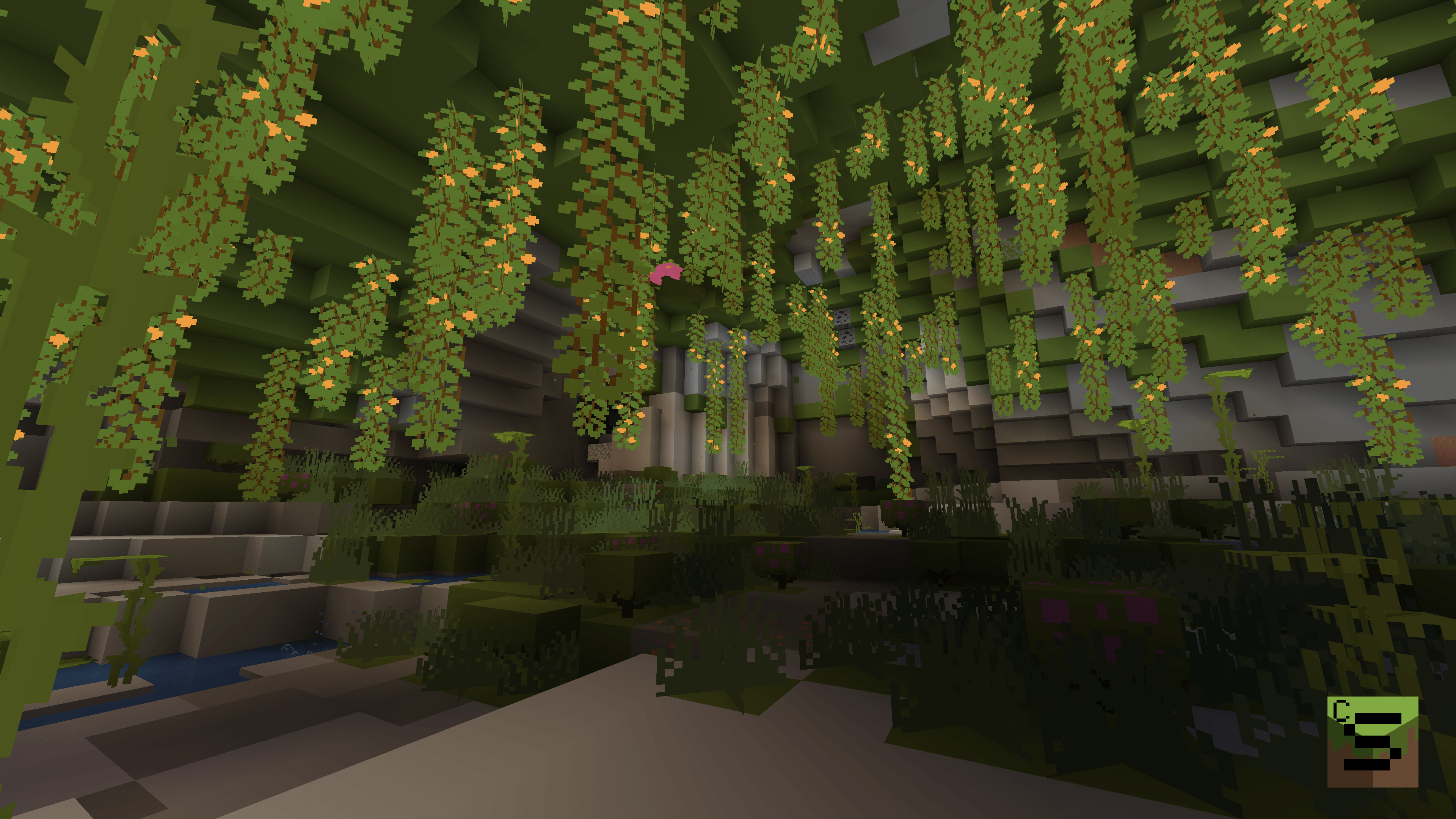
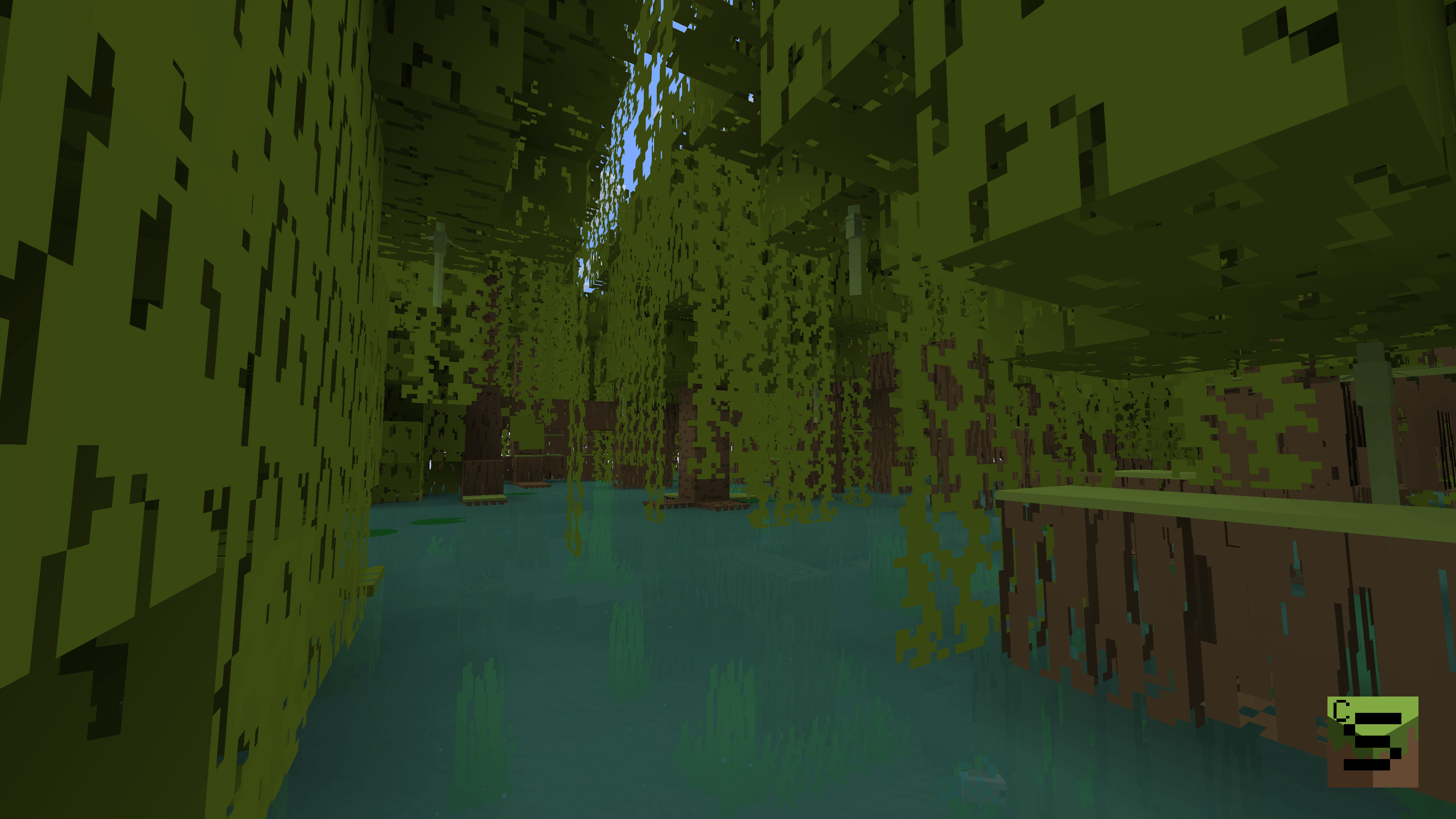
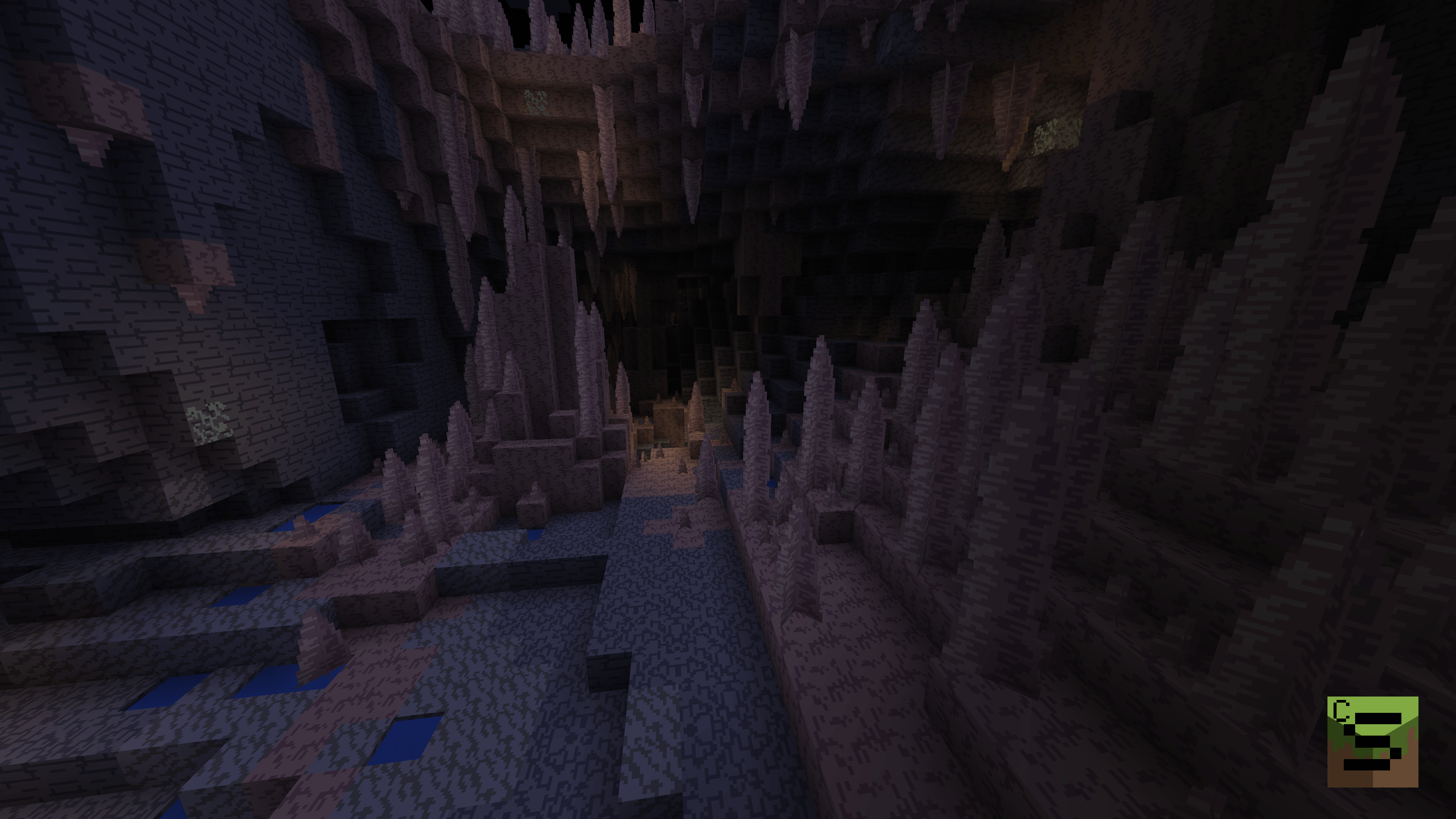
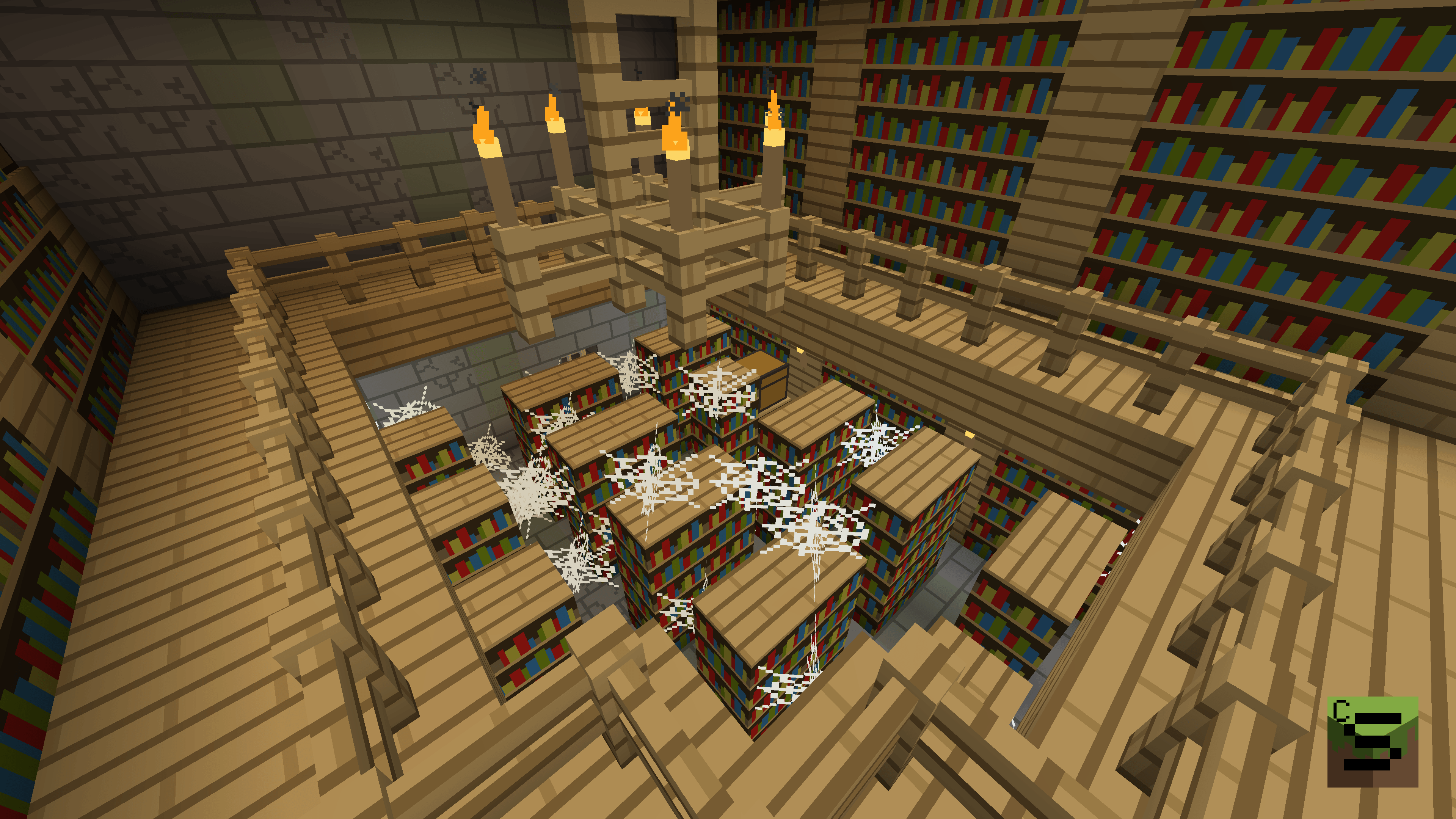
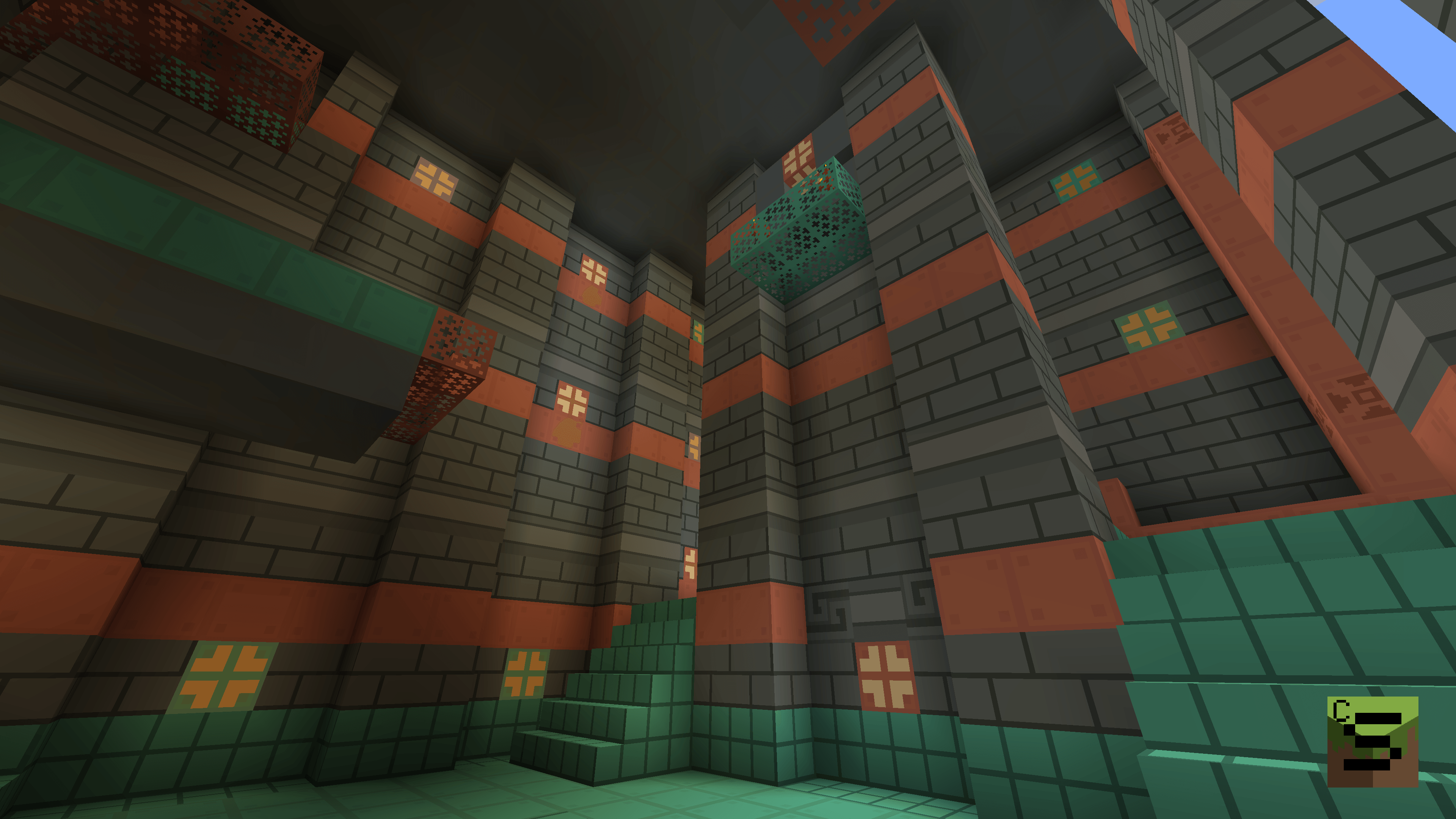
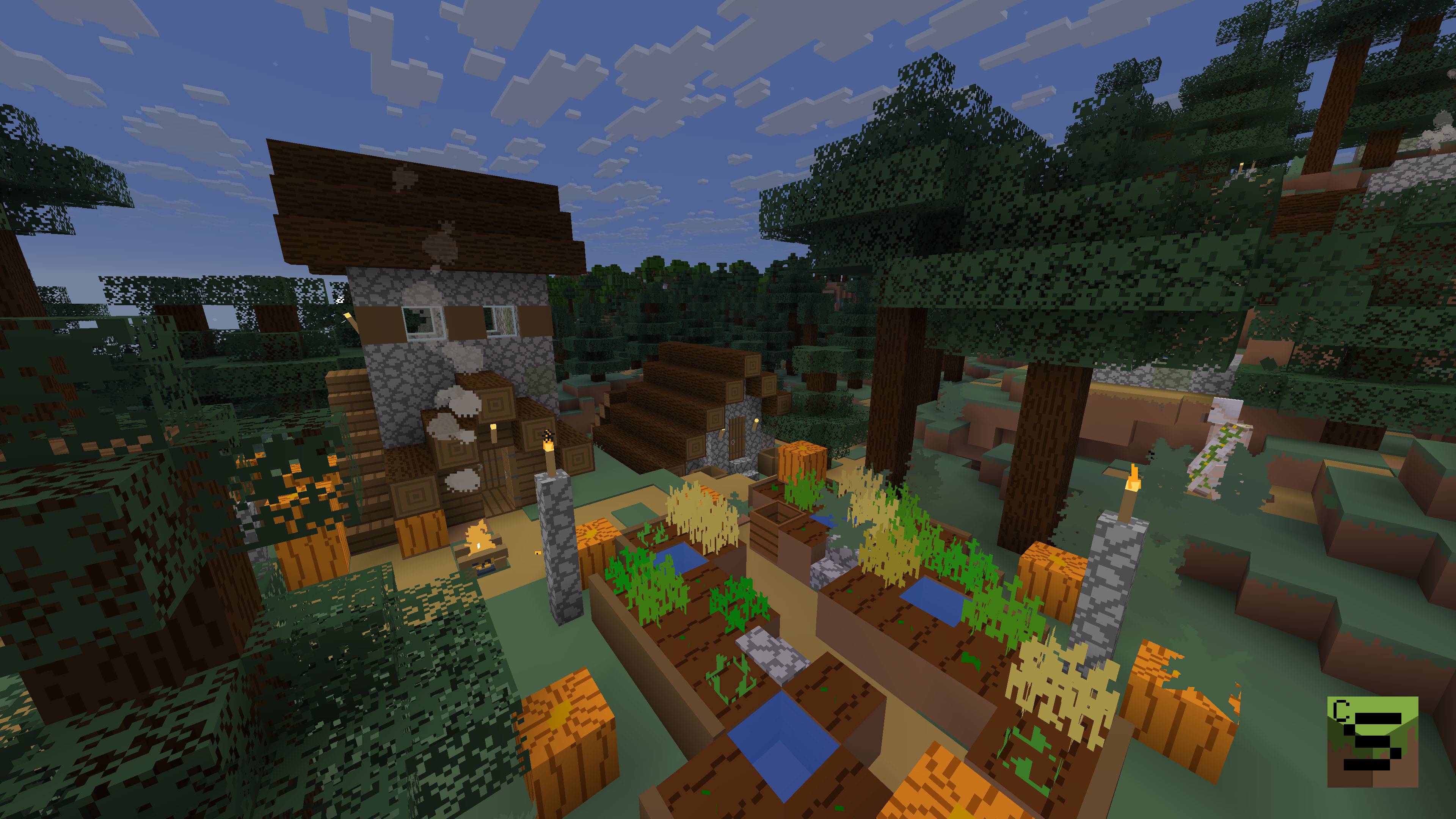
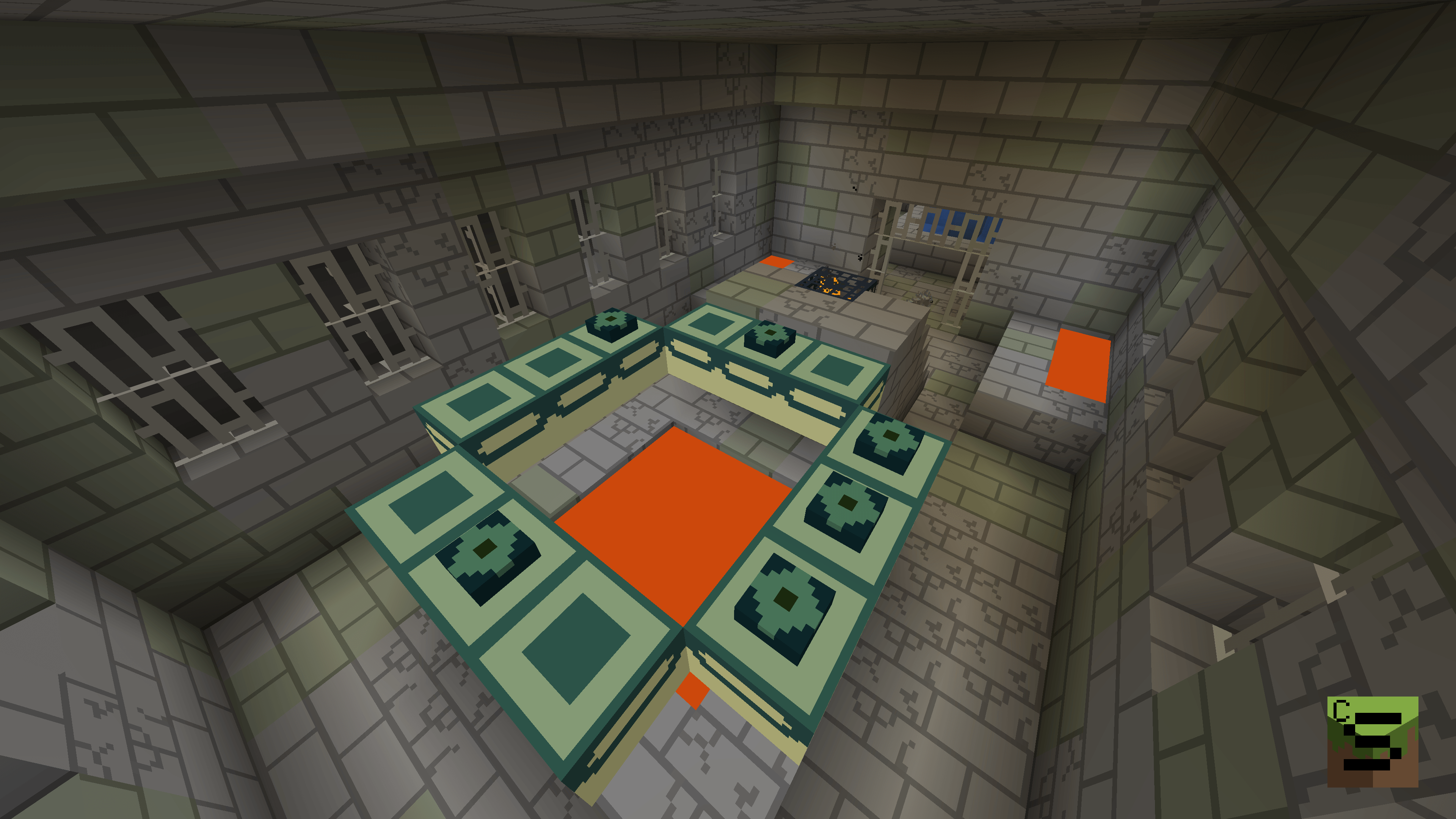
Coremar's Simplistica offers simplified textures and GUI for vanilla Minecraft, preserving the original resolution and color scheme while simplifying the visuals. The goal is to make everything as simple as possible without completely losing the familiar feel of the game.

This pack is not designed to increase performace, and it most likely won't affect performance in any way. Optifine is not needed for Simplistica to fully function.


This pack is currently work in progress, most blocks, GUI, particles and entities are done, some require further work. As of now no items are done yet, some entities are still missing. (I would like to say "coming soon", but it's still about 1.5K files so it will take some time.) Anything present might change in the future.

Coremar's Simplistica v0.8.2
MC 1.21.8, 1.21.9, 1.21.10, 1.21.11
Release 2025-12-19 Get
Coremar's Simplistica v0.8.0
MC 1.21.8, 1.21.7, 1.21.9-snapshot, 1.21.9, 1.21.10
Release 2025-11-28 Get
Coremar's Simplistica v0.7.3
MC 1.21.8, 1.21.7, 1.21.9, 1.21.10
Release 2025-11-22 Get
Coremar's Simplistica v0.7.2
MC 1.21.8, 1.21.9, 1.21.10, 1.21.7
Release 2025-11-09 Get
Coremar's Simplistica v0.7.0
MC 1.21.8, 1.21.9, 1.21.10, 1.21.7
Release 2025-11-02 Get
Coremar's Simplistica v0.6.8
MC 1.21.8, 1.21.9, 1.21.10, 1.21.7
Release 2025-10-25 Get
Coremar's Simplistica v0.6.6
MC 1.21.8, 1.21.9, 1.21.10, 1.21.7
Release 2025-10-18 Get
Coremar's Simplistica v0.6.1
MC 1.21.8, 1.21.9, 1.21.10, 1.21.7, 1.21.9-snapshot
Release 2025-10-08 Get
Coremar's Simplistica v0.5.8
MC 1.21.8, 1.21.9, 1.21.9-snapshot
Release 2025-10-05 Get
Coremar's Simplistica v0.5.7
MC 1.21.8
Release 2025-10-01 Get

Requirements & install

How to use this resource pack in Minecraft
Resolution
16x
Minecraft
1.21.7 – 1.21.11
Install folder
.minecraft/resourcepacks

How to install resource packs

  1. Download the resource pack .zip file (do not extract it).
  2. In Minecraft open Options → Resource Packs → Open Pack Folder.
  3. Drop the .zip into the resourcepacks folder (.minecraft/resourcepacks).
  4. Move the pack to the Selected column and click Done.
Browse more: 16x resource packs 32x resource packs 64x resource packs 128x resource packs 256x resource packs 512x+ resource packs Resource Packs for 1.21.11 All resource packs
Advertisement Remove ads with Premium →

You Might Also Like