Mineuniverse
Resource Packs
Coppered Equipment

Coppered Equipment

RESOURCE PACK
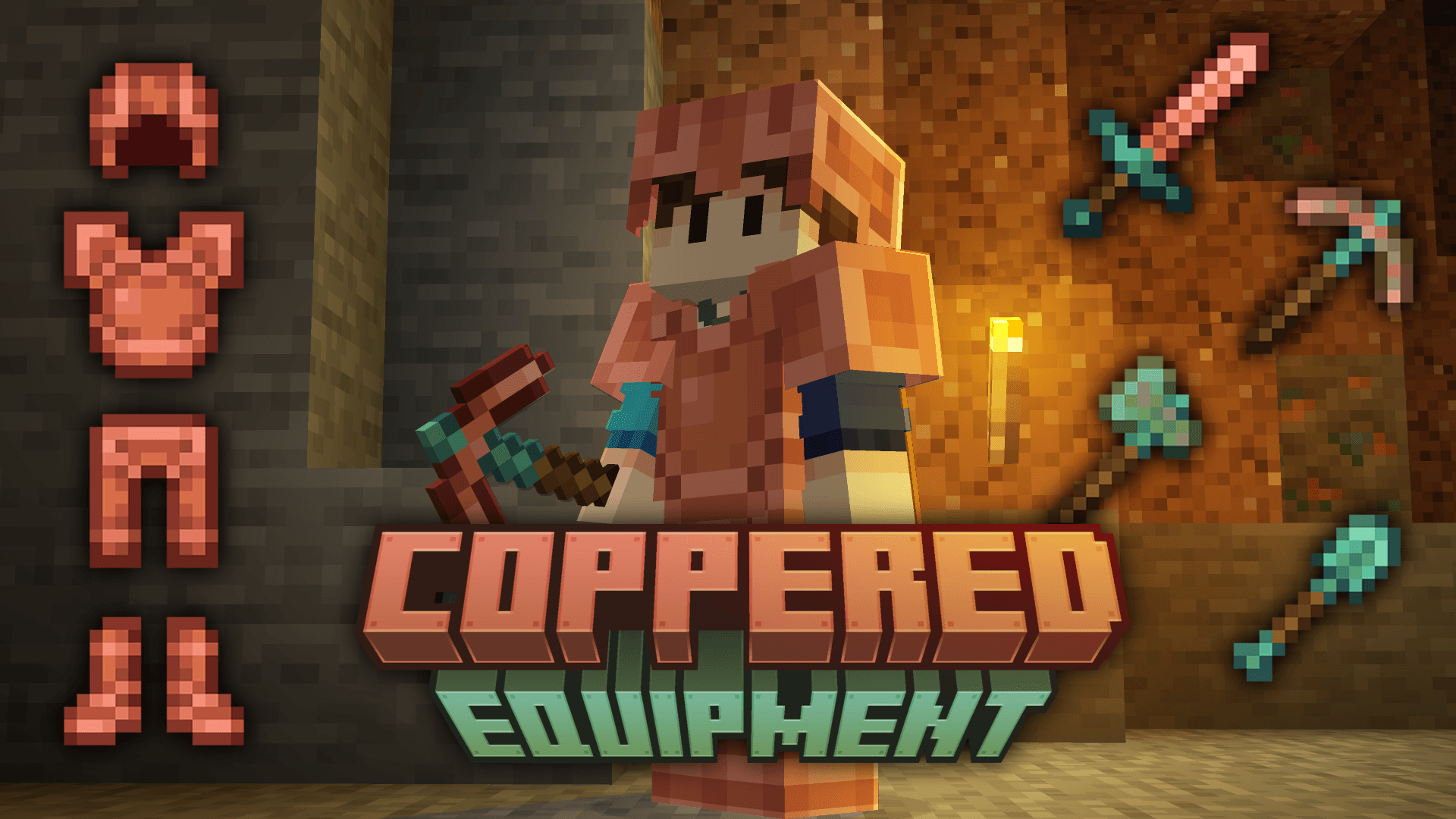
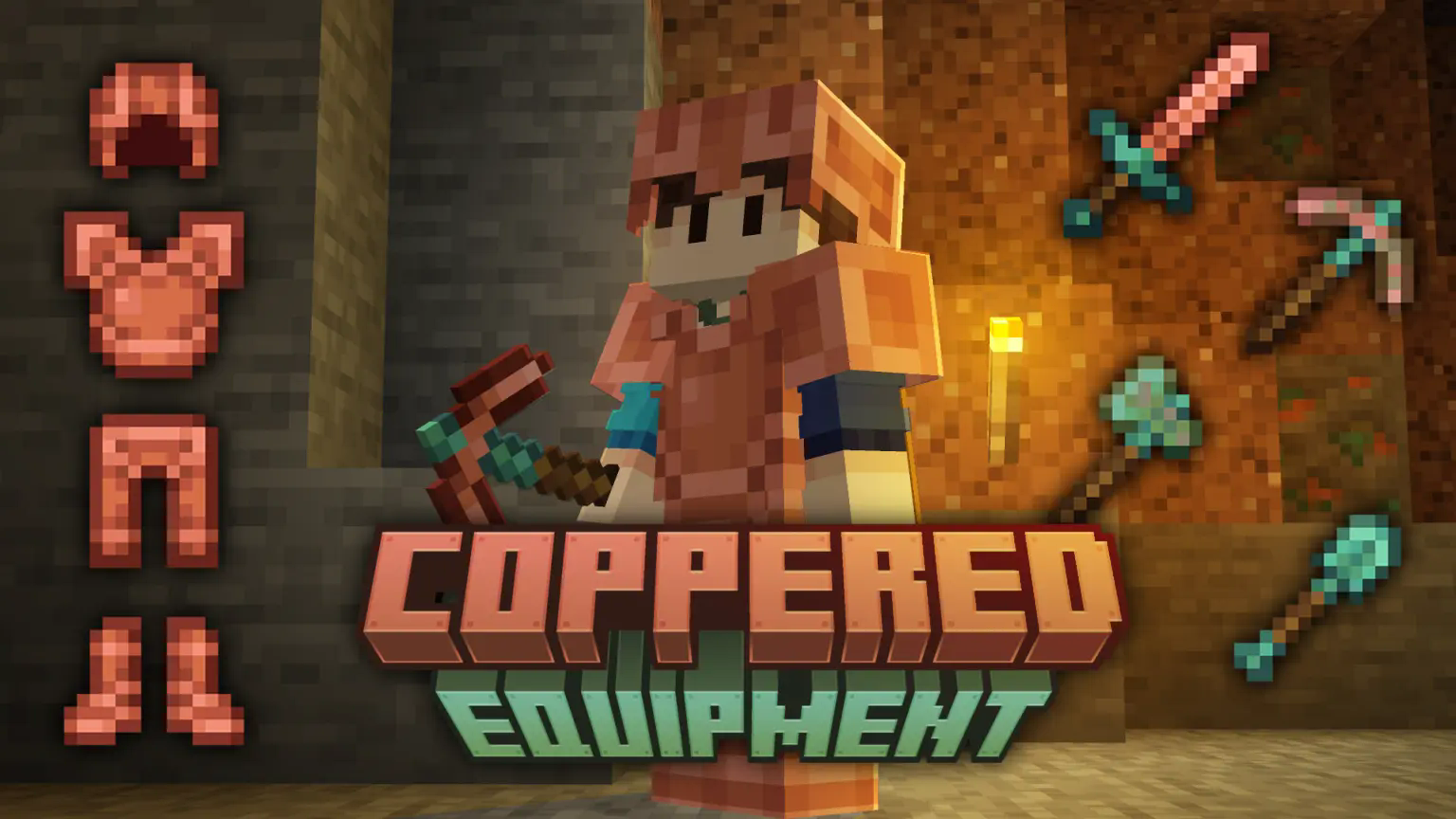
A texture upgrade for copper tools and armor to make them a little bit more interesting + oxidizing copper tools
by AndrewHG
Download Claim this project
5,656 downloads
0 likes
0 followers
Updated Oct 14, 2026
0 hypes
Follow0
16x Miscellaneous Traditional
Advertisement Remove ads with Premium →

Coppered Equipment gives a makeover to the copper tools and copper armor textures.


Other Versions of Coppered Equipment
ONLY Tools Icon ONLY Armor Icon alt text


Copper Tools

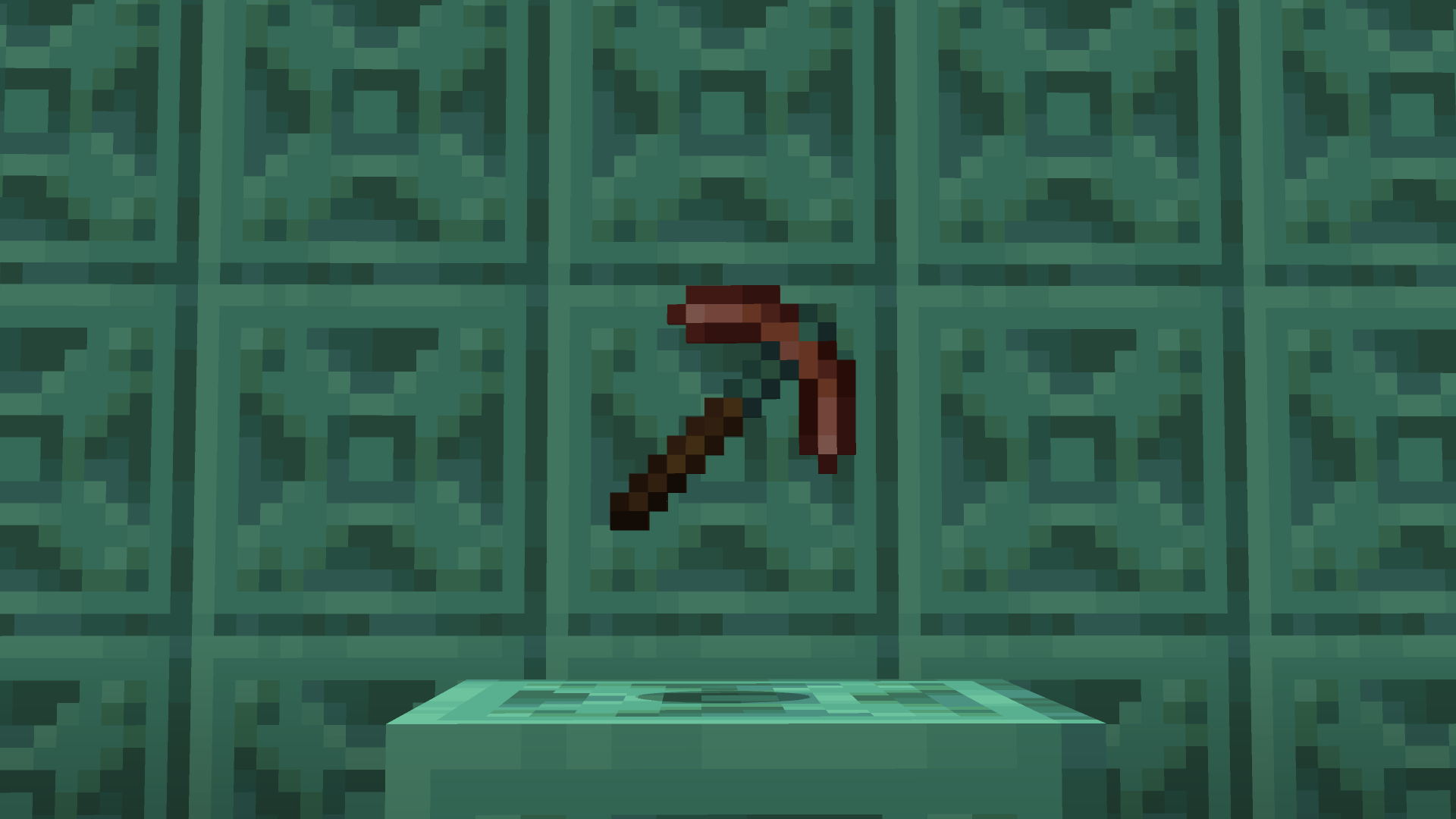
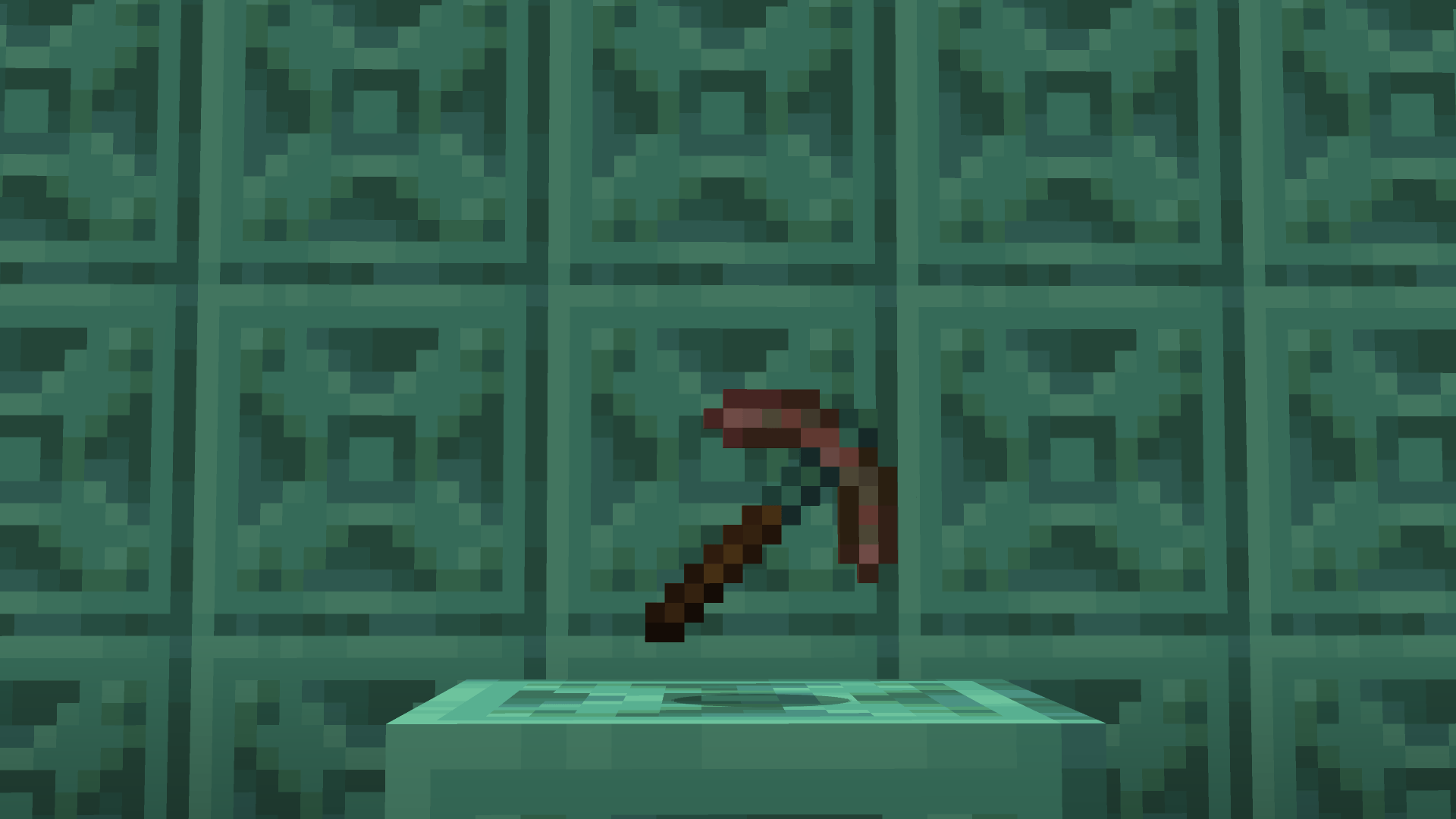
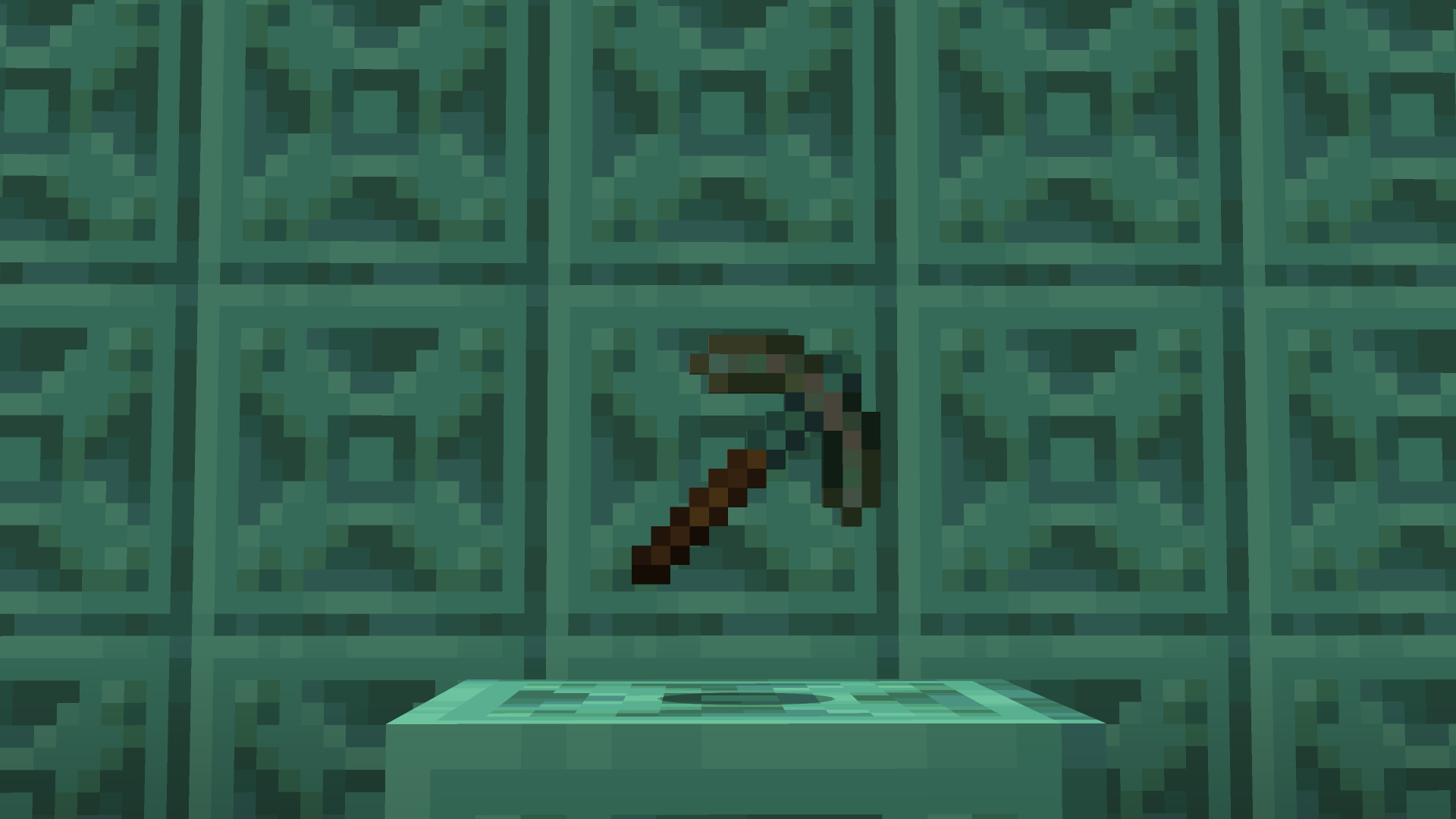
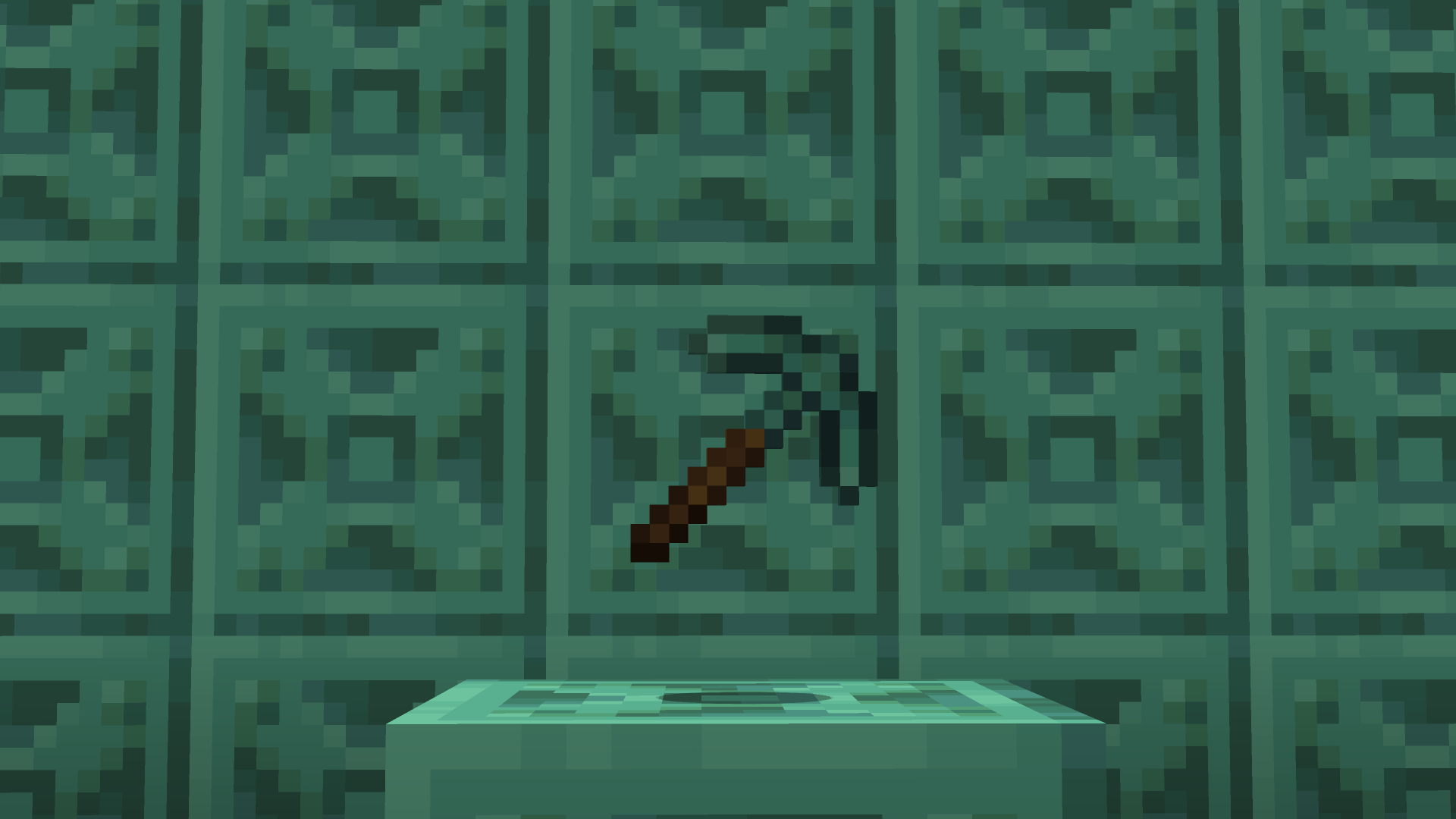
 Copper Pickaxe 


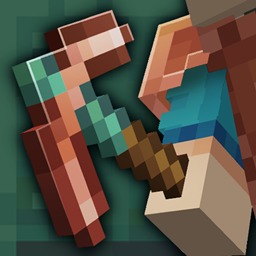
A brand new look for copper tools. The main part of the tool starts out as shiny orange copper with the blue-green look of oxidized copper on the stick, holding the tools together. The lower the durability on your copper tools, the more oxidized they get! This adds a great visual to how broken your copper tools are.


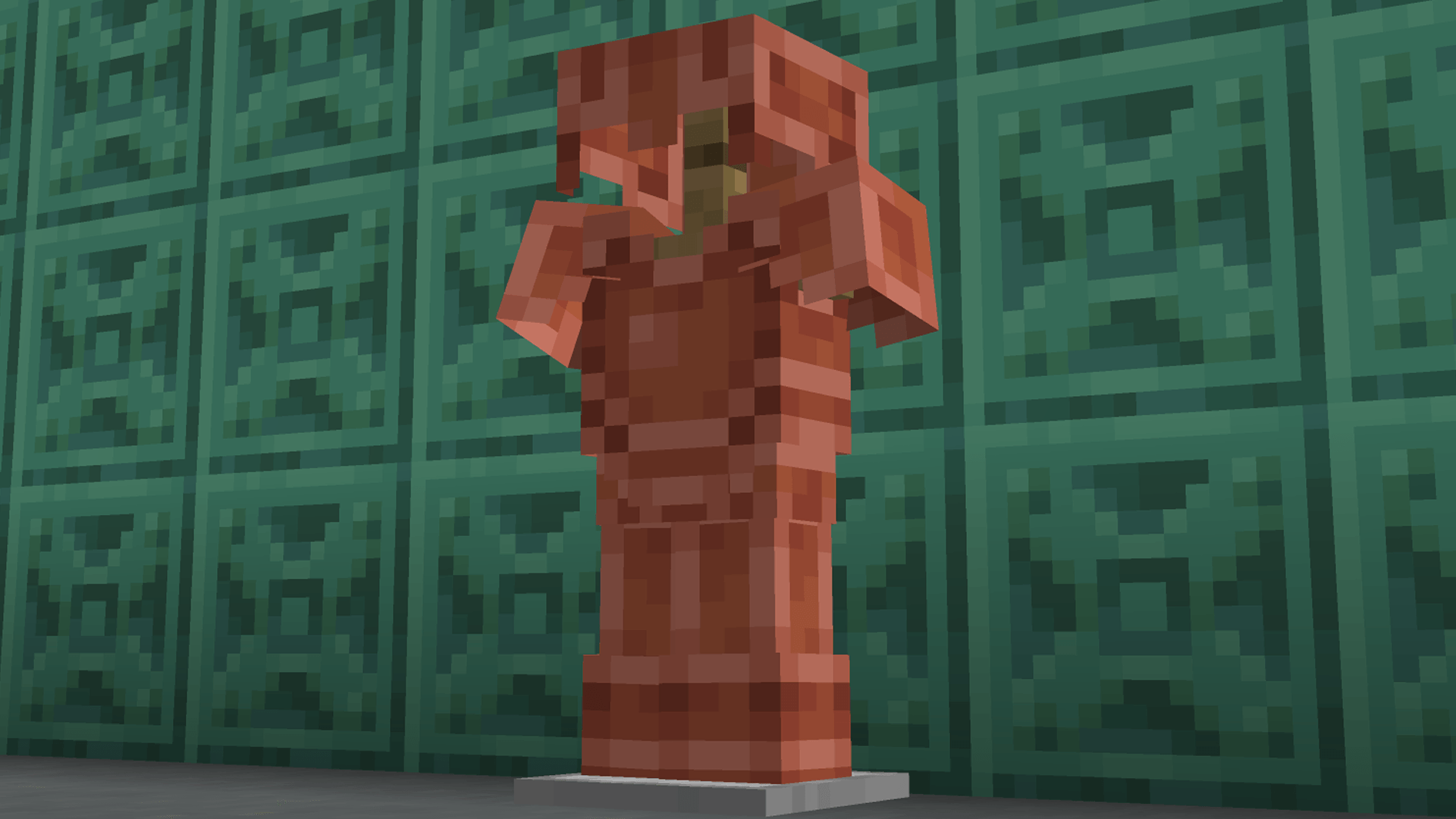
Copper Armor


Instead of being a retexture of existing metal armor, the copper armor has a texture reminiscent of the design of the copper chest! The armor stays a shiny orange all over as to not interfere with armor trims

Coppered Armor-v1.2.1 ONLY Armor
MC 1.21.9, 1.21.10, 1.21.11, 26.1, 26.2, 26.3
Beta 2026-01-11 Get
Coppered Equipment - ONLY Tools
MC 1.21.9, 1.21.10, 1.21.11, 26.1, 26.2, 26.3
Beta 2025-12-09 Get
Coppered Equipment - Classic
MC 1.21.9, 1.21.10, 1.21.11, 26.1, 26.2, 26.3
Beta 2025-12-09 Get
Coppered Equipment-v1.3
MC 1.21.9, 1.21.10, 1.21.11, 26.1, 26.2, 26.3
Release 2025-12-09 Get
Coppered Equipment - Classic
MC 1.21.9, 1.21.10
Beta 2025-11-21 Get
Coppered Equipment-v1.3 (SNAPSHOT)
MC 1.21.10, 1.21.11-snapshot
Alpha 2025-10-09 Get
Coppered Equipment-v1.2
MC 1.21.9, 1.21.10
Release 2025-10-02 Get
Coppered Equipment-v1.2 (ONLY Tools)
MC 1.21.9, 1.21.10
Beta 2025-10-02 Get
Coppered Armor-v1.2 (ONLY Armor)
MC 1.21.9, 1.21.10
Beta 2025-10-02 Get
Coppered Equipment v1.1 - ONLY Tools
MC 1.21.9-snapshot
Alpha 2025-09-15 Get
Coppered Equipment-v1.0
MC 1.21.9-snapshot
Beta 2025-07-31 Get

Requirements & install

How to use this resource pack in Minecraft
Resolution
16x
Minecraft
1.21.9-snapshot – 26.3
Install folder
.minecraft/resourcepacks

How to install resource packs

  1. Download the resource pack .zip file (do not extract it).
  2. In Minecraft open Options → Resource Packs → Open Pack Folder.
  3. Drop the .zip into the resourcepacks folder (.minecraft/resourcepacks).
  4. Move the pack to the Selected column and click Done.
Browse more: 16x resource packs 32x resource packs 64x resource packs 128x resource packs 256x resource packs 512x+ resource packs Resource Packs for 26.3 All resource packs

More from AndrewHG

Advertisement Remove ads with Premium →

You Might Also Like