Mineuniverse
Resource Packs
Copper Love

Copper Love

RESOURCE PACK
Updated copper textures for Create and other mods
by jaboykoral
Download Claim this project
823 downloads
0 likes
0 followers
Updated Oct 14, 2026
0 hypes
Follow0
16x Mod Support Traditional
Advertisement Remove ads with Premium →

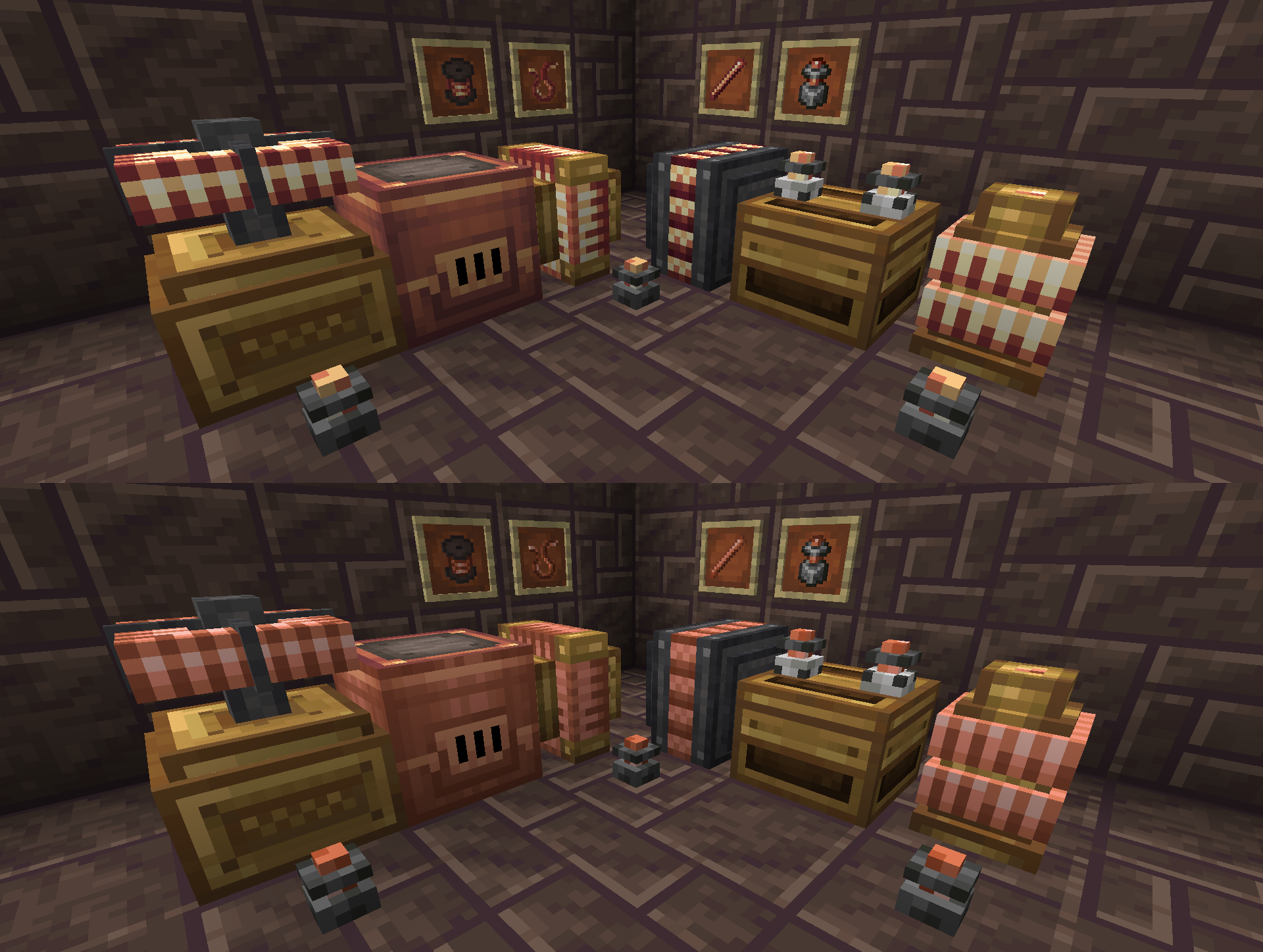
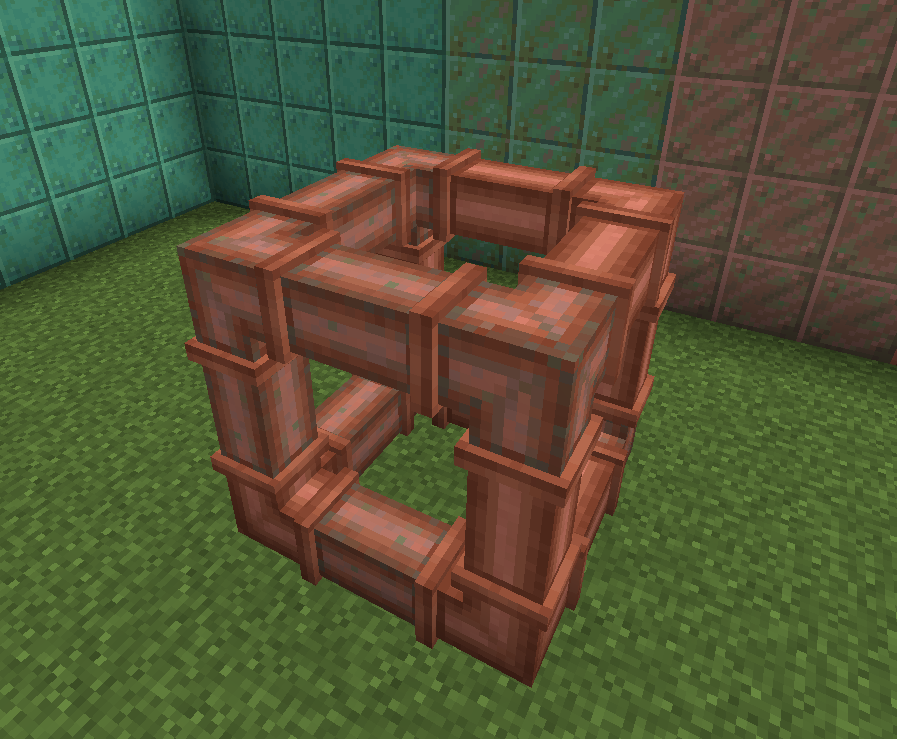
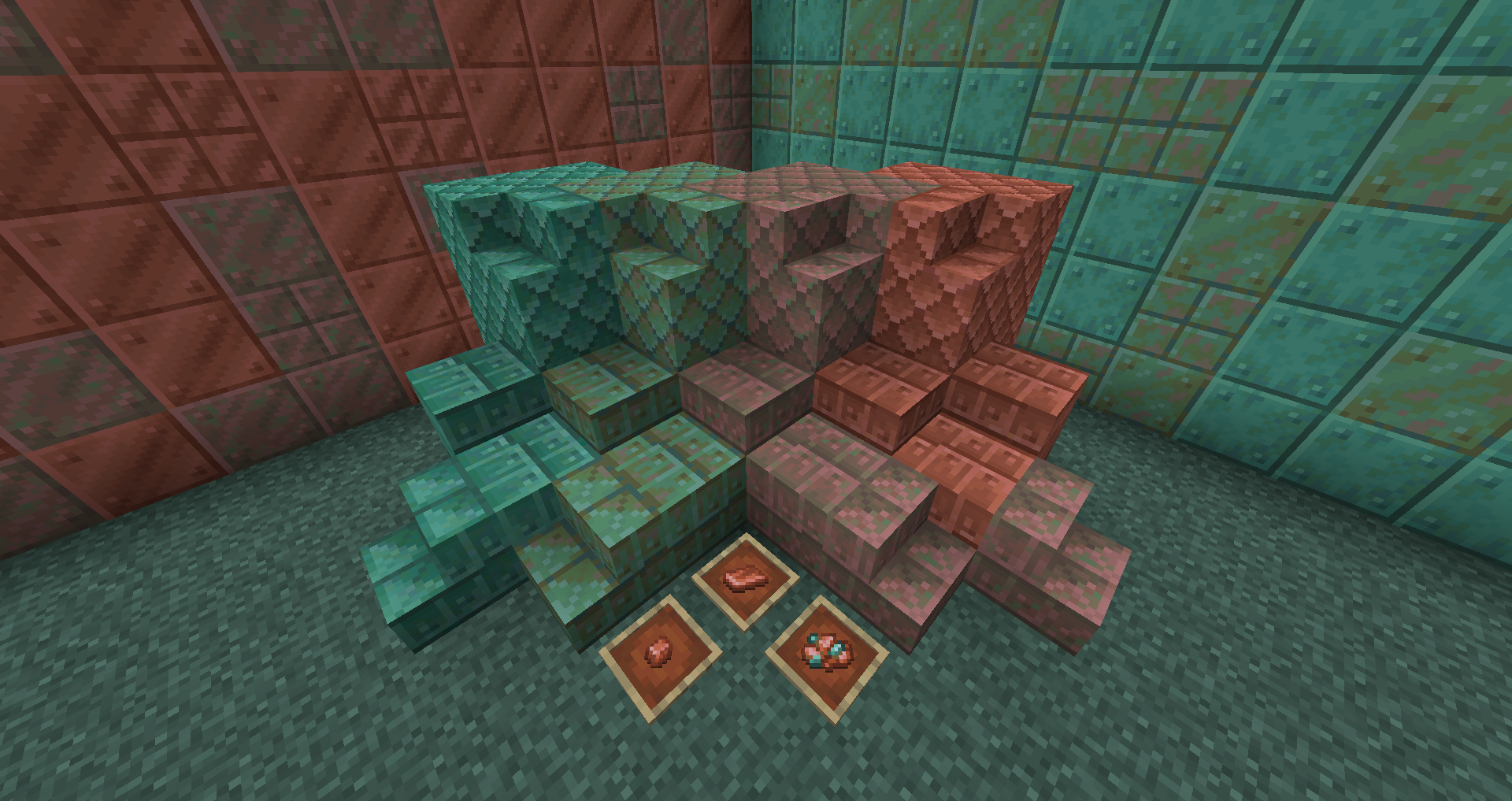
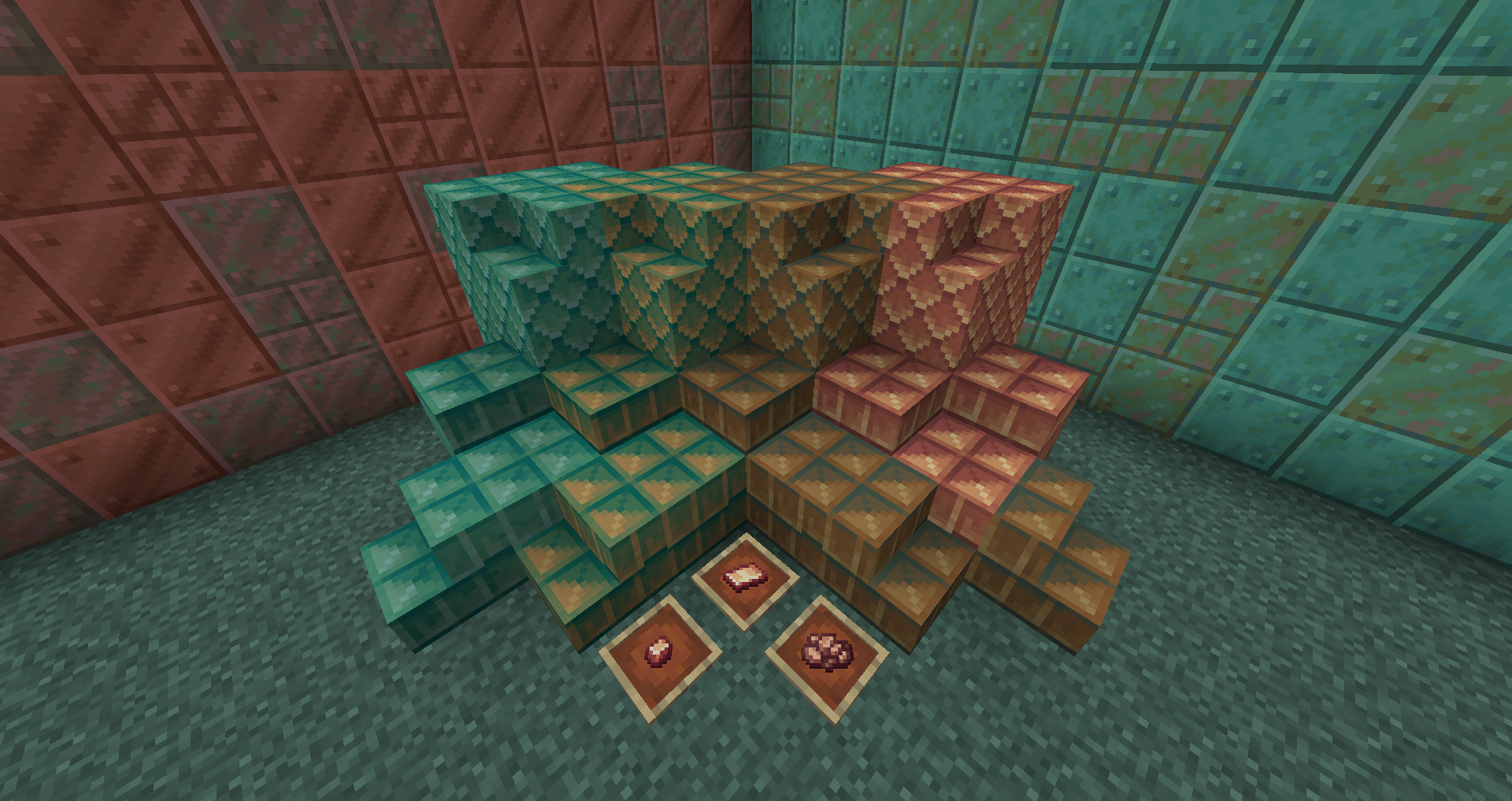
A very small texture pack that updates copper blocks from Create (and more!) to match vanilla blocks, along with some of the copper byproduct items.


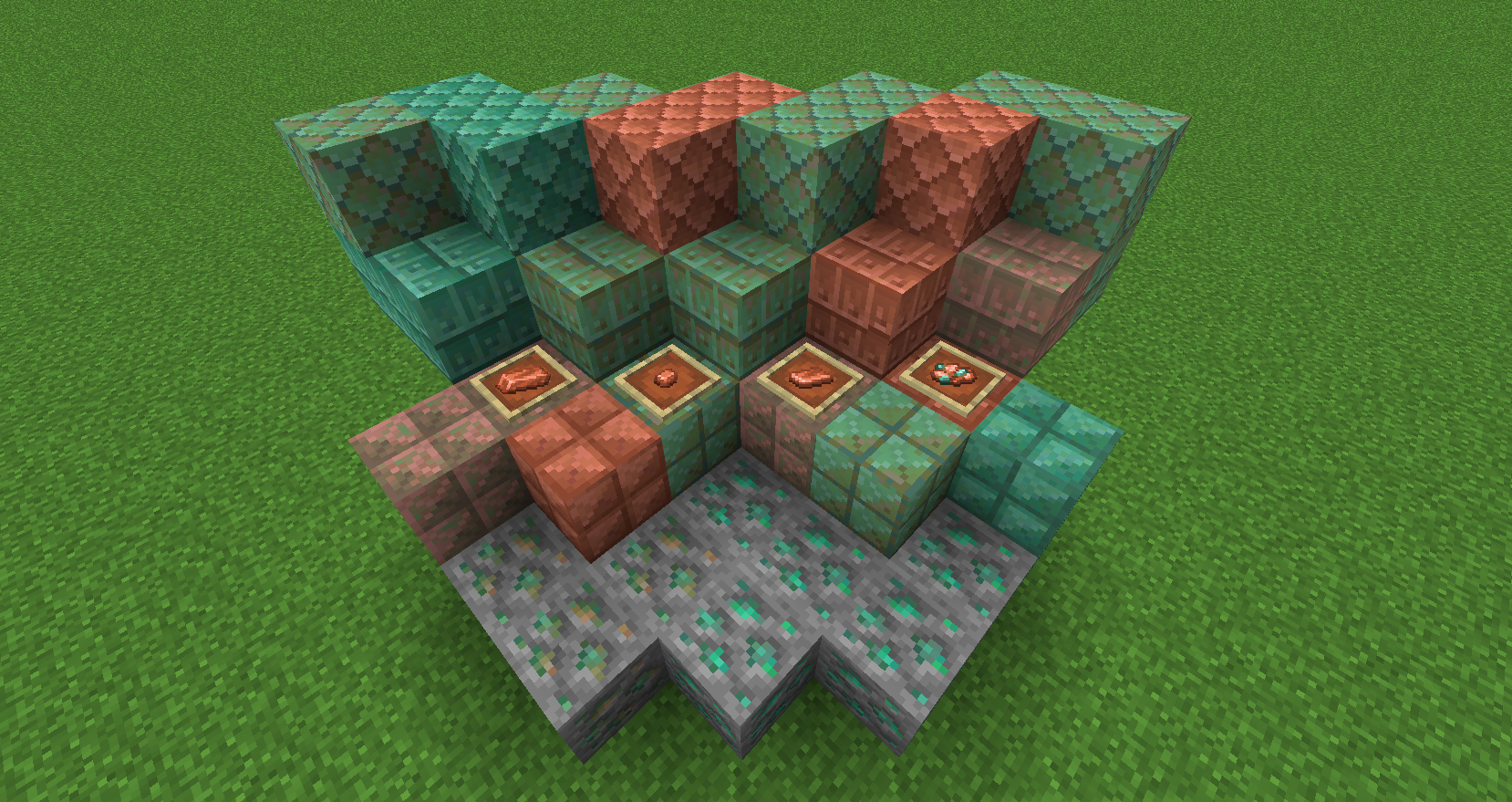
  • Recolors oxidization stages to match the vanilla colors
  • Gives blocks and slabs the same texture on top and bottom
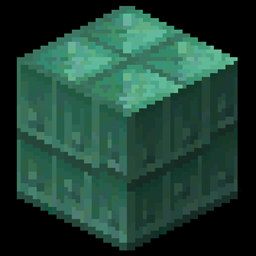
  • Adds rivets to shingle blocks
  • Recolors copper ingots (for 1.16), crushed copper, copper nuggets, and copper sheets to match vanilla colors
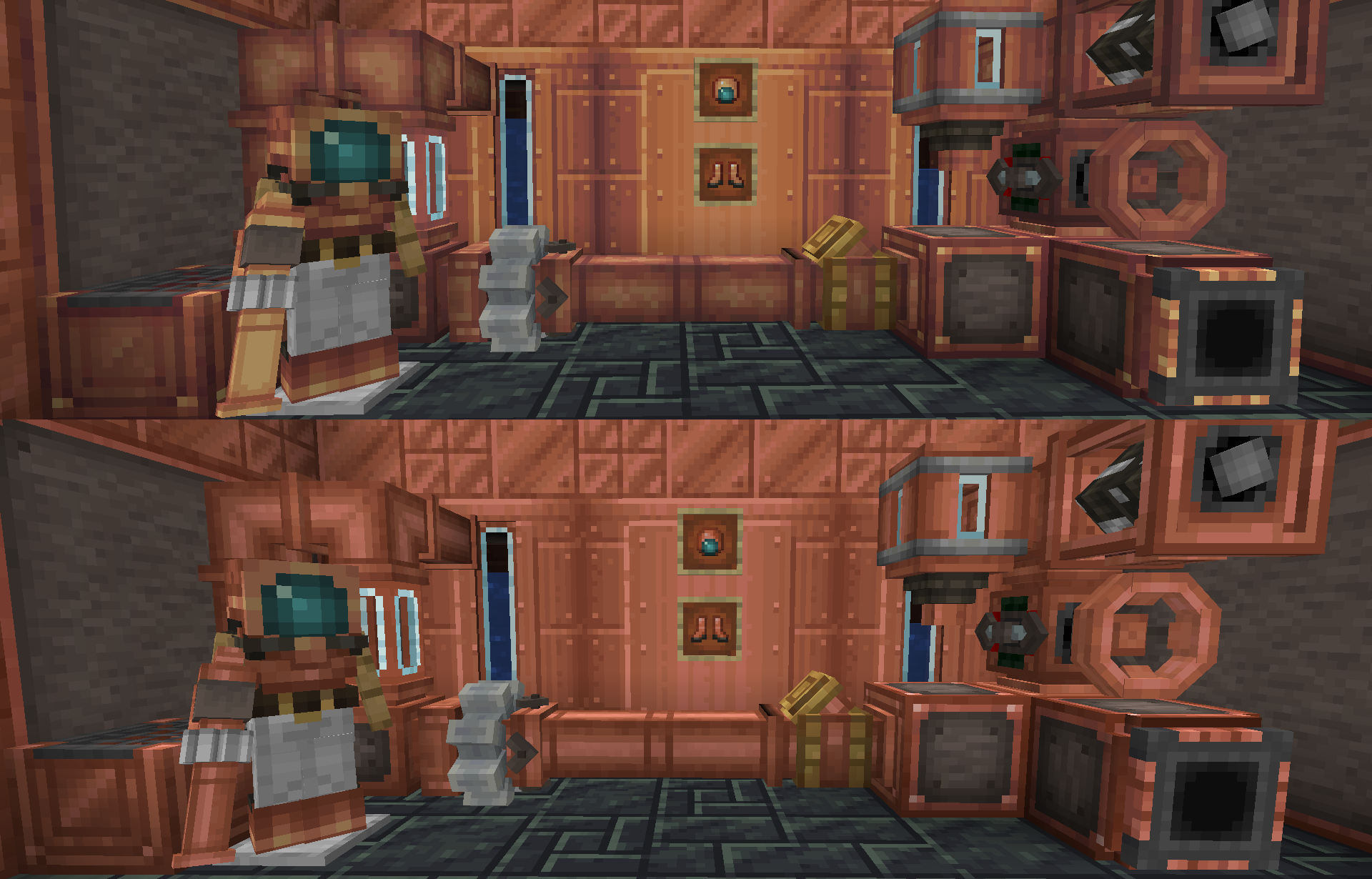
  • Recolors all copper-based blocks (fluid tanks and pipes, potato cannon, etc) to match
  • Updates copper golems in YDM's CopperGolem mod
  • Recolors copper-based blocks in the Create Crafts and Additions mod
  • Compatible with 1.16.x, using the current "roof" texture for plain blocks, so it can be used alongside Caves & Cliffs backport mods which add the "vanilla" copper block

 

That's it! I just love copper stuff.

Copper Love 1.18.2_v2.2.zip
MC 1.18.2
Release 2022-11-20 Get
Copper Love 1.16.5_v02.1.zip
MC 1.17.1, 1.16.3, 1.16.1, 1.18.1, 1.17, 1.16, 1.16.5, 1.18, 1.16.4, 1.16.2
Release 2022-07-14 Get
Copper Love 1.18.2_v2.1.zip
MC 1.18.2
Release 2022-07-14 Get
Copper Love v02.0.zip
MC 1.17.1, 1.18.1, 1.17, 1.16.5, 1.17-Snapshot, 1.18, 1.18-Snapshot
Release 2022-02-16 Get
Create Copper Updated v01.1.zip
MC 1.16-Snapshot, 1.17.1, 1.16.3, 1.16.1, 1.18.1, 1.17, 1.16, 1.16.5, 1.17-Snapshot, 1.18, 1.16.4, 1.18-Snapshot, 1.16.2
Release 2022-02-13 Get
Create Copper Updated v01.zip
MC 1.17.1, 1.18.1, 1.17, 1.17-Snapshot, 1.18, 1.18-Snapshot
Release 2022-02-10 Get

Requirements & install

How to use this resource pack in Minecraft
Resolution
16x
Minecraft
1.16.5 – 1.18.2
Install folder
.minecraft/resourcepacks

How to install resource packs

  1. Download the resource pack .zip file (do not extract it).
  2. In Minecraft open Options → Resource Packs → Open Pack Folder.
  3. Drop the .zip into the resourcepacks folder (.minecraft/resourcepacks).
  4. Move the pack to the Selected column and click Done.
Browse more: 16x resource packs 32x resource packs 64x resource packs 128x resource packs 256x resource packs 512x+ resource packs Resource Packs for 1.18.2 All resource packs
Advertisement Remove ads with Premium →

You Might Also Like