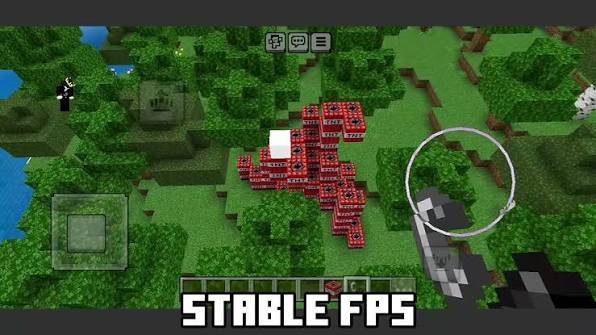
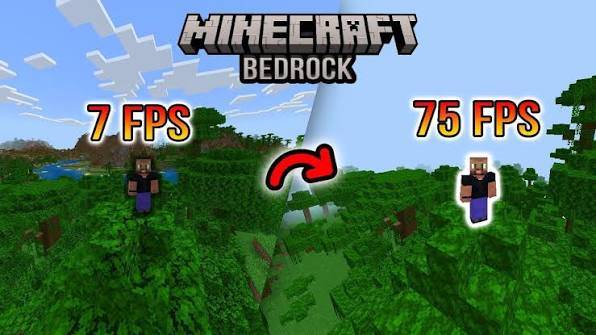
Cooked FPS is a lightweight Minecraft Java Resource Pack designed to squeeze a little extra performance out of vanilla Minecraft while giving the game a cleaner, more vibrant appearance.
Unlike optimization mods, Cooked FPS works entirely as a resource pack—no loaders, no dependencies, and no complicated setup.
Cooked FPS includes several lightweight optimizations that reduce unnecessary rendering work without changing gameplay.
Replaces transparent leaf textures with solid versions.
Reduces transparency rendering overhead.
Can provide smoother performance in forests and dense biomes.
Animation speed is reduced for:
Water
Lava
Fire
Soul Fire
Fewer animation updates mean slightly less texture processing while maintaining the vanilla feel.
Removes fullscreen overlays including:
Underwater tint
Pumpkin blur
This creates a cleaner screen while reducing extra overlay rendering.
Performance isn't everything.
Cooked FPS also refreshes Minecraft's appearance with:
🌱 More vibrant grass colors
🍃 Improved foliage colormaps
☀️ Cleaner sun texture
🌙 Improved moon texture
🎨 Richer vanilla-style colors
The goal is to stay close to vanilla while making every biome feel more colorful.
Since this is a resource pack, performance improvements are naturally limited.
Typical results:
Older PCs / Laptops: noticeable improvement
Mid-range PCs: small FPS increase
High-end systems: little to no measurable difference
Average improvement:
≈ 2–5 FPS depending on hardware and world conditions.
Download the pack.
Place it inside your resourcepacks folder.
Launch Minecraft.
Open Options → Resource Packs.
Enable Cooked FPS.
Move it to the top of your resource pack list.
Minecraft Java Edition 1.19.x
Pack Format 12
Vanilla compatible
Mod friendly
No dependencies required
✔ Players using older or mid-range hardware
✔ Players who want lightweight optimizations
✔ Vanilla players wanting more vibrant visuals
✔ Anyone who prefers a cleaner Minecraft experience
Created by MissSatella
Thank you for downloading Cooked FPS!
If you enjoy the pack, consider leaving a ⭐ favorite and sharing it with other Minecraft players.