Mineuniverse
Resource Packs
Construction Sticks Grips

Construction Sticks Grips

RESOURCE PACK
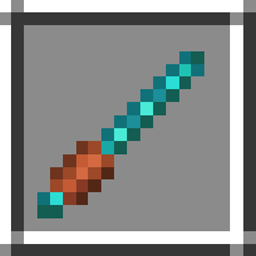
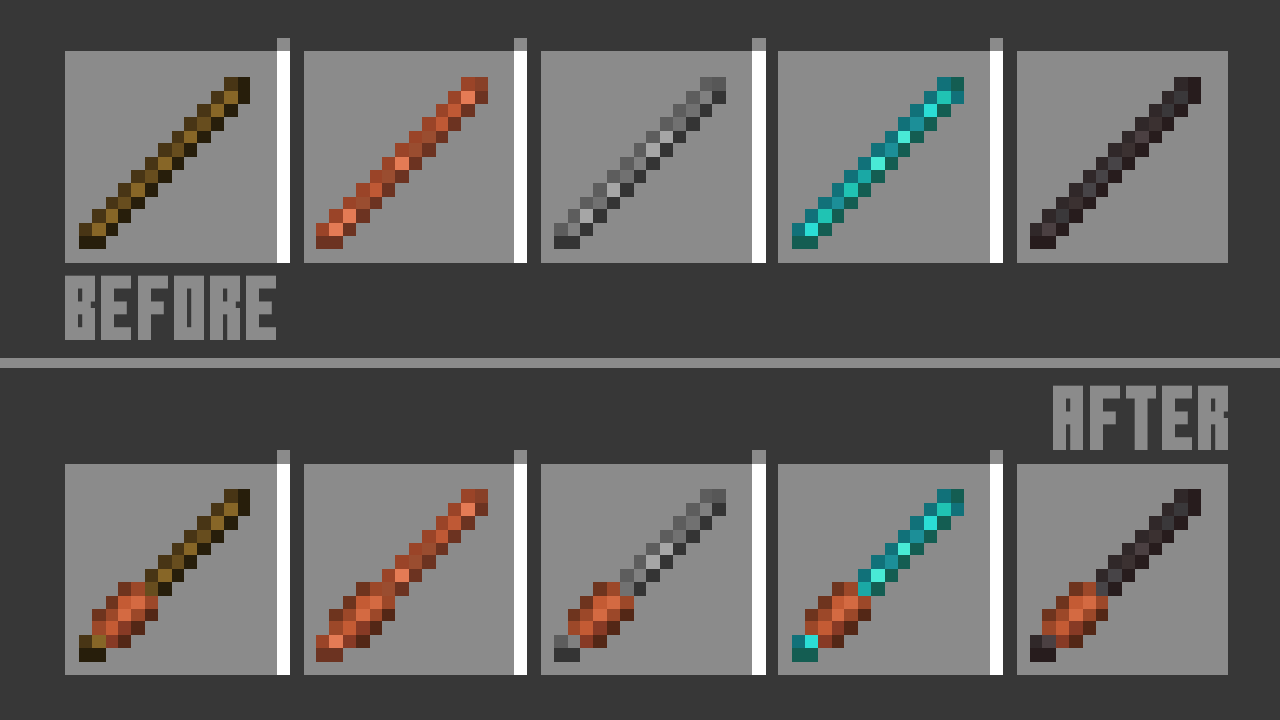
Adds distinct grips to Construction Sticks so they stand out clearly from regular sticks
by ChosenArchitect
Download Claim this project
2,767,345 downloads
0 likes
0 followers
Updated Oct 14, 2026
0 hypes
Follow0
16x Mod Support
Advertisement Remove ads with Premium →

Pack Hedder

Twitter | Twitch | YouTube | Discord


Construction Sticks Grips

  • Enhanced Visibility: Construction Sticks now feature clearly defined grips that set them apart from ordinary sticks. This visual upgrade makes them instantly recognizable in your inventory or while building.
  • Purposeful Design: The added grip detail gives Construction Sticks a more functional and crafted look. It supports immersion by highlighting their intended role as tools and building components rather than basic materials.
  • Improved Workflow: With these visual improvements, you can quickly locate Construction Sticks during fast-paced building sessions. Less time searching and more time constructing your next big project.

Construction Sticks Grips 26
MC 26.1, 26.1.1, 26.1.2
Release 2026-09-01 Get
Construction Sticks Grips 26.2
MC 26.2
Release 2026-09-01 Get
Construction Sticks Grips 1.20.1
MC 1.20.1
Release 2026-02-03 Get
Construction Sticks Grips 1.21.4
MC 1.21.4
Release 2026-02-03 Get
Construction Sticks Grips 1.21.5
MC 1.21.5
Release 2026-02-03 Get
Construction Sticks Grips 1.21.6-7
MC 1.21.6, 1.21.7
Release 2026-02-03 Get
Construction Sticks Grips 1.21.8-9
MC 1.21.8, 1.21.9
Release 2026-02-03 Get
Construction Sticks Grips 1.21.10
MC 1.21.10
Release 2026-02-03 Get
Construction Sticks Grips 1.21.11
MC 1.21.11
Release 2026-02-03 Get
Construction Sticks Grips
MC 1.21.1
Release 2025-10-28 Get

Requirements & install

How to use this resource pack in Minecraft
Resolution
16x
Minecraft
1.21.8 – 26.2
Install folder
.minecraft/resourcepacks

How to install resource packs

  1. Download the resource pack .zip file (do not extract it).
  2. In Minecraft open Options → Resource Packs → Open Pack Folder.
  3. Drop the .zip into the resourcepacks folder (.minecraft/resourcepacks).
  4. Move the pack to the Selected column and click Done.
Browse more: 16x resource packs 32x resource packs 64x resource packs 128x resource packs 256x resource packs 512x+ resource packs Resource Packs for 26.2 All resource packs

More from ChosenArchitect

Advertisement Remove ads with Premium →

You Might Also Like