Mineuniverse
Resource Packs
Consistency (Legacy)

Consistency (Legacy)

RESOURCE PACK
Render items as their 3D model | Mod support | Compatible with any resource pack
by IronPiston
Download Claim this project
50,931 downloads
0 likes
Updated Oct 14, 2026
0 hypes
16x Miscellaneous Mod Support
Advertisement Remove ads with Premium →

New Versions

I've moved accounts, and Consistency will now be modular.
- Consistency: Vanilla items
- Inconsistency: Vanilla items without texture pack compatibility
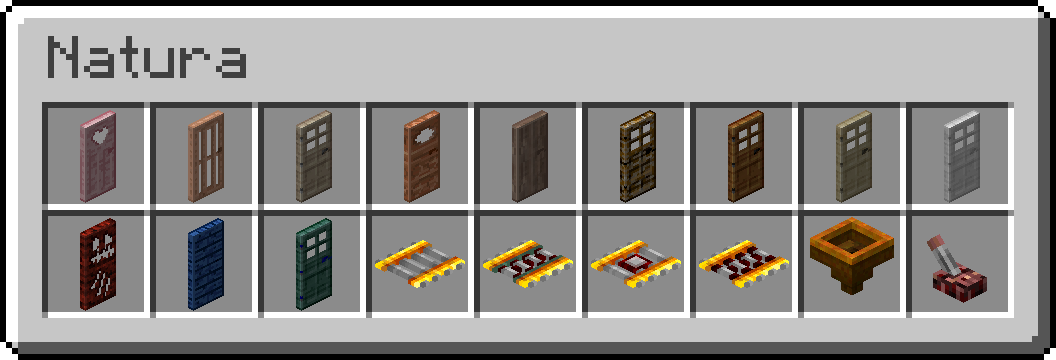
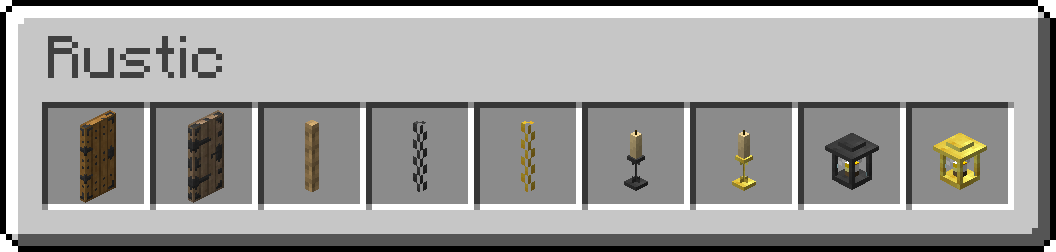
- Consistency-Forge: Modded items
- Inconsistency-Forge: Modded items without texture pack compatibility

Consistency

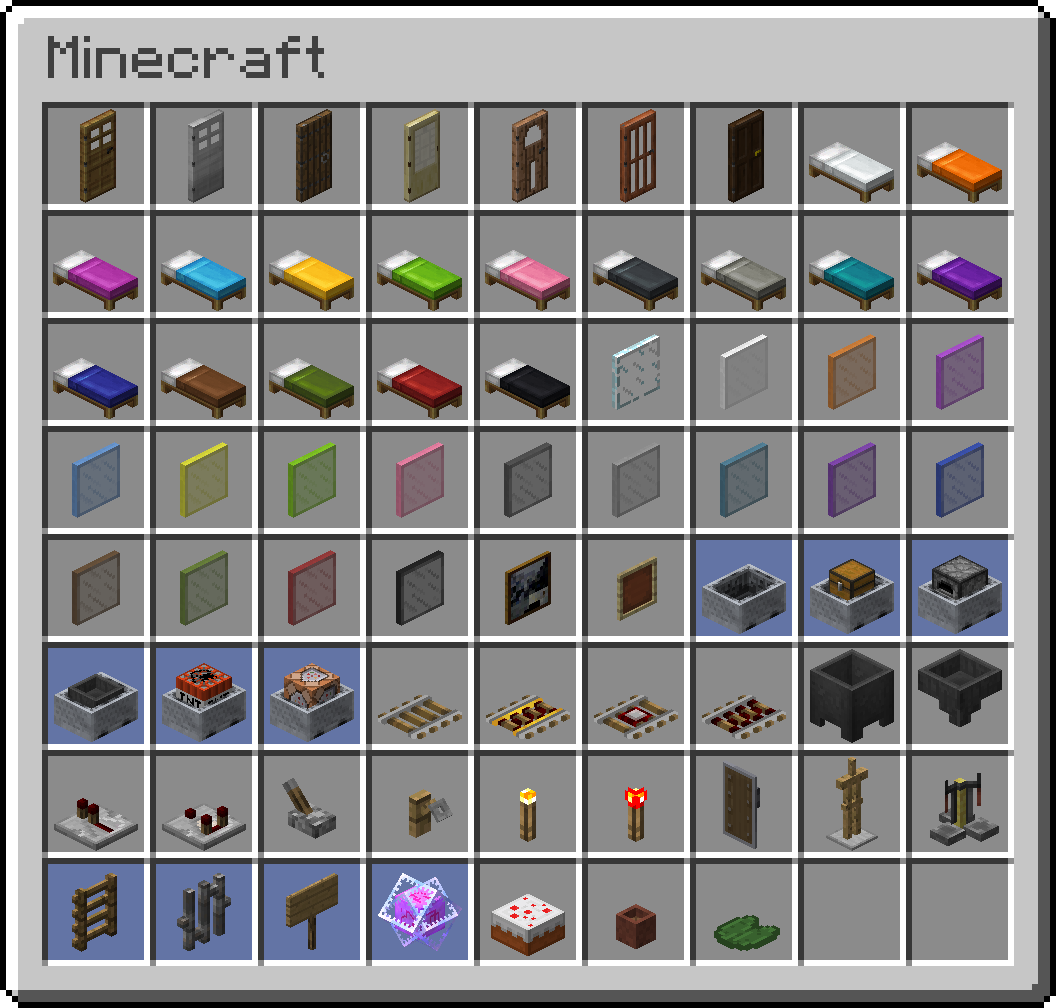
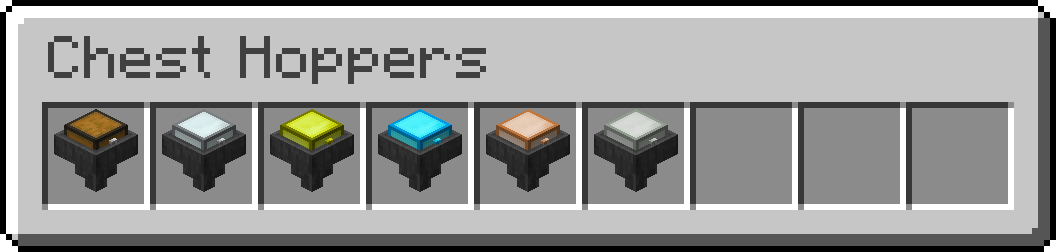
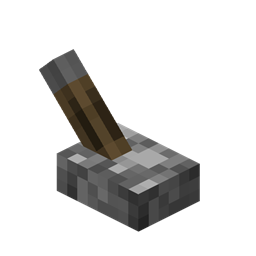
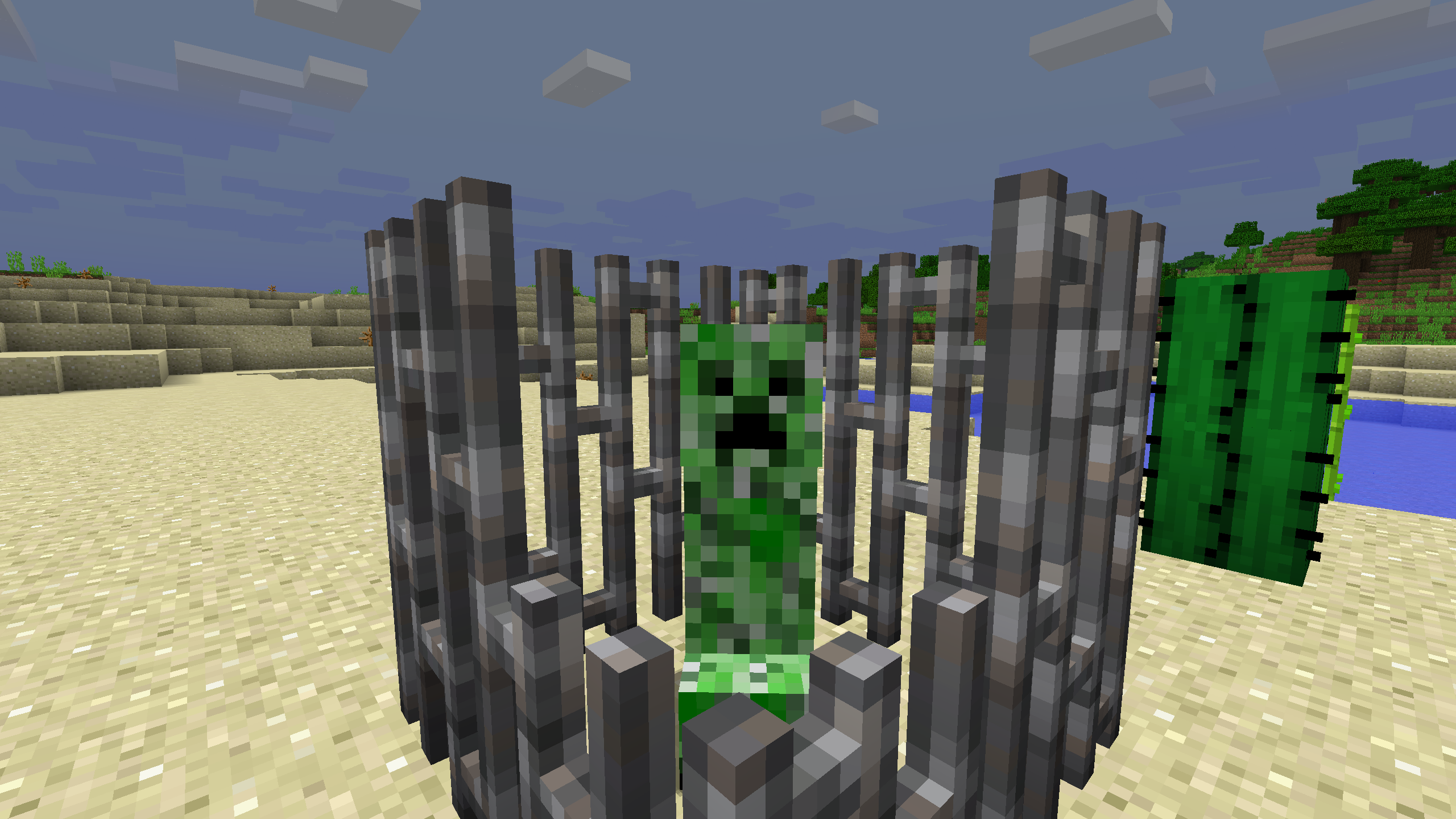
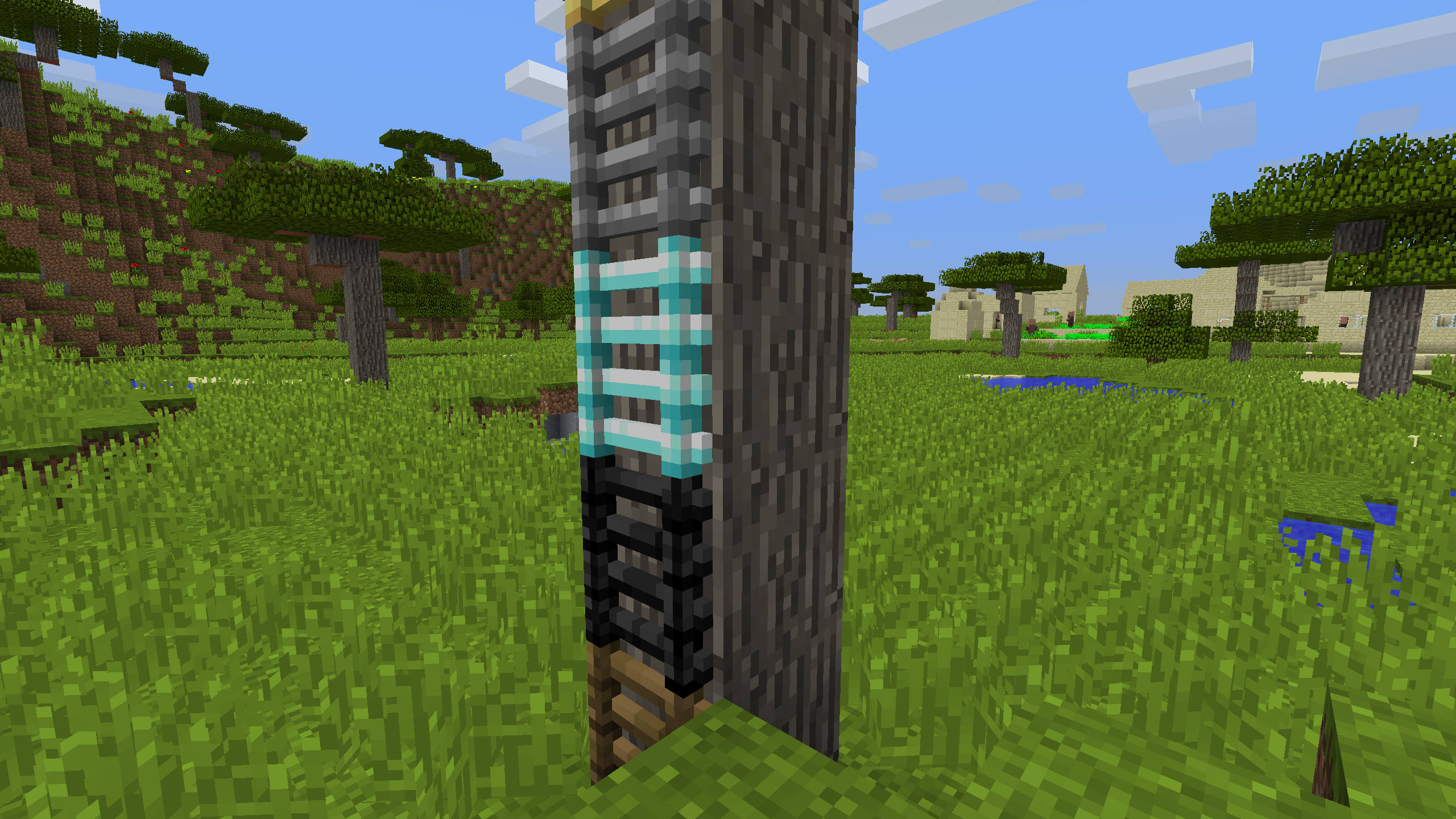
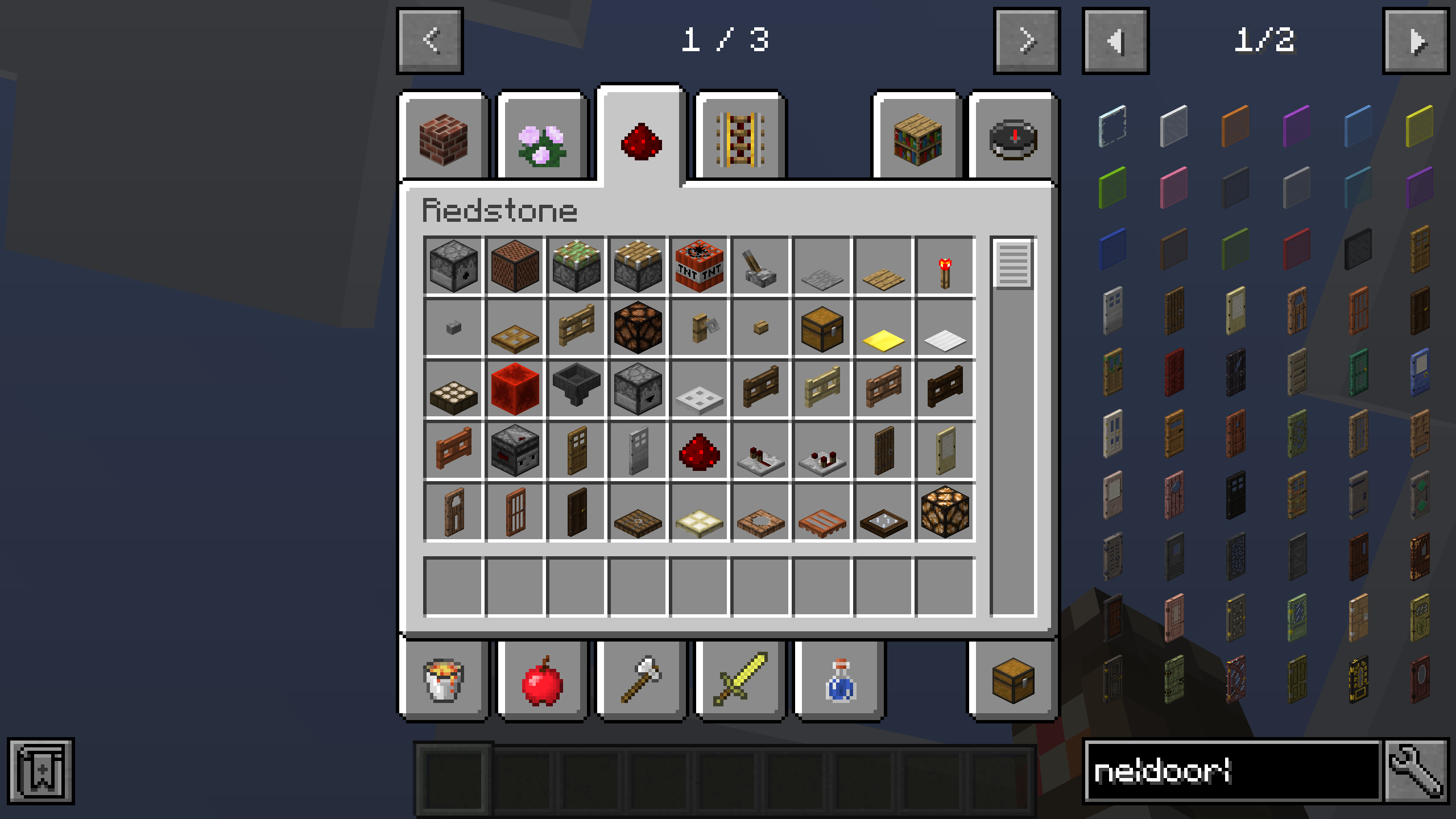
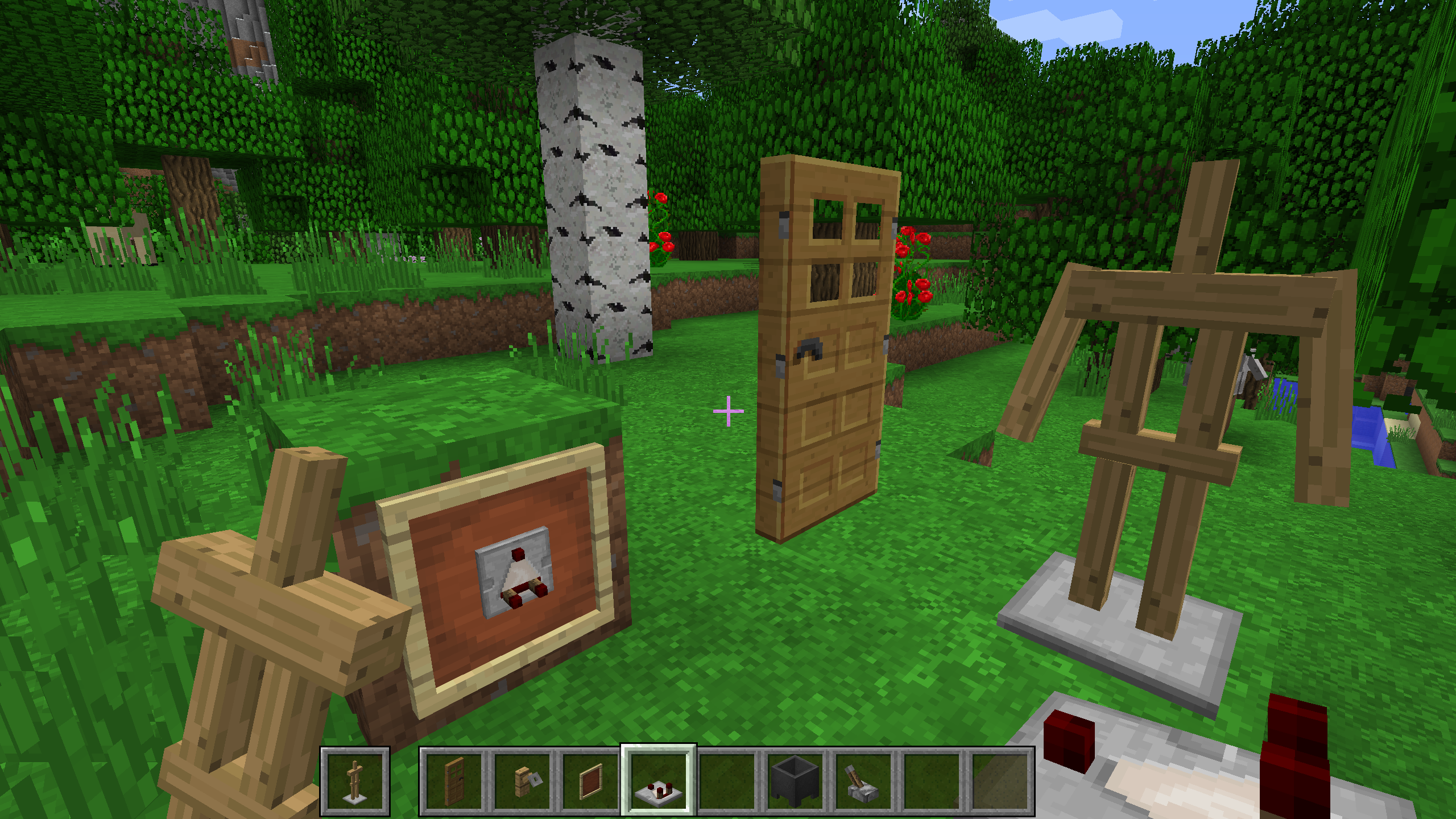
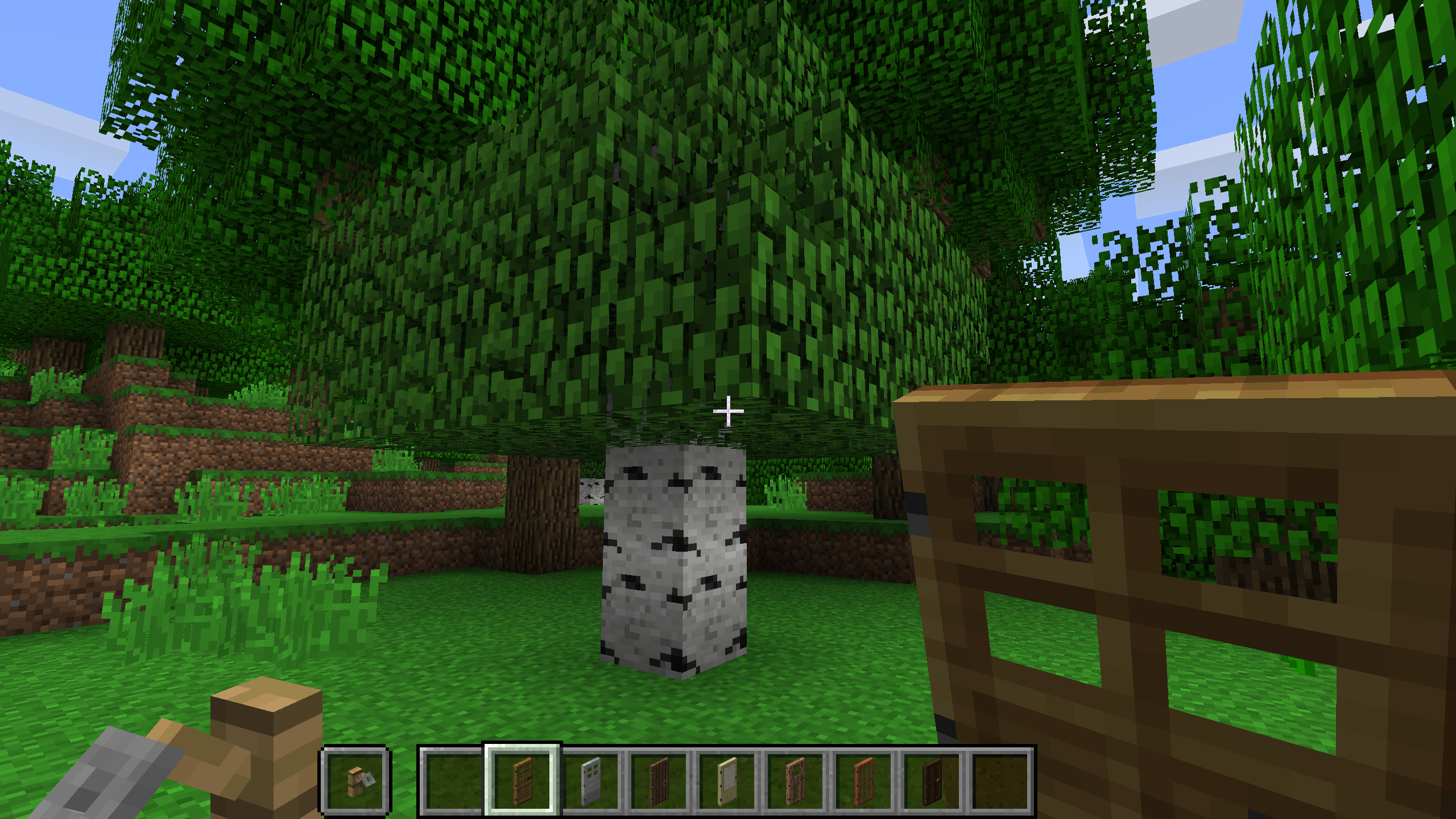
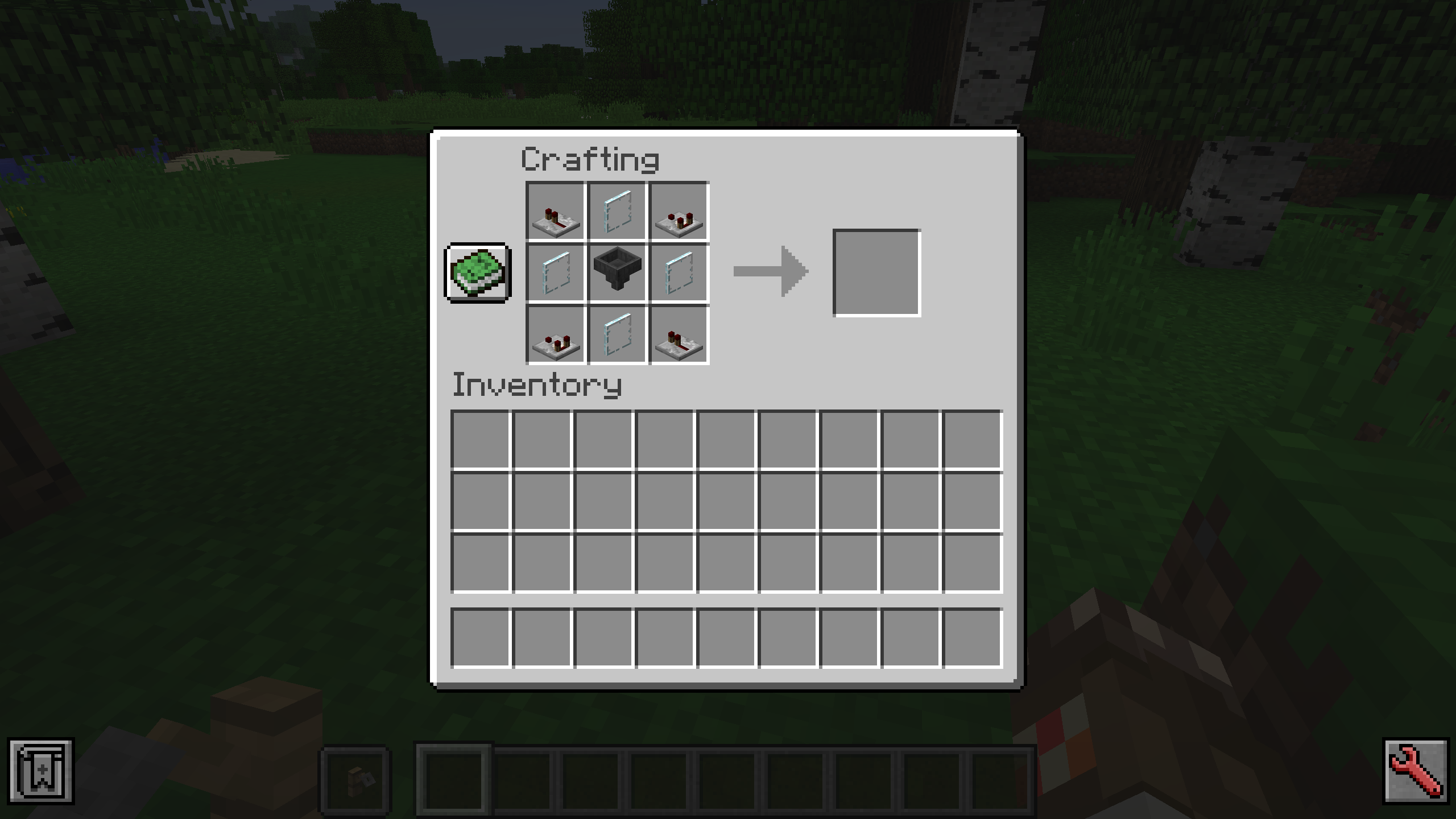
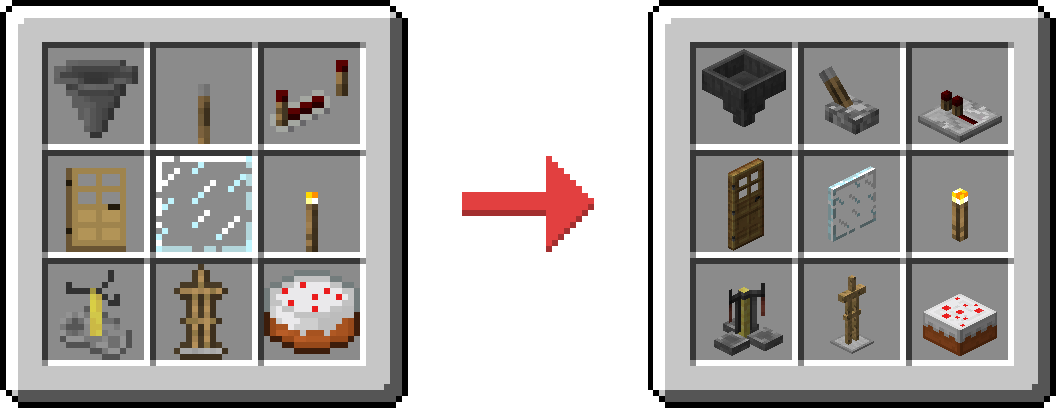
Consistency changes the item models for blocks like hoppers and doors to render as they do when placed. Because this uses no textures, it maintains compatibility with most resource packs.
Inconsistent

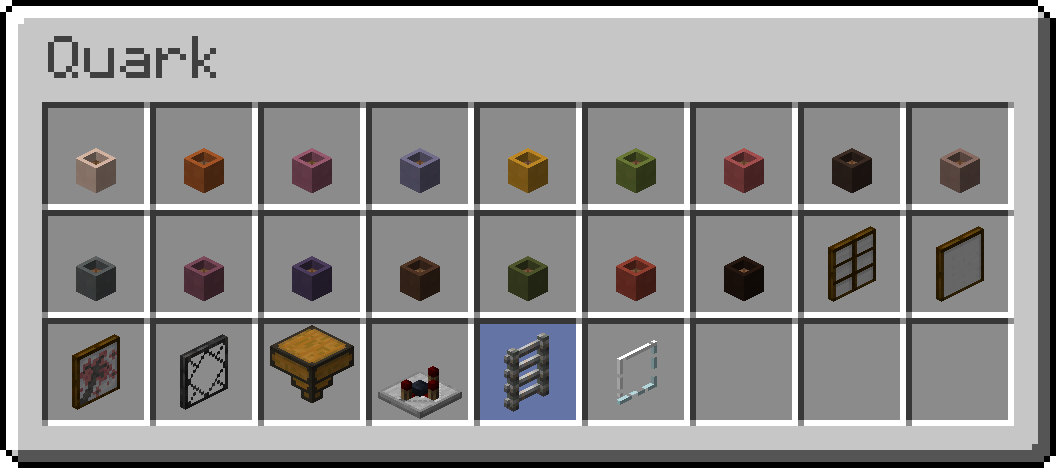
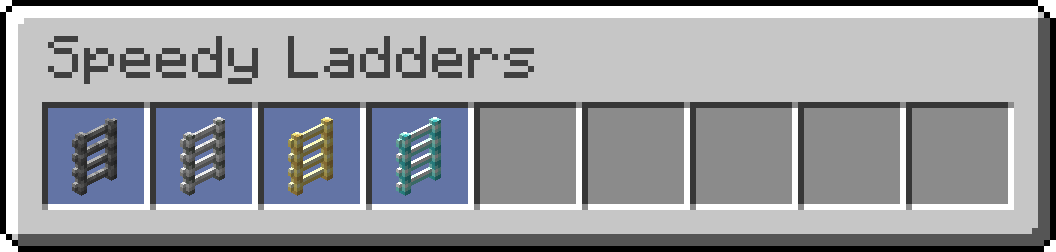
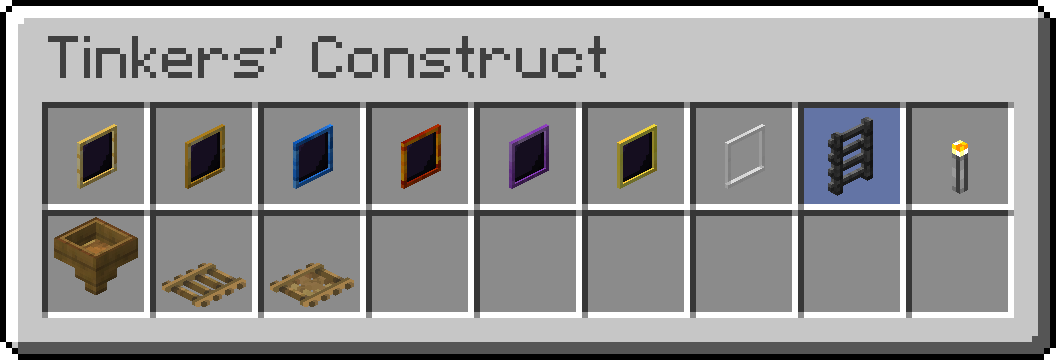
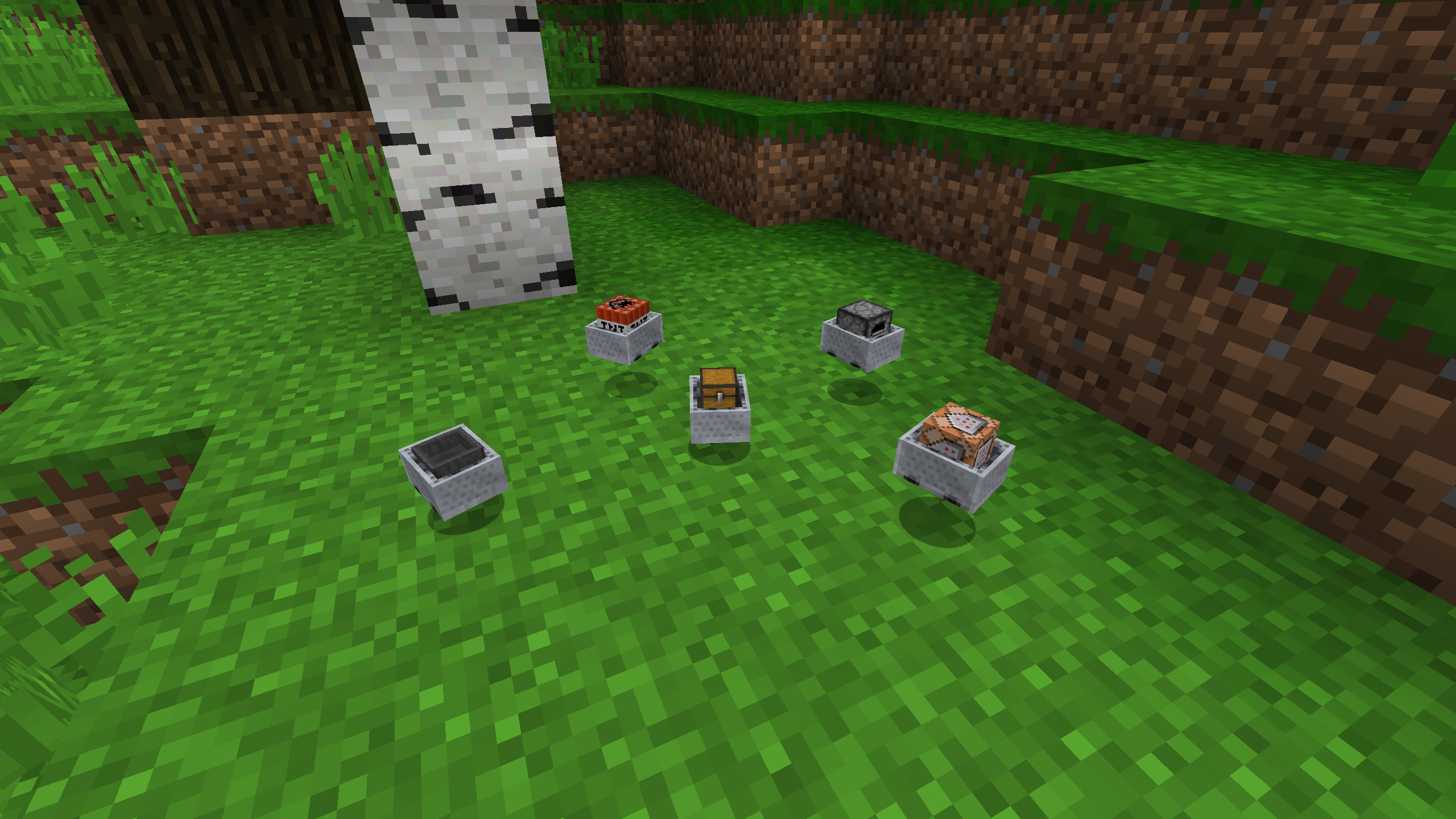
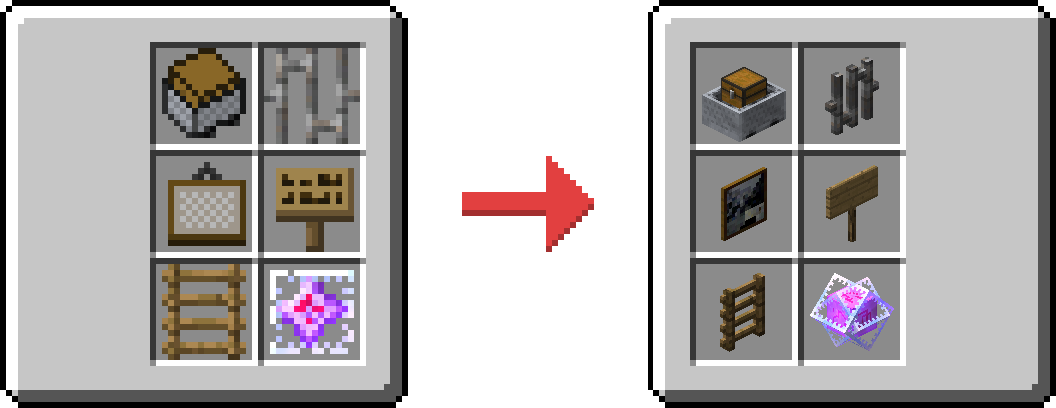
For those wanting compatibility for additional items like minecarts, signs, and paintings, you can also install Inconsistent. Note that these require extra textures, and thus are designed to only work well with the default look of Minecraft. Included items are tinted blue below.
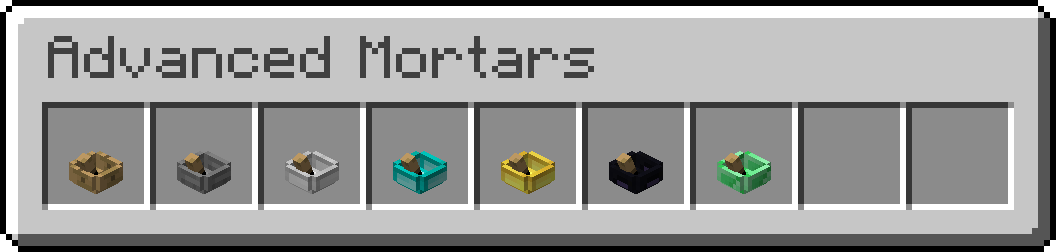
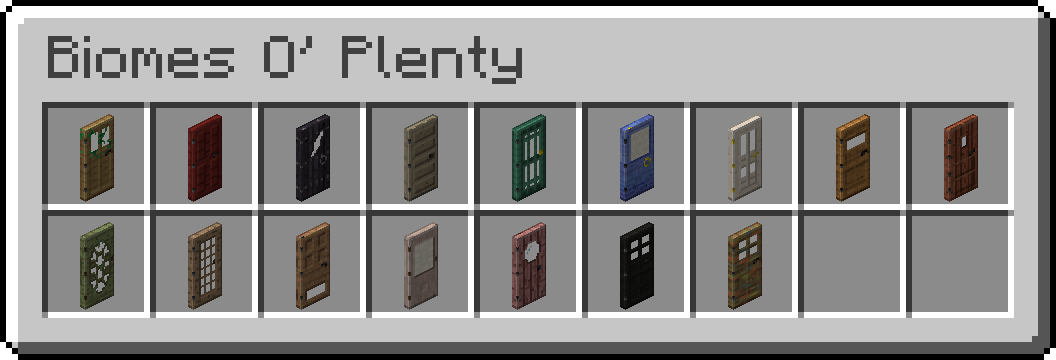
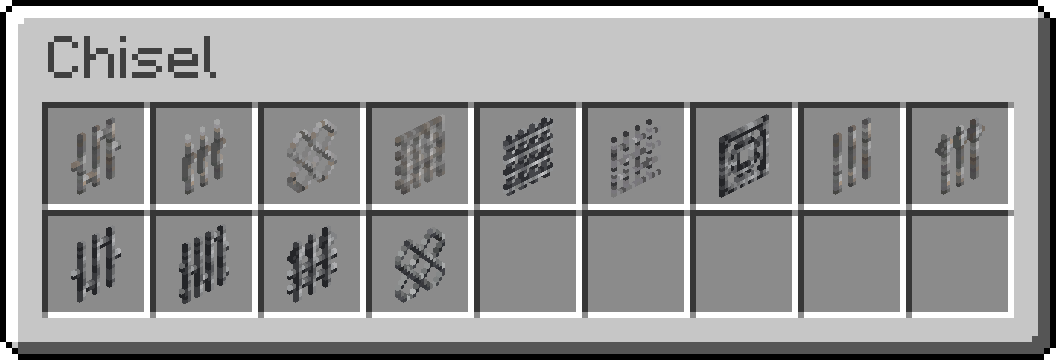
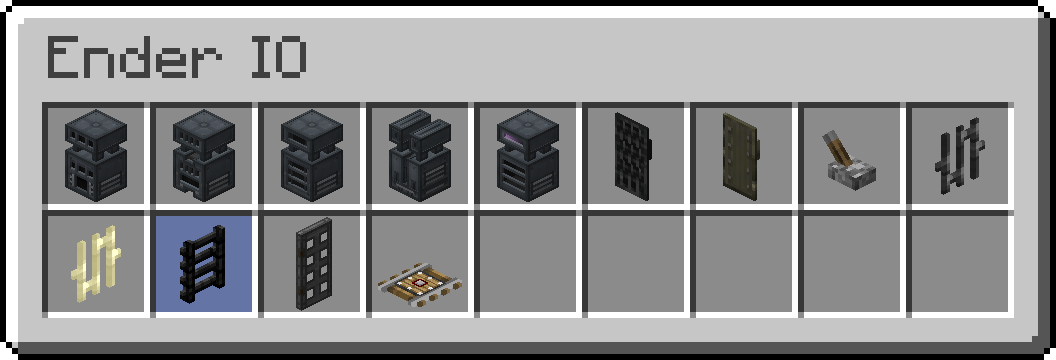
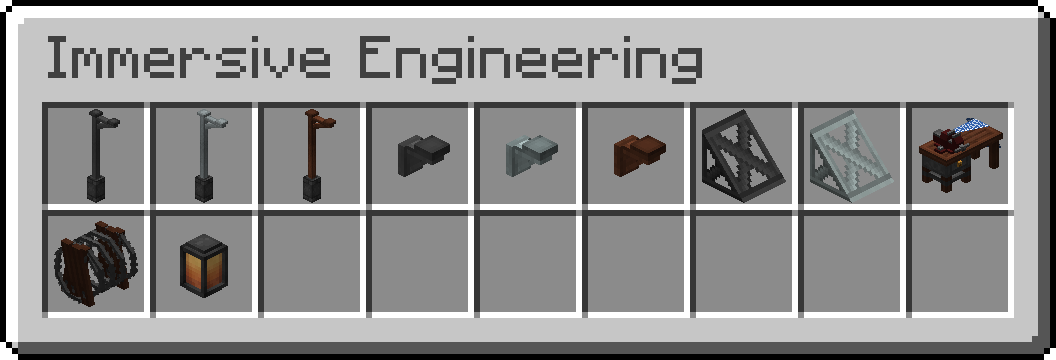
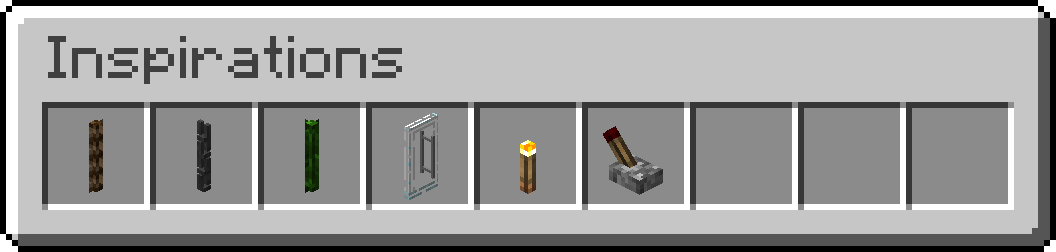
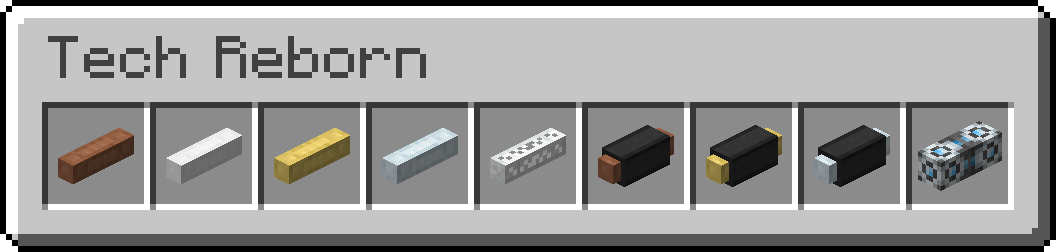
Mod Support (1.12)

Installation

Drop the resource pack into the resource packs folder. If you have also downloaded Inconsistent, make sure it is above Consistency in the "Selected Resource Packs" menu.

Feedback

Post any comments if you want to see support for a specific mod, or I'm missing something from a currently supported mod.

Modpacks

Feel free to include it!

Consistency-1.6.1
MC 1.12.2
Release 2019-10-13 Get
Inconsistent-1.1.0
MC 1.12.2
Beta 2019-10-13 Get
Inconsistent-1.0.1
MC 1.12.2
Beta 2019-10-12 Get
Consistency-1.6.0
MC 1.12.2
Release 2019-10-02 Get
Consistency-1.5.0
MC 1.12.2
Release 2019-09-27 Get
Consistency-1.4.0
MC 1.12.2
Release 2019-09-22 Get
Consistency-1.3.0
MC 1.12.2
Release 2019-09-21 Get
Consistency-1.2.0
MC 1.12.2
Release 2019-09-08 Get
Inconsistent-1.0.0
MC 1.12.2
Beta 2019-09-08 Get
Consistency-1.1.0
MC 1.12.2
Release 2019-08-25 Get
Consistency 1.0.0
MC 1.12.2
Release 2019-08-15 Get

Requirements & install

How to use this resource pack in Minecraft
Resolution
16x
Minecraft
1.12.2
Install folder
.minecraft/resourcepacks

How to install resource packs

  1. Download the resource pack .zip file (do not extract it).
  2. In Minecraft open Options → Resource Packs → Open Pack Folder.
  3. Drop the .zip into the resourcepacks folder (.minecraft/resourcepacks).
  4. Move the pack to the Selected column and click Done.
Browse more: 16x resource packs 32x resource packs 64x resource packs 128x resource packs 256x resource packs 512x+ resource packs Resource Packs for 1.12.2 All resource packs
Advertisement Remove ads with Premium →

You Might Also Like