Mineuniverse
Resource Packs
Connected Double Slabs By Blond

Connected Double Slabs By Blond

RESOURCE PACK
Making the double slab block useful with CTM!
by TheBlondBoy
Download Claim this project
676 downloads
0 likes
0 followers
Updated Oct 14, 2026
0 hypes
Follow0
16x Traditional
Advertisement Remove ads with Premium →

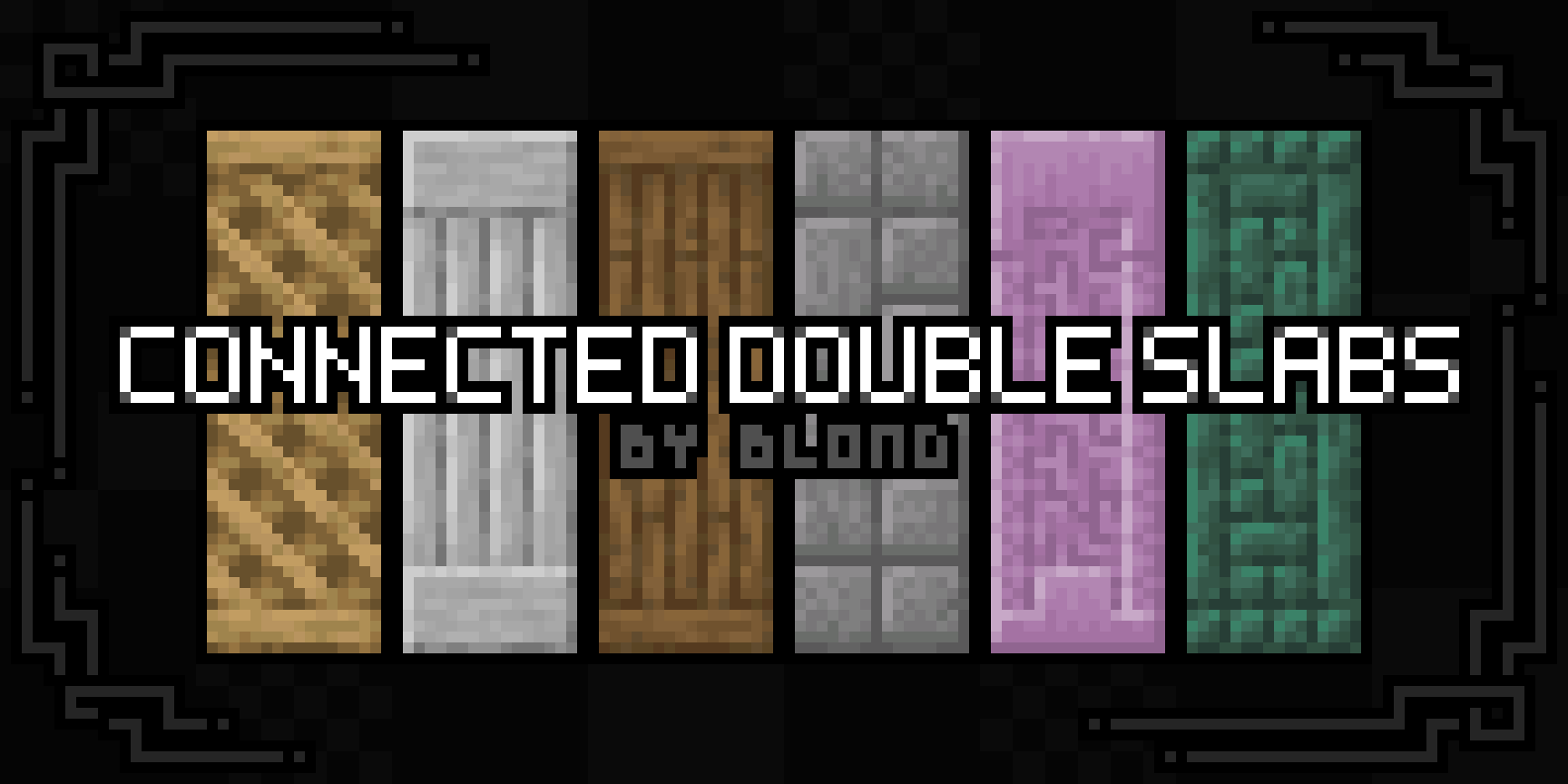
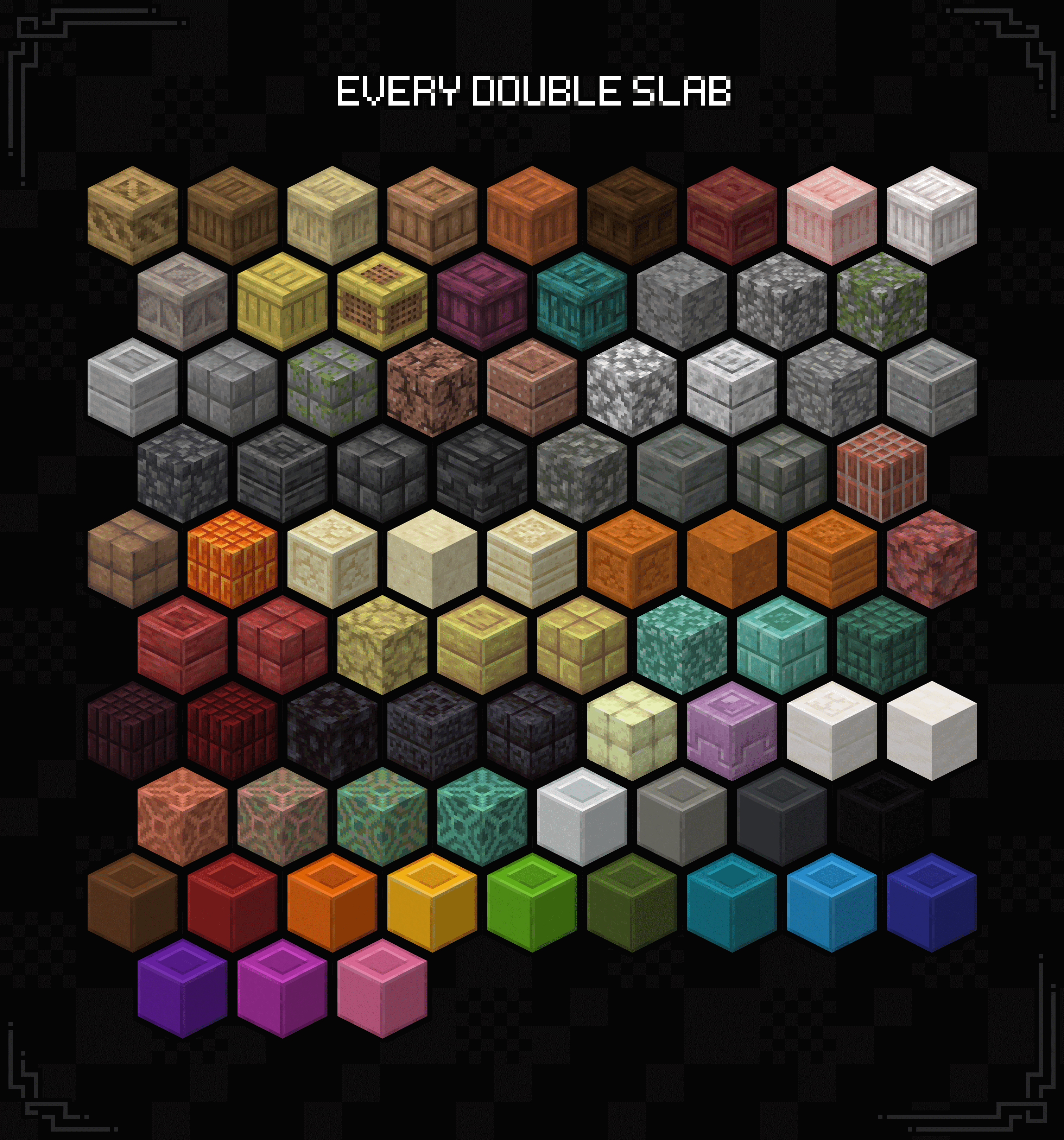
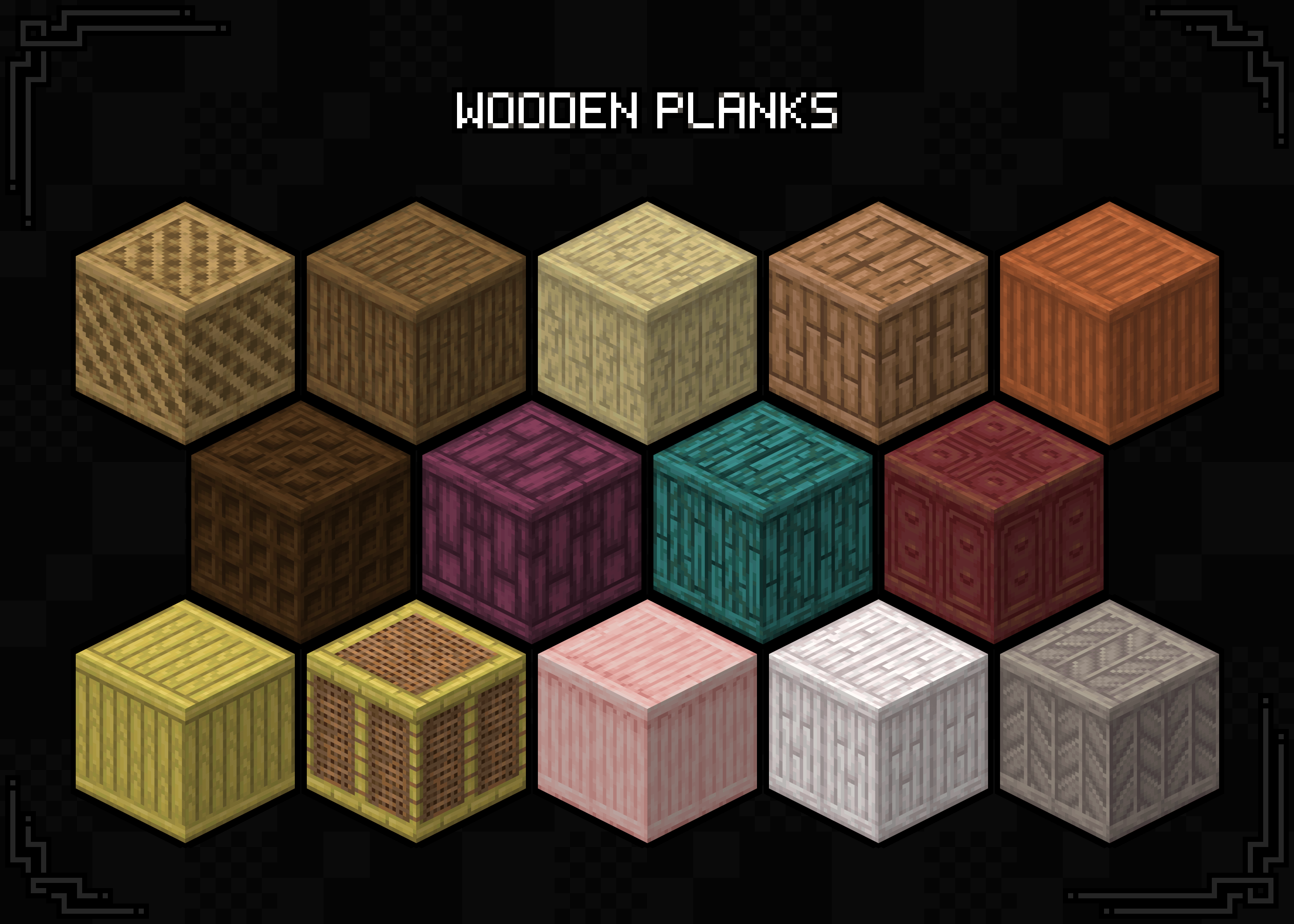
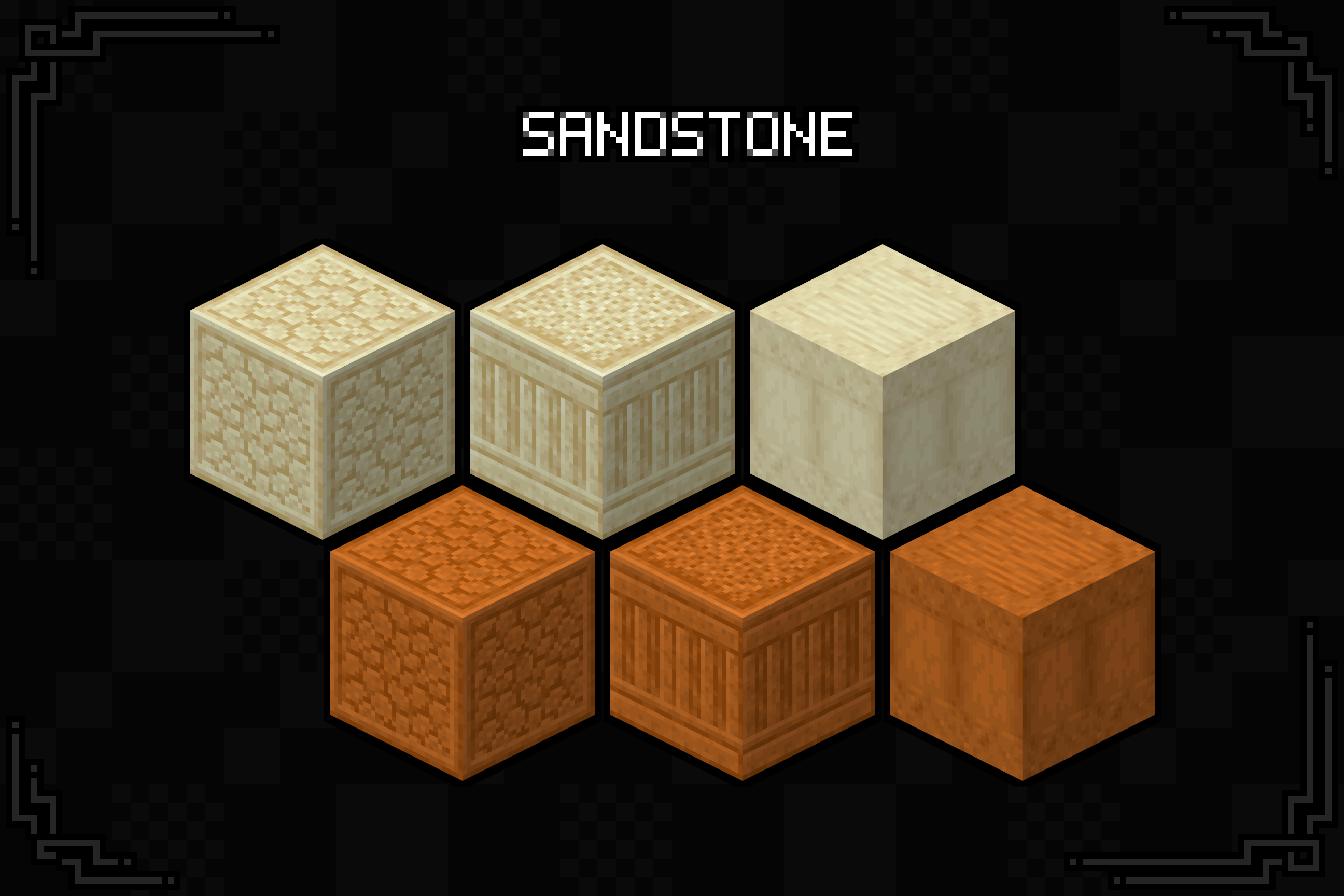
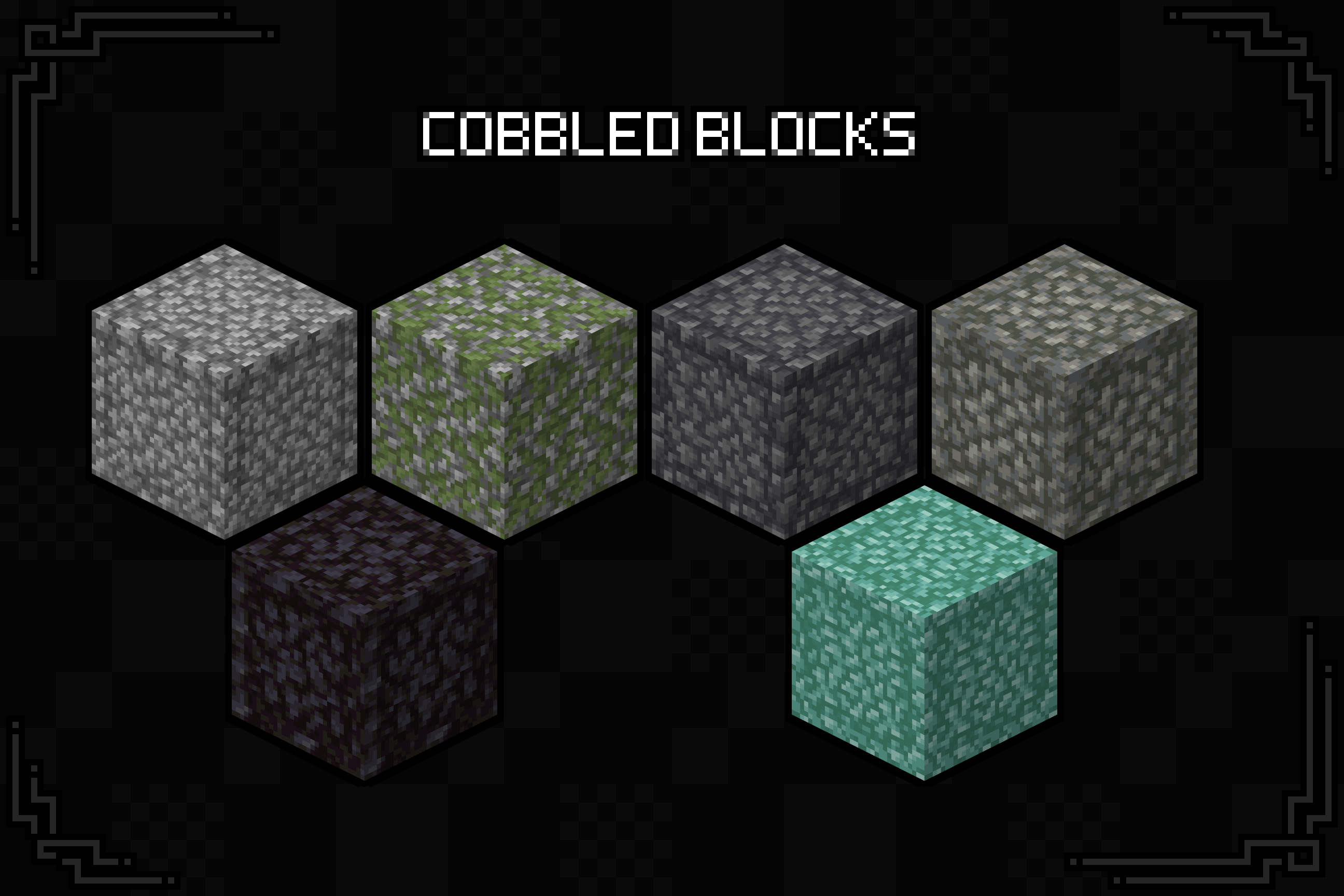
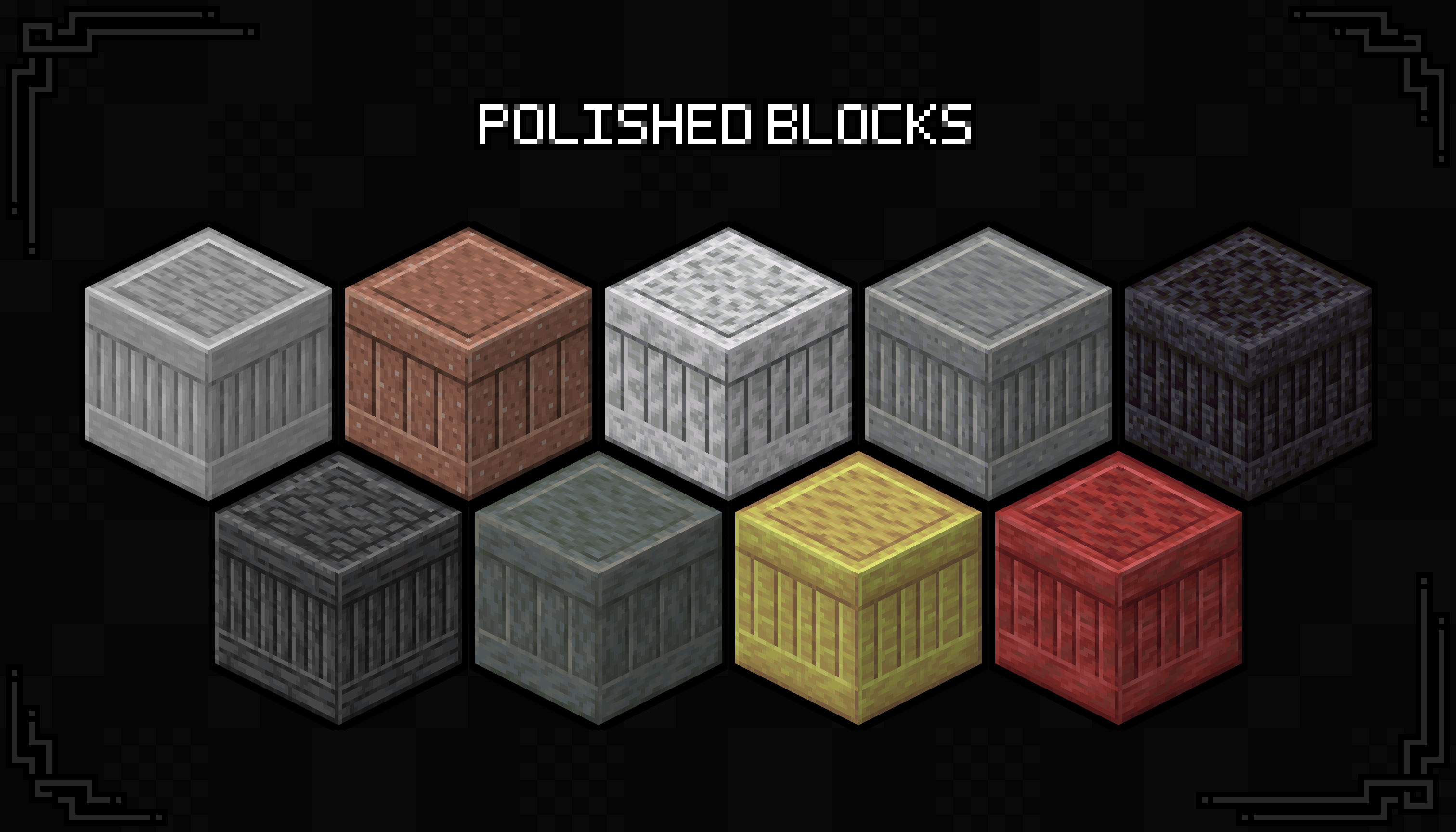
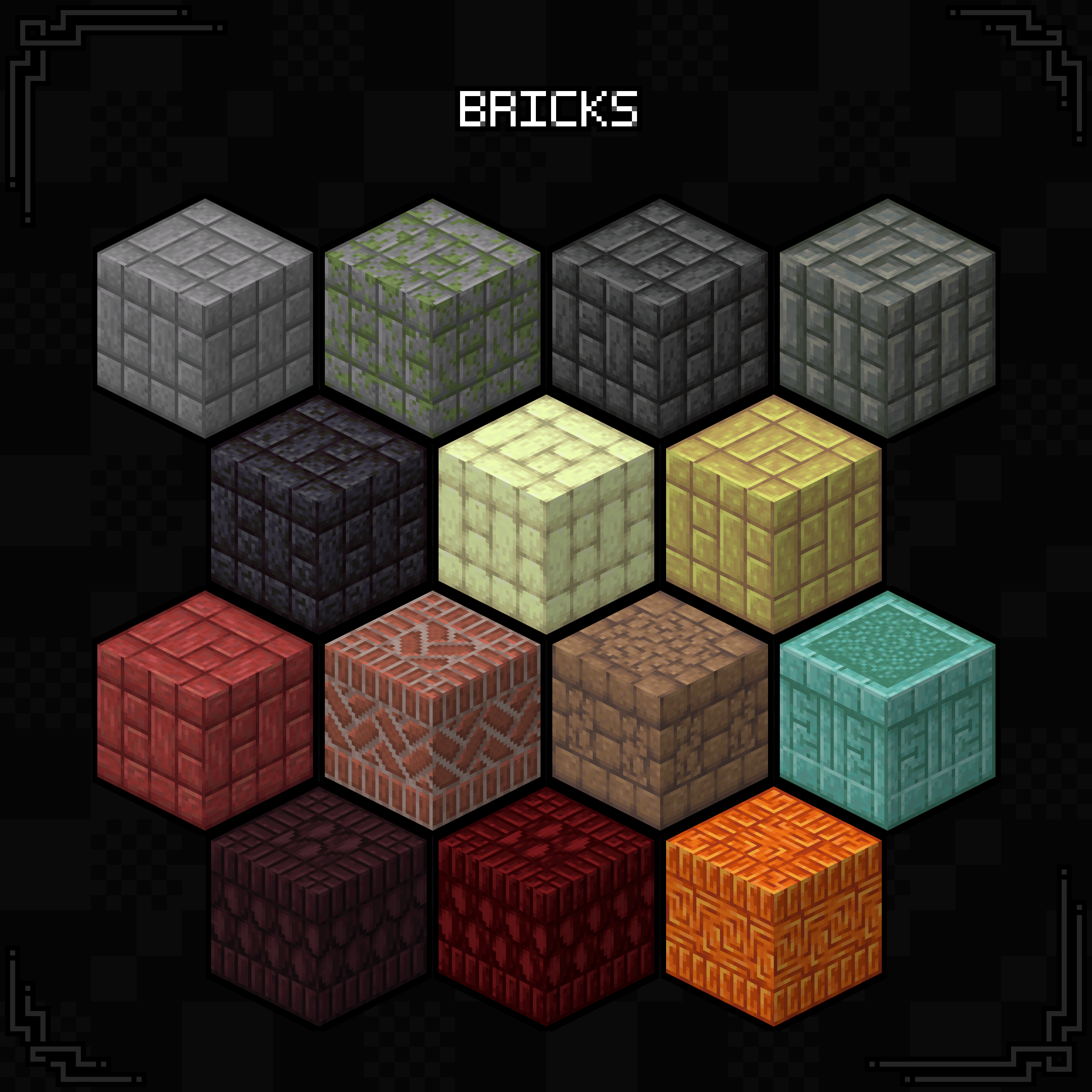
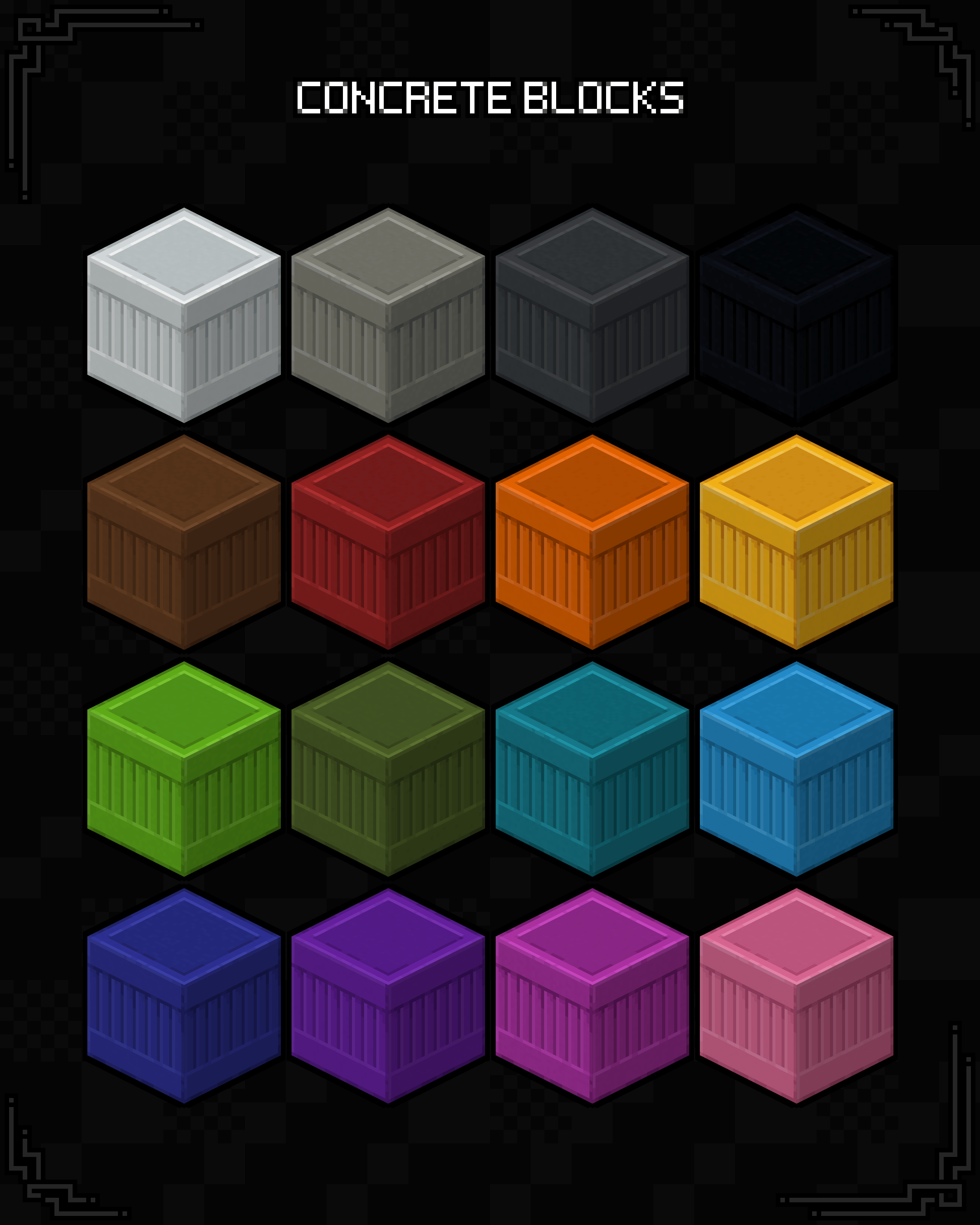
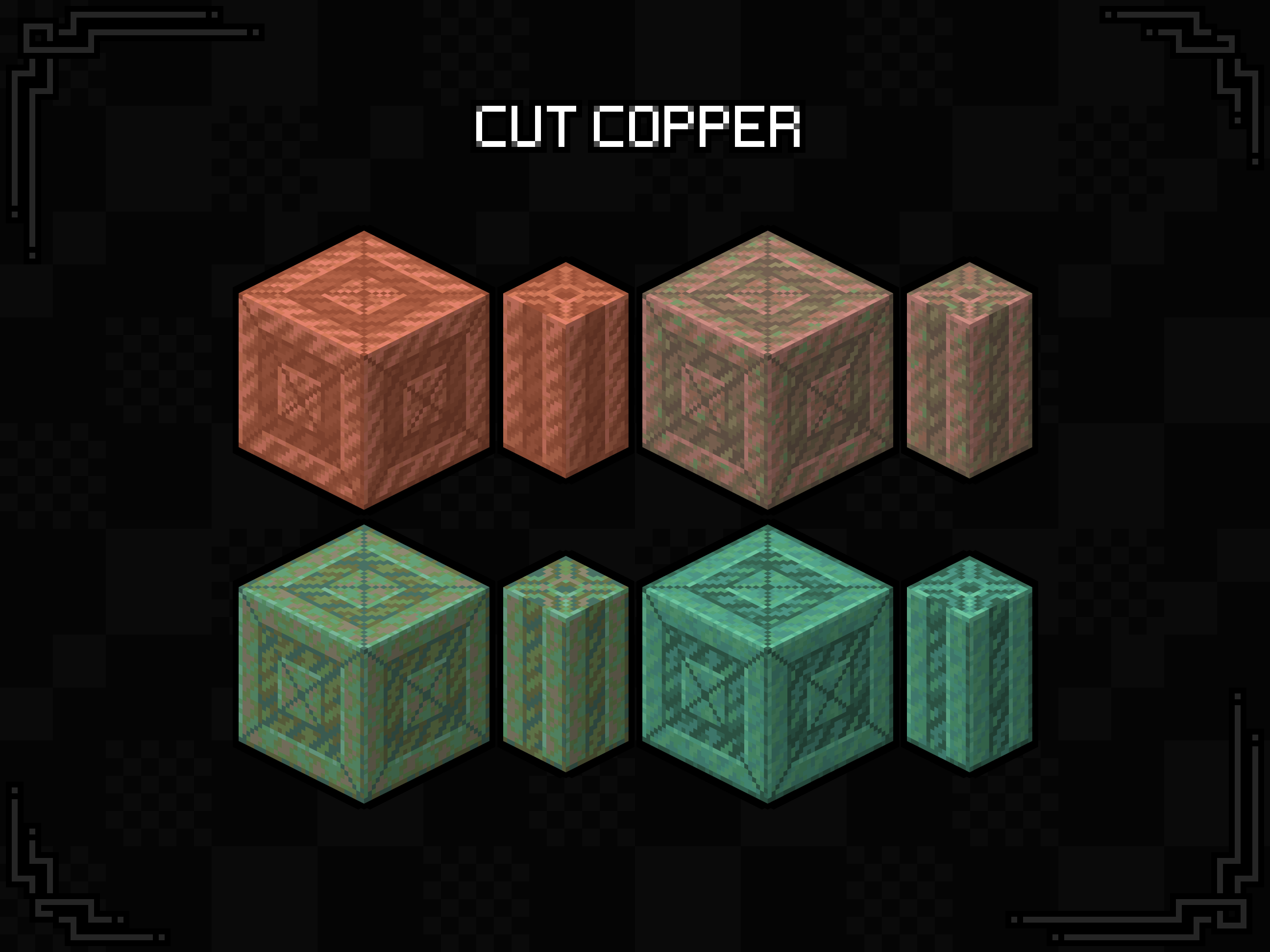
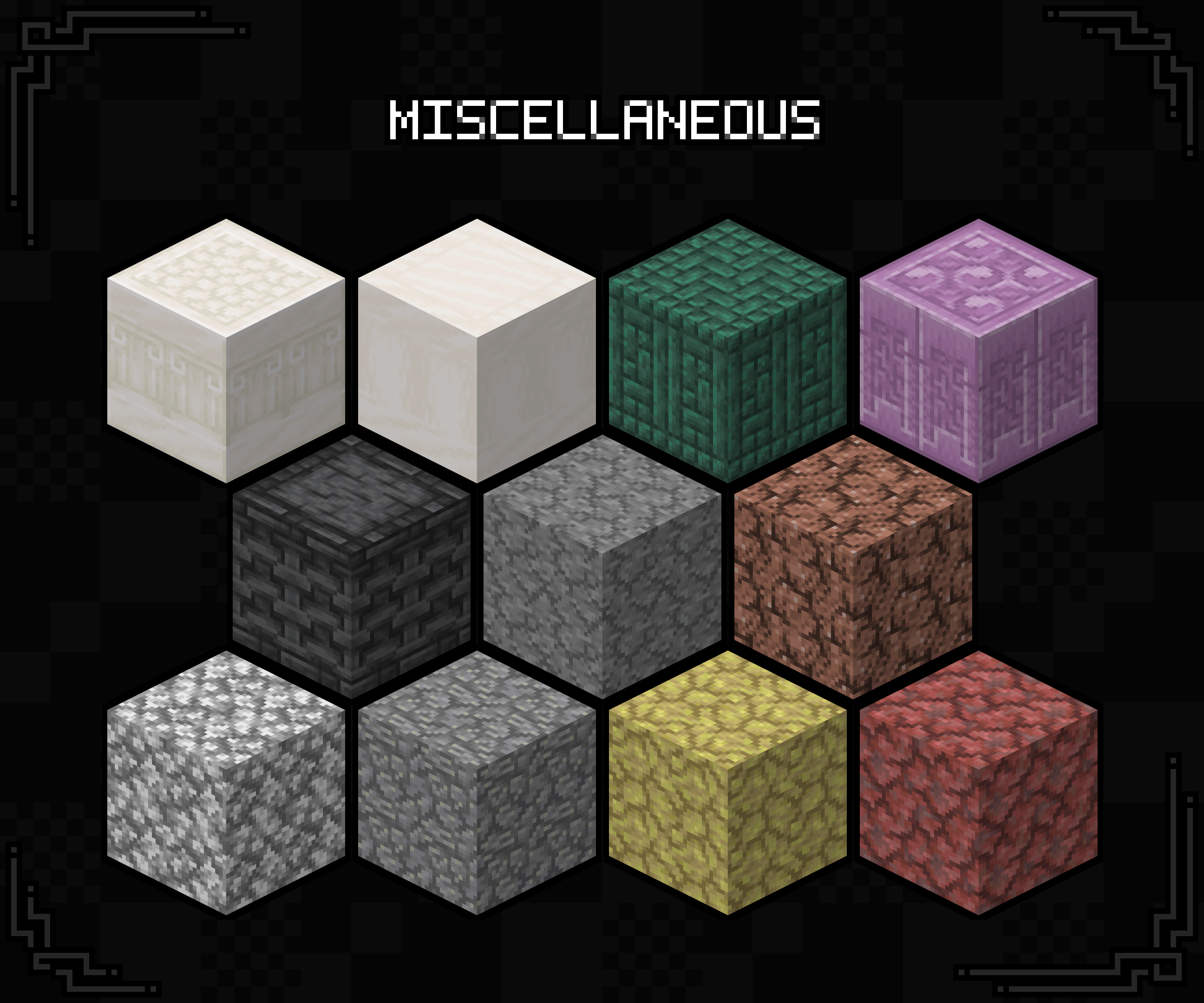
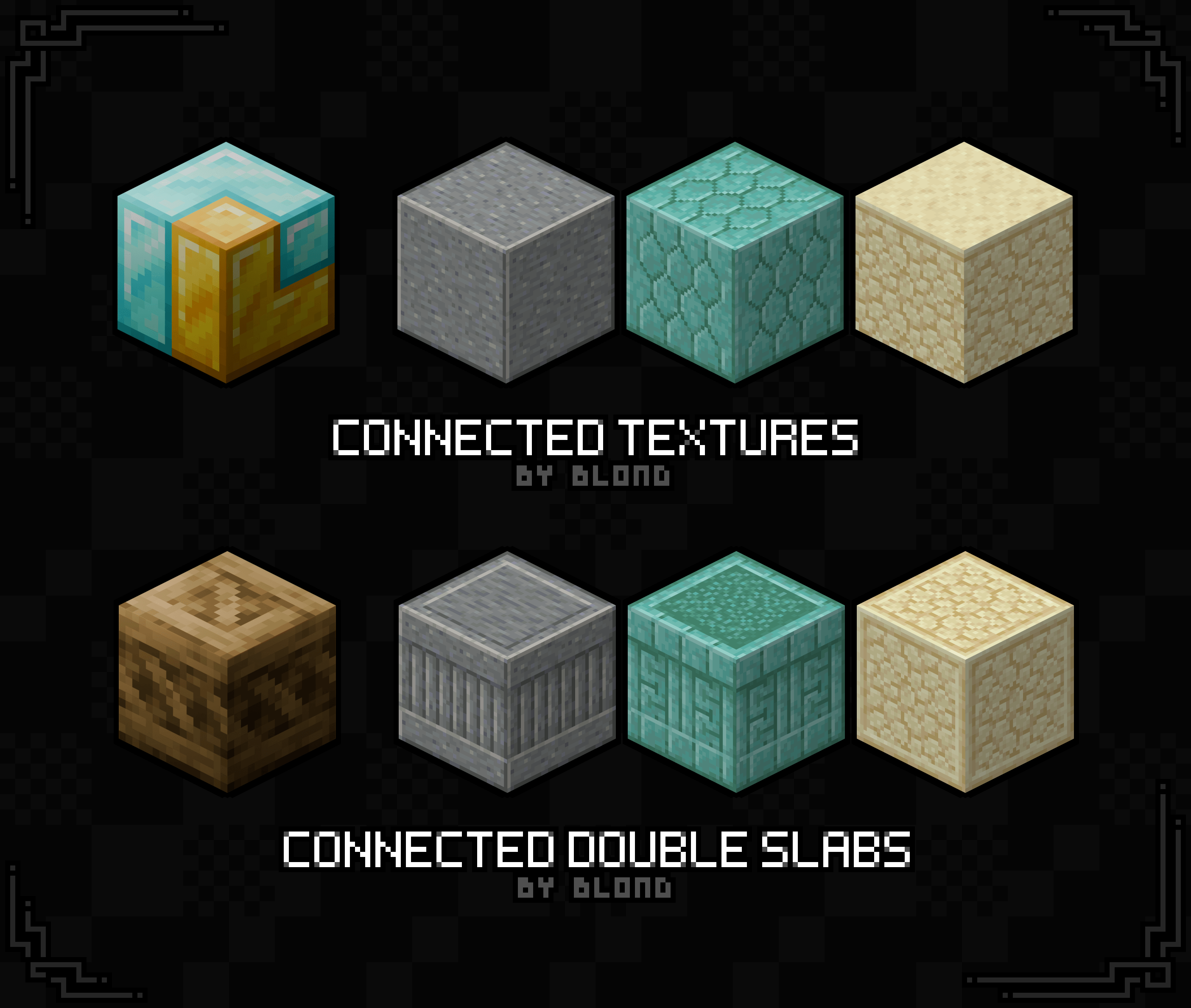
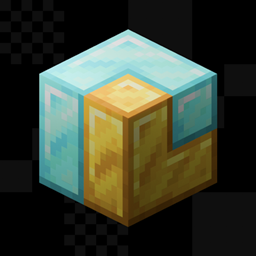
Take two slabs, stack them on top of each other, and you get a double slab block which looks identical to a full block. Well, what if it wasn't? This resource pack takes every double slab block in the game and gives them unique textures for both building and distinguishability!

If you just want the ability to tell full blocks and double slabs apart, this pack fully achieves that as a standalone resource pack, though the blocks won't connect if you don't have a supported mod installed.

In theory, this pack should be able to work alongside any standard CTM pack, but just in case I've developed my own CTM pack called Connected Textures By Blond. Both packs were made simultaneously and even share a few textures! Just make sure the double slab pack is above the ctm one in the resource packs menu!


Requires Continuity Or Requires Fusion
Works with Optifine Compatible with Connected Textures By Blond


Special Thanks

MASSIVE shoutout to my best friend for making a program to help create the texture files needed for all of this to work. This whole thing would have been possible without Jake's help, but man it would've been slow and painful.

The tool is here if you want to check it out and use it yourself!

Terms of Use

For the sake of transparency, while this is under All Rights Reserved, there are plenty of things you are allowed to do with this resource pack. Note that this list is subject to change in the future. Likely if I find a license that actually has all this stuff included.

You are allowed to:

  • Include this resource pack in any modpacks, videos, and/or showcases. While not required, linking back to this project would be highly appreciated!
  • Make and upload your own resource packs using this style to add support for more mods provided you try not to include files from this project and clarify that it was made by someone else. "Unofficial", if you will.
  • Steal and modify non-unique assets from this project to help make your own resource packs (like the pack.mcmeta file). Ye.

You are NOT allowed to:

  • Reupload this pack to other resource pack hosting sites, especially not scammy ones.
  • Port this resource pack to Minecraft: Bedrock Edition, or any other Minecrafts, Bedrocks, or Editions.
  • Redistribute a modified version of this resource pack.
  • Attempt to sell this thing. Come on now.
  • Steal unique assets. Generic stuff like core shaders and "items" .json files are perfectly fine to take and reference, but don't grab a texture from this and put it into your own pack please.
  • To reiterate, my resource packs are only available on Modrinth and CurseForge (and sometimes GitHub). If you are reading this, are not on one of those two platforms, and the thief was stupid enough to leave this message in, you should probably leave, purge everything to do with the site you were just on, and run an antivirus scan.
Connected Double Slabs By Blond 26.3 - 1.14 / 1.1.0
MC 1.16.3, 1.17.1, 1.21, 1.16.1, 1.18.1, 1.14.3, 1.15, 1.16, 1.16.5, 1.19.3, 1.20.2, 1.19.4, 1.21.8, 1.14.4, 1.14.1, 1.17, 1.20.5, 1.21.5, 1.18, 1.21.4, 1.20.1, 1.20, 1.20.6
Release 2026-09-15 Get
Connected Double Slabs By Blond 26.2 - 1.14 / 1.0.0
MC 1.16.3, 1.17.1, 1.21, 1.16.1, 1.18.1, 1.14.3, 1.15, 1.16, 1.16.5, 1.19.3, 1.20.2, 1.19.4, 1.21.8, 1.14.4, 1.14.1, 1.17, 1.20.5, 1.21.5, 1.18, 1.21.4, 1.20.1, 1.20, 1.20.6
Release 2026-06-12 Get

Requirements & install

How to use this resource pack in Minecraft
Resolution
16x
Minecraft
1.20.1 – 1.21.8
Install folder
.minecraft/resourcepacks

How to install resource packs

  1. Download the resource pack .zip file (do not extract it).
  2. In Minecraft open Options → Resource Packs → Open Pack Folder.
  3. Drop the .zip into the resourcepacks folder (.minecraft/resourcepacks).
  4. Move the pack to the Selected column and click Done.
Browse more: 16x resource packs 32x resource packs 64x resource packs 128x resource packs 256x resource packs 512x+ resource packs Resource Packs for 1.21.8 All resource packs

More from TheBlondBoy

Advertisement Remove ads with Premium →

You Might Also Like