Mineuniverse
Resource Packs
Connected Chains

Connected Chains

RESOURCE PACK
A Resource Pack that makes chains longer to let them connect to non-full blocks
by Kyrius
Download Claim this project
Add a badge to your pageLink to Connected Chains from a README, website or forum post.
Preview: Badge

Badges update automatically and link to the resource pack page on MineUniverse.

1,768 downloads
0 likes
0 followers
Updated Oct 14, 2026
0 hypes
Follow0
16x Miscellaneous
Advertisement Remove ads with Premium →

Connected Chains

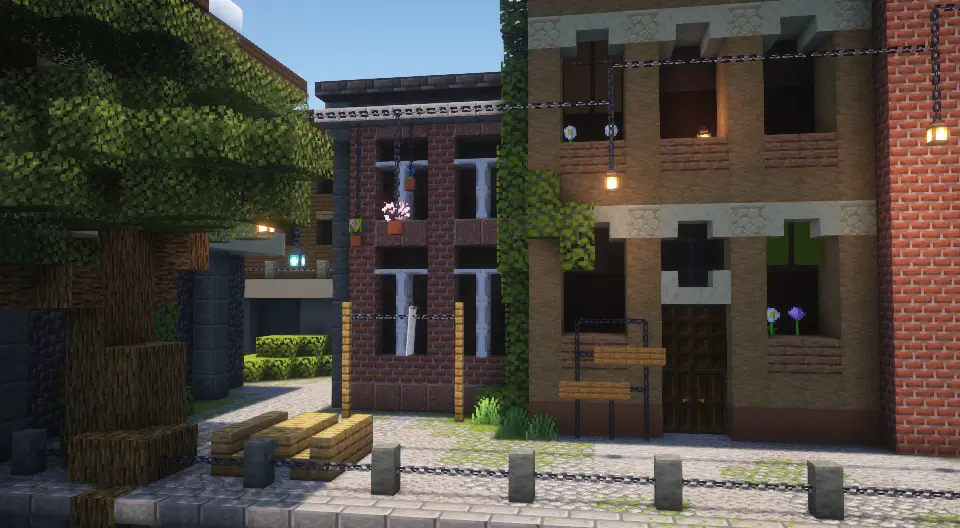
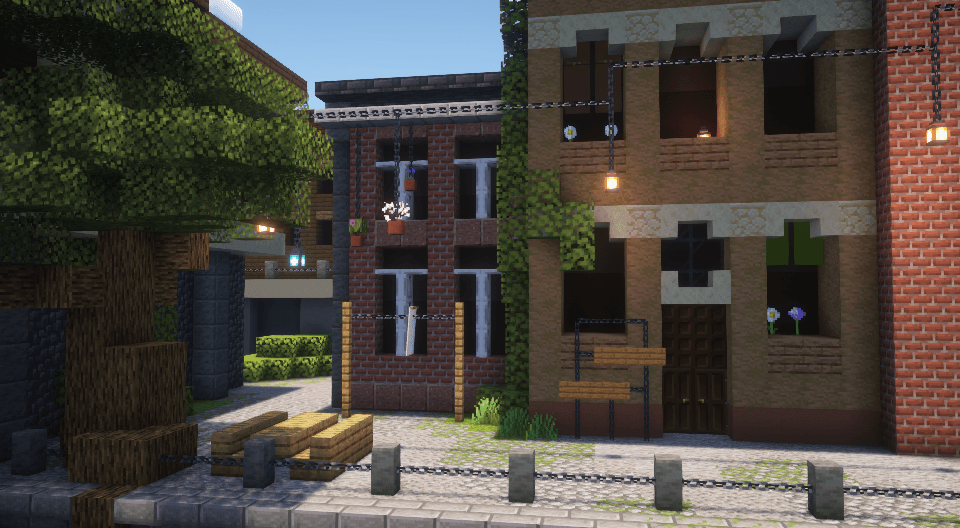
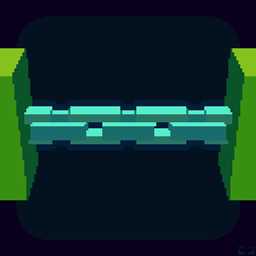
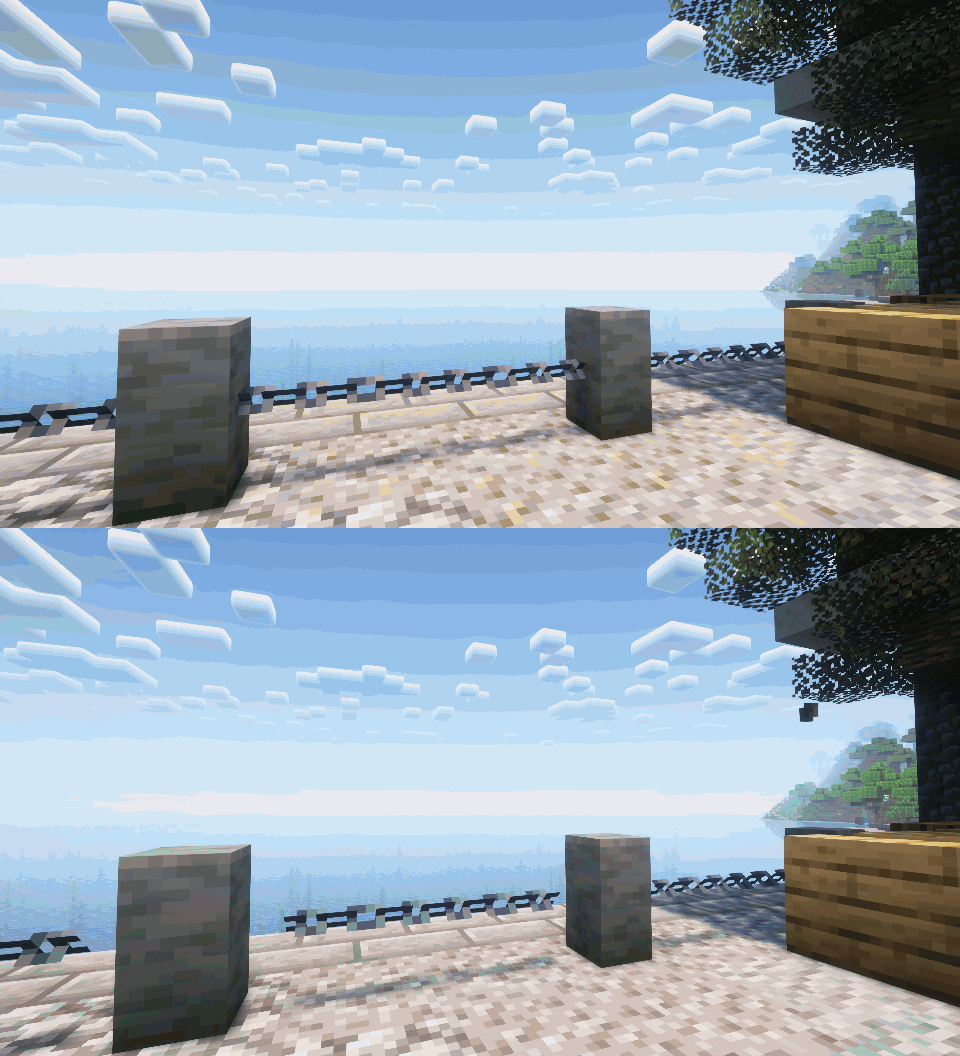
With the Connected Chains Resource Pack your chains will better connect to non-full blocks and allow you to create more interesting and realistic builds using chains.

The pack is very lightweight only modifying the chain model itself allowing it to work well with other resource packs and mods.

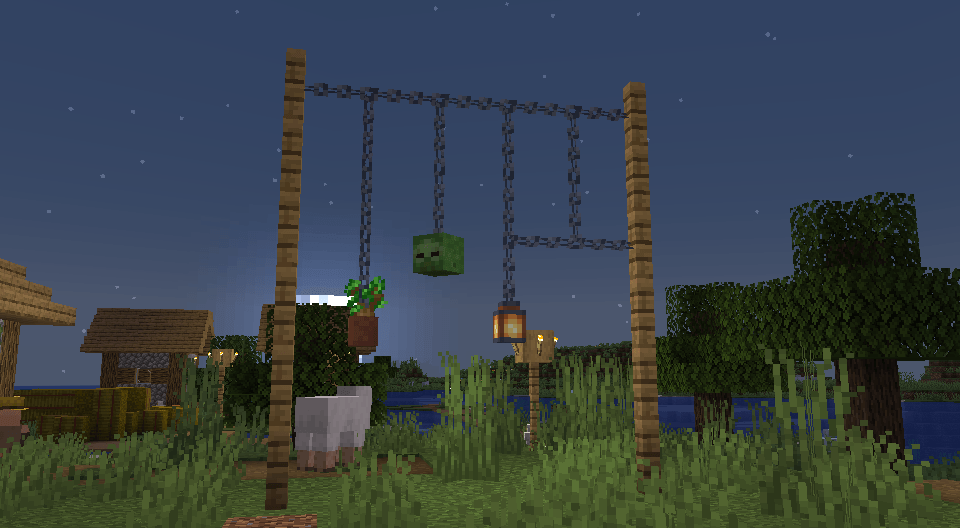
Using the pack your chains will connect to things such as:

  • Walls and fences
  • Chains facing other directions
  • Flower pots
  • Mob heads
  • And more

Below are some pictures showcasing what you can do with this Resource Pack An animated gif showcasing the difference between vanilla and the custom chains A scene showcasing some different uses for the custom chains
Connected Chains.zip
MC 1.20.2, 1.21.2-Snapshot, 1.21, 1.21.6-snapshot, 1.20.5, 1.21.5, 1.20.2-Snapshot, 1.20.5-Snapshot, 1.21.1-Snapshot, 1.21.4, 1.21.5-Snapshot, 1.20.3-Snapshot, 1.20.3, 1.20.1, 1.20
Release 2025-07-06 Get
Connected Chains.zip
MC 1.20.2, 1.21.2-Snapshot, 1.21, 1.21.6-snapshot, 1.20.5, 1.21.5, 1.20.2-Snapshot, 1.20.5-Snapshot, 1.21.1-Snapshot, 1.21.4, 1.21.5-Snapshot, 1.20.3-Snapshot, 1.20.3, 1.20.1, 1.20
Release 2025-06-19 Get

Requirements & install

How to use this resource pack in Minecraft
Resolution
16x
Minecraft
1.20.5 – 1.21.6-snapshot
Install folder
.minecraft/resourcepacks

How to install resource packs

  1. Download the resource pack .zip file (do not extract it).
  2. In Minecraft open Options → Resource Packs → Open Pack Folder.
  3. Drop the .zip into the resourcepacks folder (.minecraft/resourcepacks).
  4. Move the pack to the Selected column and click Done.
Browse more: 16x resource packs 32x resource packs 64x resource packs 128x resource packs 256x resource packs 512x+ resource packs Resource Packs for 1.21.6-snapshot All resource packs

More from Kyrius

Advertisement Remove ads with Premium →

You Might Also Like