Mineuniverse
Resource Packs
Compass Cords

Compass Cords

RESOURCE PACK
It tells you the coordinates if you have a compass
by kiwiKcz
Download Claim this project
3,047 downloads
0 likes
Updated Oct 14, 2026
0 hypes
Data Packs Mod Support
Advertisement Remove ads with Premium →

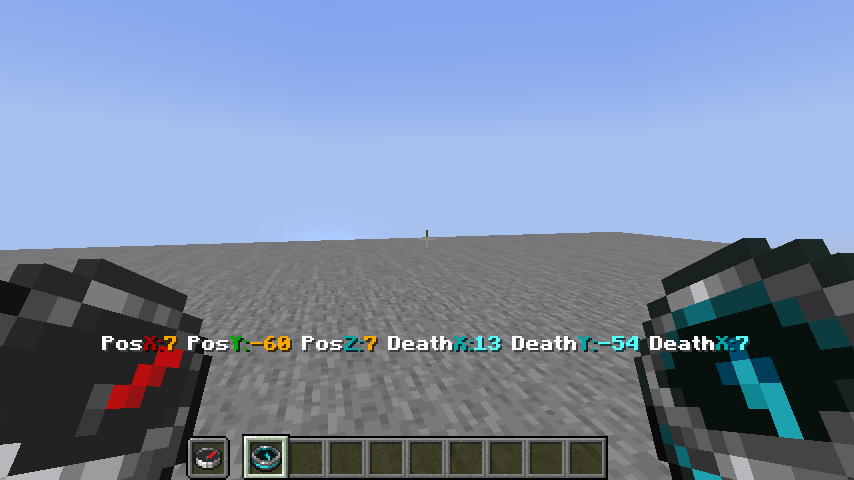
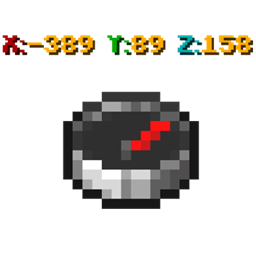
This datapack disables the F3 coordinates so that you can see the in-game coordinates instead.

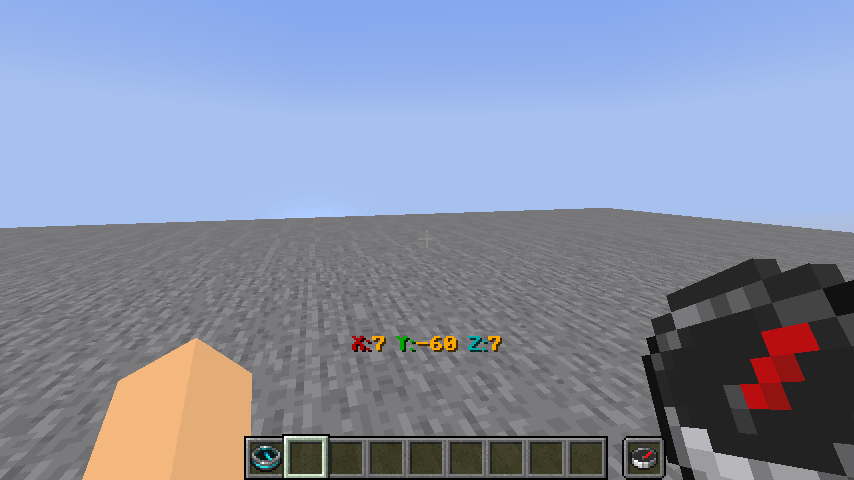
Having the compass in the first or second hand will tell you the coordinates where you are standing.

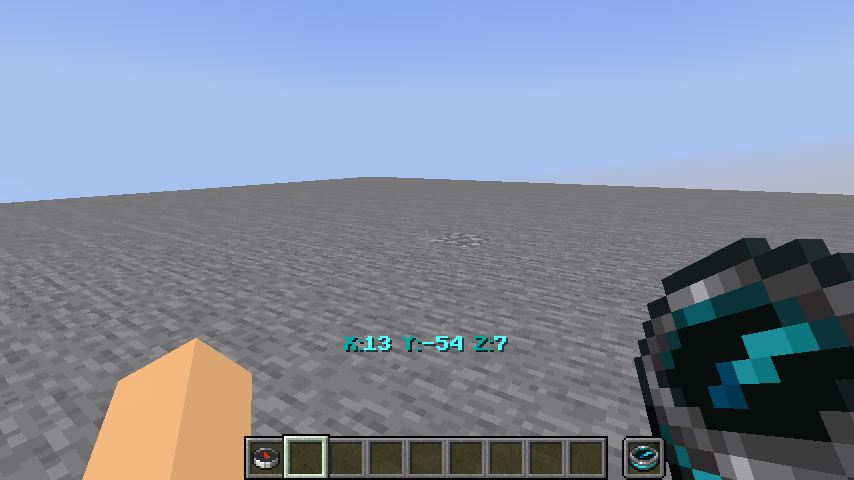
Also the death compass will tell you the coordinates where you died.

If you have both compasses in both hands you have the coordinates of death and the coordinates of where you are standing at the same time


Este datapack desactiva las cordenadas del F3 para que en cambio puedas ver las cordenadas in game.

Teniendo la brujula en la primera o 2da mano te dira las cordenadas en donde estas parado.

tambien la brujula de muerte te dira las cordenadas en donde moriste.

Si tienes ambas brujulas en ambas manos tenes las cordenadas de muerte y las cordenadas de donde estas parado al mismo tiempo

compass cords.zip
MC 1.19.3, 1.20.2, 1.19.4-Snapshot, 1.20.2-Snapshot, 1.20.5-Snapshot, 1.19.4, 1.19-Snapshot, 1.19.2, 1.20.3-Snapshot, 1.20.3, 1.20.1, 1.20, 1.19.1, 1.20.4, 1.20-Snapshot, 1.19
Release 2024-03-01 Get

Requirements & install

How to use this resource pack in Minecraft
Resolution
Not specified
Minecraft
1.20 – 1.20.5-Snapshot
Install folder
.minecraft/resourcepacks

How to install resource packs

  1. Download the resource pack .zip file (do not extract it).
  2. In Minecraft open Options → Resource Packs → Open Pack Folder.
  3. Drop the .zip into the resourcepacks folder (.minecraft/resourcepacks).
  4. Move the pack to the Selected column and click Done.
Browse more: 16x resource packs 32x resource packs 64x resource packs 128x resource packs 256x resource packs 512x+ resource packs Resource Packs for 1.20.5-Snapshot All resource packs

More from kiwiKcz

Advertisement Remove ads with Premium →

You Might Also Like