Mineuniverse
Resource Packs
Colourful Containers OLED GUI

Colourful Containers OLED GUI

RESOURCE PACK
Adds a new look to all the boring GUI's
by Kingybu
Download Claim this project
50,637 downloads
0 likes
Updated Oct 14, 2026
0 hypes
16x Animated Miscellaneous Traditional
Advertisement Remove ads with Premium →


Bored of Minecraft's basic user interface?

Sick of approaching your enchanting table only to be presented by the same grey menu as the crafting table? Looking to add some colour into your game? Introducing Colourful Containers, now in dark mode!

A container GUI replacement mod that hopes to match the menu to every one of Minecraft's colourful interactable blocks.
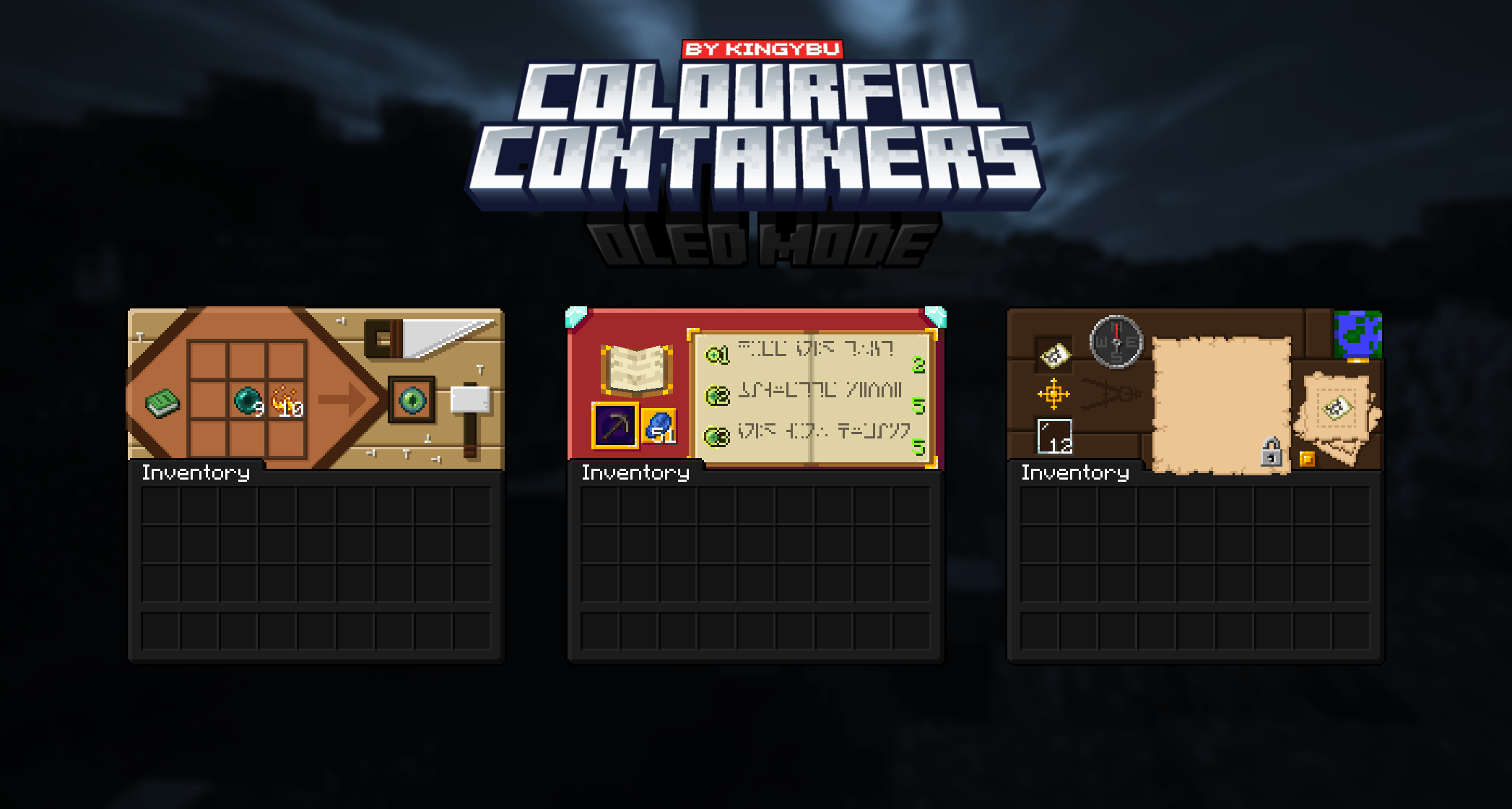
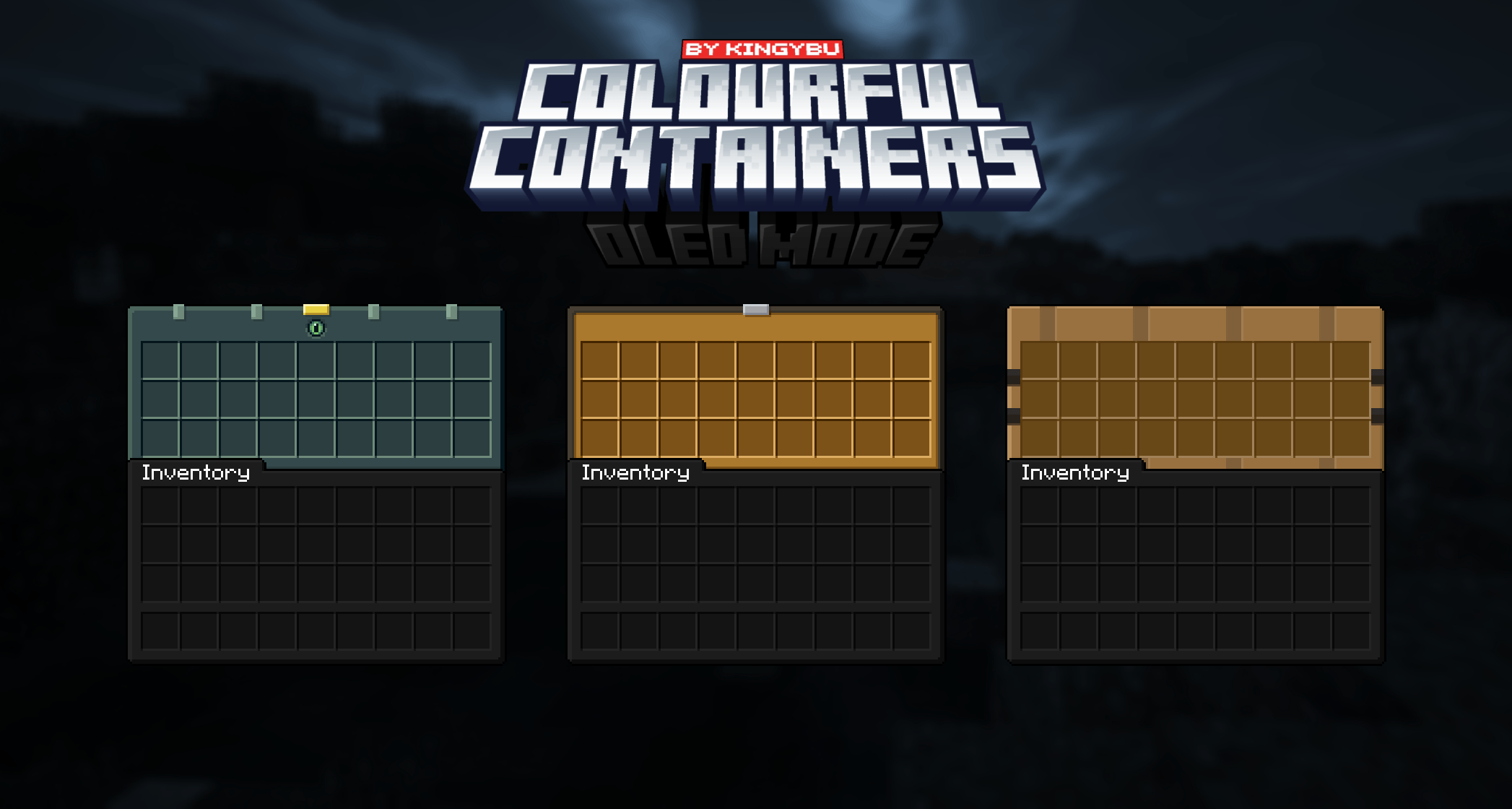
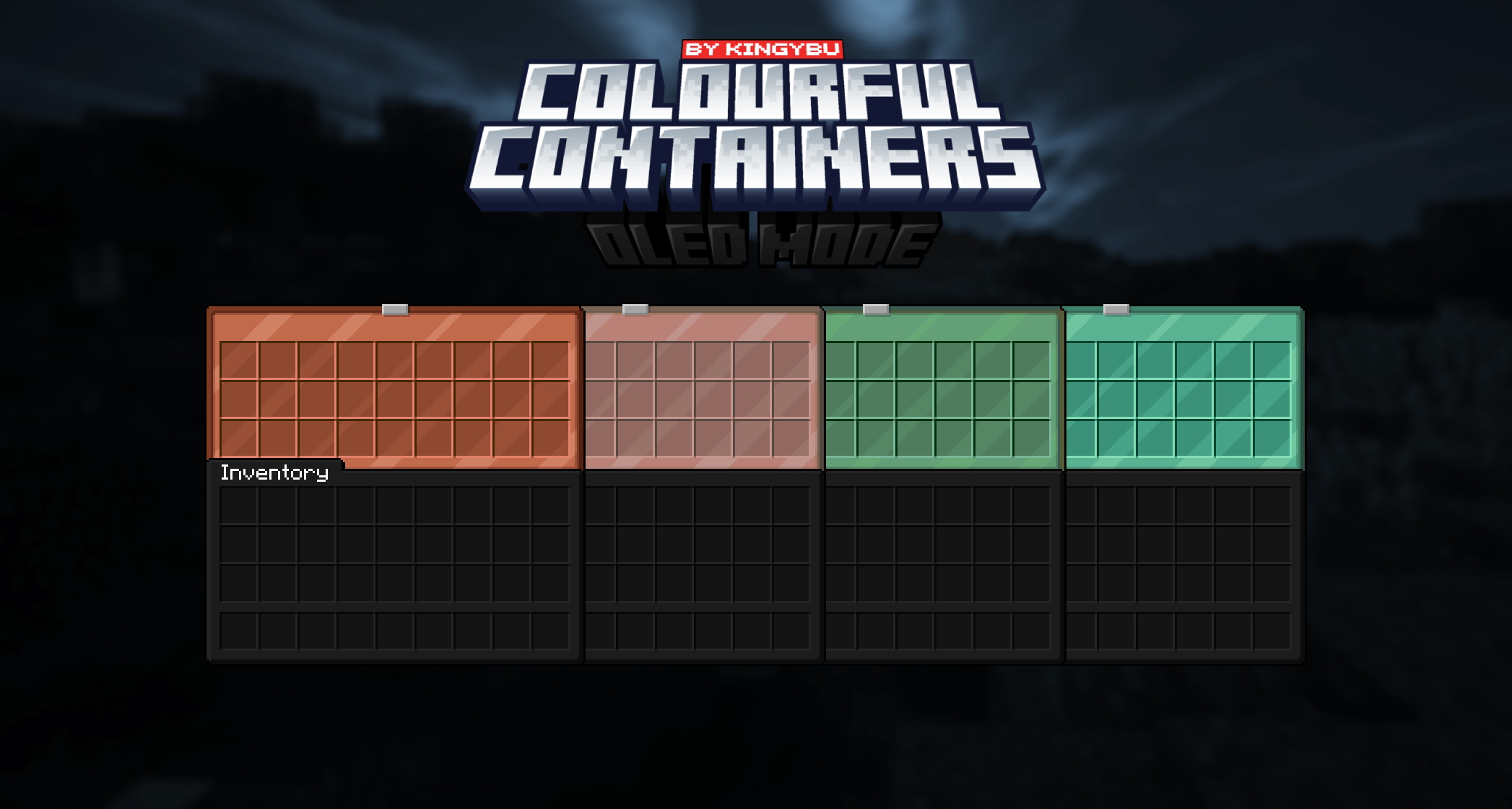
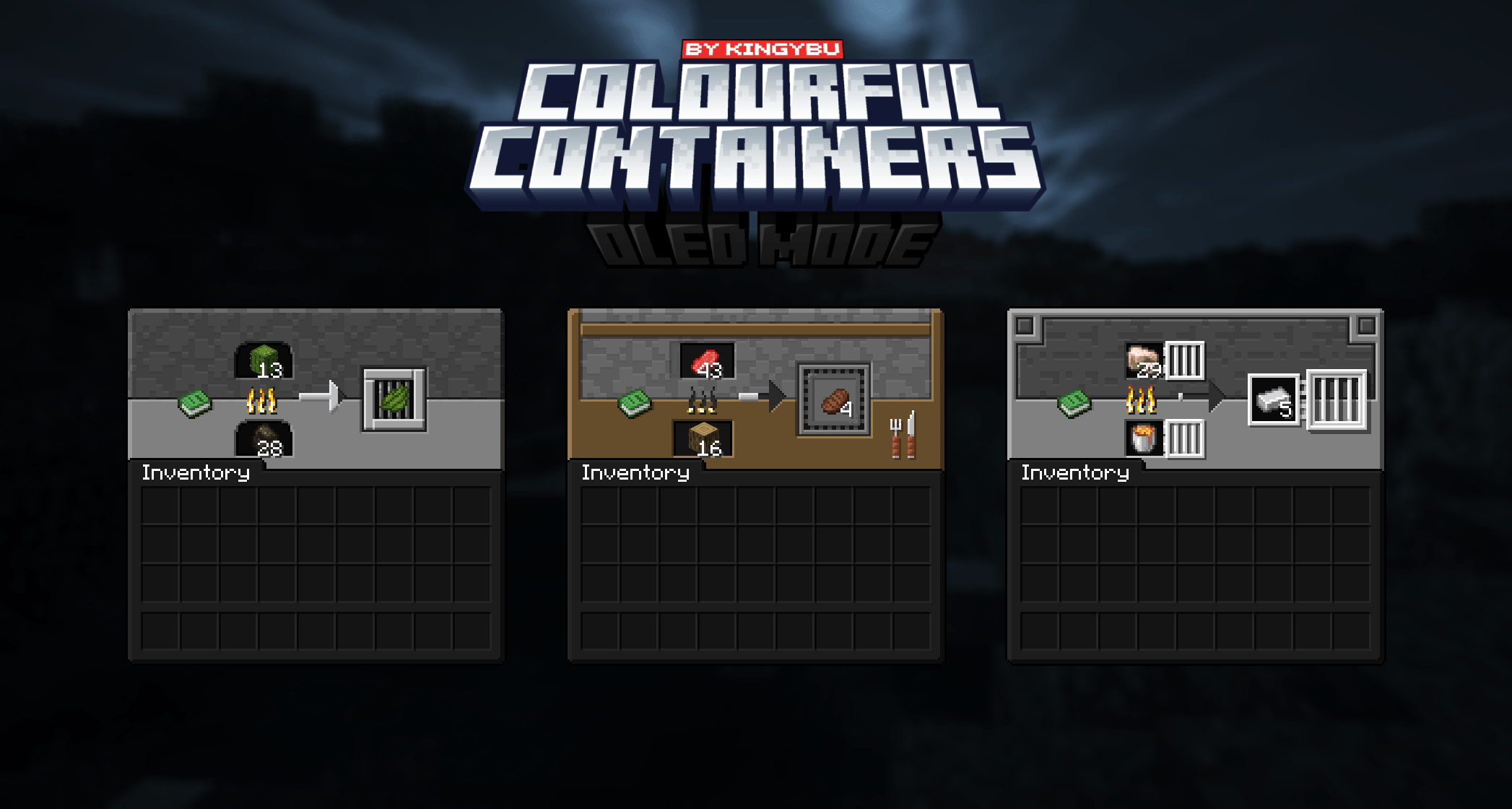
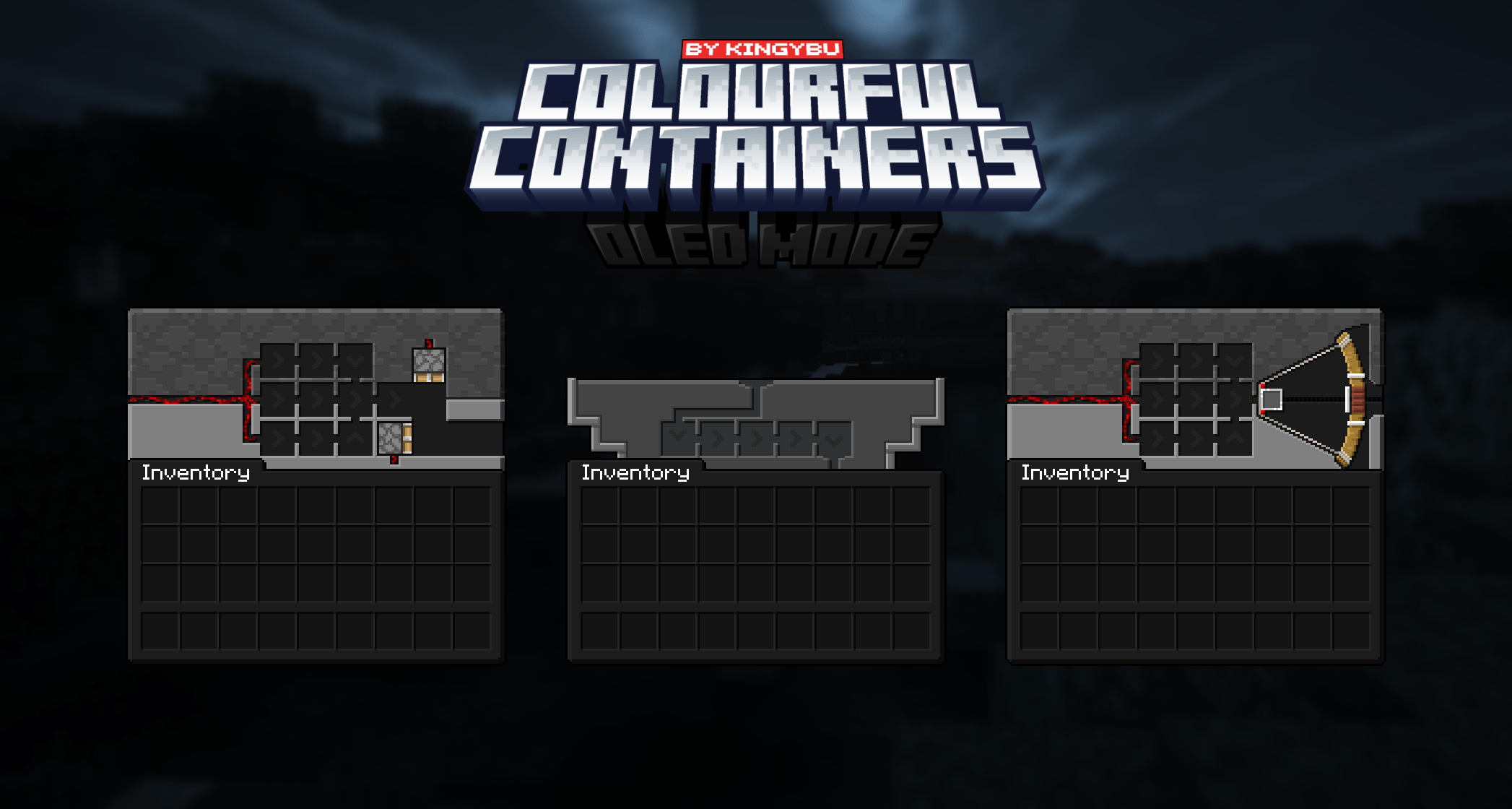
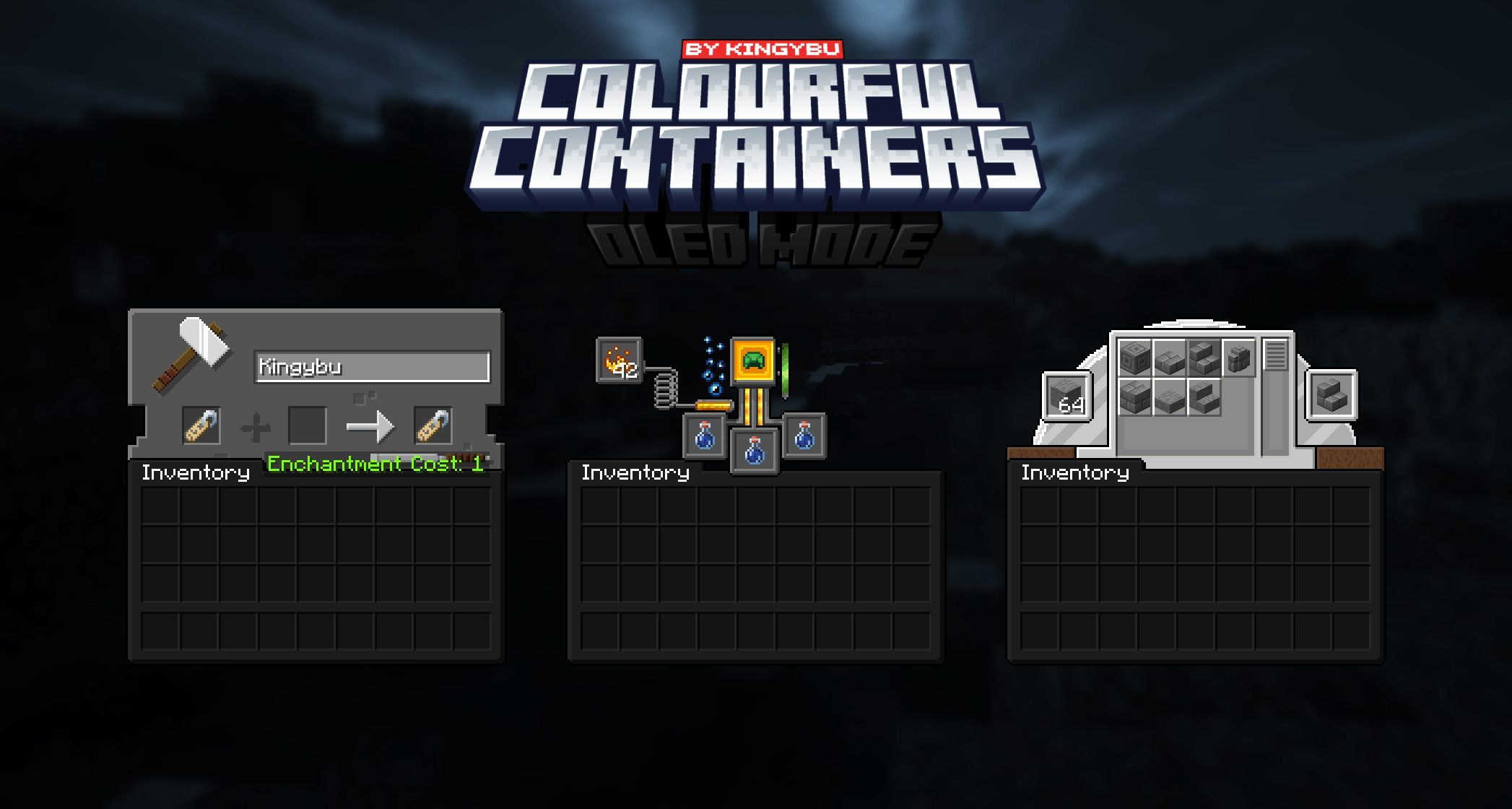
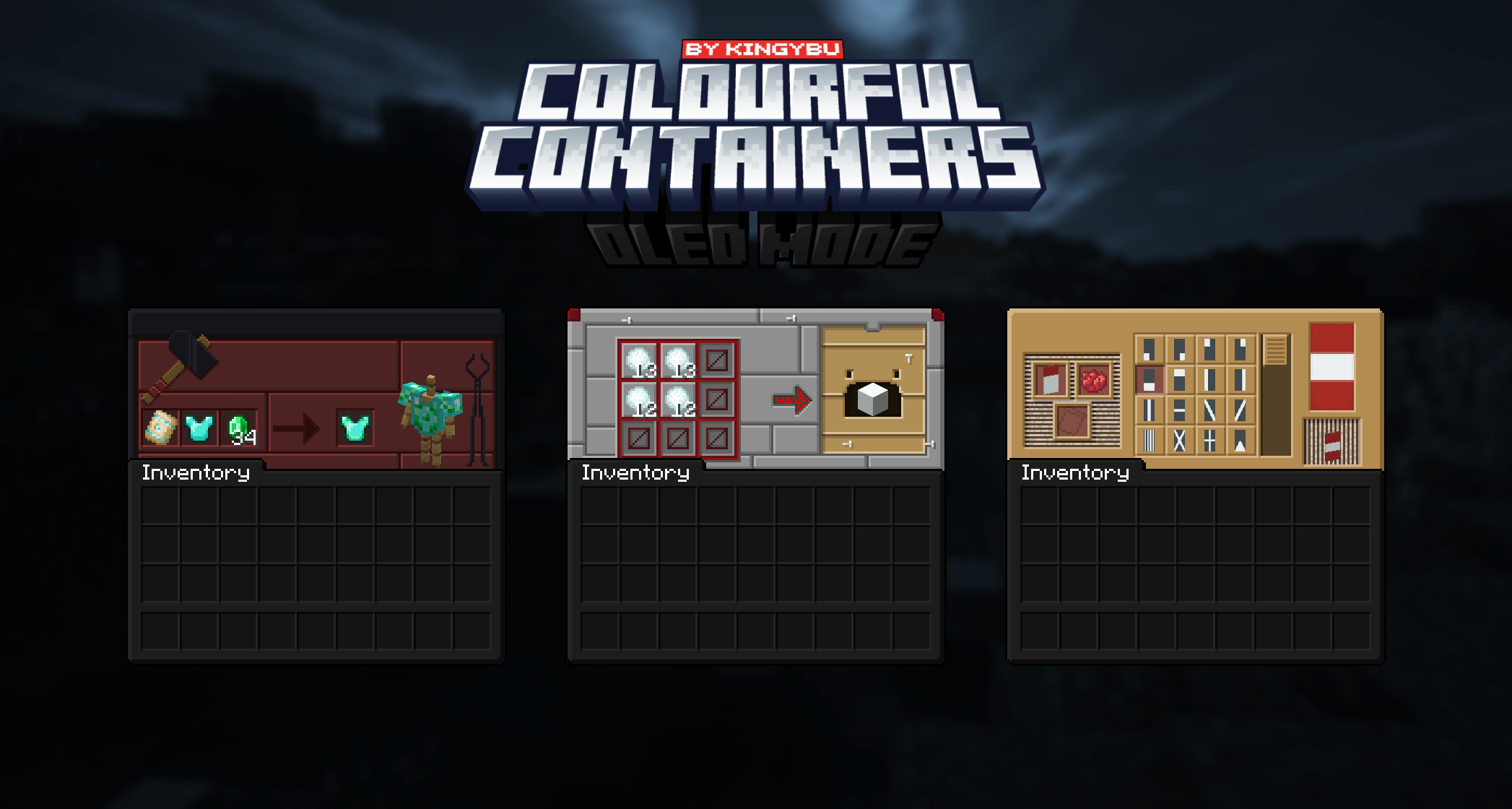
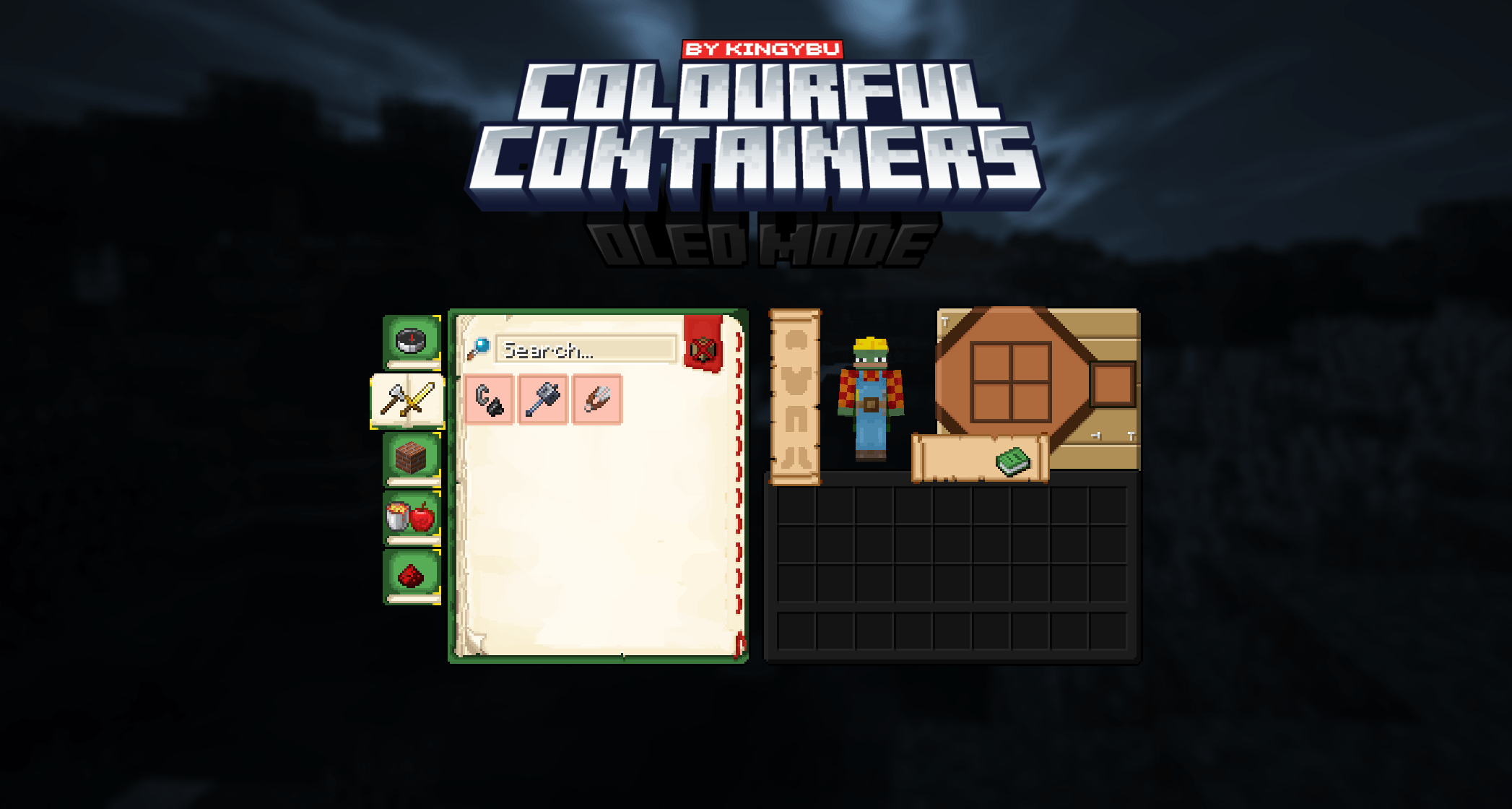
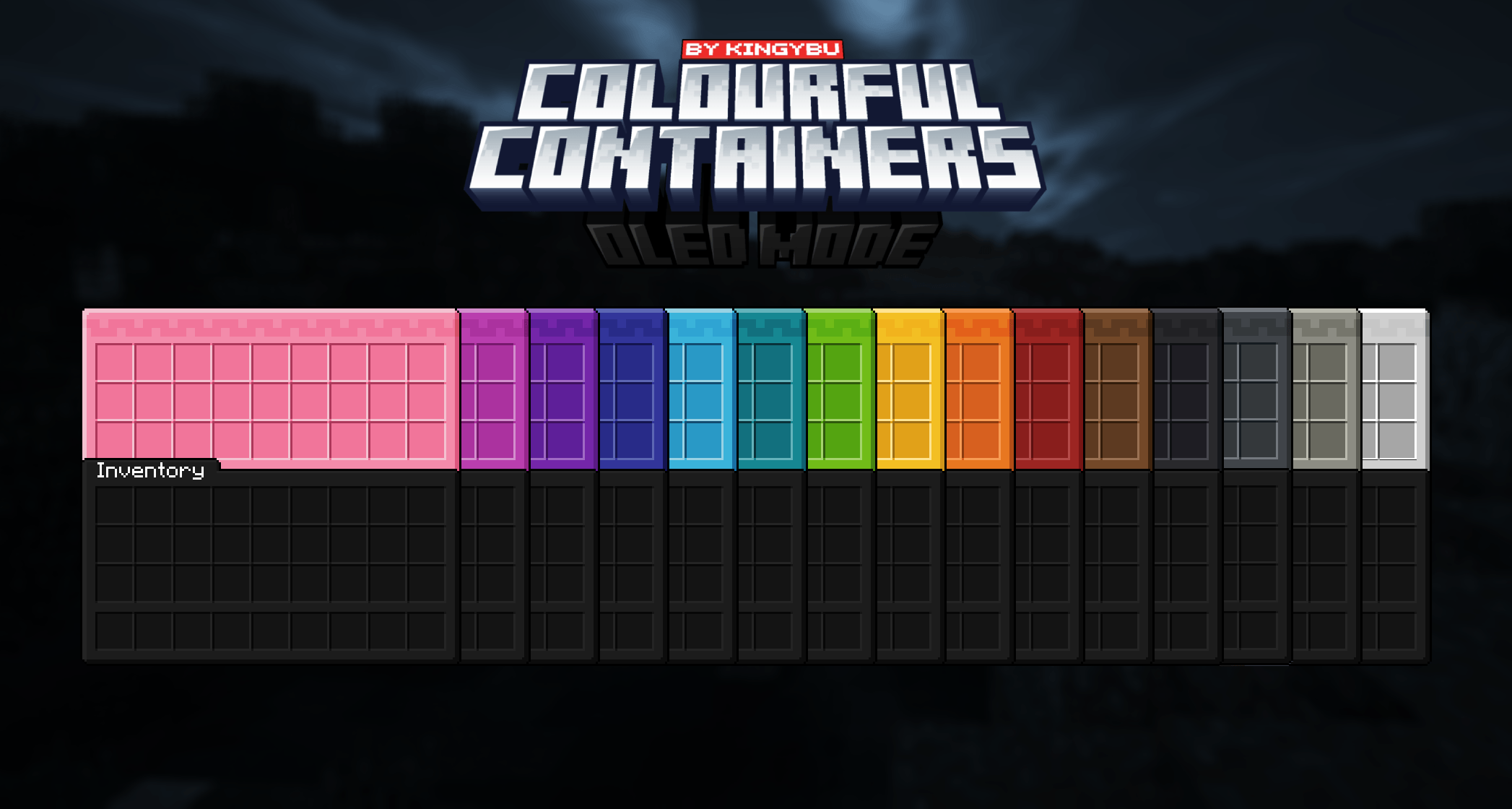
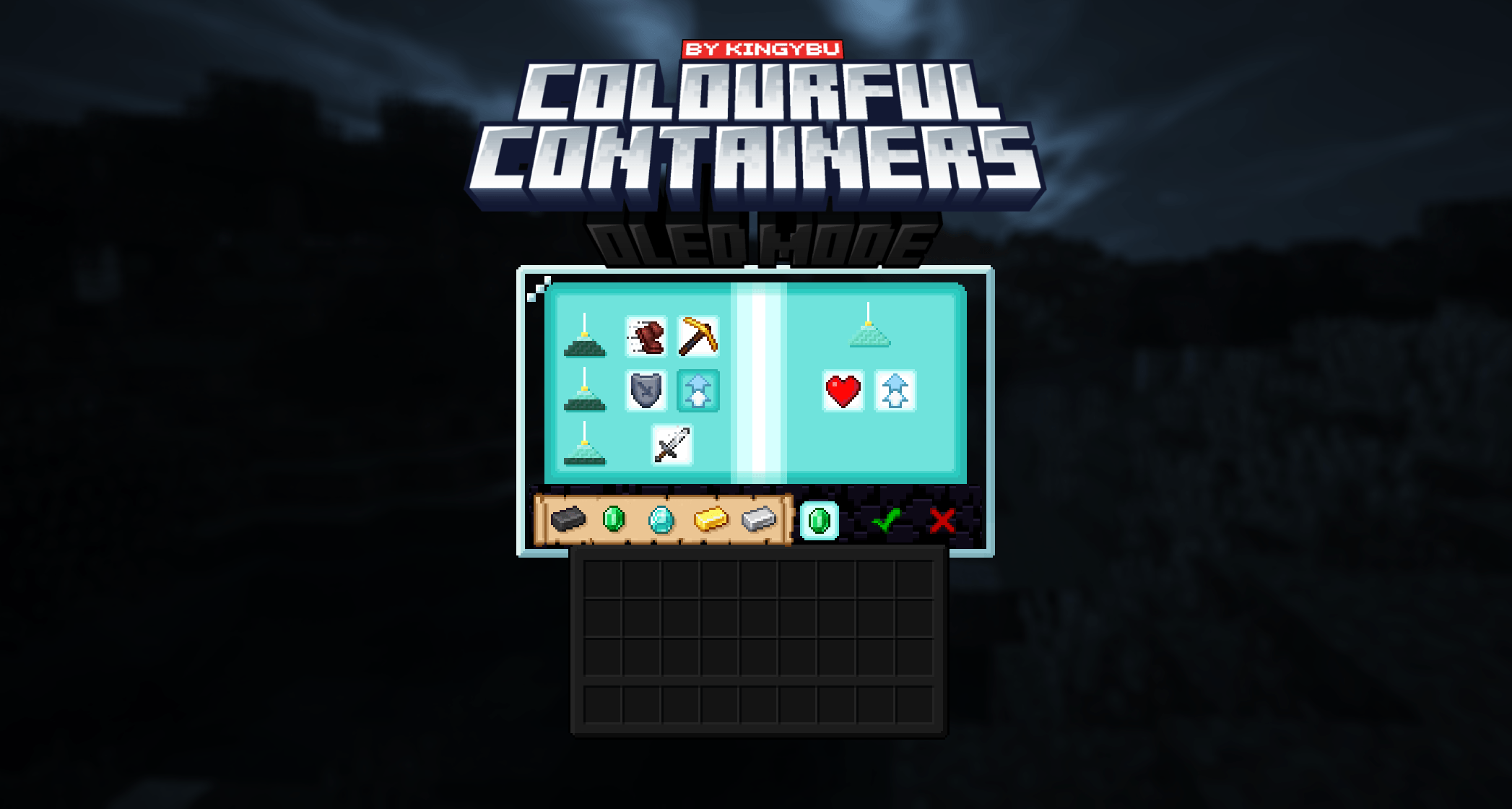
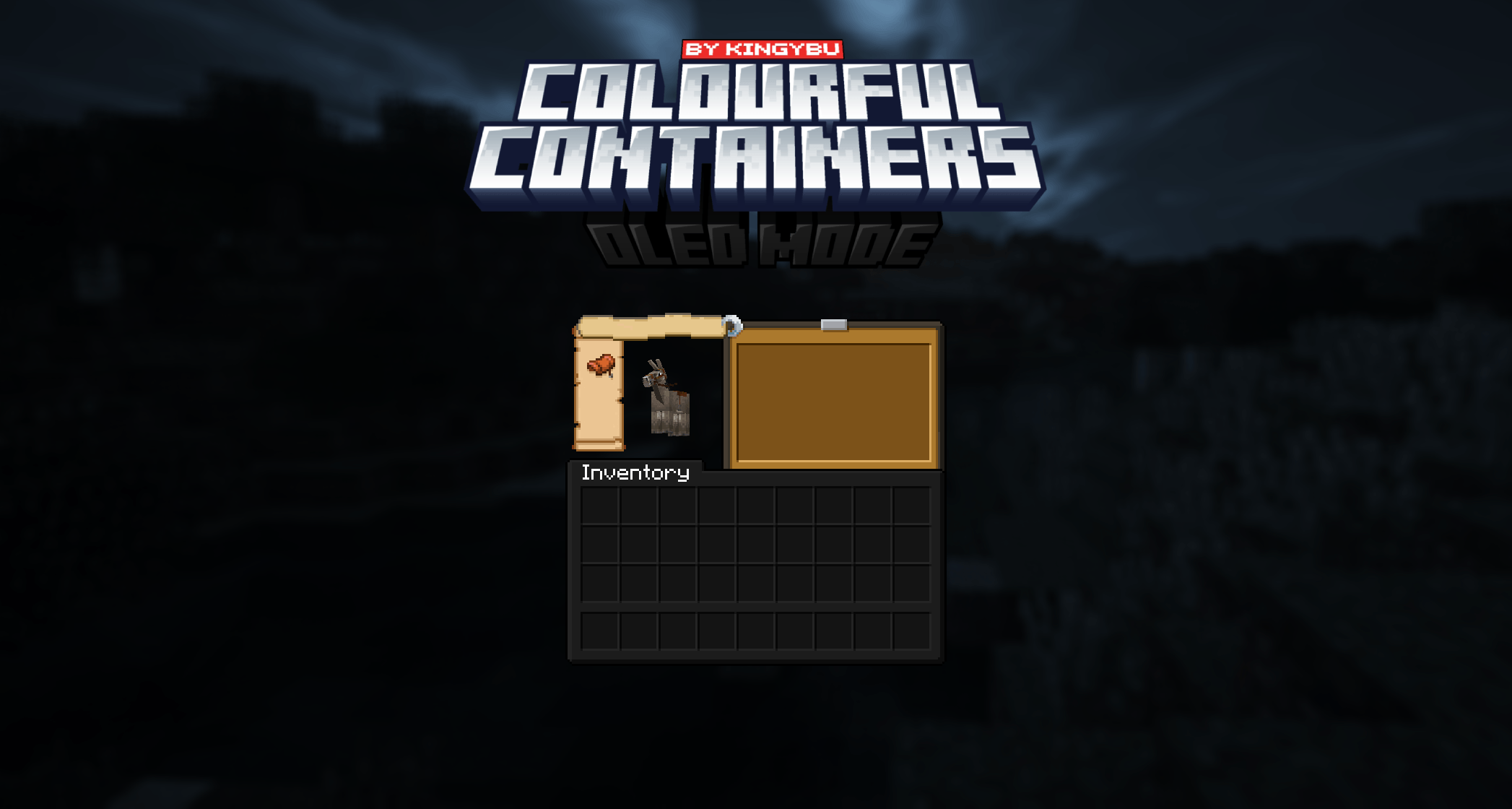
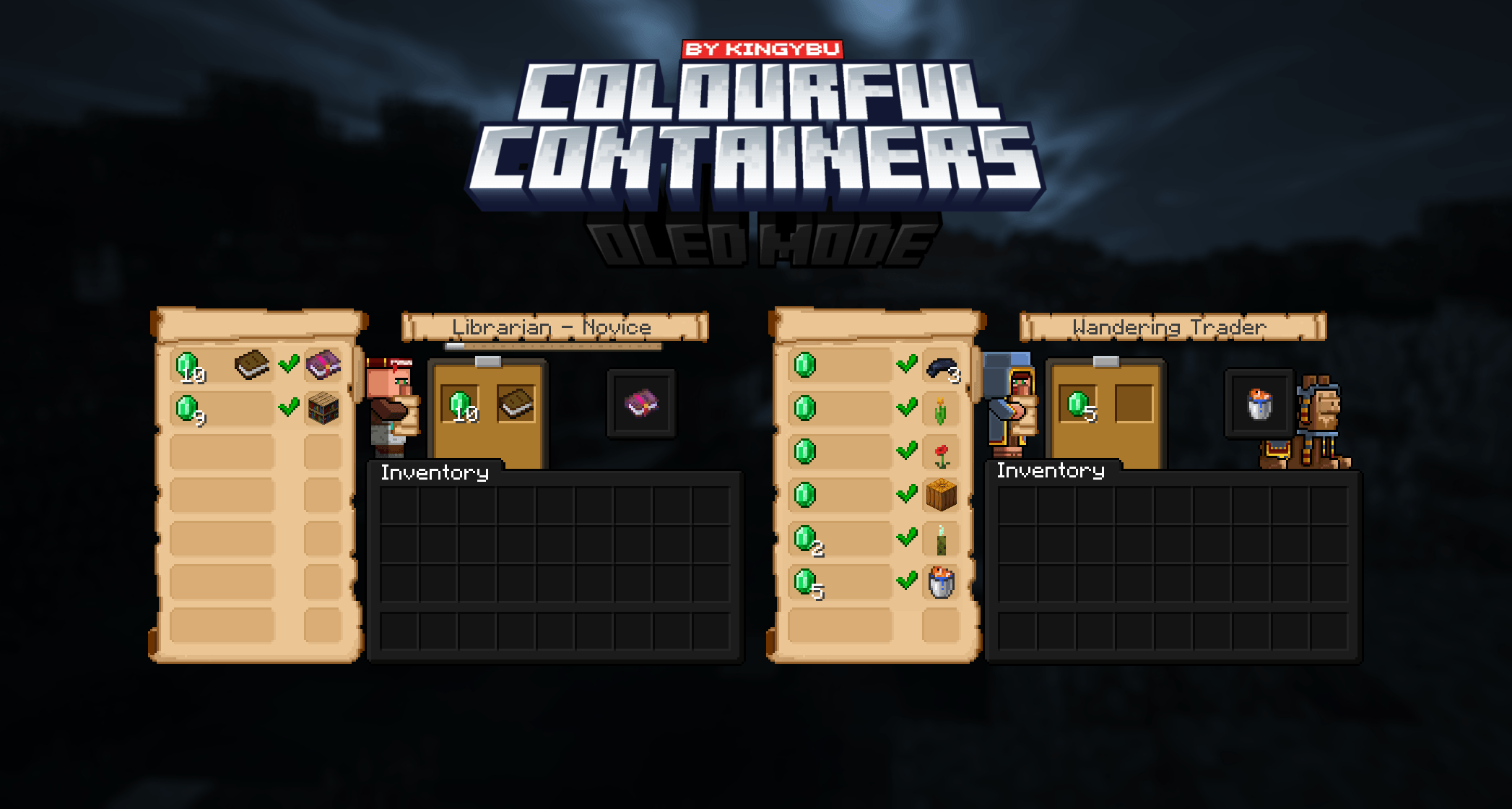
Theatricks aside, this texture pack will replace the GUI of every block like the crafting table and furnace. Each new menu will take inspiration from the block its associated with. Some are even animated!


or Optifine

                    Crafting Table                                      Ender Chest                                         Anvil                                  


Please read this!

If you are using OptiGUI or Optifine please use any of the Modded languages to prevent bugs

If you are NOT using OptiGUI or Optifine please use the Vanilla language to properly see chests and other textures!


-Recipe Book
- Anvil
- Blast Furnace
- Brewing Stand
- Cartography Table
- Crafter 
- Chests (Large, Small, Ender)
- Crafting Table
- Dispenser
- Dropper
- Enchanting Table
- Furnace
- Grindstone
- Hopper
- Loom
- Shulkers (All Colours)
- Smoker
- Stone Cutter
- Smithing Table
- Barrel
- Villager proffesions
- Beacon 

Including
- Dark Loading Screen
- Dark Advancements Menu
-Survival inventory 

-Why are some textures are not working?
Make sure you have either Optifine or OptiGUI and Animatica installed. Some textures like the minecart and chestboat GUI’s only work with OptiGUI due to Optifines limitations.
I would always recommend using OptiGUI and Animatica instead of Optifine!

-Can I add your packs to my modpack?
Yes
, you can add any of my resource packs to your Modrinth or Curseforge modpacks if you give me proper credits and add my pack as a dependent.

-Where can i post suggestions for either mod support or other things
You can post suggestions on the discord!

-Something isn't working properly or I have a question.
You can seek help on, you guessed it! the discord!


-Chest Raft
-Chest Boat


-Creative inventory
-Mod support


Chris_XENO
BurntToast_
Kingybu
Alijic200

special thanks:
Shrimpsnail
BeagleNF404
my supporters :)


 
 @demonjoetv


more by me.png

pack2.pngpack1.pngpack4.png


§0§lOLED §f§lColourful Containers§8.zip
MC 1.21.2-Snapshot, 1.21, 1.21.6-snapshot, 1.20.2-Snapshot, 1.20.5-Snapshot, 1.19-Snapshot, 1.21.1-Snapshot, 1.19.3, 1.20.2, 1.19.4, 1.21.8, 1.19.4-Snapshot, 1.20.5, 1.21.5, 1.21.4
Release 2026-09-09 Get
§0§lOLED §f§lColourful Containers§8.zip
MC 1.21.2-Snapshot, 1.21, 1.21.6-snapshot, 1.20.2-Snapshot, 1.20.5-Snapshot, 1.19-Snapshot, 1.21.1-Snapshot, 1.19.3, 1.20.2, 1.19.4, 1.21.8, 1.19.4-Snapshot, 1.20.5, 1.21.5, 1.21.4
Release 2026-06-10 Get
§0§lOLED §f§lColourful Containers§8.zip
MC 1.21.2-Snapshot, 1.21, 1.21.6-snapshot, 1.20.2-Snapshot, 1.20.5-Snapshot, 1.19-Snapshot, 1.21.1-Snapshot, 1.19.3, 1.20.2, 1.19.4, 1.21.8, 1.19.4-Snapshot, 1.20.5, 1.21.5, 1.21.4
Release 2026-01-13 Get
§0§lOLED §f§lColourful Containers§8.zip
MC 1.19.3, 1.20.2, 1.21.2-Snapshot, 1.21, 1.21.6-snapshot, 1.18.1, 1.19.4-Snapshot, 1.20.5, 1.21.5, 1.20.2-Snapshot, 1.20.5-Snapshot, 1.19.4, 1.21.8, 1.19-Snapshot, 1.21.1-Snapshot
Release 2025-08-31 Get
§0§lOLED §f§lColourful Containers§8.zip
MC 1.19.3, 1.20.2, 1.21.2-Snapshot, 1.21, 1.21.6-snapshot, 1.19.4-Snapshot, 1.20.5, 1.21.5, 1.20.2-Snapshot, 1.20.5-Snapshot, 1.19.4, 1.19-Snapshot, 1.21.1-Snapshot, 1.21.4
Release 2025-06-27 Get

Requirements & install

How to use this resource pack in Minecraft
Resolution
16x
Minecraft
1.20.5 – 1.21.8
Install folder
.minecraft/resourcepacks

How to install resource packs

  1. Download the resource pack .zip file (do not extract it).
  2. In Minecraft open Options → Resource Packs → Open Pack Folder.
  3. Drop the .zip into the resourcepacks folder (.minecraft/resourcepacks).
  4. Move the pack to the Selected column and click Done.
Browse more: 16x resource packs 32x resource packs 64x resource packs 128x resource packs 256x resource packs 512x+ resource packs Resource Packs for 1.21.8 All resource packs

More from Kingybu

Advertisement Remove ads with Premium →

You Might Also Like