Mineuniverse
Resource Packs
Coloured Elytra Texture Pack

Coloured Elytra Texture Pack

RESOURCE PACK
Elytras of all colors!
by iviprix
Download Claim this project
6,110 downloads
0 likes
Updated Oct 14, 2026
0 hypes
16x Animated Traditional
Advertisement Remove ads with Premium →

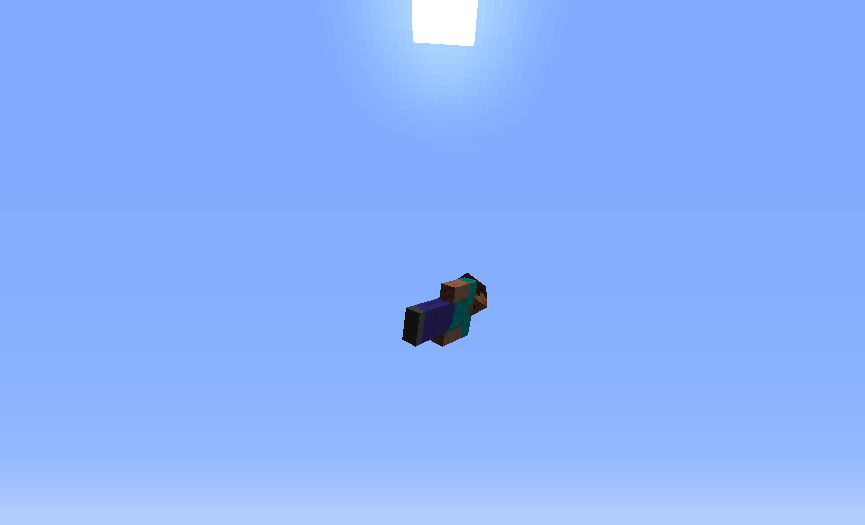
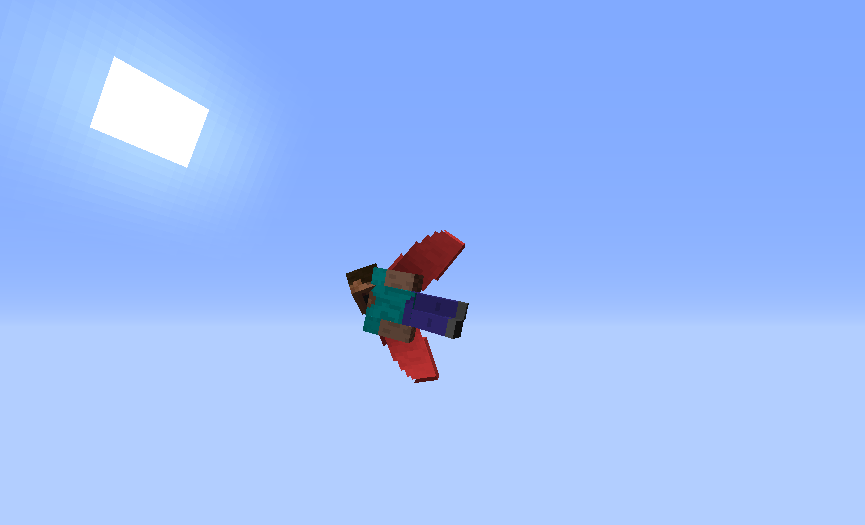
Don't like the gray Elytra color? Would you like to have a Red one? Or Blue?

You've come to the right place!


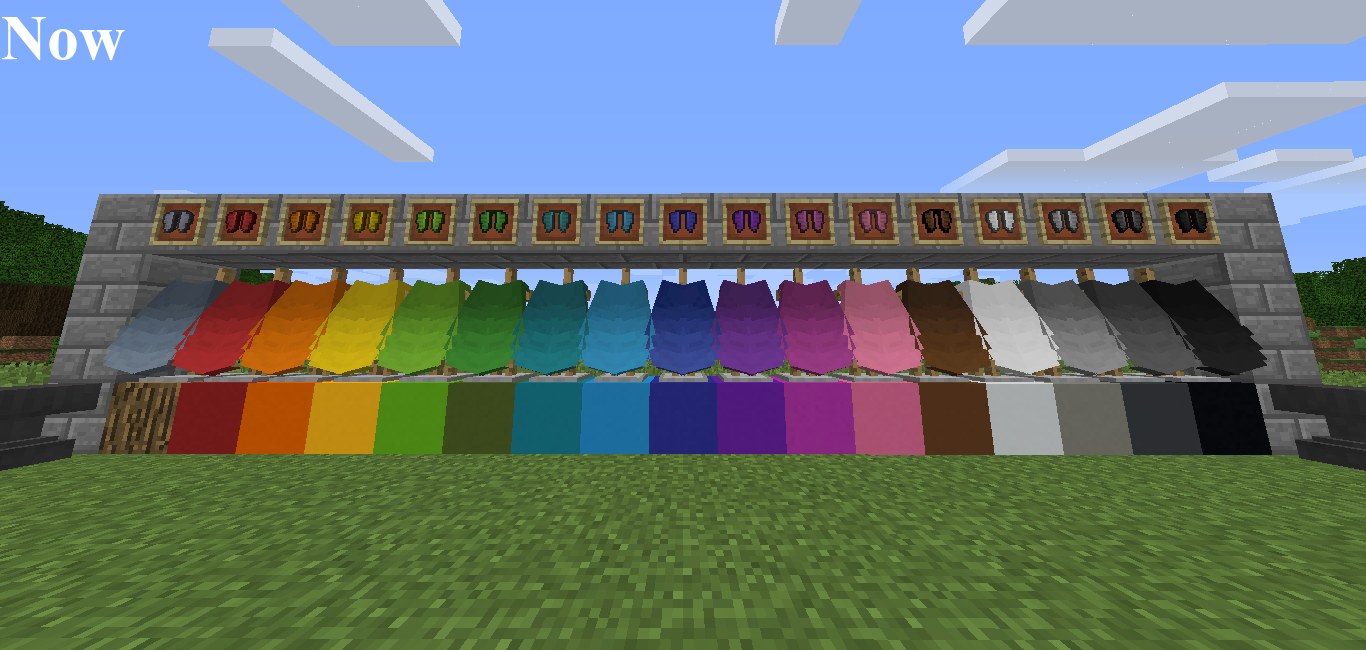
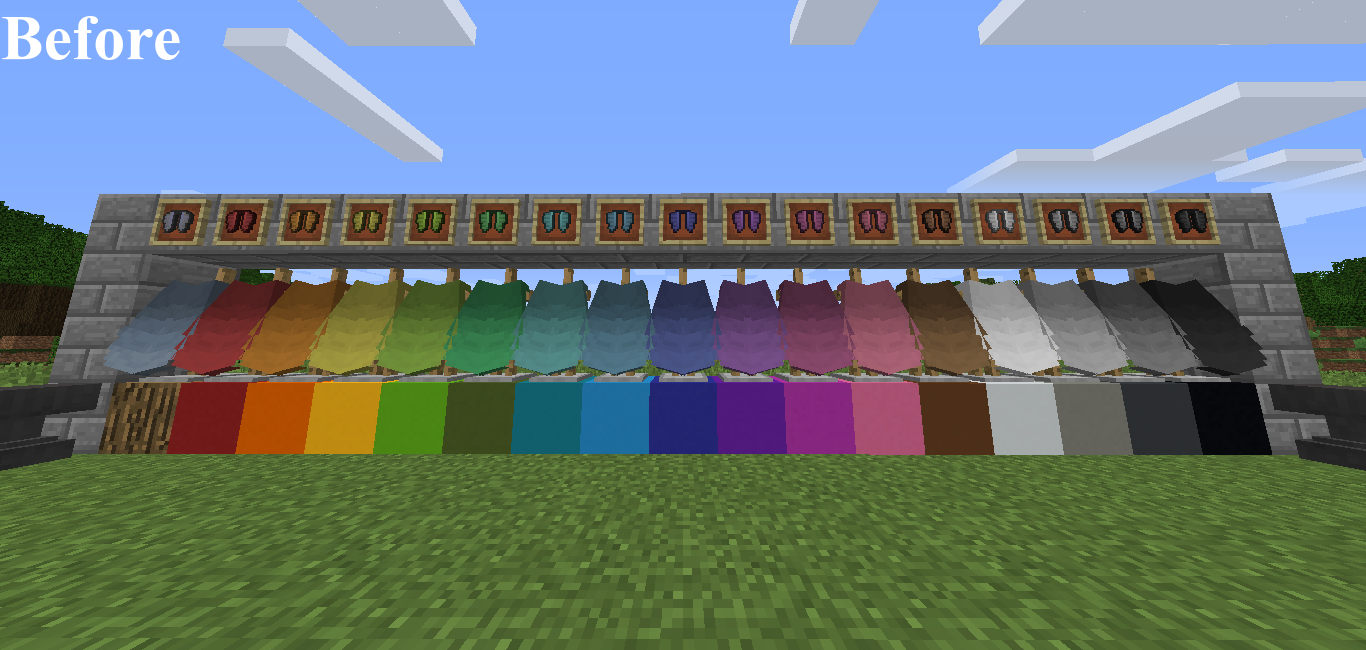
This texture pack offers the possibility to have elytra wings of any color (of the 16 existing colors).


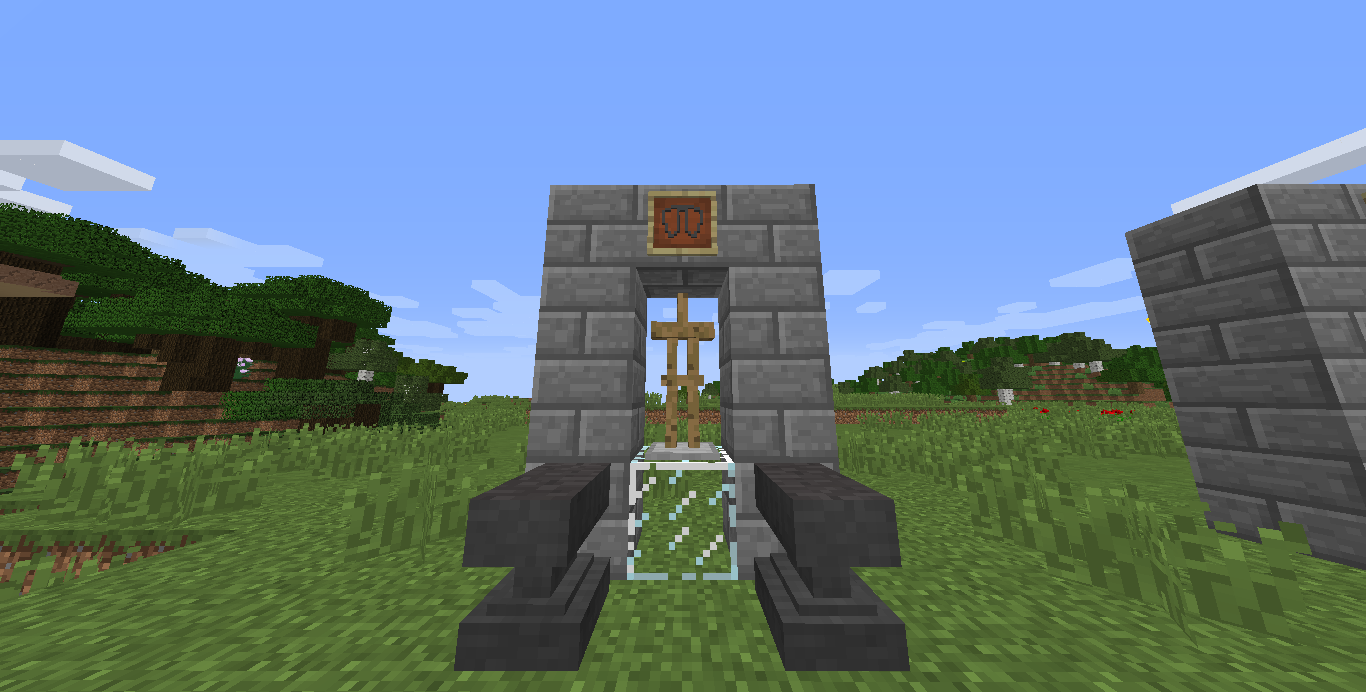
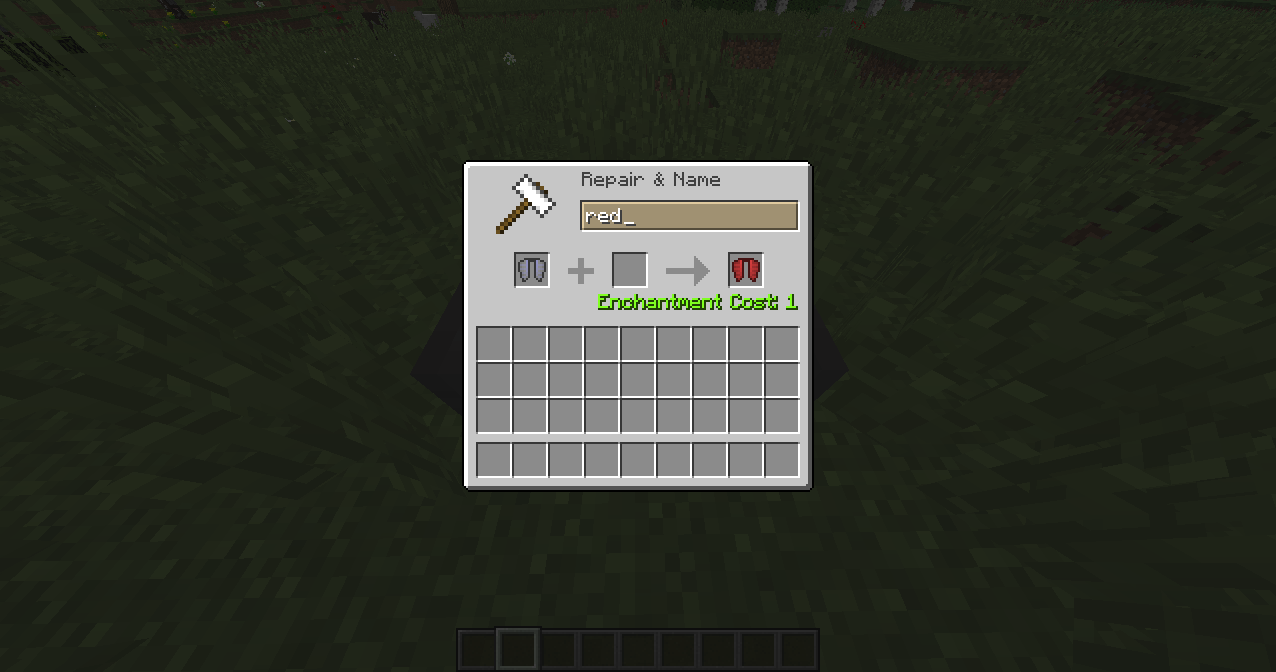
All you have to do is grab your elytra and, on an anvil, rename it to the color you wish it to be.


[needs Optifine to work correctly]


Here are all the names:

1: red

2: orange

3: yellow

4: lime

5: green

6: cyan

7: light_blue

8: blue

9: purple

10: magenta

11: pink

12: brown

13: white          (says white)

14: light_gray

15: gray

16: black


-New Update!  -Now the textures are more saturated, to adapt them better to the concrete blocks!

                                     -A new Elytra has been added: Invisible Elytra.


This is the name you need to put on the anvil:


17: invisible


That's it all, enjoy it!


Coming soon: Rainbow Elytra, EnderDragon Elytra, and maybe Elytra's textures from Minecon's capes


Coloured Elytra-Texture Pack 1.12.1
MC 1.12.1
Release 2017-10-15 Get

Requirements & install

How to use this resource pack in Minecraft
Resolution
16x
Minecraft
1.12.1
Install folder
.minecraft/resourcepacks

How to install resource packs

  1. Download the resource pack .zip file (do not extract it).
  2. In Minecraft open Options → Resource Packs → Open Pack Folder.
  3. Drop the .zip into the resourcepacks folder (.minecraft/resourcepacks).
  4. Move the pack to the Selected column and click Done.
Browse more: 16x resource packs 32x resource packs 64x resource packs 128x resource packs 256x resource packs 512x+ resource packs Resource Packs for 1.12.1 All resource packs

More from iviprix

Advertisement Remove ads with Premium →

You Might Also Like