Hello. This is my first project. I hope you like it.
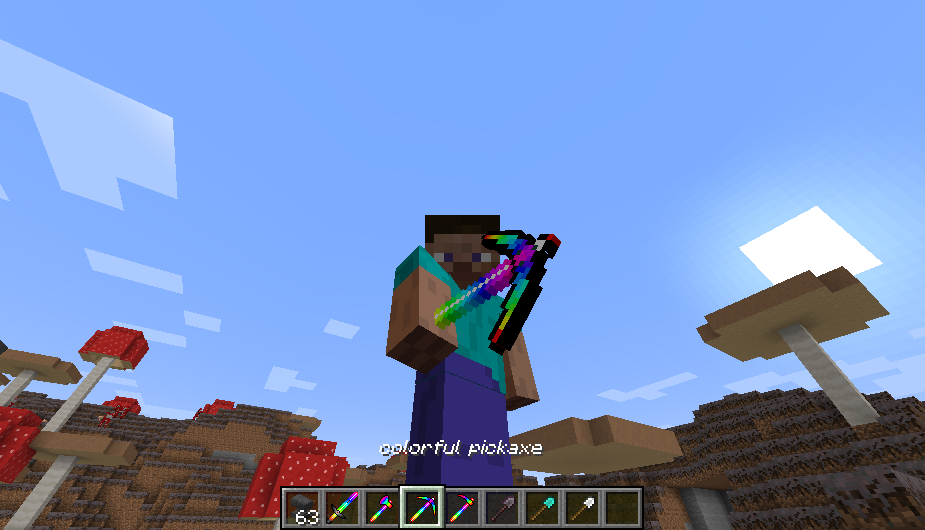
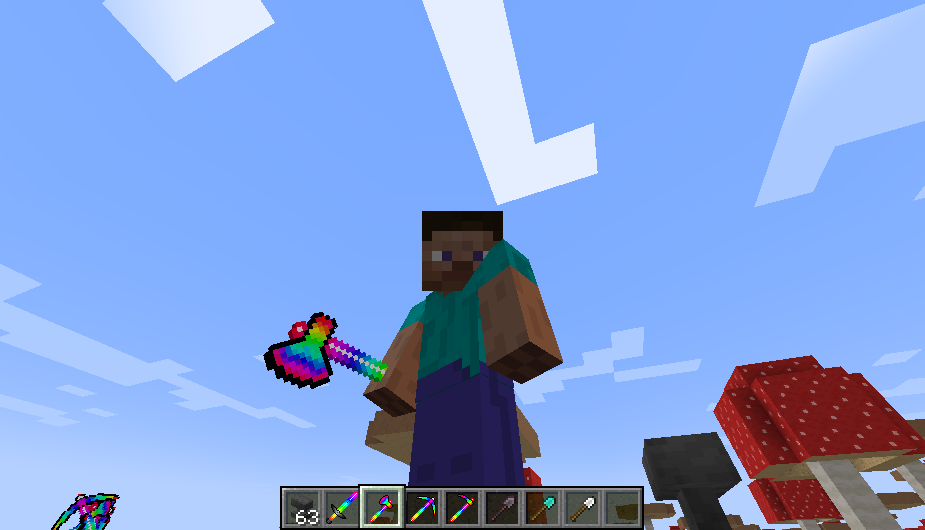
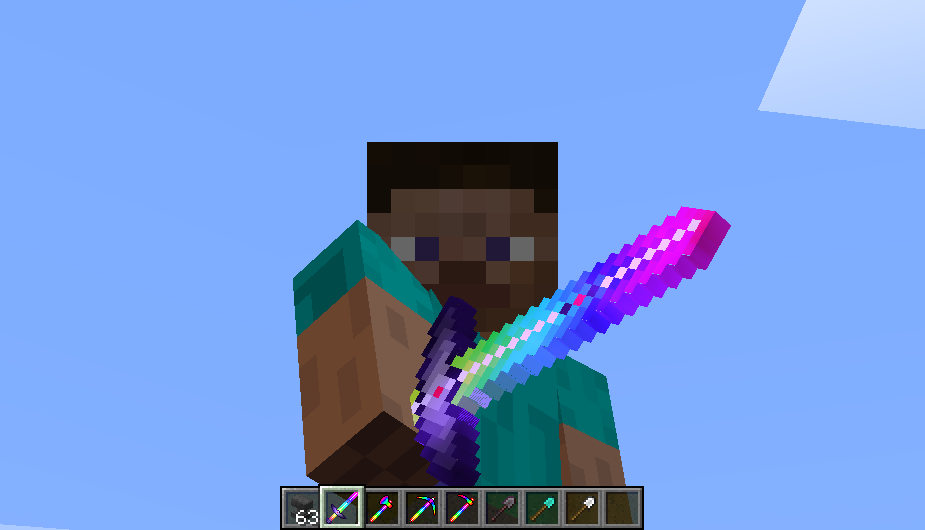
Colorful Tools is a resource pack which allow you change your tools texture just by renaming the tool. You can see its images in the Image section.
Right now this texture pack contain textures for Sword, Axe, Pickaxe, Shovel and Hoe. I'll add more colorful texture for more tools in the future like Shield etc.
For choosing this textures follow these steps:
1) In order to use this texture pack you need iron, diamond or netherite tool so for example if you want a colorful sword you should have a iron, diamond or netherite sword.
2) After downloading the resource pack copy and past the zip file to your Minecraft resource pack folder. then run Minecraft, you should see Colorful Tools in the resourcepack section. after enabling it, you need an anvil to rename the tool's name, So get an anvil and rename your tool like this:
colorful + [sword, axe, pickaxe, shovel, hoe] (NOT case sensitive)
** + is NOT necessary.
So if I want a colorful axe, I should rename it to: colorful axe
3) The Last step! ENJOY!! This is the most important part so don't forget.
Note:
This resource pack is 32x so I recommend to use a 32x texture pack (like Faithful 32x) to fit your world better BUT It is totally optional.
This resource pack has NO problem with other resource packs.
This resource pack works with enchanting tools too.
If you have any suggestion feel free to write it down in the comments or contact with me via Email.
email: [email protected]
Peace.