Mineuniverse
Resource Packs
Cobblemon - MC Swords for Honedge Line

Cobblemon - MC Swords for Honedge Line

RESOURCE PACK
Adds alternative textures for Honedge / Doublade / Aegislash based on Minecraft sword textures
by Halamajama
Download Claim this project
Add a badge to your pageLink to Cobblemon - MC Swords for Honedge Line from a README, website or forum post.
Preview: Badge

Badges update automatically and link to the resource pack page on MineUniverse.

26,324 downloads
0 likes
0 followers
Updated Oct 14, 2026
0 hypes
Follow0
Data Packs
Advertisement Remove ads with Premium →

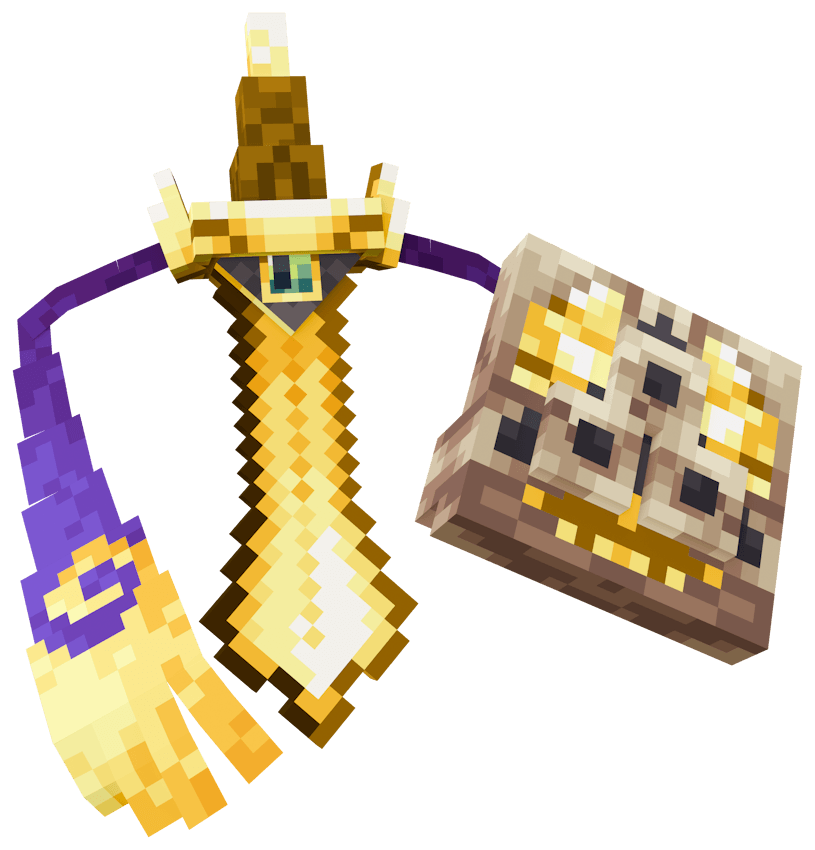
This is a simple resource pack / data pack that allows the player to change Honedge and its evolutions' appearances to make them look like Minecraft swords.
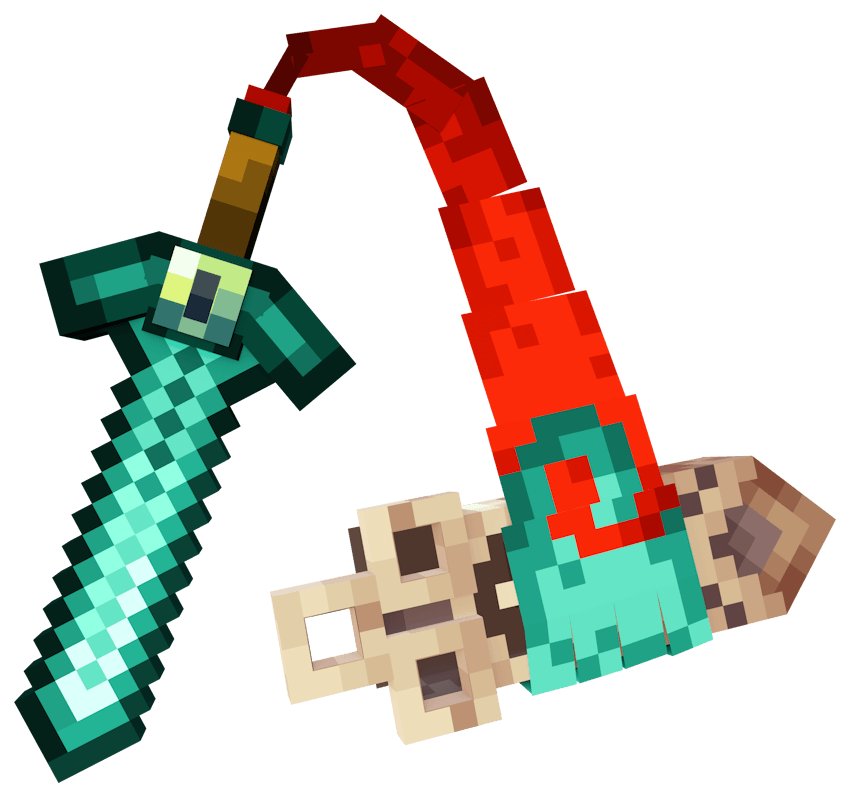
Diamond HonedgeNetherite DoubladeGolden Aegislash

With the introduction of cosmetic items in Cobblemon 1.7, you can now simply give Honedge / Doublade / Aegislash the corresponding item and instantly get the new texture! No stupid self-evolution nonsense! All of the textures have also been updated to fit with the new revamped models, and two new variants have been added: Ruby and Burger (Burger only works if you have the BurgersRCool mod installed, but you can use this pack without it, you just won't see the Burger variant)

The resources for each are:

  • Stick -> Wood
  • Cobblestone -> Stone
  • Iron Ingot -> Iron
  • Gold Ingot -> Gold
  • Diamond -> Diamond
  • Netherite Ingot -> Netherite
  • Copper Ingot -> Copper
  • Emerald -> Emerald
  • Red Dye -> Ruby
  • Clongusburg Ingot -> Burger (BurgersRCool Only)

INSTALLATION:
Place this file in both the resource pack folder AND data pack folder of your world.

Feel free to include this in your modpacks and such, no credit needed. Have fun!

MC Swords for Honedge Line V2.0.zip
MC 1.21.1
Release 2025-11-23 Get
Minecraft Sword for Honedge Line V1.2.zip
MC 1.21.1
Release 2025-07-19 Get
Minecraft Sword for Honedge Line V1.1.zip
MC 1.21.1
Release 2025-05-16 Get

Requirements & install

How to use this resource pack in Minecraft
Resolution
Not specified
Minecraft
1.21.1
Install folder
.minecraft/resourcepacks

How to install resource packs

  1. Download the resource pack .zip file (do not extract it).
  2. In Minecraft open Options → Resource Packs → Open Pack Folder.
  3. Drop the .zip into the resourcepacks folder (.minecraft/resourcepacks).
  4. Move the pack to the Selected column and click Done.
Browse more: 16x resource packs 32x resource packs 64x resource packs 128x resource packs 256x resource packs 512x+ resource packs Resource Packs for 1.21.1 All resource packs
Advertisement Remove ads with Premium →

You Might Also Like