Mineuniverse
Resource Packs
Cobblemon Interface: Modded

Cobblemon Interface: Modded

RESOURCE PACK
Mod support for a Cobblemon inspired GUI Textures and Sounds
by StalckVinny
Download Claim this project
5,803,469 downloads
0 likes
Updated Oct 14, 2026
0 hypes
16x Mod Support
Advertisement Remove ads with Premium →

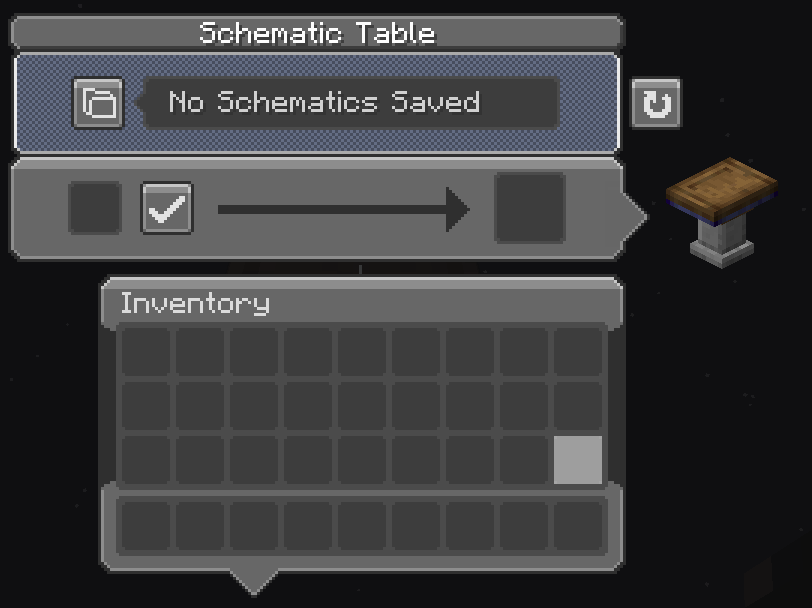
A complementary resourcepack to Cobblemon Interface that makes many mods interface and sounds fit the Cobblemon mod aesthetics.

Mod Support

Mod Cobblemon Interface
Accessories >= 1.9.2
Accessorify >= 1.9.2
Advancement Plaques >= v0.1
AppleSkin >= v0.1
Applied Energistics 2 >= v1.4, < 1.9.2
Applied Energistics 2 Wireless Terminals >= v1.4, < 1.9.2
AppliedE >= v1.4
Apotheosis >= v0.9, < v1.7
Automobility >= v0.9
Beans Backpacks >= v1.6
Better Advancements >= v0.9
CobbleFurnies >= v1.9.4
Cobblemon Integrations >= v0.9
Cobblemon: Ride On! >= v1.9
Cobblemon Rider >= v1.9
Cobblemon Star Academy modpack >= v1.9
Colorful Hearts >= v1.9.4
Cooking for Blockheads >= v0.9
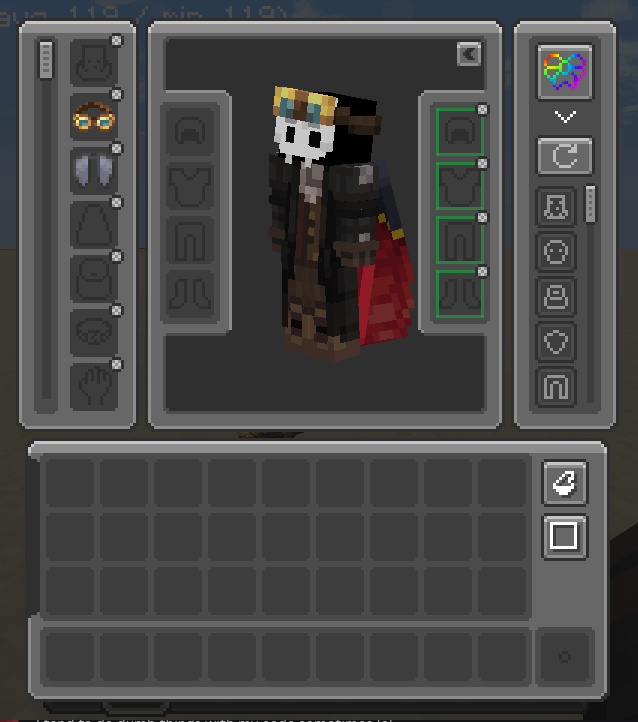
Cosmetic Armor Reworked >= v0.9
Create >= v1.0.0
Create Fabric >= v1.0.0
Curios API >= v0.9
Daily Shop >= v1.8
Dehydration >= v0.8.3
Easy Villagers >= v0.9
Echo Chest >= v1.8
EMI >= v0.9
Expanded Storage >= v1.1
Farmer's Delight >= v0.9
Farmer's Delight [Fabric] >= v0.9
Feathers >= v1.4
Fletchery >= v1.9.4
Frostful >= v1.9.3
Inmis >= v1.2
Inventorio >= v1.2
Inventory Sorting >= v1.4
Iron Chests >= v0.9
Iron Chests: Restocked >= v1.8
Iron Furnaces >= v1.1
Just Enough Items >= v0.9
Just Enough Professions >= v0.9
Just Enough Resources >= v0.9
Let's do Bakery >= v1.8
Let's do Brewery >= v1.8
Let's do Candlelight >= v1.8
Let's do Farm and Charm >= v1.8
Let's do Herbal Brews >= v1.8
Let's do Vinery >= v1.8
Legendary Tooltips >= v0.8.3
Little Logistics >= v0.9
ME Requester >= v1.4
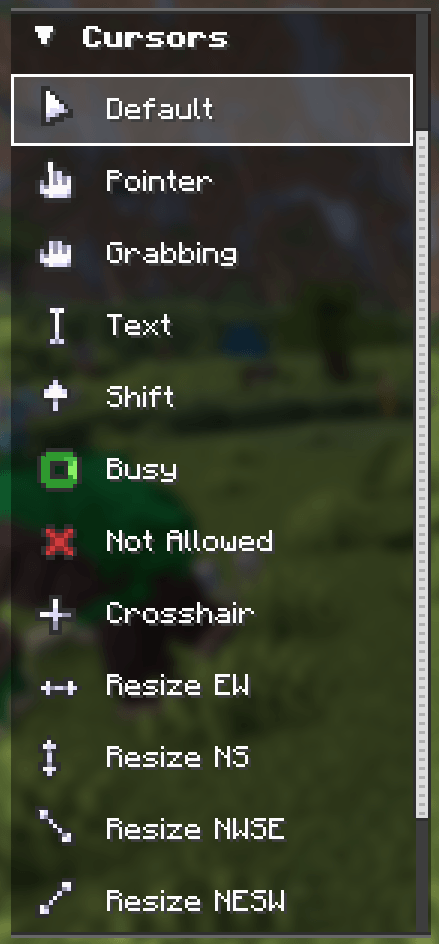
Minecraft Cursor >= 1.9.2
Numismatic Overhaul >= v1.8
Overflowing Bars >= v0.8
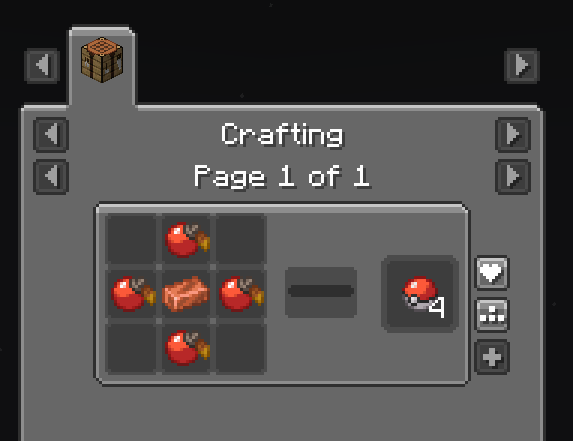
PokeFood >= v0.9
Polymorph >= v0.9
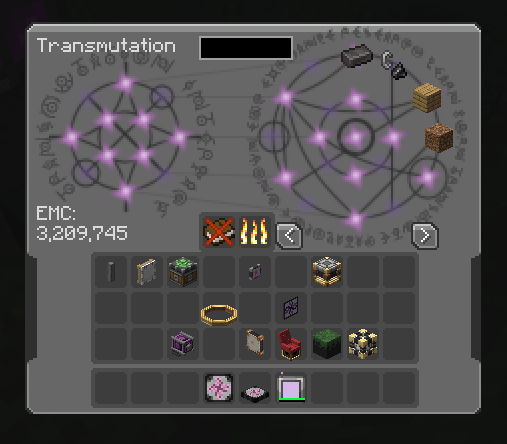
ProjectE >= v1.4
Radical Cobblemon Trainers >= 1.9.2
Raised >= v0.9.1
Rechiseled >= v0.9
Realistic Horse Genetics >= v0.9
Roughly Enough Items (REI) >= v1.3
Sawmill >= v1.5
Schorchful >= v1.9.3
Scout >= v1.4
Simple Voice Chat >= v0.9.1
Sophisticated Backpacks >= v0.9
Sophisticated Core >= v0.9
Sophisticated Storage >= v0.9
The Aether >= v1.9.4 (Partial)
Tierify >= v1.5
Tom's Simple Storage >= v0.9.1
Tough as Nails >= v1.9.3
TrashSlot >= v0.8.4
Traveler's Backpack >= v1.3
Trinkets >= v1.1
Waystones >= v0.9.1
Xaero's Minimap (Fair-Play) >= v0.9
Zenith >= v0.9.1
Zenith Attributes >= v1.8

Recommendations

  • Raised Mod: Moves the hotbar so it doesn't crop the texture;
  • Grass Block Plugin for NBTpack Resource Pack: Tilts item displays so that items that have long textures (swords for example) doesn't look off with the rounded item slots.

Minecraft Pack Version Compatibility

Minecraft pack format

Minecraft Pack Cobblemon Interface
9 <= v0.7
15 >= v0.8
34 >= v1.4

Included

This project includes a modified version of the cobblemon tooltips resourcepack.

Banner

Other:

Texture based on Torrezx-Improved Library resourcepack books and inspired by the books in Legends of Arceus trailer intro books

Discord on the Official Cobblemon Discord Server

Modrinth Ko-fi

1.9.4
MC 1.21, 1.21.1
Release 2025-10-02 Get
v1.9.3 - Temperature
MC 1.21, 1.21.1
Release 2025-08-16 Get
v1.9.2
MC 1.21, 1.21.1
Release 2025-06-25 Get
v1.9.1
MC 1.21, 1.21.1
Release 2025-05-05 Get
v1.9.0
MC 1.21, 1.21.1
Release 2025-04-08 Get
v1.8
MC 1.21, 1.21.1
Release 2025-03-27 Get
v1.7.0
MC 1.21, 1.20.1, 1.20, 1.21.1
Release 2025-01-07 Get
v1.6.0 - 1.21 Update
MC 1.21, 1.20.1, 1.20, 1.21.1
Release 2024-12-16 Get
v1.5 - Hotbar Fix
MC 1.20.1, 1.20
Release 2024-07-16 Get
v1.4 - Inventory Tech
MC 1.20.1, 1.20
Release 2024-06-14 Get
v1.3 - REI and Traveler's Backpack
MC 1.20.1, 1.20
Release 2024-06-05 Get
v1.2 - Inmis and Inventorio
MC 1.20.1, 1.20
Release 2024-04-19 Get
v1.1 - More Mods
MC 1.20.1, 1.20
Release 2024-04-12 Get
Cobblemon Interface Modded v1.0.0.zip
MC 1.20.1, 1.20
Release 2024-03-19 Get

Requirements & install

How to use this resource pack in Minecraft
Resolution
16x
Minecraft
1.20 – 1.21.1
Install folder
.minecraft/resourcepacks

How to install resource packs

  1. Download the resource pack .zip file (do not extract it).
  2. In Minecraft open Options → Resource Packs → Open Pack Folder.
  3. Drop the .zip into the resourcepacks folder (.minecraft/resourcepacks).
  4. Move the pack to the Selected column and click Done.
Browse more: 16x resource packs 32x resource packs 64x resource packs 128x resource packs 256x resource packs 512x+ resource packs Resource Packs for 1.21.1 All resource packs

More from StalckVinny

Advertisement Remove ads with Premium →

You Might Also Like