Mineuniverse
Resource Packs
Cobblemon Interface Embossed Legacy: Modded

Cobblemon Interface Embossed Legacy: Modded

RESOURCE PACK
Mod Support for CI Embossed Legacy GUI / Compatibilidad con Mods para la GUI CI Embossed Legacy | CIEL Modded
by RoyXPlay
Download Claim this project
717 downloads
0 likes
Updated Oct 14, 2026
0 hypes
16x Animated Mod Support Traditional
Advertisement Remove ads with Premium →

Cobblemon Interface Embossed Legacy: Modded

The expansion to bring CIEL style to your favorite mods.

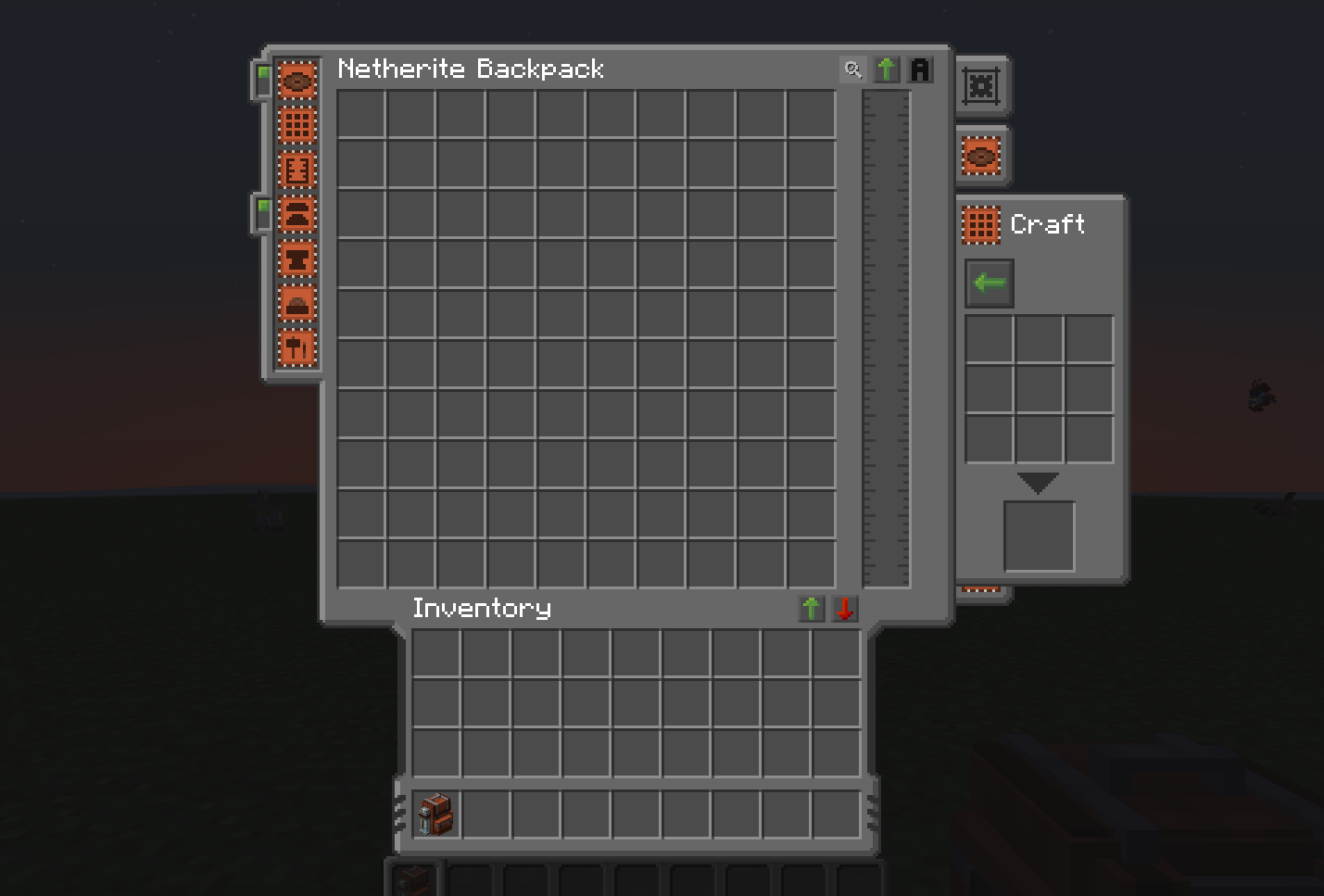
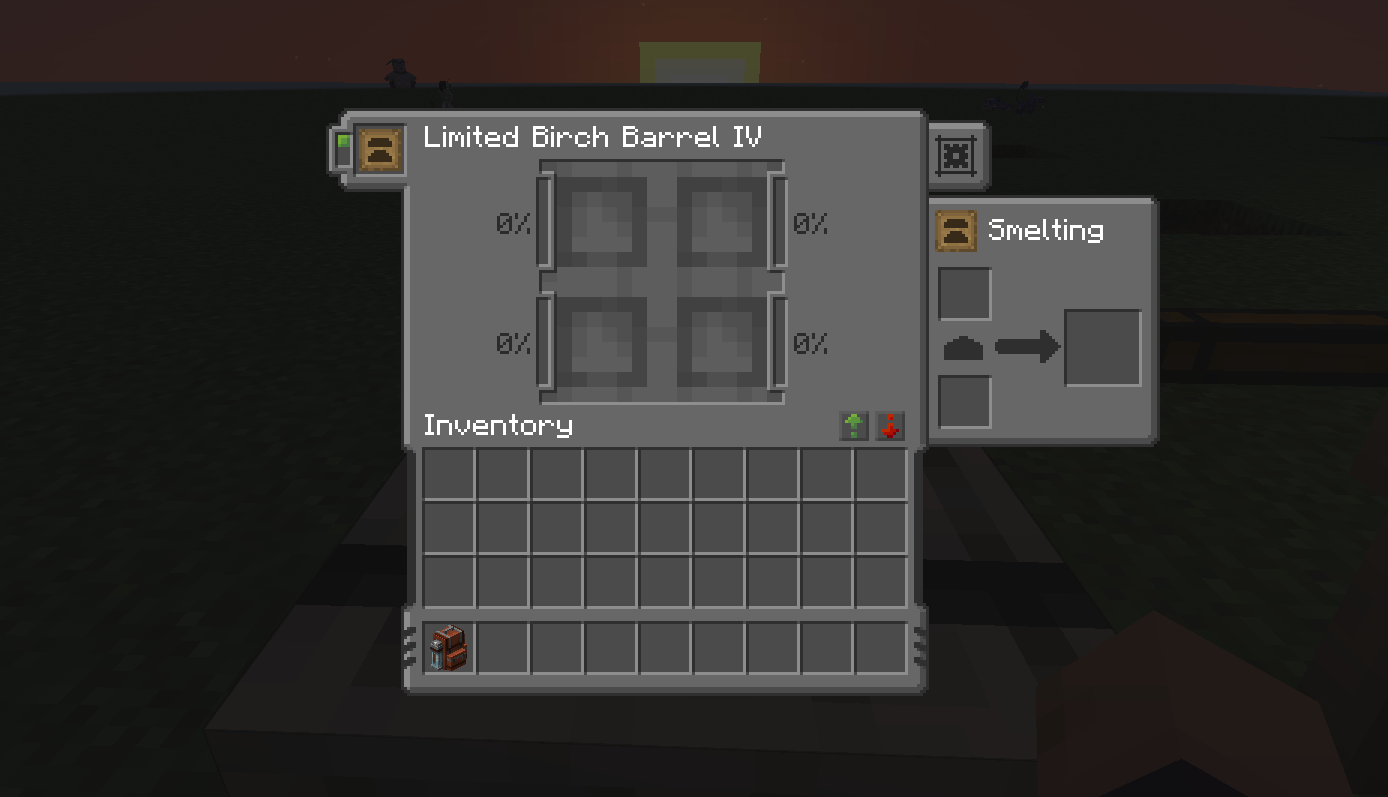
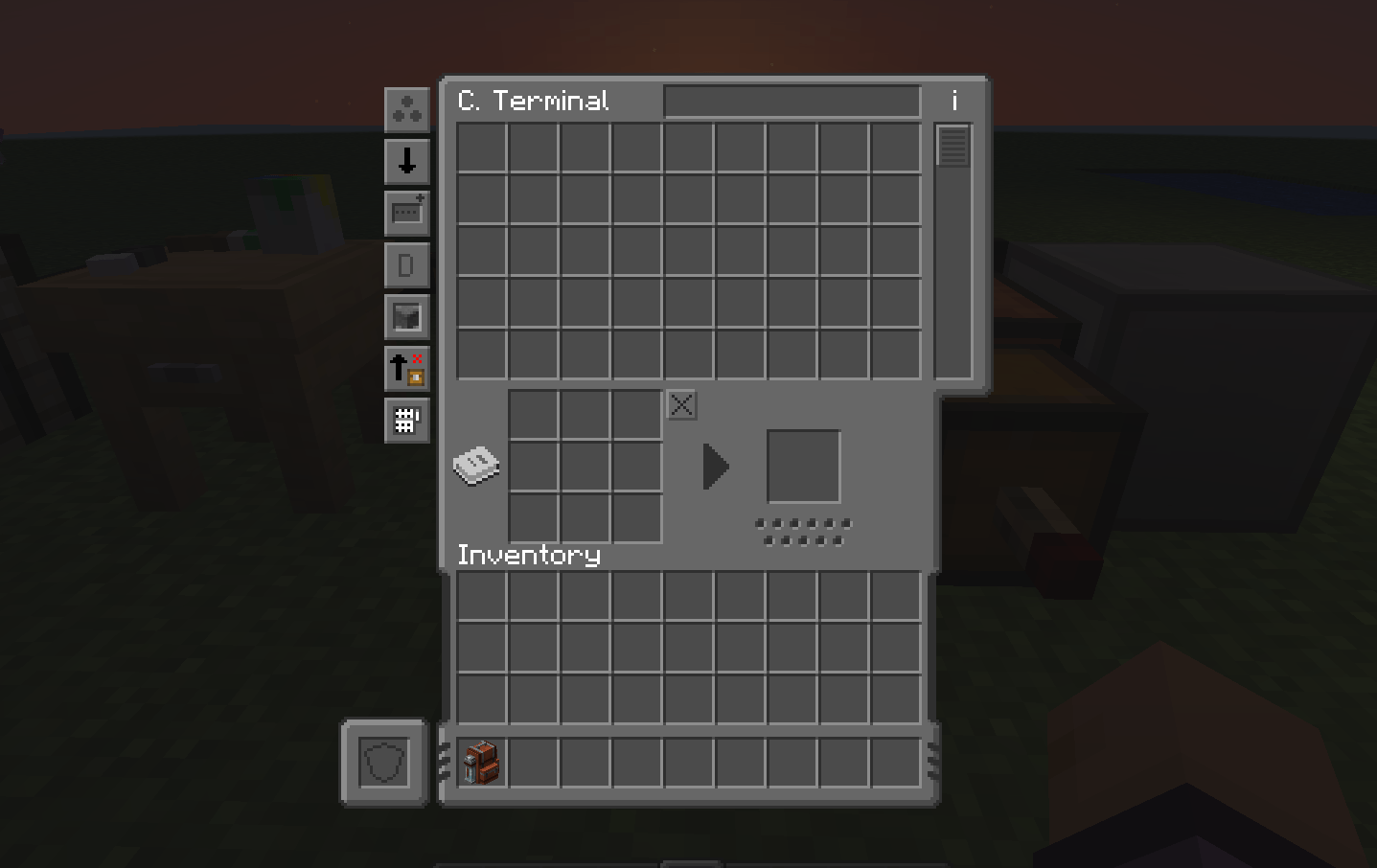
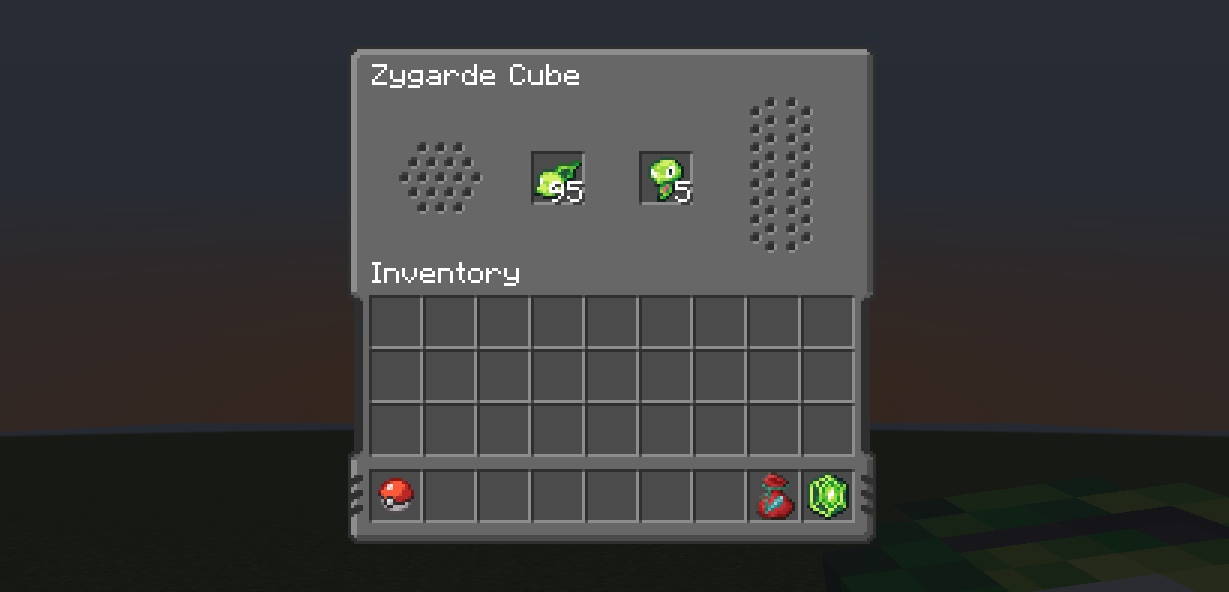
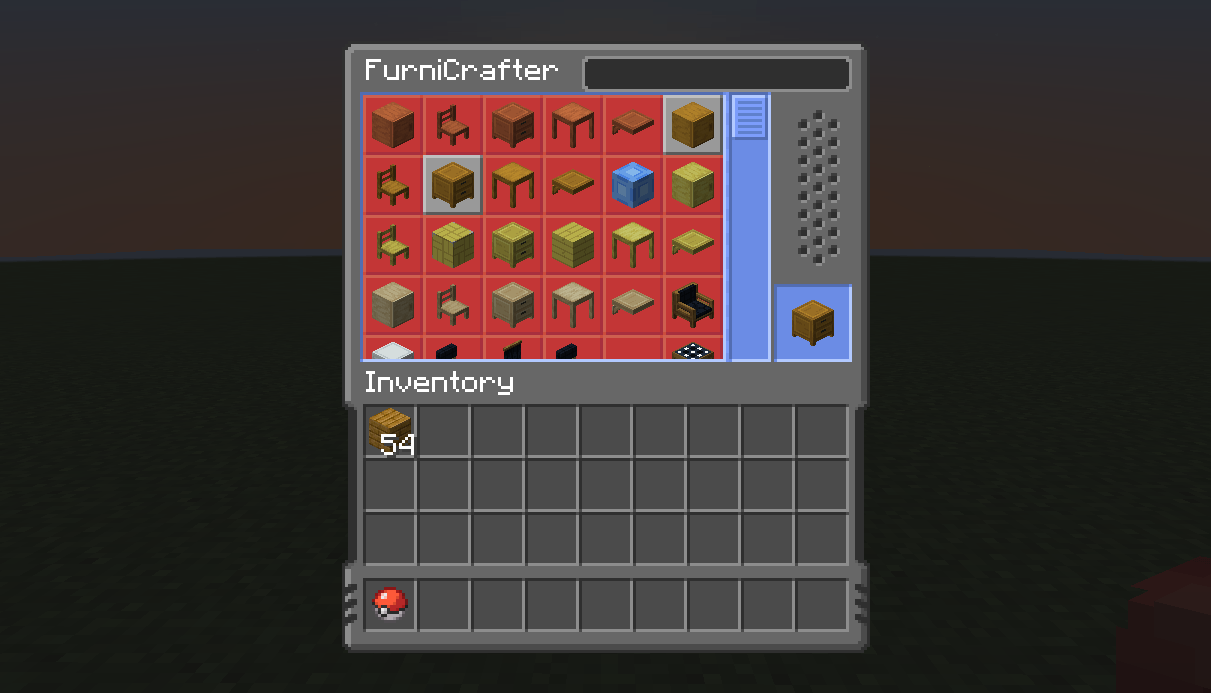
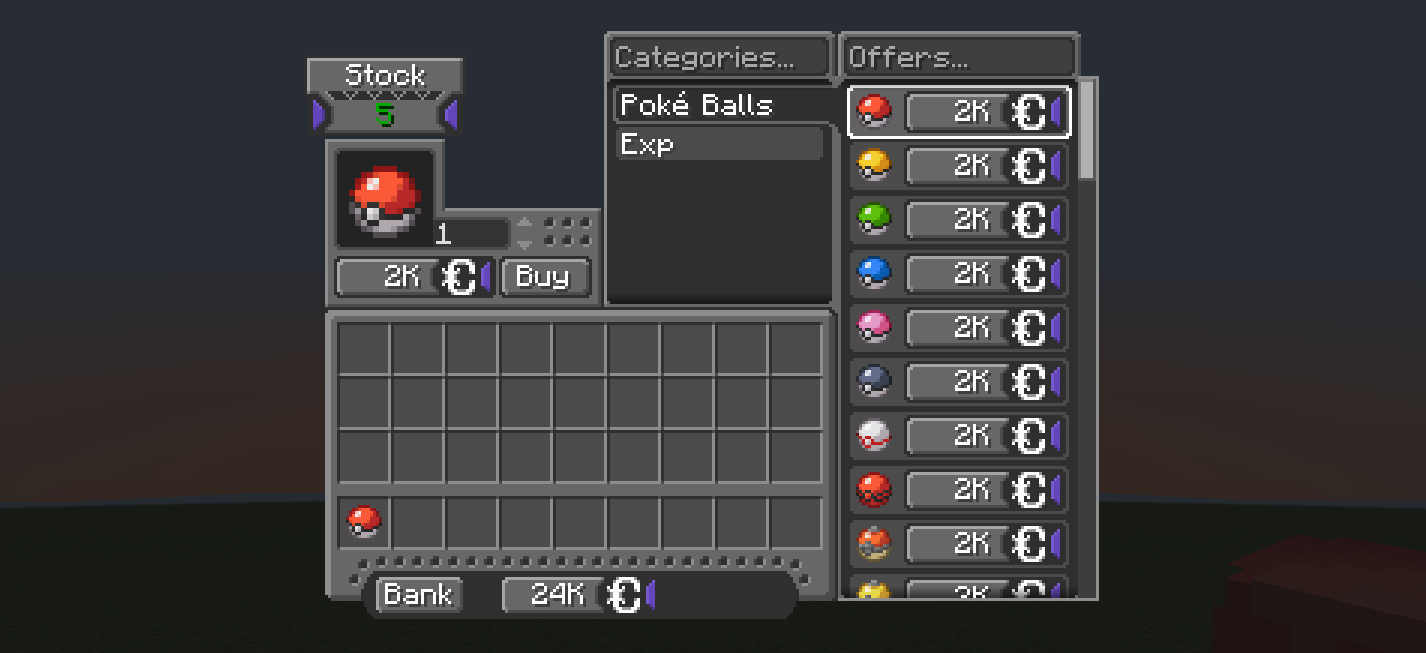
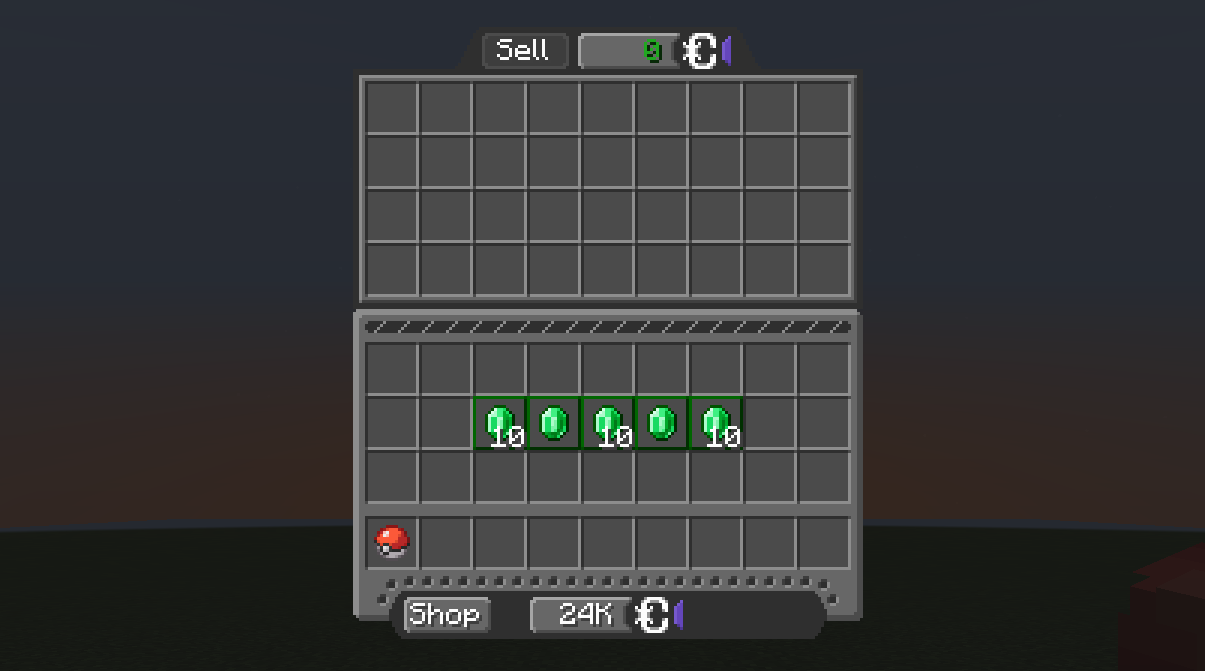
CIEL Modded is an official extension specifically designed for Cobblemon Interface Embossed Legacy. Its goal is to unify the aesthetics of popular mods with CIEL's signature embossed style and color palette, ensuring your interface remains cohesive and fluid even when using third-party add-ons.


📦 Currently Supported Mods:

Mod
Accessories
Advancement Plaques
AppleSkin
CobbleDollars
CobbleFurnies
Cobblemon Integrations
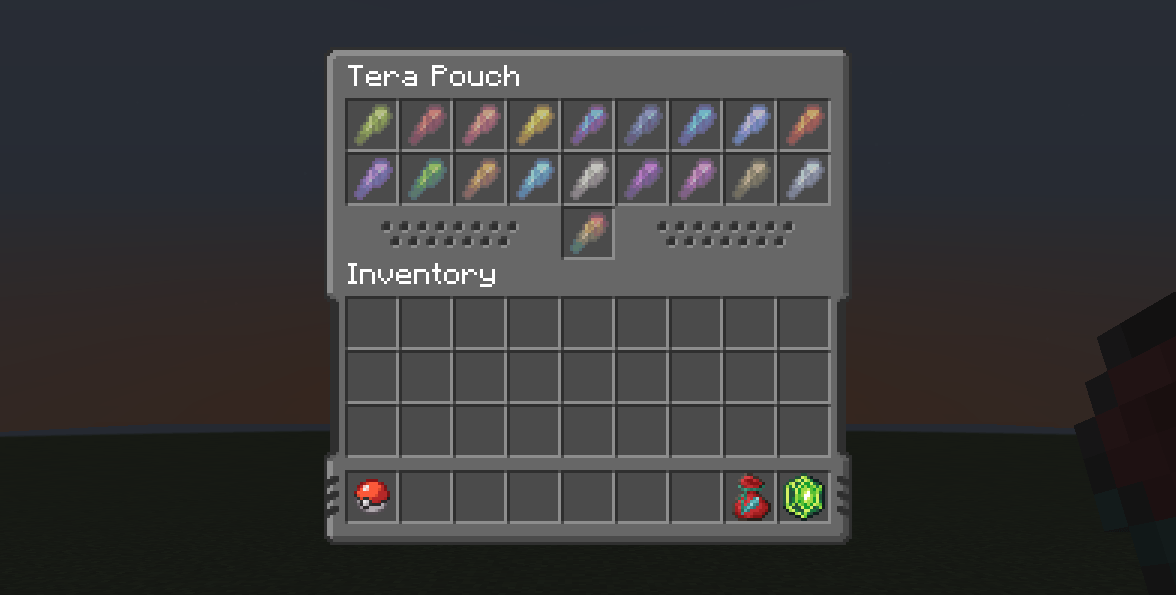
Cobblemon: Mega Showdown
Just Enough Items (JEI)
LumyREI
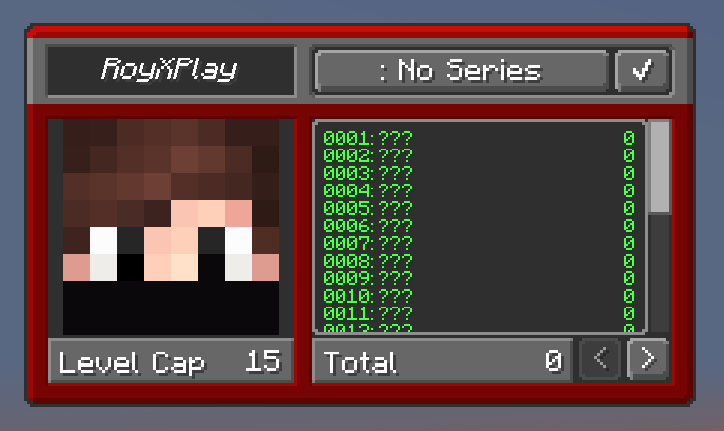
Radical Cobblemon Trainers
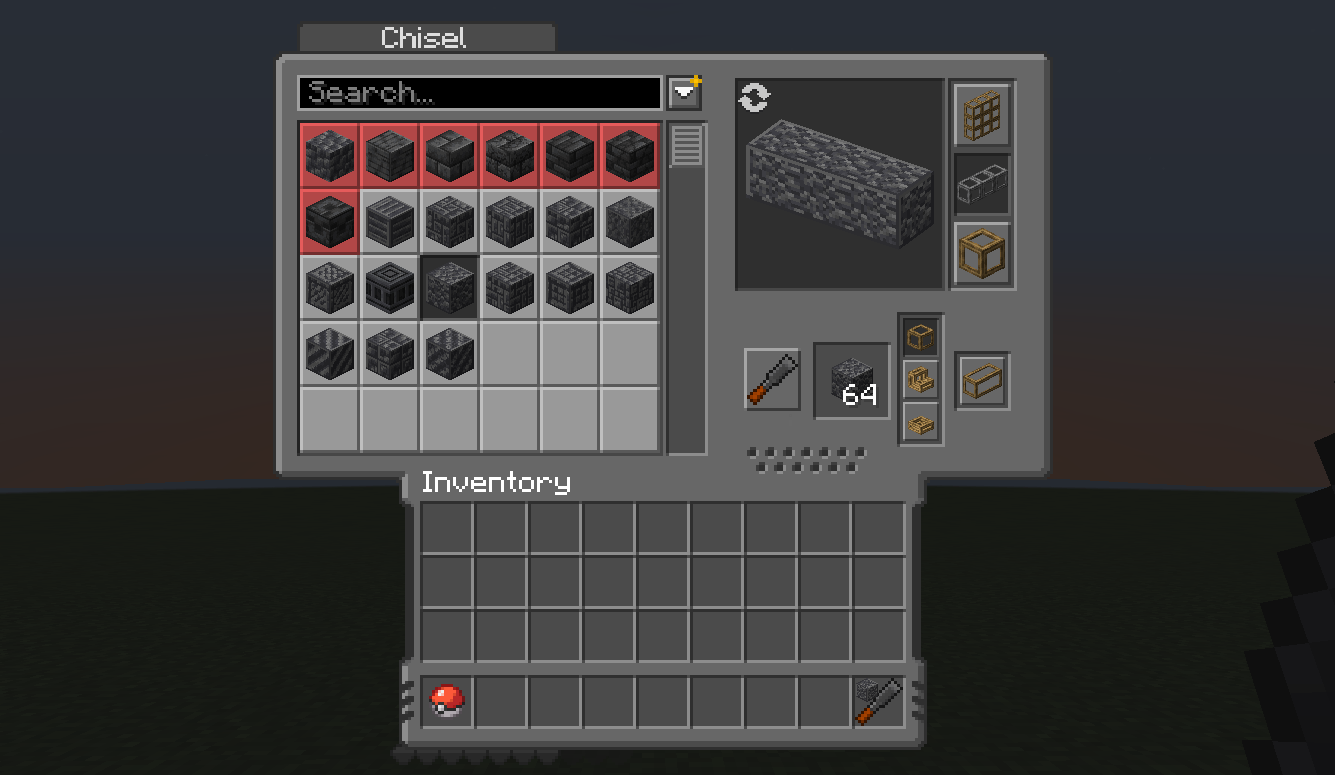
Rechiseled
Roughly Enough Items (REI)
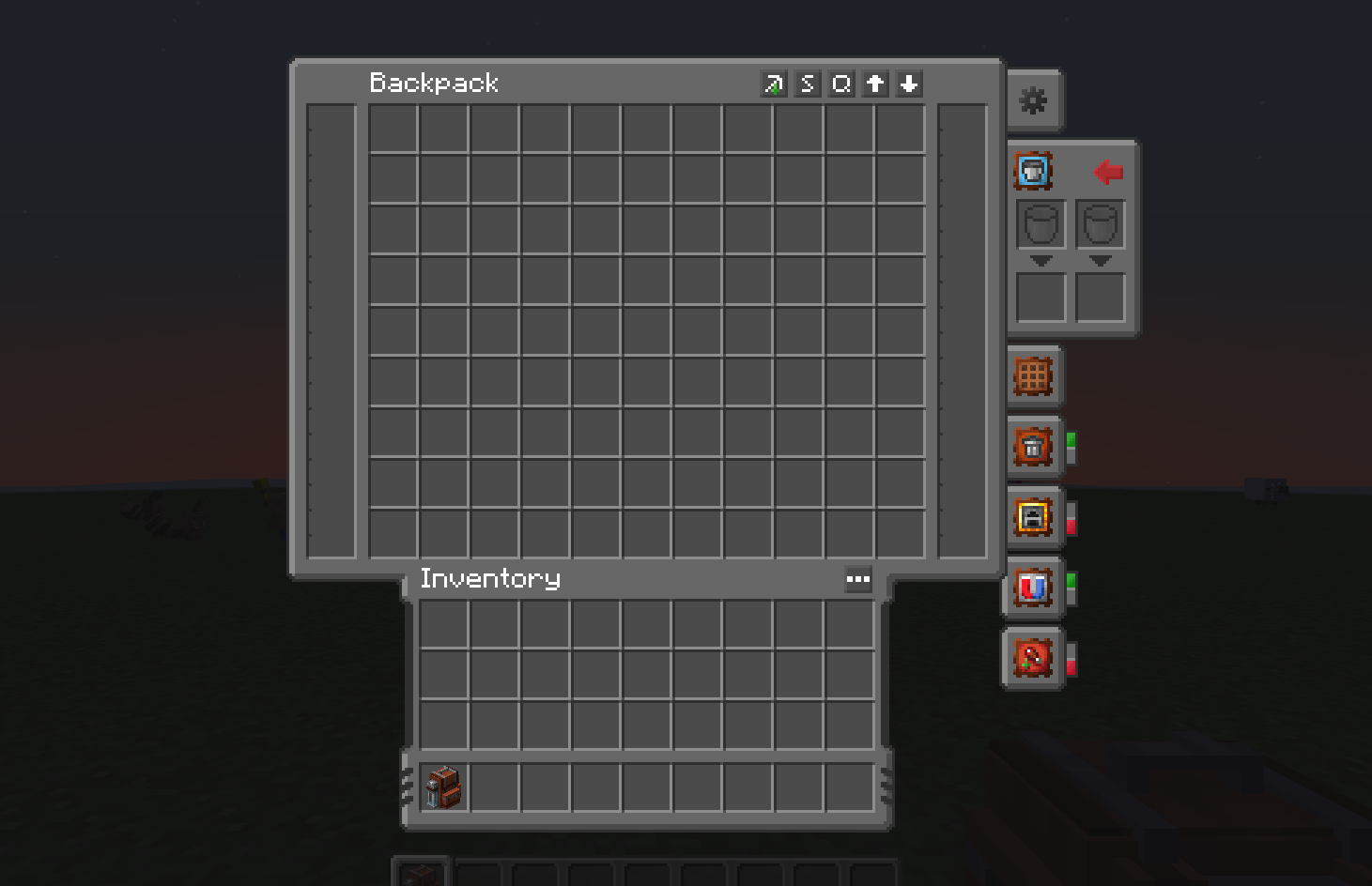
Sophisticated Backpacks
Sophisticated Storage
Tom's Simple Storage Mod
Traveler's Backpack

⚠️ Important Requirement:

To function correctly and maintain visual consistency, this pack must be placed above the base Cobblemon Interface Embossed Legacy pack in your in-game Resource Packs list.


🤝 Credits & Acknowledgments:

This project is an extension based on the CIEL aesthetic and the original work by VinnyStalck.

v1.2 | CIEL Modded - [16x]
MC 1.21, 1.21.1
Release 2026-09-21 Get
v1.1 | CIEL Modded - [16x]
MC 1.21, 1.21.1
Release 2026-08-14 Get
v1.0 | CIEL Modded - [16x]
MC 1.21, 1.21.1
Release 2026-04-20 Get

Requirements & install

How to use this resource pack in Minecraft
Resolution
16x
Minecraft
1.21 – 1.21.1
Install folder
.minecraft/resourcepacks

How to install resource packs

  1. Download the resource pack .zip file (do not extract it).
  2. In Minecraft open Options → Resource Packs → Open Pack Folder.
  3. Drop the .zip into the resourcepacks folder (.minecraft/resourcepacks).
  4. Move the pack to the Selected column and click Done.
Browse more: 16x resource packs 32x resource packs 64x resource packs 128x resource packs 256x resource packs 512x+ resource packs Resource Packs for 1.21.1 All resource packs

More from RoyXPlay

Advertisement Remove ads with Premium →

You Might Also Like