Mineuniverse
Resource Packs
Clouds Descend Resource Pack 1.7+

Clouds Descend Resource Pack 1.7+

RESOURCE PACK
Clouds Descend Resource Pack 1.7+
by _ForgeUser10724195
Download Claim this project
5,272 downloads
0 likes
0 followers
Updated Oct 14, 2026
0 hypes
Follow0
16x Medieval Traditional
Advertisement Remove ads with Premium →

This is still a WIP so expect unfinished textures and any texture could change.

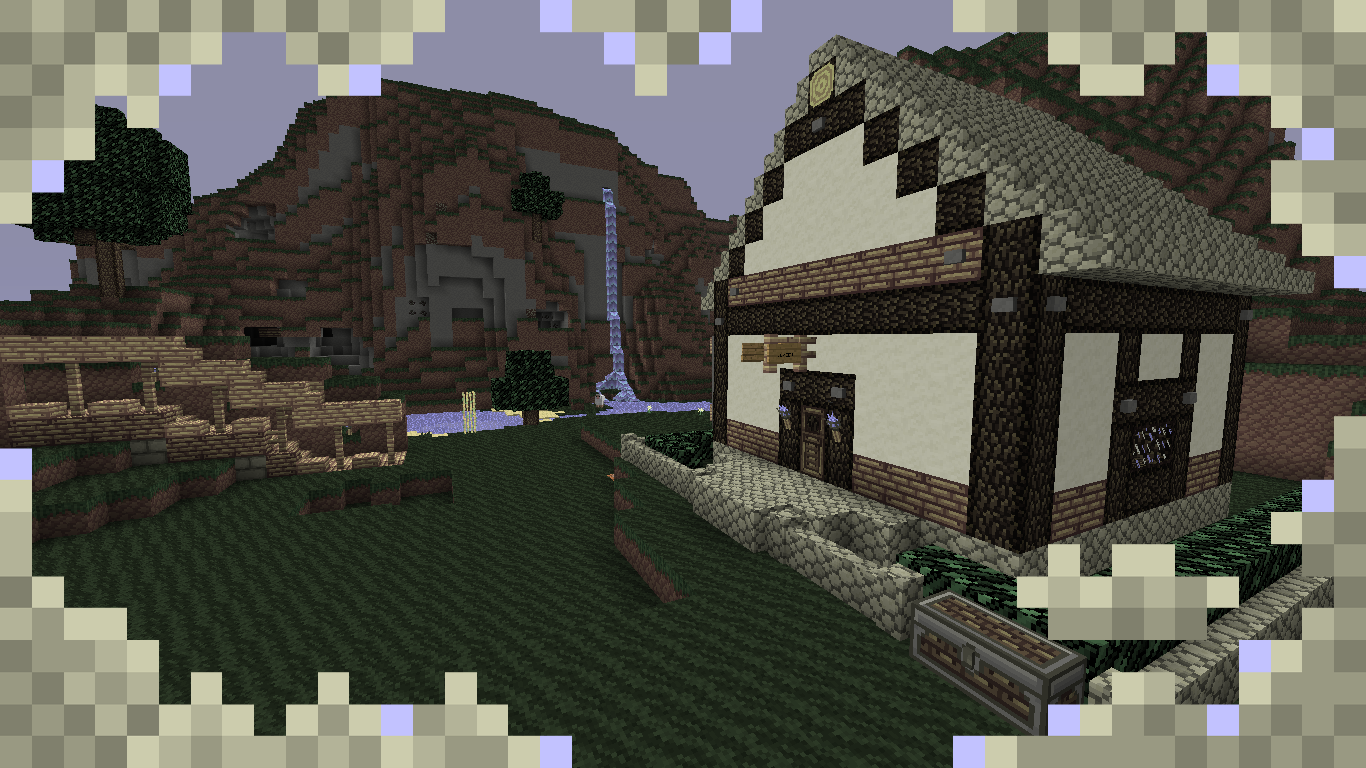
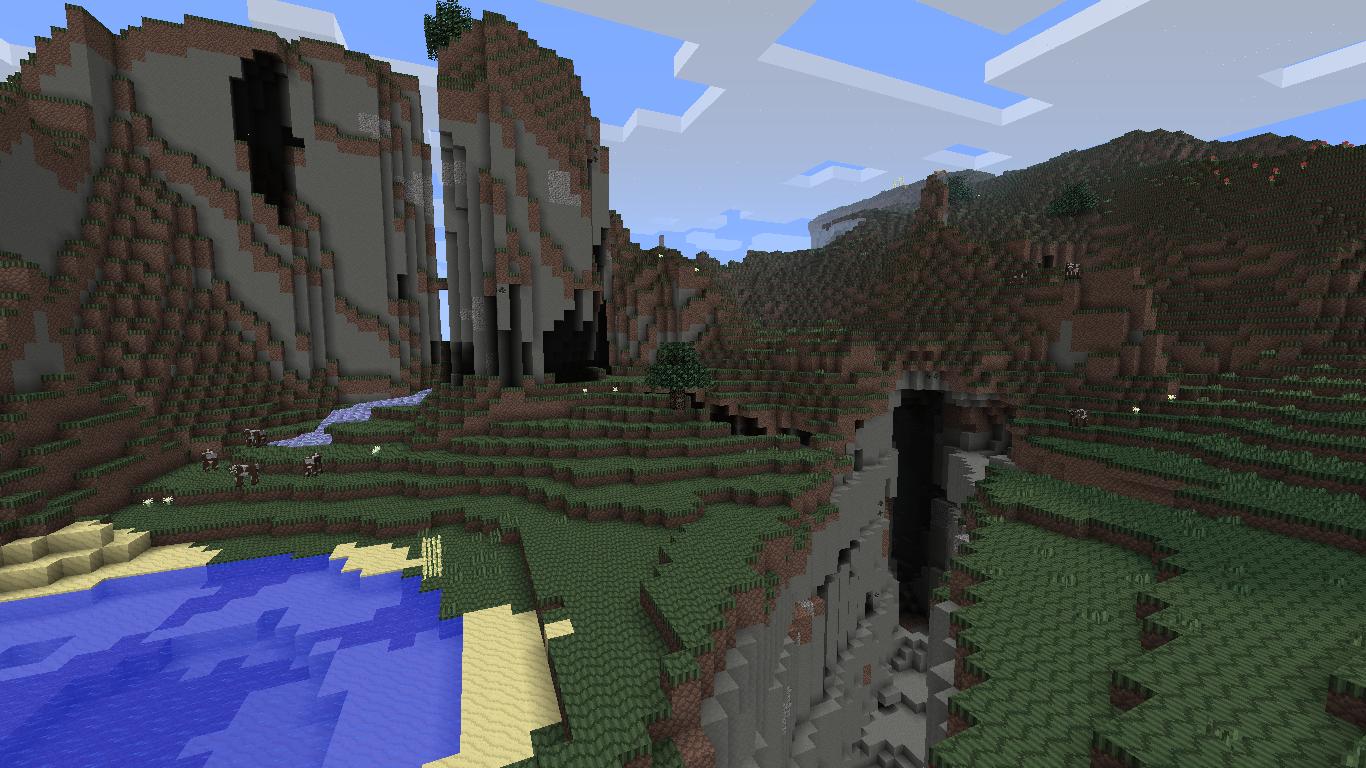
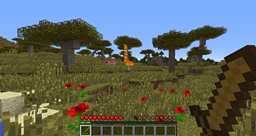
This is my new texture pack: "Clouds Descend", the concept of it is that this will be a dark and slightly detailed texture pack with low saturation. It will look rough, grim and very grey, lots of torn cloth (survival isn't luxurious.) and roughly crafted tools that begin to improve as your craftsmanship does. you will experience dark forests, dry baron deserts void of vivid colour and swamps so grey and ominous.


Clouds_Descend_1.7.zip
MC 1.7.4
Release 2014-01-18 Get
Clouds_Descend_1.7.zip
MC 1.7.2
Release 2013-11-03 Get
Clouds_Descend_1.7.zip
MC 1.6.4
Release 2013-10-27 Get
Clouds_Descend_1.6.zip
MC 1.6.4
Release 2013-10-21 Get
Clouds_Descend_1.6.zip
MC 1.6.4
Release 2013-10-14 Get
Clouds_Descend_1.6.zip
MC 1.6.2
Release 2013-10-09 Get
Clouds_Descend_1.6.zip
MC 1.6.2
Release 2013-10-07 Get
Clouds_Descend_1.6.zip
MC 1.6.2
Release 2013-09-29 Get
Clouds_Descend_1.6.zip
MC 1.6.2
Release 2013-09-28 Get
Clouds_Descend_1.6.zip
MC 1.6.2
Release 2013-09-15 Get
Clouds_Descend_1.6.zip
MC 1.6.2
Release 2013-09-02 Get
Clouds_Descend_1.6.zip
MC 1.6.2
Release 2013-08-25 Get
Clouds_Descend_1.6.zip
MC 1.6.2
Release 2013-08-17 Get
Clouds_Descend_1.6.zip
MC 1.6.2
Release 2013-08-17 Get
Clouds_Descend_1.6.zip
MC 1.6.2
Release 2013-08-11 Get
Clouds_Descend_1.6.zip
MC 1.6.2
Release 2013-08-07 Get
Clouds_Descend_1.6.zip
MC 1.6.2
Release 2013-07-31 Get
Clouds_Descend_1.6.zip
MC 1.6.2
Release 2013-07-27 Get

Requirements & install

How to use this resource pack in Minecraft
Resolution
16x
Minecraft
1.6.2 – 1.7.4
Install folder
.minecraft/resourcepacks

How to install resource packs

  1. Download the resource pack .zip file (do not extract it).
  2. In Minecraft open Options → Resource Packs → Open Pack Folder.
  3. Drop the .zip into the resourcepacks folder (.minecraft/resourcepacks).
  4. Move the pack to the Selected column and click Done.
Browse more: 16x resource packs 32x resource packs 64x resource packs 128x resource packs 256x resource packs 512x+ resource packs Resource Packs for 1.7.4 All resource packs
Advertisement Remove ads with Premium →

You Might Also Like