Mineuniverse
Resource Packs
Clockwork Translation [RU]

Clockwork Translation [RU]

RESOURCE PACK
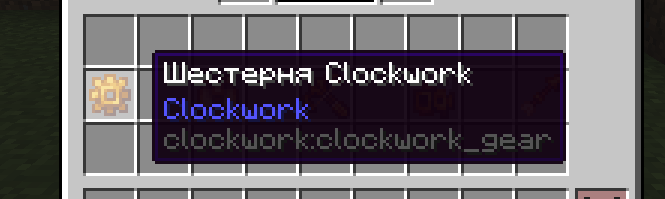
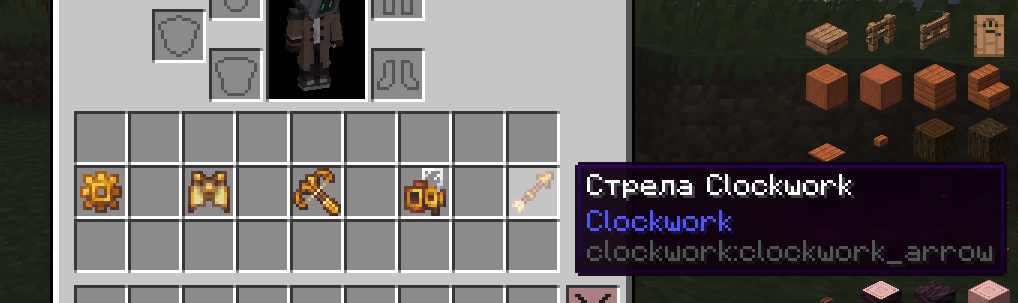
Complete Russian Localization for the Clockwork Mod. Not to be confused with the Clockwork mod related to Create.
by den1s64
Download Claim this project
134 downloads
0 likes
Updated Oct 14, 2026
0 hypes
Font Packs Miscellaneous Mod Support
Advertisement Remove ads with Premium →

Description in English

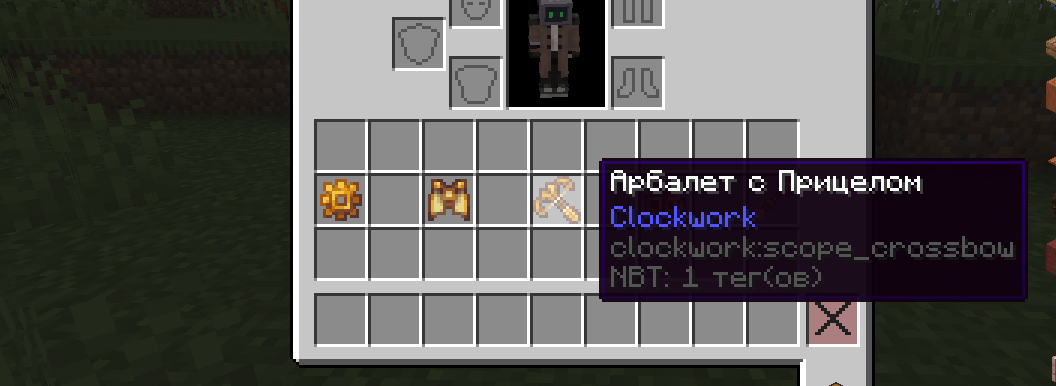
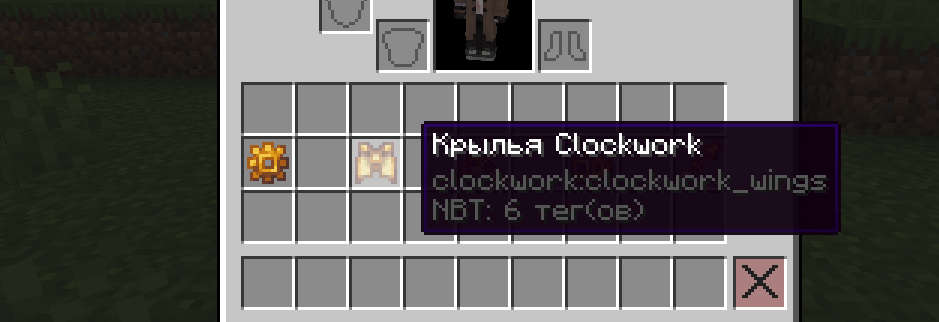
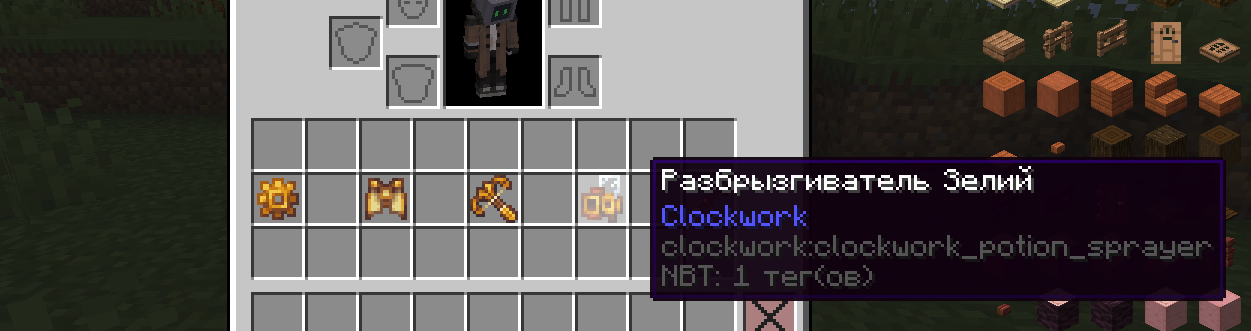
Complete Russian Translation for the Clockwork Mod

This resource pack provides a full Russian localization for the Clockwork mod, and eventually its add-ons. Do not confuse this with the Clockwork mod related to Create, as it is a different mod.

❗ Important ❗

If you notice any typos, inaccuracies, awkward phrasing, or mistakes, please contact me. I will do my best to fix any issues as quickly as possible!

The translation will be maintained and improved until a full Russian localization is complete for the mod.

If you have suggestions for translating any other mods, feel free to reach out to me.

Email: [email protected]

Описание на Руссом

Полный Русский перевод для мода Clockwork.

Этот ресурспак предоставляет полную локализацию мода Clockwork, в перспективе и его аддонов. Не путайте с модом Clockwork связанным с Create, это другой мод.

❗ Важно ❗

Если вы обнаружили какие-то опечатки, неточности, неправильные формулировки или ошибки, то пожалуйста, свяжитесь со мной. Я постараюсь исправить все недочеты в кратчайшие сроки!

Перевод будет поддерживаться и улучшатся до момента полной русской локализации для мода.

Если у вас есть предложения по поводу перевода ещё какого-то мода, то вы так же можете мне написать.

Почта: [email protected]

Clockwork [RU].zip
MC 1.20.1
Release 2025-12-06 Get

Requirements & install

How to use this resource pack in Minecraft
Resolution
Not specified
Minecraft
1.20.1
Install folder
.minecraft/resourcepacks

How to install resource packs

  1. Download the resource pack .zip file (do not extract it).
  2. In Minecraft open Options → Resource Packs → Open Pack Folder.
  3. Drop the .zip into the resourcepacks folder (.minecraft/resourcepacks).
  4. Move the pack to the Selected column and click Done.
Browse more: 16x resource packs 32x resource packs 64x resource packs 128x resource packs 256x resource packs 512x+ resource packs Resource Packs for 1.20.1 All resource packs

More from den1s64

Advertisement Remove ads with Premium →

You Might Also Like