Mineuniverse
Resource Packs
Clearest Waters

Clearest Waters

RESOURCE PACK
Clear water resource pack for Minecraft.
by mapster
Download Claim this project
163 downloads
0 likes
Updated Oct 14, 2026
0 hypes
16x Miscellaneous Photo Realistic
Advertisement Remove ads with Premium →

Clearest Waters

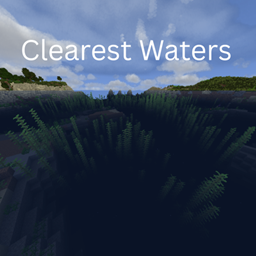
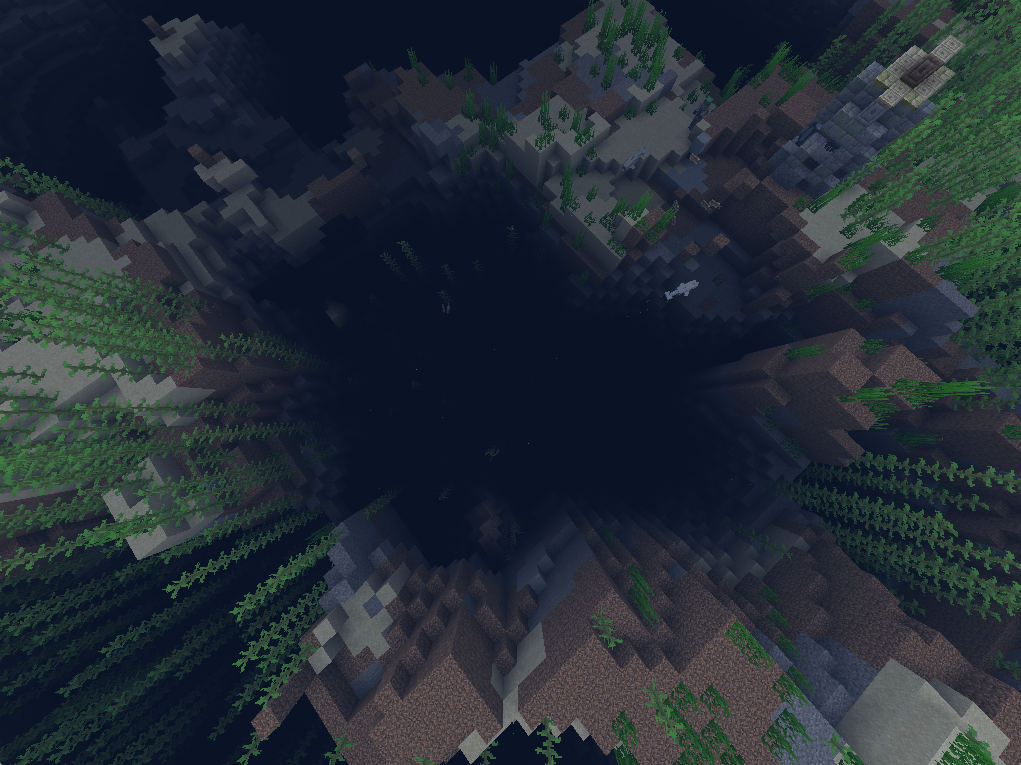
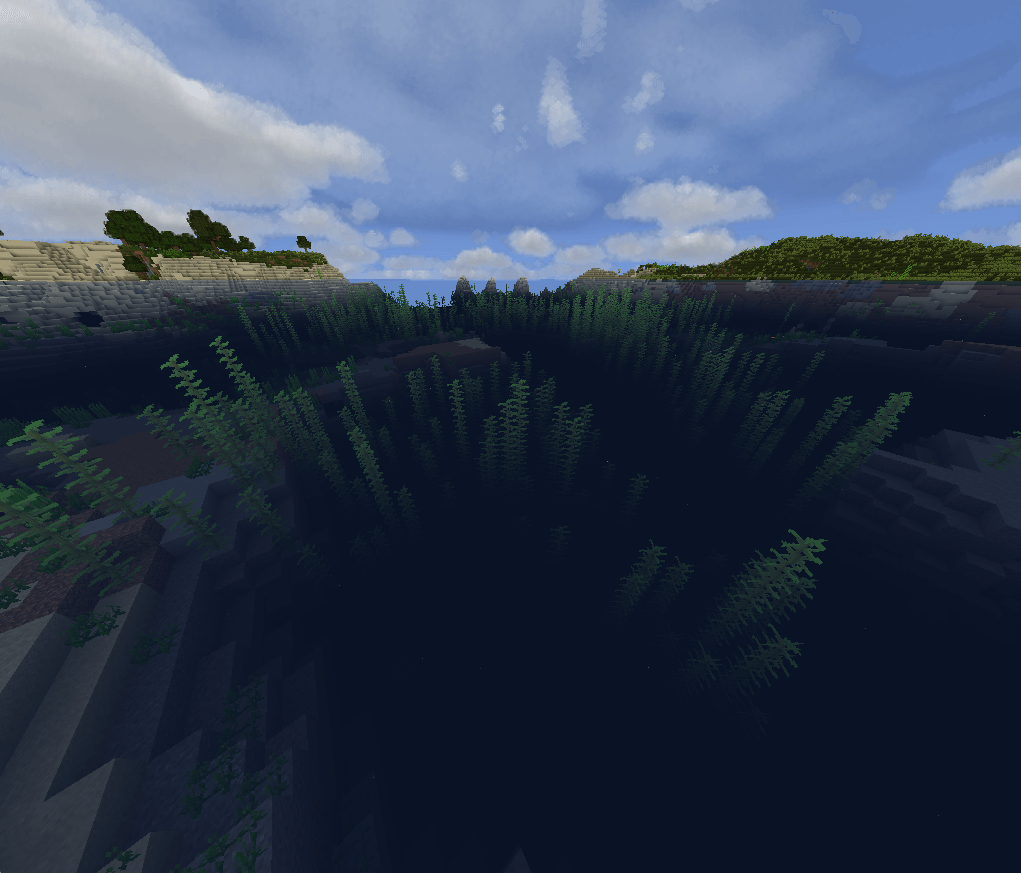
Makes Minecraft’s water look cleaner, clearer, and more realistic without changing the overall style of the game. It gives you better visibility underwater and makes oceans, rivers, and lakes look much more natural. It also works really well with Truly Dark and Protomanly’s Weather Mod, especially for darker nights and storms.

Features:

  • Clearer water with better underwater visibility
  • More natural-looking oceans, rivers, and lakes
  • Makes underwater builds and terrain easier to see
  • Works well with Protomanly’s Weather Mod
  • Fits well with both clear weather and storms
  • Keeps the original Minecraft style while improving the water
Clearest Water.zip
MC 1.21, 1.19.3, 1.20.2, 1.19.4, 1.21.8, 1.20.5, 1.21.5, 1.21.4, 1.20.1, 1.20, 1.20.6, 1.21.1, 1.21.6, 1.21.3, 1.21.7, 1.19.1, 1.20.4, 1.19.2, 1.20.3, 1.19, 1.21.2, 1.21.9
Release 2026-10-03 Get

Requirements & install

How to use this resource pack in Minecraft
Resolution
16x
Minecraft
1.21.2 – 1.21.9
Install folder
.minecraft/resourcepacks

How to install resource packs

  1. Download the resource pack .zip file (do not extract it).
  2. In Minecraft open Options → Resource Packs → Open Pack Folder.
  3. Drop the .zip into the resourcepacks folder (.minecraft/resourcepacks).
  4. Move the pack to the Selected column and click Done.
Browse more: 16x resource packs 32x resource packs 64x resource packs 128x resource packs 256x resource packs 512x+ resource packs Resource Packs for 1.21.9 All resource packs
Advertisement Remove ads with Premium →

You Might Also Like