Mineuniverse
Resource Packs
Clear Liquids (Lava & Water)

Clear Liquids (Lava & Water)

RESOURCE PACK
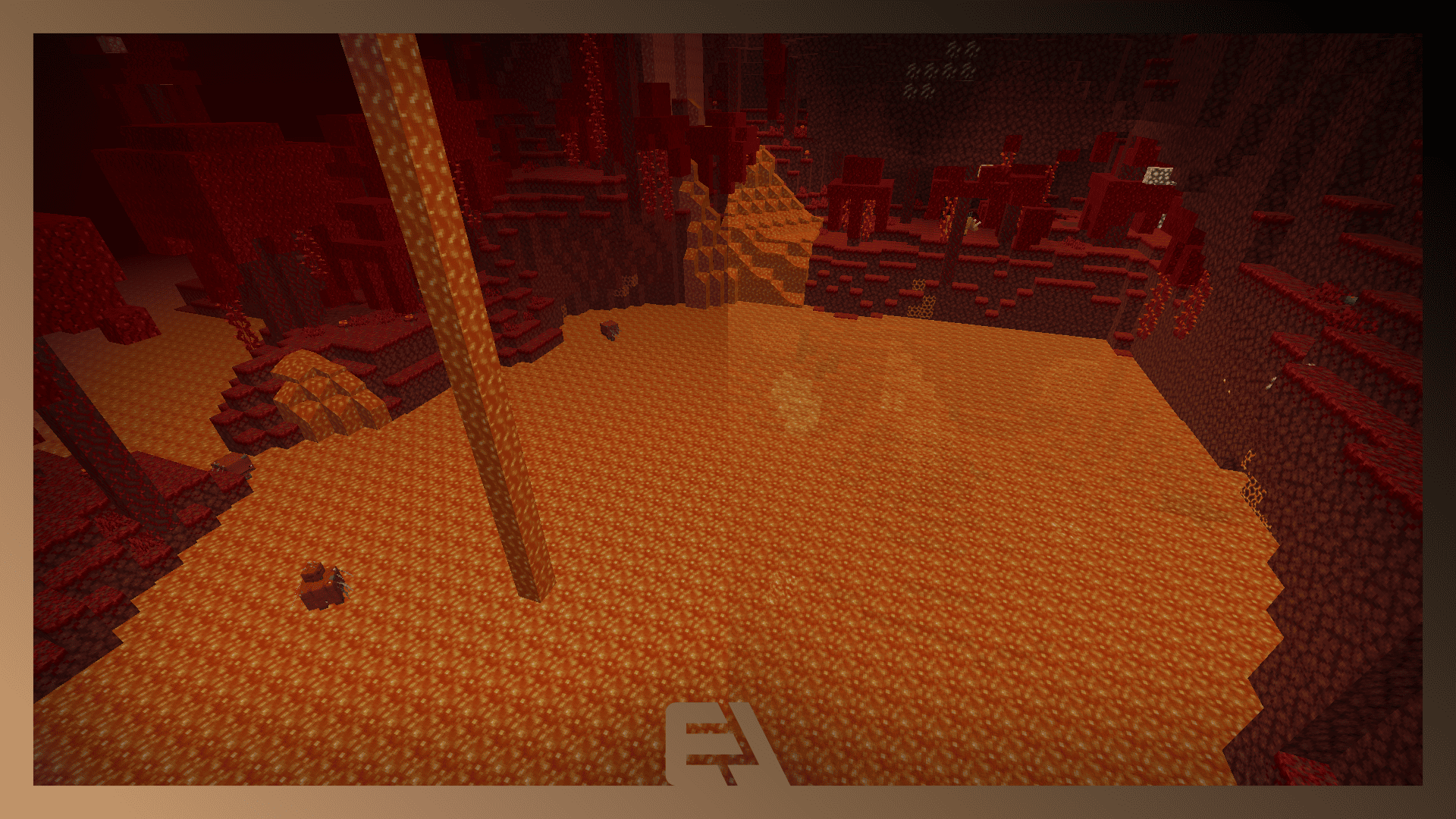
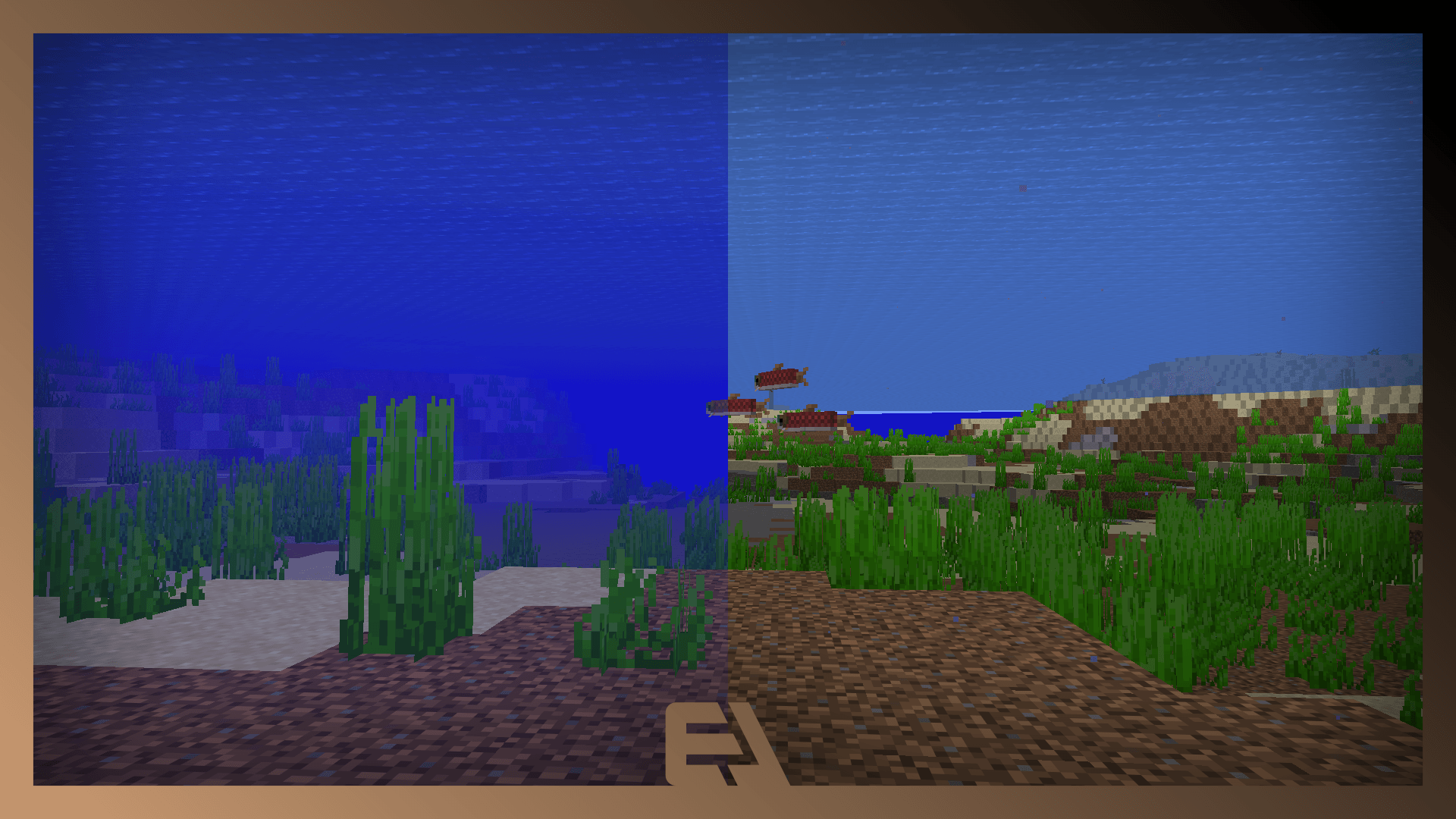
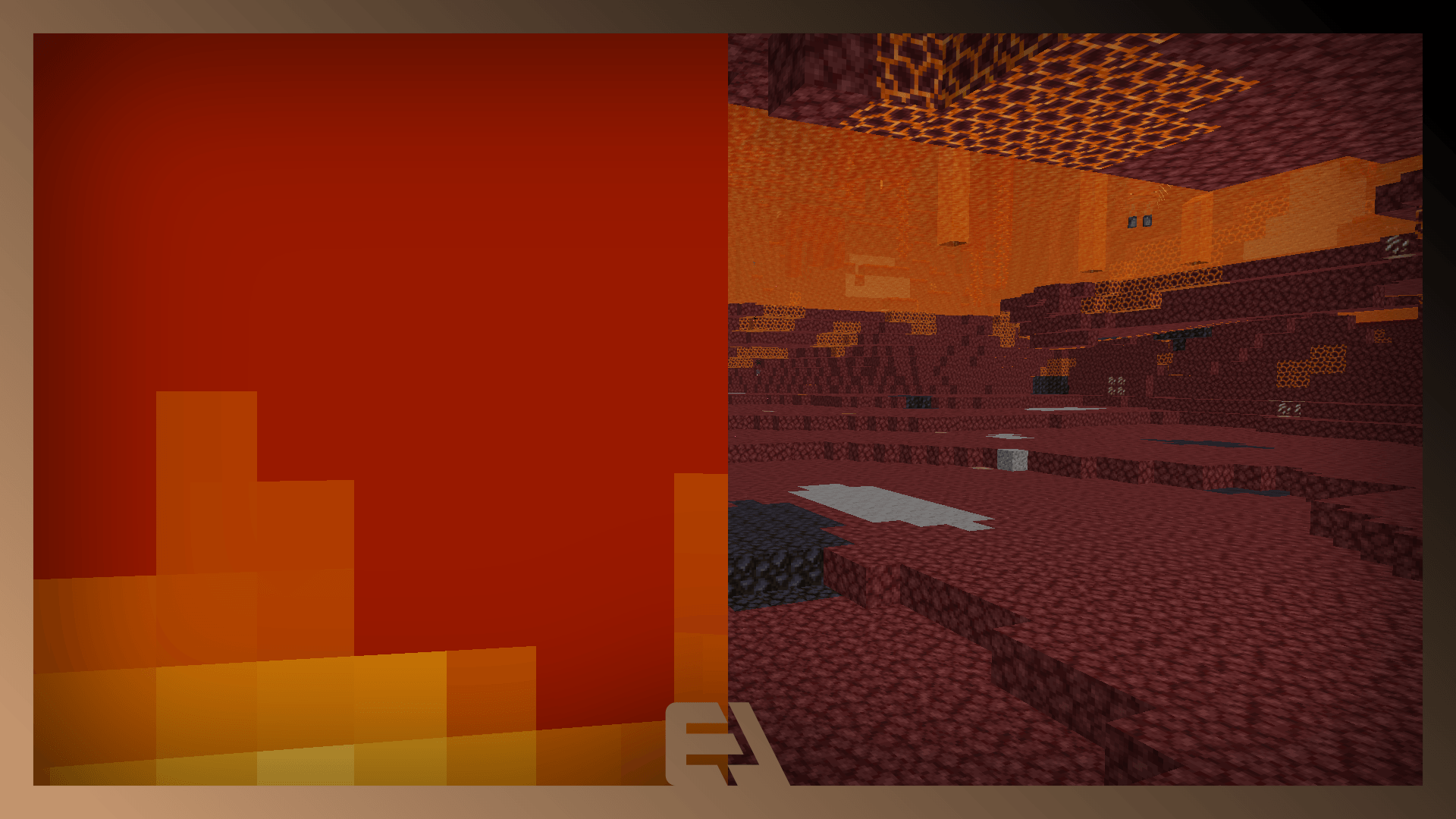
Makes lava and water more transparent and see-through.
by 3LStudio
Download Claim this project
Add a badge to your pageLink to Clear Liquids (Lava & Water) from a README, website or forum post.
Preview: Badge

Badges update automatically and link to the resource pack page on MineUniverse.

14,764 downloads
0 likes
0 followers
Updated Oct 14, 2026
0 hypes
Follow0
16x Miscellaneous
Advertisement Remove ads with Premium →

CLEAR LIQUIDS


FONCTIONS

- Transparent Lava.

- No Fog.


COMPATIBILITY

- 1.21.6+

- No Optifine Requiered


TERMS AND CONDITIONS


3l Studio Terms and Conditions


-By downloading and using this resource pack, you agree to be bound by these terms and conditions.
-This pack is for personal use only, do not repost the pack or any files without explicite permission.
-You may modify it for yourself but do not distribute modifed versions publicy without permission.
-The redistribution of this pack or its assets is not allowed. Please link to the official page instead.
-You are not allowed to profit from this pack.
-The usage for content videos, live, screenshots is allowed even without credits.
-3l Studio is not responsible for any bans, penalties or issues that may cause any benefits offered by the package.
-Online use is at your own risk.


All right reserved

Copyright 3L Studio 2025

Clear Liquids 1.20
MC 1.20.2, 1.20.5, 1.20.1, 1.20, 1.20.6, 1.20.4, 1.20.3
Release 2026-07-21 Get
Clear Liquids
MC 1.21.8, 1.21.6, 1.21.7, 1.21.9, 1.21.10, 1.21.11, 26.1, 26.1.1, 26.1.2
Release 2026-05-09 Get

Requirements & install

How to use this resource pack in Minecraft
Resolution
16x
Minecraft
1.21.7 – 26.1.2
Install folder
.minecraft/resourcepacks

How to install resource packs

  1. Download the resource pack .zip file (do not extract it).
  2. In Minecraft open Options → Resource Packs → Open Pack Folder.
  3. Drop the .zip into the resourcepacks folder (.minecraft/resourcepacks).
  4. Move the pack to the Selected column and click Done.
Browse more: 16x resource packs 32x resource packs 64x resource packs 128x resource packs 256x resource packs 512x+ resource packs Resource Packs for 26.1.2 All resource packs

More from 3LStudio

Advertisement Remove ads with Premium →

You Might Also Like