Mineuniverse
Resource Packs
Cleaner Glass

Cleaner Glass

RESOURCE PACK
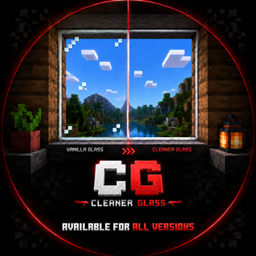
Removes the inner glass streaks and spots for cleaner glass, stained glass, and tinted glass while keeping the vanilla style.
by ErenxYeager_
Download Claim this project
347 downloads
0 likes
Updated Oct 14, 2026
0 hypes
16x Miscellaneous Modern Traditional
Advertisement Remove ads with Premium →

# Clear Glass

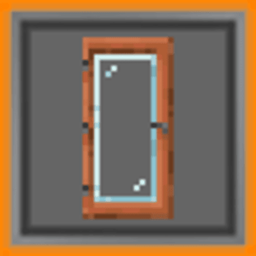
Clear Glass is a simple Minecraft resource pack that makes glass cleaner and easier to see through while keeping the vanilla look.

It removes the distracting inner streaks and spots from:

- Glass
- Stained Glass
- Tinted Glass

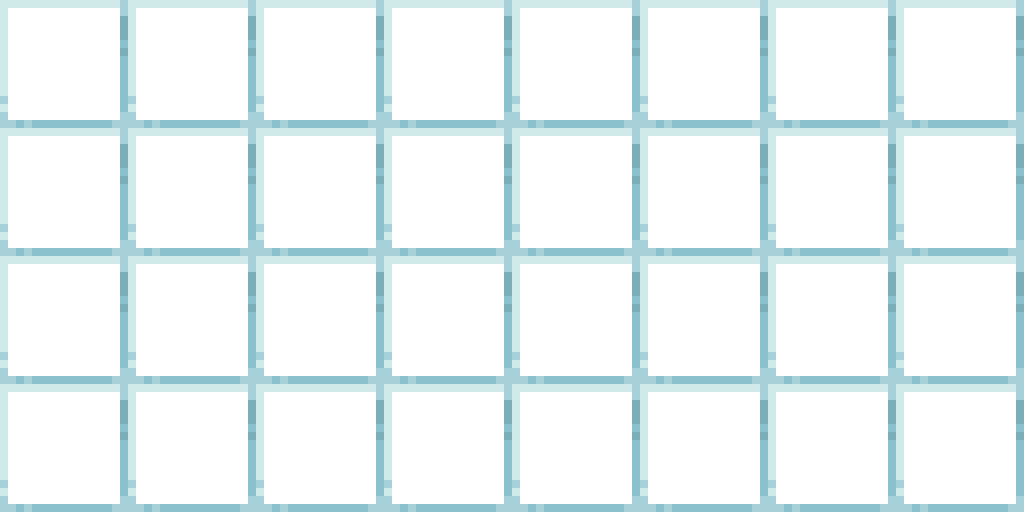
The outer glass borders remain, so blocks still look natural while giving you a much clearer view through windows and builds.

## Features

- Cleaner vanilla-style glass
- Clear stained glass
- Clear tinted glass
- Keeps the original Minecraft feel
- Lightweight and simple
- Available for multiple Minecraft versions

## Community

Join my Discord server for updates, support, and future project announcements:

https://discord.gg/3xcJTaMHtK

## Credits

This pack is based on Vanilla Tweaks clean glass textures.

Original texture base:  
Vanilla Tweaks

Modified and republished as:  
Clear Glass by ErenxYeager_

CleanerGlass 1.19
MC 1.19-Snapshot, 1.19.3, 1.19.4, 1.19.4-Snapshot, 1.19.1, 1.19.2, 1.19, 1.19.3-Snapshot
Release 2026-07-02 Get
CleanerGlass 1.20
MC 1.20.2-Snapshot, 1.20.5-Snapshot, 1.20.2, 1.20.5, 1.20.1, 1.20, 1.20.6, 1.20-Snapshot, 1.20.4, 1.20.3-Snapshot, 1.20.3
Release 2026-05-30 Get
ClearGlass 1.21
MC 1.21.2-Snapshot, 1.21, 1.21.6-snapshot, 1.21.1-Snapshot, 1.21.8, 1.21.5, 1.21.4, 1.21.5-Snapshot, 1.21.1, 1.21.6, 1.21.3, 1.21.7, 1.21-Snapshot, 1.21.4-Snapshot, 1.21.2
Release 2026-05-23 Get

Requirements & install

How to use this resource pack in Minecraft
Resolution
16x
Minecraft
1.21.4-Snapshot – 1.21.8
Install folder
.minecraft/resourcepacks

How to install resource packs

  1. Download the resource pack .zip file (do not extract it).
  2. In Minecraft open Options → Resource Packs → Open Pack Folder.
  3. Drop the .zip into the resourcepacks folder (.minecraft/resourcepacks).
  4. Move the pack to the Selected column and click Done.
Browse more: 16x resource packs 32x resource packs 64x resource packs 128x resource packs 256x resource packs 512x+ resource packs Resource Packs for 1.21.8 All resource packs

More from ErenxYeager_

Advertisement Remove ads with Premium →

You Might Also Like