Mineuniverse
Resource Packs
Clean Craft

Clean Craft

RESOURCE PACK
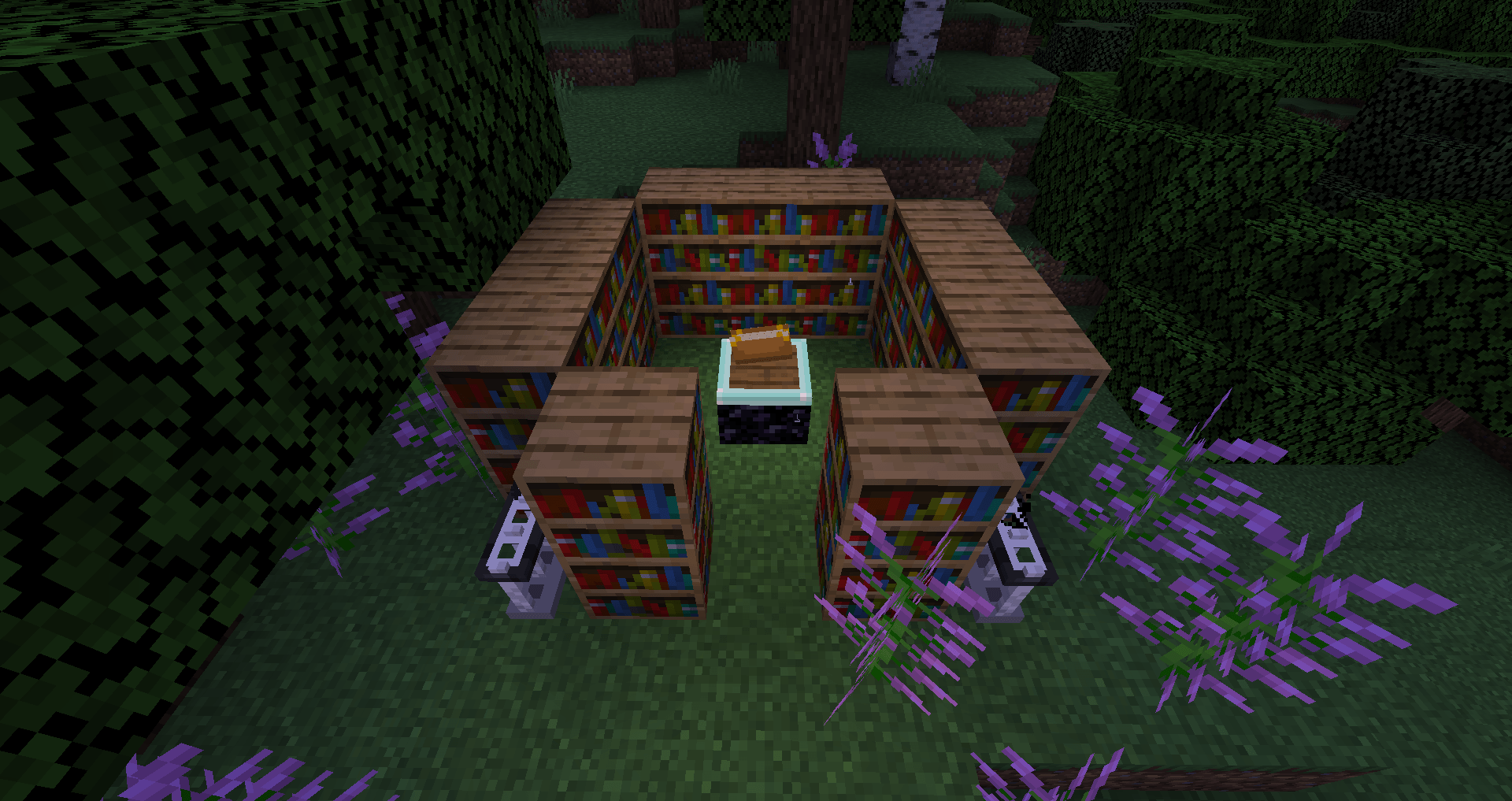
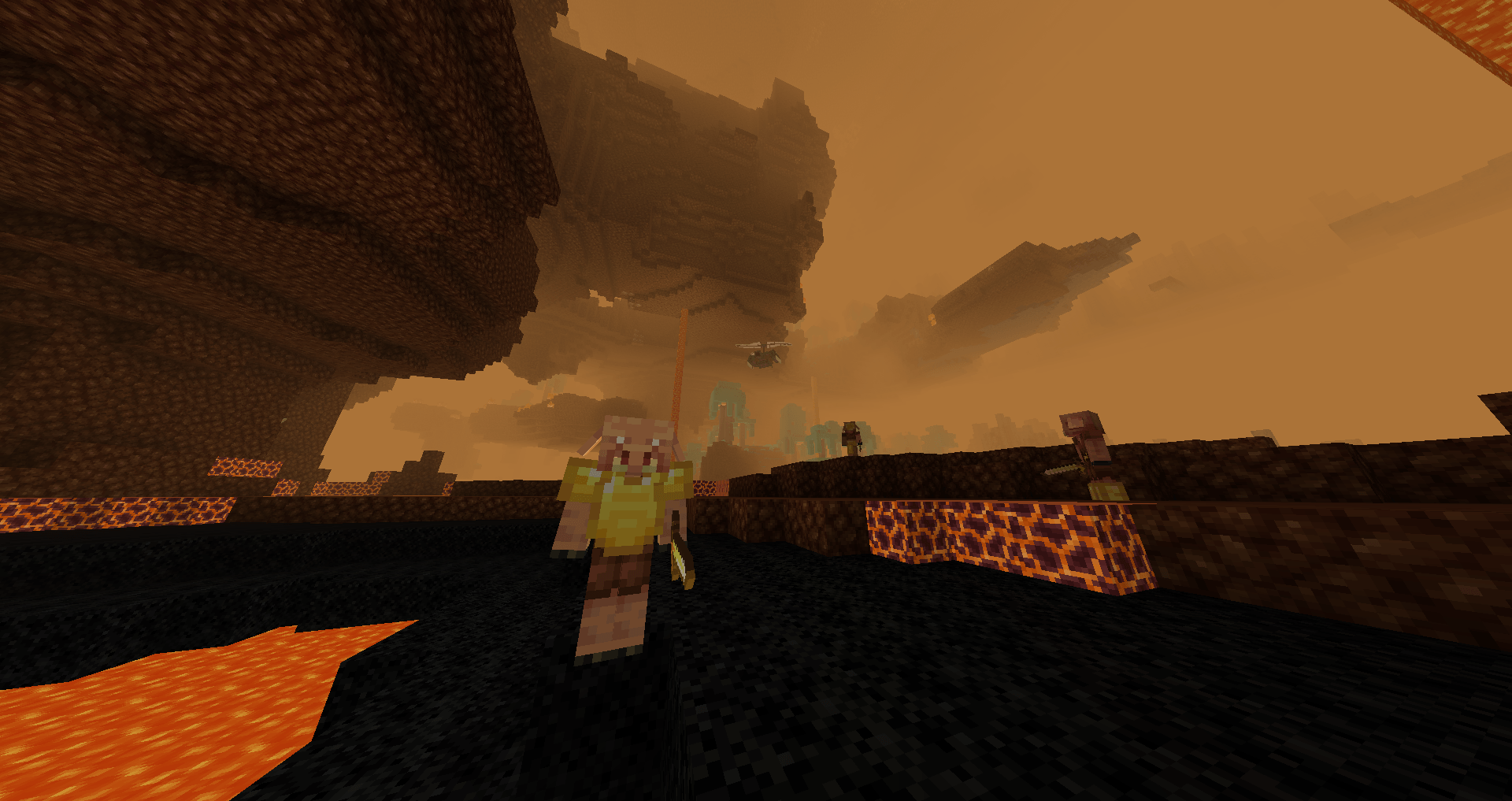
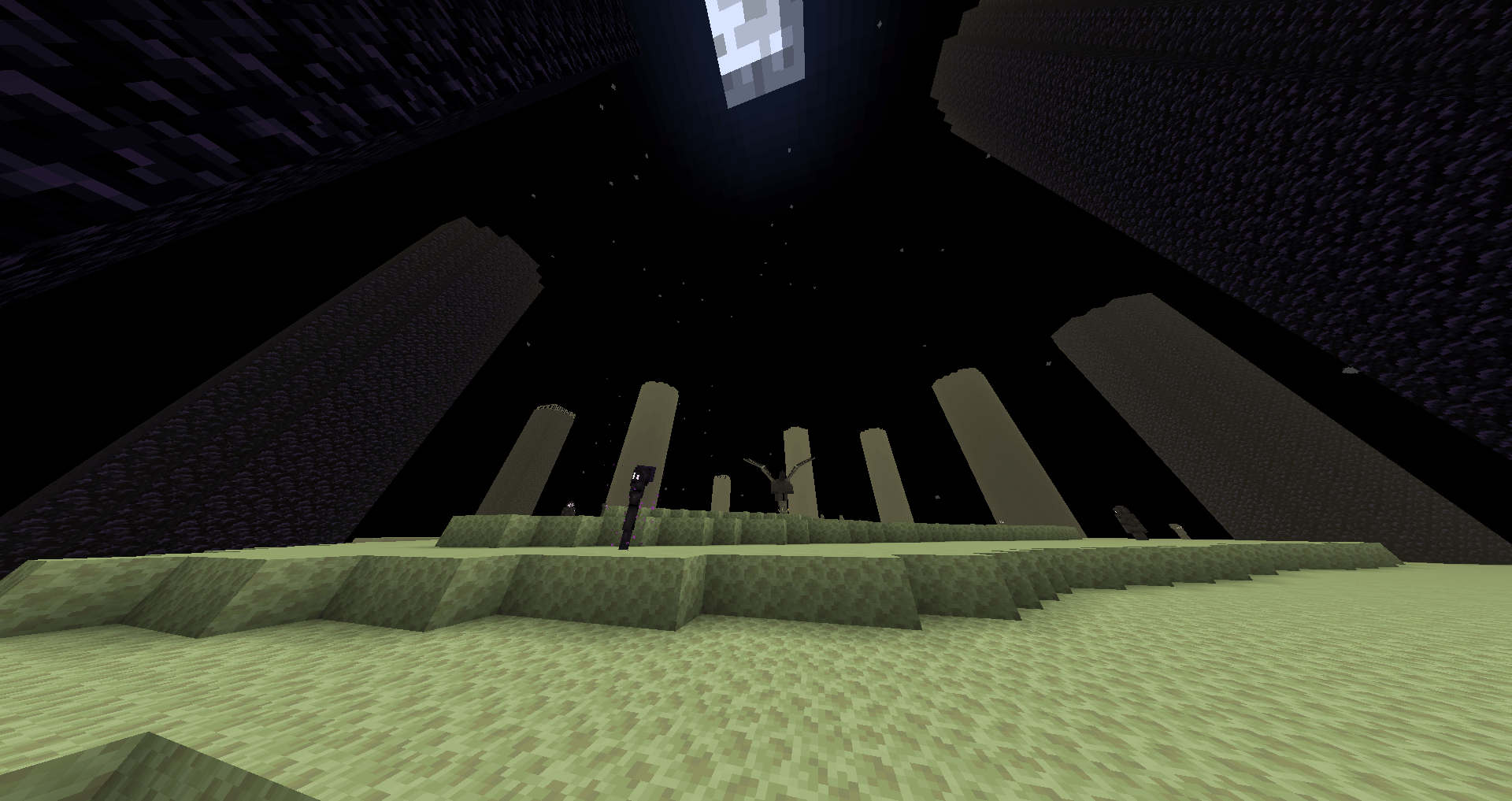
An Optifine resource pack that attempts to make Minecraft a more family friendly place, and a horizon for every Adventurer.
by Aero_Mods
Download Claim this project
57 downloads
0 likes
Updated Oct 14, 2026
0 hypes
16x Steampunk Traditional
Advertisement Remove ads with Premium →

Hello.

  This is an optifine resource pack designed to create a family friendly environment for players who agree that:
  - whispering souls, 
  - visible souls, 
  - undead creatures,
  - representations of the nether,
  - representations 'creepy pasta',
  - and ghosts,
are not something that they want influencing them.

  Inside you will find many changes that reflect a nicer, cleaner, and happier Minecraft experience.

  Ideas to improve the resource pack are welcome, especially for unimplemented mobs which we haven't quite figured out what to do with yet. If there are any mobs, items, blocks in the game that you believe are unsettling, please let us know :).

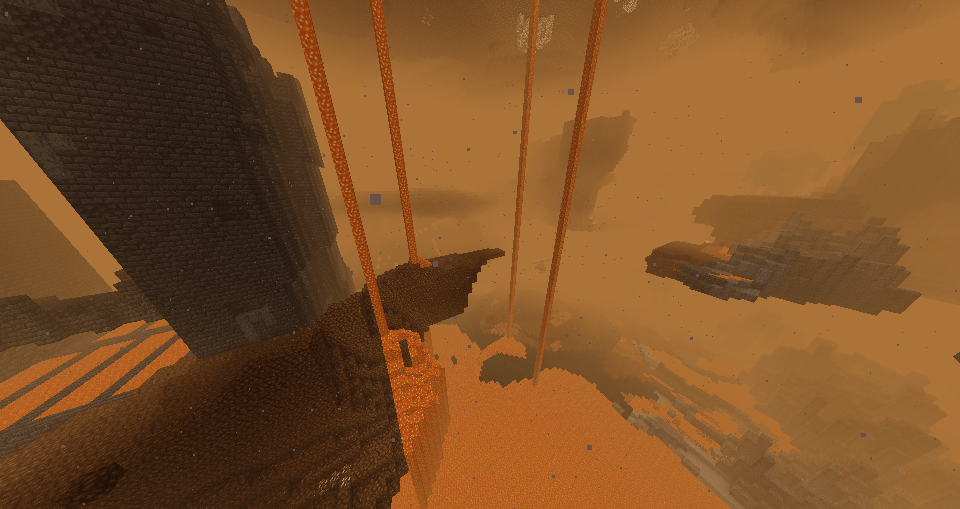
  Note: Optifine versions around 1.21.11 and 1.21.10 may not support all features implemented right now (3/13/26), but most features will be fine. If you would like to try features that are broken as of right now (like the end sky) please, load them up in lower optifine versions.

  Experimental Entity models can be enabled by navigating into the resource pack: 'assets/minecraft/optifine/cem/' and moving all files in the 'Experimental' folder out into the 'cem' folder.

Clean Craft 1.3.zip
MC 26.2
Release 2026-09-17 Get
CleanCraft 1.2.zip
MC 1.21
Release 2026-03-30 Get
Clean Craft 1.1.zip
MC 1.21, 1.21.8, 1.21.5, 1.21.4, 1.21.1, 1.21.6, 1.21.3, 1.21.7, 1.21.2, 1.21.9, 1.21.10, 1.21.11
Release 2026-03-20 Get
CleanCraft.zip
MC 1.21, 1.21.8, 1.21.5, 1.21.4, 1.21.1, 1.21.6, 1.21.3, 1.21.7, 1.21.2, 1.21.9, 1.21.10, 1.21.11
Release 2026-03-14 Get

Requirements & install

How to use this resource pack in Minecraft
Resolution
16x
Minecraft
1.21.5 – 26.2
Install folder
.minecraft/resourcepacks

How to install resource packs

  1. Download the resource pack .zip file (do not extract it).
  2. In Minecraft open Options → Resource Packs → Open Pack Folder.
  3. Drop the .zip into the resourcepacks folder (.minecraft/resourcepacks).
  4. Move the pack to the Selected column and click Done.
Browse more: 16x resource packs 32x resource packs 64x resource packs 128x resource packs 256x resource packs 512x+ resource packs Resource Packs for 26.2 All resource packs

More from Aero_Mods

Advertisement Remove ads with Premium →

You Might Also Like