Badges update automatically and link to the resource pack page on MineUniverse.
Only Updated When NecessaryThis resource pack is only updated when changes are actually required. If a new Minecraft version is released and the pack continues to work correctly without any visual or functional issues, no new release will be published. Unless otherwise stated, the latest available version should also work on newer Minecraft versions. |
For Minecraft: Java Edition only.
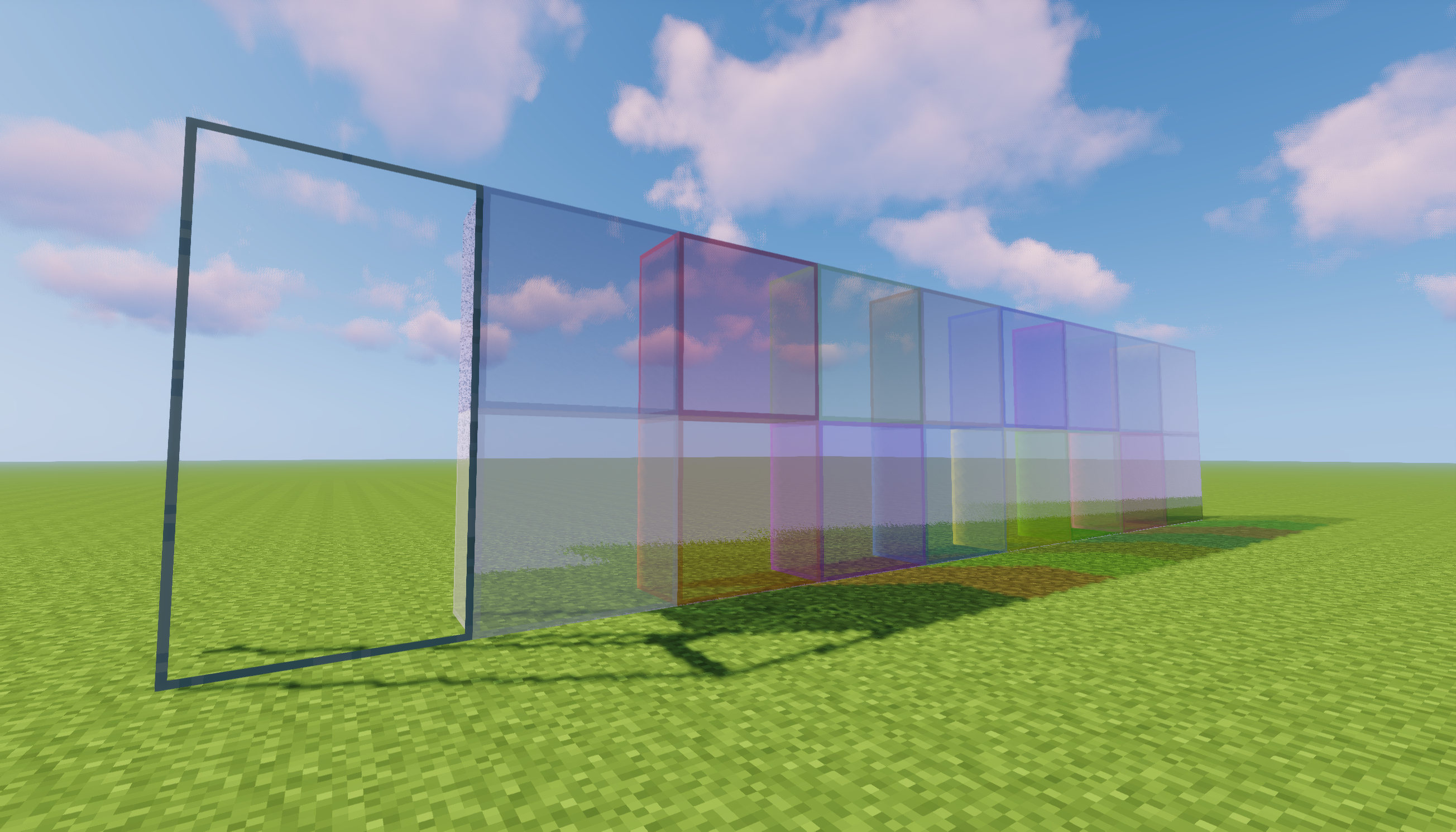
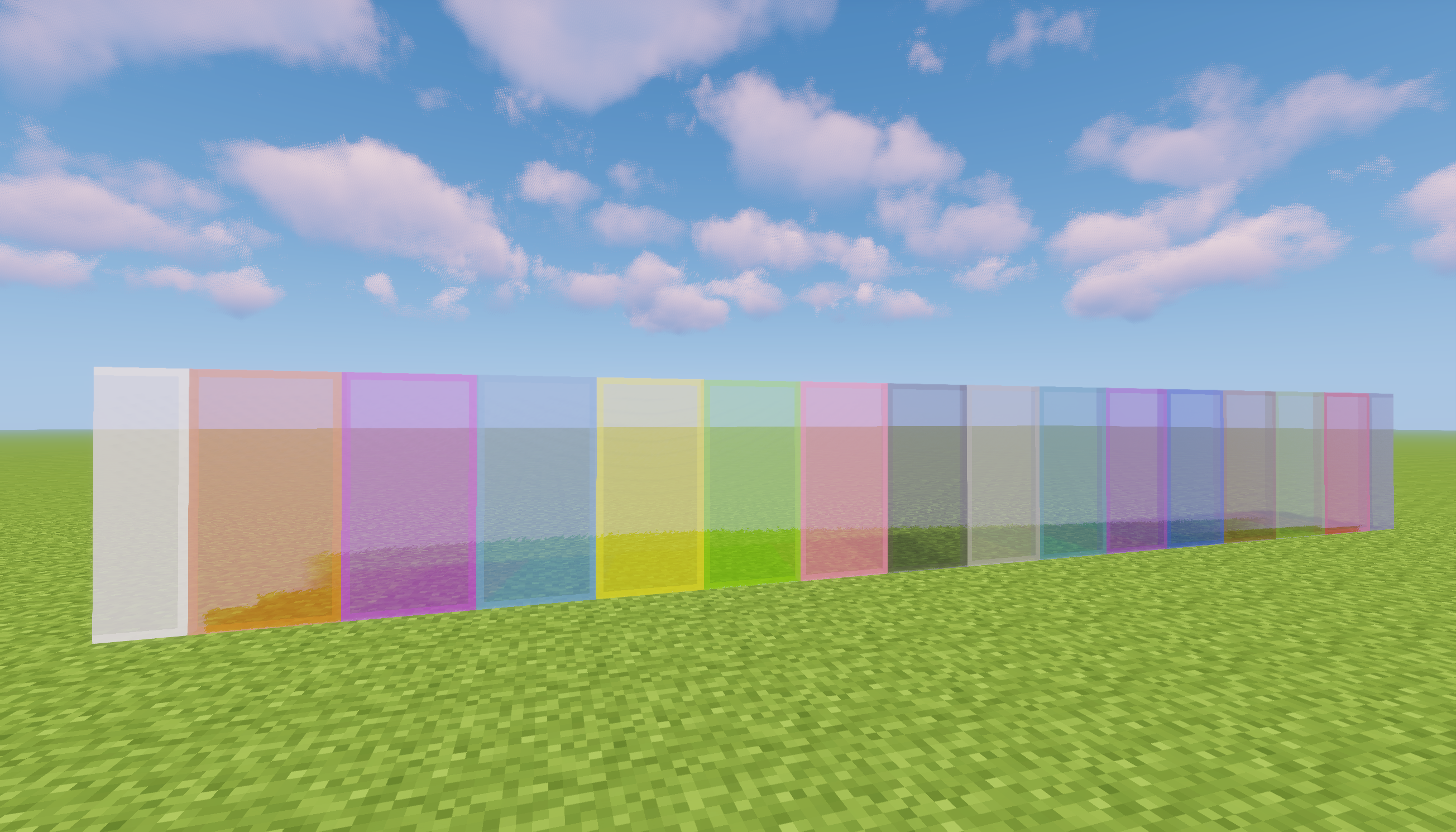
Clean and Clear Glass is an OptiFine resource pack that makes vanilla glass look cleaner, clearer, and visually connected while preserving the original Minecraft style.
This is the original resource pack edition of Clean and Clear Glass. It is intended primarily for OptiFine users and remains available for older or unsupported Minecraft versions.
OptiFine Is RequiredThis resource pack uses OptiFine's Connected Textures feature to remove internal borders between neighboring glass blocks. Without OptiFine, the resource pack will not provide its intended connected glass appearance. If you use Fabric or NeoForge, please use the standalone Clean & Clear Glass mod instead. |
| Minecraft Version | Status | Notes |
|---|---|---|
| 1.13 and newer | Available | Main resource pack release |
| 1.12.2 | Available | Dedicated legacy release |
| 1.8.9 | Planned | Dedicated legacy release |
The main release is designed for Minecraft 1.13 and newer. It will only receive another update when changes in Minecraft prevent the current release from working correctly.
Minecraft 1.12.2 uses a dedicated release because its resource-pack structure and connected texture configuration differ from newer versions.
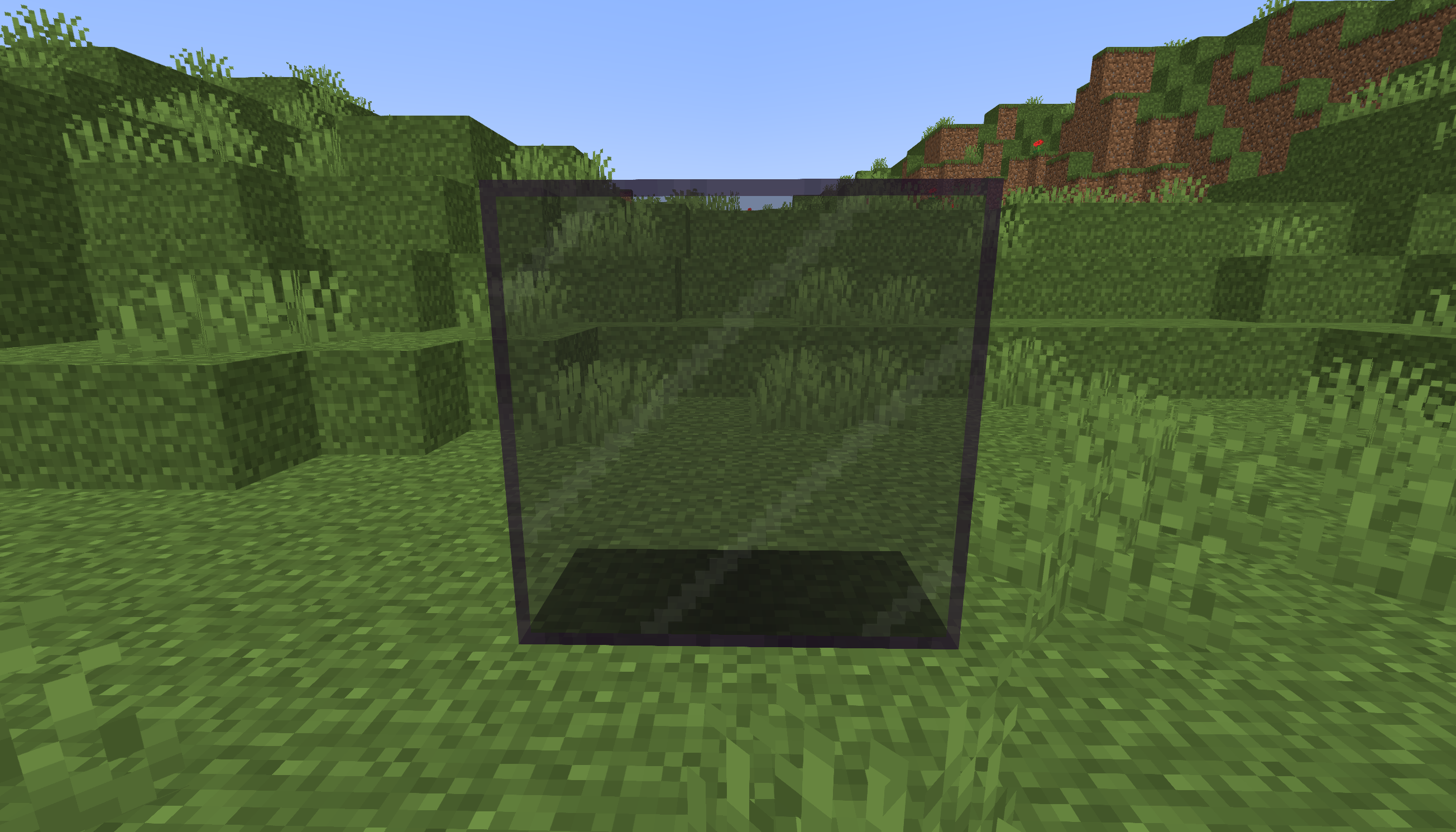
Modern Minecraft versions include tinted glass, which requires a visual design that remains distinguishable from black stained glass.
The Default edition is the official and recommended version of the resource pack.
It uses connected white marks on tinted glass. These marks make tinted glass easier to recognize while forming continuous patterns across neighboring blocks.
This provides a cleaner connected appearance without making tinted glass look identical to black stained glass.
A separate Clear Tinted Glass edition is planned as an optional Beta download.
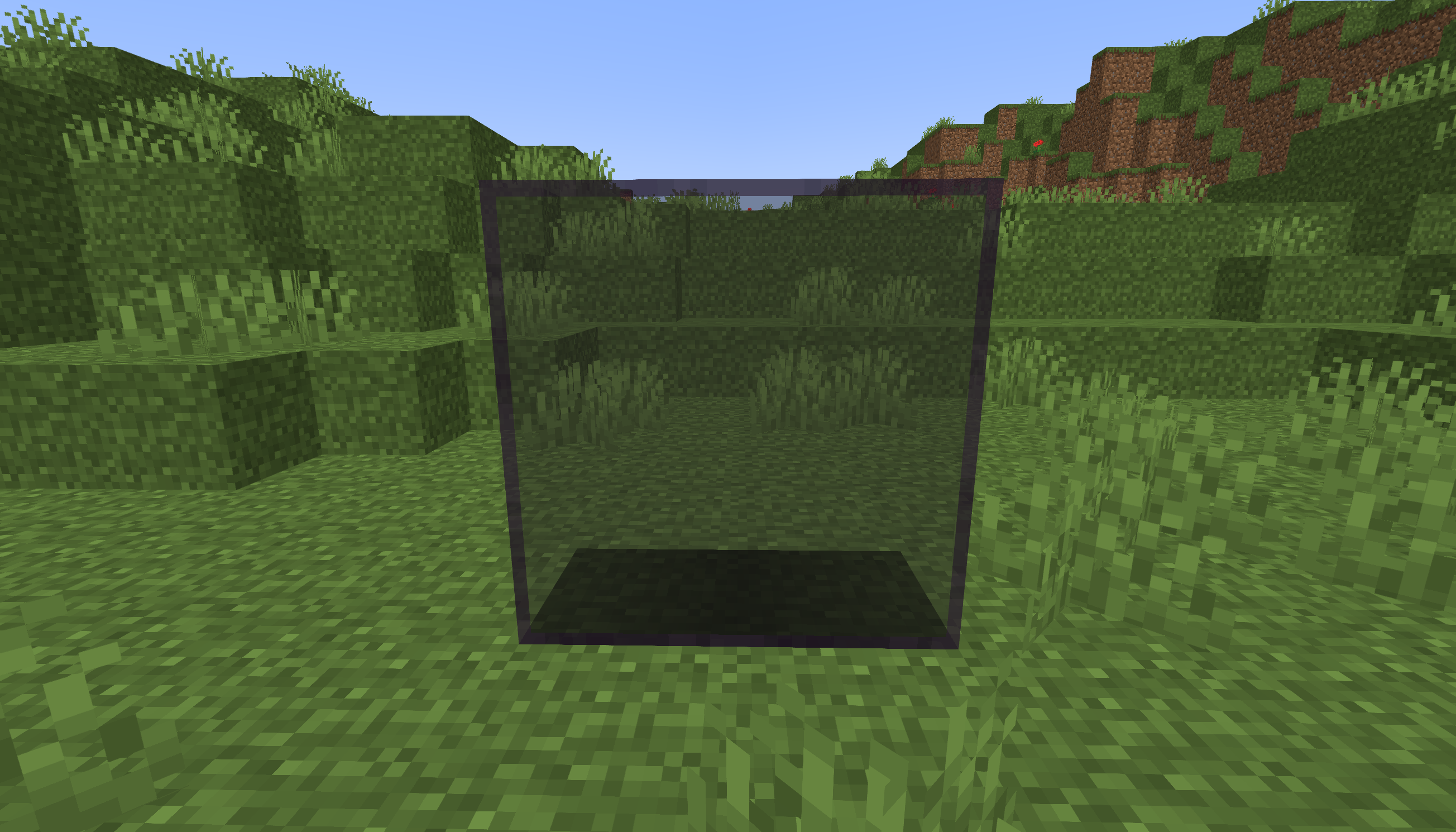
This edition removes the connected white marks and gives tinted glass a cleaner appearance. However, it may look visually similar to black stained glass, so it is not considered the default design.
The Beta label is used to distinguish this optional visual variant from the official Default release.
Older V1 and V2 naming will no longer be used. New files will clearly identify whether they use the Default or Clear Tinted Glass design.
| Requirements | Steps |
|---|---|
|
|
Older installation video:
The old Fabric-specific resource pack files are obsolete and are being replaced by the standalone Clean & Clear Glass mod.
The standalone mod implements connected glass rendering directly. It does not require OptiFine, Continuity, CTM, or Indium.
Current Fabric releases and information about planned ports can be found on the standalone mod page:
Download the Clean & Clear Glass standalone mod
Always download the file that matches both your Minecraft version and mod loader.
If you play vanilla Minecraft without OptiFine, Fabric, NeoForge, or another mod loader, try my Glass Without Border resource pack.
Glass Without Border works as a standard vanilla resource pack. It removes the visible glass borders but does not provide connected texture logic.
Additional pictures and information are available on my Google Sites page.
Thank you for choosing Clean and Clear Glass by lidwinae.