Mineuniverse
Resource Packs
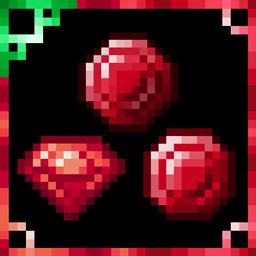
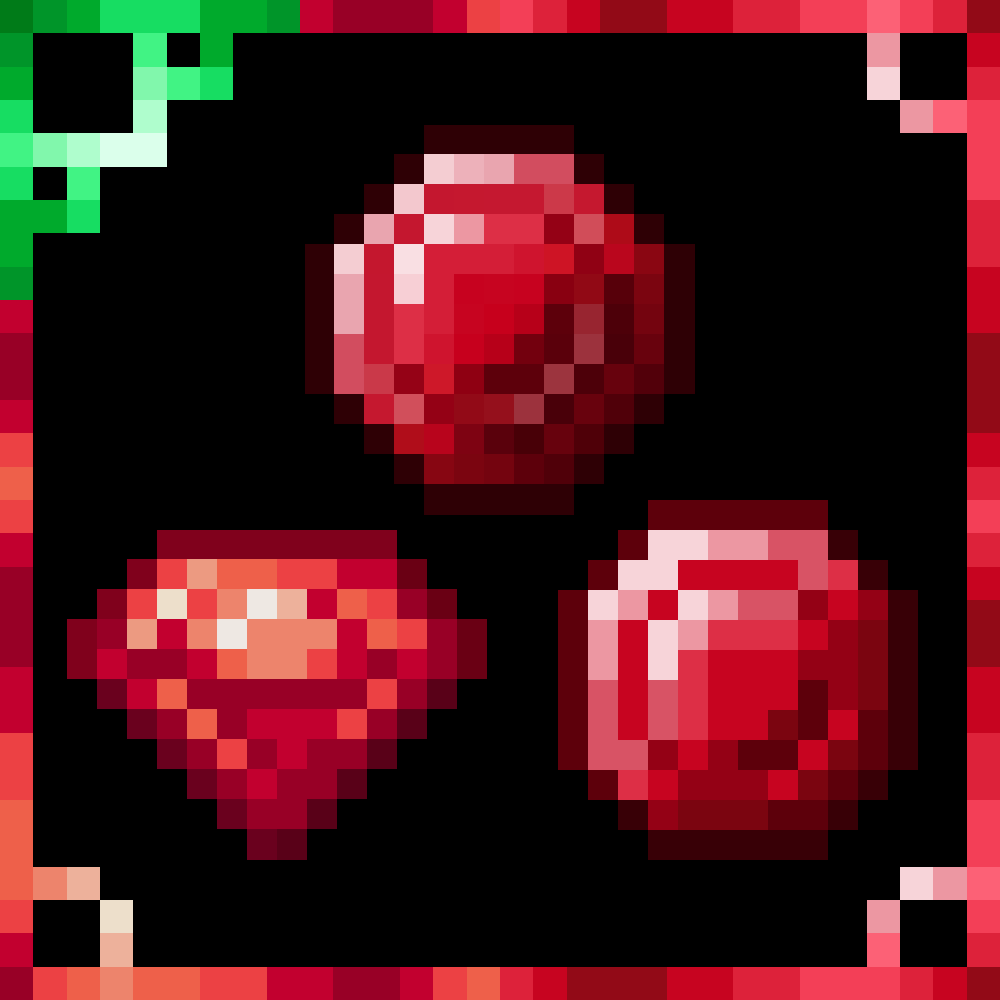
Classical, Earthly and Modernized Rubies

Classical, Earthly and Modernized Rubies

RESOURCE PACK
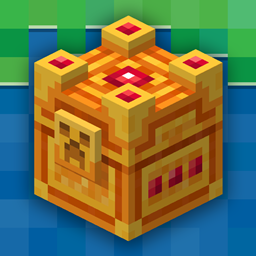
Replace your Emeralds with 1 of 3 Ruby variants
by seraphim291_
Download Claim this project
Add a badge to your pageLink to Classical, Earthly and Modernized Rubies from a README, website or forum post.
Preview: Badge

Badges update automatically and link to the resource pack page on MineUniverse.

3,368 downloads
0 likes
0 followers
Updated Oct 14, 2026
0 hypes
Follow0
16x Traditional
Advertisement Remove ads with Premium →

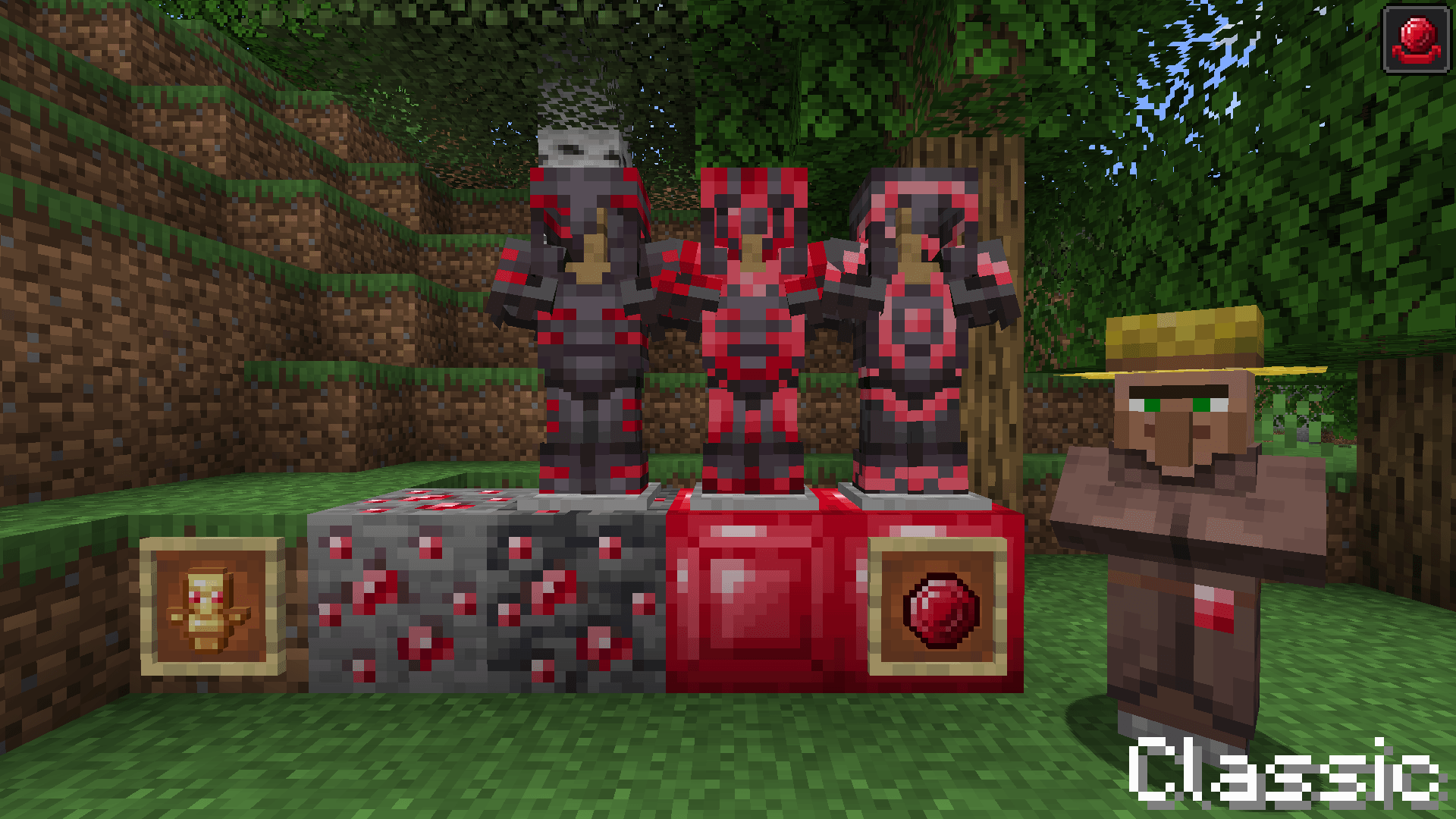
Classic

   Uses the Ruby item Texture we all know and love

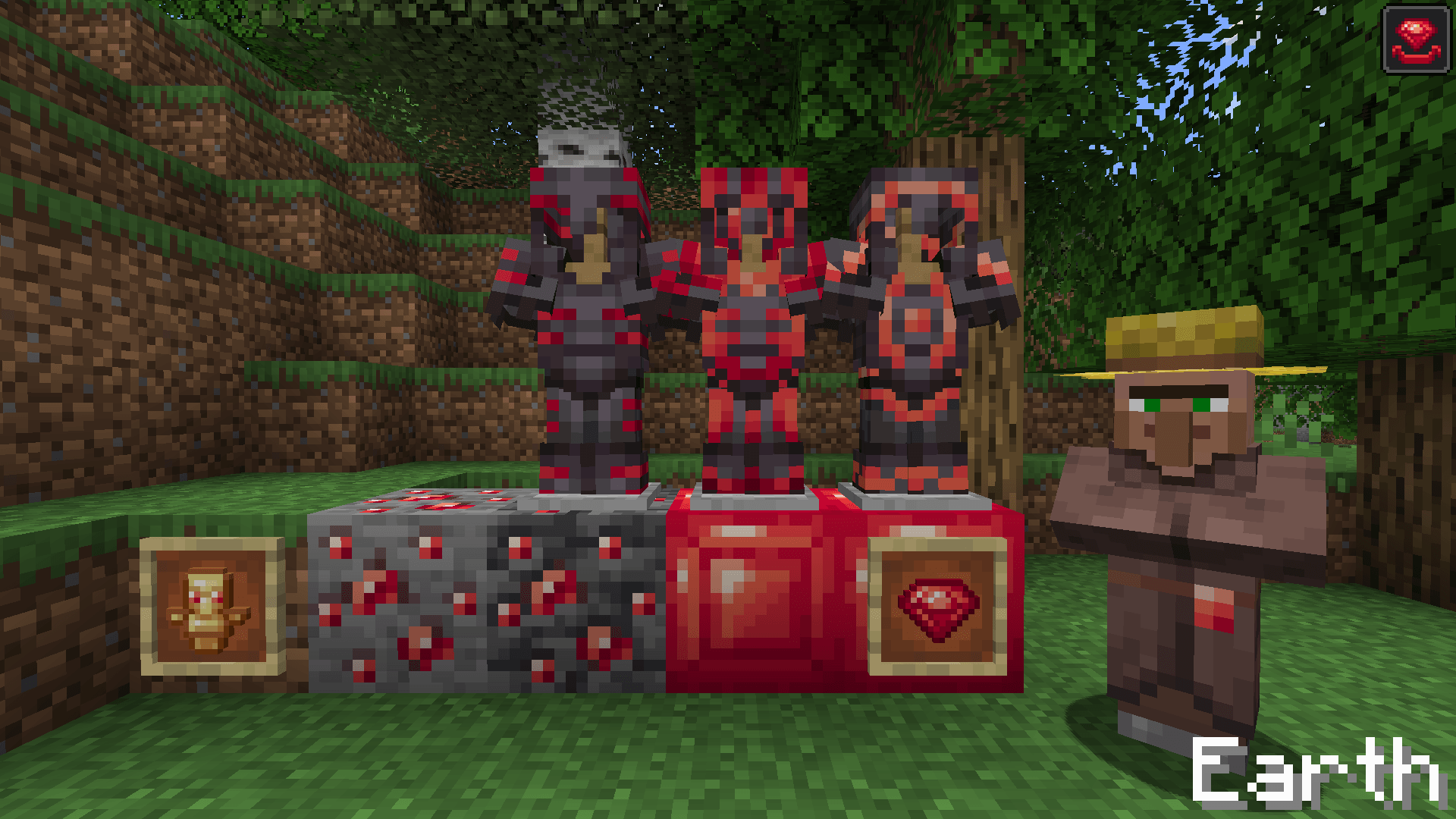
Earth

   Uses the look of the Rubies in Minecraft Earth

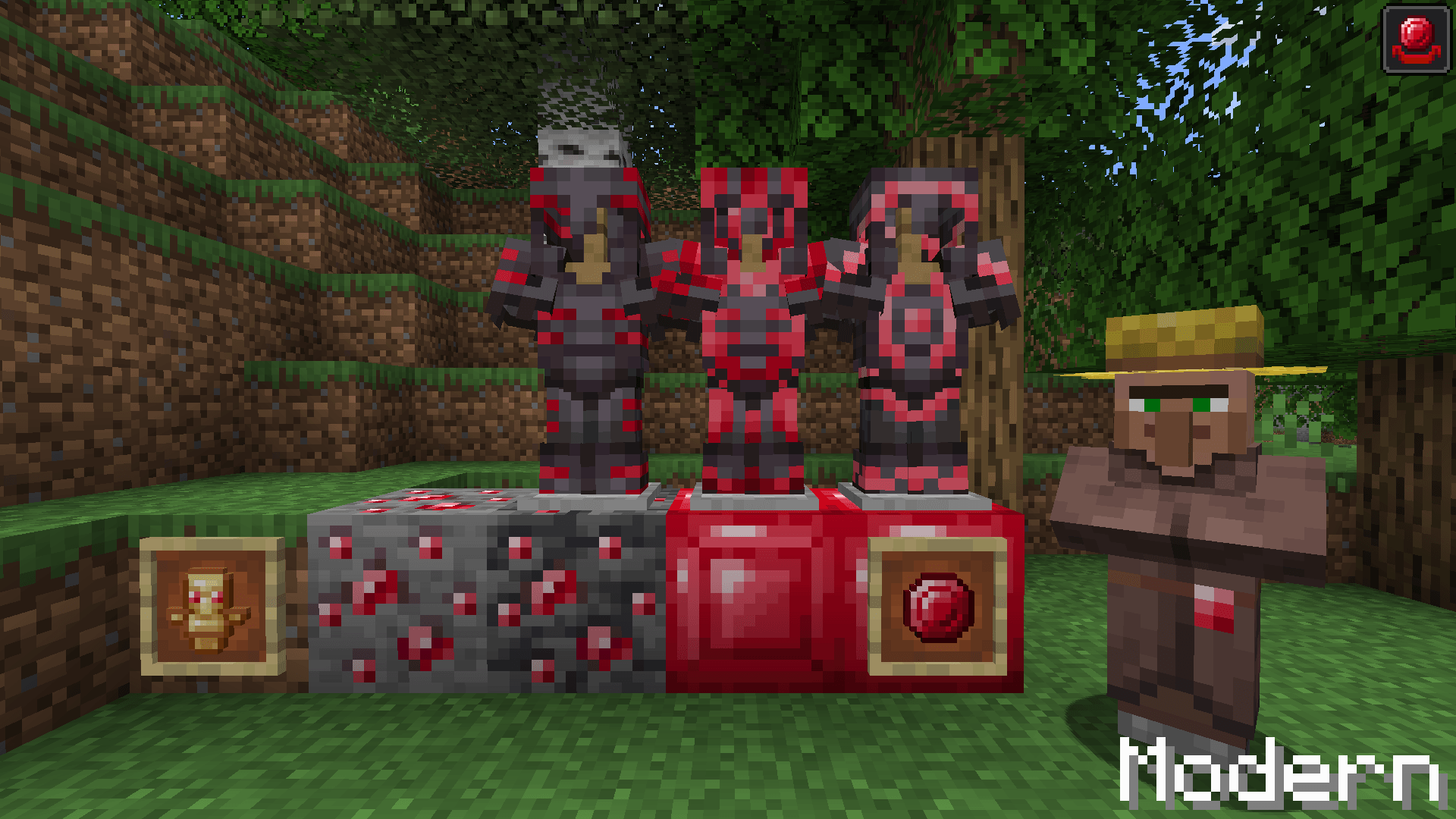
Modern

   Similar to Classic but the item texture is custom made to fit Minecraft’s current style (might change it at some point)


Changes

  • Ruby Item
  • Ruby Ore/Deepslate Ruby Ore 1.17+ (1.16- texture optional)
  • Block of Ruby (Inspired by Ruby Block from Minecraft Earth in 16x)
  • Ruby Material for Armor Trims
  • Ruby Villager profession level
  • Hero of the Village icon
  • Totem of Undying
  • Smithing Table Empty Ruby Slot

If you'd rather have Rubies Replace Diamonds check out my other Ruby Texture Pack


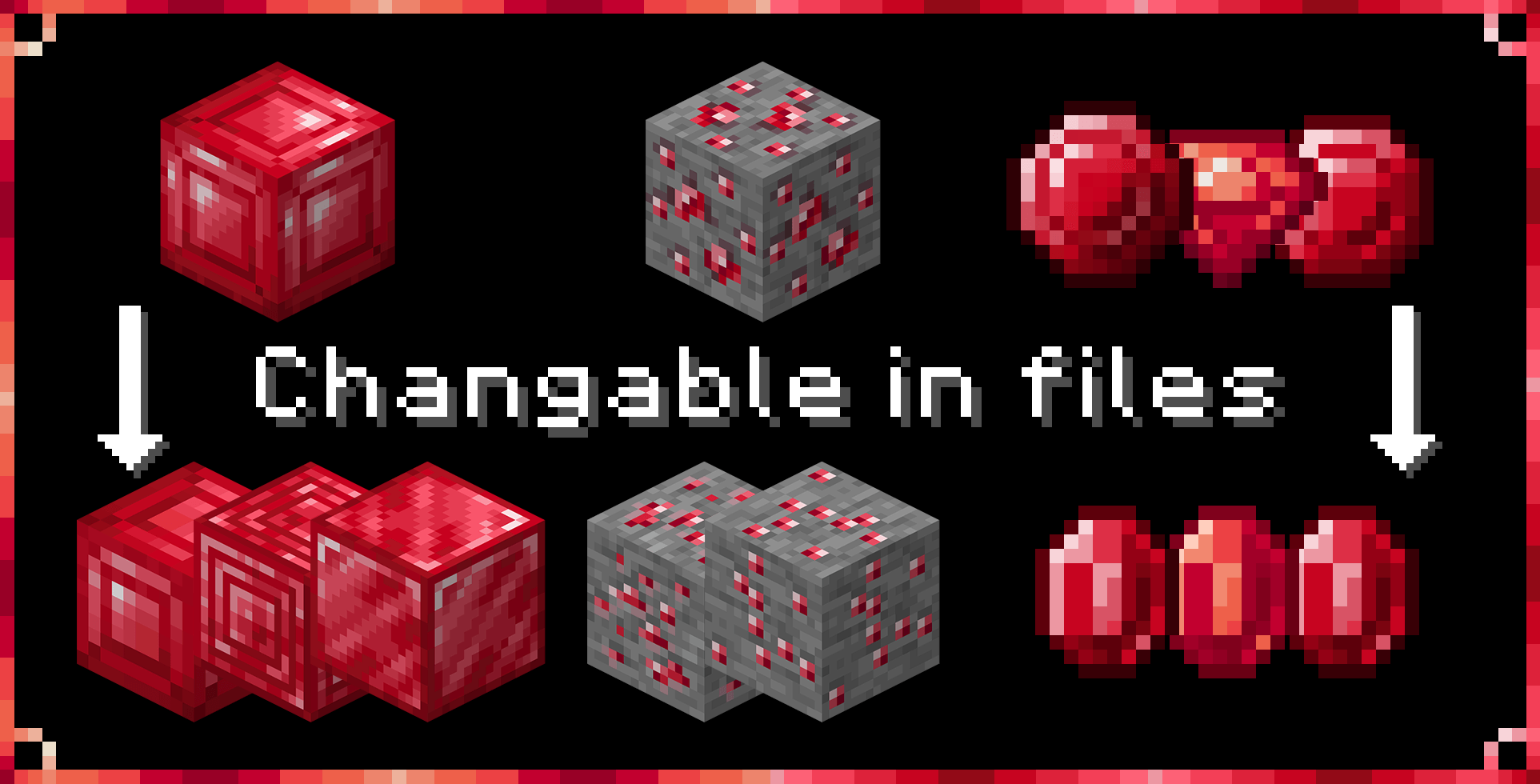
If you prefer the look of 1.16- Ore Texture or the original Earth Ruby Block in 10x

Open Downloaded file and go to assets>minecraft>textures>block rename the current Texture and rename the Texture with _alt at the end 

Example

Rename emerald_block>block_emerald then rename emerald_block_alt>emerald_block

Click Here To Help Support My Projects!

Ruby (Modern)
MC 1.17.1, 1.21, 1.18.1, 1.19.3, 1.20.2, 1.19.4, 1.17, 1.20.5, 1.21.5, 1.18, 1.21.4, 1.20.1, 1.20, 1.20.6, 1.21.1, 1.21.6, 1.21.3, 1.21.7, 1.19.1, 1.20.4, 1.18.2, 1.19.2, 1.20.3
Release 2026-09-09 Get
Ruby (Earth)
MC 1.17.1, 1.21, 1.18.1, 1.19.3, 1.20.2, 1.19.4, 1.17, 1.20.5, 1.21.5, 1.18, 1.21.4, 1.20.1, 1.20, 1.20.6, 1.21.1, 1.21.6, 1.21.3, 1.21.7, 1.19.1, 1.20.4, 1.18.2, 1.19.2, 1.20.3
Release 2026-09-09 Get
Ruby (Classic)
MC 1.17.1, 1.21, 1.18.1, 1.19.3, 1.20.2, 1.19.4, 1.17, 1.20.5, 1.21.5, 1.18, 1.21.4, 1.20.1, 1.20, 1.20.6, 1.21.1, 1.21.6, 1.21.3, 1.21.7, 1.19.1, 1.20.4, 1.18.2, 1.19.2, 1.20.3
Release 2026-09-09 Get
Ruby (Modern)
MC 1.17.1, 1.21, 1.18.1, 1.19.3, 1.20.2, 1.19.4, 1.17, 1.20.5, 1.21.5, 1.18, 1.21.4, 1.20.1, 1.20, 1.20.6, 1.21.1, 1.21.6, 1.21.3, 1.21.7, 1.19.1, 1.20.4, 1.18.2, 1.19.2, 1.20.3
Release 2024-08-12 Get
Ruby (Earth)
MC 1.17.1, 1.21, 1.18.1, 1.19.3, 1.20.2, 1.19.4, 1.17, 1.20.5, 1.21.5, 1.18, 1.21.4, 1.20.1, 1.20, 1.20.6, 1.21.1, 1.21.6, 1.21.3, 1.21.7, 1.19.1, 1.20.4, 1.18.2, 1.19.2, 1.20.3
Release 2024-08-12 Get
Ruby (Classic)
MC 1.17.1, 1.21, 1.18.1, 1.19.3, 1.20.2, 1.19.4, 1.17, 1.20.5, 1.21.5, 1.18, 1.21.4, 1.20.1, 1.20, 1.20.6, 1.21.1, 1.21.6, 1.21.3, 1.21.7, 1.19.1, 1.20.4, 1.18.2, 1.19.2, 1.20.3
Release 2024-08-12 Get
Rubies (Modern)
MC 1.17.1, 1.19.3, 1.21, 1.14.4, 1.17, 1.15, 1.16, 1.19.4, 1.16.5, 1.18.2, 1.15.2, 1.14, 1.20.1, 1.20, 1.20.6, 1.18, 1.19
Release 2023-06-30 Get
Rubies (Earth)
MC 1.17.1, 1.19.3, 1.21, 1.14.4, 1.17, 1.15, 1.16, 1.19.4, 1.16.5, 1.18.2, 1.15.2, 1.14, 1.20.1, 1.20, 1.20.6, 1.18, 1.19
Release 2023-06-30 Get
Rubies (Classic)
MC 1.17.1, 1.19.3, 1.21, 1.14.4, 1.17, 1.15, 1.16, 1.19.4, 1.16.5, 1.18.2, 1.15.2, 1.14, 1.20.1, 1.20, 1.20.6, 1.18, 1.19
Release 2023-06-30 Get

Requirements & install

How to use this resource pack in Minecraft
Resolution
16x
Minecraft
1.20.6 – 1.21.7
Install folder
.minecraft/resourcepacks

How to install resource packs

  1. Download the resource pack .zip file (do not extract it).
  2. In Minecraft open Options → Resource Packs → Open Pack Folder.
  3. Drop the .zip into the resourcepacks folder (.minecraft/resourcepacks).
  4. Move the pack to the Selected column and click Done.
Browse more: 16x resource packs 32x resource packs 64x resource packs 128x resource packs 256x resource packs 512x+ resource packs Resource Packs for 1.21.7 All resource packs

More from seraphim291_

Advertisement Remove ads with Premium →

You Might Also Like