Mineuniverse
Resource Packs
Classic Improvements

Classic Improvements

RESOURCE PACK
A Resource pack that aims towards the programmer art style with some tweaks
by scary_carrot
Download Claim this project
2,235 downloads
0 likes
Updated Oct 14, 2026
0 hypes
16x Miscellaneous
Advertisement Remove ads with Premium →


Classic Improvements


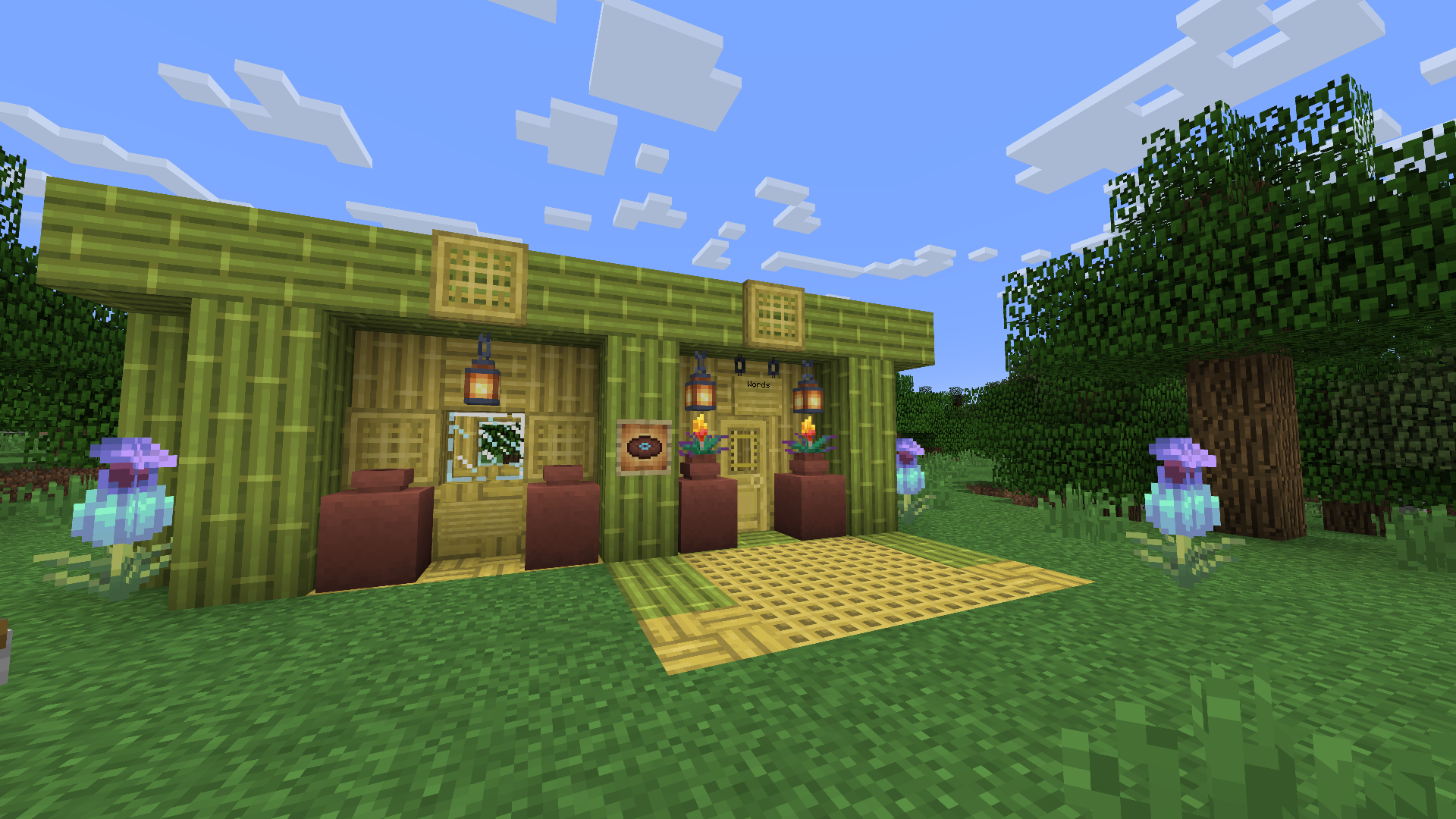
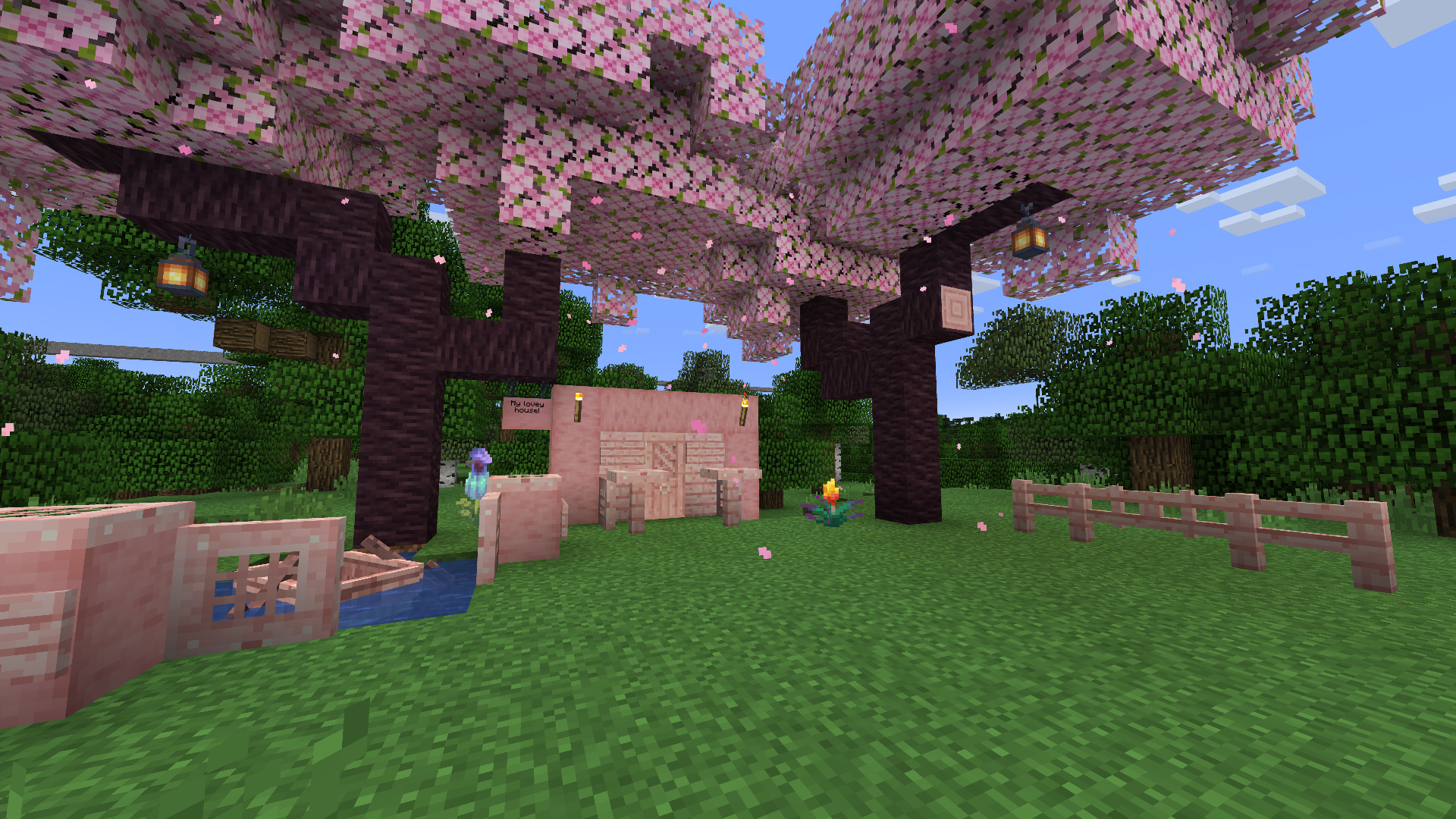
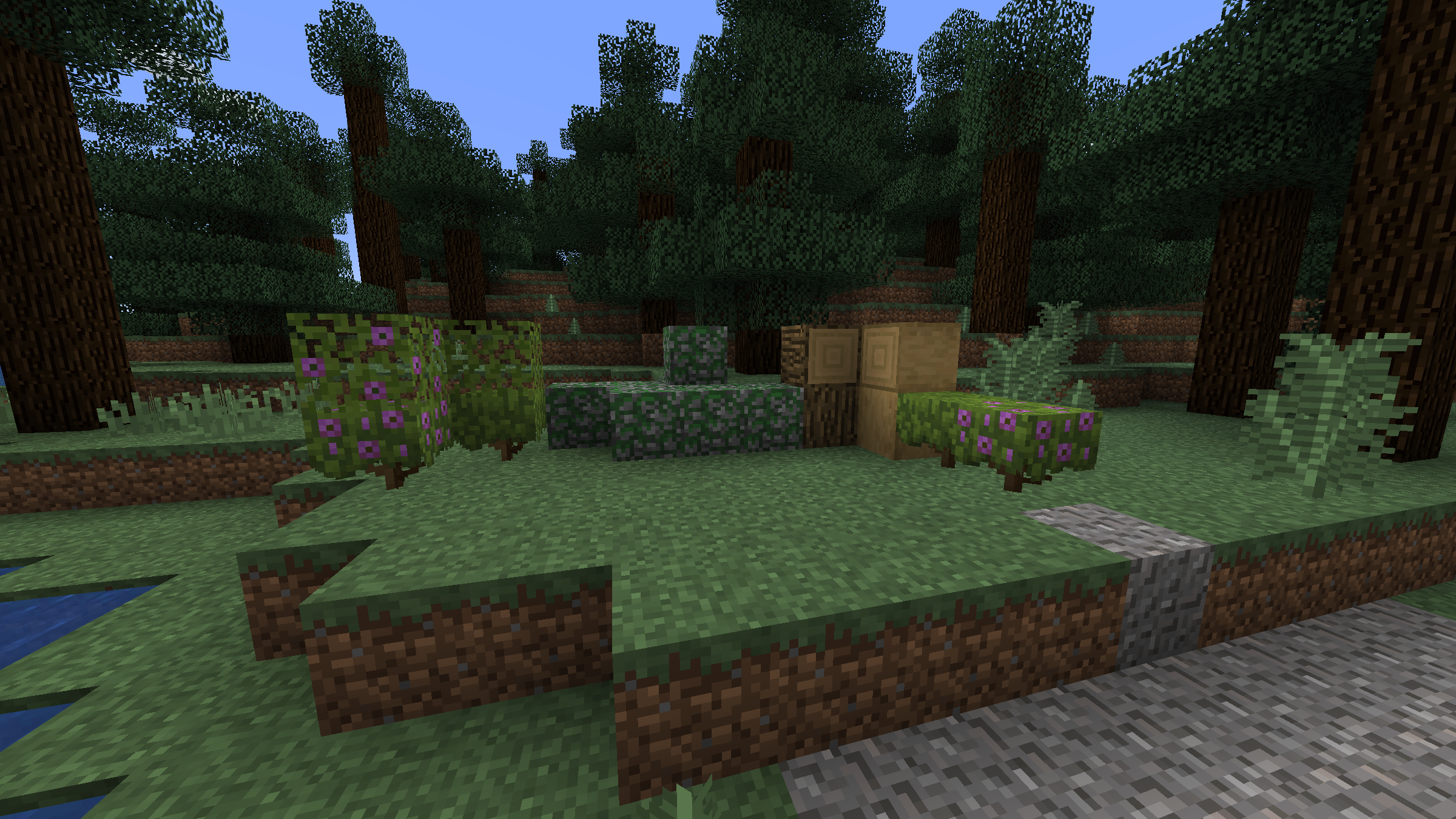
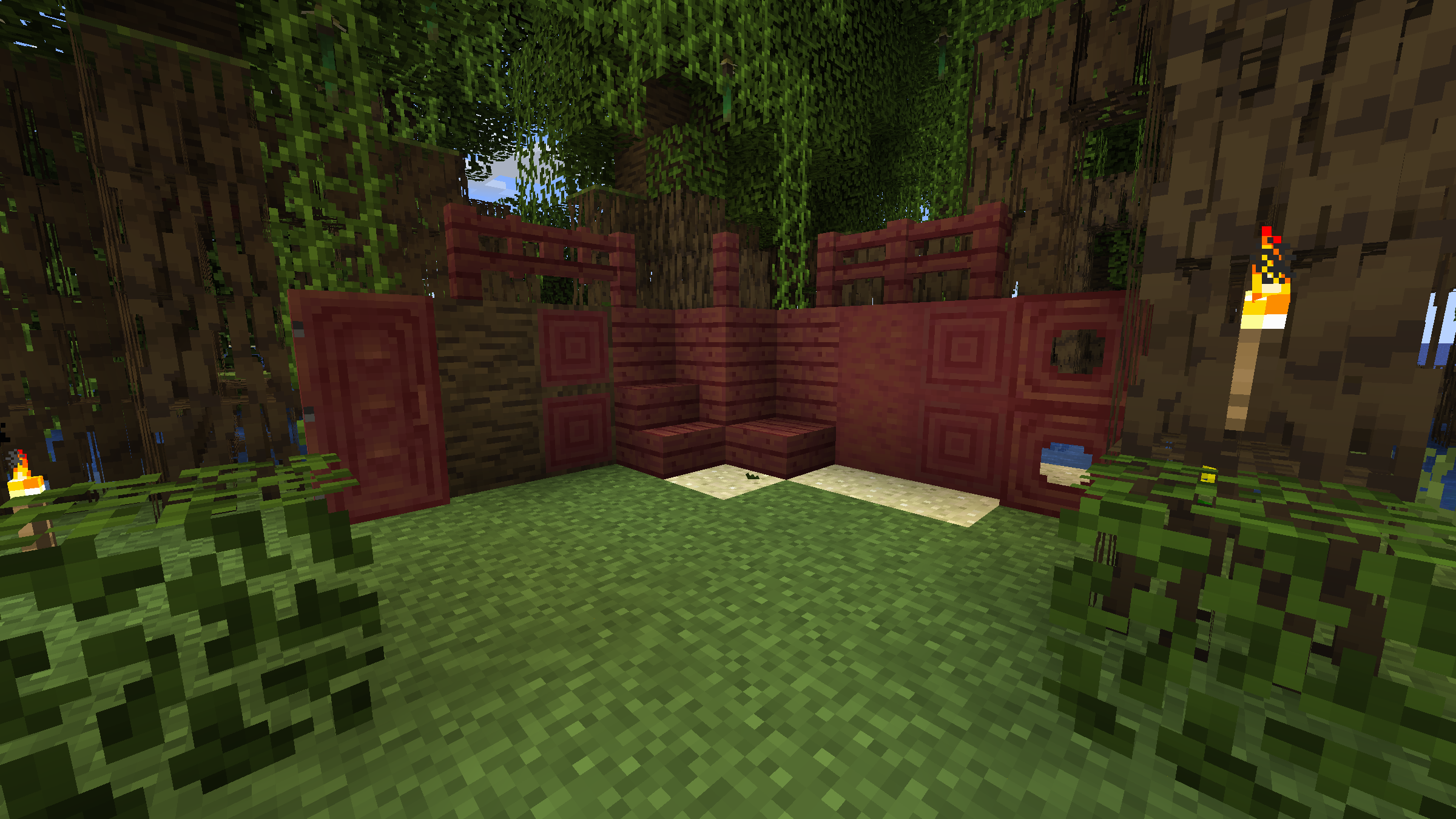
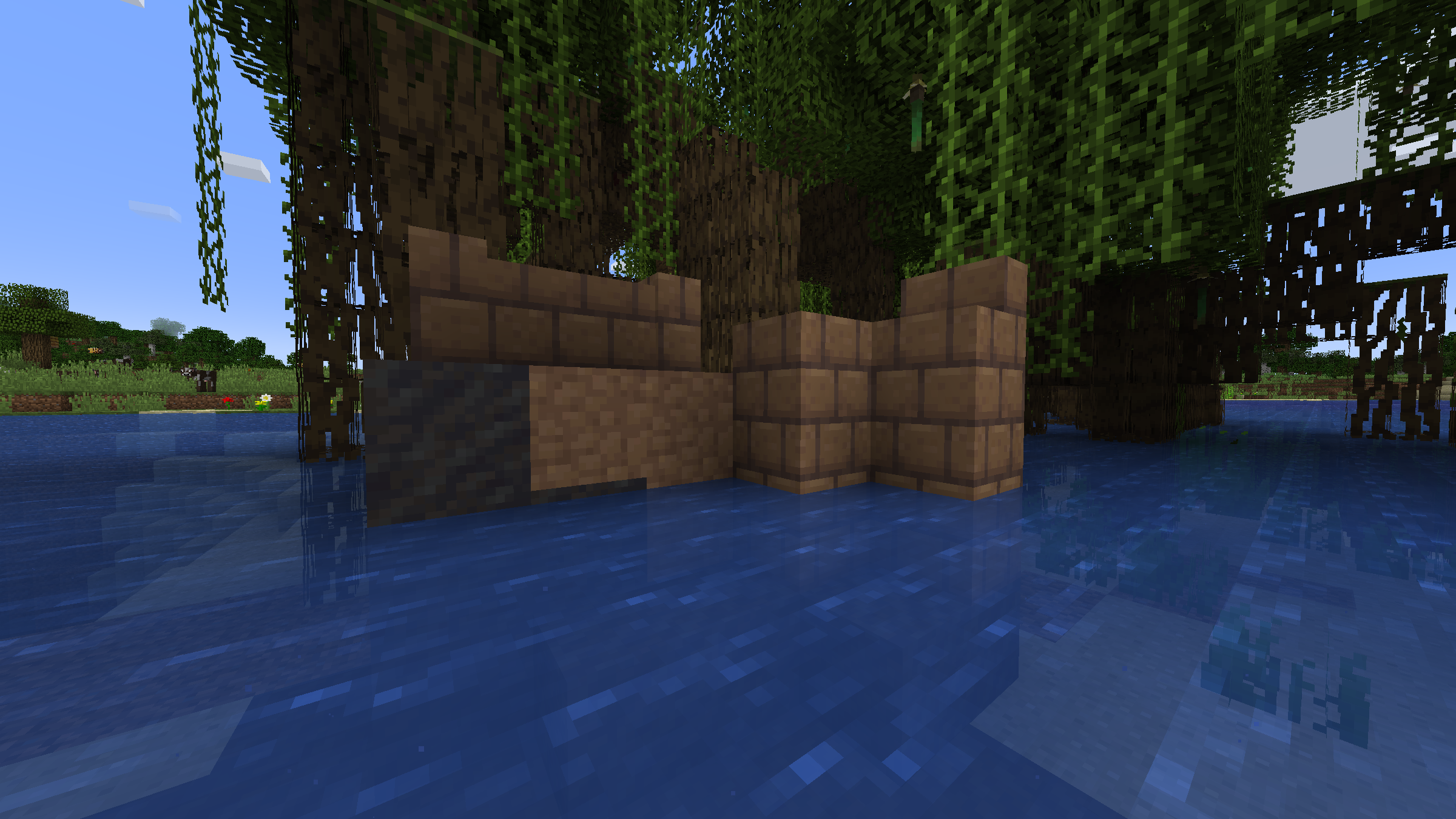
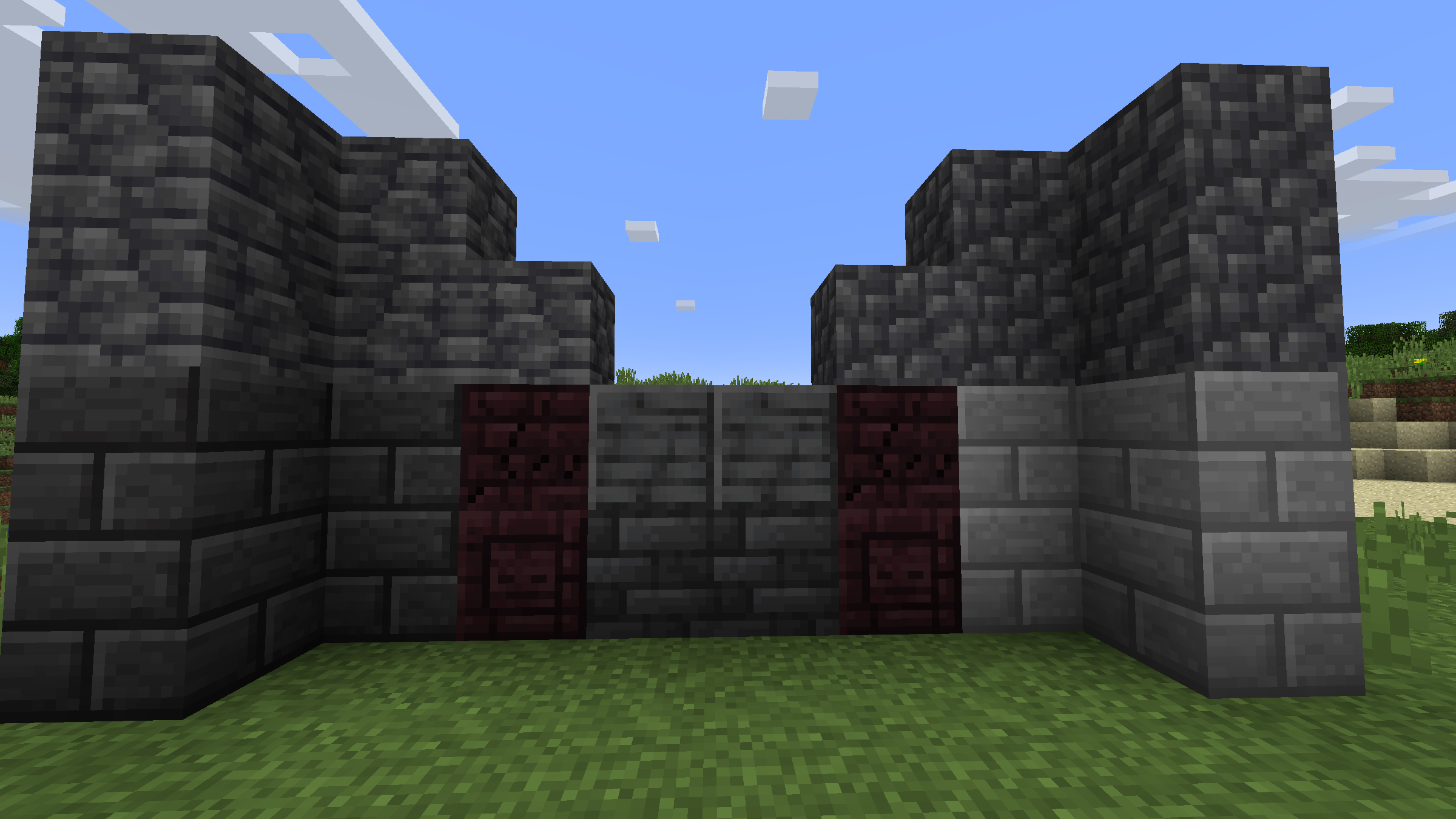
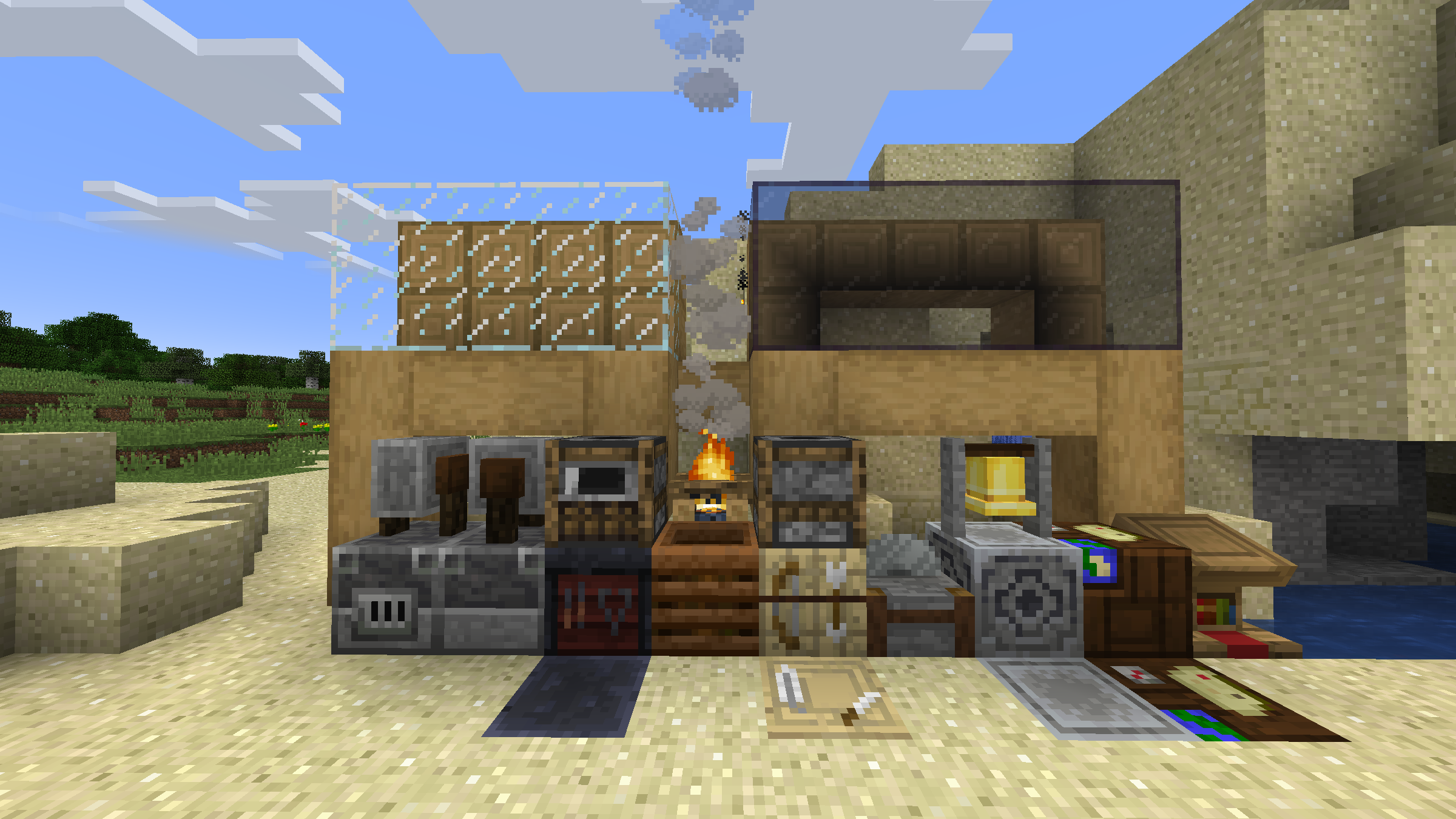
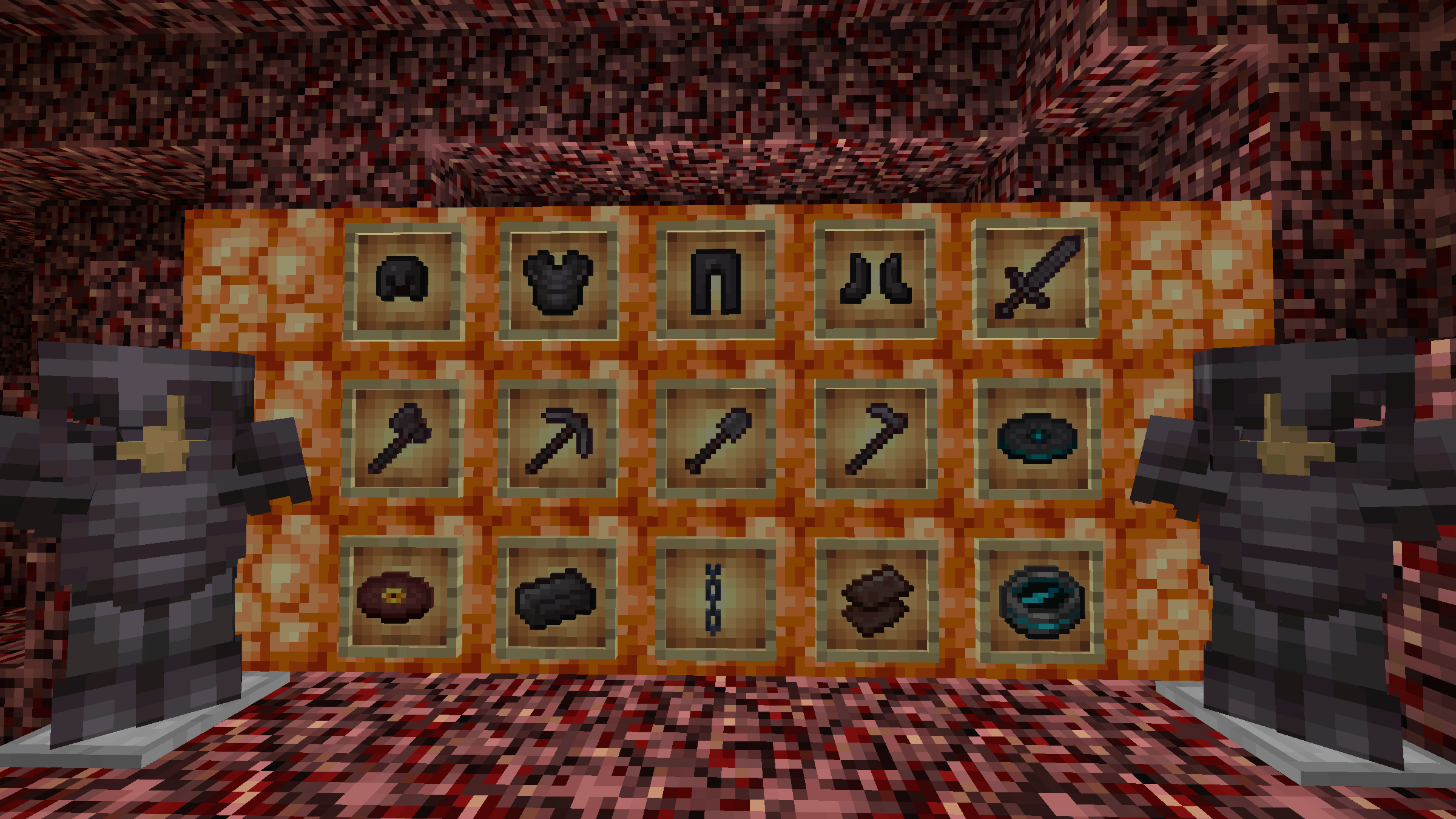
Classic Improvements is a Resource packs dedicated to making modern Minecraft more useable with programmer art


 This does not covert correctly to the new website


Key features


  • Better connected glass (CTM)


  • Zombie Pigmen (CEM)


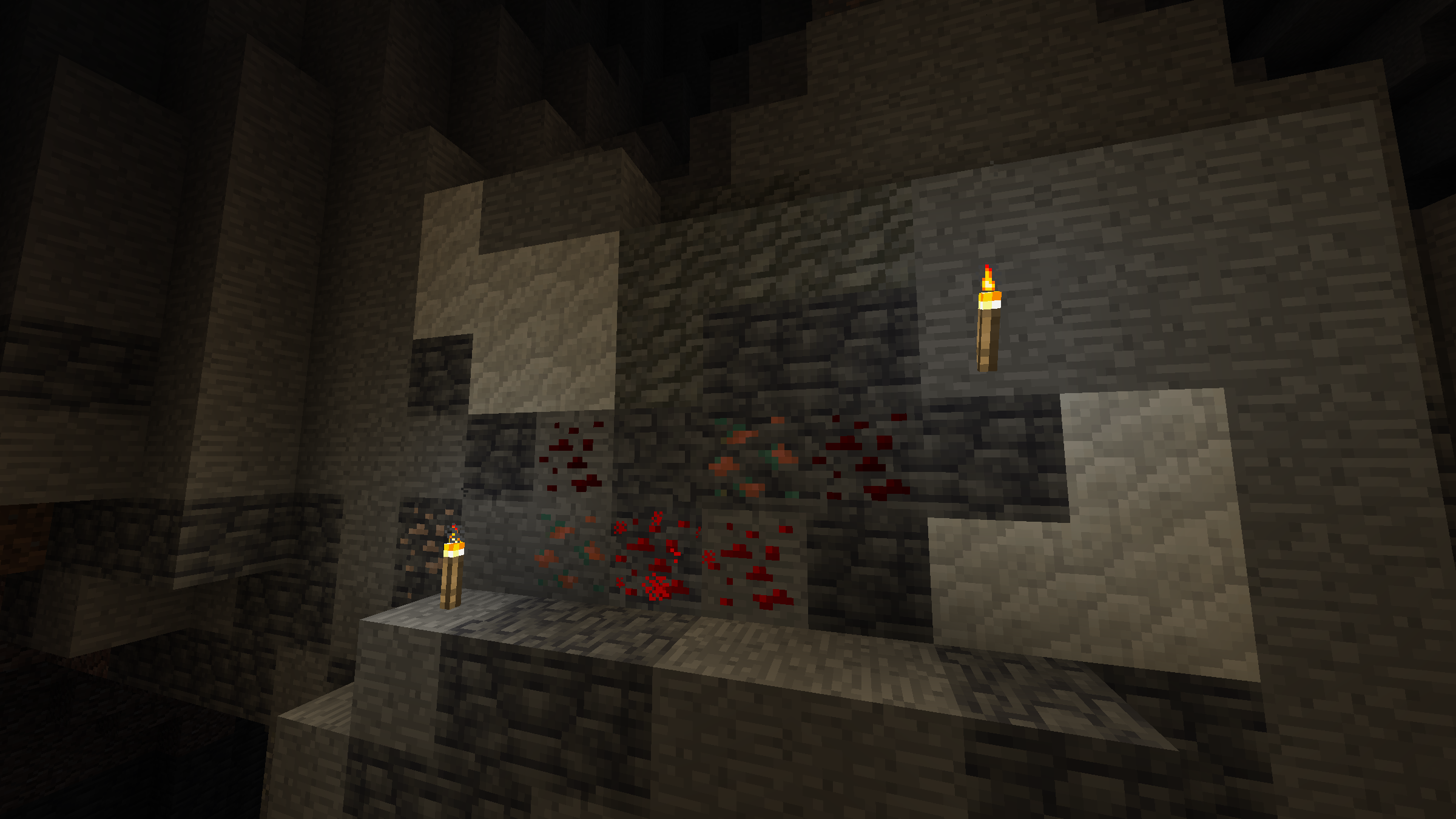
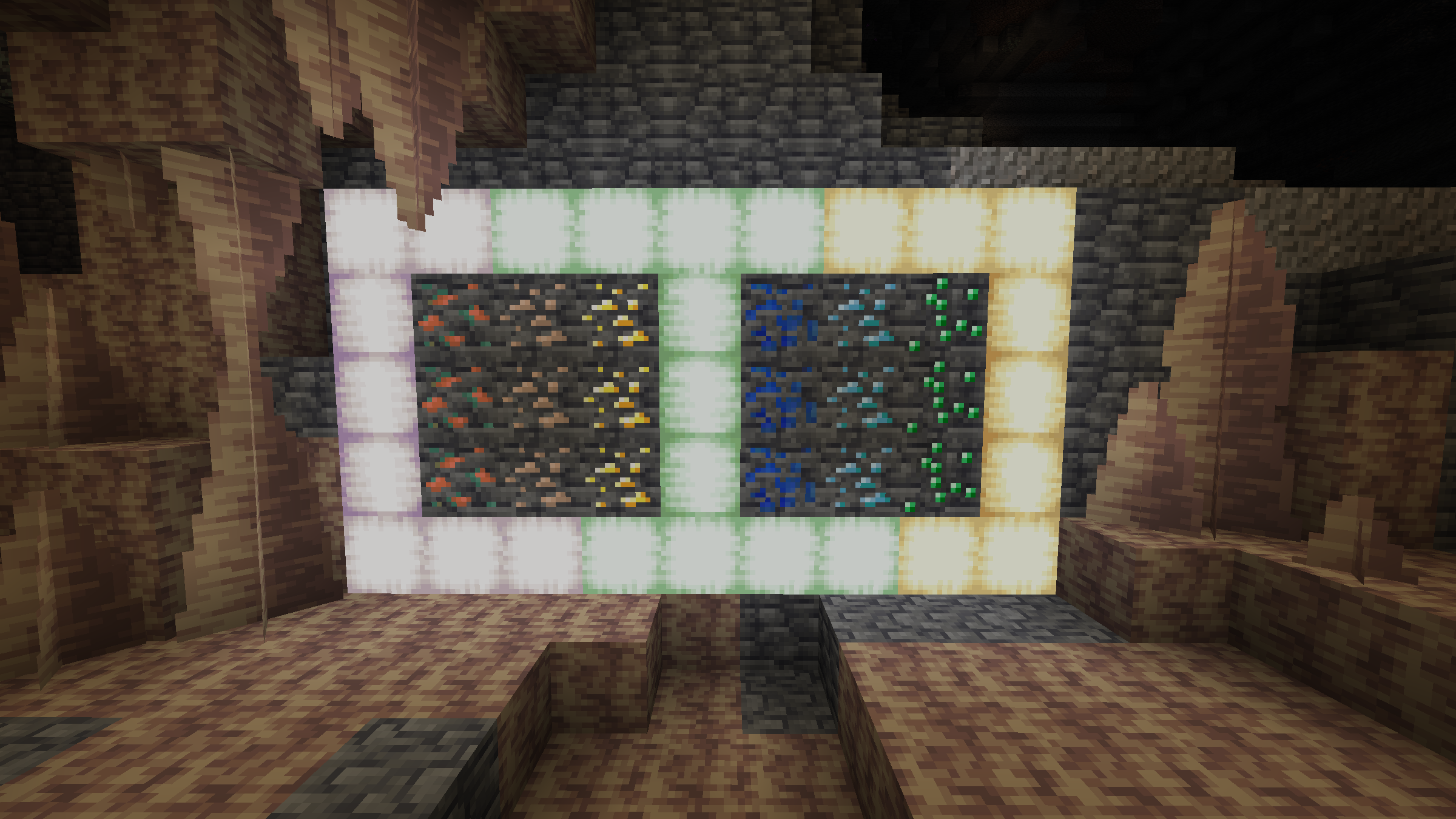
  • More dynamic Redstone ore


  • Some old sound


  • 1.21 Support


NOTES


REMEMBER TO GIVE FEEDBACK OR SUBMIT ISSUES HERE


 FOR OLDER VERISONS OF THE GAME GO HERE TO DOWNLOAD A FIX FOR IT


Pack order


3 ADD-ON 1 to 7

2 Classic Improvements

1 Programmer Art


For the pack to fully work you will need this mods!


DOWNLOADS


                      • FORGE


OPTIFINE


                        • FABRIC/QUILT Recommended


CEM Custom entity models


Continuity Connected textures models


CIT Resewn Custom item textures


ETF Custom entity effects


ALL CIMS ADD-ONS HAVE NOW BEEN PORTED


By the way the reason why there's no version's below 1.8 that's because well it was on Planet Minecraft first.


Classic Improvements V2.6
MC 1.21
Release 2024-06-13 Get
Classic Improvements V2.6B1.zip
MC 1.20.5, 1.20.5-Snapshot, 1.20.6, 1.20.4, 1.21-Snapshot
Beta 2024-05-28 Get
Classic Improvements V2.5.zip
MC 1.20.4
Release 2024-02-23 Get
Classic Improvements V2.5.1
MC 1.20.2, 1.20.3, 1.20.1, 1.20.4
Release 2024-02-23 Get
Classic Improvements V2.4
MC 1.17.1, 1.16.3, 1.19.3, 1.20.2, 1.16.1, 1.18.1, 1.17, 1.16, 1.19.4, 1.16.5, 1.18.2, 1.19.2, 1.20.1, 1.20, 1.19.1, 1.18, 1.16.4, 1.16.2, 1.19
Release 2023-09-26 Get
Classic Improvements V2.3
MC 1.16-Snapshot, 1.17.1, 1.16.3, 1.19.3, 1.15-Snapshot, 1.16.1, 1.18.1, 1.19.4-Snapshot, 1.14.4, 1.14.1, 1.17, 1.20.2-Snapshot, 1.14.3, 1.15, 1.16, 1.19.4, 1.19-Snapshot, 1.16.5
Release 2023-08-16 Get
Classic Improvements V2.2
MC 1.19.3, 1.19.4, 1.19.2, 1.19.1, 1.20-Snapshot, 1.19
Release 2023-06-06 Get
Classic Improvements V2.1
MC 1.19.3, 1.19.4-Snapshot, 1.19.4, 1.19.2, 1.19.1, 1.19
Release 2023-04-24 Get
Classic Improvements V2.1B2
MC 1.19.3, 1.19.4, 1.19.2, 1.19.1, 1.19
Beta 2023-03-31 Get
Classic improvements V2.1BV1.zip
MC 1.19.3, 1.19.4, 1.19.2, 1.19.1, 1.19
Beta 2023-03-16 Get
Classic improvements V2.0.zip
MC 1.19.3, 1.19.4, 1.19.2, 1.19.1, 1.19
Release 2023-02-10 Get
Classic improvements V2.0 Beta2.zip
MC 1.19.3, 1.19.2, 1.19.1, 1.19
Beta 2023-01-20 Get
Classic Improvements V2.0 Beta 1
MC 1.19.3, 1.19.2, 1.19.1, 1.19
Beta 2022-12-26 Get
Classic improvements V1.9.zip
MC 1.19.3, 1.19.2, 1.19.1, 1.19
Release 2022-12-22 Get
Classic Improvements BETA 1.9
MC 1.19.3, 1.19.2, 1.19.1, 1.19
Beta 2022-12-09 Get
Classic Improvements V1.9 BETA V2
MC 1.19.3, 1.19.2, 1.19.1, 1.19
Beta 2022-12-09 Get
Classic improvements V1.8
MC 1.19.3, 1.19.2, 1.19.1, 1.19
Release 2022-12-08 Get

Requirements & install

How to use this resource pack in Minecraft
Resolution
16x
Minecraft
1.20.2 – 1.21
Install folder
.minecraft/resourcepacks

How to install resource packs

  1. Download the resource pack .zip file (do not extract it).
  2. In Minecraft open Options → Resource Packs → Open Pack Folder.
  3. Drop the .zip into the resourcepacks folder (.minecraft/resourcepacks).
  4. Move the pack to the Selected column and click Done.
Browse more: 16x resource packs 32x resource packs 64x resource packs 128x resource packs 256x resource packs 512x+ resource packs Resource Packs for 1.21 All resource packs

More from scary_carrot

Advertisement Remove ads with Premium →

You Might Also Like