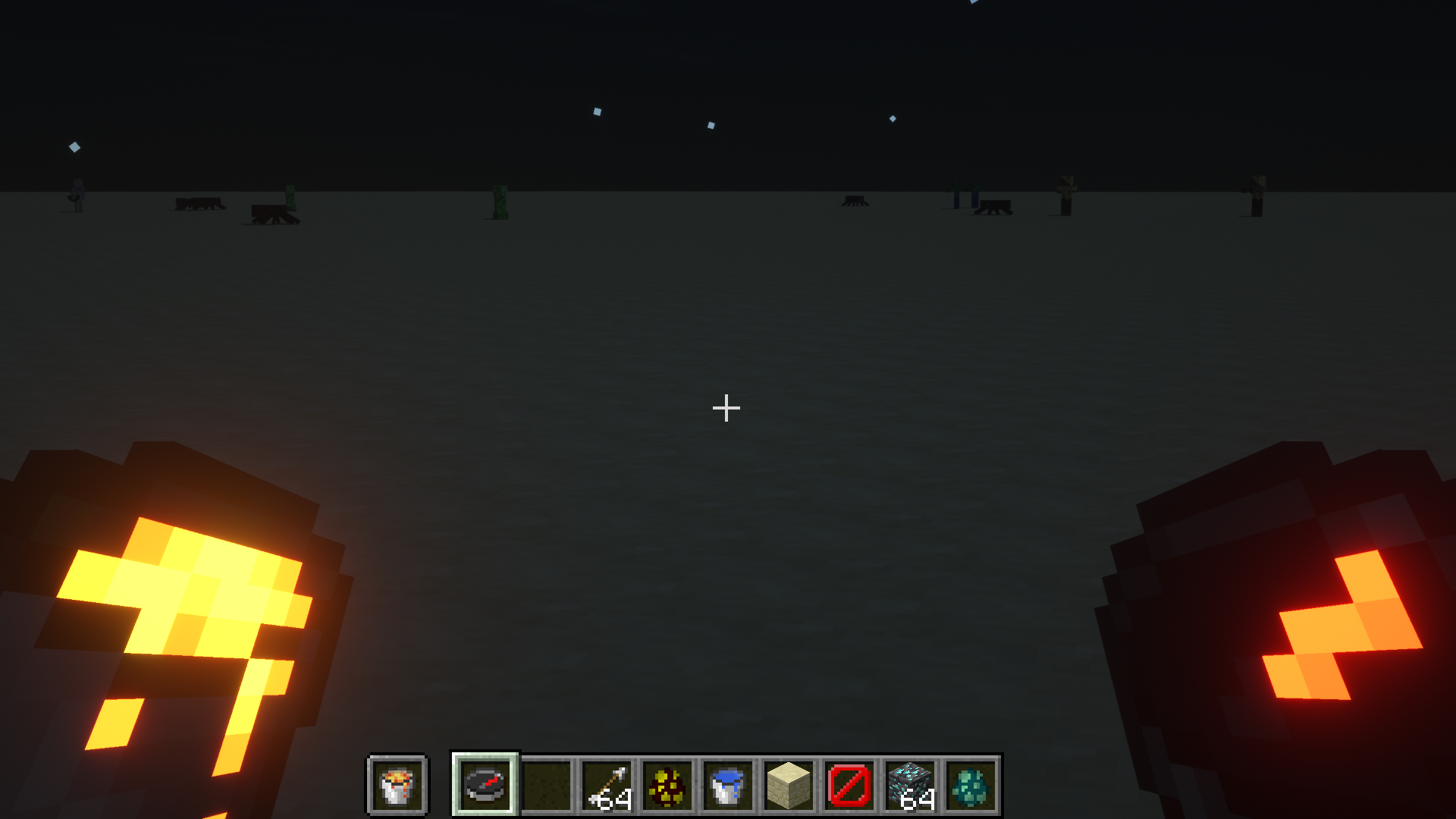
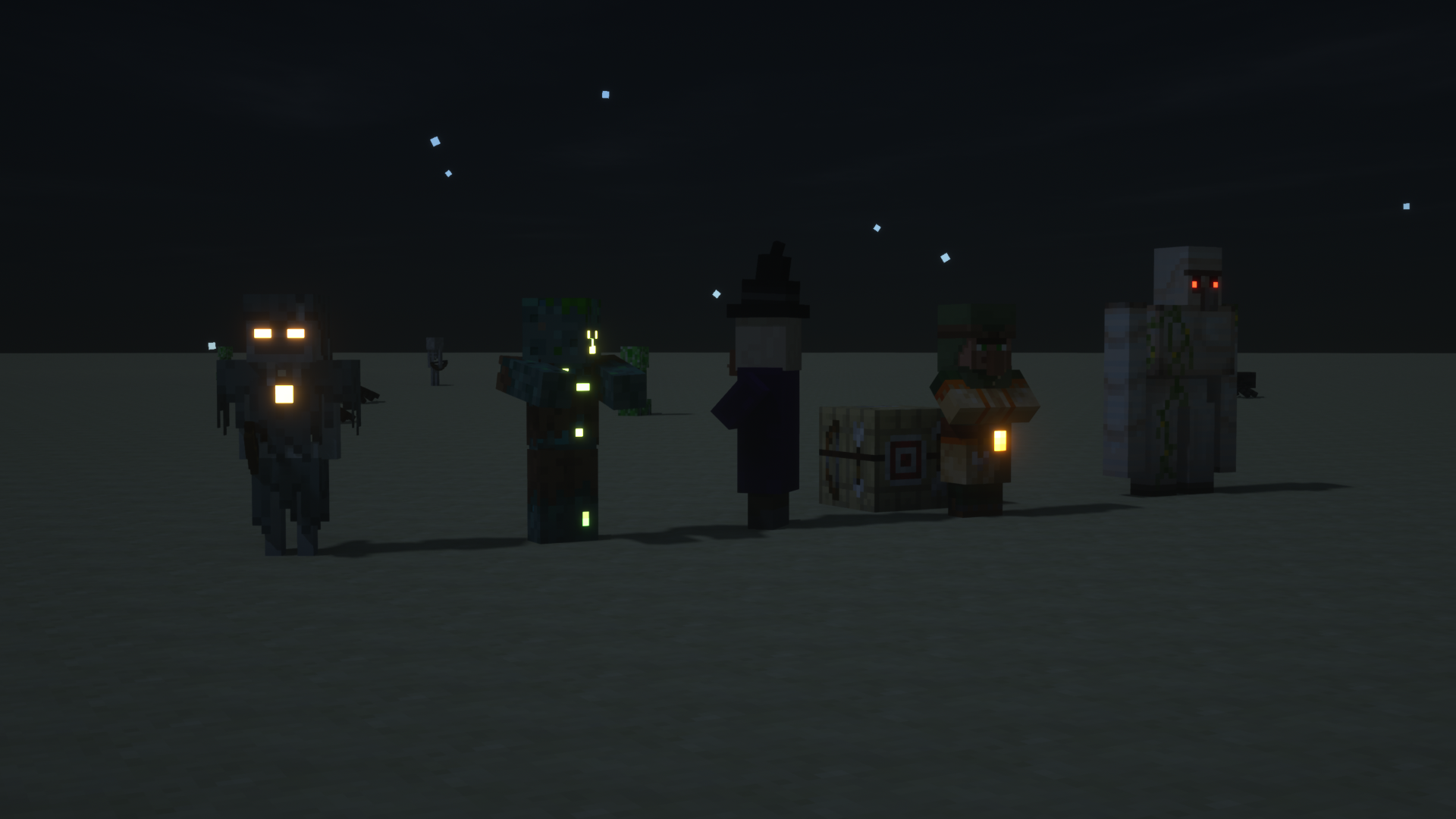
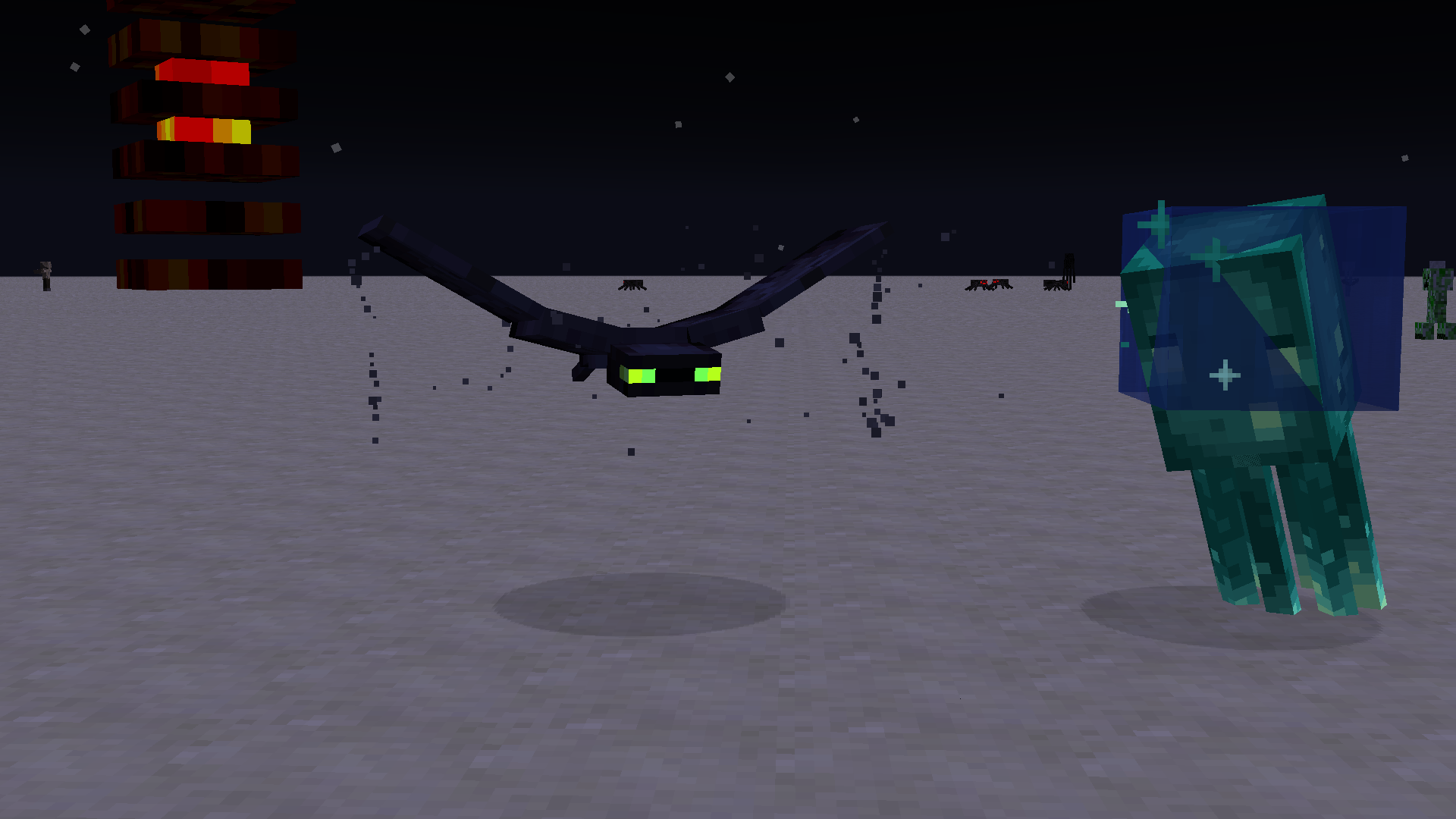
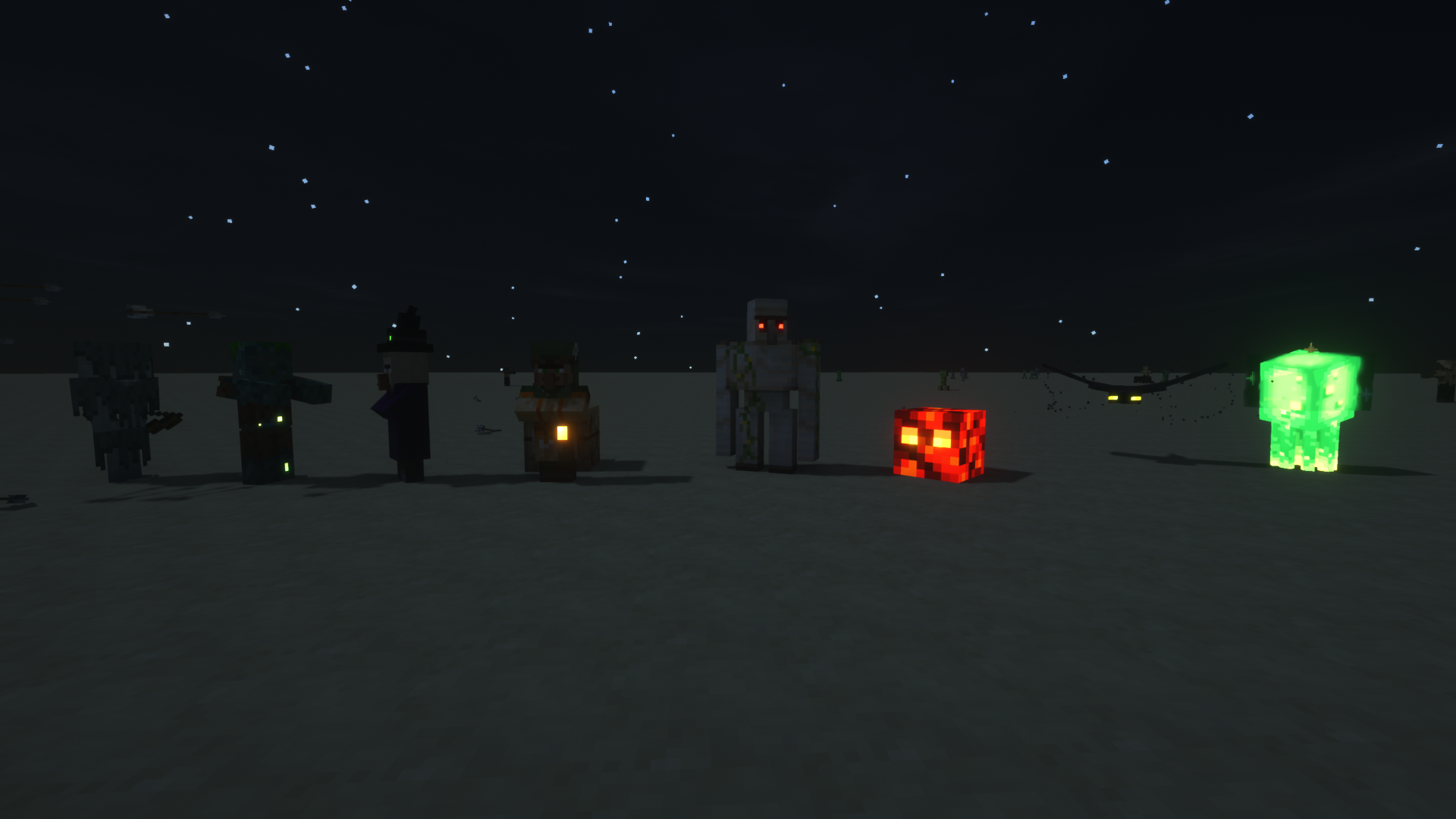
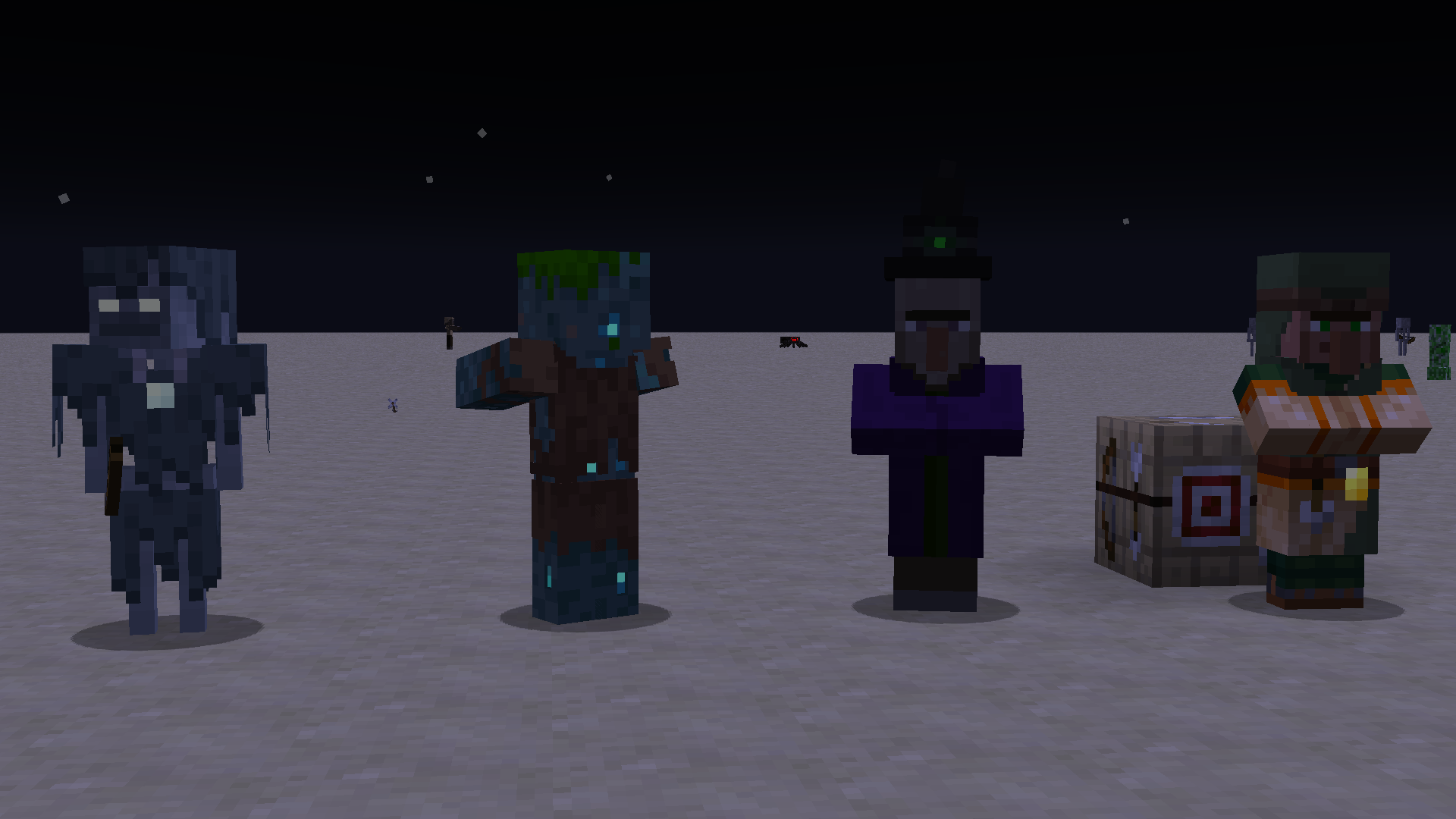
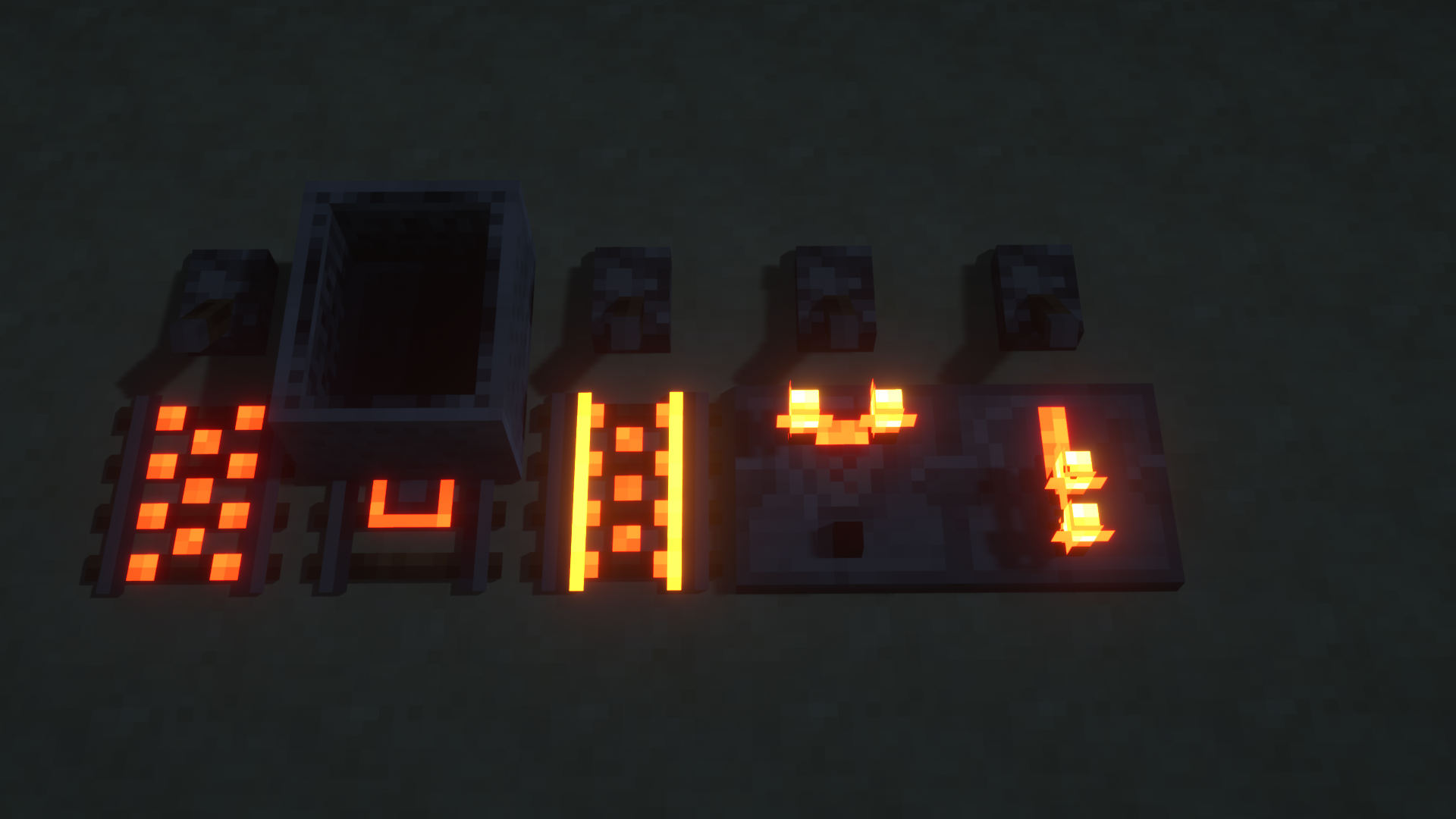
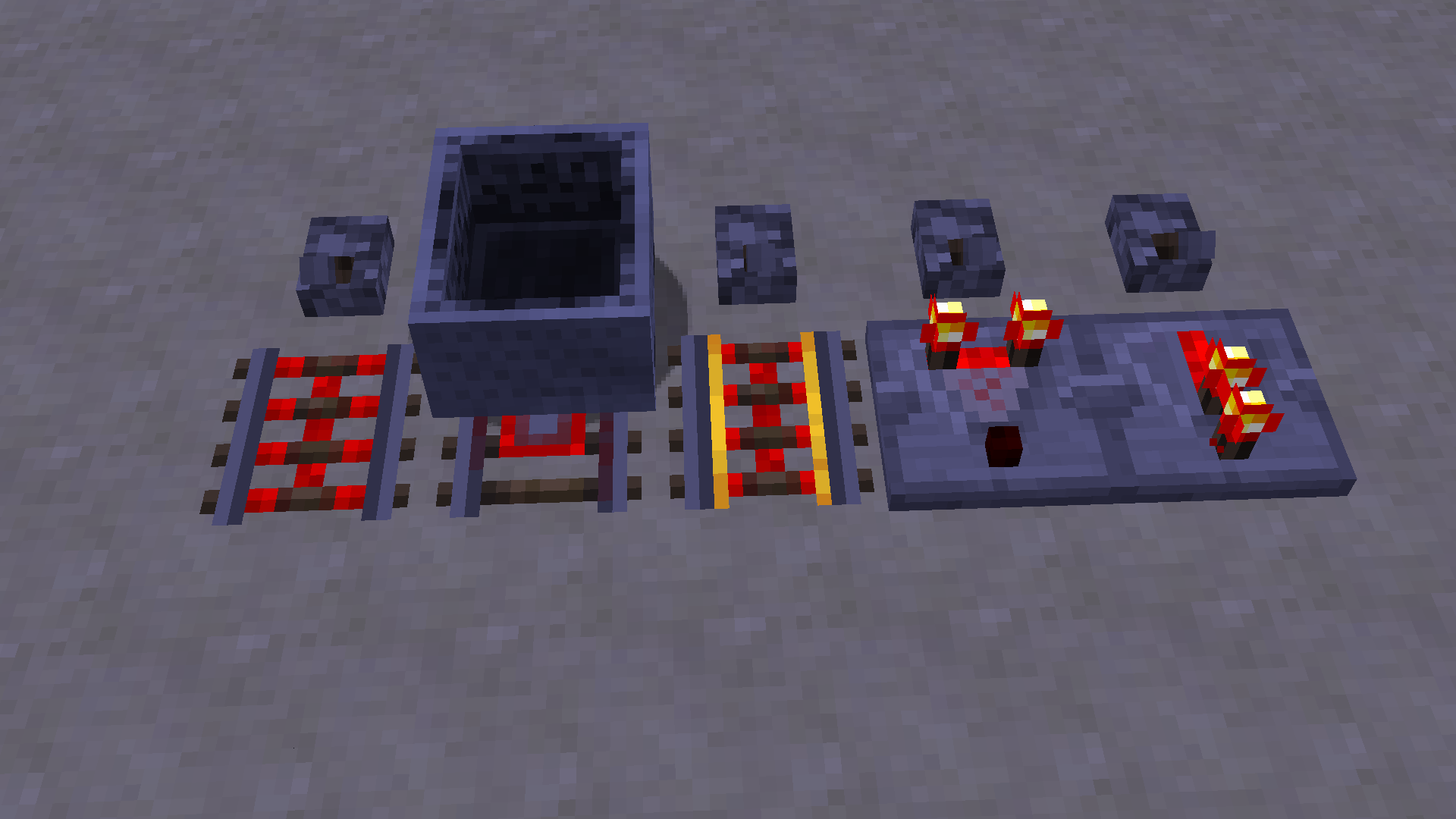
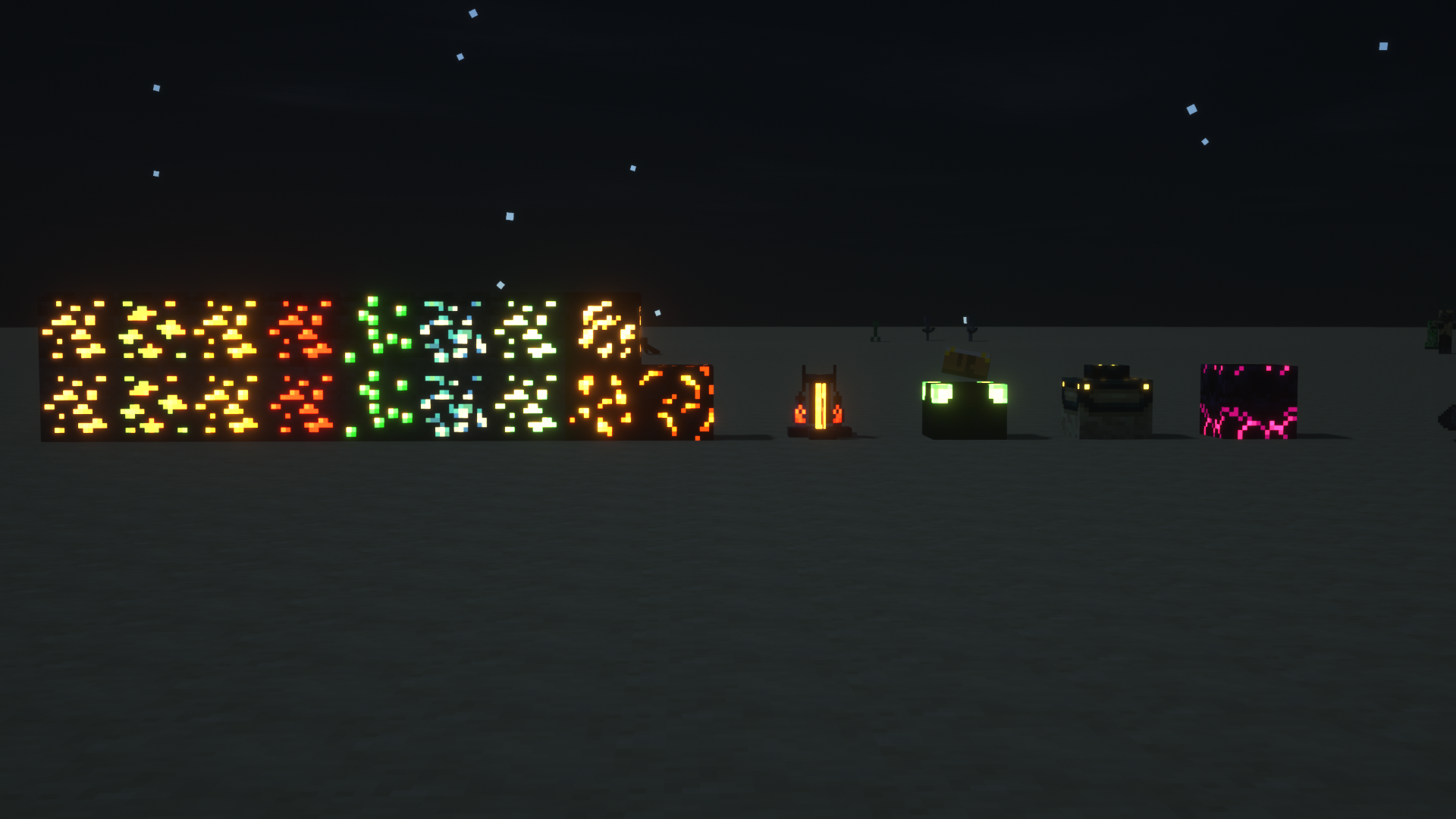
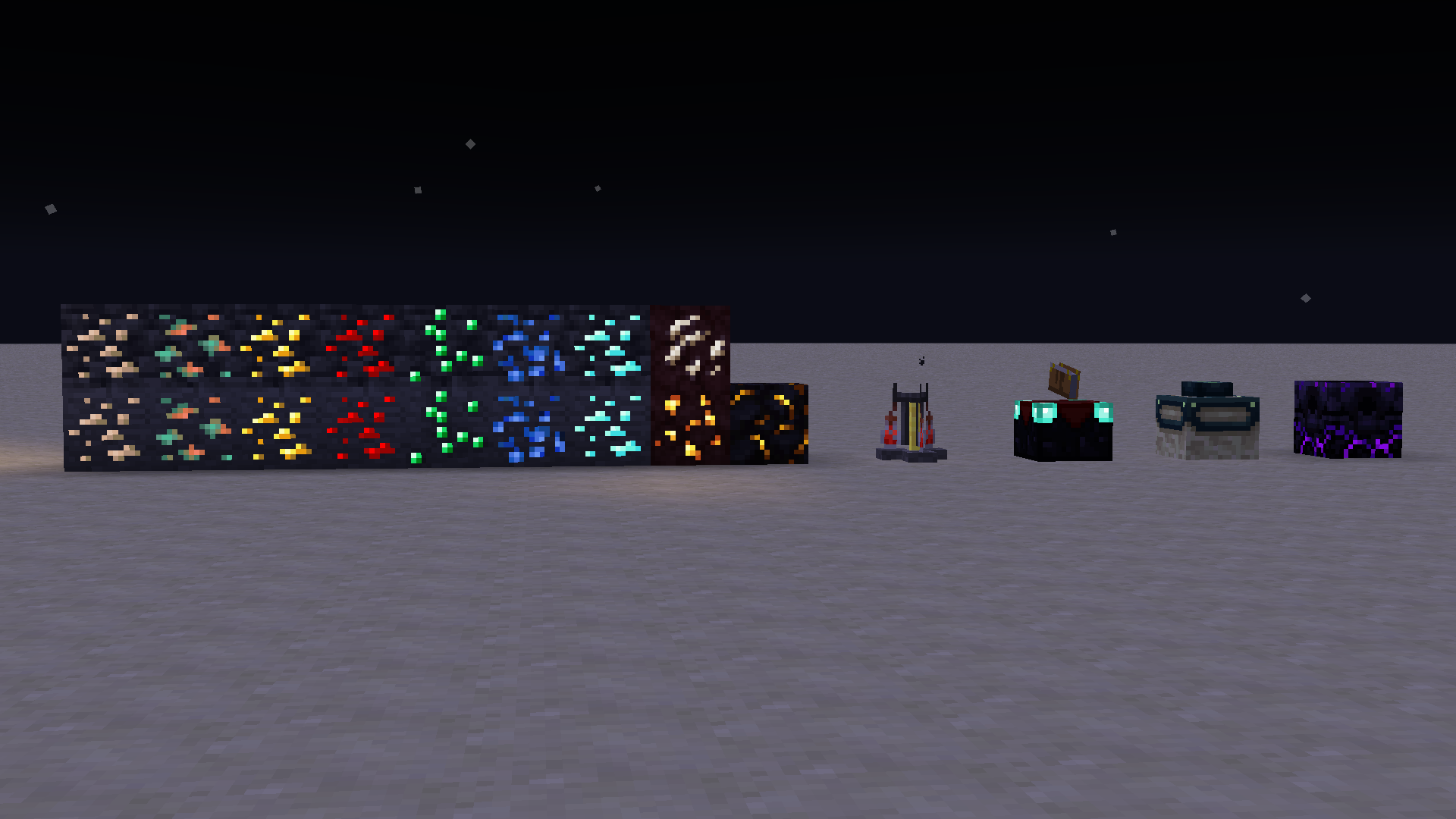
Makes the following textures emissive (REQUIRES OPTIFINE):
- All Ores (Except Coal)
- Beacon
- Bee Eyes
- Blaze Rod & Powder
- Brewing Stand
- Campfire**
- Cat Eyes
- Cave Vines
- Compass Needle
- Conduit (Eye Open)
- Enchanting Table Corners
- End Crystals*
- End Portal Frame
- Ender Chest
- Ender Dragon Eyes*
- Enderman Eyes
- Endermite Eyes
- Eye of Ender
- Fire Charge
- Fire**
- Ghast Mouth
- Glow Berries
- Glow Lichen
- Glow Squid
- Glowing Inksack
- Glowstone
- Glowstone Dust
- Guardian Eyes
- Iron Golem Eyes
- Jack O Lantern
- Lantern**
- Lava Bucket
- Magma Block**
- Magma Cream
- Magma Cube
- Nether Star
- Phantom Eyes*
- Prismarine Crystal
- Rails (Powered, Detector, Activator)
- Redstone Comparator
- Redstone Repeater
- Redstone**
- Respawn Anchor
- Sea Lantern**
- Shroomlight
- Soul Campfire**
- Soul Fire**
- Soul Lantern**
- Spectral Arrow
- Spider/Cave Spider Eyes**
- Stray Eyes
- Torches (Normal, Soul, and Redstone)
- Totem of Undying Eyes*
- Vex Charging
- Villager Profession Level
- Witch Hat Gem
- Wither Eyes
* May not work, Optifine is strange
** Work in Progress
All item textures of these are also given emissive elements. I would highly recommend checking put the pack yourself as I cant show off everything.
(For extra effect use the SEUS Renewed Shader)
Check out my Classic Emissive Ore Pack if you only want emissive ores!
Please comment any suggestions for improvement's, or things I've missed :)