Mineuniverse
Resource Packs
Classic Aspect (Programmer art)

Classic Aspect (Programmer art)

RESOURCE PACK
Classic style reborned, Now for JAVA!
by HecXD43
Download Claim this project
5,517 downloads
0 likes
Updated Oct 14, 2026
0 hypes
16x Miscellaneous Traditional
Advertisement Remove ads with Premium →

Title update

1.4.2 Is here!!!!!!

Update (1.4.2) features!!!
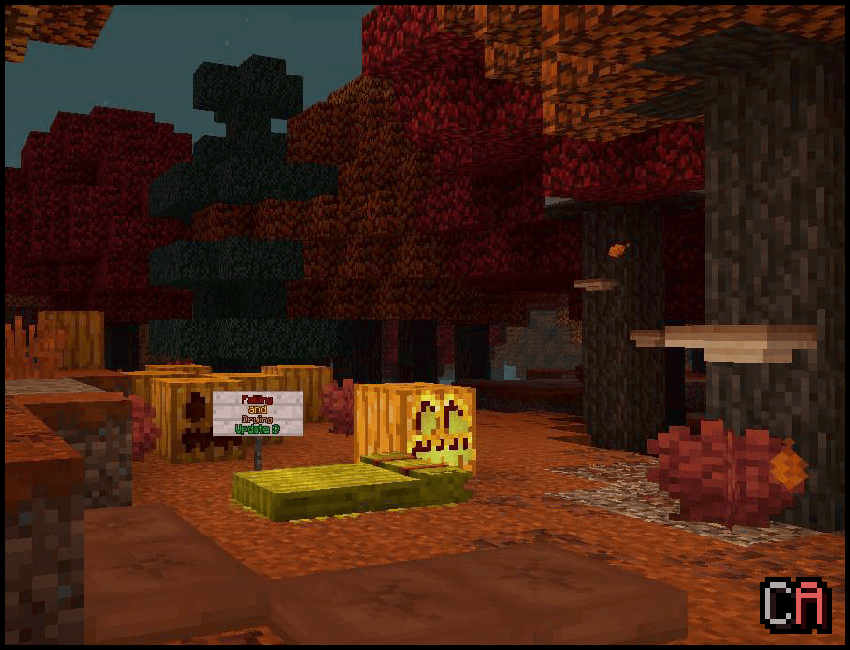
  • Wilderness Bound drop Support
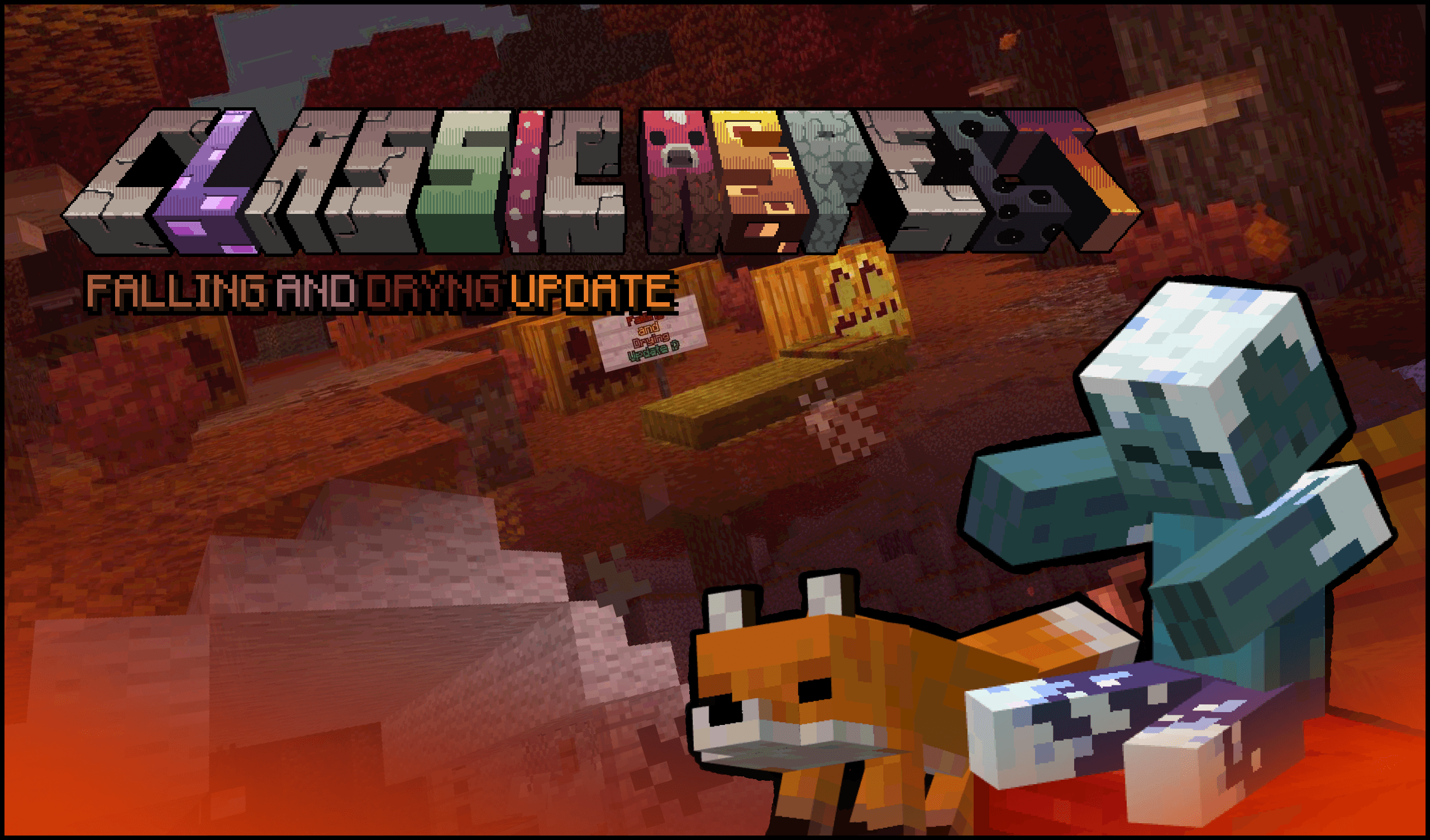
  • Some BugfixesFalling and Drying update Banner

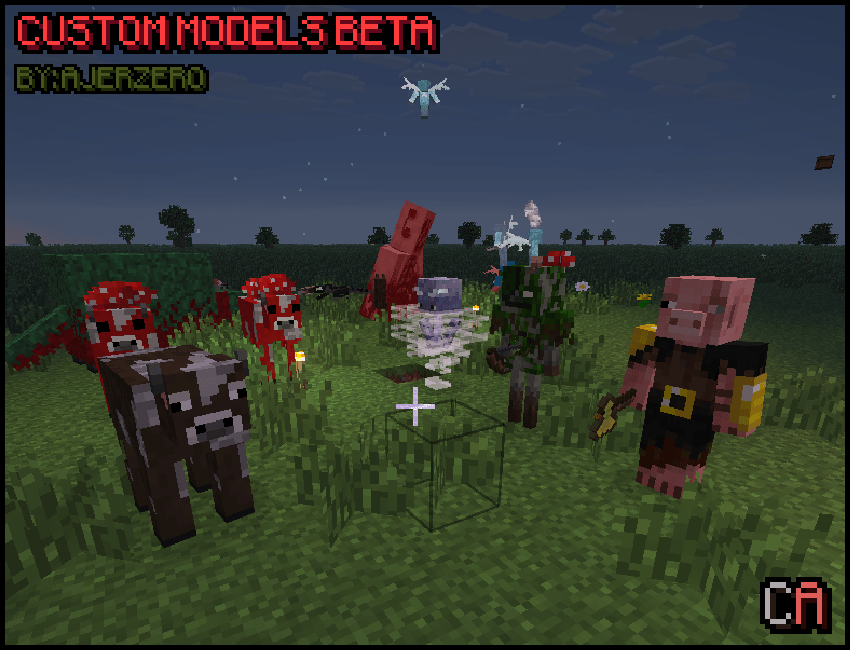
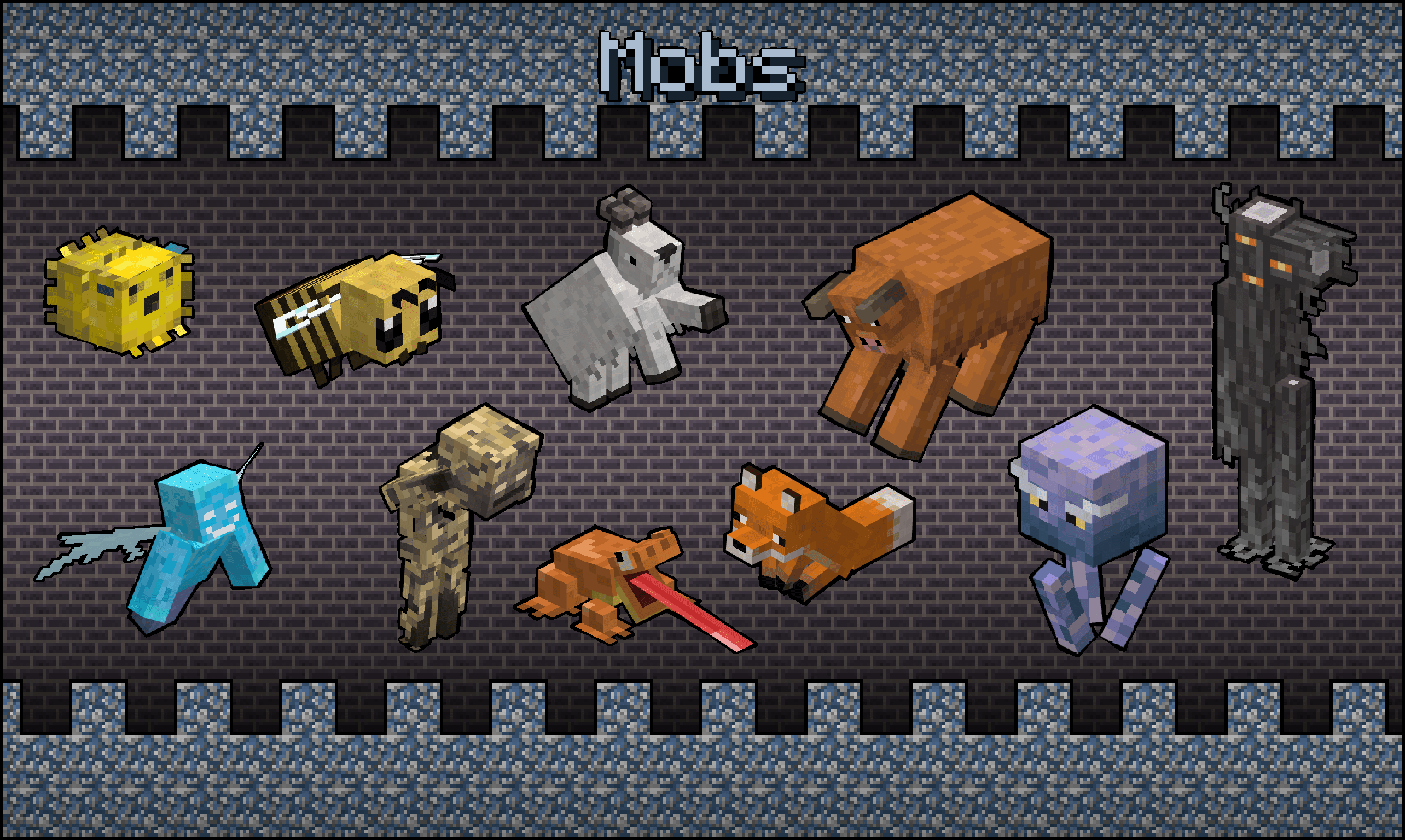
New Custom Entity Models BETA!!!

(You need EMF and ETM)

CEM beta Banner


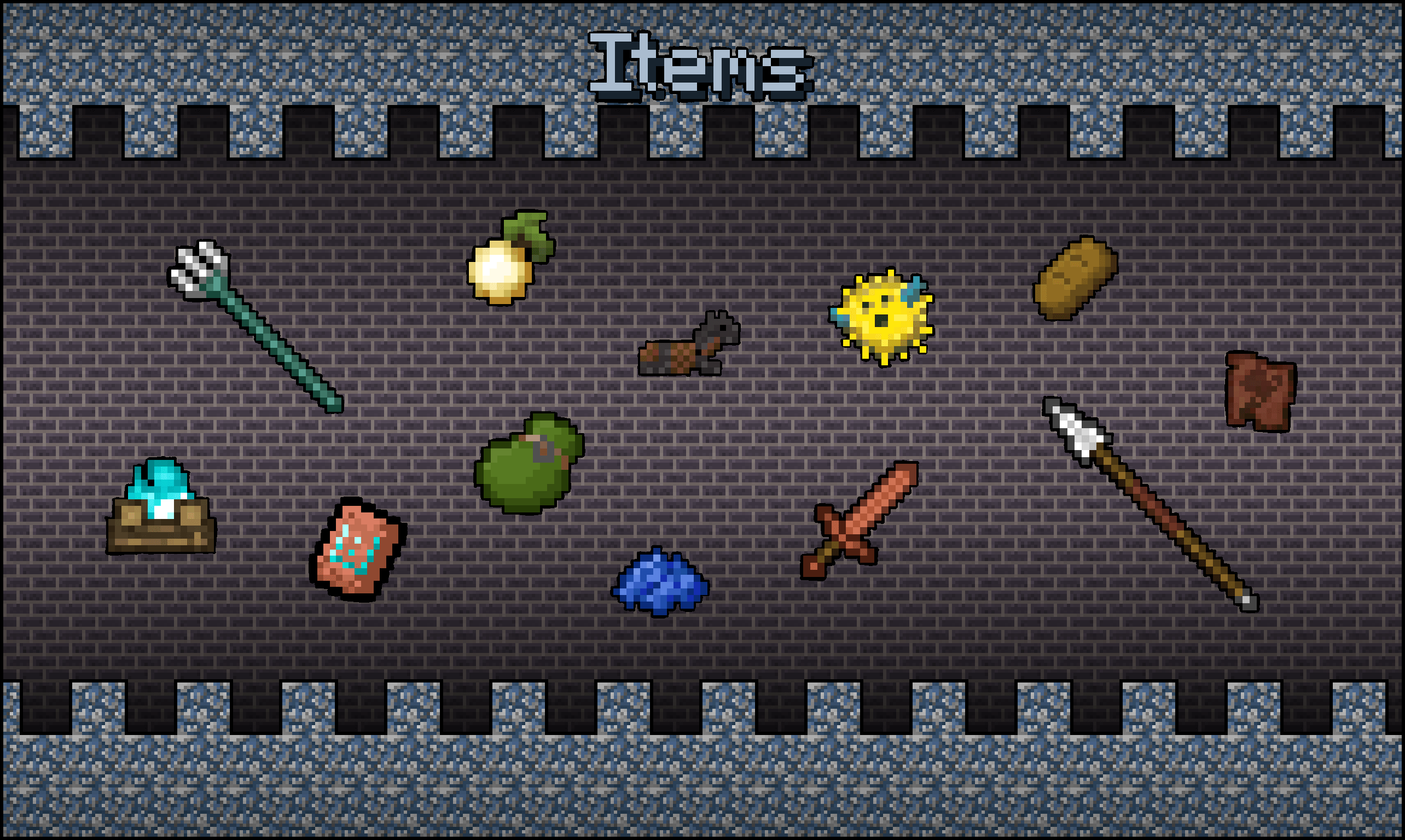
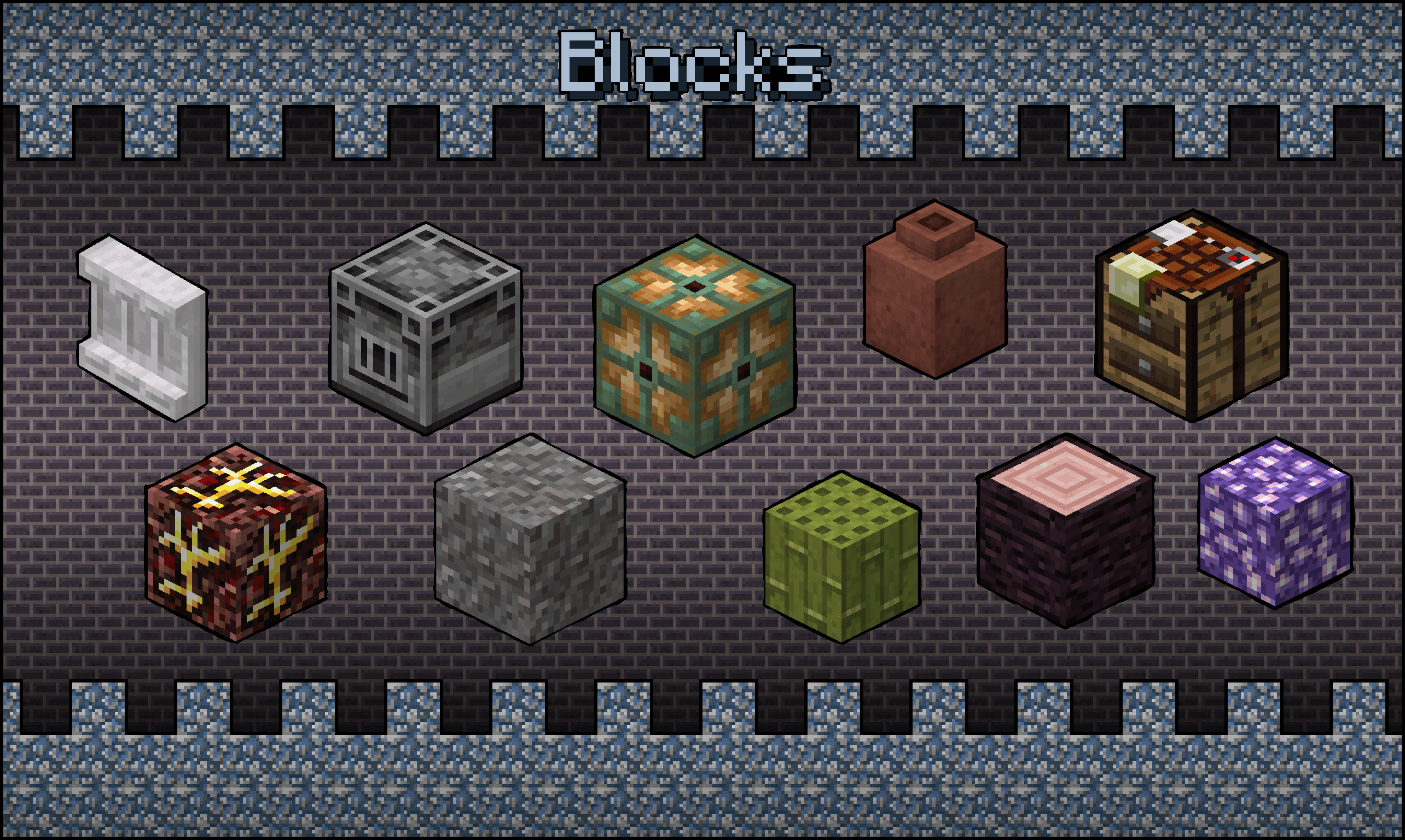
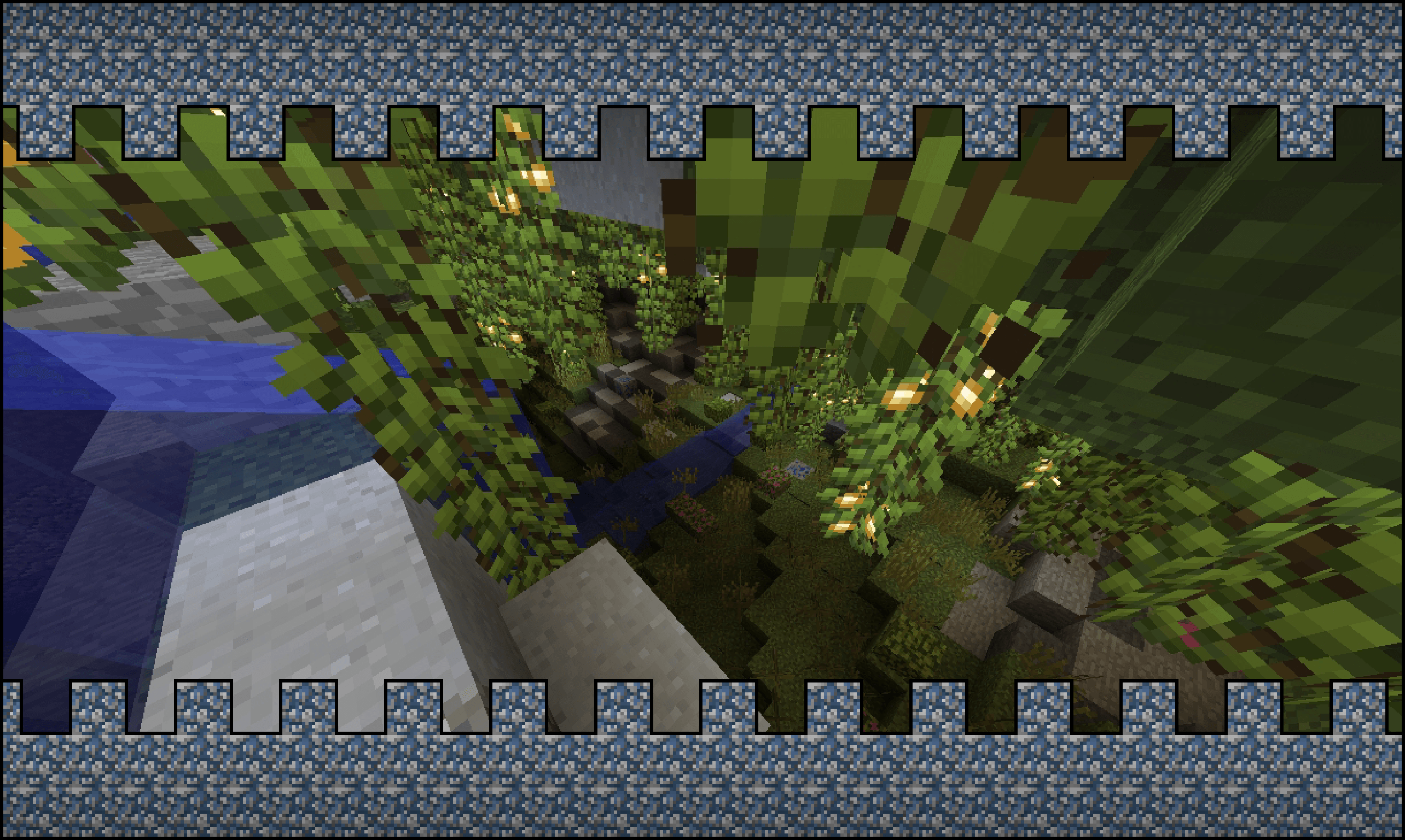
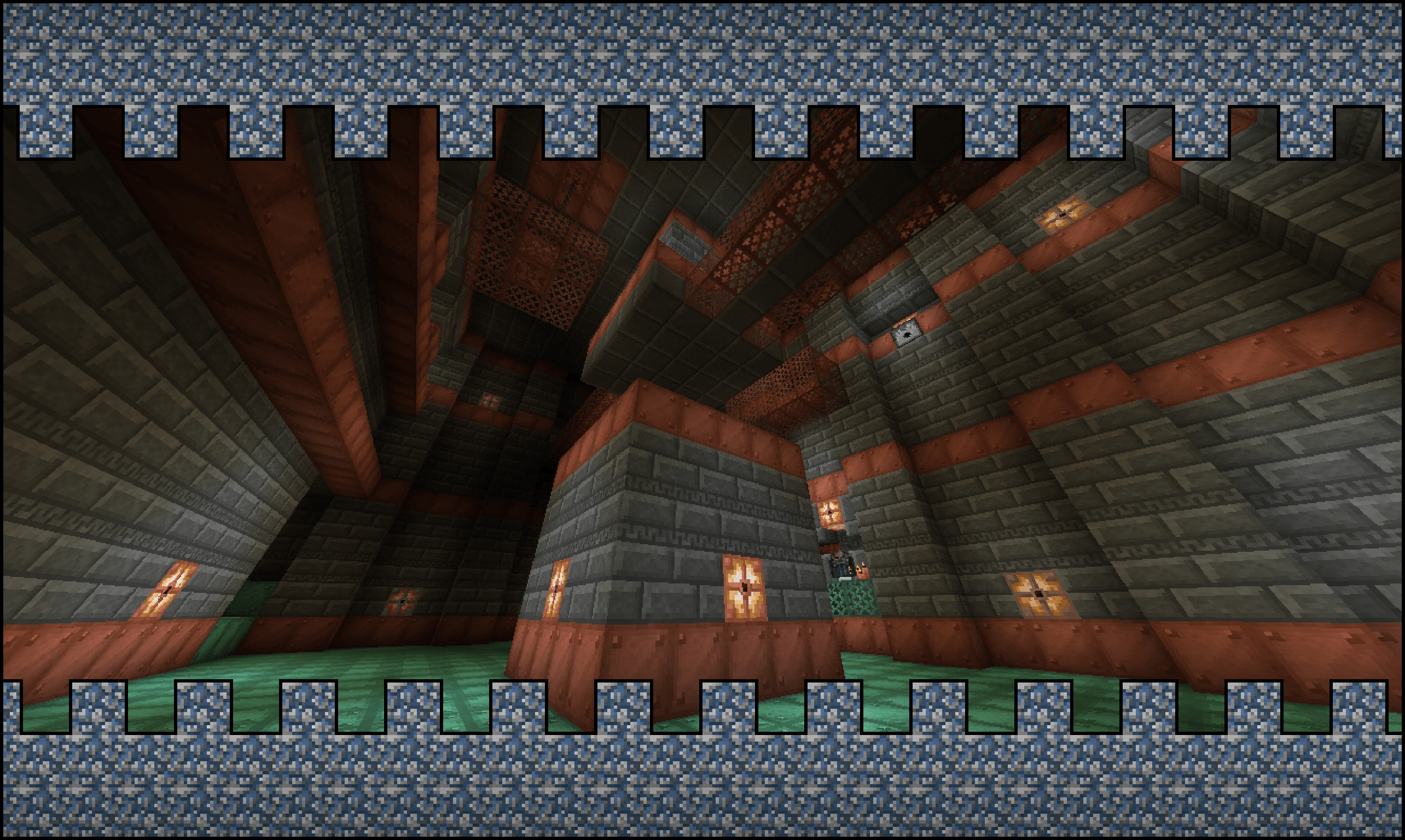
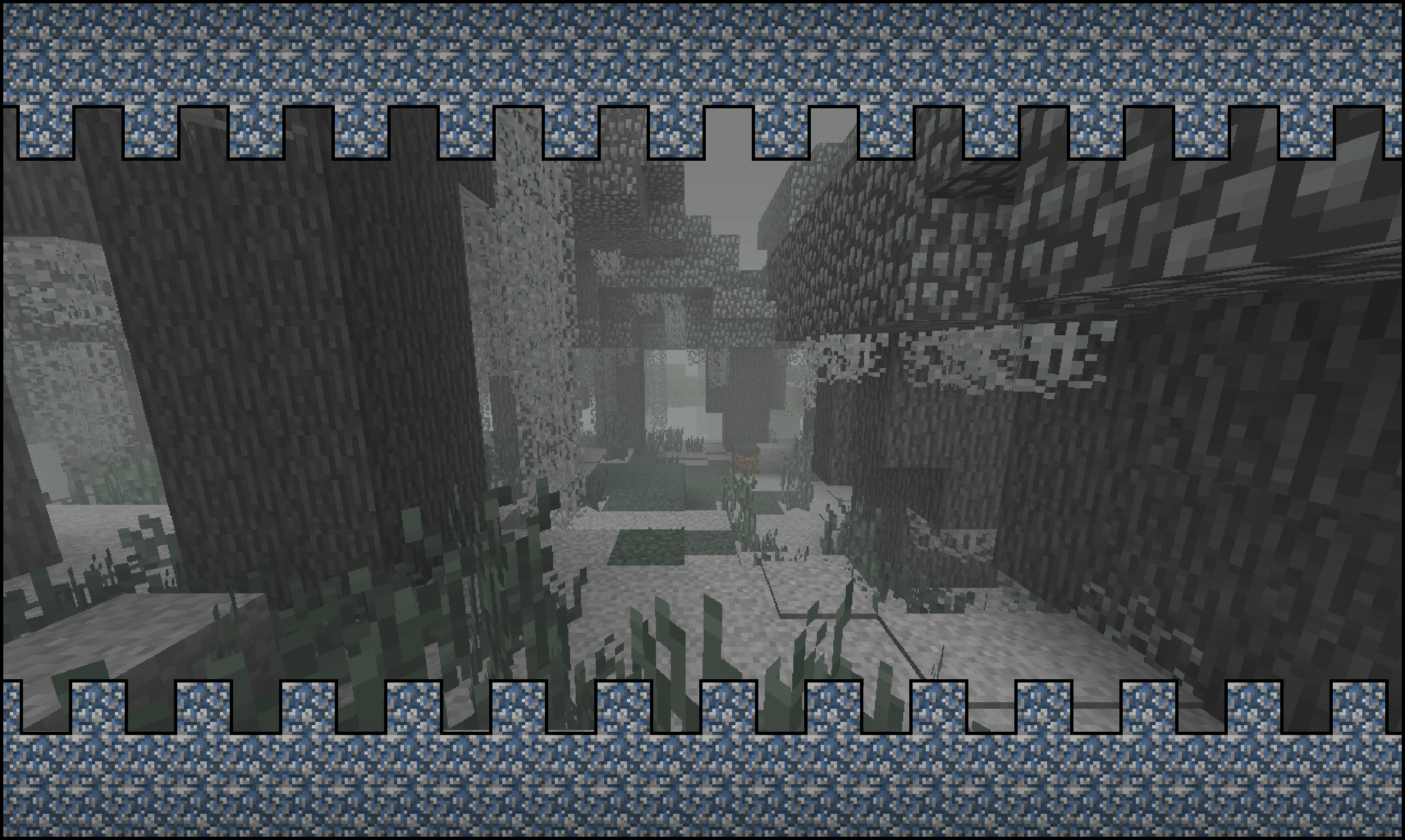
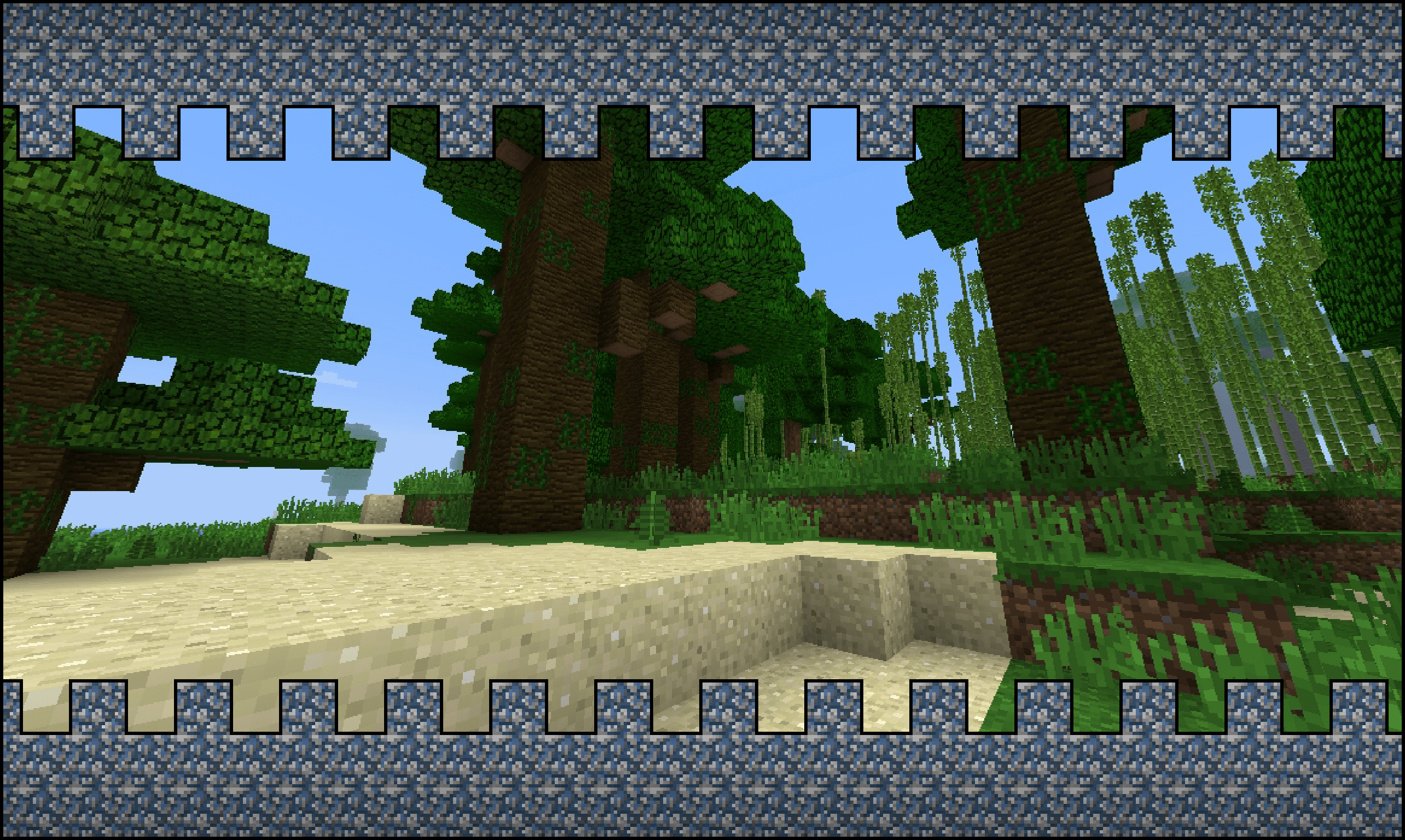
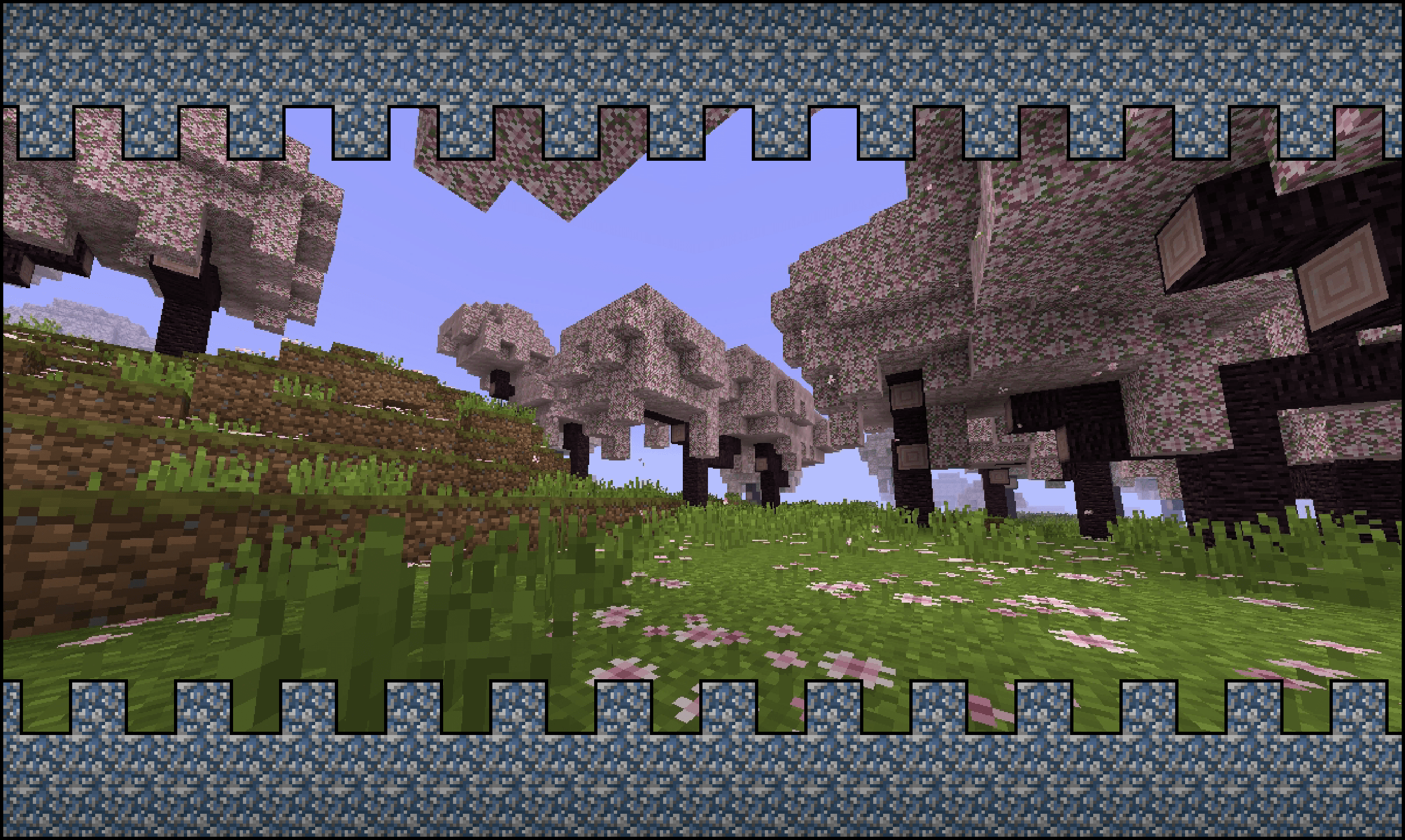
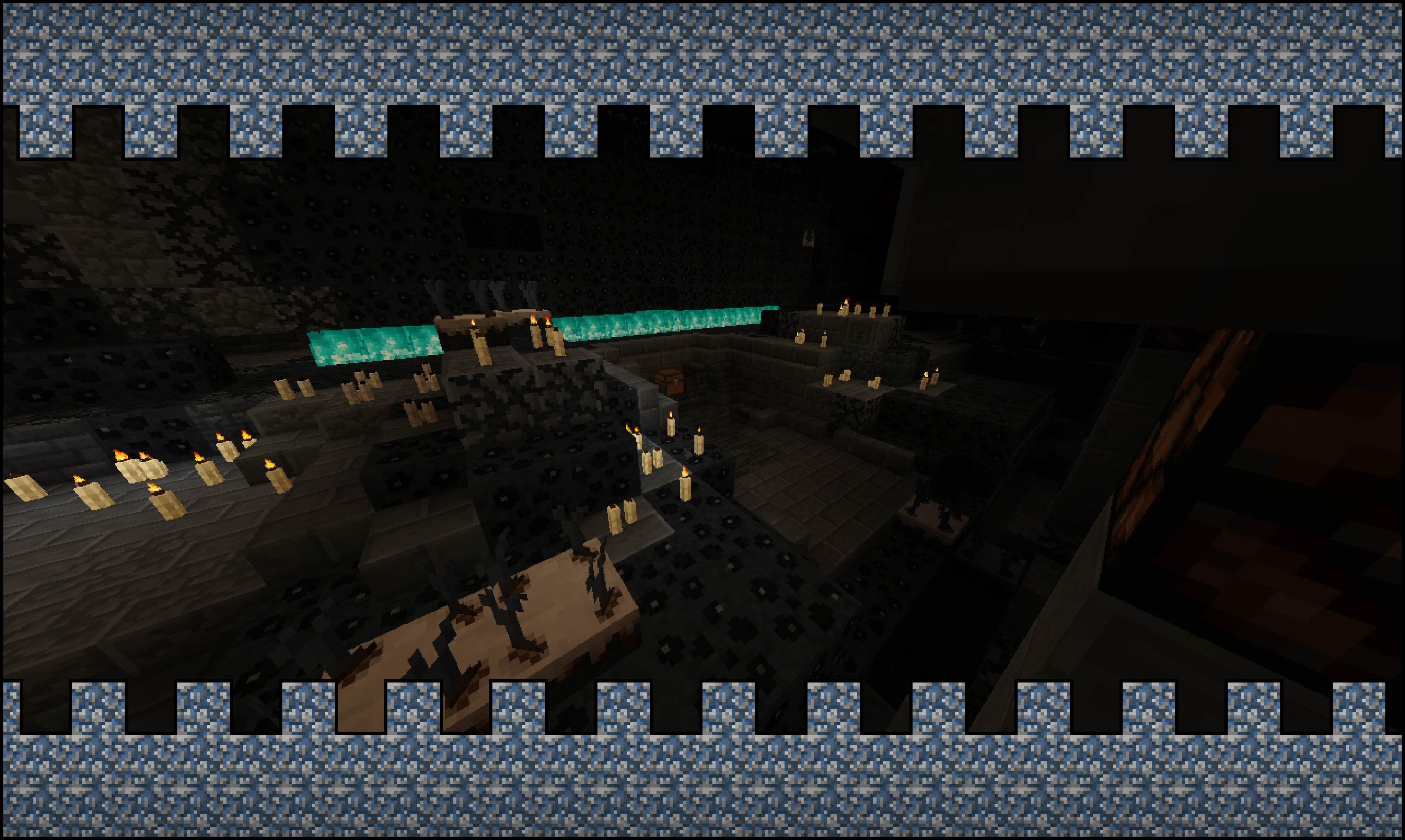
Classic Aspect is a Texture Pack (Originaly from bedrock, and now in Java) inspired on the Classic textures/Programmer art style!

Every new change of Minecraft (1.12+) is redesigned to be faithful to the Minecraft old style before the Texture Update in Minecraft 1.13 - 1.14.

I REALLY hope you like it
REMEMBER TO USE PROGRAMMER ART BELOW THE PACK


(You will need Optifine or EMF, but actually the Custom Models are disabled)


-_-Links-_-

!!!USE ONLY THESE LINKS!!!


Discord  Video previewBedrock edition

Classic Aspect JAVA 1.4.2
MC 26.1.2, 26.2, 26.3
Release 2026-09-20 Get
Classic Aspect + Custom Entity Models TEST ( Extension For 1.4.1 or 1.4.2 )
MC 26.1.2, 26.2
Beta 2026-08-04 Get
Classic Aspect 1.4.1 JAVA (PATCH1)
MC 26.1.2, 26.2
Release 2026-06-17 Get
Classic Aspect 1.4.1 JAVA
MC 26.1.2, 26.2
Release 2026-06-16 Get
Classic Aspect 1.4.0 JAVA
MC 26.1.2
Release 2026-04-14 Get
Classic Aspect 1.3.3 JAVA (Patch1)
MC 1.21.11
Release 2025-12-20 Get
Classic Aspect 1.3.2 Patch3
MC 1.21.10
Release 2025-10-22 Get
Classic Aspect 1.3.2 JAVA
MC 1.21.10
Release 2025-10-20 Get
Classic Aspect 1.3.1 JAVA
MC 1.21.8, 1.21.7, 1.21.6
Release 2025-07-18 Get
ClassicAspect 1.3.0 JAVA
MC 1.21.5, 1.21.4, 1.21.5-Snapshot
Release 2025-05-22 Get

Requirements & install

How to use this resource pack in Minecraft
Resolution
16x
Minecraft
1.21.6 – 26.3
Install folder
.minecraft/resourcepacks

How to install resource packs

  1. Download the resource pack .zip file (do not extract it).
  2. In Minecraft open Options → Resource Packs → Open Pack Folder.
  3. Drop the .zip into the resourcepacks folder (.minecraft/resourcepacks).
  4. Move the pack to the Selected column and click Done.
Browse more: 16x resource packs 32x resource packs 64x resource packs 128x resource packs 256x resource packs 512x+ resource packs Resource Packs for 26.3 All resource packs
Advertisement Remove ads with Premium →

You Might Also Like