Minecraft's Original and First look!
1.17 / 1.17.1 (Java)
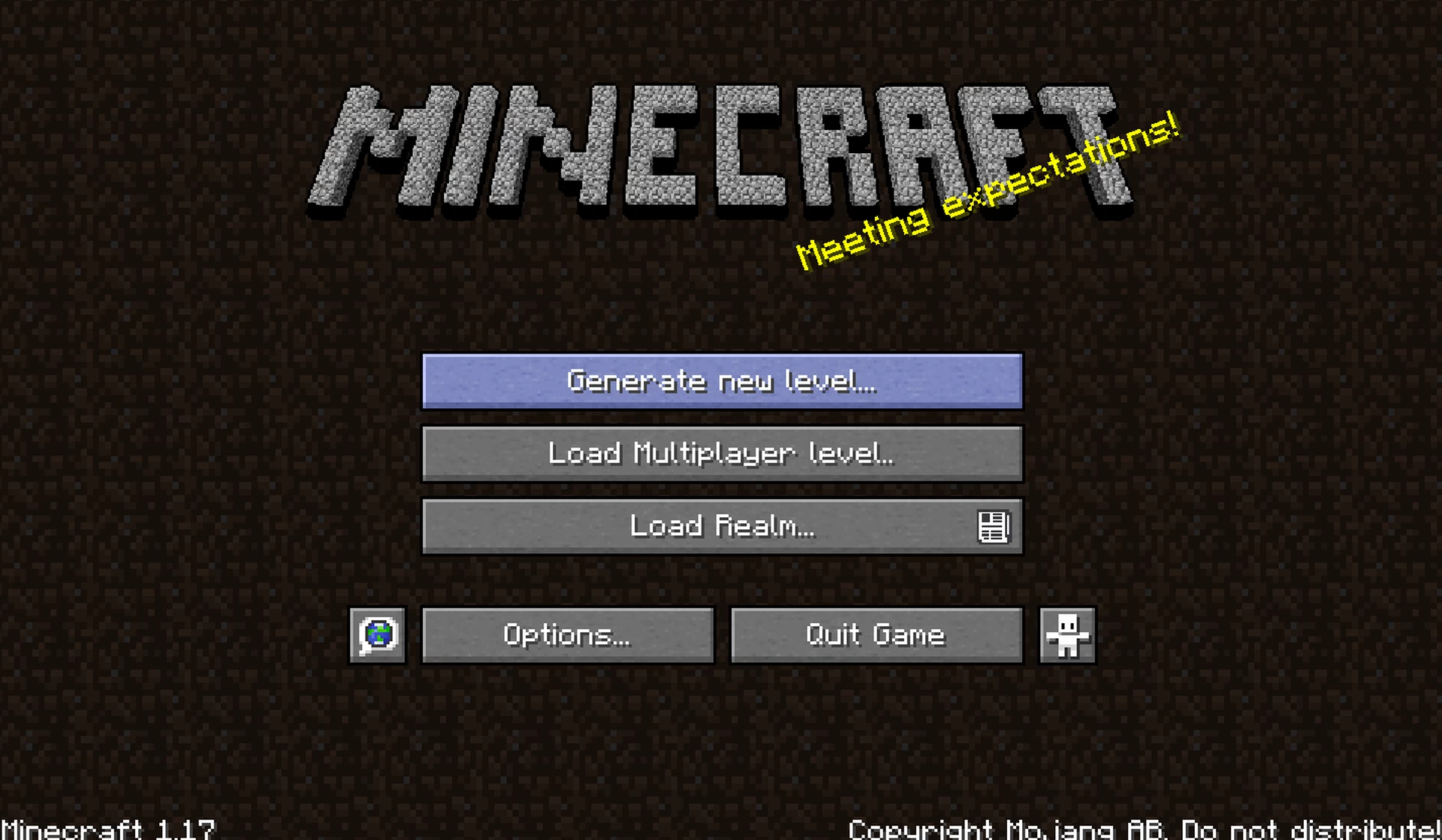
-Changed Title Screen
+Added Advancements
-Blue Menu Buttons
-Original Splash Texts
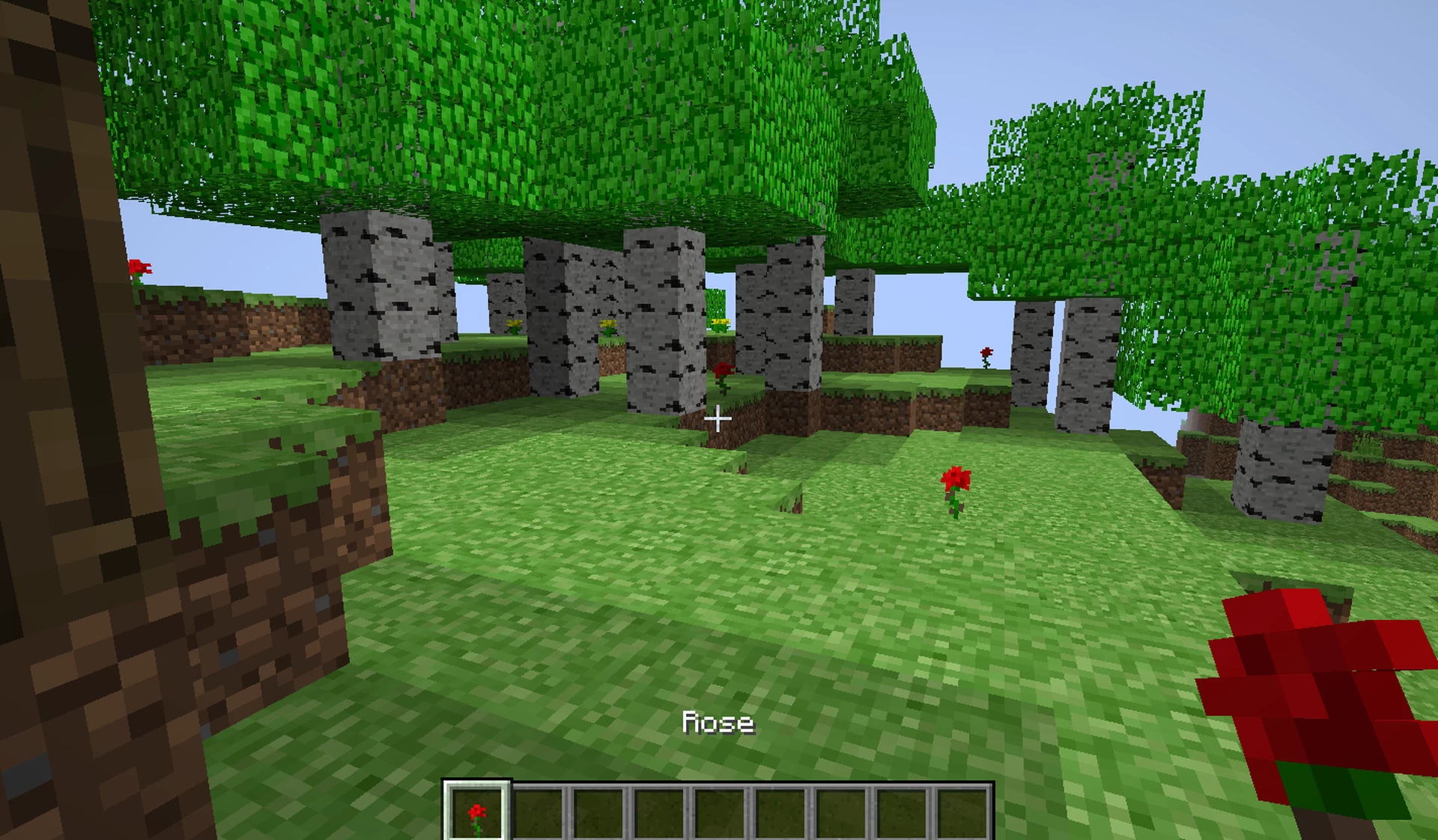
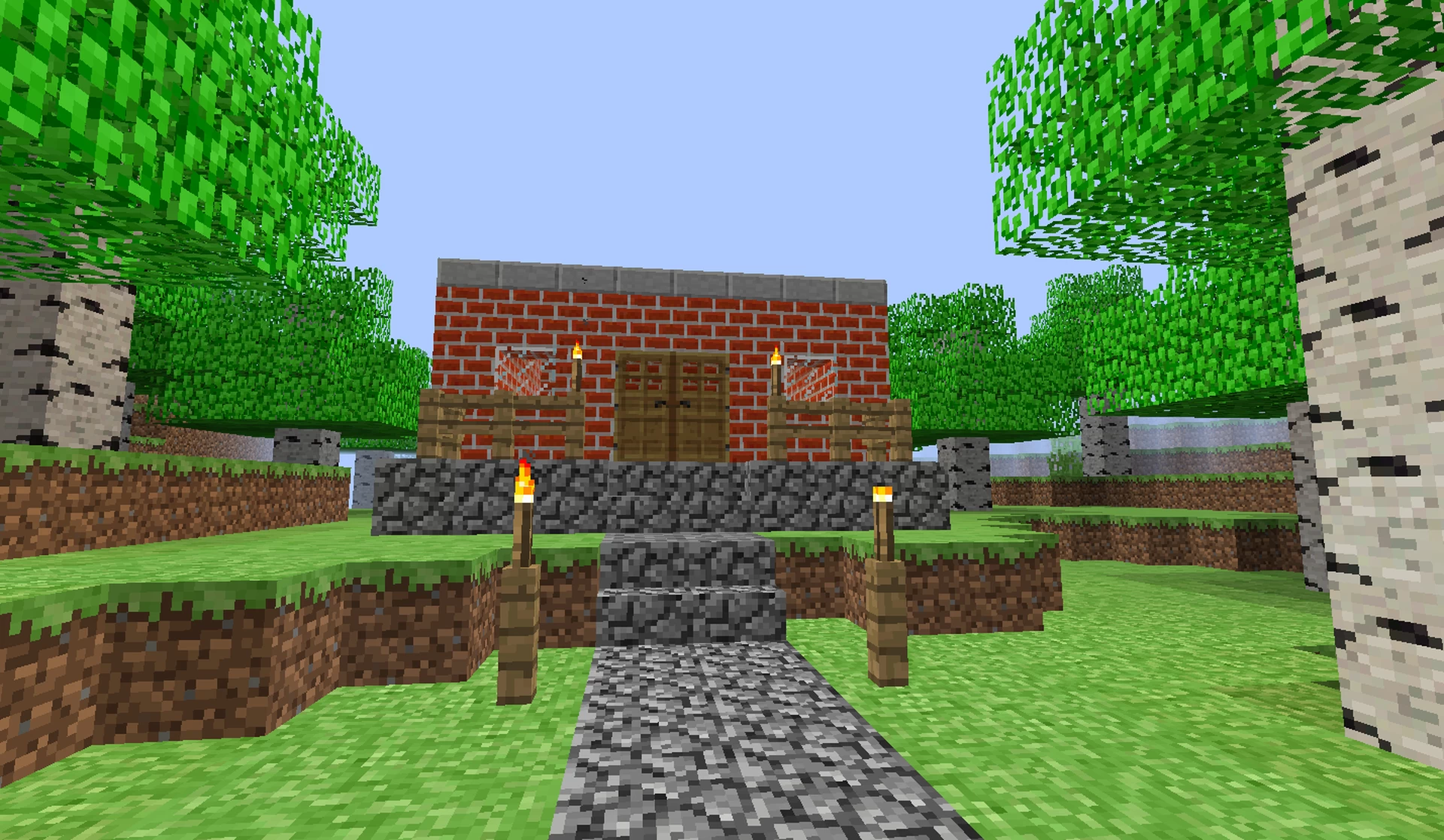
+Adapted foliage to have the classic colors
-Changed Cobblestone and Deepslate Variants
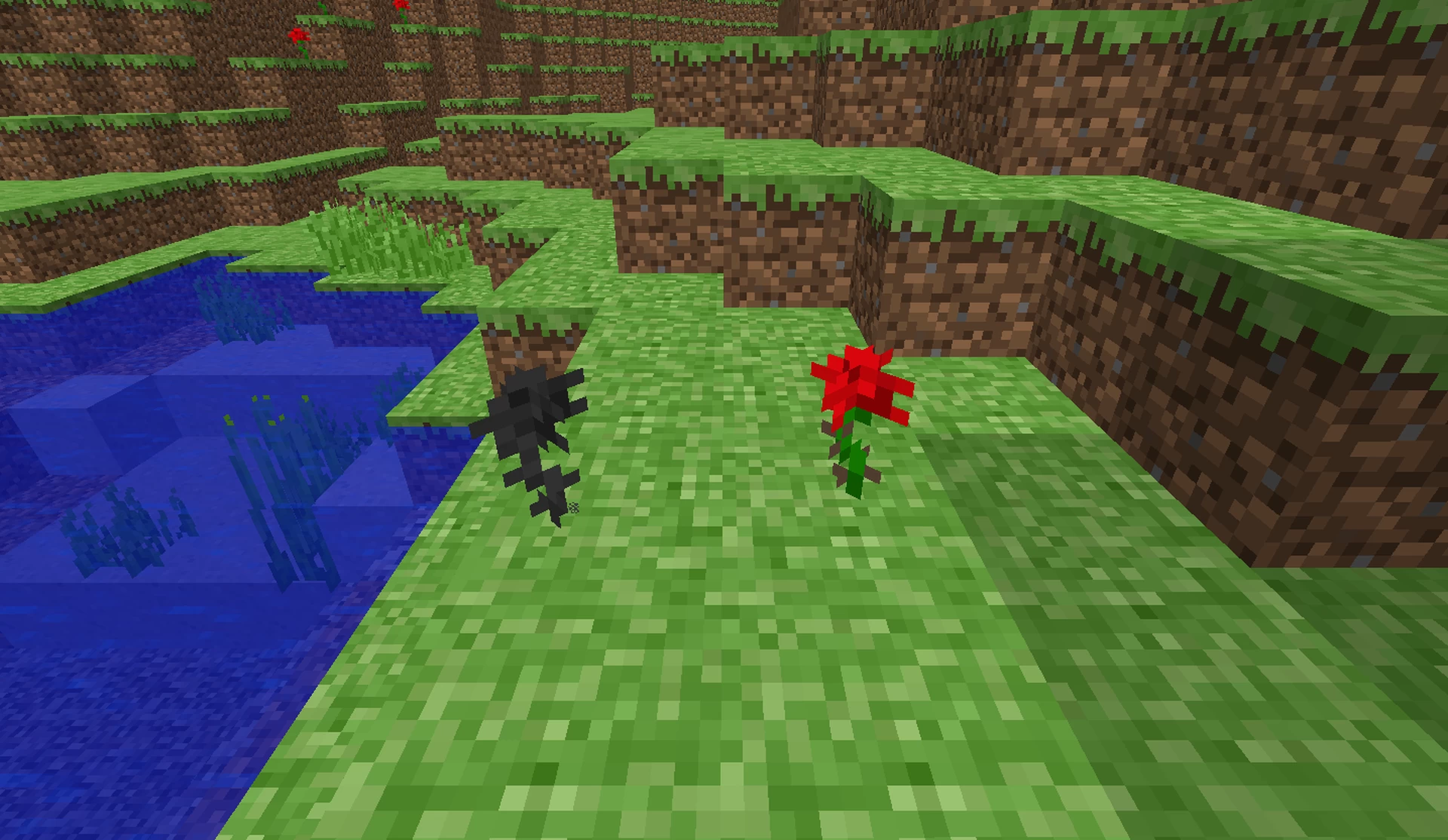
+Added Rose and Remade Wither Rose
-Changed Netherite Armor and Tools
-Changed Turtle Shell Helmet
-Changed Spyglass
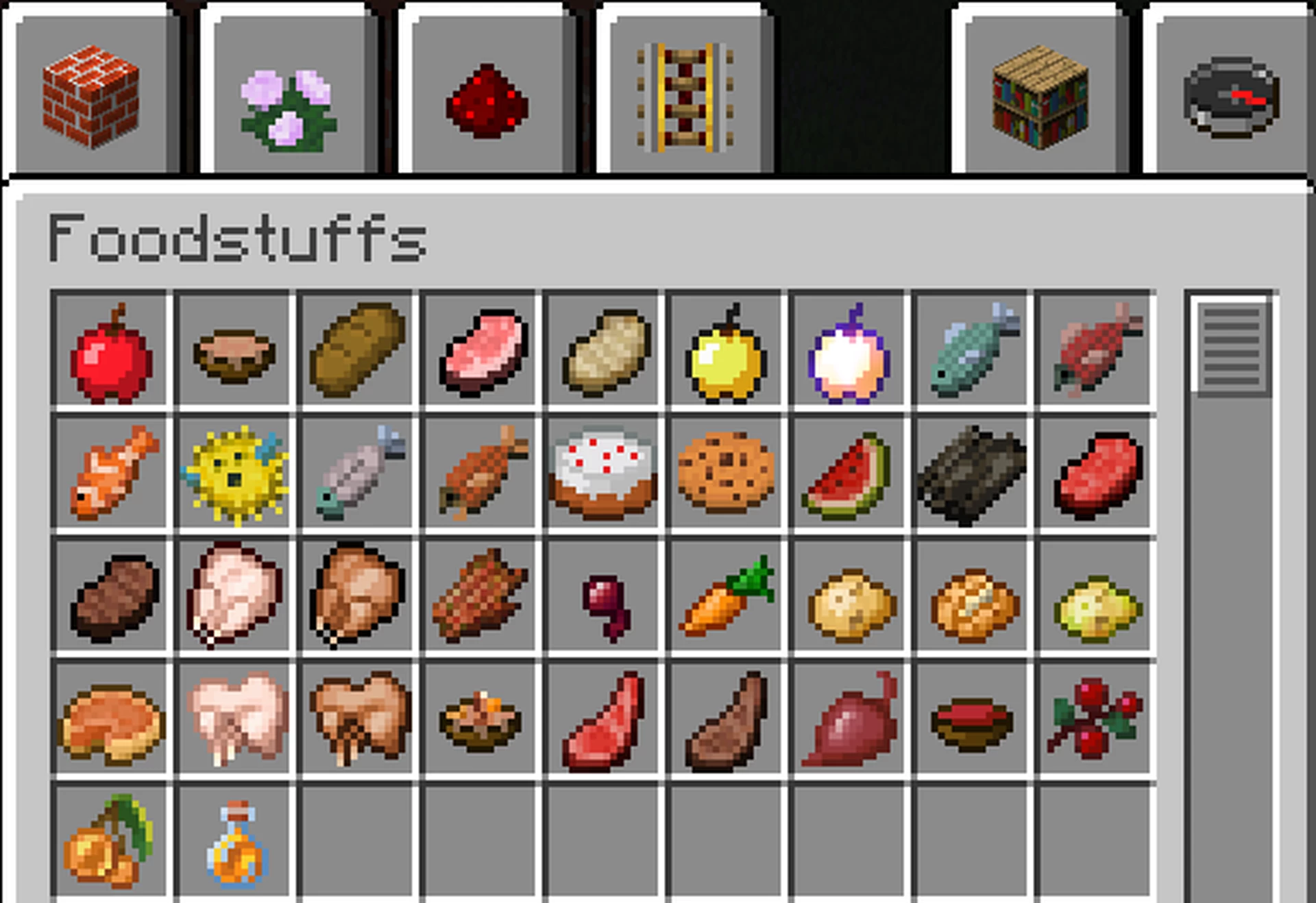
-Changed Food to their original texture
+Added Notch Apple
-Changed Turtle Egg
-Remade Netherite Scrap
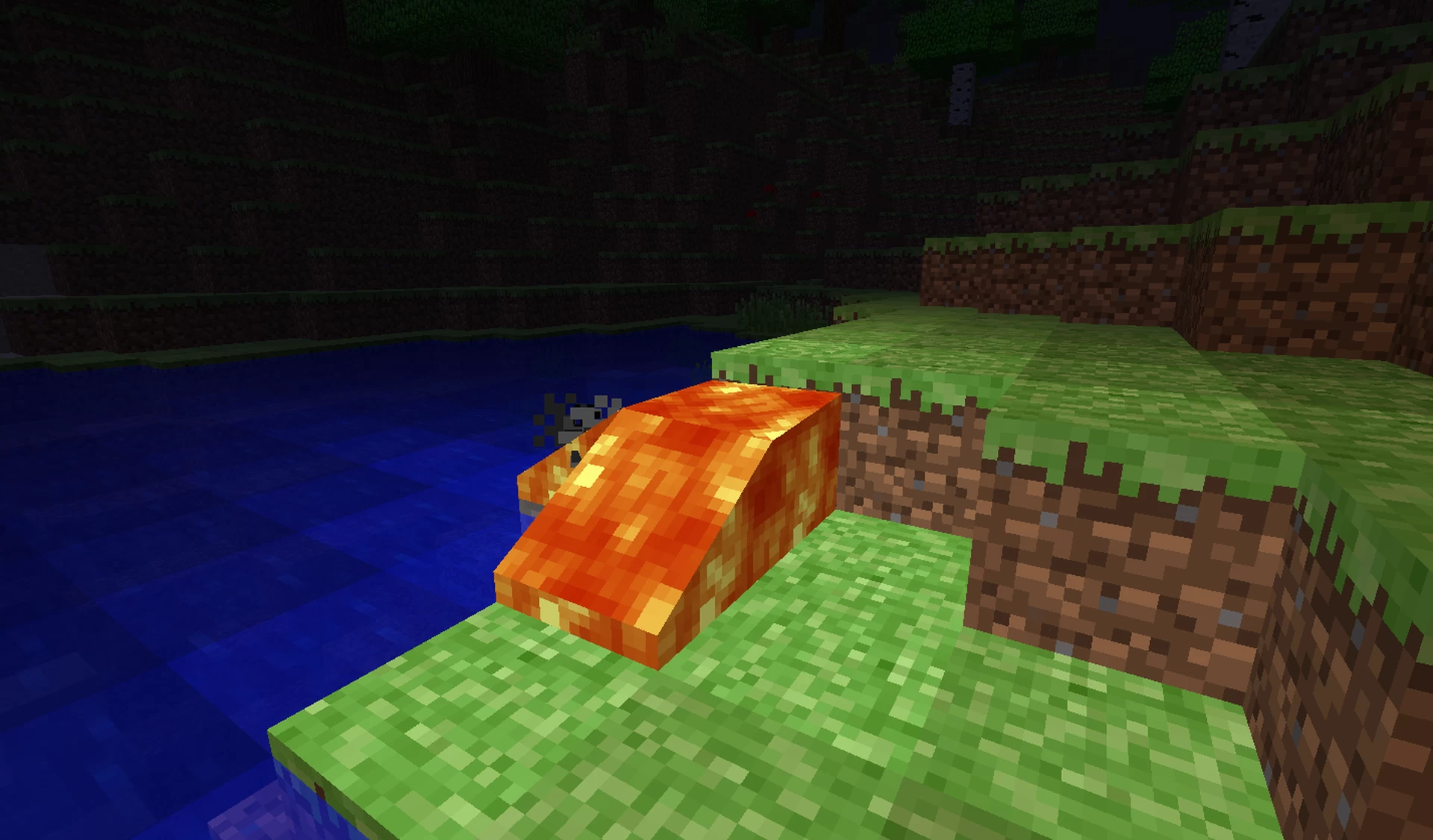
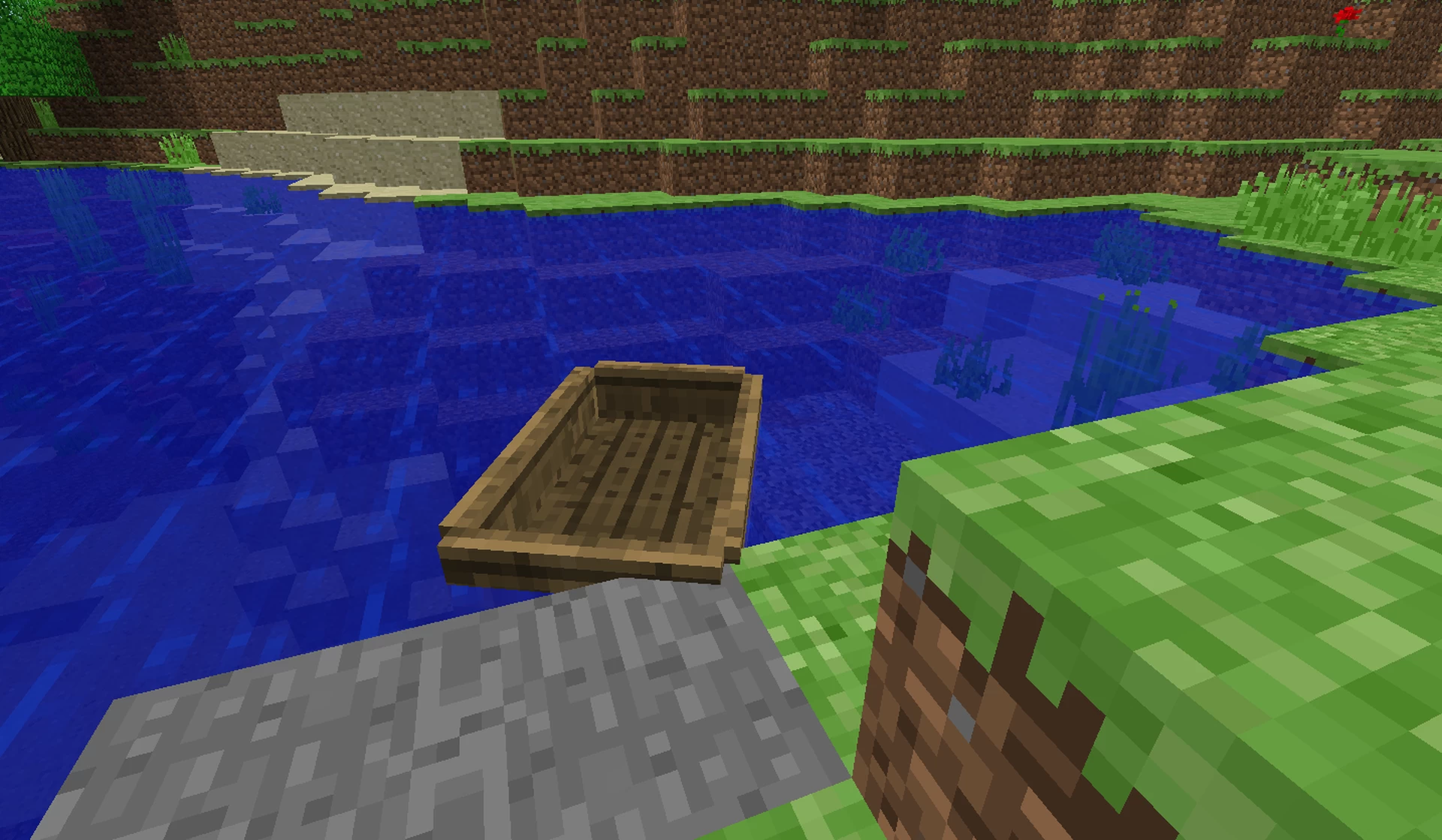
+Added the Classic water and classic lava
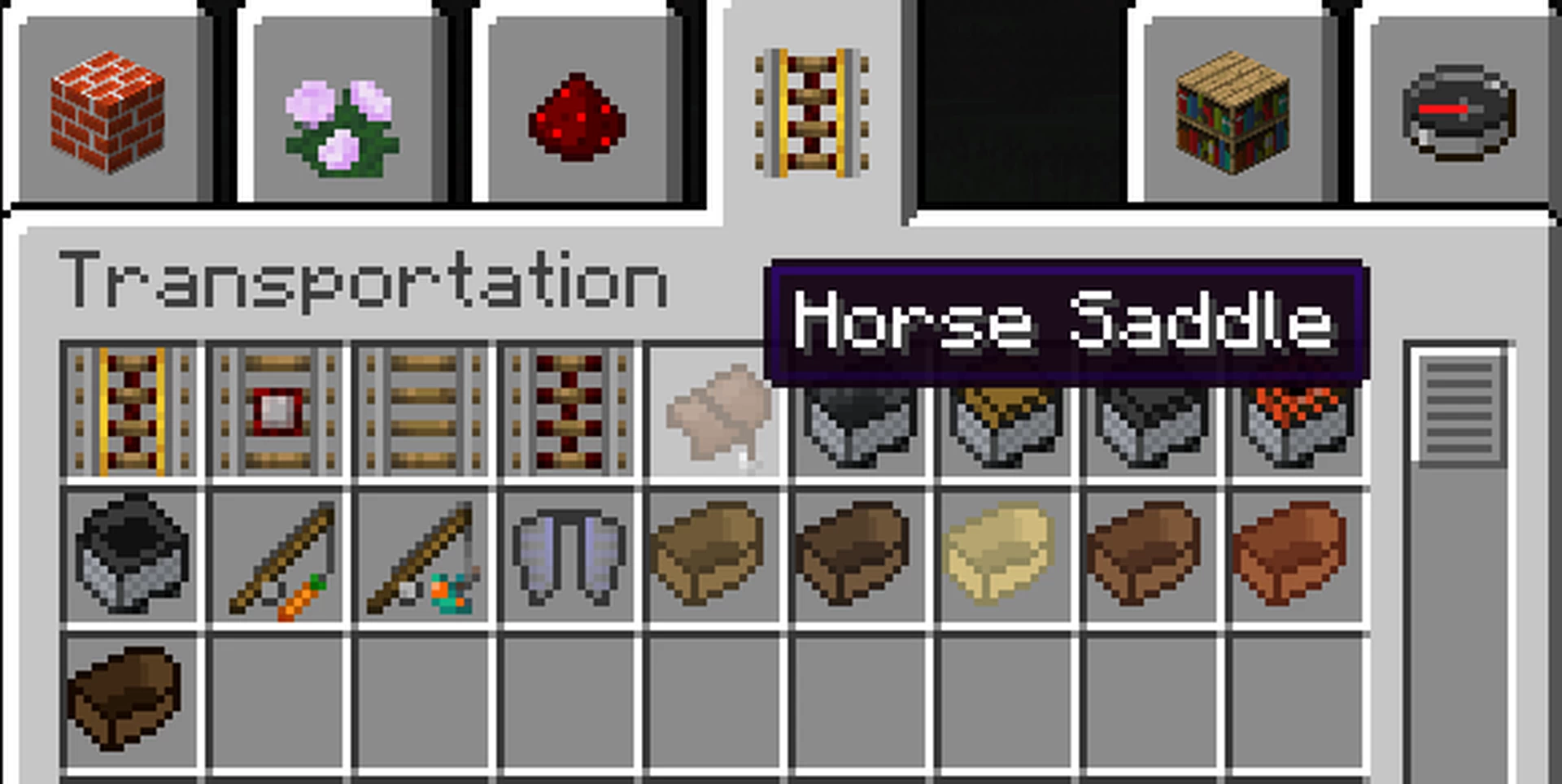
+Added Horse Saddle
+Added simple boats back
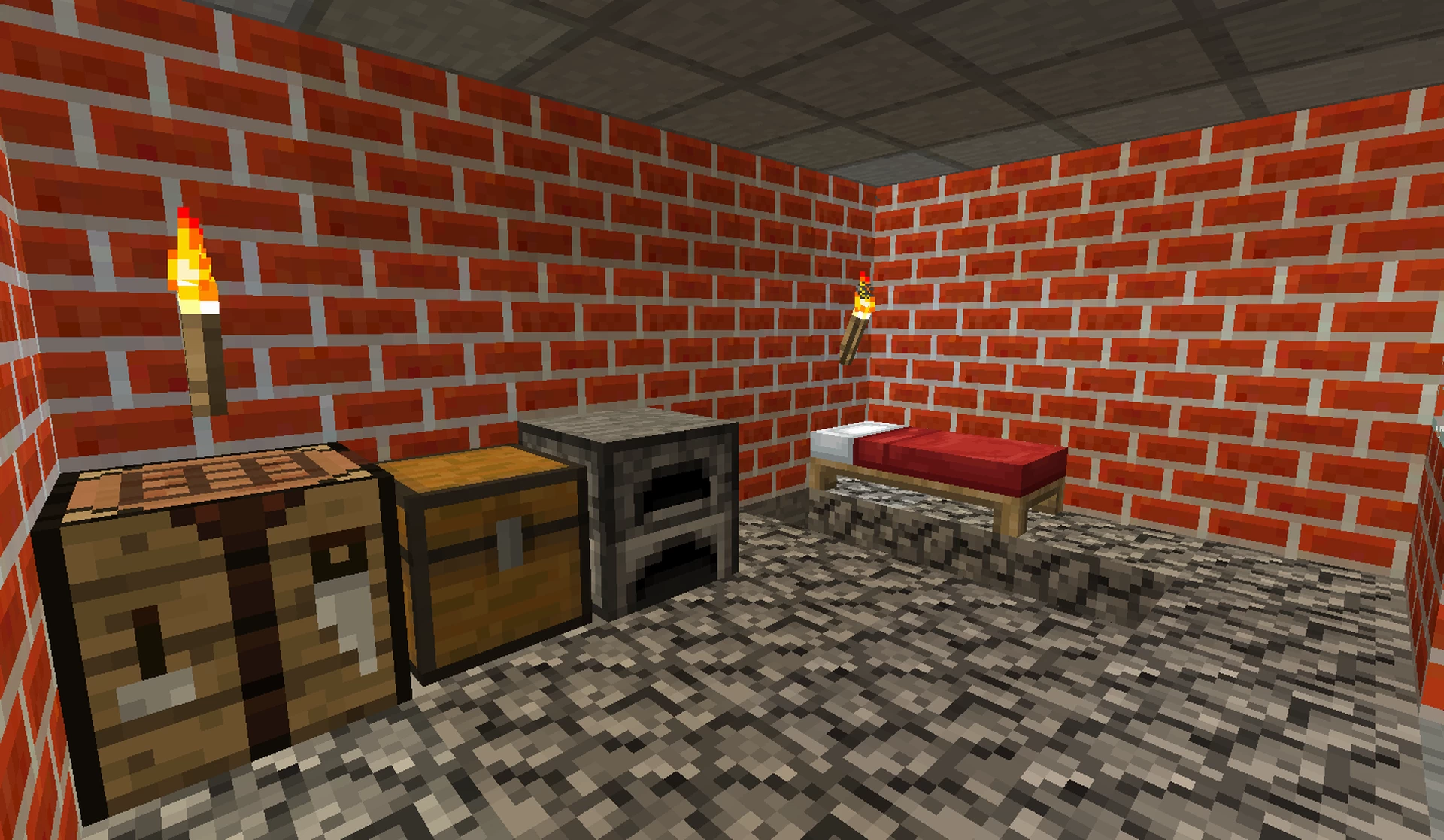
-Removed Dropper , Dispenser and furnace top texture
+Added Old Explosion sound
+Added Old Door Sound
+Added Old Hurt Sound
+Added Old Cow Sound
+Added Old Skeleton Sound
-Made Chests less 3D
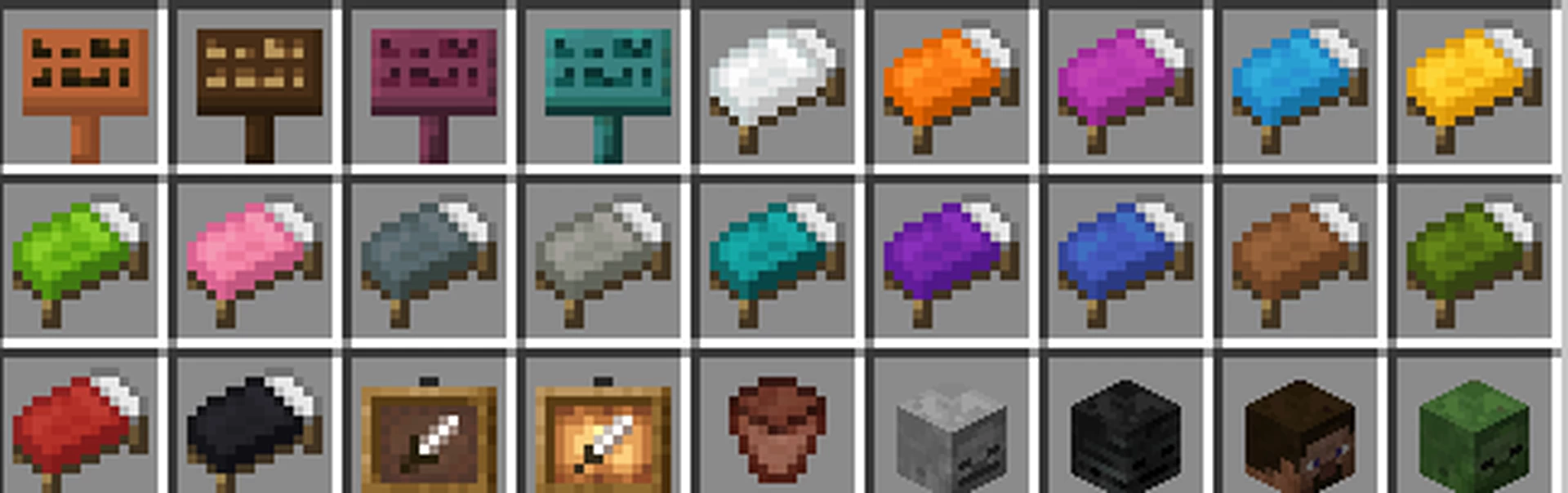
+Added 2D Bed Item Icon
-More Vanilla like signs texture
-Remade Bell Icon
-Changed Sand and Gravel Texture
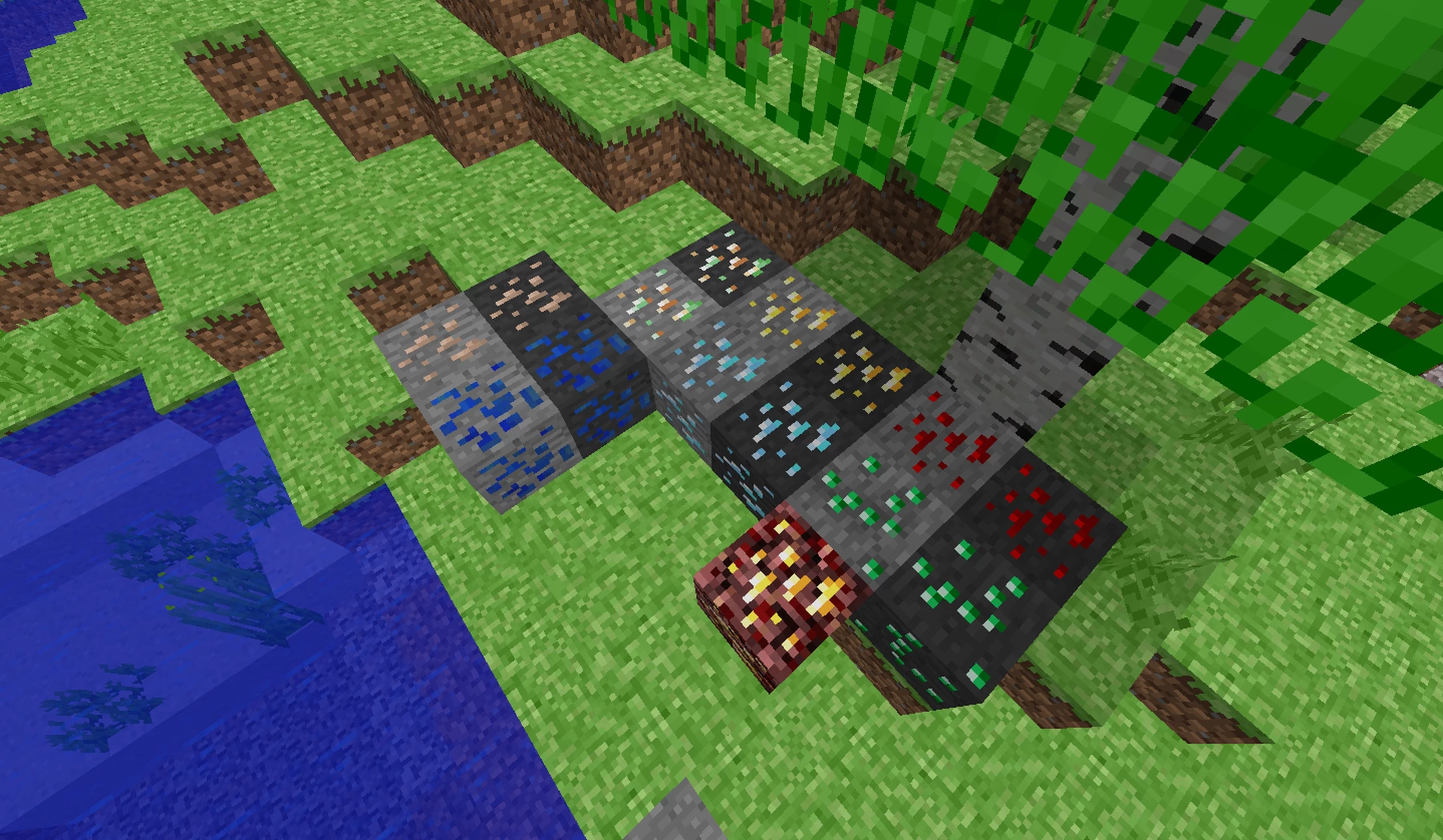
-Made deepslate and netherrack ores more vanilla like
+Added Classic Ore Blocks
-Made Copper Ore more vanilla like
-Changed Sponge
-Changed Lapiz Block
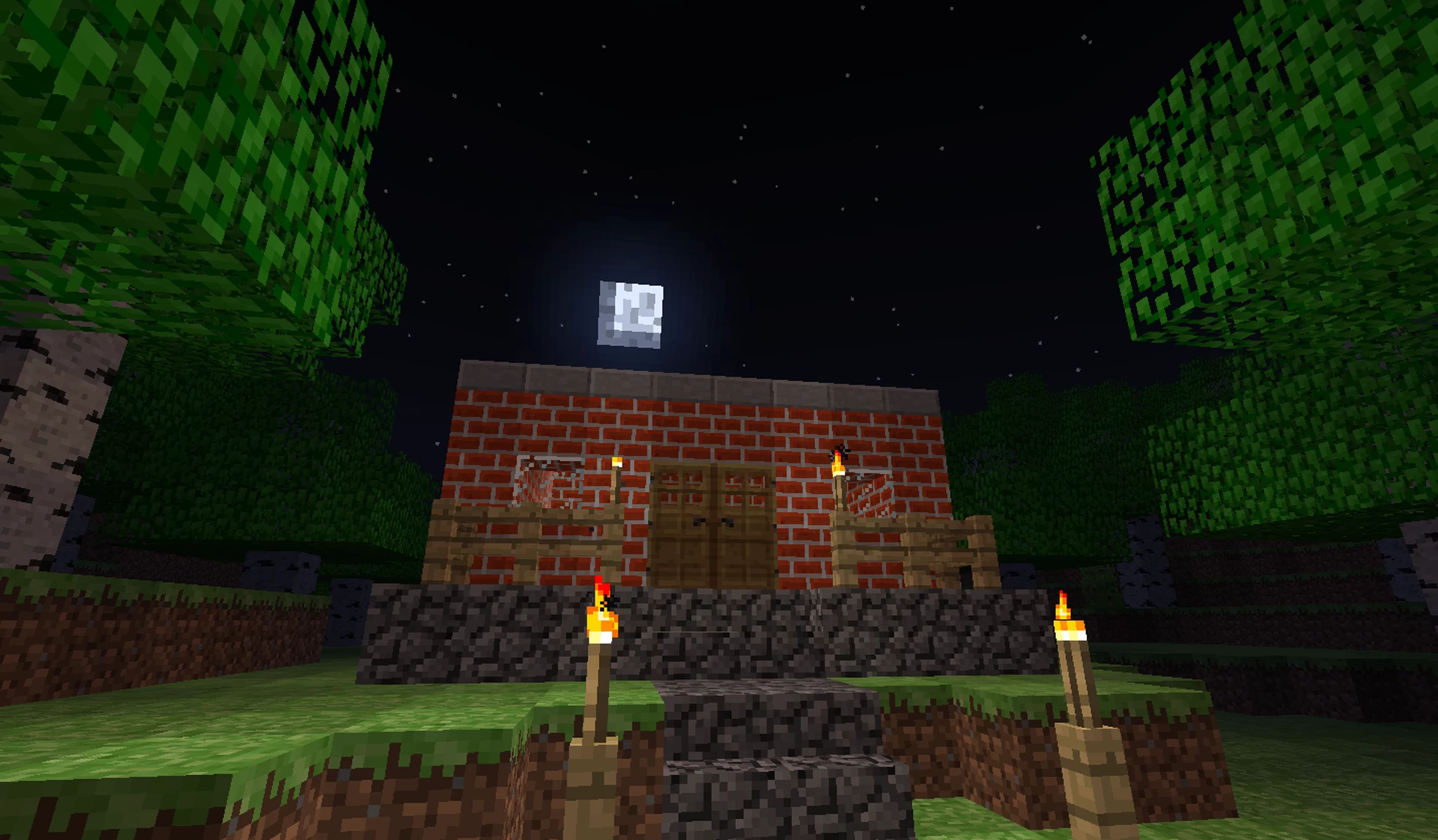
-Changed Bricks
-Changed Glowstone
-Made Crimson wood and Warped wood more vanilla like
-Changed every wool texture
-Removed Pig's 3D Nose
-Made Enderman's eye green
-Remade Drowned texture
-Made Spiders brown
-Remade Zombie pigman
Settings to make your Minecraft look more 2010-ish:
Options -> Video Settings -> Smooth Lightning : OFF
Options -> Video Settings -> Clouds: Fast
Options -> Video Settings -> Render Distance: 2-8 Chunks
Options -> Video Settings -> Max Framerate : 10-30