Mineuniverse
Resource Packs
Chromatic UI & Armor

Chromatic UI & Armor

RESOURCE PACK
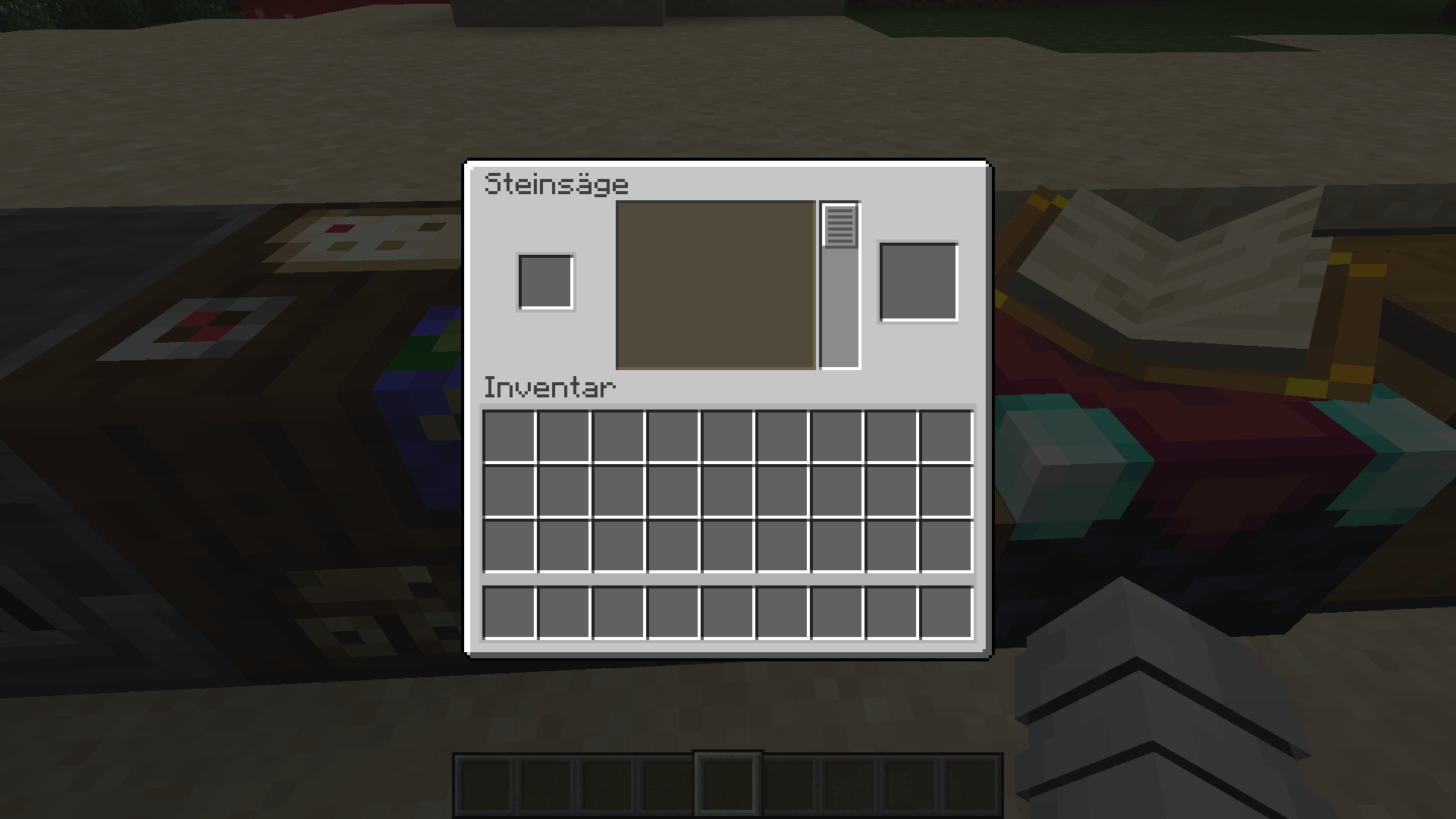
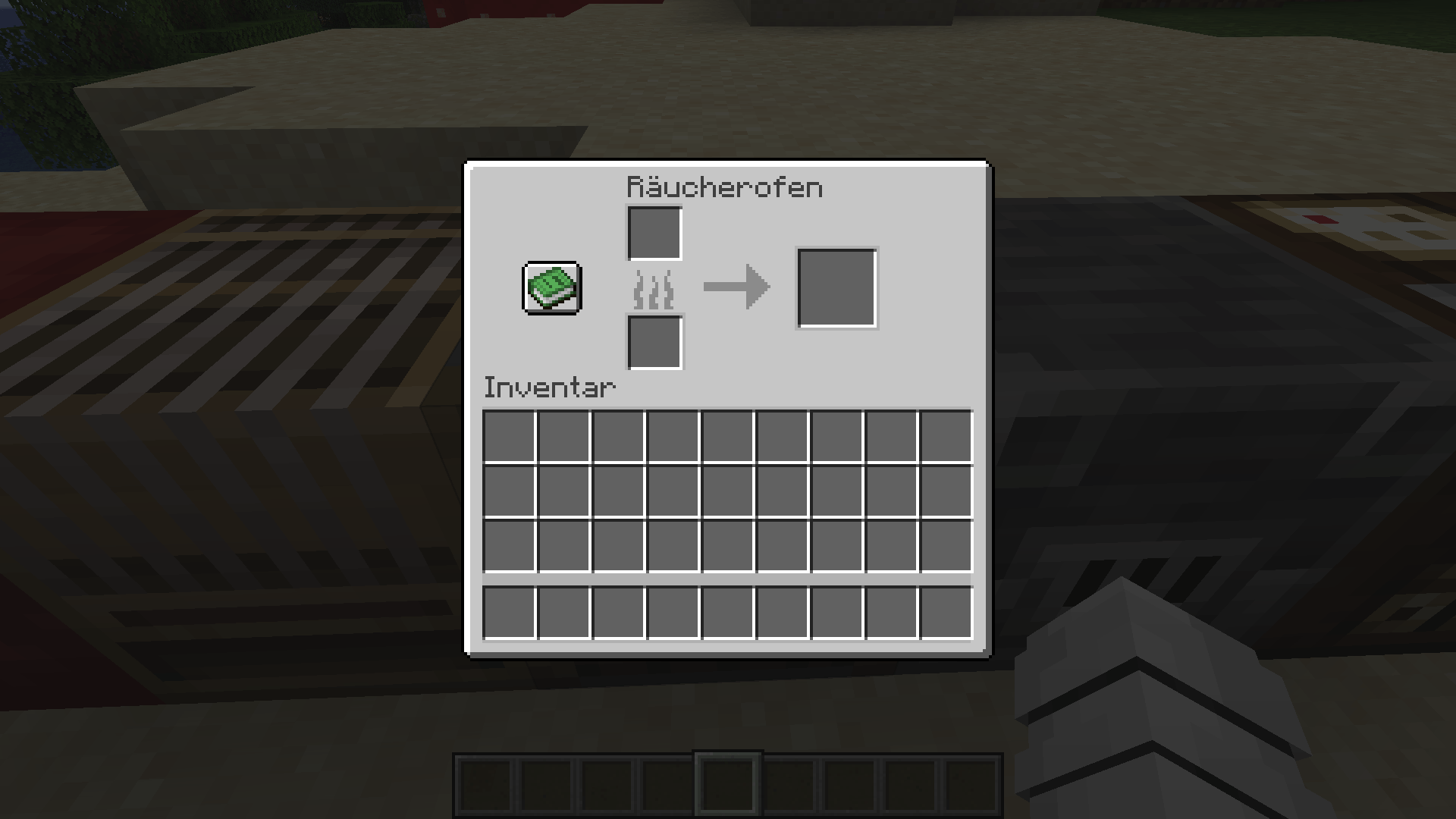
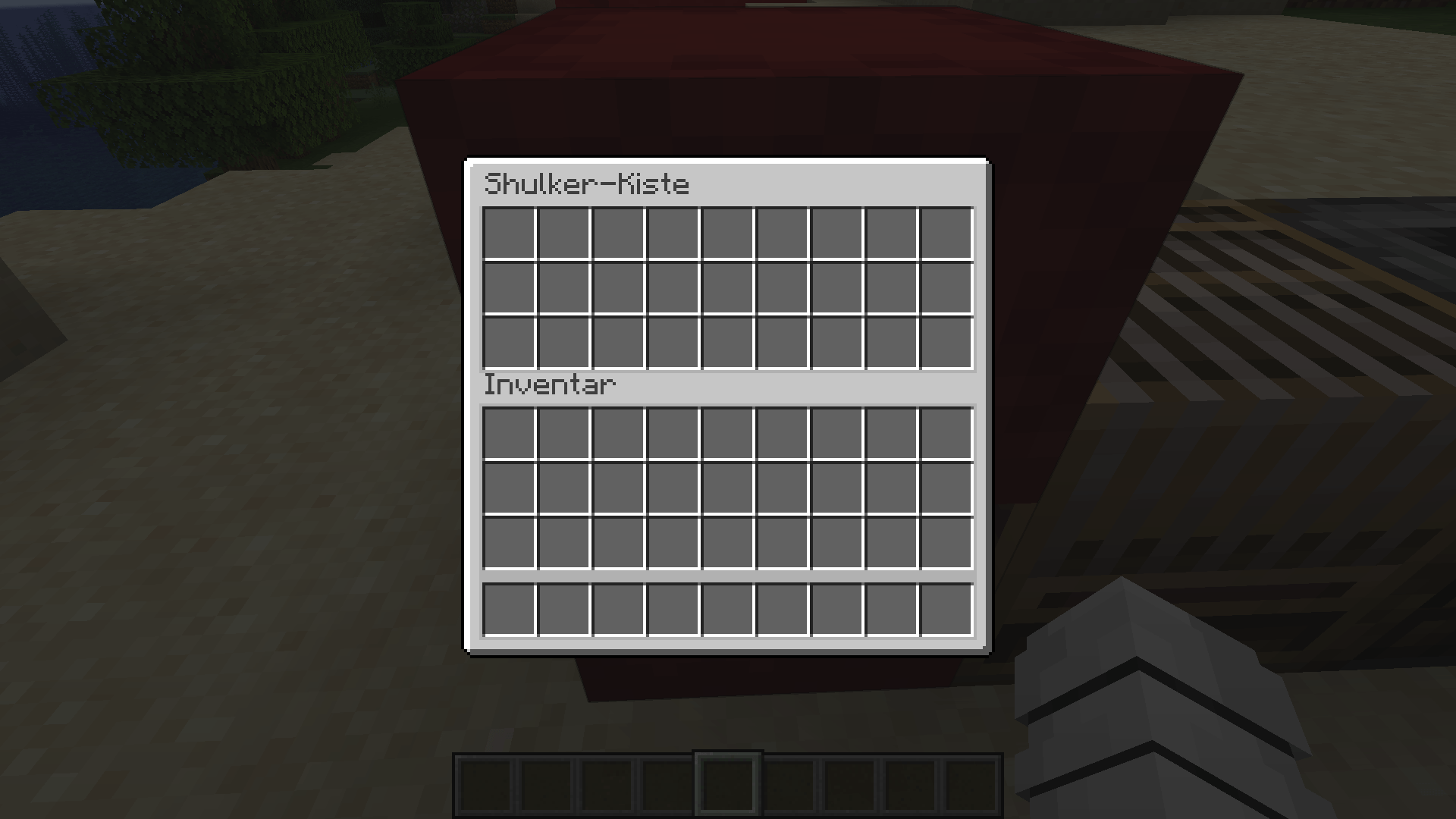
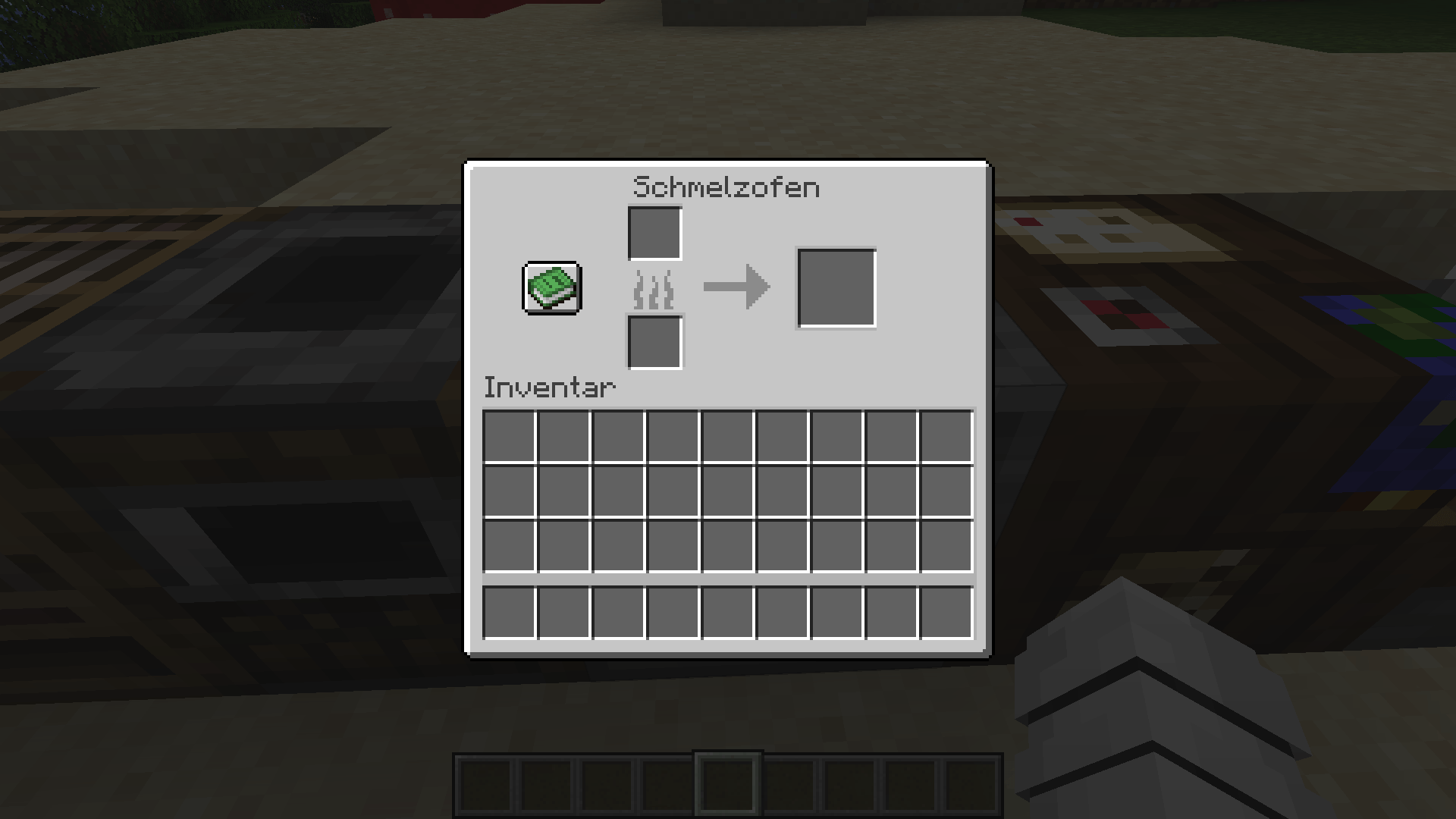
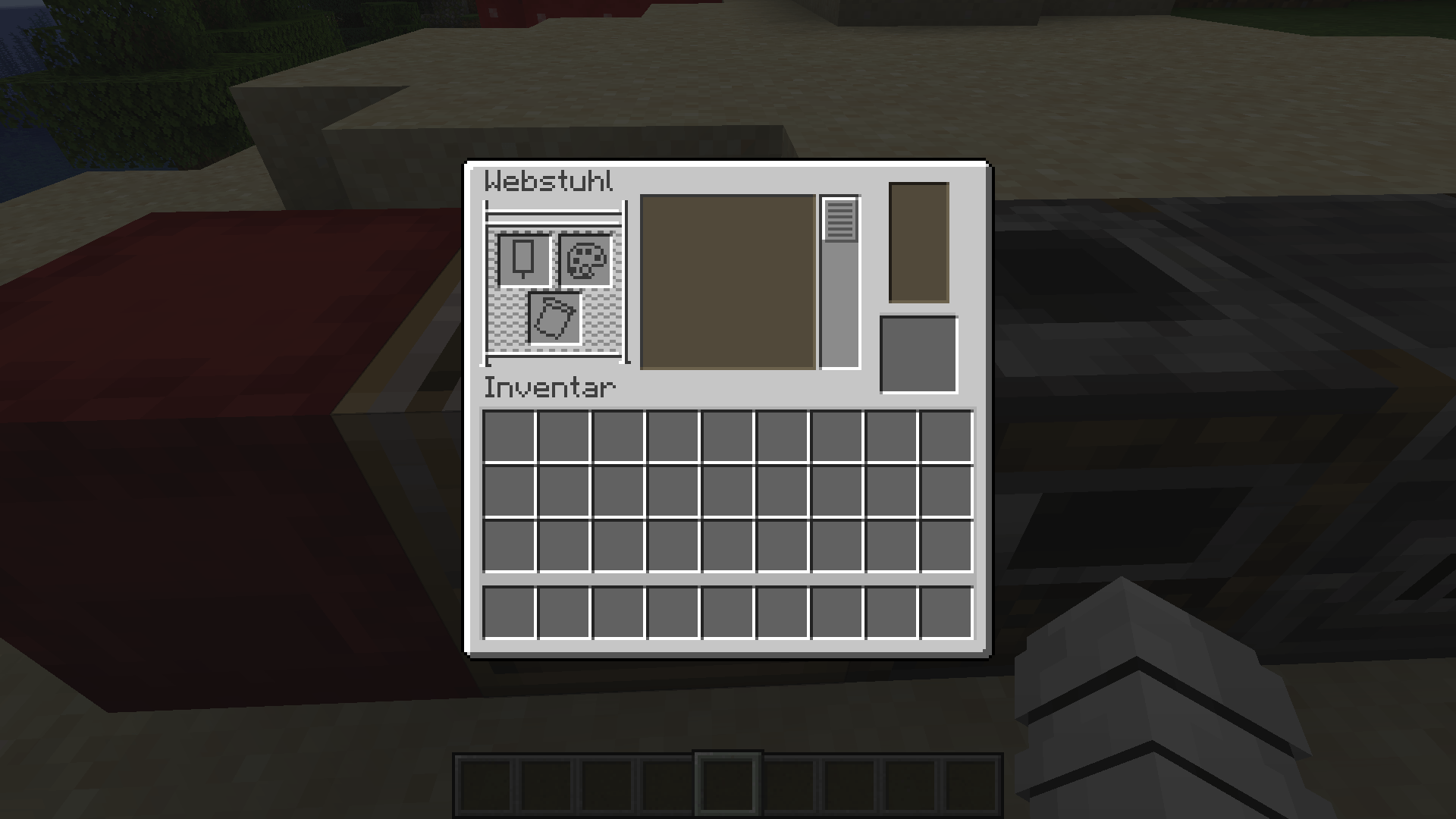
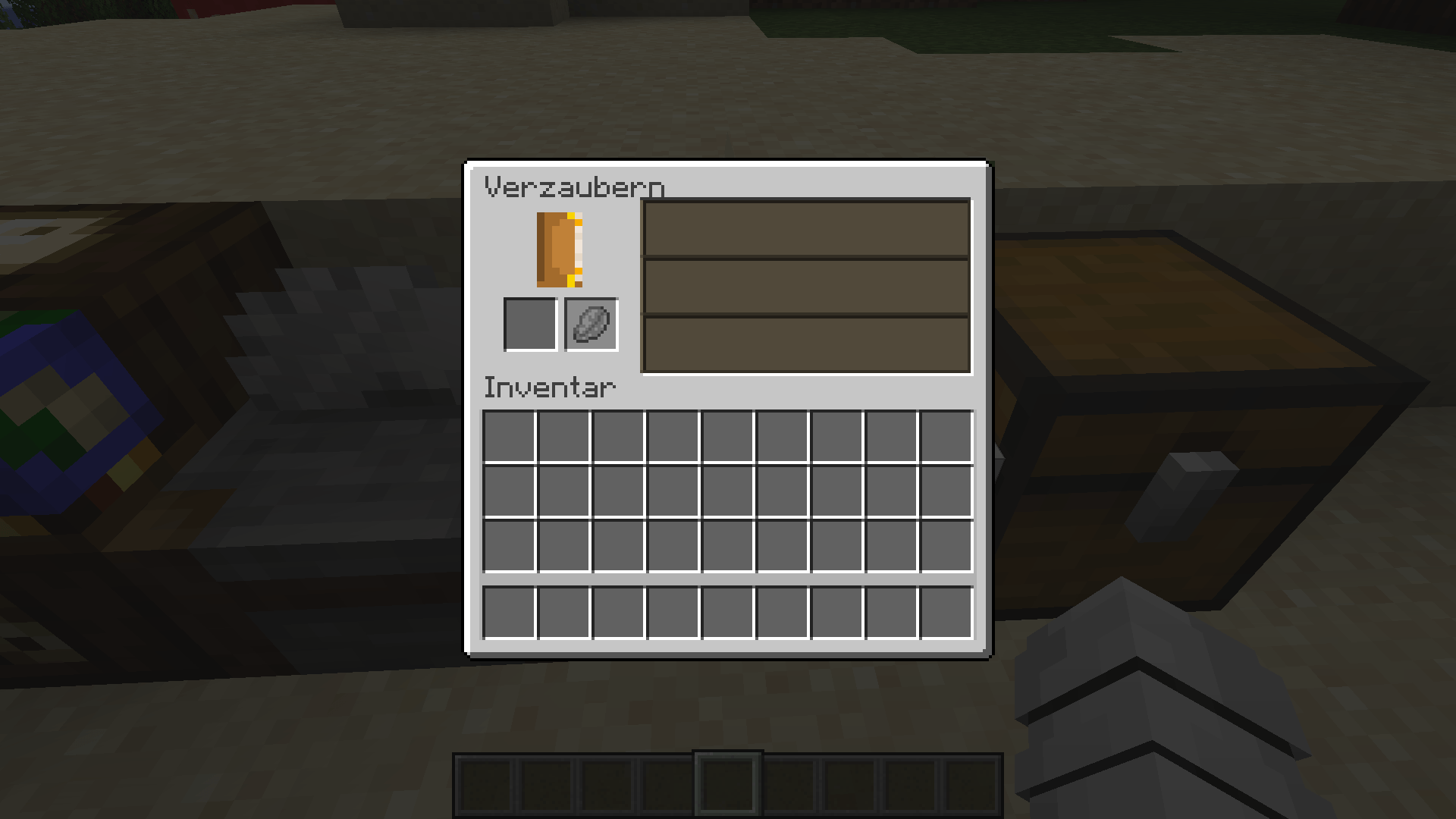
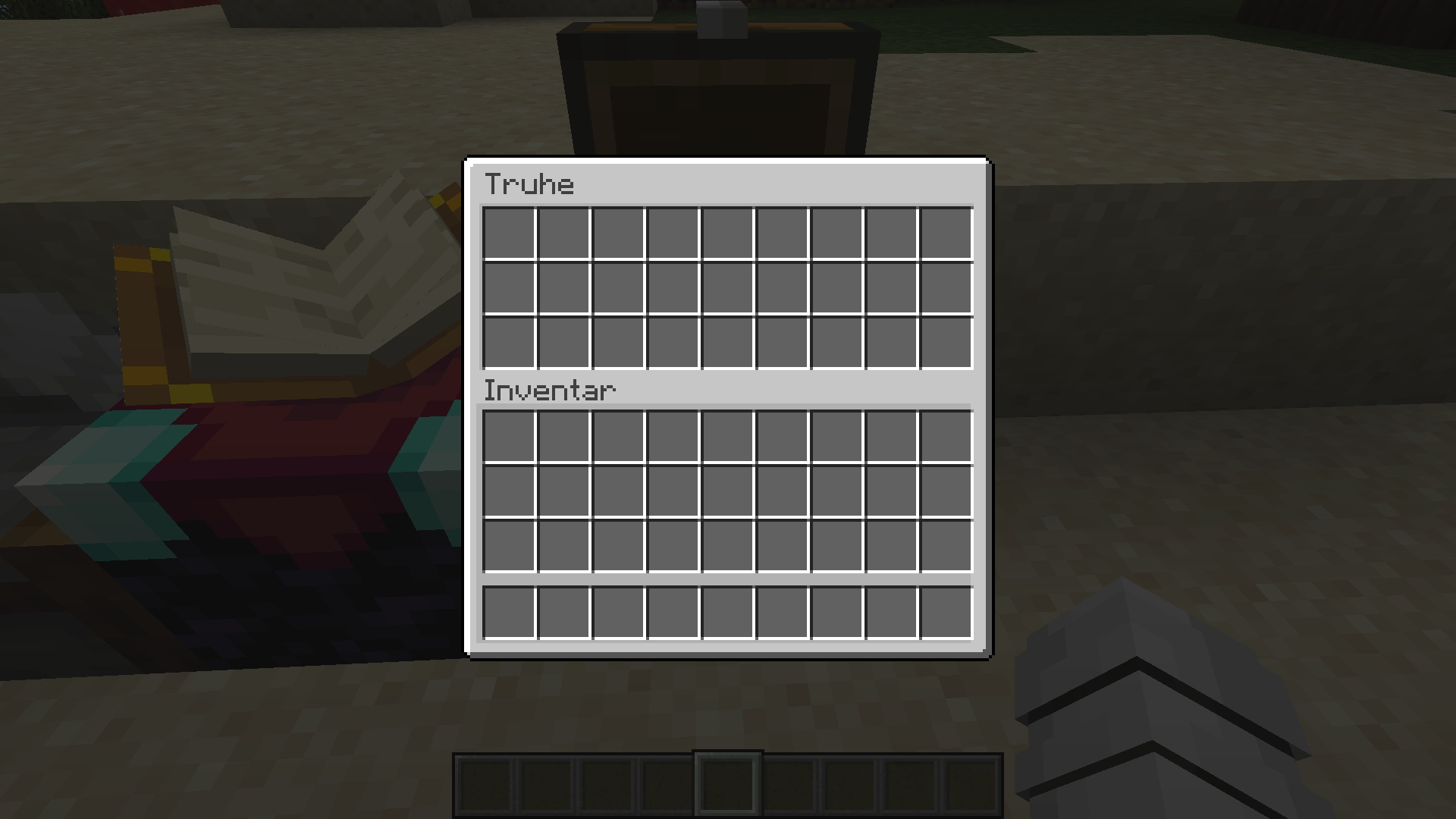
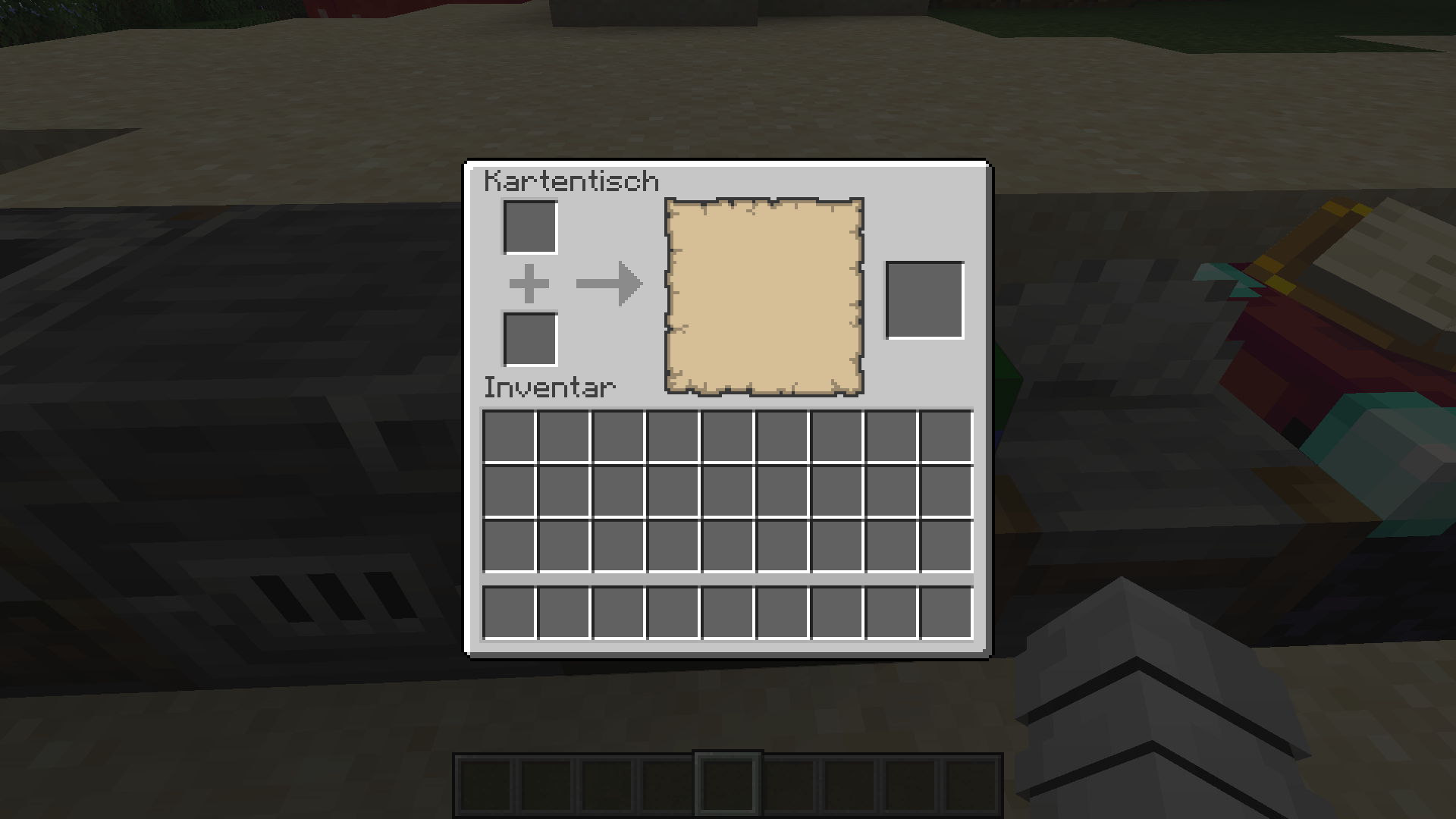
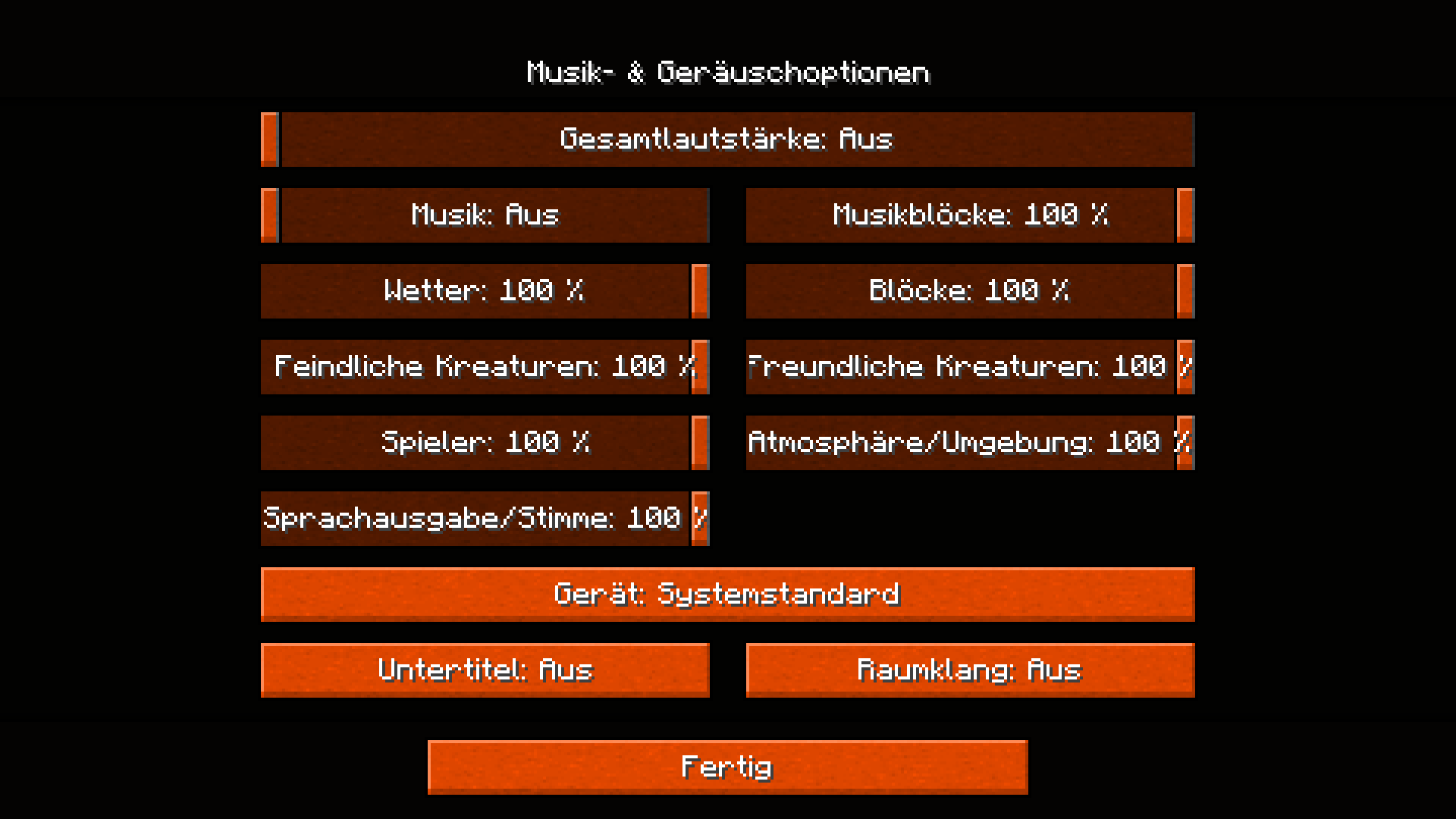
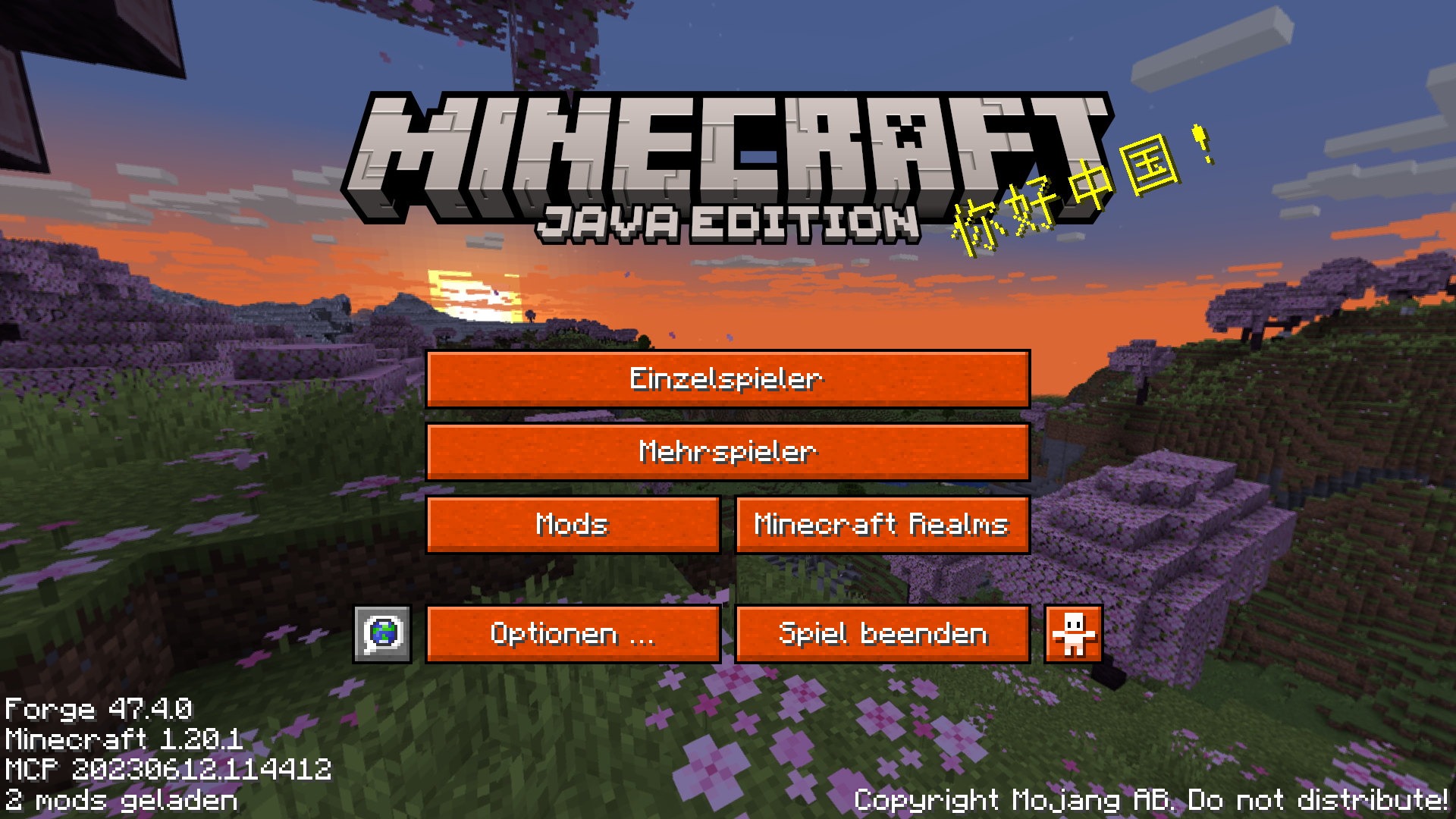
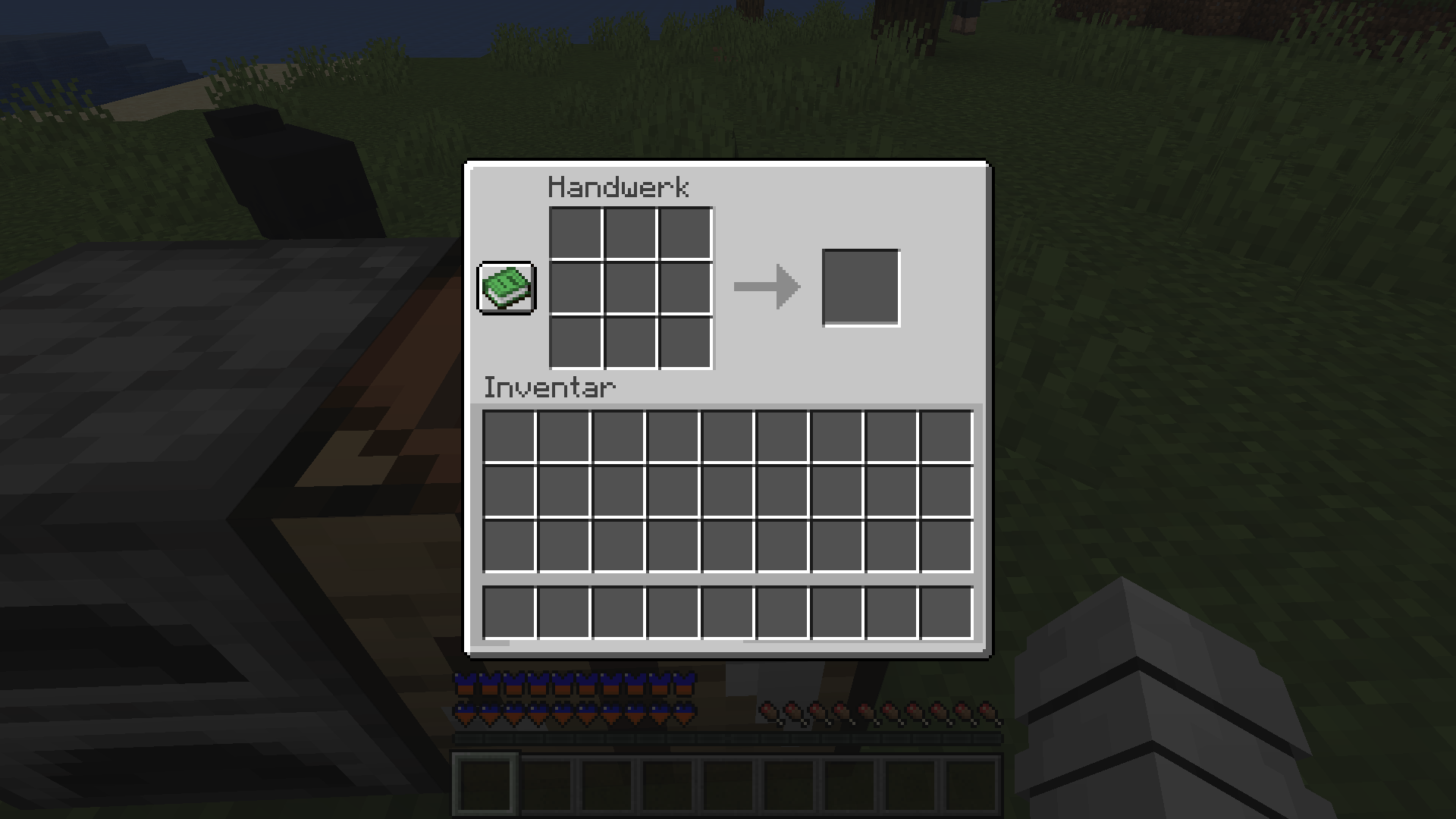
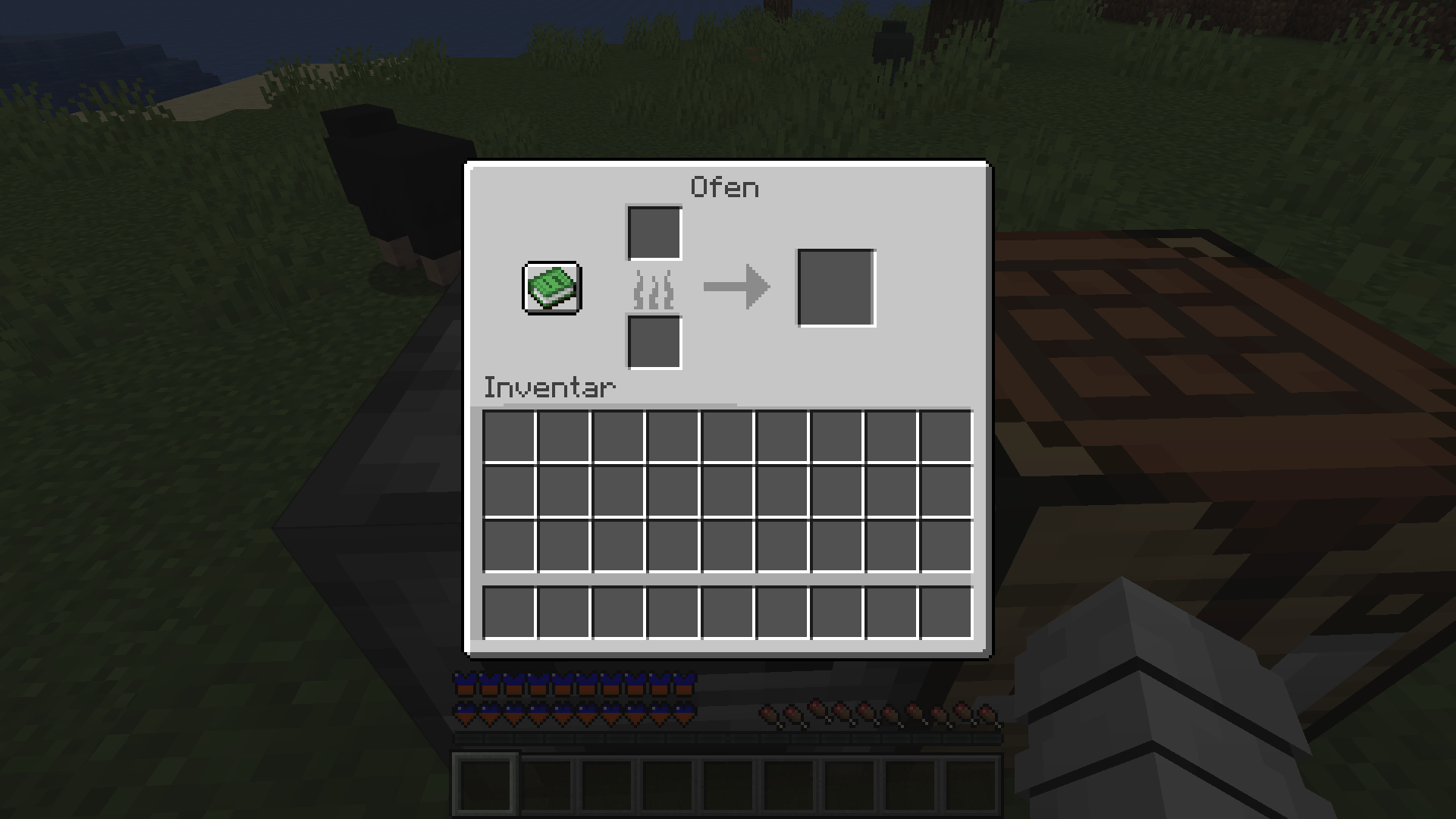
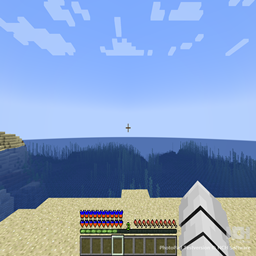
1 Blue-orange health and armor bars 2 Darker inventory slots for better visibility 3 New book texture
by DownhillMars11
Download Claim this project
146 downloads
0 likes
Updated Oct 14, 2026
0 hypes
Data Packs Mod Support
Advertisement Remove ads with Premium →

The health and armor display now appears in a striking blue-orange color scheme, making important information more clearly highlighted. Underwater bubbles are no longer light blue but have a darker shade, making them more subtle and easier to notice. The inventory, crafting table, and furnace ect. have also been redesigned: darkened slots provide stronger contrast with the items, making navigation easier. Additionally, books have received a new texture design

Chromatic UI Armor.zip
MC 1.20.1
Release 2025-09-22 Get
Chromatic UI Armor.zip
MC 1.20.1
Release 2025-09-18 Get
Chromatic UI & Armor.zip
MC 1.20.1
Beta 2025-09-17 Get

Requirements & install

How to use this resource pack in Minecraft
Resolution
Not specified
Minecraft
1.20.1
Install folder
.minecraft/resourcepacks

How to install resource packs

  1. Download the resource pack .zip file (do not extract it).
  2. In Minecraft open Options → Resource Packs → Open Pack Folder.
  3. Drop the .zip into the resourcepacks folder (.minecraft/resourcepacks).
  4. Move the pack to the Selected column and click Done.
Browse more: 16x resource packs 32x resource packs 64x resource packs 128x resource packs 256x resource packs 512x+ resource packs Resource Packs for 1.20.1 All resource packs
Advertisement Remove ads with Premium →

You Might Also Like