Mineuniverse
Resource Packs
Cheese Pack

Cheese Pack

RESOURCE PACK
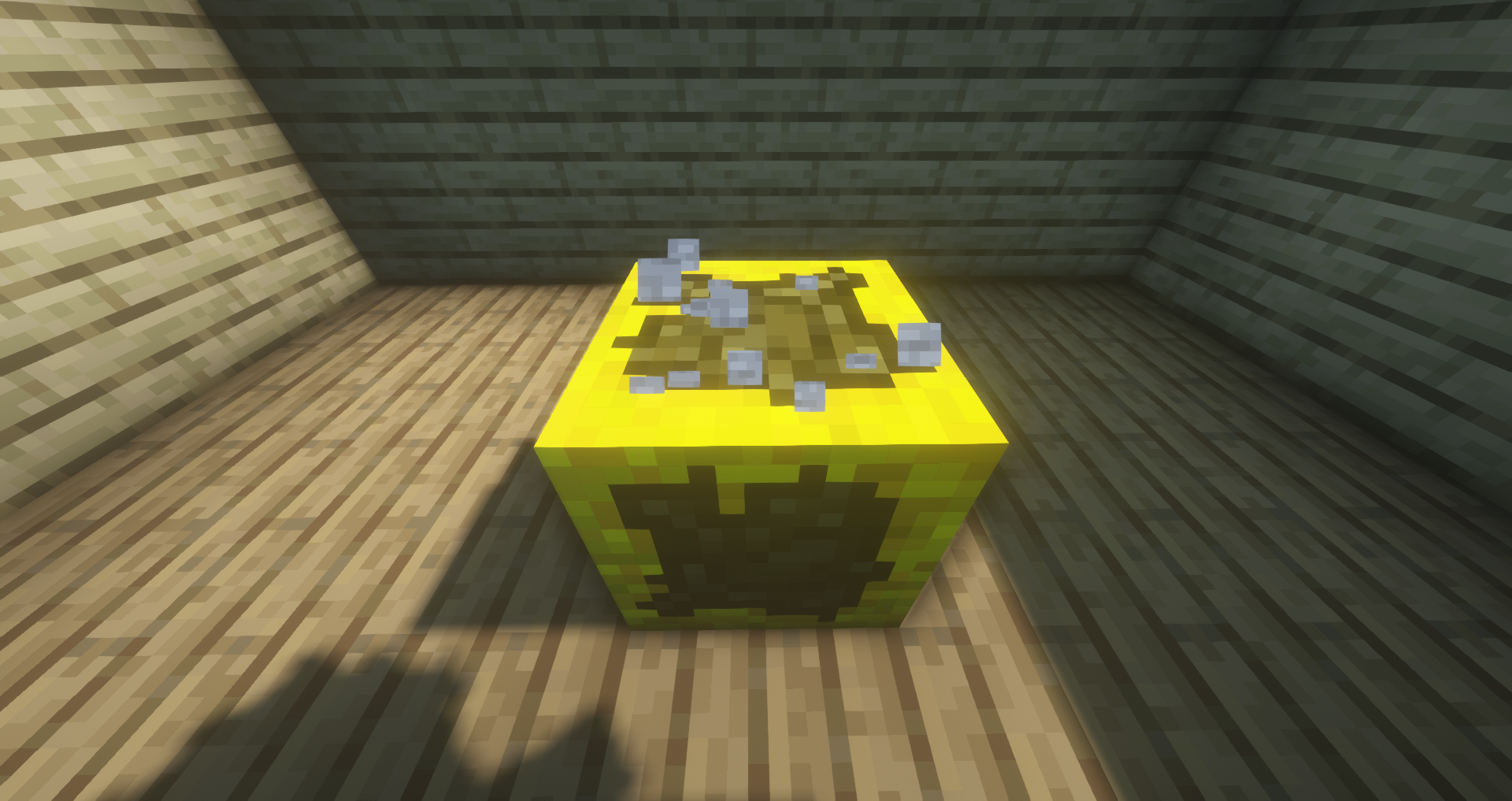
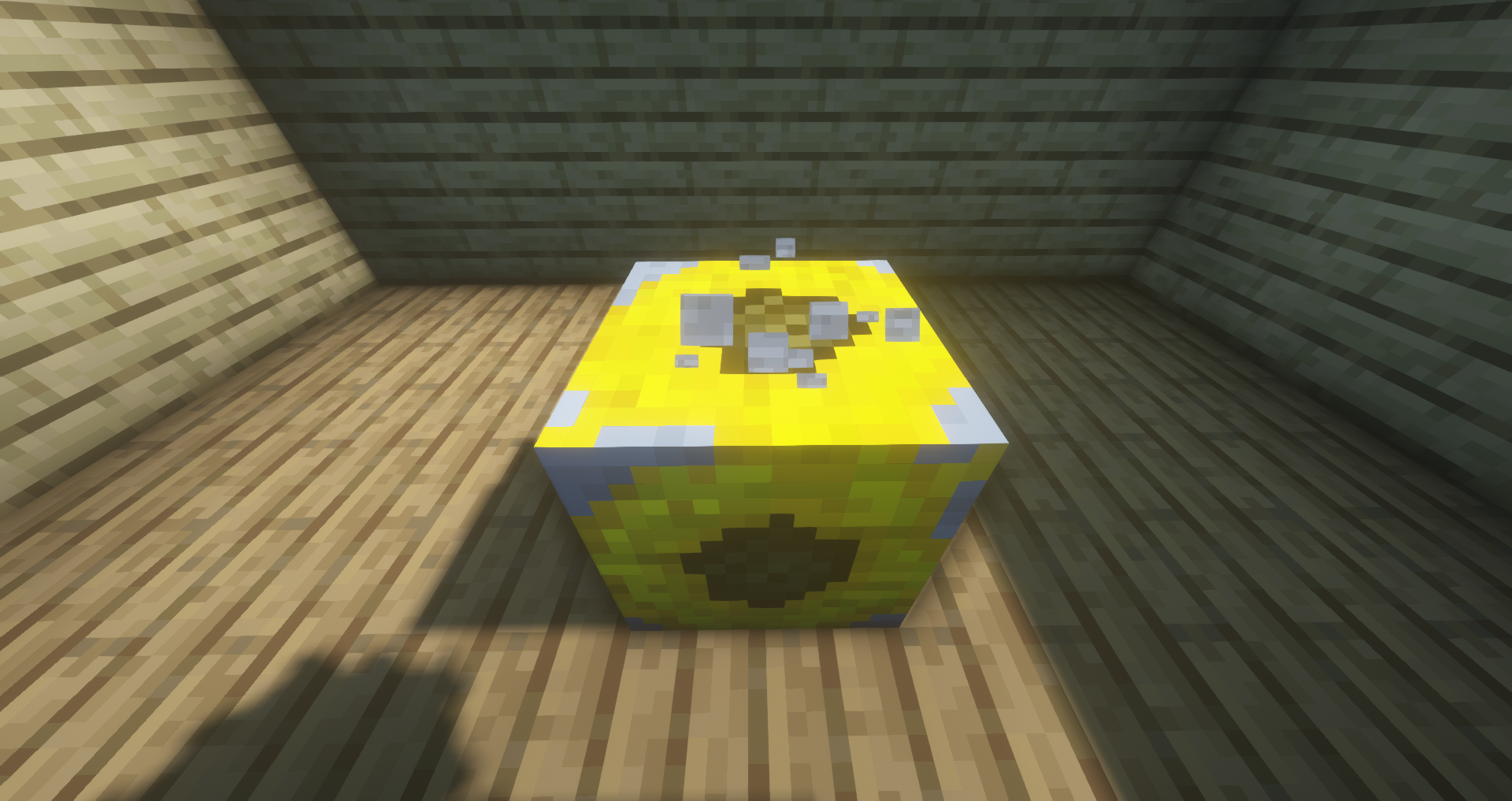
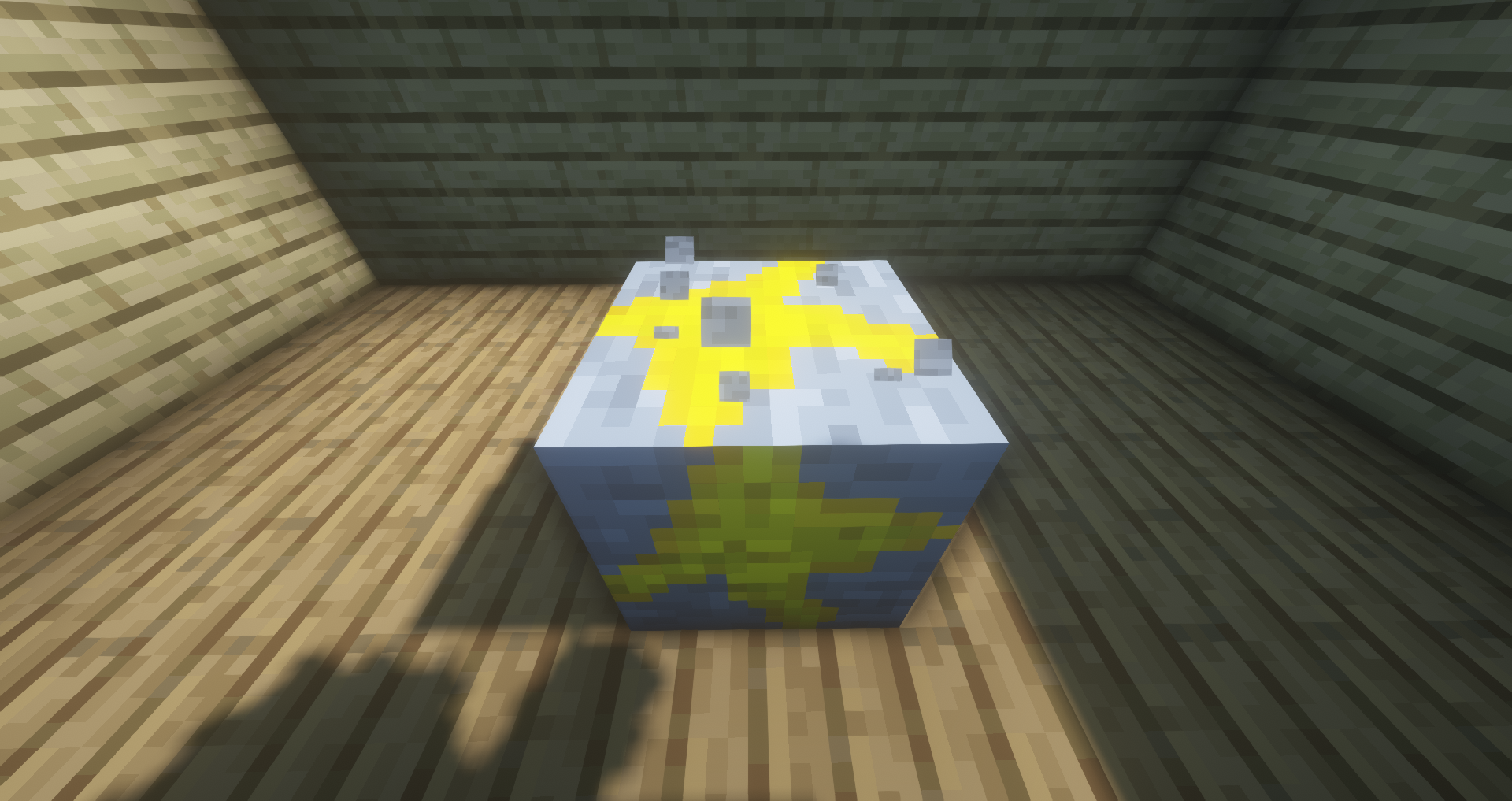
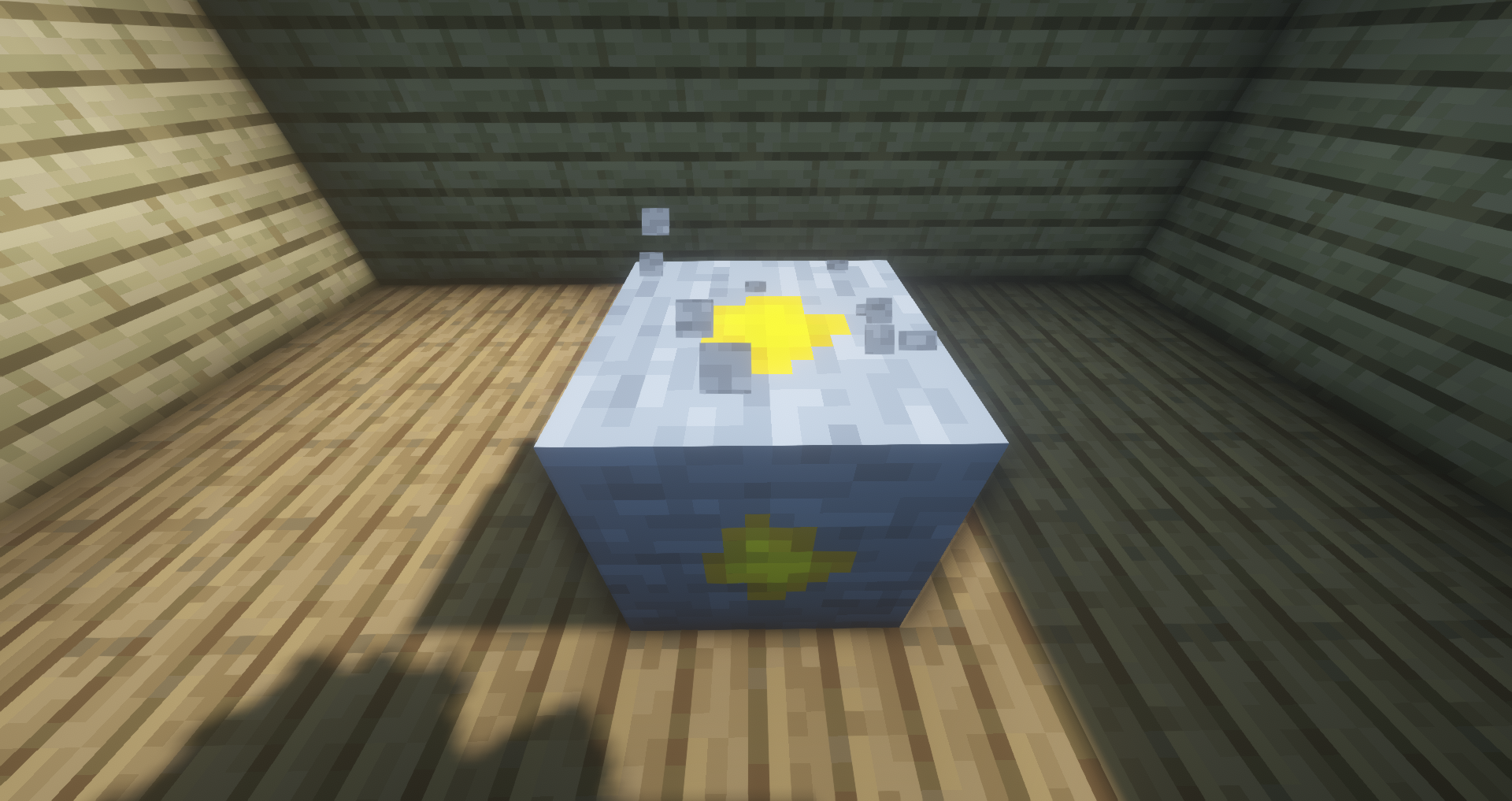
Changes diamond to cheese because cheese is the best!
by HowDidIGetThisFar
Download Claim this project
696 downloads
0 likes
Updated Oct 14, 2026
0 hypes
16x Miscellaneous
Advertisement Remove ads with Premium →

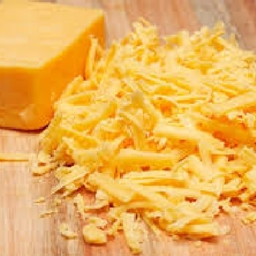
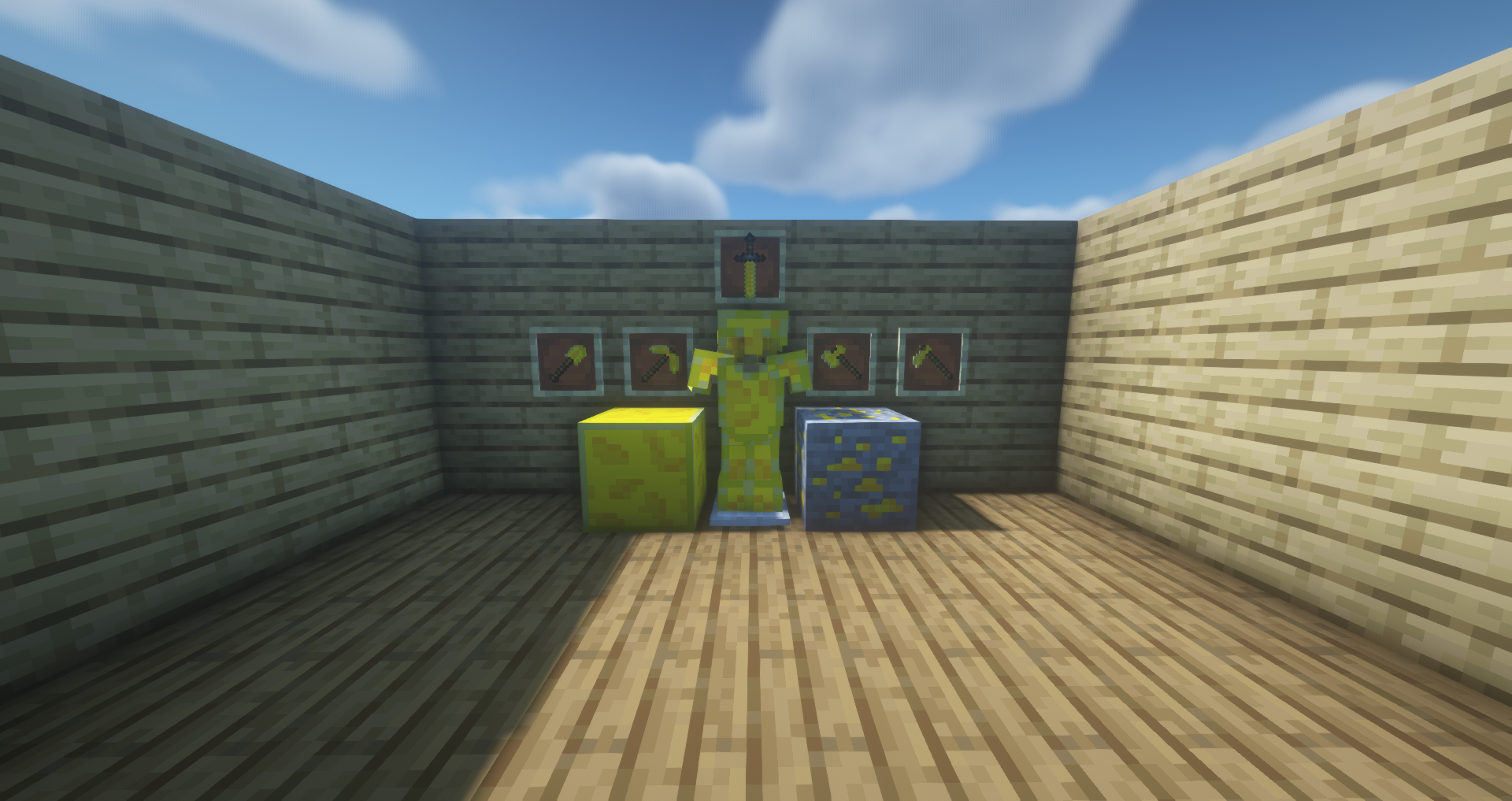
This Resource Pack updates diamonds to be cheese because cheese is fantastic!
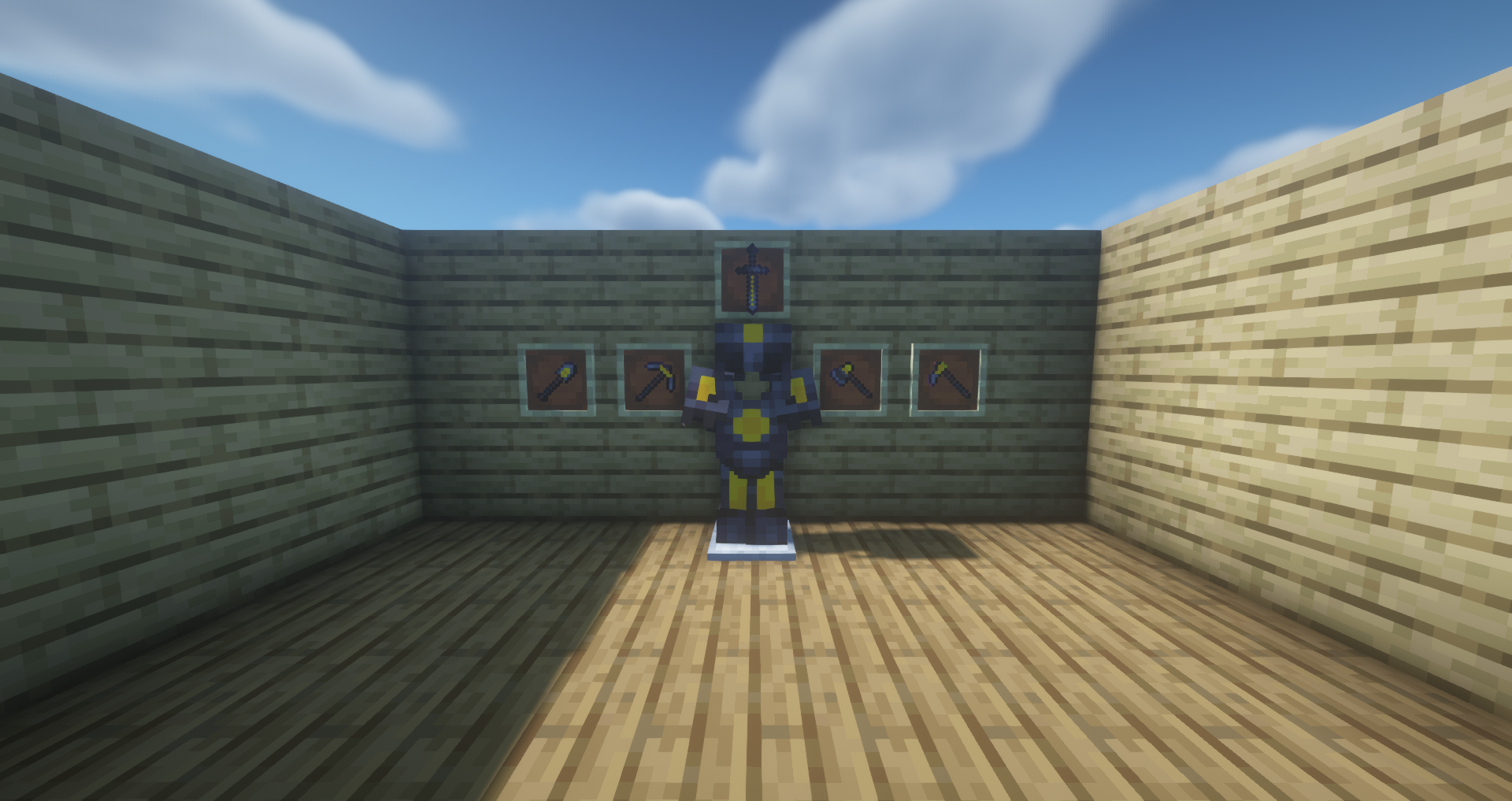
When upgrading a piece of diamond armor (cheese armor) to netherite keeps some of the cheese to remind you of it's superiority.

If you have a suggestion please tell me in the comments so I can make this pack the best I can! 


The Version Pattern goes like this: v2=quite a bit of new textures were added and maybe some old textures were updated

                                                       v2.1=1-2 textures added/some textures were updated


Current pack features:

  • Cheese armor (Diamond Armor)
  • Cheese tools (Diamond tools)
  • Cheese infused Netherite armor and tools (Netherite armor and tools)
  • Breaking animation is now cheese, with chocolate too
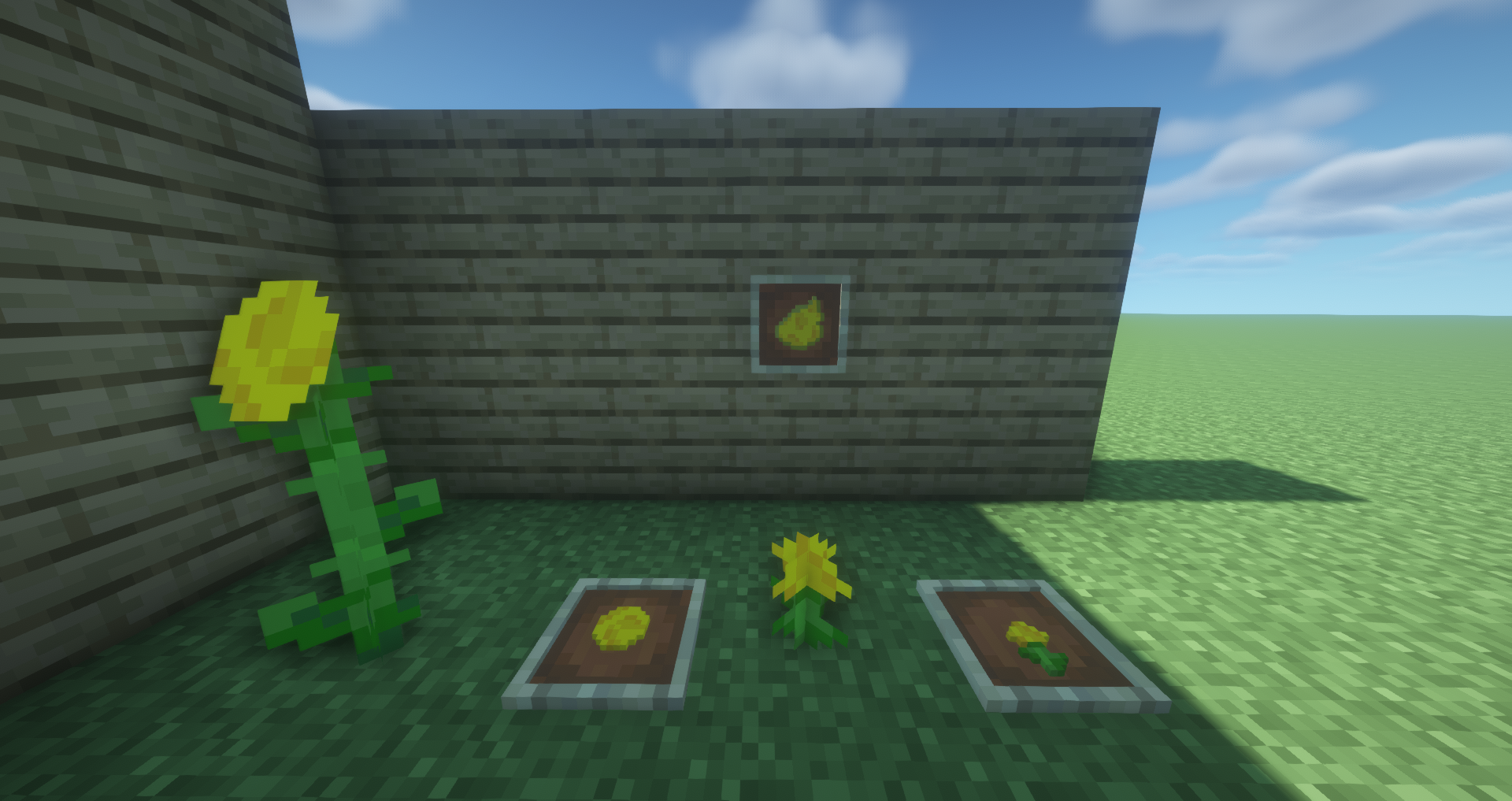
  • One painting has some cheese
  • Cheese stuff renamed
  • Enchanting table diamonds are now cheese
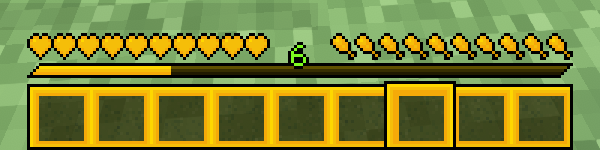
  • Cheese GUI (Hotbar)
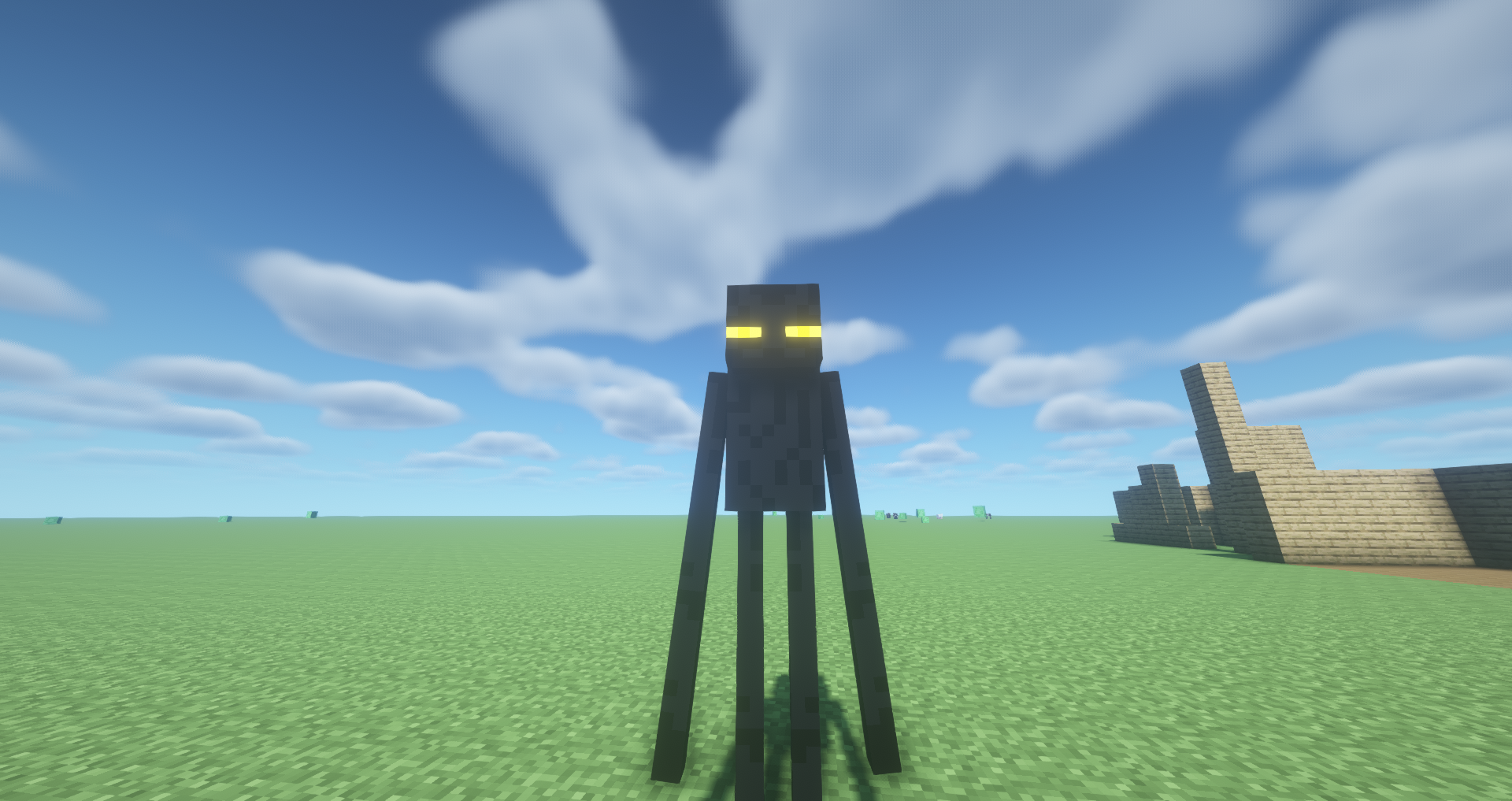
  • Cheese Enderman Eyes
  • Cheese Dragon Eyes
  • Cheese Flowers
  • Cheese Dye


Current pack plans:

  • Cheese Sheep (Yellow dyed Sheep)
  • Cheese bed (Yellow dyed bed)
  • Cheese Wool (Yellow Dyed Wool)
  • Cheese GUI (Inventory)
  • More Cheese Paintings
  • Rename more changed items


Note: I am not the best at pixel art so don't expect the pack to be too good (I am working on getting better though!)

Enjoy!

Cheese Pack V3
MC 1.16.5
Release 2021-03-14 Get
Cheese Pack V2.1
MC 1.16.5
Release 2021-03-10 Get
Cheese Pack V2
MC 1.16.5
Release 2021-03-07 Get

Requirements & install

How to use this resource pack in Minecraft
Resolution
16x
Minecraft
1.16.5
Install folder
.minecraft/resourcepacks

How to install resource packs

  1. Download the resource pack .zip file (do not extract it).
  2. In Minecraft open Options → Resource Packs → Open Pack Folder.
  3. Drop the .zip into the resourcepacks folder (.minecraft/resourcepacks).
  4. Move the pack to the Selected column and click Done.
Browse more: 16x resource packs 32x resource packs 64x resource packs 128x resource packs 256x resource packs 512x+ resource packs Resource Packs for 1.16.5 All resource packs
Advertisement Remove ads with Premium →

You Might Also Like