Mineuniverse
Resource Packs
Centaur Horse & Spider (discontinued)

Centaur Horse & Spider (discontinued)

RESOURCE PACK
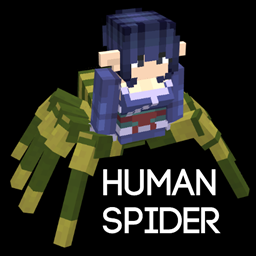
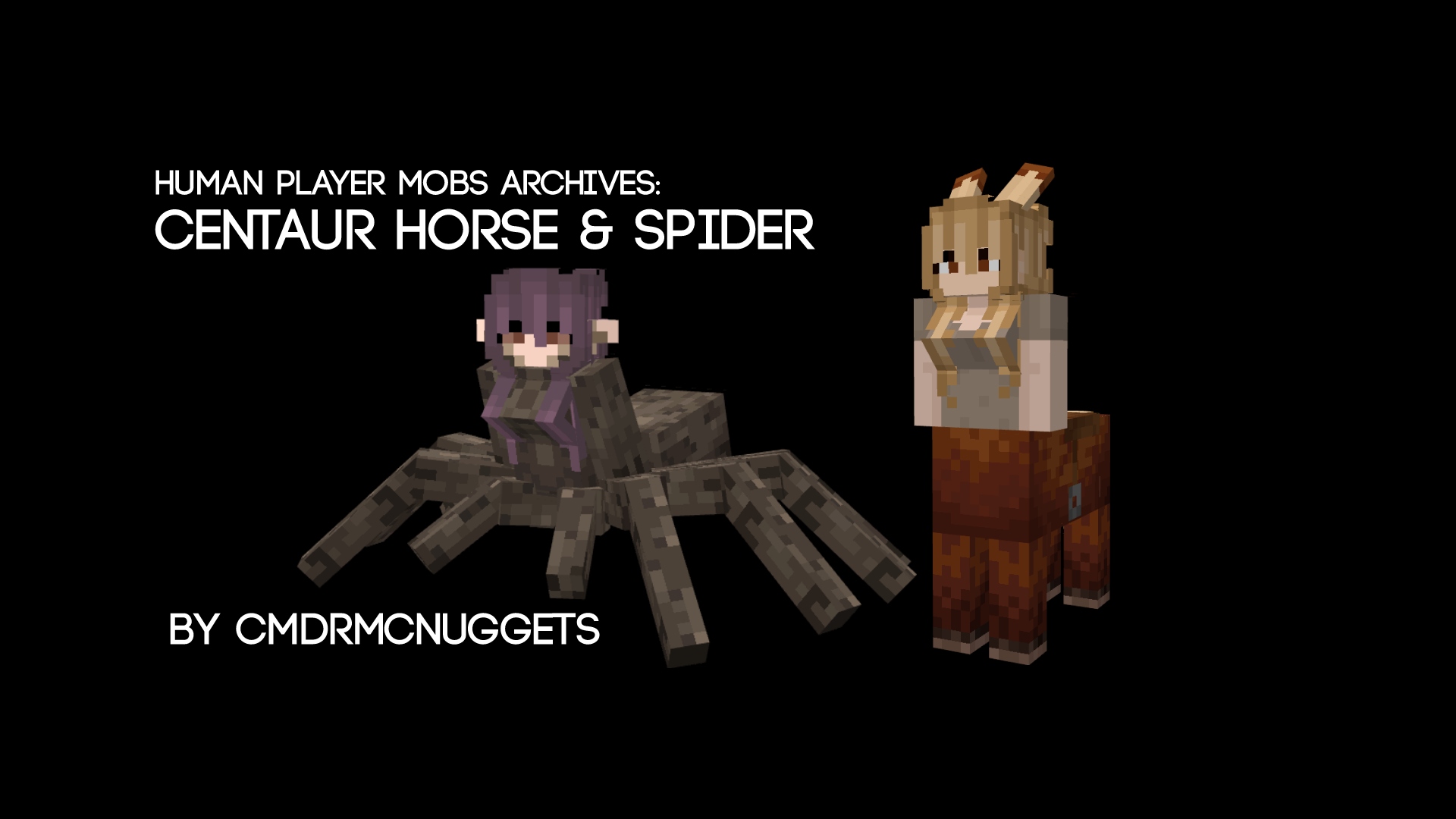
[ Java Port ] Horse and Spider from Human Player Mobs
by CmdrMCNuggets
Download Claim this project
Add a badge to your pageLink to Centaur Horse & Spider (discontinued) from a README, website or forum post.
Preview: Badge

Badges update automatically and link to the resource pack page on MineUniverse.

22,217 downloads
0 likes
0 followers
Updated Oct 14, 2026
0 hypes
Follow0
16x Animated Miscellaneous Modern Traditional
Advertisement Remove ads with Premium →

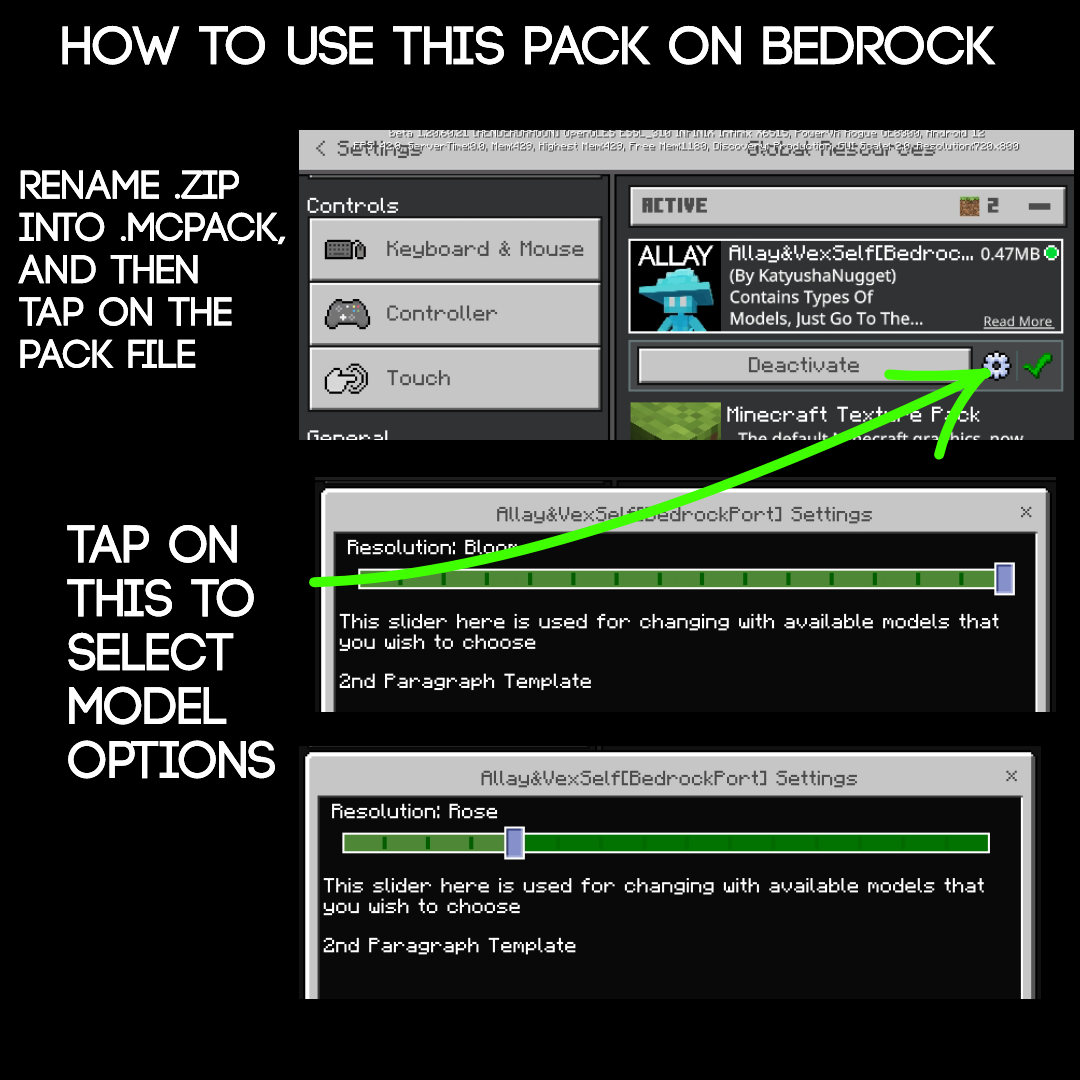
HOW TO DOWNLOAD ON CURSEFORGE FOR MOBILE BEDROCK USERS:
1. Rotate your phone for horizontal mode
2. Tap the download button
3. Rename .zip to .mcpack
4. Tap on the file, should lead to minecraft.... i hope

[Requires Optifine]

[For Fabric, Forge, & NeoForge Users:]

https://www.curseforge.com/minecraft/mc-mods/entity-model-features

https://www.curseforge.com/minecraft/mc-mods/entity-texture-features-fabric

From the assets of the Player Mob Models Pack.

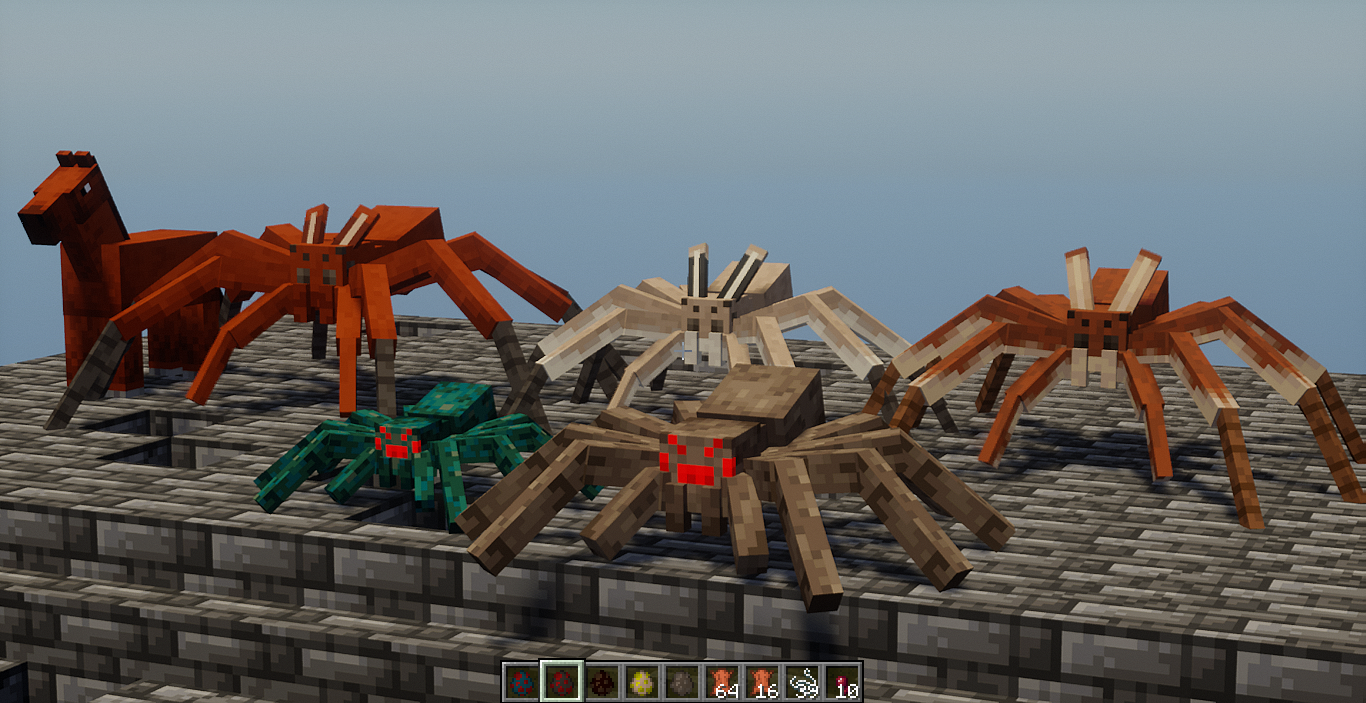
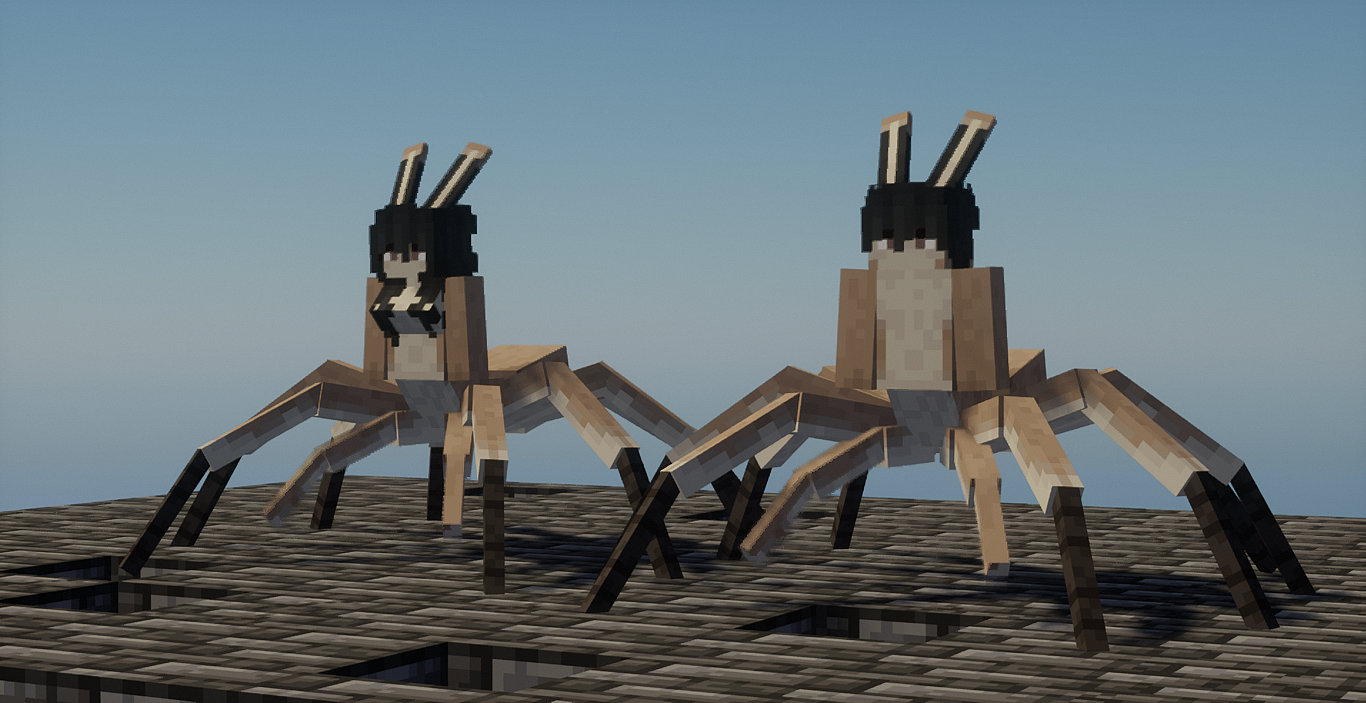
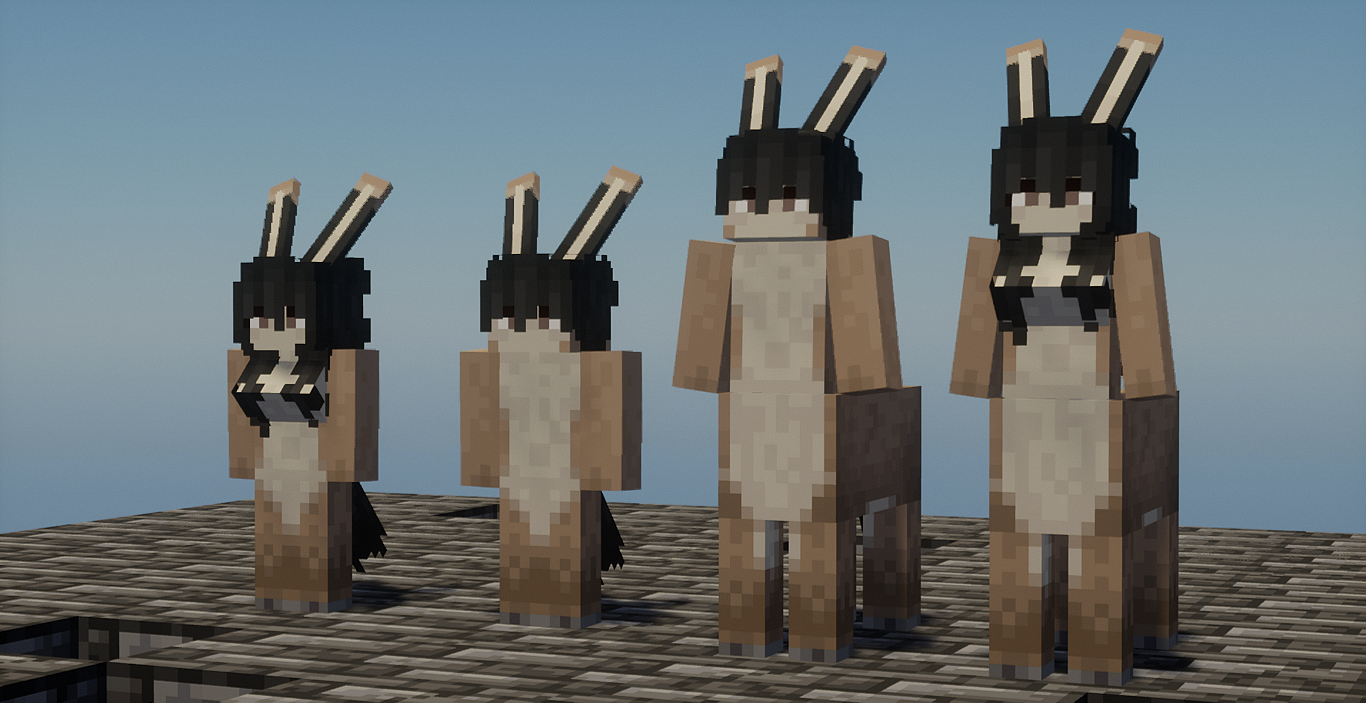
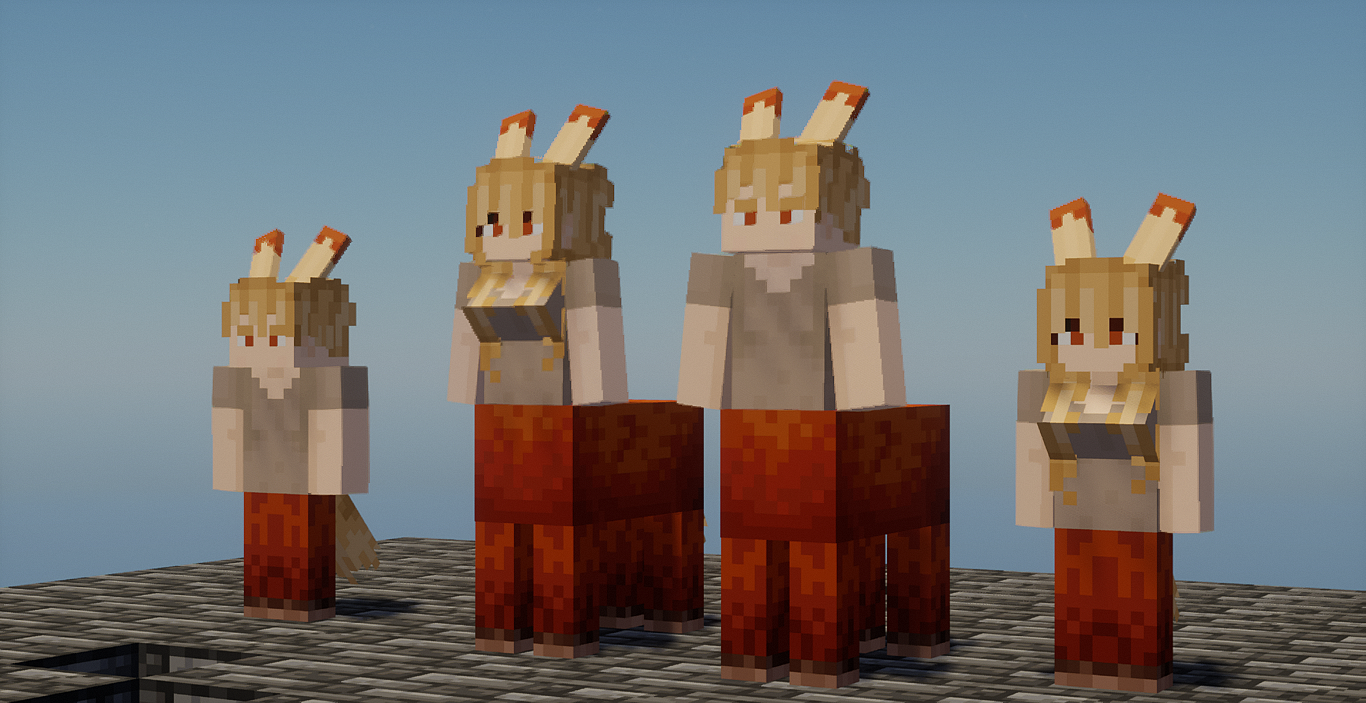
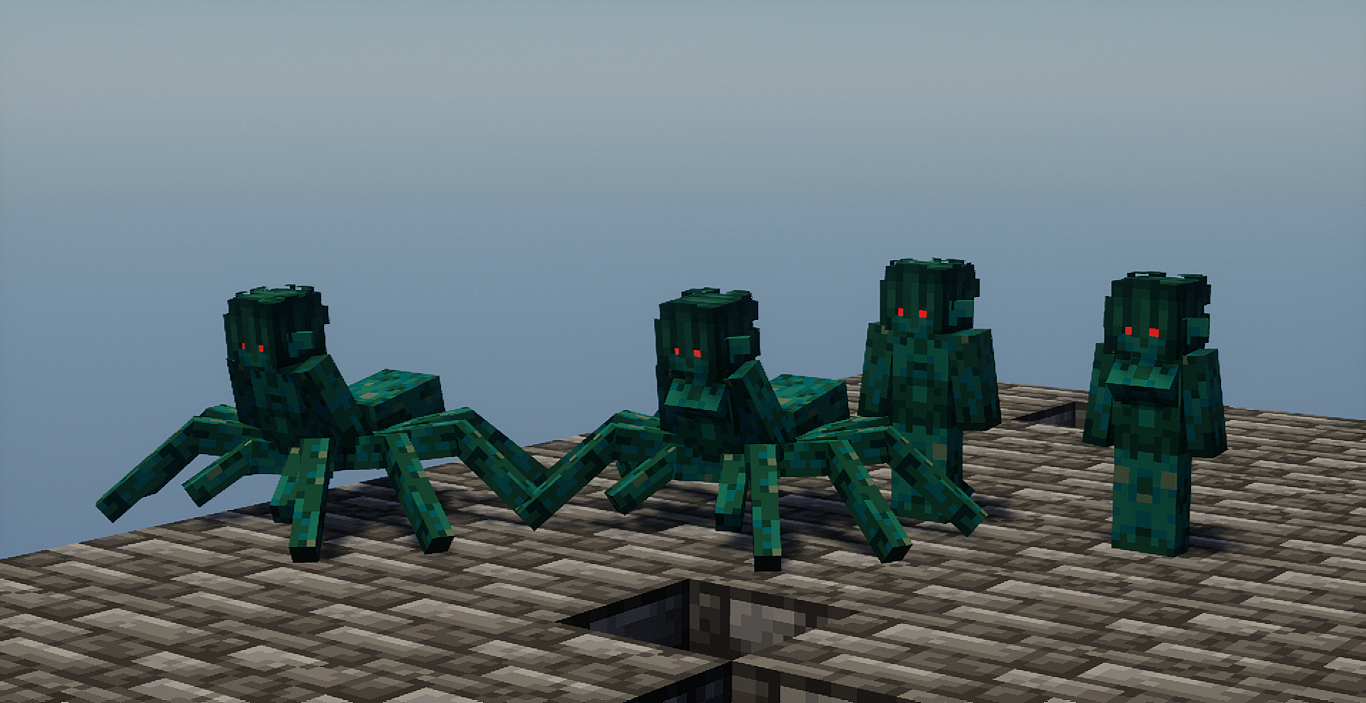
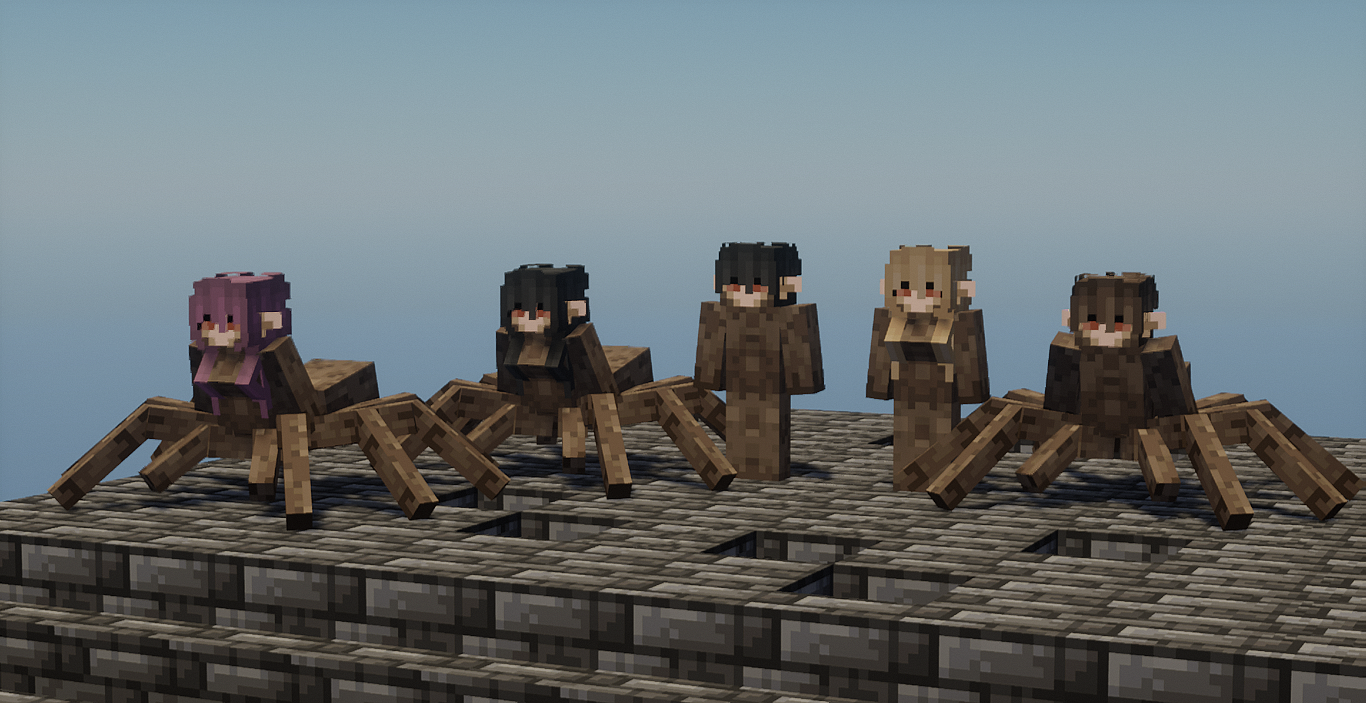
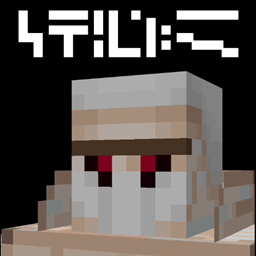
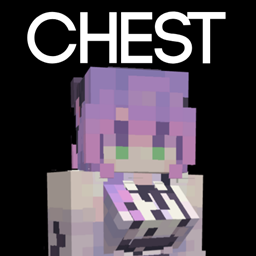
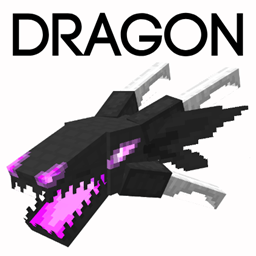
This resource pack turns horse and spider into centaurs, one is arachne and one is centuar, with unique model for spider and yada yada. The horse also spawns a spider centaur model that looks more friendlier unlike the hostile look for the spiders, and also, if you want to ride the spider monstrous textures, you can rename the horse with available name tag lists inside the pack file.

This pack also supports on BEDROCK VERSION, all you need is to rename .zip to .mcpack


Please Donate To Help Support With The Pack Development, It Will Also Help Me Out Alot With My Current Situation And Some Things Going On, Thank You :)


 

CentaurHorse&Spider[12.8].zip
MC 1.19.3, 1.20.2, 1.21, 1.20.5, 1.21.5, 1.19.4, 1.21.4, 1.19.2, 1.20.3, 1.20.1, 1.20, 1.20.6, 1.19.1, 1.20.4, 1.21.3, 1.21.7, 1.21.1, 1.21.6, 1.19, 1.21.2
Release 2025-04-16 Get

Requirements & install

How to use this resource pack in Minecraft
Resolution
16x
Minecraft
1.21 – 1.21.7
Install folder
.minecraft/resourcepacks

How to install resource packs

  1. Download the resource pack .zip file (do not extract it).
  2. In Minecraft open Options → Resource Packs → Open Pack Folder.
  3. Drop the .zip into the resourcepacks folder (.minecraft/resourcepacks).
  4. Move the pack to the Selected column and click Done.
Browse more: 16x resource packs 32x resource packs 64x resource packs 128x resource packs 256x resource packs 512x+ resource packs Resource Packs for 1.21.7 All resource packs

More from CmdrMCNuggets

Advertisement Remove ads with Premium →

You Might Also Like