Badges update automatically and link to the resource pack page on MineUniverse.
Spot valuable ores faster without changing Minecraft’s classic look.
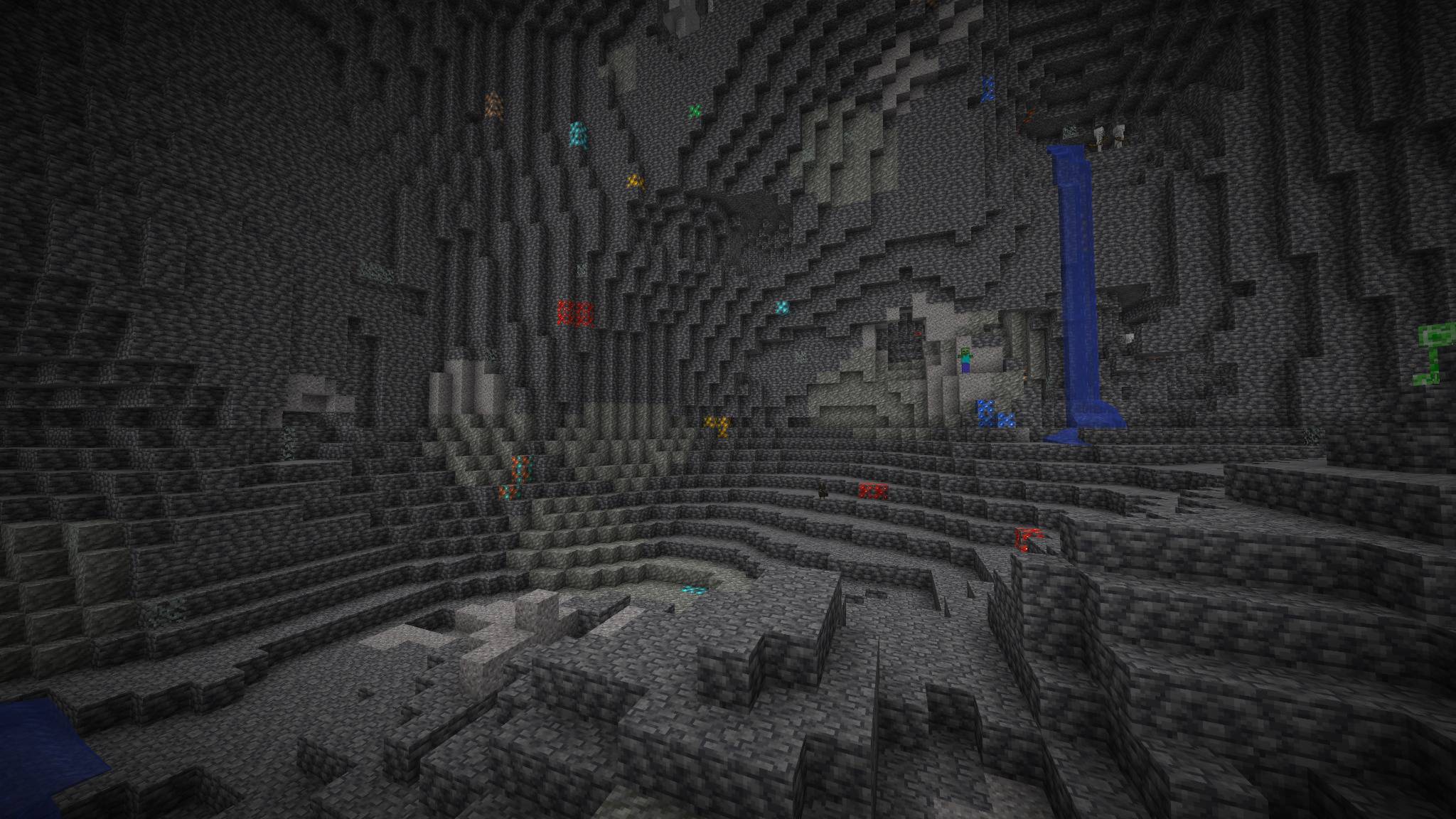
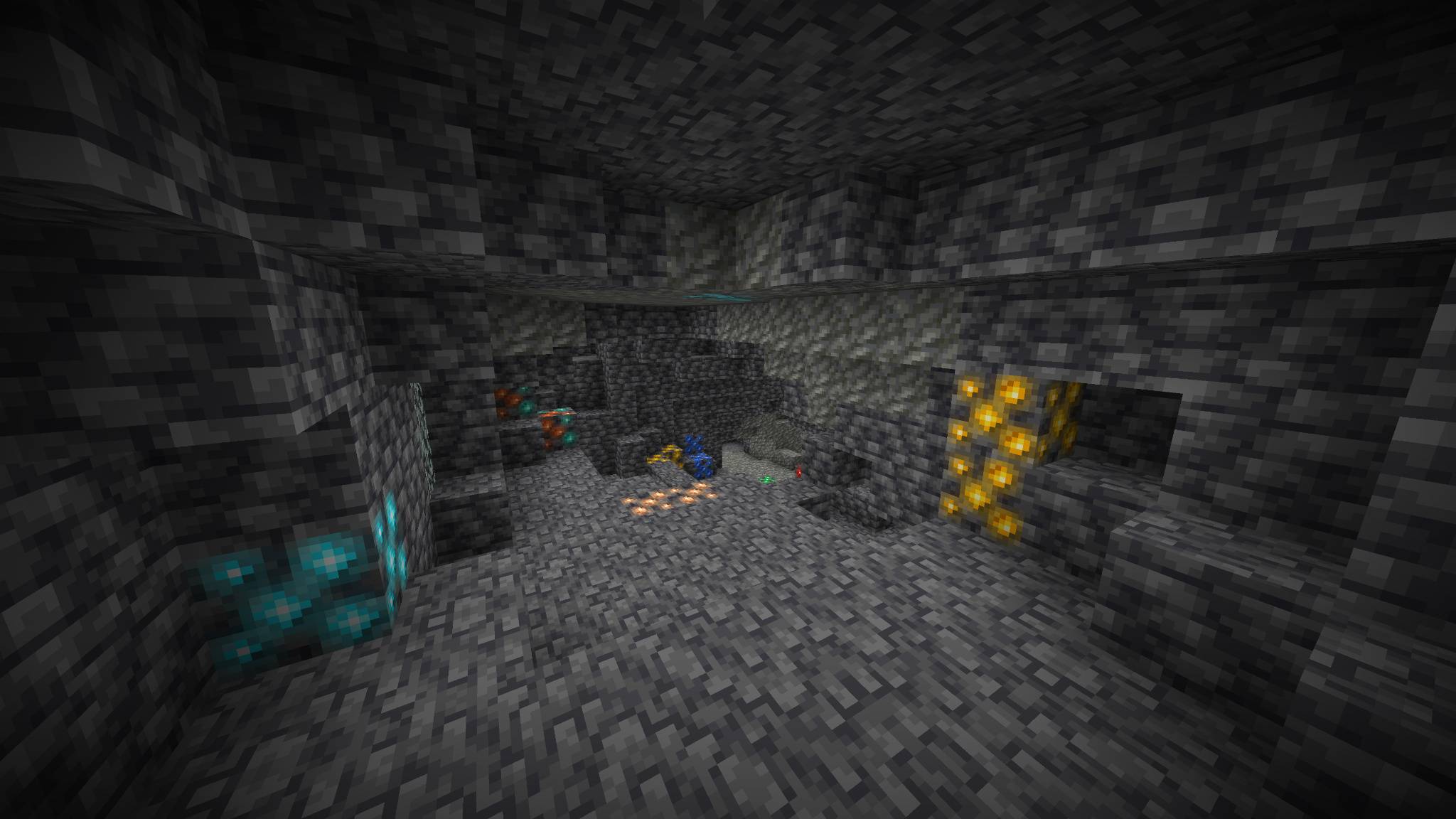
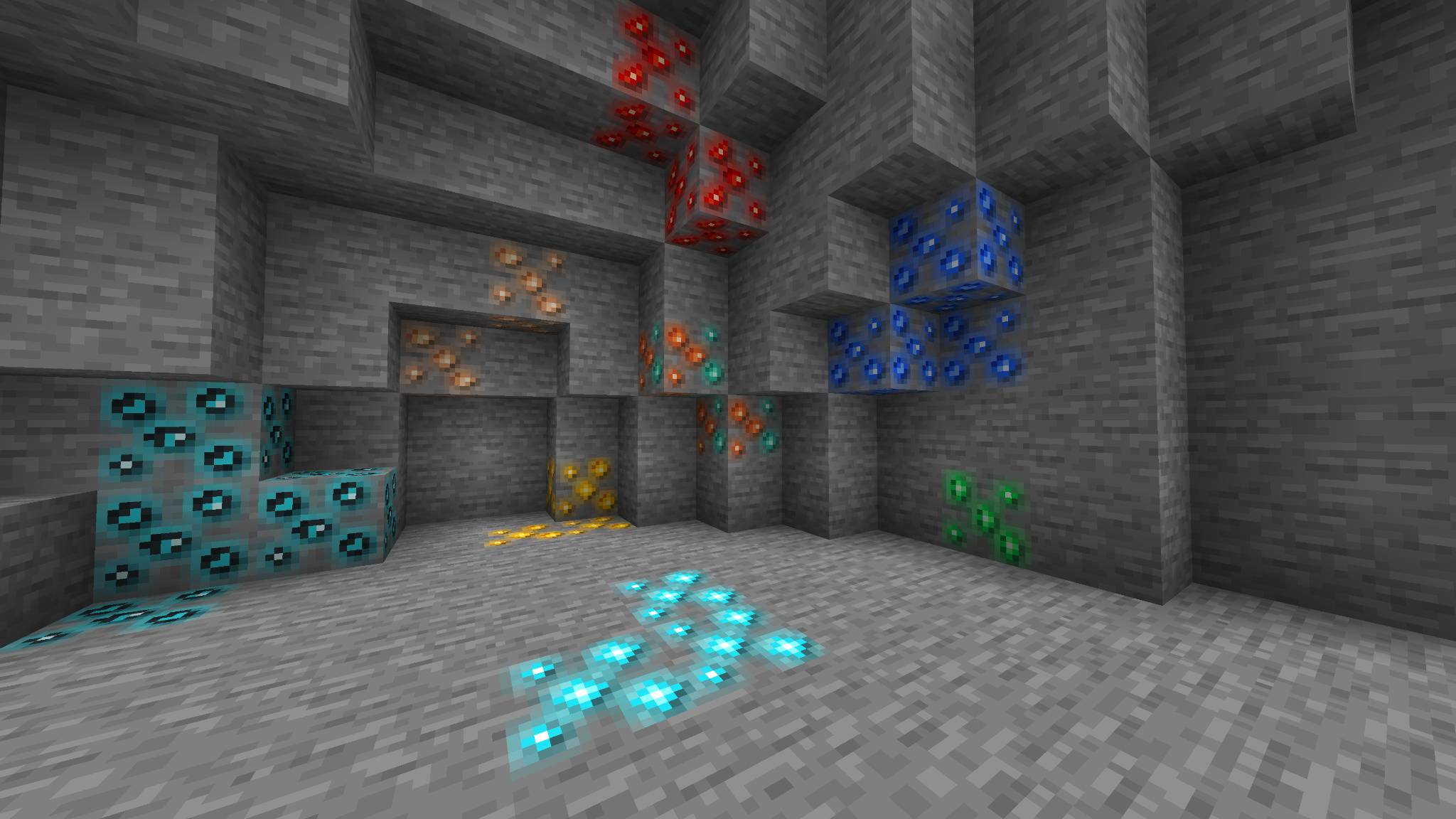
CaveGlow Ores is a lightweight 16x resource pack that makes ores brighter, clearer and easier to recognize while exploring caves. Every ore uses stronger colors, improved contrast and a soft glow-style halo while keeping a clean, vanilla-friendly pixel-art style.
The glow effect is built directly into the textures. This means the pack works in normal Minecraft Java Edition without OptiFine, shaders, Fabric, Forge or NeoForge.
✓ Bright and high-contrast ore textures
✓ Clean 16x vanilla-friendly pixel art
✓ Soft glow-style effect built into each texture
✓ No mods, shaders or OptiFine required
✓ Lightweight and performance friendly
✓ Stone and deepslate variants included
✓ Overworld and Nether ores included
✓ Easy to combine with other resource packs
✓ Coal Ore
✓ Deepslate Coal Ore
✓ Iron Ore
✓ Deepslate Iron Ore
✓ Copper Ore
✓ Deepslate Copper Ore
✓ Gold Ore
✓ Deepslate Gold Ore
✓ Redstone Ore
✓ Deepslate Redstone Ore
✓ Emerald Ore
✓ Deepslate Emerald Ore
✓ Lapis Ore
✓ Deepslate Lapis Ore
✓ Diamond Ore
✓ Deepslate Diamond Ore
✓ Nether Quartz Ore
✓ Nether Gold Ore
✓ Ancient Debris
✓ Gilded Blackstone
CaveGlow Ores uses carefully placed bright pixels and colored halos to create the appearance of glowing minerals.
The ores do not emit real light and will not illuminate surrounding blocks. The effect is designed to improve contrast and visibility while remaining fully compatible with vanilla Minecraft.
Minecraft Java Edition 1.21.1
No mod loader is required.
CaveGlow Ores can be used together with most other resource packs. When another pack also changes ore textures, place CaveGlow Ores above that pack in the Resource Packs menu.
1. Download the CaveGlow Ores ZIP file.
2. Open Minecraft Java Edition.
3. Go to Options and select Resource Packs.
4. Click Open Pack Folder.
5. Place the downloaded ZIP file inside the resourcepacks folder.
6. Return to Minecraft and enable CaveGlow Ores.
7. Place CaveGlow Ores above other packs that modify ores.
CaveGlow Ores is designed for survival players, miners, cave explorers, speedrunners and anyone who wants valuable ores to stand out more clearly without completely changing Minecraft’s visual style.
Found an issue or have an idea for a future version? Leave a comment and include the Minecraft version you are using.
More Minecraft versions and additional texture options may be added in future updates.
You may use CaveGlow Ores in screenshots, gameplay videos, livestreams and modpacks.
Do not redistribute, reupload, resell or claim the resource pack as your own without written permission.