If you're looking for my main project Caelesti, you can find it here.
Welcome to Caelesti Lite!
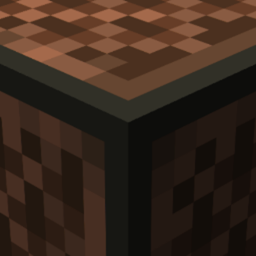
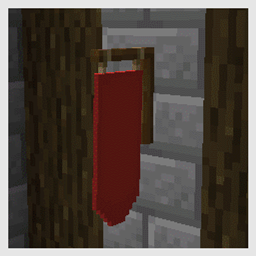
Caelesti Lite is an advanced vanilla resource pack, which uses complex blockstates, modelling and texturing techniques to expand the functionality of vanilla resource packs as much as possible without requiring any mods.
This pack exists for 2 main reasons, firstly so that I can focus on improving my pixel art style, and catch up on the areas of Caelesti which are currently really lacking in the vanilla aspect, and secondly to make it so that I can start working on snapshot features without having to worry about my pack being unplayable due to features which are now regrettably mod reliant.
Caelesti and Caelesti Lite are always-in-development projects, with new techniques constantly being made available for both vanilla Minecraft, and mods such as MCPatcher. To stay up to date with the development of my projects, you can subscribe to my YouTube Channel where I frequently post updates to the packs features.
Suggestions & Bug Reports
I always love listening to you guys for inspiration and cool ideas to be adapted into features for the pack, and I also heavily rely on other people using the pack to experience weird and niche bugs that I wouldn't otherwise find. If you want to join the discussion, and suggest a cool feature, or simply report a bug, you can join my discord server.