Hi! This is my first ever resource pack for Minecraft Java Edition! I have made one for Bedrock but I gave up on that one... but anyways! Lets get our attention back to the resource pack! So it is not finished (obviously..) but I have almost all of it done! In the future I do plan on changing the rain, maybe clouds, items, and the rest of the inventory gui's. But as of right now I will list off what I have done right now!
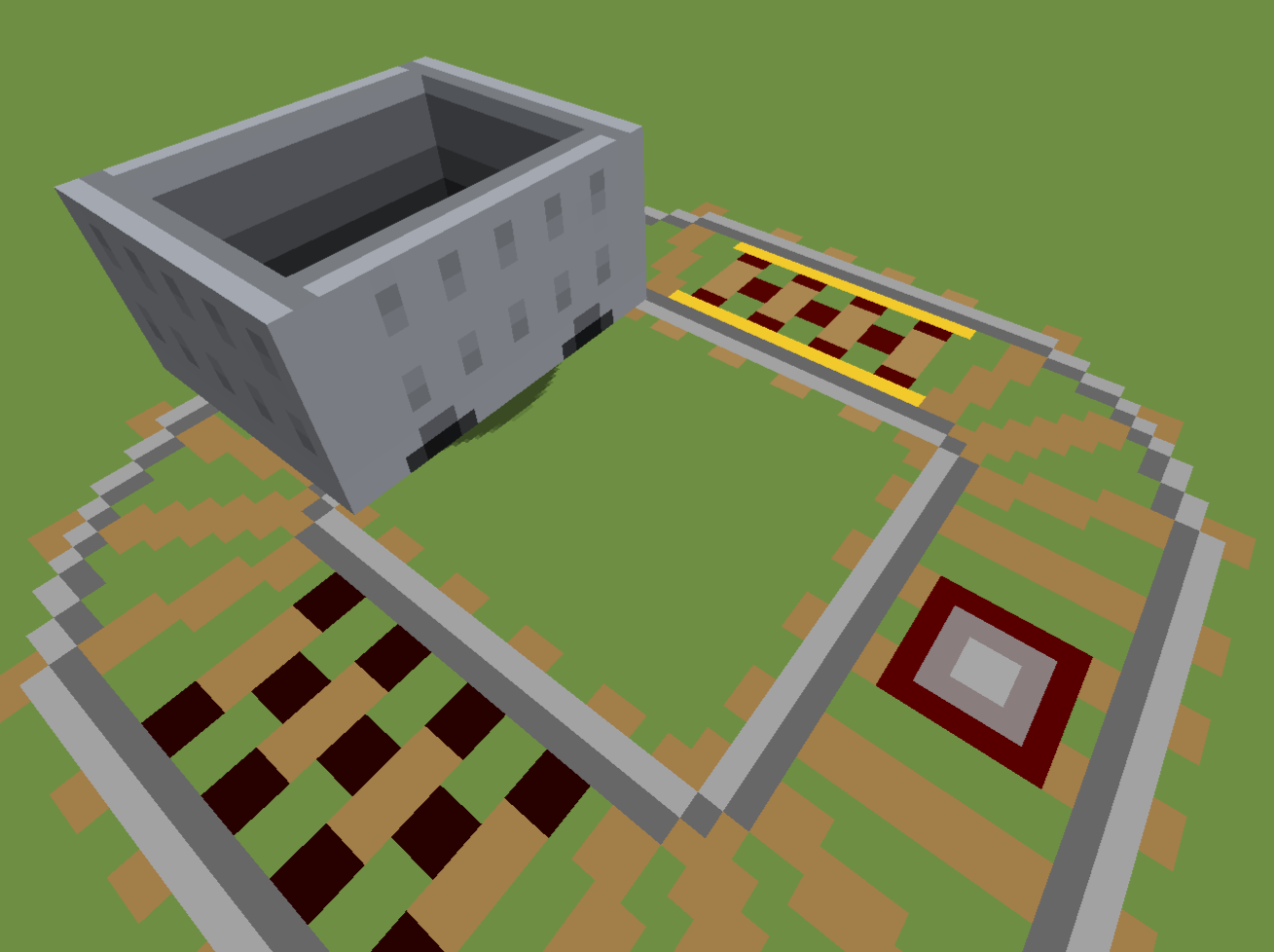
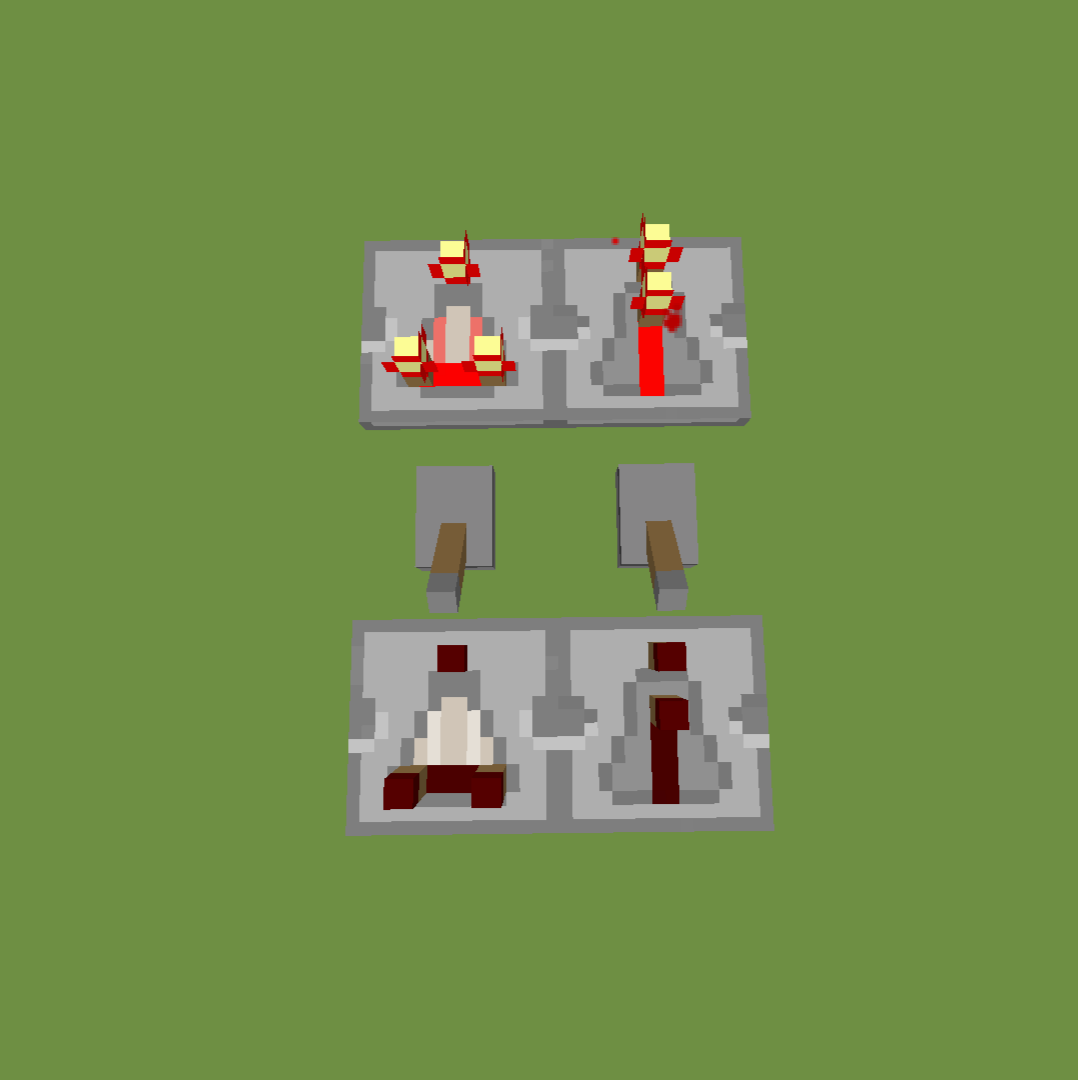
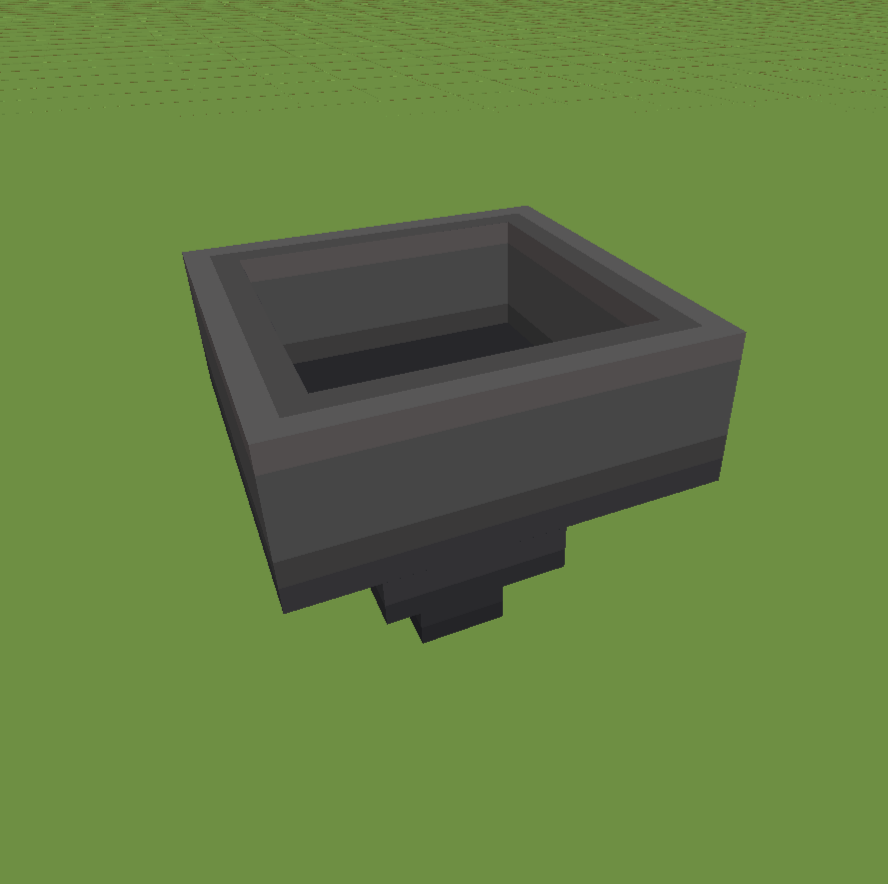
1. The Main blocks (The rail tracks, observer, dropper, and other blocks) Right now all of the main blocks you would see in a bedwars map are done.
2. Armor (you may not see much of a difference but I did edit them to be a smoother)
3. Tools! (I have all of the tools done and the diamond sword has a awesome animation! Check out the images section for that)
3. Golden Apples (yes.. I know.. the golden apple has a horrible shine animation)
4. Your main inventory is changed (I know the crafting text is overlaying the Cactus Man text, I just have to fix that in the next update)
5. I have also done the sun and moon!
6. 11/29/20 - I have now added Rain! Here is a link so you can go see it =
7. I added Snow and Snow Blocks! Here is a link to a video for you to see =
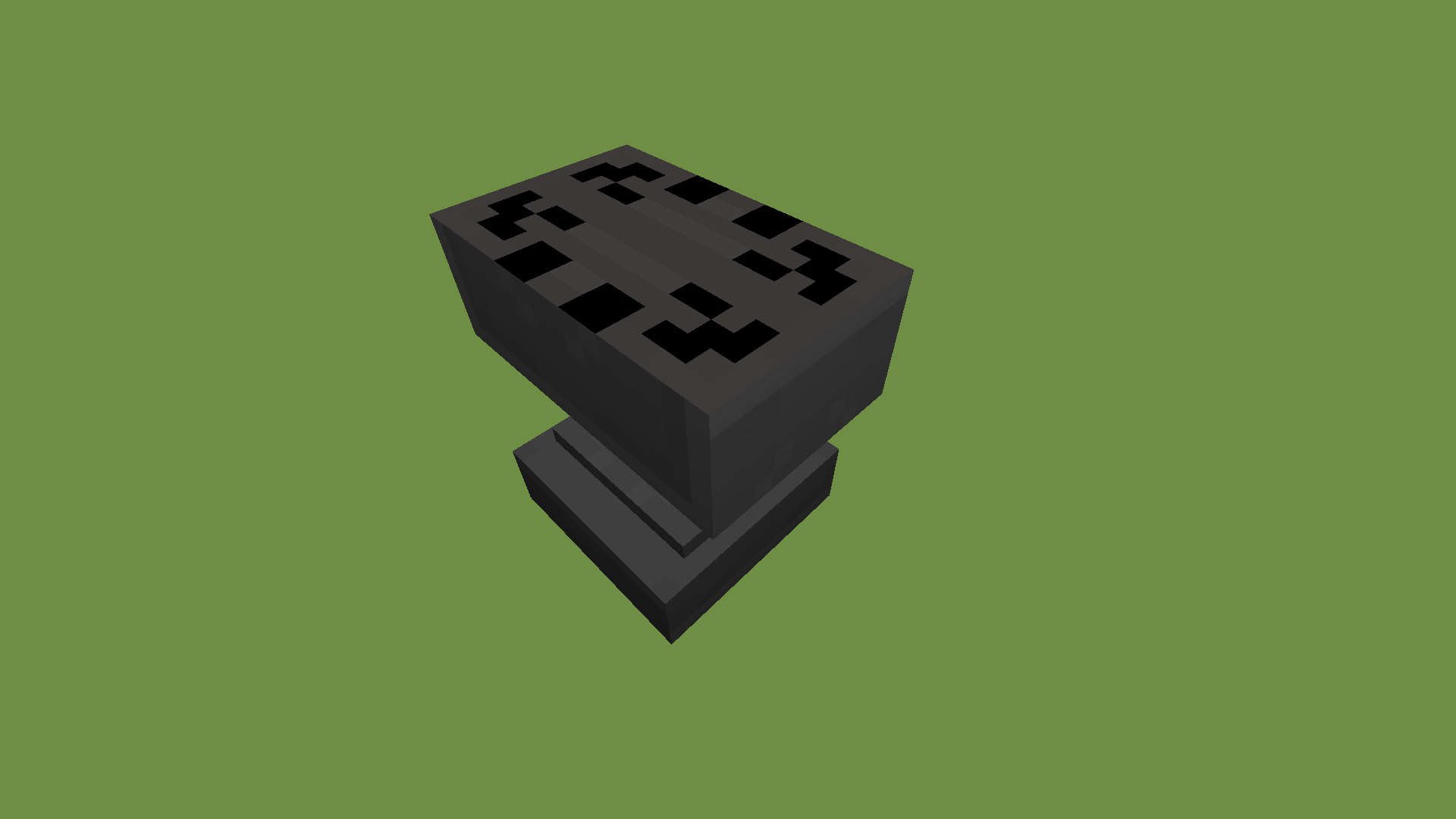
8. And Last I added Anvils!
9. 12/6/20 - I have added a bunch of new GUI things including experience bar and the Minecraft title
10. I have fixed a couple things GUI related including weird outlines around your food bar and the survival inventory being blurred and my name being overlaid
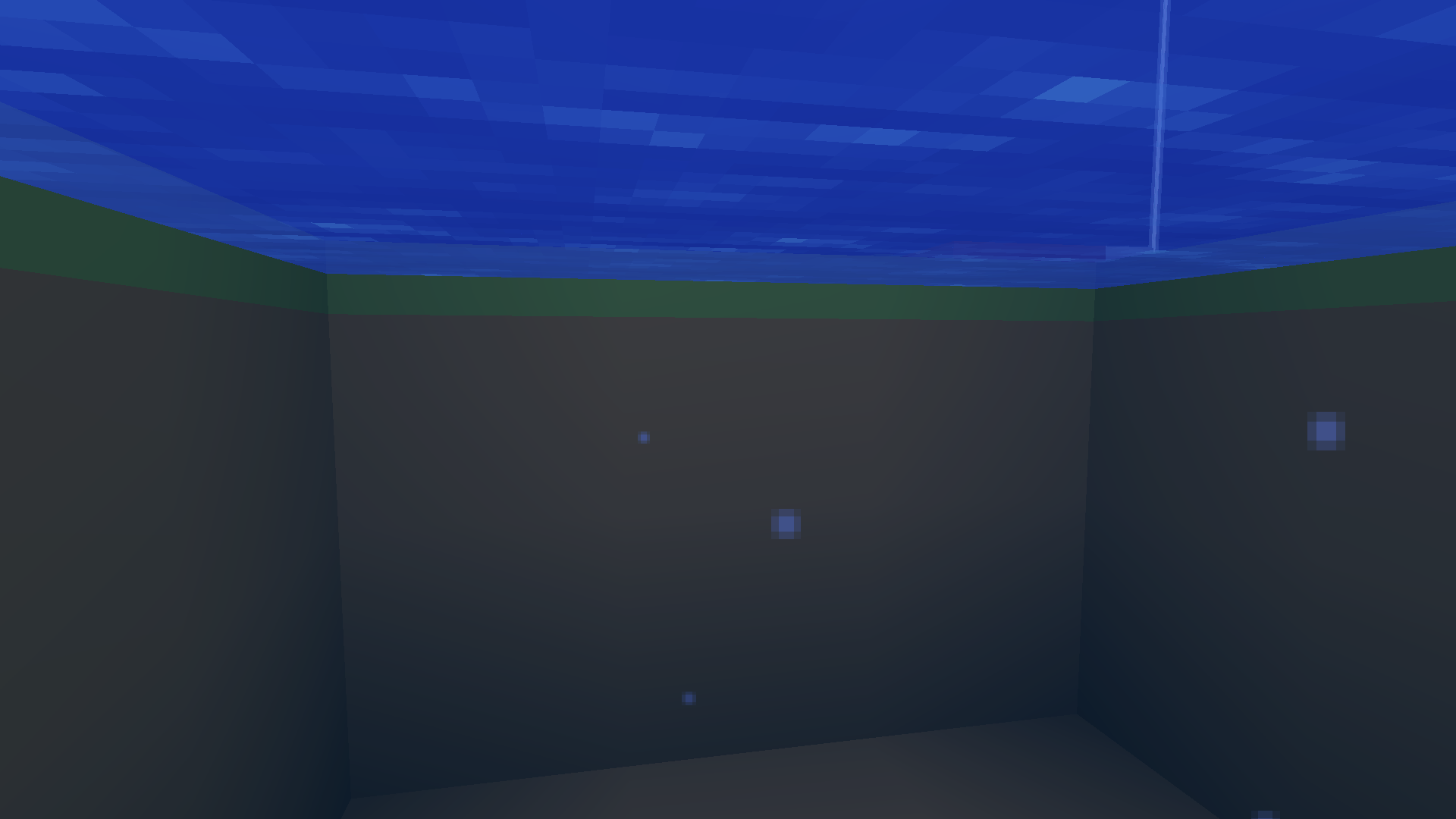
11. I added clouds and the end sky completing the environment folder
12. 2/5/21 - I have just uploaded a huge update!
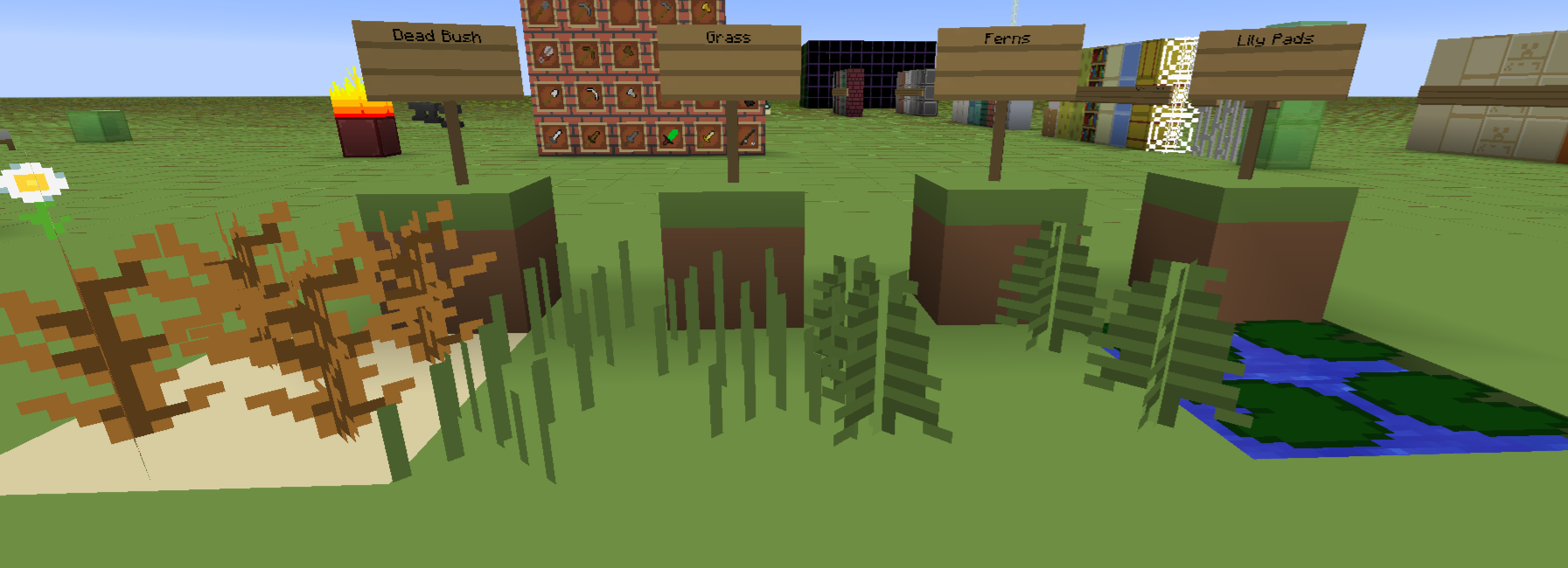
13. I added a total of 132 Textures!
14. I have also made it possible for a customizable Hotbar!
15. This is the link to know how to change the hotbar >>>https://youtu.be/gMizHBIa1lg
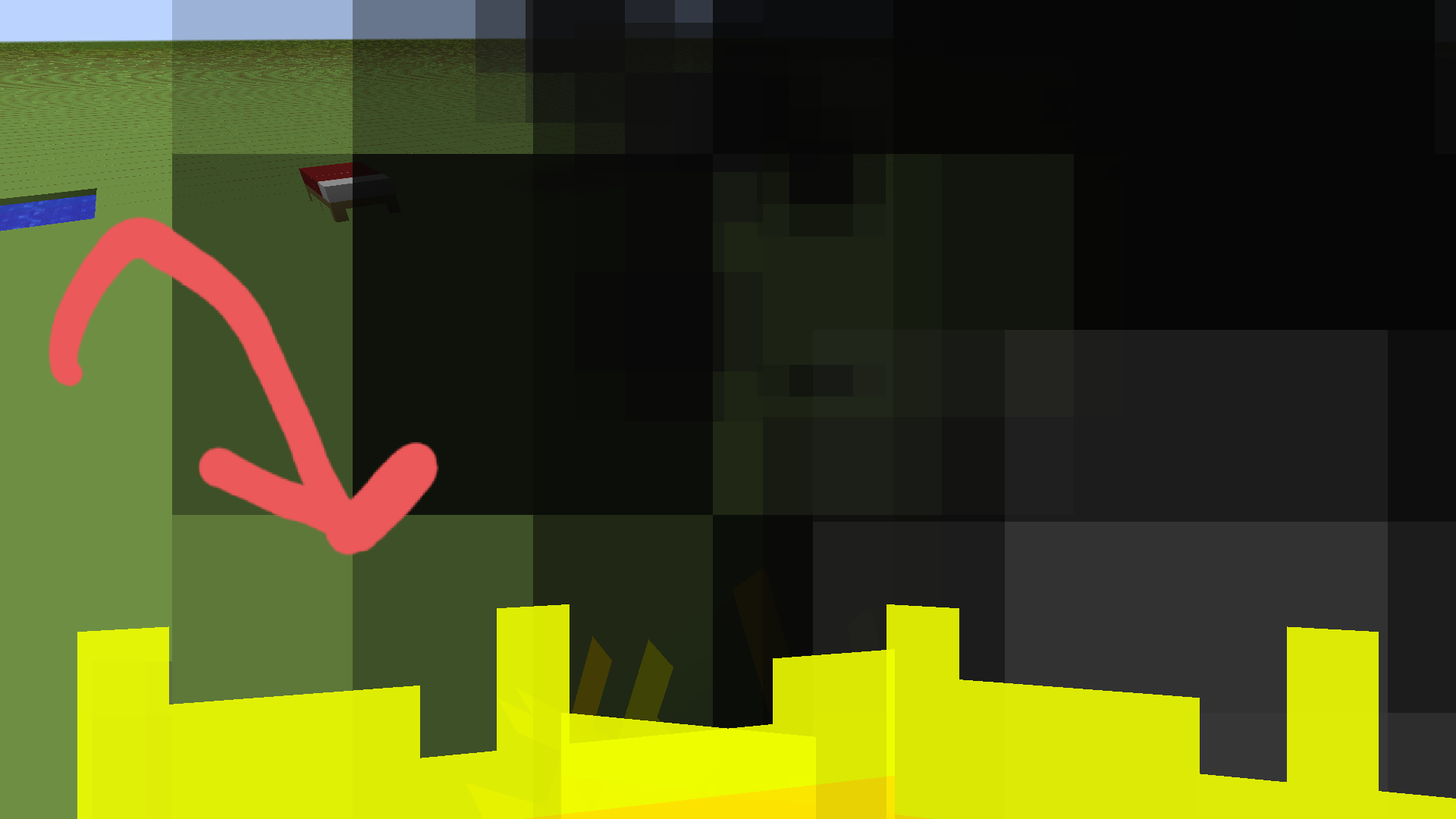
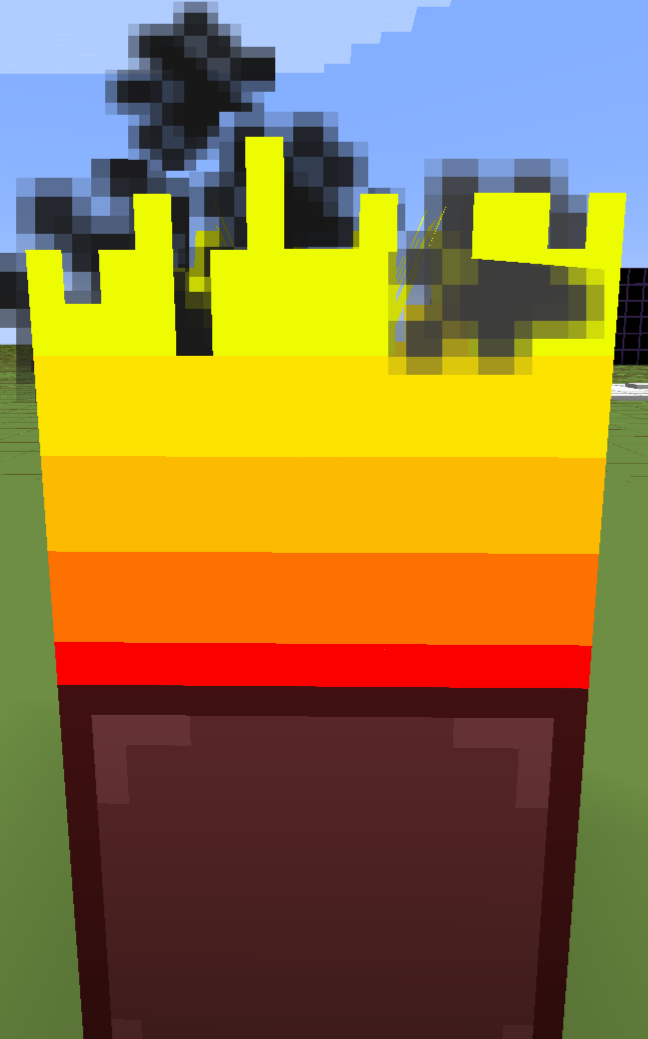
16. I have officially completed every single texture for every block! - "except for water and lava"
17. 2/10/21 - Some one gave me the idea to change the size of the blocks that have only one solid color, so I did..
18. I squished 26 textures down to (2x2) I squished 5 textures down to (8x8)
19. This update really improved frames and render distance lag.
Please let me know of any issues or suggestions in the comments for future updates!
And I think that's everything!
You will not have to credit me when using this in a video or anything.
Also most of the textures are 16x16 but not all of them are.
Hey one more thing.. If anybody can help make a better thumbnail please tell me because I don't think its really that good. Unless you disagree then you can tell me that too.