Mineuniverse
Resource Packs
Bunji 4k

Bunji 4k

RESOURCE PACK
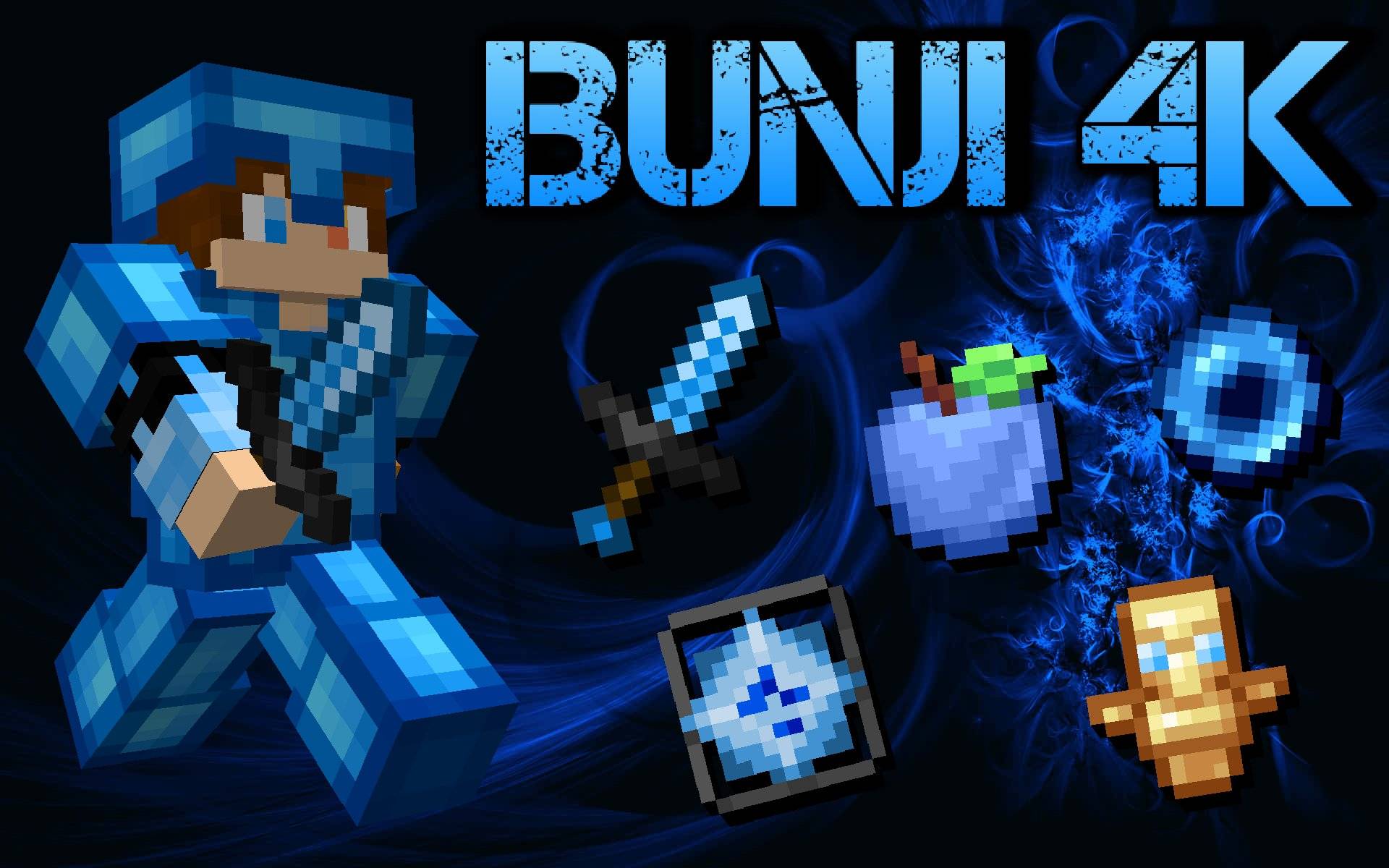
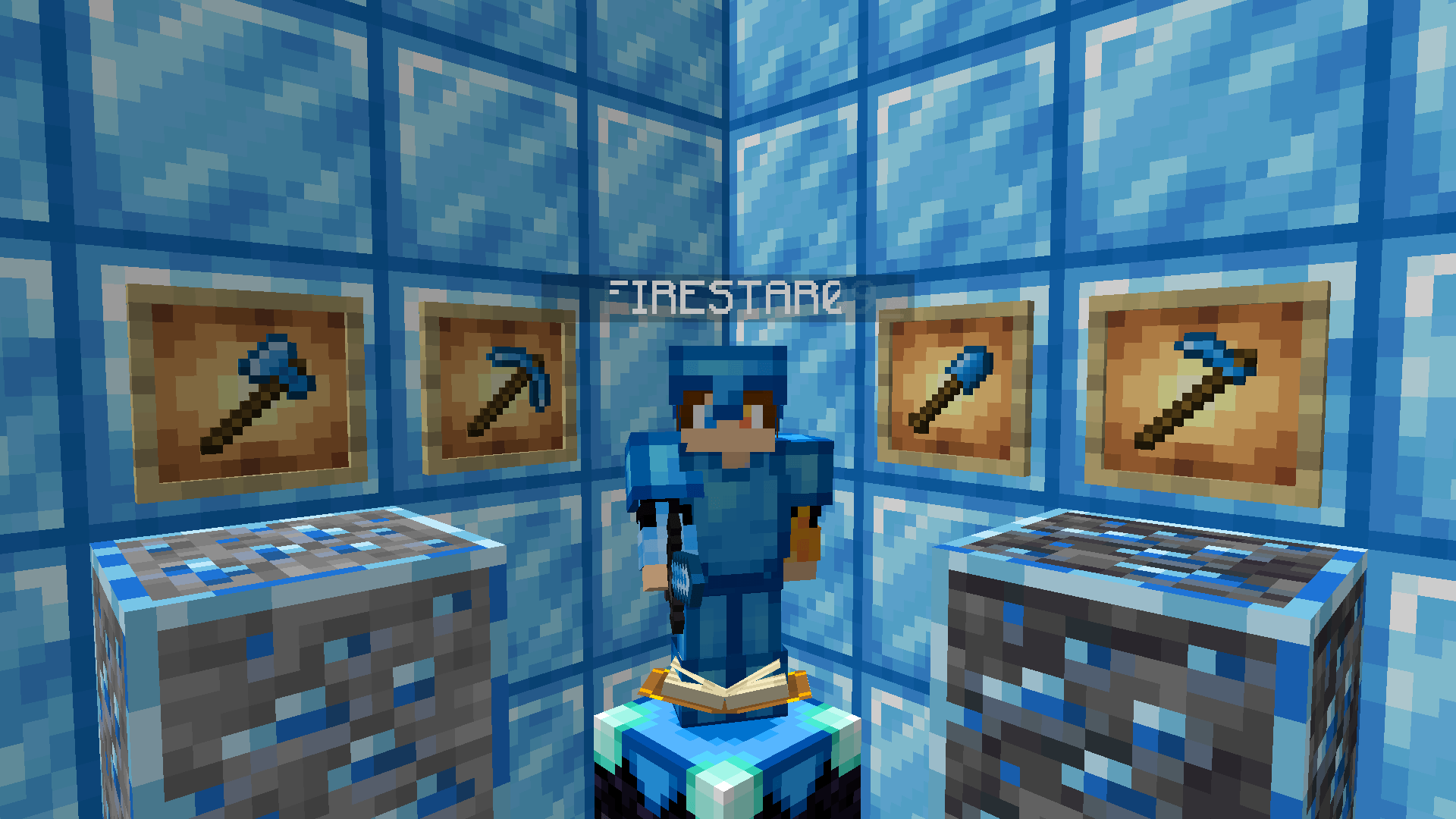
A Light Blue Themed PvP Texturepack made for the Youtuber Bunji
by FIRESTAR09_10
Download Claim this project
3,676 downloads
0 likes
Updated Oct 14, 2026
0 hypes
16x Miscellaneous Traditional
Advertisement Remove ads with Premium →

This is a texturepack made for a youtuber named Bunji for his 4k subs on youtube.

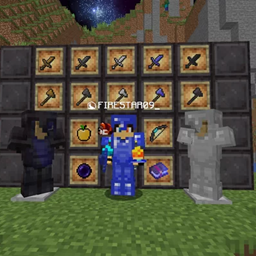
This 1.21 PvP texturepack features a light blue theme on most crystal PvP related items and gui alongside a lot of quality of life features like invisible explosion particles and a lot of nice animations.


Everything changed

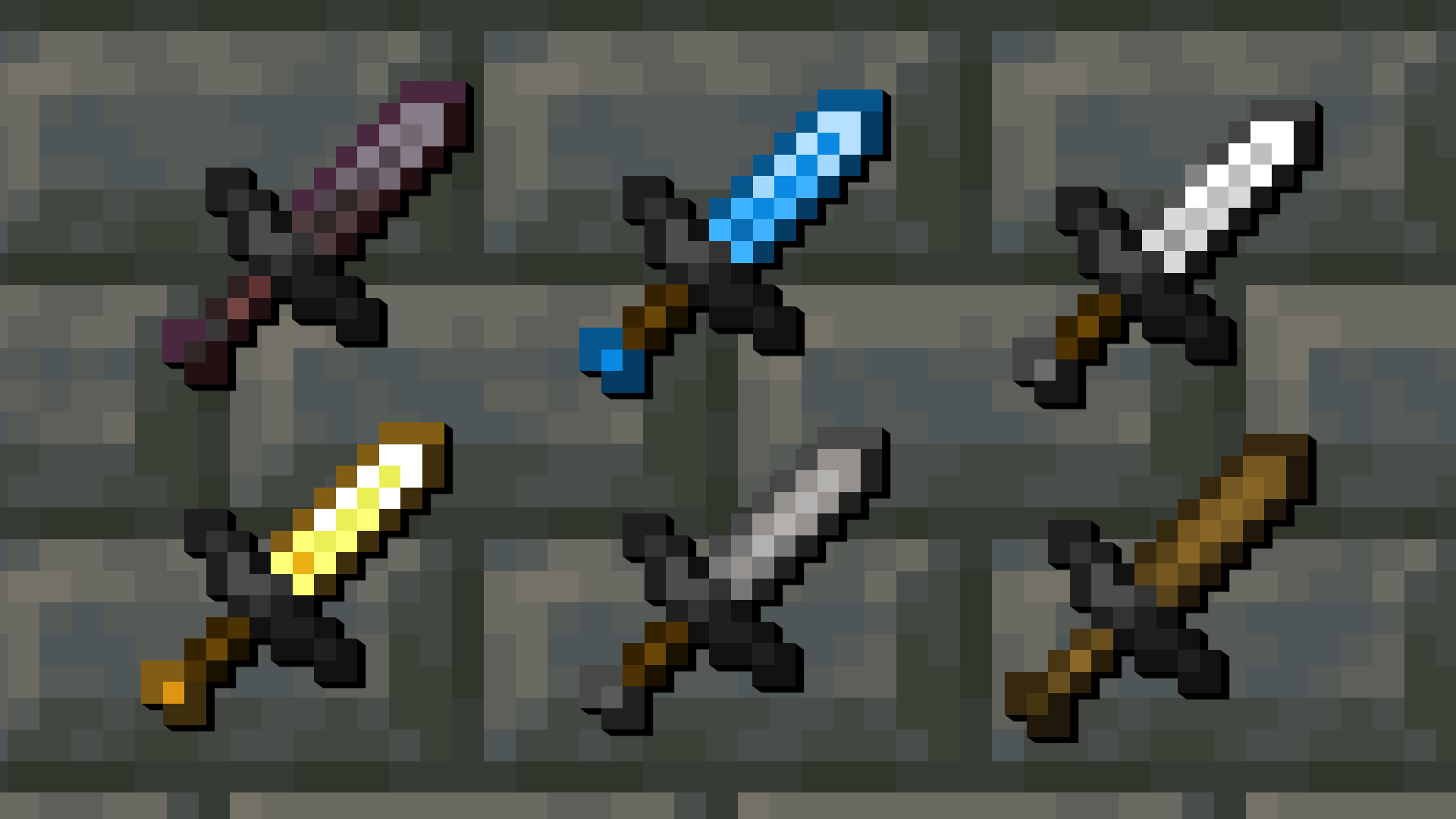
  • Short Retextured Swords
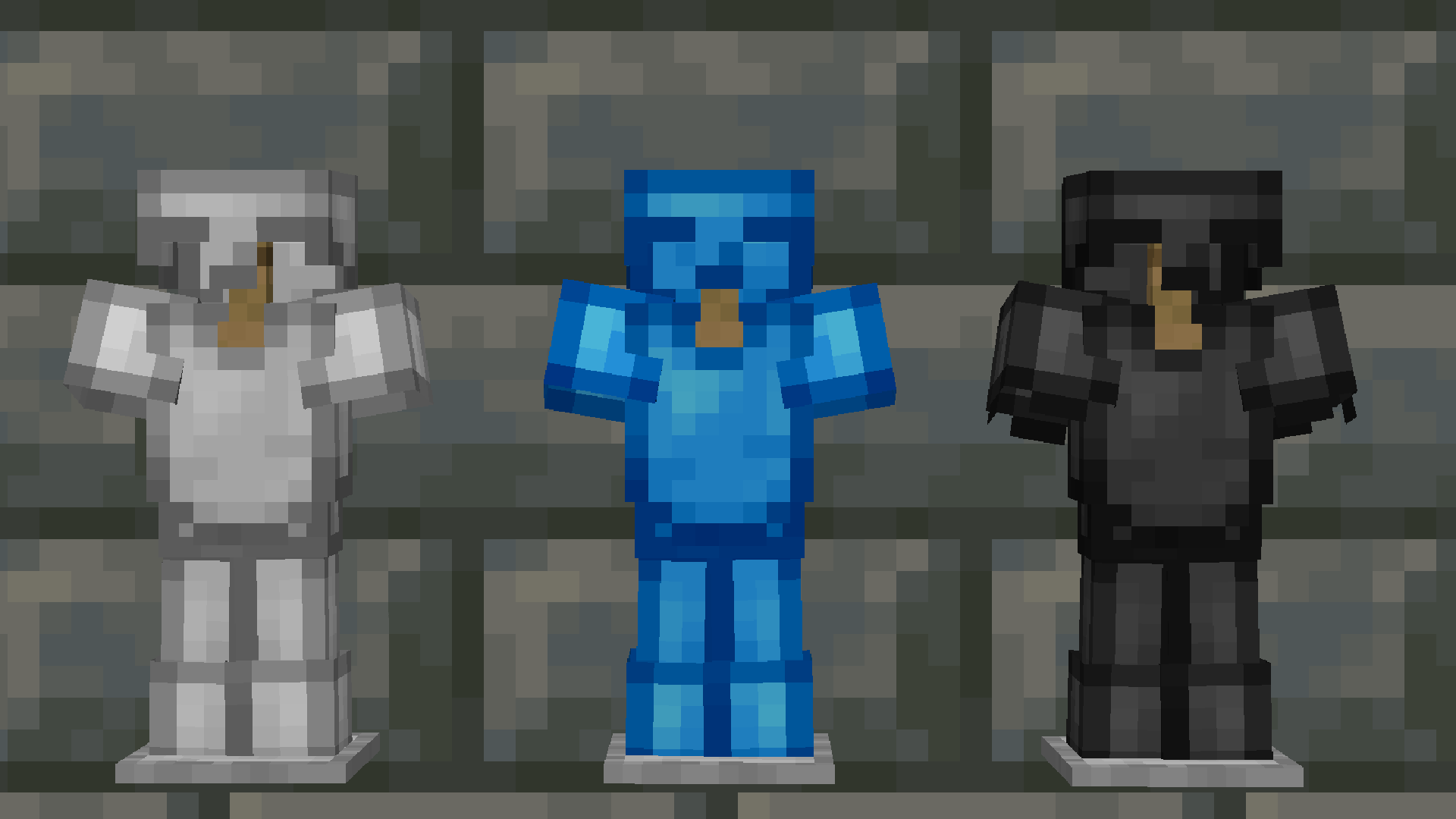
  • Iron, Diamond and Netherite Armor
  • Diamond Set, Blocks and Ores
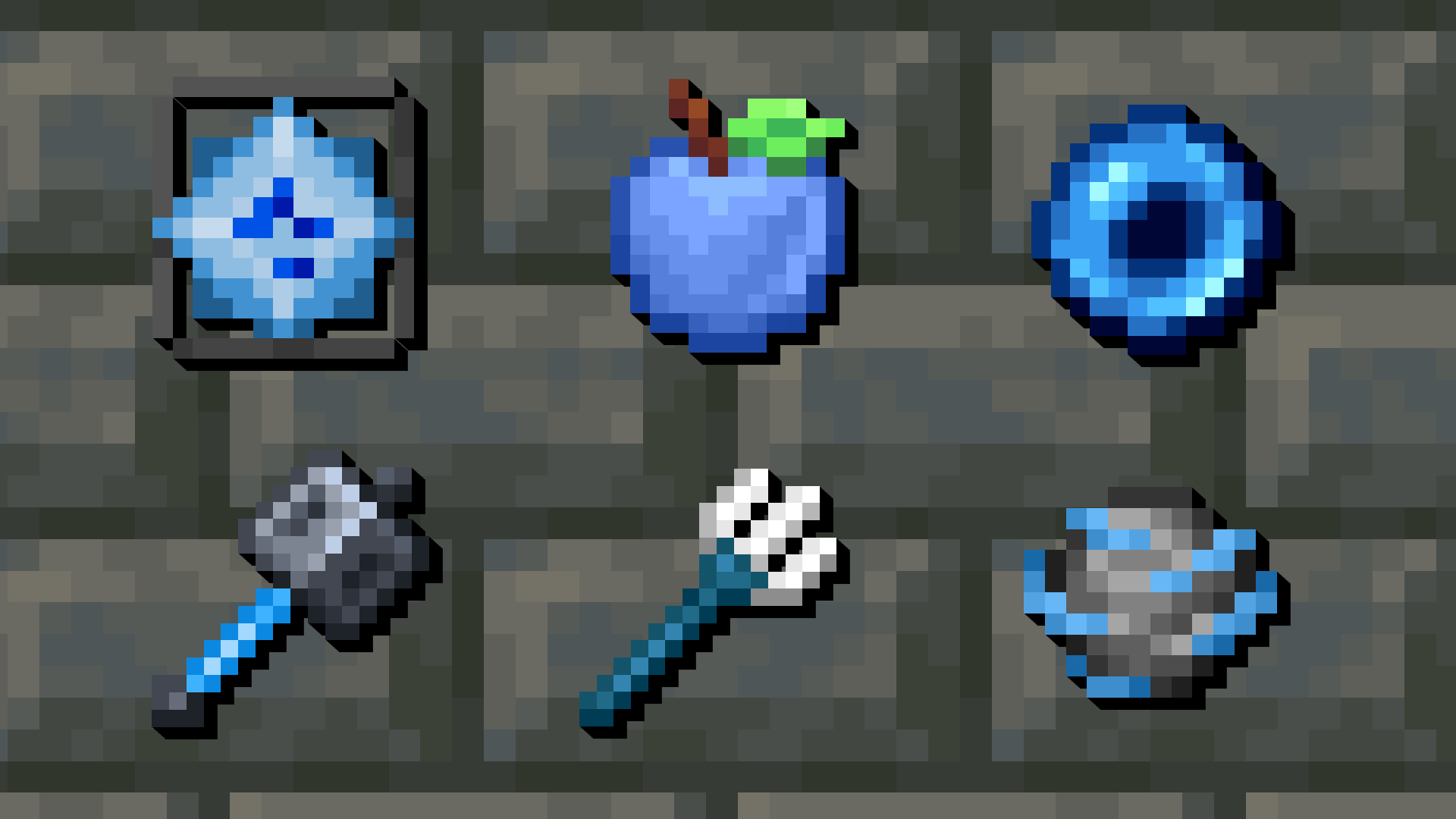
  • Various PvP-Related Items like Ender Pearls, Exp Bottles, Wind Charges, Golden Apples
  • Mace, Trident, End Crystals and Anchors
  • Enchant Glint and Enchanting Table
  • GUI and HUD
  • Animated Totem of Undying, Fireworks, Potions and Tipped Arrows
  • Invisible Explosion Particles, Block Breaking Particles, Eating Particles and Smaller Totems
  • No Explosion Sounds

Bunji 4k [v2.2]
MC 1.17.1, 1.21.2-Snapshot, 1.21, 1.21.6-snapshot, 1.18.1, 1.20.2-Snapshot, 1.20.5-Snapshot, 1.19-Snapshot, 1.21.1-Snapshot, 1.16.5, 1.19.3, 1.20.2, 1.19.4, 1.21.8, 1.17
Release 2026-10-12 Get
Bunji 4k [v2.1]
MC 1.17.1, 1.21.2-Snapshot, 1.21, 1.21.6-snapshot, 1.18.1, 1.20.2-Snapshot, 1.20.5-Snapshot, 1.19-Snapshot, 1.21.1-Snapshot, 1.16.5, 1.19.3, 1.20.2, 1.19.4, 1.21.8, 1.17
Release 2026-08-08 Get
Bunji 4k [v2]
MC 1.17.1, 1.21.2-Snapshot, 1.21, 1.21.6-snapshot, 1.18.1, 1.20.2-Snapshot, 1.20.5-Snapshot, 1.19-Snapshot, 1.21.1-Snapshot, 1.16.5, 1.19.3, 1.20.2, 1.19.4, 1.21.8, 1.17
Release 2026-02-21 Get
Bunji 4k v1
MC 1.17.1, 1.21.2-Snapshot, 1.21, 1.21.6-snapshot, 1.18.1, 1.20.2-Snapshot, 1.20.5-Snapshot, 1.19-Snapshot, 1.21.1-Snapshot, 1.16.5, 1.19.3, 1.20.2, 1.19.4, 1.21.8, 1.17
Release 2025-11-08 Get

Requirements & install

How to use this resource pack in Minecraft
Resolution
16x
Minecraft
1.20.2-Snapshot – 1.21.8
Install folder
.minecraft/resourcepacks

How to install resource packs

  1. Download the resource pack .zip file (do not extract it).
  2. In Minecraft open Options → Resource Packs → Open Pack Folder.
  3. Drop the .zip into the resourcepacks folder (.minecraft/resourcepacks).
  4. Move the pack to the Selected column and click Done.
Browse more: 16x resource packs 32x resource packs 64x resource packs 128x resource packs 256x resource packs 512x+ resource packs Resource Packs for 1.21.8 All resource packs

More from FIRESTAR09_10

Advertisement Remove ads with Premium →

You Might Also Like