Mineuniverse
Resource Packs
Bulgarian Cyrillic font (Българска кирилица)

Bulgarian Cyrillic font (Българска кирилица)

RESOURCE PACK
Replaces Russian-style Cyrillic letters with Bulgarian ones
by astr0tuba
Download Claim this project
344 downloads
0 likes
0 followers
Updated Oct 14, 2026
0 hypes
Follow0
16x Font Packs
Advertisement Remove ads with Premium →

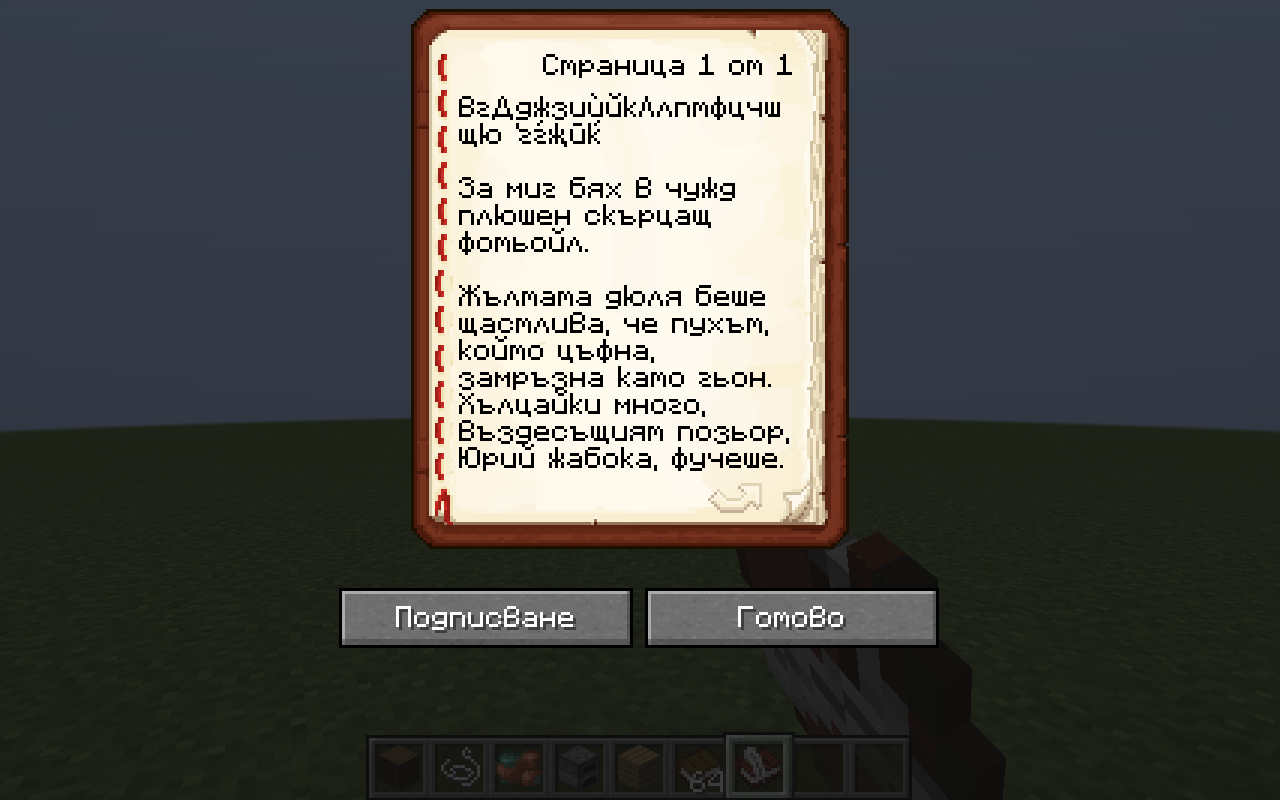
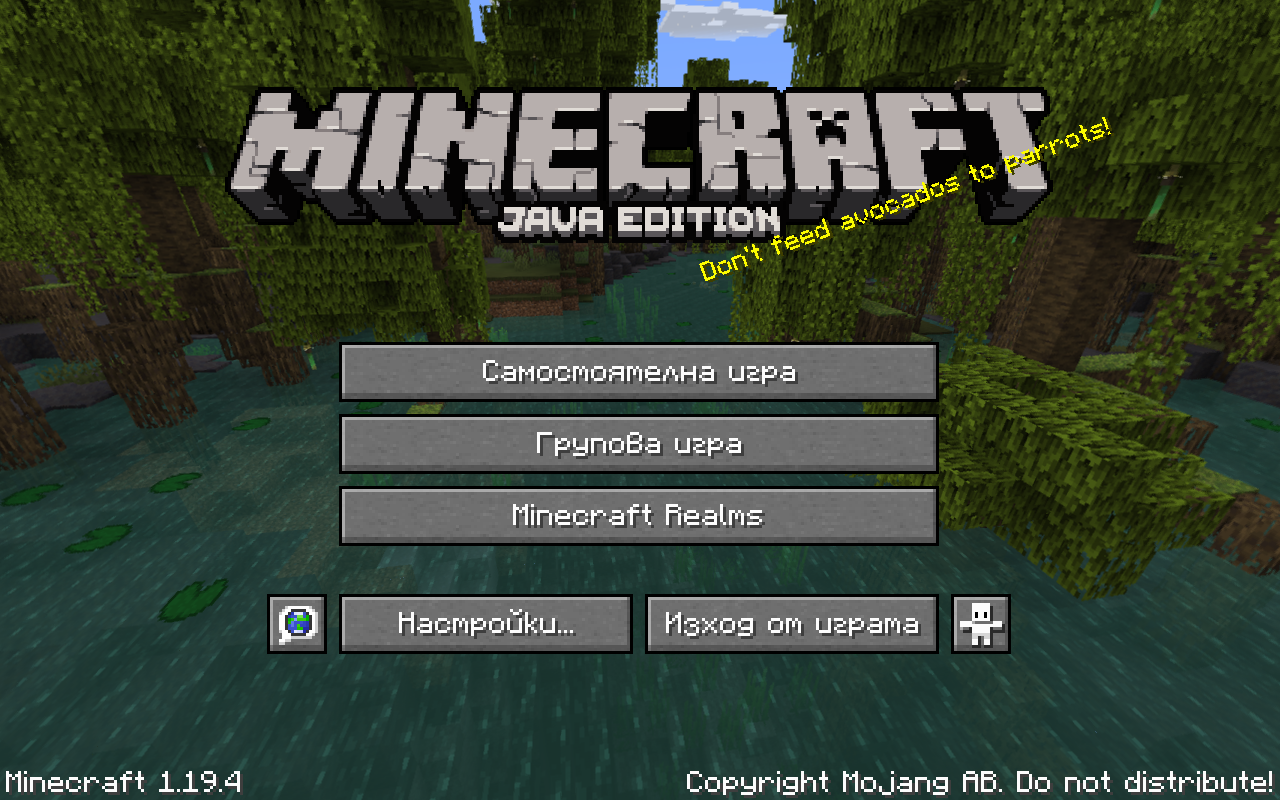
This resource pack replaces default Cyrillic letters with Bulgarian straight cursive forms.


Works with Minecraft 1.13-1.19.X, but be sure to choose the right file for your version.


Following languages are fully supported: Bulgarian, Belarusian, Mongolian, Russian, Rusyn, Tatar and Ukrainian.

Unfortunately I wasn't able to localize Serbian/Macedonian љ or Kazakh/Bashkir ғ due to the limited resolution. You can still use the pack for those languages, just some characters will be unchanged.


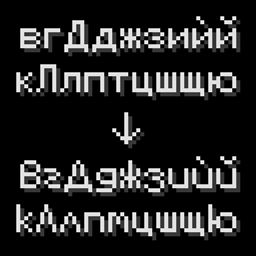
Changed letters: в г Д д ж з и ѝ й к Л л п т ф ц ч ш щ ю ґ ѓ җ ӣ ќ

Changed letters demonstration


The “Unicode font” hasn't been changed.


Feel free to contact me in the comments or via social media

Telegram t.me/astrOtuba

Instagram instagram.com/astr0tuba

Reddit reddit.com/user/AstrOtuba

Bulgarian font 1.13-1.13.2 v1.0.zip
MC 1.13.1, 1.13, 1.13.2
Release 2023-03-20 Get
Bulgarian font 1.14-1.14.1 v1.0.zip
MC 1.14.1, 1.14
Release 2023-03-20 Get
Bulgarian font 1.14.2-1.15.2 v1.0.zip
MC 1.15-Snapshot, 1.14.4, 1.14.3, 1.15, 1.15.2, 1.14.2, 1.15.1
Release 2023-03-20 Get
Bulgarian font 1.16-1.19.4 v1.0.zip
MC 1.17.1, 1.16.3, 1.19.3, 1.16.1, 1.18.1, 1.17, 1.16, 1.19.4, 1.19-Snapshot, 1.16.5, 1.18.2, 1.19.2, 1.19.1, 1.17-Snapshot, 1.18, 1.16.4, 1.18-Snapshot, 1.16.2, 1.19
Release 2023-03-20 Get

Requirements & install

How to use this resource pack in Minecraft
Resolution
16x
Minecraft
1.18.1 – 1.19.4
Install folder
.minecraft/resourcepacks

How to install resource packs

  1. Download the resource pack .zip file (do not extract it).
  2. In Minecraft open Options → Resource Packs → Open Pack Folder.
  3. Drop the .zip into the resourcepacks folder (.minecraft/resourcepacks).
  4. Move the pack to the Selected column and click Done.
Browse more: 16x resource packs 32x resource packs 64x resource packs 128x resource packs 256x resource packs 512x+ resource packs Resource Packs for 1.19.4 All resource packs
Advertisement Remove ads with Premium →

You Might Also Like